How to Control Orphans and Keep Headings With the Next Page in wkhtmltopdf
Use CSS orphans, widows, and page-break rules to improve wkhtmltopdf pagination, then verify behavior in your installed Qt build.
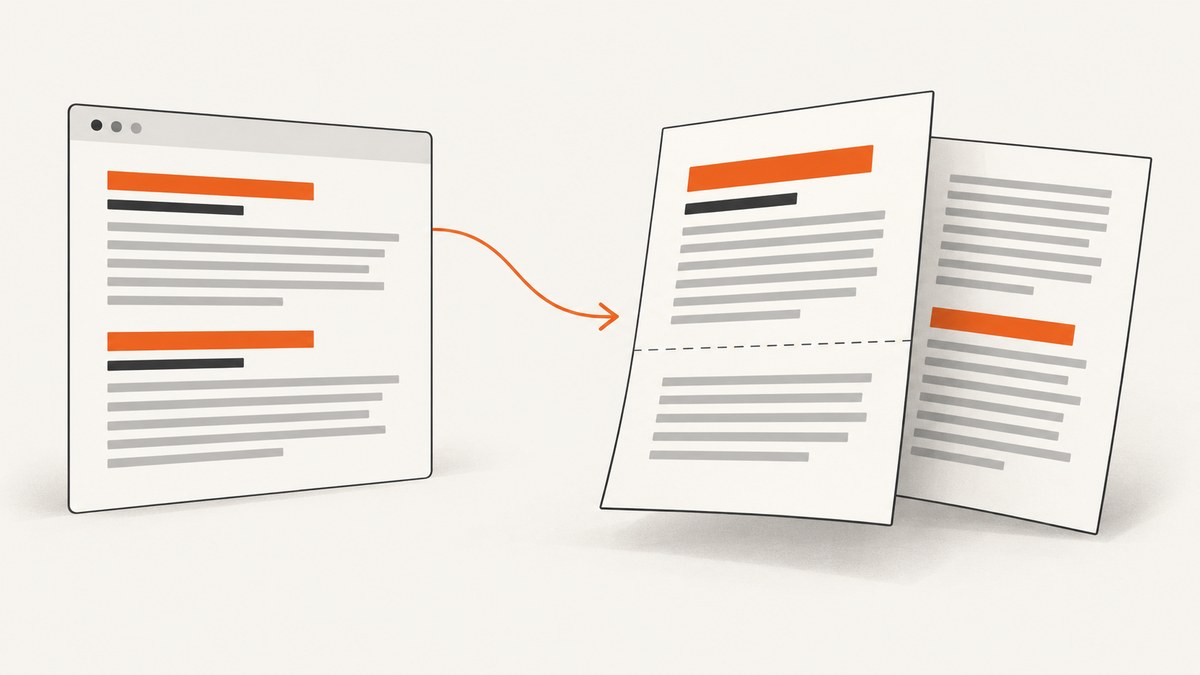
Direct answer: set orphans and widows on paragraphs to control how many lines may remain at the bottom or move to the top of a page. Add page-break-after: avoid to headings, and put a short heading plus introductory paragraph in a wrapper with page-break-inside: avoid. These are pagination requests, not guarantees: wkhtmltopdf uses an embedded Qt WebKit build, so the exact binary matters.
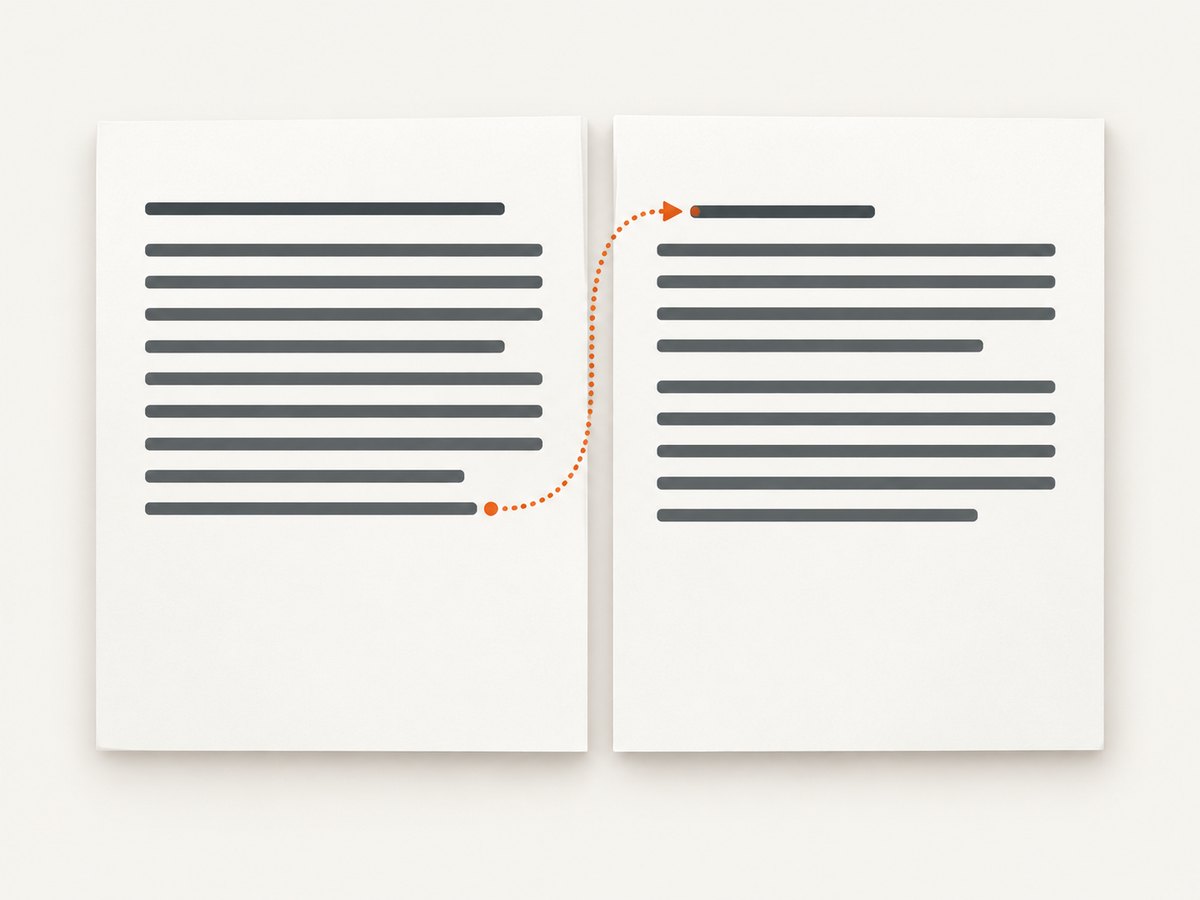
The CSS 2.2 defaults for orphans and widows are both 2. The specification defines orphans as the minimum number of lines left at the bottom of a page and widows as the minimum number carried to the next page. See the CSS 2.2 paged-media specification.
1. Apply the core CSS rules
Start with a print stylesheet. A value of 3 is a practical starting point for body paragraphs; raise it only when the resulting whitespace is acceptable.
p {
  orphans: 3;
  widows: 3;
}

h1, h2, h3, h4, h5, h6 {
  page-break-after: avoid;
}

.heading-intro {
  page-break-inside: avoid;
}
orphans affects the bottom of the current page, while widows affects the top of the following page. They apply to block containers and are inherited. page-break-after: avoid expresses the intent not to break immediately after a heading.
2. Keep a heading with its introduction
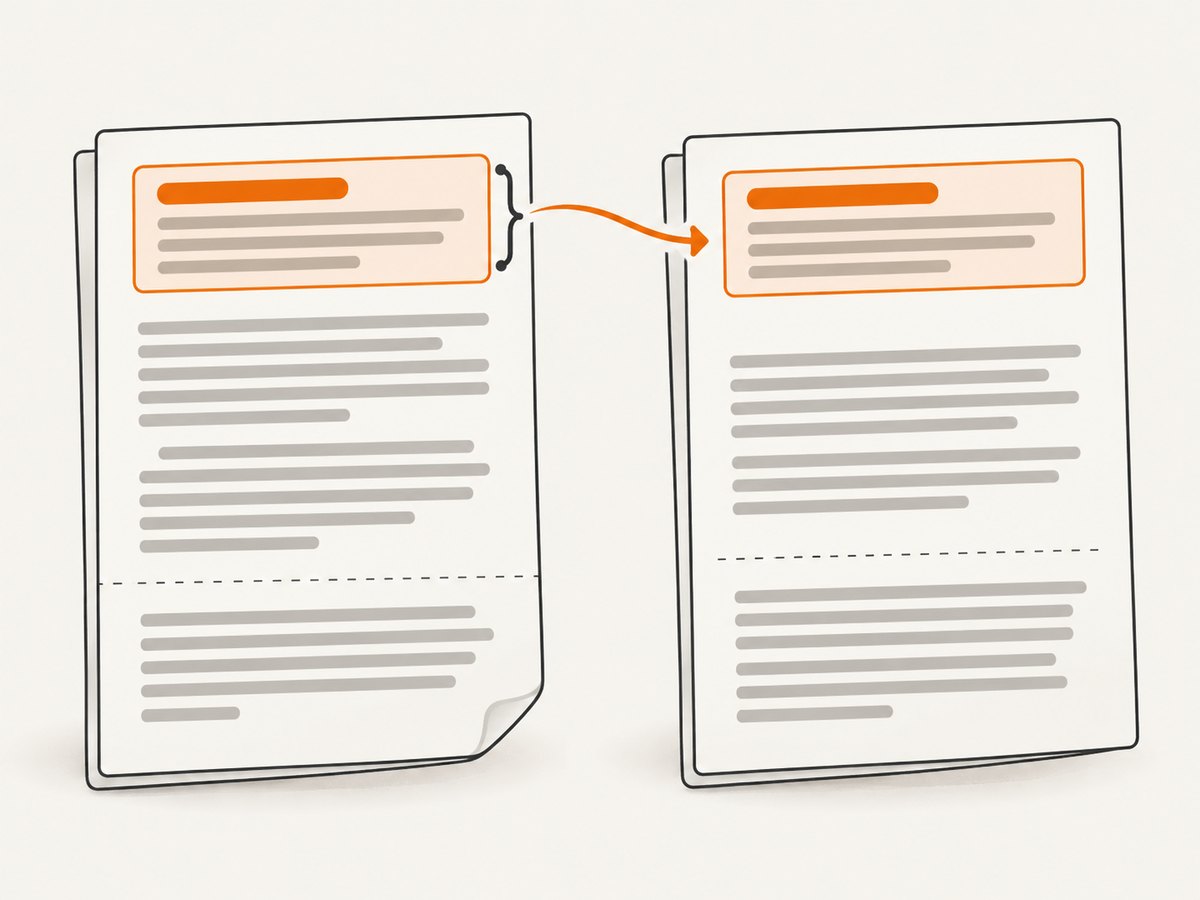
Wrap only the short unit that should stay together. Do not put an entire long section in an unbreakable wrapper, because it may be taller than a page and still have to split.
<section class='heading-intro'>
  <h2>Configuration</h2>
  <p>These settings control pagination in the generated PDF.</p>
</section>

<p>Long explanatory content can continue outside the wrapper.</p>
If the wrapper does not fit in the remaining space, the renderer may move it, split it, or ignore the avoidance request. Reduce margins, shorten the introduction, or insert a deliberate break when the layout requires a hard boundary.
3. A complete wkhtmltopdf example
Create an HTML file with a print stylesheet, then render it with the command-line tool.
<!doctype html>
<html>
<head>
  <meta charset='utf-8'>
  <style>
    @media print {
      @page { size: A4; margin: 18mm 16mm; }
      body { font: 11pt/1.45 sans-serif; }
      p { orphans: 3; widows: 3; }
      h1, h2, h3, h4, h5, h6 { page-break-after: avoid; }
      .heading-intro { page-break-inside: avoid; }
      table, figure, pre { page-break-inside: avoid; }
    }
  </style>
</head>
<body>
  <h1>Release notes</h1>
  <section class='heading-intro'>
    <h2>Breaking changes</h2>
    <p>This paragraph introduces the changes and should remain with its heading.</p>
  </section>
  <p>Add enough text here to create realistic page boundaries. Inspect the generated PDF at boundaries where headings and paragraphs are close to the bottom of a page.</p>
</body>
</html>
wkhtmltopdf --print-media-type input.html output.pdfUse an explicit print stylesheet so screen-only rules do not affect pagination. If local stylesheets, fonts, or images are referenced, configure access according to your deployment’s security policy and verify that every asset loads before judging page-break behavior.
4. Understand wkhtmltopdf build behavior
wkhtmltopdf renders with Qt WebKit. Different packages can contain different Qt patches and WebKit behavior. The project’s usage documentation says that, with patched Qt, page-break-inside can remedy splitting “somewhat”—a qualified, partial remedy rather than a guarantee.
- Record the exact executable and version with
wkhtmltopdf --version. - Render a small fixture containing a heading near the page bottom, a multi-line paragraph, and a wrapper marked
page-break-inside: avoid. - Review the PDF produced by the same binary used in production.
- Keep the fixture with your document tests so package upgrades reveal pagination changes.
Page-break rules interact with forced breaks, ancestor rules, following and preceding elements, and the available space. A rule cannot create space that does not exist.
5. Choosing between the controls
| Goal | Use | Limit |
|---|---|---|
| Keep paragraph lines from being stranded | orphans |
Renderer support can vary. |
| Keep a paragraph’s first lines off the next page | widows |
May leave extra whitespace. |
| Keep a heading from being followed by a page break | page-break-after: avoid |
An avoidance request, not a hard guarantee. |
| Keep a heading and short introduction together | page-break-inside: avoid on a short wrapper |
Very tall wrappers may still split. |
Use the smallest scope that expresses the layout. Global page-break-inside: avoid rules often create large blank areas and make long content difficult to paginate.
6. Edge cases that change the result
- Heading near the footer: the heading may move to the next page, or the renderer may break despite the request if no valid location remains.
- Very short pages or large margins: high orphan and widow values can force unexpected whitespace.
- Long code blocks and tables: keeping the whole element together is often impossible; allow internal breaks or split the content into smaller blocks.
- Nested wrappers: a parent rule, child rule, or forced break can determine the final break location.
- Floats and positioned elements: they can reduce the normal-flow space available to a heading or paragraph.
- Dynamic content: fonts, images, JavaScript, and late-loading assets change line wrapping and therefore page boundaries.
7. Troubleshooting
| Symptom | Likely cause | Fix |
|---|---|---|
| A heading is left at the bottom alone | The build does not honor the avoidance request, or the rule is overridden. | Check selector specificity, confirm print CSS is active, test the exact binary, and wrap the heading plus short introduction. |
| A paragraph has one line at the top of a page | widows is unsupported, overridden, or the paragraph cannot satisfy the requested value. |
Confirm computed CSS, lower the value, shorten the paragraph, and inspect the generated PDF. |
| Large blank areas appear | Values are too high, margins are too large, or many blocks are marked unbreakable. | Use 2 or 3, reduce wrapper scope, and allow long content to split. |
| CSS appears to do nothing | The stylesheet is not loaded, the media type differs, or the package has limited support. | Use --print-media-type, inline a minimal test rule, and compare builds. |
| Results differ between machines | Different wkhtmltopdf/Qt builds, fonts, margins, or asset availability. | Pin the binary and fonts, log the version, and render from the same container or image. |
| The heading wrapper still splits | The wrapper is taller than the remaining page area. | Make the introduction shorter, move it with a controlled break, or accept a split. |
8. Performance, reliability, and cost
Pagination is sensitive to content height, so deterministic inputs matter more than aggressive CSS. Pin the wkhtmltopdf build, fonts, page size, margins, and asset versions. Render representative pages in CI or a pre-release check and compare output after upgrades. Cache source assets where appropriate, but do not reuse a PDF when the HTML, CSS, fonts, or images changed.
There is no CSS setting that guarantees identical output across every Qt/WebKit package. Treat orphans, widows, and avoidance rules as hints and verify the actual PDF.
9. Or skip the browser setup
If your goal is a clean screenshot or PDF endpoint rather than maintaining a local renderer, ScreenshotNeo provides a single GET request. The API accepts URL capture options and returns an image or PDF. See the ScreenshotNeo API documentation for request parameters.
curl -G 'https://api.screenshotneo.com/v1/shot' -d access_key=YOUR_API_KEY --data-urlencode url=https://stripe.com -o shot.webpimport requests
r = requests.get('https://api.screenshotneo.com/v1/shot', params={'access_key': 'YOUR_API_KEY', 'url': 'https://stripe.com'}, timeout=90)
open('shot.webp', 'wb').write(r.content)const q = new URLSearchParams({ access_key: 'YOUR_API_KEY', url: 'https://stripe.com' });
const res = await fetch(`https://api.screenshotneo.com/v1/shot?${q}`);Cookie banners, newsletter popups, and chat widgets are removed before the shot. Bot checks, blank pages, failed loads, timeouts, and cache hits are not billed, and response headers identify the page verdict and billing status. ScreenshotNeo also provides an MCP server so Claude, Cursor, and other MCP clients can call take_screenshot, get_page_info, and capture_pdf. The free plan includes 1,000 screenshots per month with no card; paid plans start at $5 for 3,000.
Create a free ScreenshotNeo account to start with 1,000 screenshots per month and no card.
10. FAQ
What are the default orphan and widow values?
CSS 2.2 defines an initial value of 2 for both properties.
Is there a true keep-with-next property in wkhtmltopdf?
Use page-break-after: avoid on the heading and, for a short heading plus introduction, page-break-inside: avoid on a wrapper. Support depends on the Qt build.
Should every heading be wrapped?
No. Apply the wrapper to short heading-introduction units. A long wrapper can create blank space or still be forced to split.
How do I know whether a fix is reliable?
Render a representative fixture with the exact production binary, inspect boundaries in the PDF, and repeat after changes to the binary, fonts, CSS, or content.


