How to Add Page Numbers to wkhtmltopdf HTML Headers and Footers
Add “Page 1 of 10” to wkhtmltopdf PDFs with built-in tokens, styled HTML templates, correct margins, offsets, and fixes for common failures.
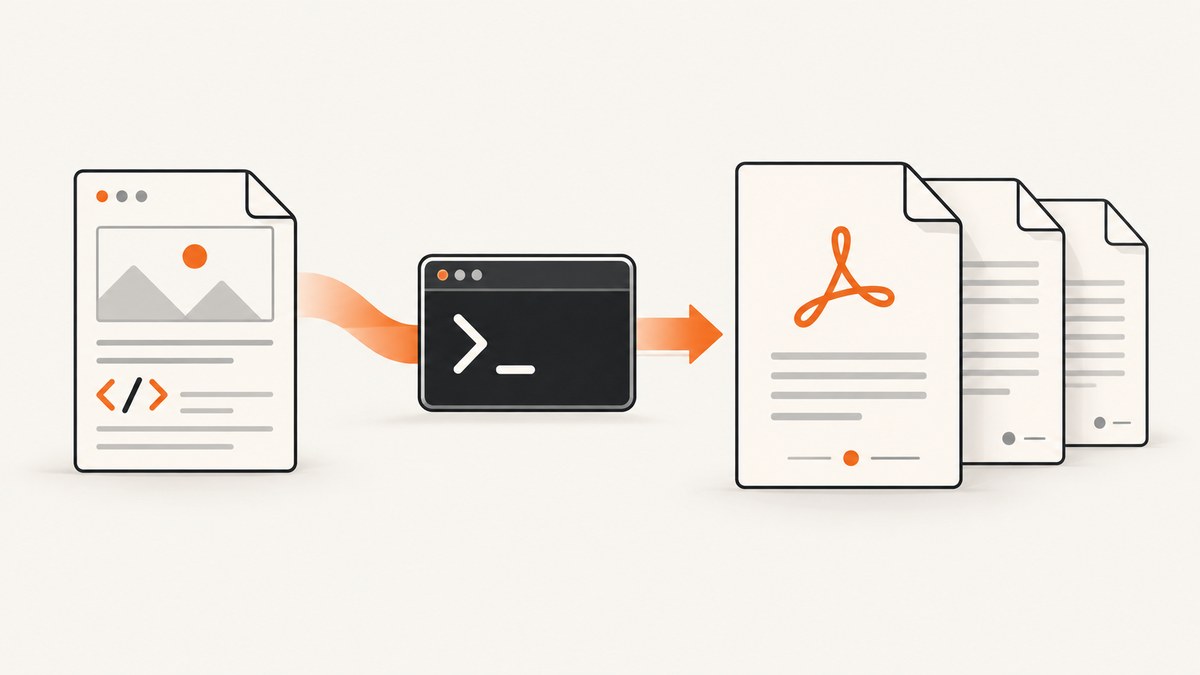
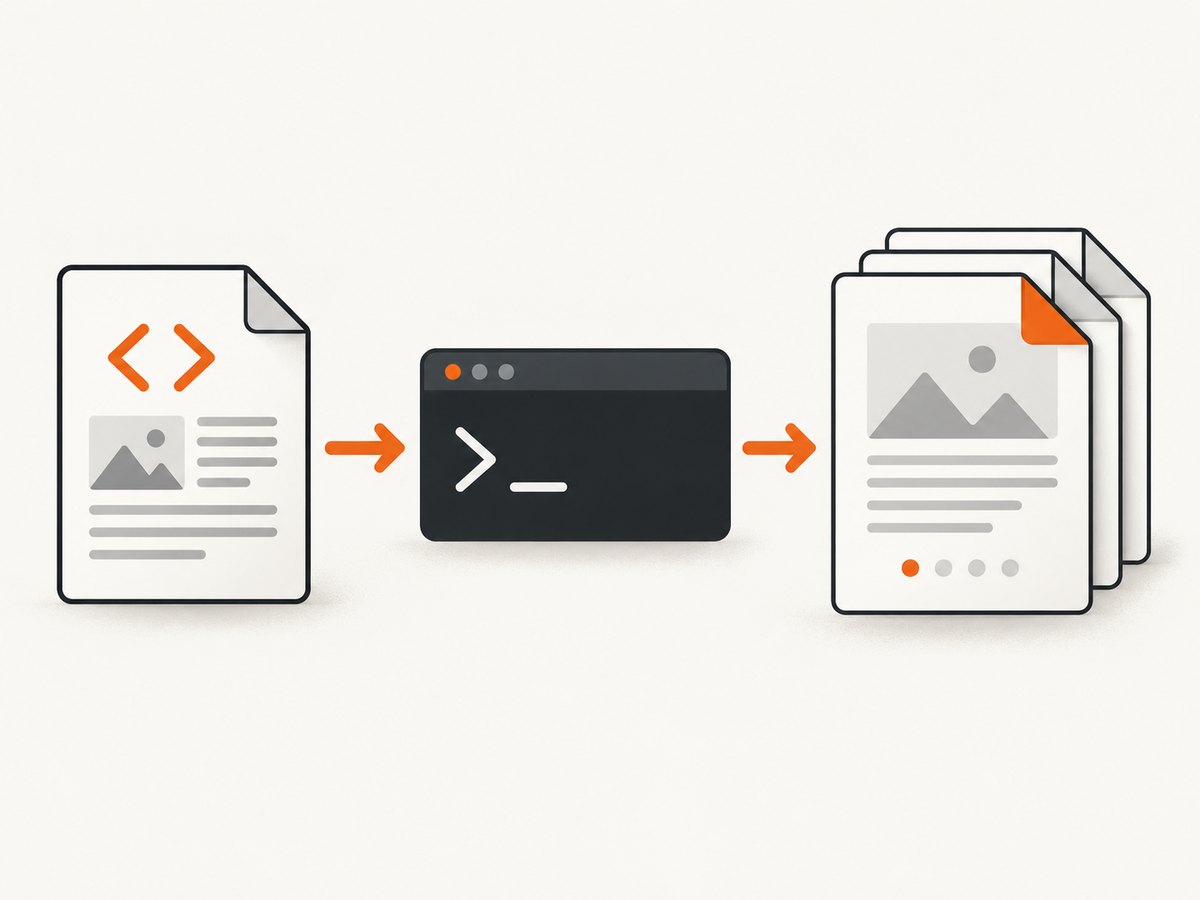
Use wkhtmltopdf’s header and footer substitutions. For a basic “Page 1 of 10” footer, run:
wkhtmltopdf --footer-right "Page [page] of [topage]" input.html output.pdf[page] is the current page number and [topage] is the final page number. These placeholders are expanded by wkhtmltopdf when they appear in a supported header or footer option. They are not ordinary HTML body variables.
The official wkhtmltopdf usage documentation describes headers and footers as command-line options and gives the same current-page/total-pages pattern. For a styled footer, use --footer-html with a small HTML template, then reserve enough bottom margin for it.
1. The fastest solution: a text footer
These commands cover the common numbering formats:
| Result | Command |
|---|---|
| Current page only | wkhtmltopdf --footer-right "Page [page]" input.html output.pdf |
| Current page of total | wkhtmltopdf --footer-right "Page [page] of [topage]" input.html output.pdf |
| Centered footer | wkhtmltopdf --footer-center "Page [page] of [topage]" input.html output.pdf |
| Left and right content | wkhtmltopdf --footer-left "Internal" --footer-right "Page [page] of [topage]" input.html output.pdf |
Use a margin and spacing that leave room for the footer:
wkhtmltopdf \
  --margin-bottom 18mm \
  --footer-spacing 4 \
  --footer-right "Page [page] of [topage]" \
  input.html output.pdf
--margin-bottom reserves document space. --footer-spacing controls the gap between the page content and footer. The unit for spacing is millimetres in the command-line interface unless your wrapper documents another unit.
2. Add a styled HTML footer
Text options are convenient, but an HTML footer gives you control over fonts, borders, alignment, colours and multiple fields. Create footer.html:
<!doctype html>
<html>
<head>
  <meta charset="utf-8">
  <style>
    html, body { margin: 0; padding: 0; }
    body {
      font: 9pt Arial, sans-serif;
      color: #444;
      border-top: 0.3mm solid #bbb;
      padding-top: 2mm;
    }
    .footer {
      width: 100%;
      display: flex;
      justify-content: space-between;
    }
  </style>
  <script>
    function subst() {
      const vars = {};
      const query = document.location.search.substring(1).split('&');
      for (const pair of query) {
        const parts = pair.split('=', 2);
        vars[parts[0]] = decodeURI(parts[1] || '');
      }
      for (const name of ['page', 'topage']) {
        const nodes = document.getElementsByClassName(name);
        for (let i = 0; i < nodes.length; i++) {
          nodes[i].textContent = vars[name] || '';
        }
      }
    }
  </script>
</head>
<body onload="subst()">
  <div class="footer">
    <span>Your document</span>
    <span>Page <span class="page"></span> of <span class="topage"></span></span>
  </div>
</body>
</html>
The template reads query-string values that wkhtmltopdf supplies when it loads the footer. The documented class names include page, topage, frompage, webpage, section, subsection, date, isodate, time, title, doctitle, sitepage and sitepages. Use the classes that match the values you need.
Render it with:
wkhtmltopdf \
  --margin-bottom 18mm \
  --footer-spacing 4 \
  --footer-html footer.html \
  input.html output.pdf
You can use --header-html header.html in exactly the same way. A header normally requires a larger --margin-top and --header-spacing.
3. How the substitution tokens work
[page] and [topage]
[page] changes on every printed page. [topage] is the final page count after pagination. Together they produce “Page 3 of 12”. Keep the spelling lowercase and include the square brackets.
Site and section numbering
For documents generated from multiple inputs or a table of contents, [sitepage] and [sitepages] expose site-level numbering. The exact meaning depends on how your input is assembled, so verify the output with a small multi-document fixture before using it in production.
Dates, titles and URLs
The other substitution names are useful for generated metadata. For example, an HTML footer can contain <span class="date"></span> or <span class="title"></span>. Values are supplied by wkhtmltopdf through the footer document’s query string.
4. Headers, footers and page geometry
Headers and footers occupy the margin area. They do not automatically push body content down. Set margins deliberately:

wkhtmltopdf \
  --margin-top 22mm \
  --margin-bottom 20mm \
  --header-spacing 5 \
  --footer-spacing 5 \
  --header-html header.html \
  --footer-html footer.html \
  input.html output.pdf
The libwkhtmltox page-settings reference documents the relationship between header/footer spacing and the corresponding margins: excessive spacing can place a header or footer outside the page, while insufficient margins allow overlap. See the libwkhtmltox page-settings reference.
Measure the rendered footer, including borders and padding, then add a few millimetres of margin. Long titles, large fonts and wrapped text need more room than a one-line page number.
5. Complete examples in common automation languages
Shell
#!/usr/bin/env bash
set -euo pipefail

wkhtmltopdf \
  --quiet \
  --page-size A4 \
  --margin-bottom 18mm \
  --footer-right "Page [page] of [topage]" \
  ./input.html \
  ./output.pdf
Python
from pathlib import Path
import subprocess

command = [
    "wkhtmltopdf",
    "--page-size", "A4",
    "--margin-bottom", "18mm",
    "--footer-right", "Page [page] of [topage]",
    "input.html",
    "output.pdf",
]
subprocess.run(command, check=True)
assert Path("output.pdf").exists()
Pass an argument list instead of a shell string so URLs, filenames and footer text are not reinterpreted by a shell.
Node.js
import { execFile } from "node:child_process";
import { promisify } from "node:util";

const execFileAsync = promisify(execFile);

await execFileAsync("wkhtmltopdf", [
  "--page-size", "A4",
  "--margin-bottom", "18mm",
  "--footer-right", "Page [page] of [topage]",
  "input.html",
  "output.pdf"
]);
For an HTML footer, replace the two footer arguments with "--footer-html", "footer.html".
6. Numbering variants and non-default starts
Use the direct token when you want the physical PDF page number. If a cover should be unnumbered or chapter numbering must start at a different value, configure an offset through the library or wrapper that calls libwkhtmltox. The page-settings API defines pageOffset as a number added to page numbers printed in headers, footers and the table of contents.
A wrapper may expose this as pageOffset, page-offset or another property. Check that wrapper’s documentation and confirm whether its value is zero-based. A command-line build may not expose every library setting directly; do not assume that adding an unknown CLI flag changes numbering.
7. Troubleshooting
| Symptom | Cause | Fix |
|---|---|---|
[page] appears literally |
The token is in normal body HTML or an unsupported option. | Move it to --footer-right, --header-right, --footer-html or another documented header/footer field. |
| Footer is clipped | Bottom margin is smaller than the footer. | Increase --margin-bottom; reduce padding or font size; then tune --footer-spacing. |
| Footer overlaps content | The body extends into the margin area. | Reserve more bottom margin and inspect pages containing long paragraphs or tables. |
| HTML footer is blank | The renderer cannot read the file, or the substitution script never runs. | Use a reachable path, check file permissions, and keep onload="subst()" on the body. |
| Numbers are empty in a template | The class name or case is wrong. | Use documented lowercase classes such as page and topage. |
| Only page 1 is shown | The source did not paginate as expected, or a single-page test file was used. | Test with content that definitely spans multiple pages and inspect the PDF page count. |
| Header appears off the page | Header spacing is too large for the top margin. | Lower --header-spacing or increase --margin-top. |
| Offset has no effect | The CLI build or wrapper does not pass pageOffset. |
Set it through the library/API layer or the wrapper’s documented equivalent. |
8. Reliability and performance checklist
- Pin the wkhtmltopdf version in build environments so pagination and WebKit rendering do not change unexpectedly.
- Use local footer files where possible. A remote footer adds a network dependency and can fail independently of the source document.
- Keep footer HTML small. Complex JavaScript, web fonts and external stylesheets increase render time and create more failure points.
- Use absolute or verified paths for input, footer and output files in scheduled jobs.
- Capture stderr and the exit code. A successful process start does not prove that the footer rendered correctly.
- Inspect a representative PDF containing a cover, a long table, a page break and the final page.
- Set a process timeout in application code. A hung renderer should fail the job and be retried under your own policy.
Page numbering itself is inexpensive; pagination, remote assets and JavaScript usually dominate rendering time. If you process many documents, reuse a controlled worker pool rather than starting unlimited wkhtmltopdf processes at once.
9. Or skip the browser setup
If your goal is a clean screenshot or PDF of a web page rather than a local HTML-to-PDF build, ScreenshotNeo provides a single HTTP request. Its API handles browser capture and can return PNG, JPEG, WebP or PDF. See the ScreenshotNeo API documentation for all options.
curl -G "https://api.screenshotneo.com/v1/shot" -d access_key=YOUR_API_KEY --data-urlencode url=https://stripe.com -o shot.webpimport requests
r = requests.get("https://api.screenshotneo.com/v1/shot", params={"access_key": "YOUR_API_KEY", "url": "https://stripe.com"}, timeout=90)
open("shot.webp", "wb").write(r.content)const q = new URLSearchParams({ access_key: 'YOUR_API_KEY', url: 'https://stripe.com' }); const res = await fetch(`https://api.screenshotneo.com/v1/shot?${q}`);Cookie and consent banners, newsletter popups and chat widgets are removed before the shot. Bot checks, blank pages, failed loads and cache hits are not billed, and response headers identify the page verdict and billing status. ScreenshotNeo also has an MCP server for Claude, Cursor and other MCP clients, with take_screenshot, get_page_info and capture_pdf tools. The free plan includes 1,000 screenshots each month with no card; paid plans start at $5 for 3,000 shots. Create a free ScreenshotNeo account.
10. Cost and operational decisions
For local wkhtmltopdf, your cost is the machine, storage and maintenance of the rendering process. You control caching and retries, but you also maintain browser dependencies, fonts, network access and security boundaries.
For ScreenshotNeo, usage is measured in clean shots. Plans are Free (1,000/month), Starter ($5 for 3,000), Growth ($15 for 15,000), Pro ($39 for 60,000), Scale ($99 for 250,000) and Business ($249 for 1,000,000). Yearly billing gives two months free, and every feature is available on every plan. Use caching with a TTL when the same URL is captured repeatedly; use async jobs and signed webhooks for long or high-volume work.
11. FAQ
Can I put [page] in my document’s CSS?
No. wkhtmltopdf’s page substitutions belong to its header/footer system. Body CSS counters are a different mechanism and do not receive these tokens.
Which option creates “Page 1 of 10”?
--footer-right "Page [page] of [topage]", with enough bottom margin for the footer.
Do I need an HTML template?
No. Use direct text options for simple numbering. Choose --footer-html when you need custom layout or typography.
Can numbering start at 3?
Use the library or wrapper’s pageOffset setting, then verify how that wrapper applies the offset.
Why is my footer missing only on some pages?
Check clipping and overlap first. A footer that fits short pages can be pushed outside the printable area on pages with different geometry or a larger template.


