What Paper Sizes Are Valid in Wkhtmltopdf?
Wkhtmltopdf uses Qt’s paper-size names for --page-size, with A4 as the default. Here’s how to choose a named size or set exact page dimensions.

Wkhtmltopdf accepts named paper sizes through --page-size. Its documented default is A4; the manual gives A3, Letter, and Legal as examples. The complete named-size list comes from the Qt 4.8 QPrinter::PaperSize enum linked by the manual. Those examples are not a complete list, and the enum page was not independently verified for this guide. For a nonstandard size or precise dimensions, set --page-width and --page-height instead.
The accepted names and behavior can depend on the particular wkhtmltopdf binary. The official usage reference describes version 0.12.6 with patched Qt, so check your installed build when exact compatibility matters. Wkhtmltopdf usage documentation · Qt 4.8 paper-size enum.
1. Which paper sizes are valid?
The authoritative answer is: use names supported by the Qt 4.8 QPrinter::PaperSize enum that your wkhtmltopdf build uses. The wkhtmltopdf manual explicitly directs users to that enum for the full list. It documents A4 as the default and gives A3, Letter, and Legal as examples. Because the enum list was not independently retrieved for this research, this article does not present an exhaustive list or claim that any other particular name is accepted by every binary.
| Need | Use | What to know |
|---|---|---|
| Standard named format | --page-size NAME |
Use a Qt paper-size enum name supported by your binary. |
| Custom width or height | --page-width and --page-height |
Specify each dimension with a unit accepted by the installed version. |
| Library configuration | size.pageSize, size.width, size.height |
These are the corresponding settings in the libwkhtmltox reference. |
Do not assume custom is a valid value for --page-size. The documented mechanism for precise or nonstandard dimensions is to set width and height. See the libwkhtmltox settings reference.
2. Set a named paper size from the command line
Run wkhtmltopdf with the paper-size option before the input and output paths. For example, to create a Letter PDF from a local HTML file:
wkhtmltopdf --page-size Letter input.html output.pdfFor the other names explicitly shown in the manual:
wkhtmltopdf --page-size A4 input.html output-a4.pdf
wkhtmltopdf --page-size A3 input.html output-a3.pdf
wkhtmltopdf --page-size Legal input.html output-legal.pdf
These commands assume wkhtmltopdf is installed and available on your PATH, and that input.html exists and can be rendered by the installed build. If no size is given, the documented default is A4:
wkhtmltopdf input.html output.pdfCheck the installed command before choosing a name
- Run
wkhtmltopdf --versionand note the reported version/build. - Run
wkhtmltopdf --extended-helpand inspect the available usage details. - Use a named size documented by the manual or confirmed for your binary.
- Generate a small sample PDF and inspect its page dimensions in a PDF viewer or metadata tool.
The manual calls out 0.12.6 with patched Qt, but that does not prove every packaged or compiled build exposes an identical set. A command that works on one host may fail on another if their binaries differ.
3. Set a custom page width and height
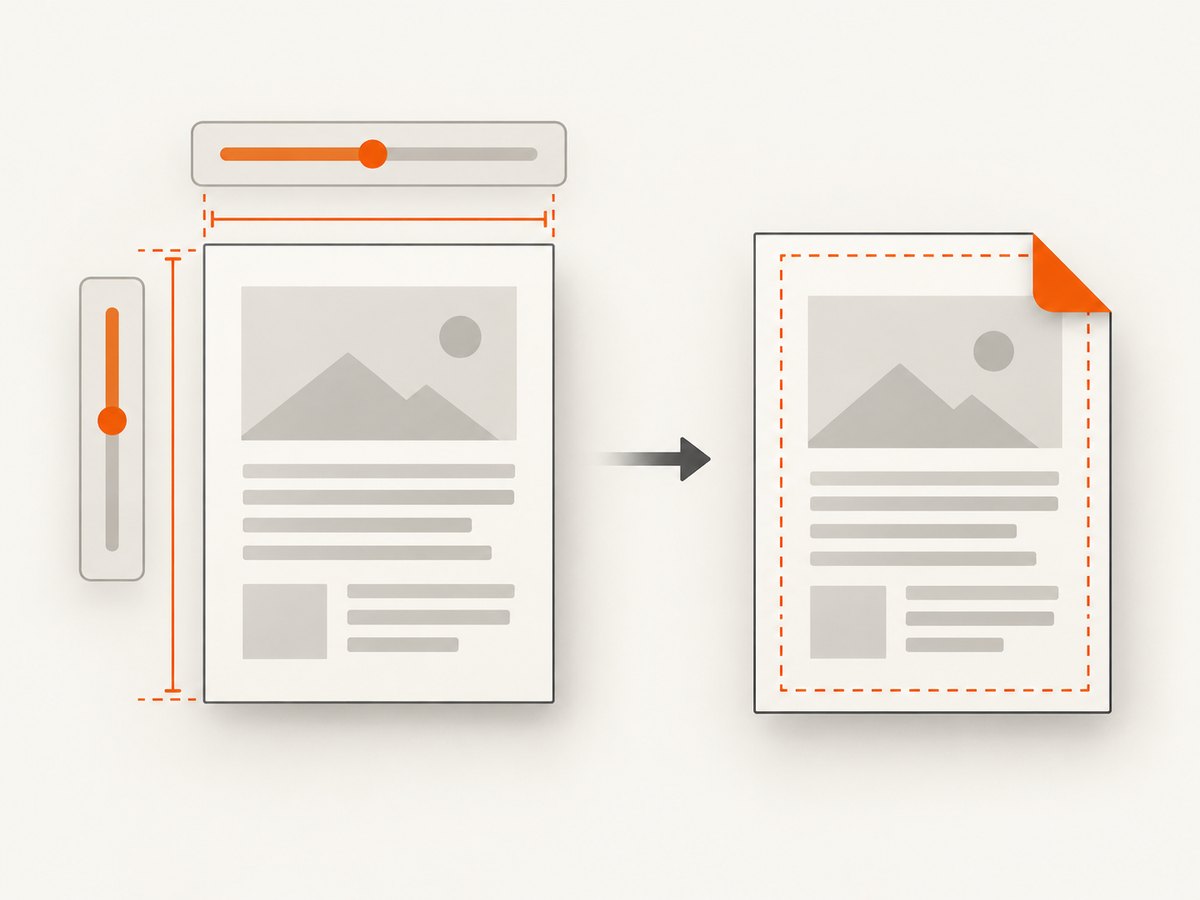
When the page is not a standard named format, or when a specific dimension is required, provide both dimensions directly. The manual documents --page-width and --page-height for this purpose. The exact units accepted should be checked against the installed version’s help.
wkhtmltopdf \
  --page-width 210mm \
  --page-height 297mm \
  input.html output.pdf
The dimensions above correspond to the familiar A4 measurements, but the example uses explicit width and height rather than a named paper size. This is useful when you want configuration to state the physical dimensions directly. For an arbitrary format, replace both values with the required dimensions and units:
wkhtmltopdf \
  --page-width 100mm \
  --page-height 150mm \
  input.html output-card.pdf
These are command examples, not a guarantee that every build accepts every unit spelling. Confirm supported units with --extended-help, especially when using an older or vendor-packaged binary. Avoid setting only one dimension unless the behavior is explicitly documented for your version; specifying both makes the intended page geometry unambiguous.
Library settings
Applications using libwkhtmltox configure paper size through size.pageSize, and dimensions through size.width and size.height. Consult the official page settings reference for the setting format expected by the library. The CLI flags and library settings represent the same choice: named paper format, or explicit dimensions.
4. Page size is only one part of PDF layout
Changing paper size changes the available page box. It does not automatically redesign the HTML for that box. Content that fit on A4 may wrap, overflow, or paginate differently on Letter or a custom format. When moving between sizes, review CSS widths, fixed-position elements, tables, images, and page-break rules in the resulting PDF.
- Keep width and height intentional. Landscape output needs the longer dimension on the width axis, whether expressed through a named size plus orientation option or explicit dimensions supported by your version.
- Check margins separately. Margins reduce the printable content area; they are not the paper dimensions themselves.
- Inspect page breaks. A changed page height can move headings, tables, and footers across page boundaries.
- Use CSS for document layout. Paper size establishes the page; HTML and CSS determine how content flows within it.
If you need repeatable output across servers, pin the wkhtmltopdf package/build in your deployment and verify the output dimensions in a representative PDF. This is a compatibility practice, not a claim that all builds differ.
5. Troubleshooting
| Symptom | Likely cause | Fix |
|---|---|---|
| “Unknown Paper Size” or an invalid-size error | The supplied name is not recognized by that binary, or spelling/case differs from the expected enum name. | Try a documented example such as A4, A3, Letter, or Legal; consult the linked Qt enum and inspect the installed command’s help. |
| The output is A4 despite expecting another size | The option may be omitted, misspelled, or not passed to the wkhtmltopdf process that creates the PDF. | Put --page-size in the actual command invocation and inspect the generated PDF’s page dimensions. |
| A custom-size command fails | The build may not accept the chosen unit syntax, or only one dimension was set. | Check --extended-help, use the syntax supported by that binary, and provide both width and height. |
| Content is clipped or unexpectedly paginated | The page box changed while the HTML/CSS layout remained tuned to the previous size; margins can also reduce usable area. | Review CSS sizing, overflow, margins, and page breaks at the target dimensions. Regenerate and inspect all pages. |
| Works locally but fails in production | Local and deployed wkhtmltopdf builds may have different Qt configurations or versions. | Compare --version and help output in both environments; align the package/build and retain a PDF fixture for checking dimensions. |
6. Performance, reliability, and cost
Paper-size selection itself is a small configuration choice. The available sources do not provide timing benchmarks or establish a performance difference between named sizes and explicit dimensions, so do not choose a format based on an assumed speed advantage. PDF generation reliability depends on using a consistent binary and validating the actual output for the HTML and resources your document uses.
For cost, wkhtmltopdf is software you run in your own environment; the cited references do not specify hosting, infrastructure, or operational costs. Account for the machines and maintenance needed to run it in your deployment rather than treating the paper-size flag as a separate service charge. When exact print dimensions matter, add a verification step to your document workflow so a package change or layout edit does not silently produce the wrong page geometry.
7. Or skip the browser setup
If your task is to capture a website as an image or PDF rather than generate a paginated PDF from local HTML, ScreenshotNeo provides a one-request screenshot API and MCP server. It does not replace wkhtmltopdf’s paper-size configuration for a local HTML-to-PDF workflow; it is an alternative when you want a hosted website capture.
For PDF output, adapt the request with the PDF options described in the ScreenshotNeo API documentation. A basic image request looks like this:
curl -G "https://api.screenshotneo.com/v1/shot" -d access_key=YOUR_API_KEY --data-urlencode url=https://stripe.com -o shot.webpimport requests
r = requests.get("https://api.screenshotneo.com/v1/shot", params={"access_key": "YOUR_API_KEY", "url": "https://stripe.com"}, timeout=90)
open("shot.webp", "wb").write(r.content)const q = new URLSearchParams({ access_key: 'YOUR_API_KEY', url: 'https://stripe.com' });
const res = await fetch(`https://api.screenshotneo.com/v1/shot?${q}`);- Cookie banners, newsletter popups, and chat widgets are removed before the shot; each cleanup step can be turned off.
- Bot checks, blank pages, timeouts, failed loads, and cache hits cost nothing; response headers identify the page verdict and billing status.
- An MCP server gives AI agents tools to take screenshots, get page information, and capture PDFs.
- 1,000 screenshots a month are free with no card; paid plans start at $5 for 3,000.
Sign up free for ScreenshotNeo.
8. Frequently asked questions
Is “custom” a valid value for --page-size?
The cited manual directs users to the Qt paper-size enum for named values and to width/height options for finer control. It does not establish custom as a valid size name, so use explicit dimensions for custom pages.
Does wkhtmltopdf default to Letter in the United States?
The 0.12.6 usage documentation names A4 as the default. It does not describe an automatic regional default.
Are A3, Letter, and Legal the only supported sizes?
No such conclusion follows from the manual: it lists those as examples and points to the Qt enum for the full named-size list. Check that enum and your installed binary for a specific name.
Where do I configure size in a library integration?
Use the libwkhtmltox settings size.pageSize, size.width, or size.height, as appropriate, and follow the library reference for their expected values.
Can I trust the same size name across every wkhtmltopdf build?
The sources describe a particular version/build context and do not compare all packaged binaries. Verify exact compatibility against the binary you deploy.


