How to Set Screen Resolution for wkhtmltopdf on a Windows Virtual Server
Set the Windows, RDP, and wkhtmltopdf dimensions correctly. Learn why --viewport-size is not screen resolution and how to troubleshoot PDF layout.
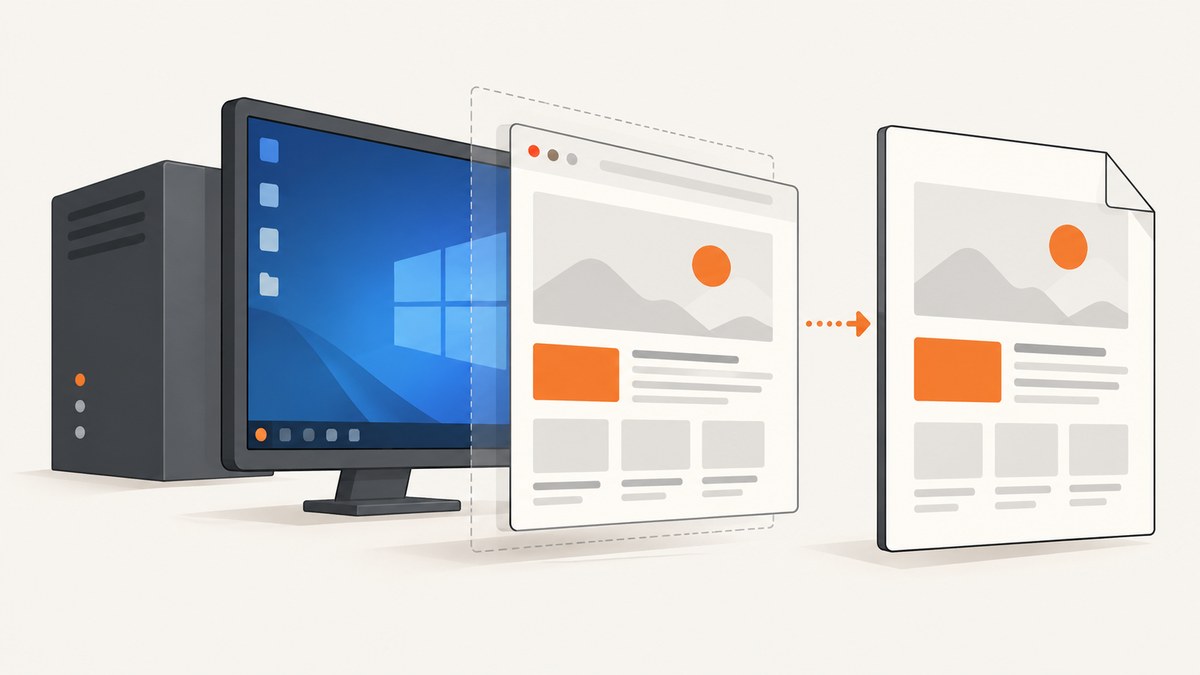
Direct answer: wkhtmltopdf has no Windows option that changes the operating system’s monitor resolution. Its --viewport-size WxH flag sets the WebKit browser viewport used for rendering. The effective screen-like dimensions come from the interactive Windows or Remote Desktop session running the process. Set that session to the target size, then use wkhtmltopdf’s viewport and PDF layout options separately.
For a 1920×1080 target, configure the RDP session to 1920×1080 (or set the Server Core display resolution), run wkhtmltopdf in that same session, and invoke:
wkhtmltopdf --viewport-size 1920x1080 --page-size A4 input.html output.pdfThis guide explains the distinction, gives repeatable Windows procedures, and covers PDF sizing, CSS media queries, scheduled tasks, troubleshooting, security, and an API alternative.
1. Viewport size and screen resolution are different
The --viewport-size option emulates the browser window’s content area. It affects responsive breakpoints, JavaScript values such as window.innerWidth, and layout calculations made by the WebKit renderer. It does not change Windows’ display driver, the RDP desktop negotiated with a client, or the physical dimensions of a virtual monitor.
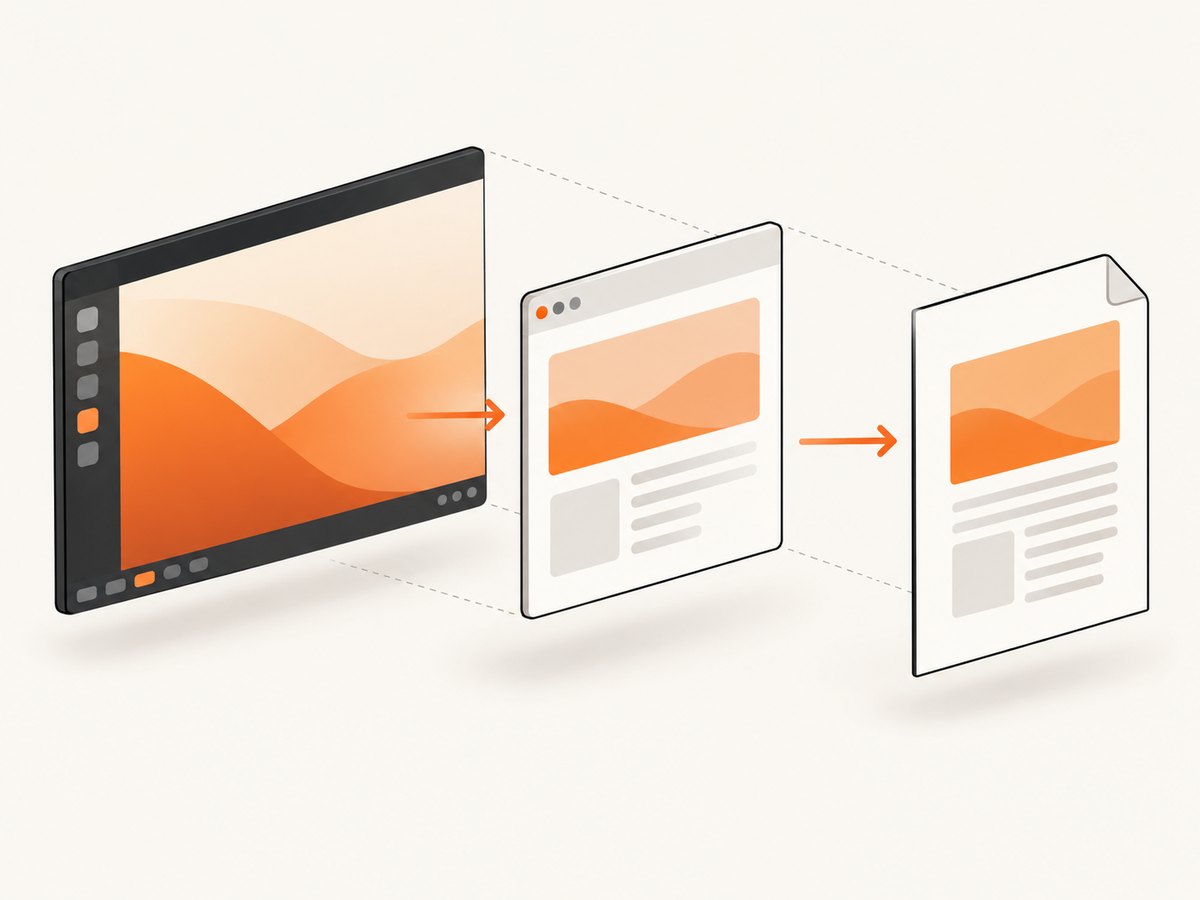
The wkhtmltopdf usage documentation lists --viewport-size alongside rendering options. The project maintainer has explained that changing the actual screen resolution requires an X server and --use-xserver; that advice applies to Linux/X11 with Xvfb, not native Windows. See the wkhtmltopdf option reference.
| Setting | Changes | Does not change |
|---|---|---|
| RDP Display tab | Dimensions negotiated for the remote Windows desktop | PDF paper size by itself |
desktopwidth/desktopheight |
Saved RDP session dimensions | CSS print geometry and margins |
Set-DisplayResolution |
Server Core display resolution | RDP settings that override the session |
--viewport-size WxH |
WebKit viewport and responsive layout | Host monitor resolution |
--page-size, width, height |
PDF page geometry | Windows screen metrics |
--dpi, --zoom, shrinking |
Scaling from rendered pixels to PDF units | RDP desktop dimensions |
2. Choose the dimension you actually need
Write down the requirement before changing a flag:
- Responsive web layout: choose a viewport such as 1920×1080 or 1366×768.
- CSS
screenbehavior: use the Windows session dimensions and a matching viewport, then verify the page’s media queries. - Printed page geometry: use
--page-size,--page-width,--page-height, margins, DPI, and zoom. - A screenshot-like image: wkhtmltopdf creates PDFs; use a screenshot renderer when the output must be PNG, JPEG, or WebP.
A 1920×1080 viewport does not produce a 1920×1080-pixel PDF page. A4, Letter, margins, DPI, zoom, and smart shrinking determine the final page dimensions.
3. Configure an RDP session on Windows
Use the Remote Desktop client
- Open Remote Desktop Connection with
mstsc.exe. - Enter the server name and select Show Options.
- Open the Display tab.
- Move the display-size slider to the required dimensions, or use a saved connection configured for the target display.
- Connect and run wkhtmltopdf inside that session.
The display choice is negotiated when the session starts. If you disconnect and reconnect with another client size, the process can see different screen metrics even when the command line is unchanged.
Use a repeatable .rdp file
Save an RDP connection file and include the desktop dimensions:
screen mode id:i:2
desktopwidth:i:1920
desktopheight:i:1080
session bpp:i:32
full address:s:YOUR-SERVER-NAME
Open the file with Remote Desktop Connection, sign in, and start the conversion from that session. Microsoft documents desktopwidth and desktopheight as RDP configuration properties in its Remote Desktop client documentation.
4. Configure Server Core with PowerShell
On Windows Server Core, an elevated PowerShell session can set the display resolution:
Set-DisplayResolution -Width 1920 -Height 1080 -ForceThe cmdlet accepts width and height in pixels. Microsoft also documents examples such as 1920×1200 and 1024×768 in its Set-DisplayResolution reference. This command is intended for Server Core. On a full desktop installation, the effective dimensions may instead be controlled by the display driver or RDP client.
After changing the resolution, reconnect the session and verify the dimensions from the same account and execution context that will run wkhtmltopdf.
5. Set wkhtmltopdf’s viewport and PDF layout
Use an explicit viewport even when the RDP session has the correct size:
wkhtmltopdf ^
  --viewport-size 1920x1080 ^
  --page-size A4 ^
  --margin-top 12mm ^
  --margin-right 12mm ^
  --margin-bottom 12mm ^
  --margin-left 12mm ^
  input.html output.pdf
In PowerShell, use the backtick for line continuation or keep the command on one line:
wkhtmltopdf --viewport-size 1920x1080 --page-size A4 --margin-top 12mm --margin-right 12mm --margin-bottom 12mm --margin-left 12mm input.html output.pdfImportant layout options
--page-size A4,--page-width, and--page-heightdefine the PDF paper.--dpi 96controls the conversion density used by the renderer.--zoom 1.0changes rendered scale; values above or below 1 can compensate for legacy CSS sizing.--disable-smart-shrinkingprevents automatic shrinking when content exceeds the printable width. Use it only when your layout is designed for the resulting overflow.--print-media-typeselects print stylesheets. Do not add it merely to force a screen width; it can intentionally change colors, visibility, and layout.--javascript-delayor--window-statuscan wait for client-rendered content before pagination.
6. CSS media queries and JavaScript checks
If your page uses viewport breakpoints, test the values that wkhtmltopdf receives:
<script>
  document.title = `${window.innerWidth}x${window.innerHeight}`;
</script>
For CSS, remember that @media (min-width: ...) is based on the layout viewport. Queries involving screen, physical dimensions, or device characteristics can depend on the host session and WebKit build. A matching --viewport-size is necessary but cannot turn a PDF page into a physical 1920×1080 monitor.
Use a diagnostic HTML file that prints window.innerWidth, window.innerHeight, screen.width, and screen.height. Run it from the same RDP or service context as production and compare the values. This isolates a session problem from a wkhtmltopdf option problem.
7. Scheduled tasks, services, and disconnected sessions
A conversion started interactively over RDP can render differently from a scheduled task. Compare:
- the Windows account and profile;
- whether the process has an interactive desktop;
- the RDP client dimensions at launch;
- environment variables and working directory;
- the installed wkhtmltopdf executable and version.
Run wkhtmltopdf --version from both contexts. The project download page lists the 0.12.6 stable series, released June 11, 2020, and provides Windows installers: wkhtmltopdf downloads.
For repeatable automation, either keep the job in a controlled interactive session or design the HTML so it does not depend on screen.width. Treat the RDP/session dimensions as deployment configuration and record them alongside the wkhtmltopdf command.
8. Troubleshooting common failures
“Changing –viewport-size did nothing”
Cause: the page reads operating-system screen metrics, or the visible difference is controlled by PDF paper and shrinking.
Fix: set the RDP or Server Core resolution, keep --viewport-size explicit, and inspect diagnostic values. Adjust page size, margins, DPI, or zoom for paper output.
CSS breakpoints are wrong only in production
Cause: production runs in a different session, account, or background context.
Fix: log the executable path, version, account, viewport values, and session dimensions. Reproduce with the same saved RDP file or service identity.
Set-DisplayResolution is not recognized
Cause: the host is not Server Core, the module is unavailable, or a virtual display driver controls the session.
Fix: use the RDP Display settings and an .rdp file. Do not assume a Server Core command applies to a full Windows desktop.
A Linux Xvfb recipe fails on Windows
Cause: Xvfb is an X11 virtual framebuffer. It is not a native Windows display mechanism.
Fix: use Windows RDP or Server Core display configuration. Choose an Xvfb design only when the deployment itself is Linux.
The PDF is clipped or unexpectedly tiny
Cause: page width, margins, DPI, zoom, or smart shrinking conflict with the CSS width.
Fix: set paper dimensions explicitly, inspect the printable width after margins, then decide whether to change zoom or disable smart shrinking. Test a minimal HTML file before changing application CSS.
Blank pages, timeouts, or unsafe HTML
Wait for asynchronous content with a documented delay or window status, and verify that network resources are reachable from the server. Never pass untrusted HTML or JavaScript directly to wkhtmltopdf. The project security notice warns that unsanitized user HTML/JS can lead to complete server takeover. Sanitize input, restrict outbound access, and run the converter with the minimum required permissions.
9. Performance, reliability, and cost considerations
- Large viewports and full-page documents increase layout and memory work. Render only the required content when possible.
- Use a fixed session size and fixed wkhtmltopdf version to reduce layout drift.
- Keep fonts, images, and stylesheets available from the server; missing assets often look like resolution bugs.
- Separate a viewport regression test from a PDF pagination test. They validate different settings.
- Capture command output and exit codes. A successful process exit does not prove every external resource loaded.
- Cache stable assets and avoid repeatedly starting unnecessary interactive sessions.
If the requirement is a website screenshot rather than a paper PDF, a browser screenshot API removes the Windows display setup entirely.
10. Or skip the browser setup
ScreenshotNeo provides a website screenshot API and MCP server. One GET request returns PNG, JPEG, WebP, or PDF, so there is no Windows RDP display to configure. Read the ScreenshotNeo API documentation for the complete option list.
cURL
curl -G "https://api.screenshotneo.com/v1/shot" -d access_key=YOUR_API_KEY --data-urlencode url=https://stripe.com -o shot.webpPython
import requests
r = requests.get("https://api.screenshotneo.com/v1/shot", params={"access_key": "YOUR_API_KEY", "url": "https://stripe.com"}, timeout=90)
open("shot.webp", "wb").write(r.content)
Node.js
const q = new URLSearchParams({ access_key: 'YOUR_API_KEY', url: 'https://stripe.com' });
const res = await fetch(`https://api.screenshotneo.com/v1/shot?${q}`);
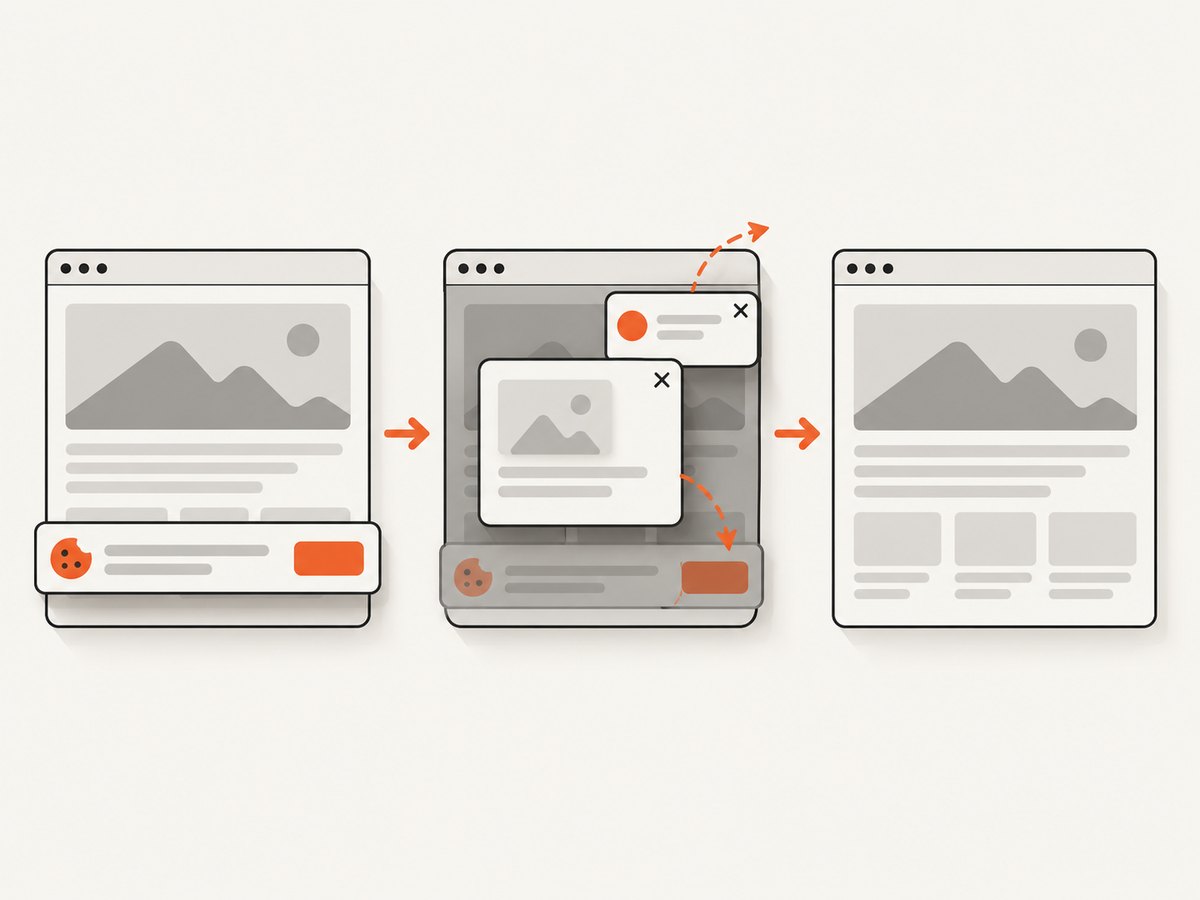
ScreenshotNeo removes cookie and consent banners, newsletter popups, and chat widgets before capture. Bot checks, blank pages, timeouts, failed loads, and cache hits are not billed; response headers identify the page verdict and billing status. Its MCP server includes take_screenshot, get_page_info, and capture_pdf tools for Claude, Cursor, and other MCP clients. The service supports full-page and element captures, device presets or custom viewports, retina scale, PDF paper settings, custom CSS and JavaScript, waits, headers, cookies, user agents, geolocation, caching, signed links, asynchronous jobs, bulk capture, and a usage API.
Free accounts include 1,000 screenshots per month with no card. Paid plans start at $5 for 3,000 shots. Create a free ScreenshotNeo account.
11. Practical verification checklist
- Choose whether you need viewport behavior, screen metrics, or paper geometry.
- Set the RDP Display tab or saved
desktopwidth/desktopheight. - Use
Set-DisplayResolutiononly on supported Server Core hosts. - Set
--viewport-sizeexplicitly. - Set page size, margins, DPI, zoom, and shrinking intentionally.
- Run a diagnostic page in the production execution context.
- Record the wkhtmltopdf version and command line.
- Sanitize all untrusted HTML and JavaScript.
FAQ
Does 1920×1080 create a 1920×1080 PDF?
No. It sets a browser viewport. PDF paper dimensions come from page size or explicit width and height, plus margins, DPI, zoom, and shrinking.
Can I force Windows screen resolution from wkhtmltopdf?
No. Configure the Windows or RDP session separately.
Should I use --print-media-type?
Use it when your stylesheet intentionally has print rules. It is unrelated to changing the Windows display resolution.
Why does the same command produce different files?
The process may be running in different sessions, with different dimensions, identities, fonts, resources, or wkhtmltopdf builds. Compare the execution context before changing layout flags.
Is Xvfb a Windows solution?
No. Xvfb is an X11/Linux virtual framebuffer. Native Windows deployments should use RDP or Windows display configuration.


