How to Fix Relative Paths with Redirected Streams in wkhtmltopdf
Fix missing CSS and images when wkhtmltopdf reads HTML from stdin. Learn why paths break, how to compare file and stream input, and how to troubleshoot access errors.
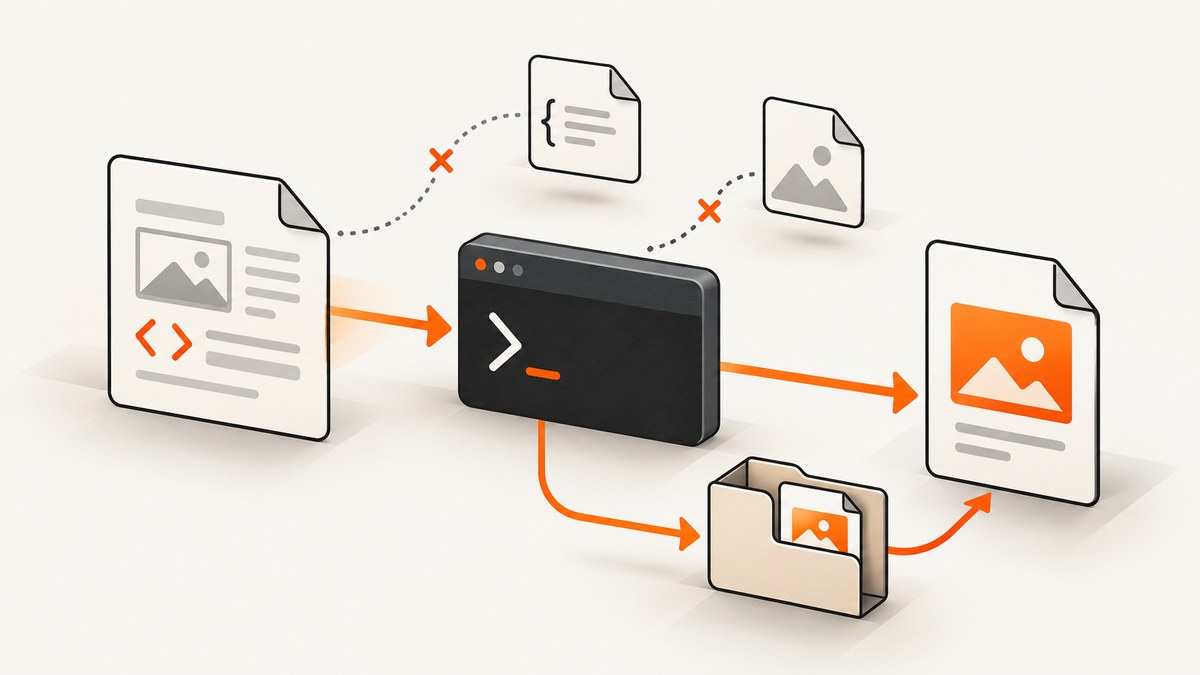
When wkhtmltopdf reads HTML from standard input, relative asset references can resolve from an unexpected location. A documented report shows a stylesheet that loaded when the HTML was passed by filename but failed when the same content was piped to wkhtmltopdf -, with the attempted path under /tmp. The practical fix is to give the converter asset URLs it can resolve from its own context: keep the input as a named file in the intended directory, or use explicit reachable URLs or absolute paths. Then check local-file permissions separately.
This behavior is a reported failure mode, not a guarantee that every wkhtmltopdf build resolves stdin paths the same way. Reproduce it with the installed binary, operating system, working directory, and asset tree you actually use. The wkhtmltopdf project repository is archived, so capture the exact binary version when diagnosing a deployment issue.
1. Why relative paths can break with stdin
A relative reference such as css/style.css is interpreted against some base location. A named HTML file provides a filesystem path that can supply useful location context. A stream selected with - is not a named file and does not inherently carry the original file’s directory along with its bytes. The settings documentation identifies - as stdin for input and stdout for output; it does not document stdin as preserving the source file’s parent directory for relative resource resolution.
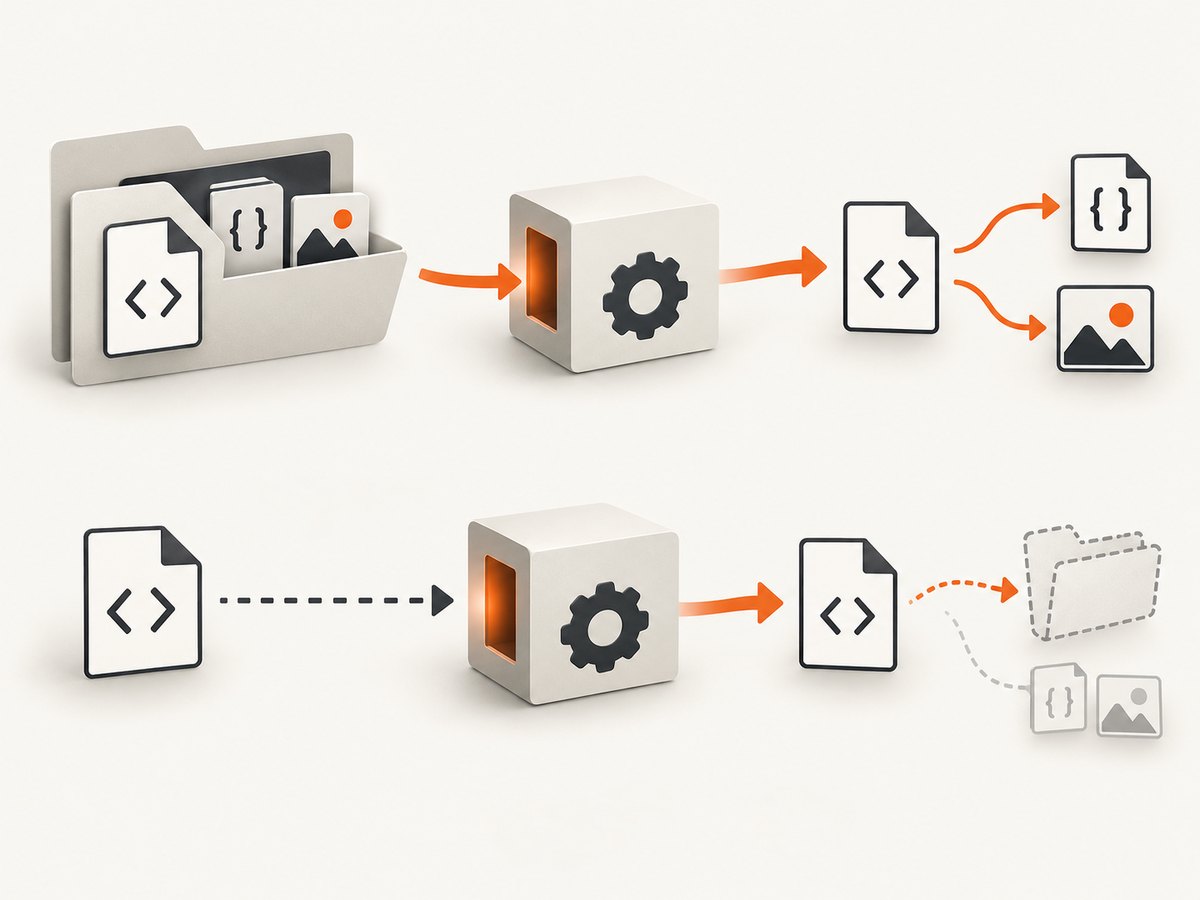
In issue #3627, the reporter said that converting page.html worked, while piping its contents to wkhtmltopdf - out.pdf produced a warning for file:///tmp/style.css and an incorrect result. That report is useful evidence to reproduce, not a specification for all versions or platforms. [Source: wkhtmltopdf issue #3627.]
Keep two separate questions in mind:
- Resolution: What URL or filesystem location does a relative reference point to?
- Permission: Is wkhtmltopdf allowed to read that local file?
--enable-local-file-access and --allow <path> address local-file access. They do not supply a meaningful base directory for an otherwise ambiguous relative reference. Enabling access cannot fix a path that points to the wrong place. [See the usage documentation.]
2. Reproduce the difference between file input and stdin
Use the same HTML and assets for both commands. This isolates the input mode as the changed variable.
Example directory
project/
  page.html
  css/
    style.css
  images/
    logo.png
For example, page.html might contain:
<!doctype html>
<html>
<head>
  <meta charset="utf-8">
  <link rel="stylesheet" href="css/style.css">
</head>
<body>
  <img src="images/logo.png" alt="Example logo">
  <h1>Relative assets</h1>
</body>
</html>
Run the named-file case from the project directory:
cd project
wkhtmltopdf page.html named-file.pdf
Then pass identical bytes over stdin:
cat page.html | wkhtmltopdf - stdin.pdfOn systems where cat is unavailable, use an equivalent command that writes the file contents to standard output. Save the full warning output from both runs. If the named-file PDF includes styling and the stdin PDF does not, inspect how the asset path was resolved before changing permissions.
Record the environment along with the result:
wkhtmltopdf --version
pwd
uname -a
uname -a is available on Unix-like systems; on another operating system, record its name and version using that system’s usual tools. Also note the exact command line, how wkhtmltopdf was installed, and whether the assets are local files or network URLs.
3. Fix relative references by choosing a deliberate base
Option A: Convert a named HTML file in its asset directory
This is the most direct workaround when the document and its relative assets already form a directory tree. Run wkhtmltopdf with the file path, and keep the HTML and assets in the locations expected by the references:
wkhtmltopdf /srv/reports/project/page.html /srv/reports/output.pdfCheck the current directory and the file’s actual location. A relative reference in the HTML is interpreted in relation to the document’s location or converter behavior, not necessarily the shell directory you intended. The issue report demonstrates the named-file workflow succeeding in its own environment; verify this with your build.
Option B: Use absolute file URLs for local assets
If the HTML must be piped, rewrite local references to explicit file URLs, such as file:///srv/reports/project/css/style.css and file:///srv/reports/project/images/logo.png. Use the absolute path that exists on the machine running the converter, and encode spaces and special characters correctly in URLs. A file URL only makes the location explicit; local-file access policy can still block it.
<link rel="stylesheet" href="file:///srv/reports/project/css/style.css">
<img src="file:///srv/reports/project/images/logo.png" alt="Example logo">
This approach couples the HTML to a filesystem layout, so it is suitable when that layout is stable and controlled. It is usually a poor fit for portable documents sent to different hosts.
Option C: Use absolute HTTPS URLs
For assets hosted where the converter can reach them, use complete URLs instead of relative paths:
<link rel="stylesheet" href="https://static.example.test/reports/style.css">
<img src="https://static.example.test/reports/logo.png" alt="Example logo">
Replace the example host with a real endpoint under your control. The converter needs network access, and the asset host must allow the converter to fetch the resources. If the host requires authentication, use a supported access design for the deployed command and avoid putting reusable secrets into generated HTML, logs, or PDF metadata.
Option D: Keep the directory tree available to the process
If a pipeline is required for the HTML body, stage assets in a known directory and generate explicit references to that location. Avoid relying on an undocumented assumption that the stdin stream retains the path of some earlier temporary or source file. If a wrapper creates temporary HTML files, verify their location and lifecycle, and make sure wkhtmltopdf can still read both the temporary file and assets while conversion runs.
The option --resolve-relative-links is described for external links. Do not treat it as a general base-URL setting for CSS, images, or other local resources. [Source: wkhtmltopdf usage documentation.]
4. Check local-file access independently
Once the reference points at the intended file, verify that the converter process is permitted to read it. The command-line usage documentation includes local-file access switches and --allow <path>, which permits files from a specified path. Use the narrowest path that contains the required assets.
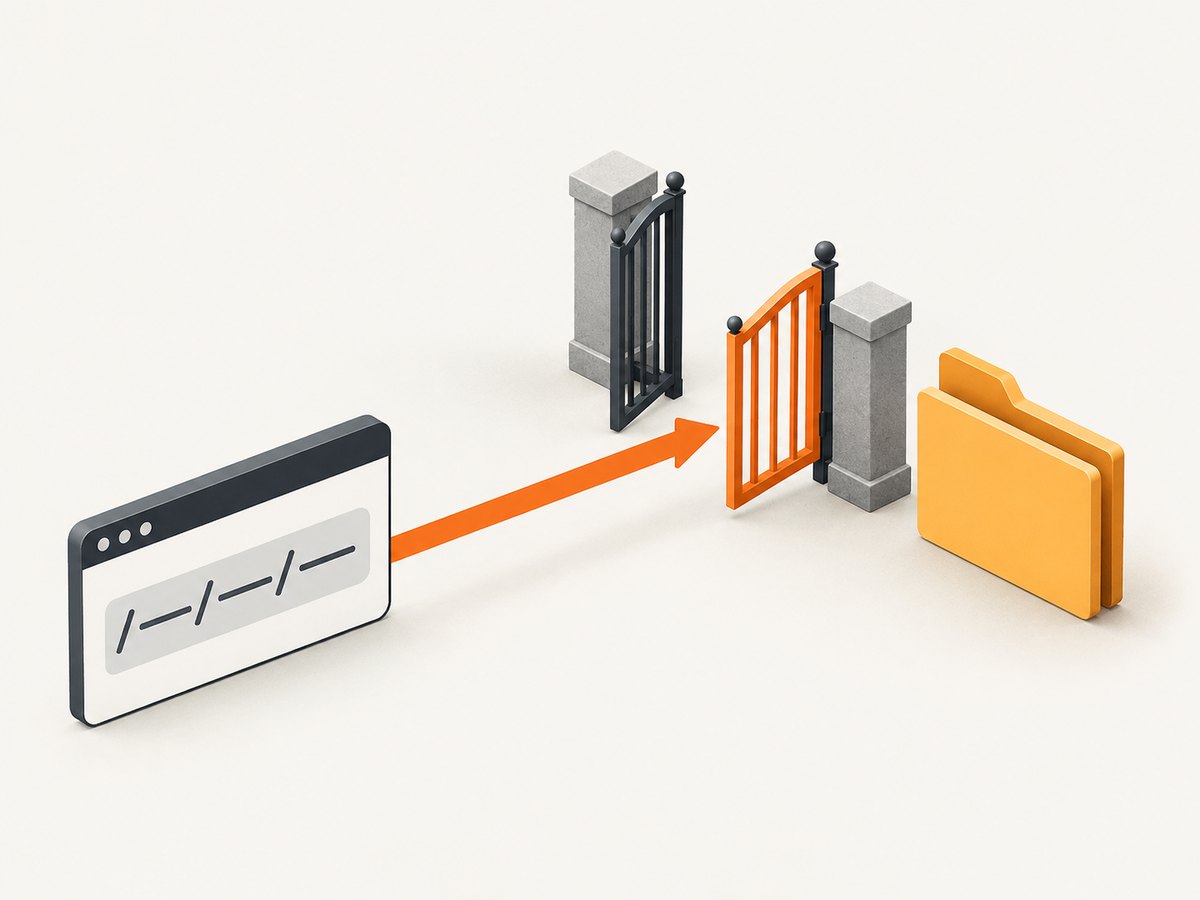
wkhtmltopdf --enable-local-file-access \
  --allow /srv/reports/project \
  /srv/reports/project/page.html \
  /srv/reports/output.pdf
Review the installed binary’s help output and behavior before relying on a flag, because builds and packaging can differ. Do not add broad filesystem allowances just to silence a warning. An allow-list should include the stylesheet, images, fonts, and other local resources the document actually needs.
When rendering HTML that is not explicitly trusted, filesystem access is a security boundary. The project’s AppArmor guidance warns that wkhtmltopdf is not recommended for untrusted HTML and recommends mandatory access controls to limit what local files it can access. Apply OS-specific restrictions where available, and do not assume that AppArmor is installed or configured on every host. [Source: wkhtmltopdf AppArmor guidance.]
5. A reliable diagnostic checklist
- Identify the binary: save
wkhtmltopdf --version, operating system and version, and installation source. - Capture the execution context: record the working directory, exact command, environment used by the service or shell, and whether conversion runs in a container or restricted account.
- Compare input modes: convert the named file, then pipe its exact contents to stdin with the same assets and output options.
- Read the full warnings: note the attempted URL or file path. A path under an unexpected directory points to a resolution issue; a denied-access message points to policy or permissions.
- Verify the target exists: inspect the resolved path from the converter’s host or container, not only from the developer workstation.
- Change one variable: try a named file, then explicit file URLs, then network URLs where appropriate. Avoid changing paths and permissions at once.
- Minimize the case: retain one HTML file, one stylesheet or image, both commands, the version, OS details, and exact warnings.
If the behavior remains unclear, use the project’s issue-reporting guidance and include that minimal reproduction. The repository is archived; do not assume an upstream fix or active support path will be available. [Source: wkhtmltopdf support guidance.]
6. Common errors and fixes
| Symptom | Likely cause | What to do |
|---|---|---|
CSS or image path unexpectedly points under /tmp |
The stdin conversion lacks the source file’s directory context, as in the reported issue. | Compare against a named-file run. Use a named file or an explicit reachable URL/path. |
| Warning says local file access is blocked | The file is local but the binary’s access policy denies it. | Allow only the required directory with the supported local-access options; keep resolution and access as separate checks. |
Absolute file:// path still fails |
The path may be wrong in the converter’s environment, unreadable to its user, or blocked by local-file policy. | Check the exact file on the conversion host, process permissions, and narrowly scoped allow-list. |
| Styles load locally but not in a container | The path exists on the host but was not mounted into the container, or the conversion process runs as another user. | Mount the assets at a stable path and use that in the HTML; verify access as the process user. |
--resolve-relative-links has no effect on CSS |
That setting concerns external links, not general local asset base resolution. | Use a named source file or make resource URLs explicit. |
| Network assets disappear in the PDF | The converter cannot reach the host, the host rejects its request, or the URL is not the one expected. | Check network/DNS access from the converter environment and inspect the exact resource URL and response. |
7. Performance, reliability, and operating cost
Relative-path fixes do not make conversion faster by themselves; they make resource selection predictable. Local assets avoid a dependency on network availability, but require the files to be present and readable at conversion time. Hosted assets simplify sharing a common URL layout, but make conversion depend on network access and the asset host’s availability. Choose based on where the converter runs and what failure modes your application can tolerate.
For a service that generates PDFs repeatedly, make the input mode and asset root part of the job contract. Log the wkhtmltopdf version and preserve warnings alongside job IDs. Use deterministic asset versions or paths so an old report does not unexpectedly render with a changed stylesheet. Set process timeouts in the surrounding job runner and retain failed inputs long enough to reproduce the issue, subject to your data-retention rules.
There is no performance or pricing benchmark in the cited sources for this path-resolution issue. Account for the costs you actually incur: converter CPU and memory, storage for temporary and final files, network transfer for remote resources, and maintenance of the binary and its execution environment. Restrict local access for untrusted HTML rather than trading filesystem safety for a simpler command.
8. Or skip the browser setup
If the task is to capture a webpage as an image or PDF rather than convert a local HTML document, ScreenshotNeo is a website screenshot API and MCP server. One GET request takes a URL and returns an image or PDF. Its capture process accepts cookie/consent banners like a visitor and removes more than 60 known consent platforms, newsletter popups, and chat widgets before capture; each step can be turned off. Bot checks, CAPTCHAs, blank pages, timeouts, failed loads, and cache hits cost nothing, and the response reports the page verdict and billing status in headers. AI agents can use its MCP server through tools including take_screenshot, get_page_info, and capture_pdf.
For a quick image capture, use the documented API endpoint and replace the target URL with the page you need. See the ScreenshotNeo API documentation for parameters and formats.
curl -G "https://api.screenshotneo.com/v1/shot" \
  -d access_key=YOUR_API_KEY \
  --data-urlencode url=https://stripe.com \
  -o shot.webp
import requests
r = requests.get(
"https://api.screenshotneo.com/v1/shot",
params={"access_key": "YOUR_API_KEY", "url": "https://stripe.com"},
timeout=90,
)
open("shot.webp", "wb").write(r.content)const q = new URLSearchParams({
access_key: 'YOUR_API_KEY',
url: 'https://stripe.com'
});
const res = await fetch(`https://api.screenshotneo.com/v1/shot?${q}`);
if (!res.ok) throw new Error(`Screenshot request failed: ${res.status}`);
await Bun.write('shot.webp', res);The Node.js example uses Bun’s file-writing helper to keep the response body as bytes; in Node.js, save Buffer.from(await res.arrayBuffer()) with the filesystem module. Keep API keys out of source control and pass them through your deployment’s secret configuration. ScreenshotNeo offers 1,000 shots a month free without a card; paid plans start at $5 for 3,000 shots, and every feature is on every plan. Sign up for 1,000 free screenshots a month, no card required.
9. FAQ
Does piping HTML to stdin always break relative paths?
No universal behavior is established by the cited report. It documents one case where the named-file conversion worked and stdin resolved a stylesheet under /tmp. Test the installed version and environment.
Will --enable-local-file-access fix a wrong relative path?
No. It concerns whether local files may be accessed. First make the resource URL point to the intended location, then address permission errors.
Is --resolve-relative-links the missing base-directory option?
The usage documentation describes it for external links. It should not be treated as a general CSS or image path fix.
What information belongs in a minimal bug report?
Include the exact version, OS and version, working directory, both commands, a tiny HTML and asset tree, and the full warnings. This makes the file-versus-stdin difference reproducible.


