How to Show Table Borders in wkhtmltopdf PDFs
Make wkhtmltopdf table borders render reliably, diagnose page-break artifacts, and compare CSS, pagination, layout, and converter settings.
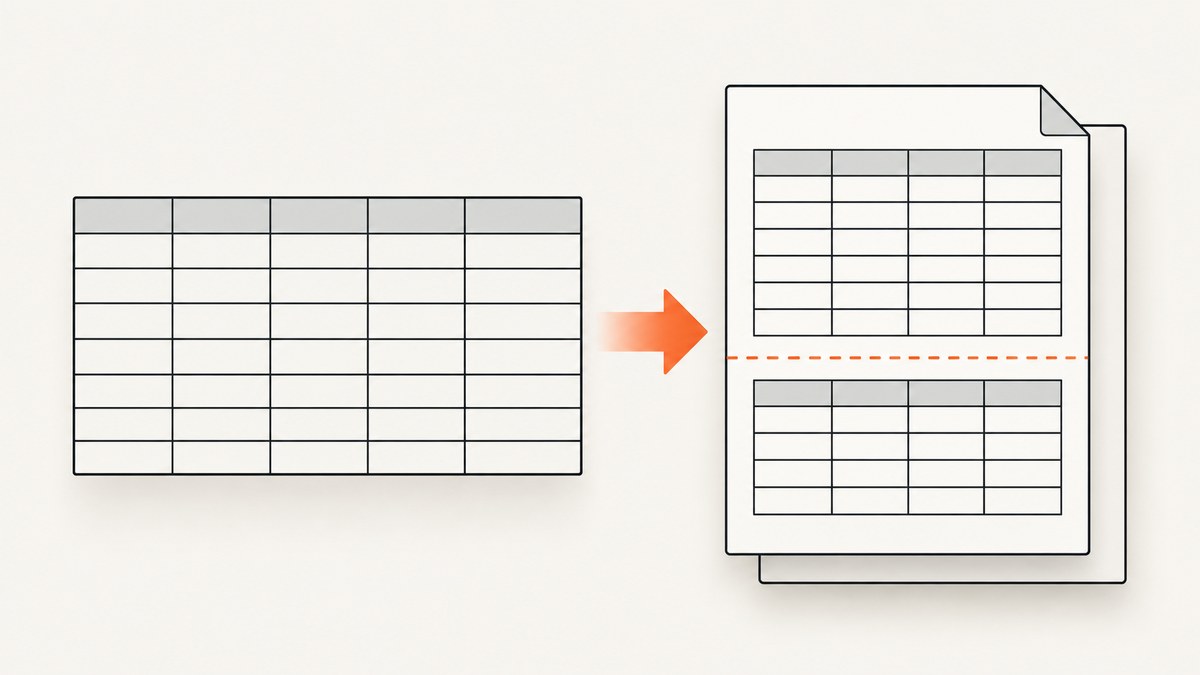
To show table borders in a wkhtmltopdf PDF, declare a visible border on the table cells themselves and choose the table border model explicitly:
<style>
table {
  width: 100%;
  border-collapse: collapse;
}
th,
td {
  border: 1px solid #333;
  padding: 6px 8px;
}
</style>
This is the dependable starting point for ordinary tables. If the border works on a short table but disappears, moves, or changes when the table crosses a page boundary, the problem is also related to pagination, repeated headers, row splitting, or surrounding layout. wkhtmltopdf issue reports document these symptoms for particular documents and builds; they are useful diagnostic evidence, not a universal rule for every installation.
1. Minimal working HTML and conversion command
Save this as table.html:
<!doctype html>
<html>
<head>
  <meta charset="utf-8">
  <style>
    @page { size: A4; margin: 16mm; }
    body { font-family: Arial, sans-serif; color: #222; }
    table {
      width: 100%;
      border-collapse: collapse;
      border: 1px solid #333;
    }
    th, td {
      border: 1px solid #333;
      padding: 7px 9px;
      text-align: left;
      vertical-align: top;
    }
    th { background: #eee; }
  </style>
</head>
<body>
  <h1>Invoice items</h1>
  <table>
    <thead>
      <tr><th>Item</th><th>Quantity</th><th>Amount</th></tr>
    </thead>
    <tbody>
      <tr><td>Design</td><td>1</td><td>$400</td></tr>
      <tr><td>Development</td><td>12</td><td>$2,400</td></tr>
    </tbody>
  </table>
</body>
</html>
Convert it with:
wkhtmltopdf --print-media-type table.html table.pdfUse --enable-local-file-access when your document loads local stylesheets, images, or fonts:
wkhtmltopdf --enable-local-file-access --print-media-type table.html table.pdfKeep the table, row, and cell elements in the generated HTML. A common failure is editing a source template while the converter receives a different or incomplete HTML file.
2. Why explicit borders matter
CSS has separate border declarations for the table box and for each cell. With border-collapse: collapse, adjacent borders are combined into a shared edge. The CSS 2.2 table model explains that the collapsed border is resolved by considering the borders of cells that collapse with the table border. See the CSS 2.2 tables specification.
Declare the style on th and td instead of relying on a browser default:
table { border-collapse: collapse; }
th, td { border: 1px solid #555; }
Set all three visible properties when debugging: width, style, and color. A declaration such as border-color without a non-none style may produce no line. A very light color can also look absent in a PDF viewer or on paper.
3. Choose collapsed or separated borders deliberately
Collapsed borders
table {
  border-collapse: collapse;
}
th, td {
  border: 1px solid #333;
}
Collapsed borders produce a single grid line between neighboring cells and are usually the simplest invoice or report style.
Separated borders
table {
  border-collapse: separate;
  border-spacing: 0;
  border: 1px solid #333;
}
th, td {
  border-right: 1px solid #333;
  border-bottom: 1px solid #333;
}
th:first-child, td:first-child { border-left: 1px solid #333; }
tr:first-child th, tr:first-child td { border-top: 1px solid #333; }
Separated borders let you control gaps with border-spacing, but require more edge rules. Do not mix a large border-spacing value with a design that expects a continuous grid.
4. Handle tables that span pages
A border that fails only after a page break needs a pagination investigation. “Top line of table disappears after page break” is the title of wkhtmltopdf issue #3808, which reports a missing line for a particular long-table input. Another report, issue #2486, describes page-break-inside, row movement, side-border extension, and repeated-header artifacts in wkhtmltopdf 0.12.2.4 with patched Qt on Windows 7 SP1.
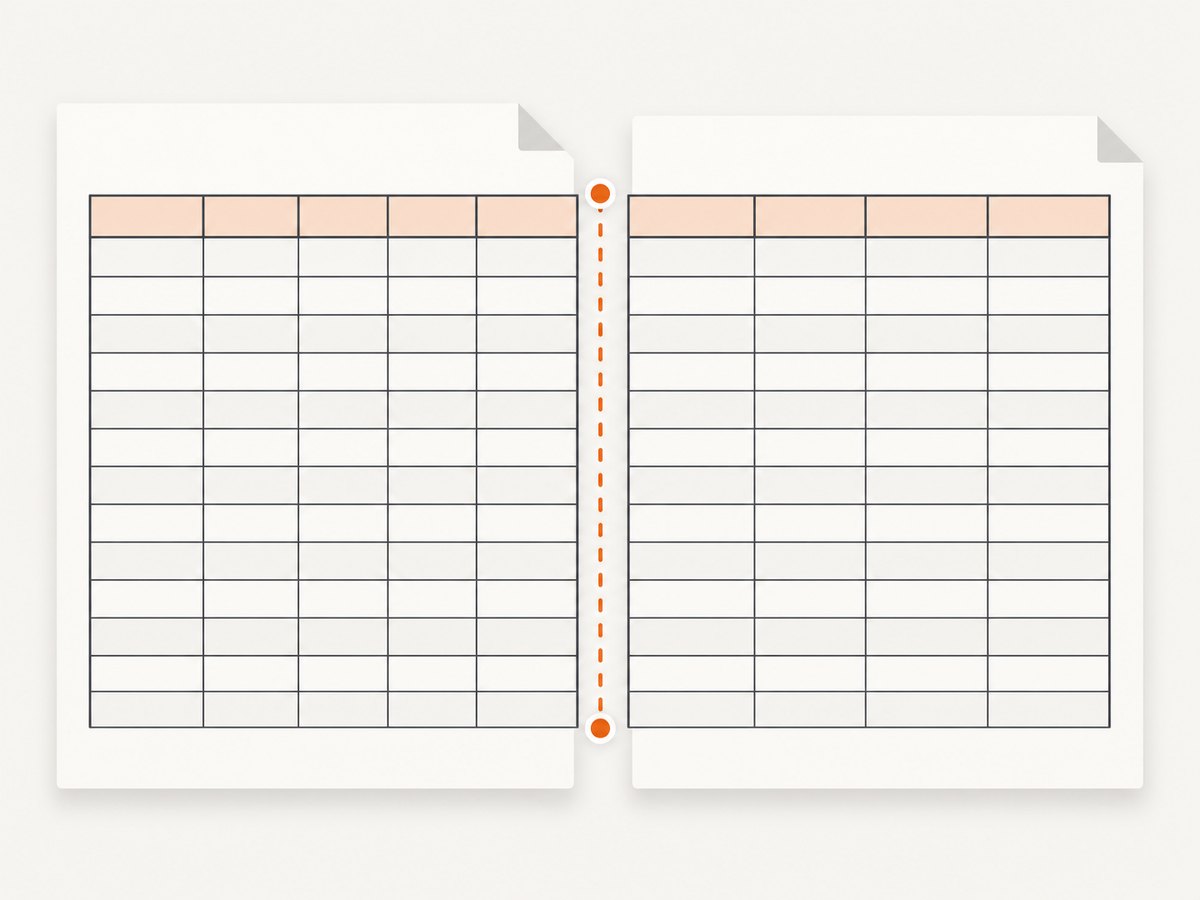
Start with a controlled comparison:
- Render a two-row table that fits on one page.
- Render the same markup with enough rows to cross a page boundary.
- Keep the CSS identical and compare the first row on the new page.
- Remove pagination rules temporarily, then add them back one at a time.
Use a real table header so the converter can repeat it:
<thead>
  <tr><th>Product</th><th>Status</th></tr>
</thead>
You can request header repetition with:
thead { display: table-header-group; }For rows that should stay together, try:
tr { page-break-inside: avoid; }Use this as a diagnostic and design preference, not a guaranteed repair. A very tall row cannot fit on one page and must be split or moved. Avoid putting an entire large table inside a wrapper with page-break-inside: avoid; that can force awkward blank space or unexpected movement.
If a repeated header overlaps content, test a plain table without a responsive wrapper, flex parent, or nested overflow container. Issue #1524 contains case-specific reports involving wrappers, flex containers, and repeated table headers. Treat those comments as leads to test in your document, not compatibility guarantees.
5. A production-oriented stylesheet
@page {
  size: A4;
  margin: 14mm 12mm 16mm;
}

body {
  margin: 0;
  font-family: Arial, sans-serif;
  font-size: 10pt;
}

table.report {
  width: 100%;
  border: 1px solid #222;
  border-collapse: collapse;
  table-layout: fixed;
}

.report thead {
  display: table-header-group;
}

.report tfoot {
  display: table-footer-group;
}

.report tr {
  page-break-inside: avoid;
}

.report th,
.report td {
  border: 1px solid #222;
  padding: 5pt 6pt;
  vertical-align: top;
  overflow-wrap: break-word;
}

.report th {
  background: #f0f0f0;
  font-weight: bold;
}

.report .amount {
  text-align: right;
  white-space: nowrap;
}
table-layout: fixed makes column widths more predictable. Give columns explicit widths when a narrow amount column or long URL causes reflow:
<colgroup>
  <col style="width: 55%">
  <col style="width: 20%">
  <col style="width: 25%">
</colgroup>
6. Converter settings that affect the result
The official wkhtmltopdf settings documentation lists options for backgrounds, images, JavaScript, media type, and intelligent shrinking. These settings are not dedicated table-border fixes, but they can make the PDF differ from the browser preview:
| Setting | Use when | Example |
|---|---|---|
| Print backgrounds | Header fill or shaded cells are missing | --background |
| Load images | Images affect row height or are absent | --images |
| JavaScript | Rows are inserted by client-side code | --enable-javascript |
| Media type | Your CSS uses print-specific rules | --print-media-type |
| Intelligent shrinking | Columns unexpectedly scale to fit | Compare output with and without the relevant zoom/shrink options |
Do not change several settings at once. Record the exact command, wkhtmltopdf version, operating system, and whether your binary uses patched Qt.
7. Troubleshooting checklist
No borders anywhere
- Inspect the generated HTML and confirm the stylesheet is present.
- Set
border: 1px solid #333directly onth, td. - Check for a later rule such as
border: 0orborder-style: none. - Verify you are opening the newly generated PDF, not a cached file.
Only the outer border appears
The cells probably have no border declaration. Add the rule to both th and td; a table border alone does not create an internal grid.
Lines are too faint
Use a darker color and a one-pixel or one-point width. Check the PDF at 100% zoom and print a sample because anti-aliasing can make hairlines hard to see.
Top border disappears on the next page
Compare the one-page and multi-page versions. Test border-collapse: separate with explicit spacing, then test a simplified table without wrappers or page-break rules. Review issue #3808 for a similar reported symptom.
Rows overlap or headers repeat incorrectly
Remove flex and overflow wrappers, use semantic thead, and test thead { display: table-header-group; }. Check your version against the historical behavior described in issue #2486 and issue #1524.
CSS works in Chrome but not wkhtmltopdf
wkhtmltopdf uses an older WebKit engine. Replace modern layout dependencies with simple table, block, and float layouts for the PDF stylesheet. Keep a dedicated @media print section and invoke --print-media-type.
Local CSS or fonts are ignored
Use absolute paths or URLs and add --enable-local-file-access for local resources. Confirm file permissions and inspect converter stderr.
8. Reliability and performance practices
- Keep HTML deterministic. Inline critical table CSS or serve it from a stable URL.
- Reduce layout complexity. Nested flex containers, JavaScript-generated rows, and huge images increase pagination surprises.
- Control long content. Set column widths, allow long words to wrap, and avoid unbreakable strings.
- Validate representative data. Test an empty table, one-row table, long-cell table, and a table crossing several pages.
- Pin the converter build. Version and patched-Qt differences matter when reproducing an issue.
- Capture diagnostics. Store the input HTML, CSS, command line, stderr, output PDF, platform, and converter version for each failure.
Rendering time usually grows with page count, image loading, JavaScript, and remote resources. Disable unnecessary JavaScript and images for reports that do not need them. A stable local stylesheet also avoids network delays.
9. Or skip the browser setup
If your goal is a clean screenshot or PDF of a rendered page rather than maintaining a wkhtmltopdf runtime, ScreenshotNeo provides a single HTTP request. Its capture pipeline accepts cookie and consent banners like a visitor, then removes more than 60 known consent platforms along with newsletter popups and chat widgets before the shot. Bot checks, blank pages, timeouts, failed loads, and cache hits are not billed, and response headers identify the page verdict and billing status.

See the ScreenshotNeo API documentation for all options, including PDF paper size, margins, landscape mode, page ranges, custom CSS and JavaScript, waiting rules, request blocking, headers, cookies, authentication, viewport and device presets, and full-page capture.
cURL
curl -G "https://api.screenshotneo.com/v1/shot" \
  -d access_key=YOUR_API_KEY \
  --data-urlencode url=https://stripe.com \
  -o shot.webp
Python
import requests

r = requests.get(
    "https://api.screenshotneo.com/v1/shot",
    params={"access_key": "YOUR_API_KEY", "url": "https://stripe.com"},
    timeout=90,
)
r.raise_for_status()
open("shot.webp", "wb").write(r.content)
Node.js
const q = new URLSearchParams({
  access_key: 'YOUR_API_KEY',
  url: 'https://stripe.com'
});
const res = await fetch(`https://api.screenshotneo.com/v1/shot?${q}`);
if (!res.ok) throw new Error(`HTTP ${res.status}`);
const data = Buffer.from(await res.arrayBuffer());
require('fs').writeFileSync('shot.webp', data);
ScreenshotNeo also offers an MCP server with take_screenshot, get_page_info, and capture_pdf tools for Claude, Cursor, and other MCP clients. The Free plan includes 1,000 shots per month with no card; paid plans start at $5 for 3,000 shots, and every feature is available on every plan. Create a free ScreenshotNeo account.
10. FAQ
Should I use border-collapse: collapse?
Usually yes for a continuous grid. Use separated borders when you need deliberate gaps or independent edge styling.
Does page-break-inside: avoid fix missing borders?
It can change where rows are placed, but issue reports show pagination artifacts can remain. Treat it as one controlled experiment.
Why does the browser preview differ?
wkhtmltopdf uses a different rendering engine and converter settings. Test with print media, local-resource access, and the exact production binary.
Can a very tall row stay intact?
No. If its content exceeds the available page area, it must be split or moved. Shorten the content, change the layout, or accept a split.
What information should I include in a bug report?
Include the smallest HTML/CSS reproducer, PDF, command, wkhtmltopdf version, patched-Qt status, operating system, and whether the failure occurs only across page boundaries.


