How to Display Background Gradients in Table Cells with wkhtmltopdf
Make table-cell gradients render in wkhtmltopdf with the right background, media, CSS fallback, and troubleshooting steps.
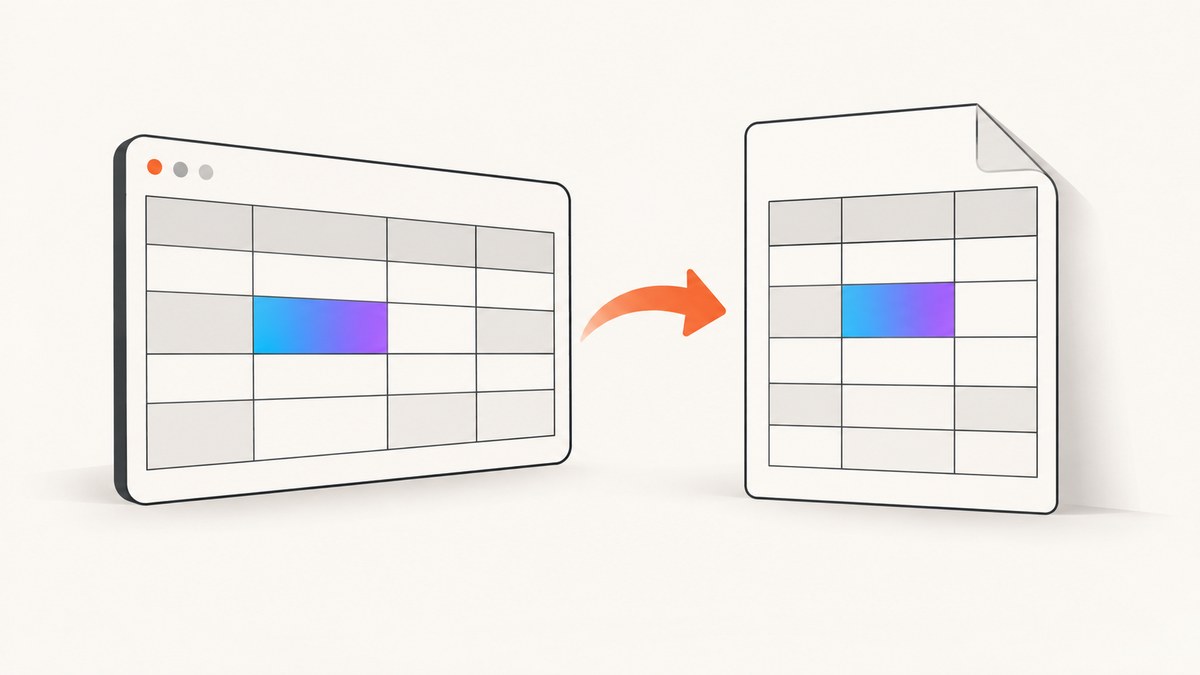
Direct answer: wkhtmltopdf can print table-cell background gradients when background printing is enabled and the CSS is available in the media mode you render. Start with --background (it is documented as the default), avoid --no-background, and use --print-media-type only when the gradient rules are inside @media print. Because wkhtmltopdf uses an older Qt WebKit engine, keep a solid-color fallback and, when necessary, add the legacy -webkit-gradient() syntax.
1. Minimal working example
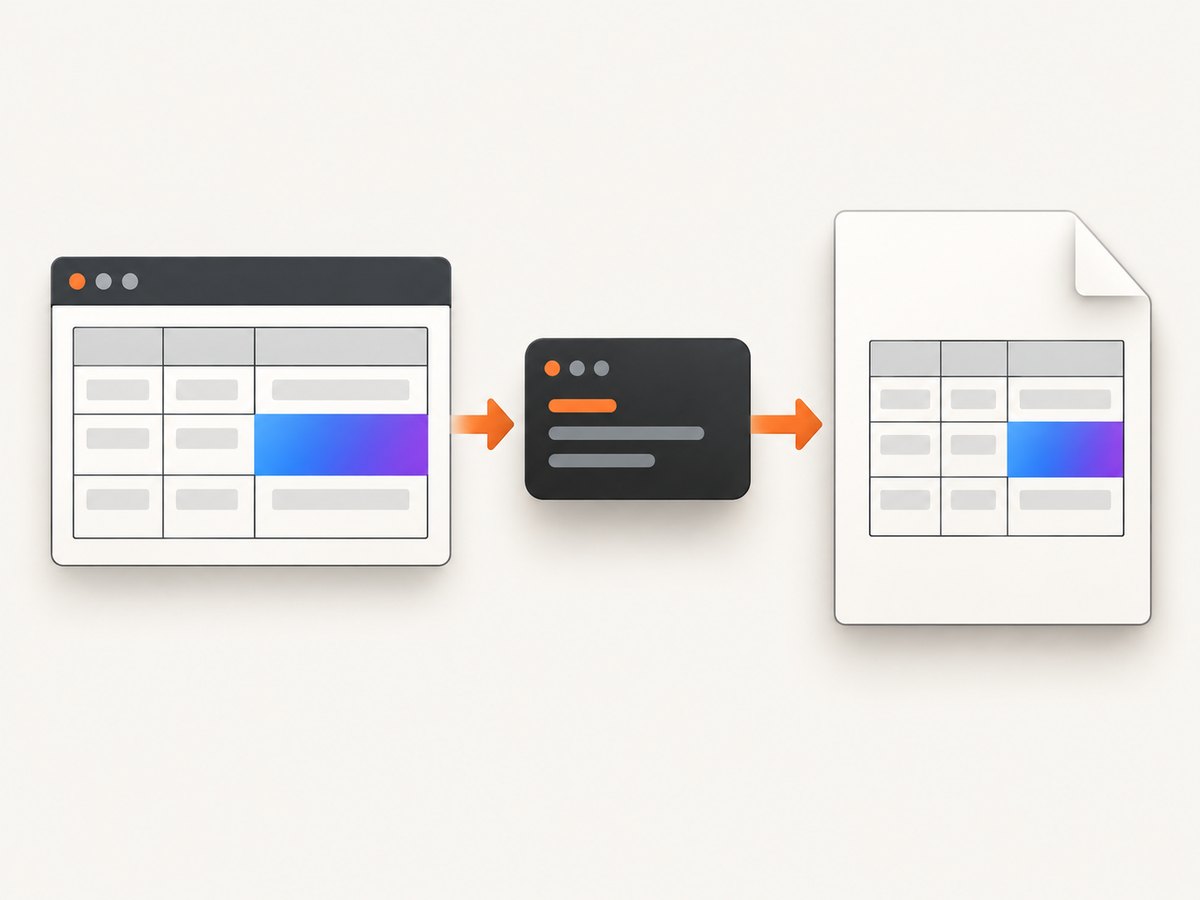
Create a small HTML file first. A minimal reproduction makes it easier to distinguish a CSS problem from a wkhtmltopdf version, packaging, or resource-loading problem.
<!doctype html>
<html>
<head>
  <meta charset="utf-8">
  <style>
    table {
      border-collapse: collapse;
      width: 100%;
      font-family: Arial, sans-serif;
    }
    td {
      border: 1px solid #444;
      padding: 18px;
      color: #fff;
    }
    td.gradient-cell {
      /* Reliable fallback for engines that do not paint the gradient. */
      background: #dddddd;
      background: -webkit-gradient(
        linear,
        center top,
        center bottom,
        from(#dddddd),
        to(#777777)
      );
    }
  </style>
</head>
<body>
  <table>
    <tr>
      <td class="gradient-cell">Gradient table cell</td>
      <td>Regular cell</td>
    </tr>
  </table>
</body>
</html>
Render it with:
wkhtmltopdf --background input.html output.pdfThe wkhtmltopdf command-line documentation describes --background as the switch that prints backgrounds and --no-background as the switch that suppresses them. Explicitly passing --background records your intent even though background printing is documented as the default. See the wkhtmltopdf usage documentation.
2. Choose the correct CSS media mode
CSS can be restricted to screen or print media. By default, wkhtmltopdf normally evaluates screen styles. The --print-media-type option tells it to use print media instead.
<style>
  /* Used when screen media is selected */
  td.gradient-cell { background: #4477aa; }

  @media print {
    td.gradient-cell {
      background: #dddddd;
      background: -webkit-gradient(
        linear, center top, center bottom,
        from(#dddddd), to(#777777)
      );
    }
  }
</style>
For the print-only rule above, run:
wkhtmltopdf --background --print-media-type input.html output.pdfIf your gradient is in ordinary, non-media CSS, compare output with and without --print-media-type. Selecting print media does not add support for CSS that the Qt WebKit engine cannot parse; it only changes which media rules are selected. The library equivalent is load.printMediaType=true. The library page-settings reference documents both web.background and load.printMediaType: wkhtmltox page settings.
3. CSS patterns that work best with Qt WebKit
Use a solid fallback first
Put a plain color before the gradient declaration. If the renderer ignores the gradient, the cell still has a deliberate background.
td.status {
  background: #2f6f9f;
  background: -webkit-gradient(
    linear,
    left top,
    left bottom,
    from(#66b3e8),
    to(#1d4568)
  );
}
The legacy syntax shown above comes from a Qt WebKit compatibility guide. It is a compatibility lead, not a guarantee for every wkhtmltopdf binary. A modern declaration such as linear-gradient() may work in some builds, but the older engine is less predictable than current browser engines.
Keep the test self-contained
For diagnosis, inline the CSS and use a local HTML file. Remove web fonts, external stylesheets, JavaScript, and remote images until the cell itself renders. Once the basic gradient works, add resources back one at a time.
Use table-cell backgrounds, not pseudo-elements
Prefer td { background: ... } or a class on the cell. Generated content, positioned overlays, and complex stacking contexts can expose additional Qt WebKit limitations and make a simple background failure harder to identify.
4. Library and server-side configuration
If you call wkhtmltopdf through a language binding, set the page or web setting that corresponds to the command-line switch:
// Conceptual settings for a wkhtmltox binding
web.background = true;
load.printMediaType = true; // only when the CSS is under @media print
Exact property names vary by binding, but the underlying wkhtmltox settings are web.background and load.printMediaType. Confirm that your wrapper actually forwards them to the native library. A common failure is setting an option on a document object while the binding expects it on a page or global configuration object.
5. A diagnostic sequence that isolates the cause
- Record the renderer. Run
wkhtmltopdf --versionand note the operating system, package source, and whether the build uses patched Qt. - Check for suppression. Remove
--no-backgroundand add--backgroundexplicitly. - Check media rules. If the gradient is under
@media print, add--print-media-type. If it is ordinary CSS, test without that option too. - Reduce the document. Render one table, one row, one gradient cell, and inline CSS.
- Test the fallback. Replace the gradient with a solid color. If the solid color fails, the problem is not gradient syntax.
- Try legacy syntax. Keep the solid color and add the Qt WebKit
-webkit-gradientdeclaration. - Restore resources gradually. Reintroduce external CSS, images, fonts, and scripts separately.
- Compare builds. If a minimal case still fails, test the same file with another wkhtmltopdf package or a renderer with a current browser engine.
6. Troubleshooting common failures
| Symptom | Likely cause | Fix |
|---|---|---|
| Cell is completely white | --no-background is active, or web.background is false |
Remove the disabling option and pass --background; set web.background=true in a library. |
| Solid color works but gradient does not | The Qt WebKit build does not support the gradient form used | Keep the solid fallback and try the legacy -webkit-gradient syntax. |
| Screen rule works, print rule does not | Print media was not selected | Use --print-media-type or load.printMediaType=true. |
| Print rule works, screen rule disappears | --print-media-type selected a different rule set |
Move shared styles outside media blocks or provide an explicit print rule. |
| Images or other backgrounds vanish with print media | Resource loading can vary by version and setup | Test a local resource and a remote resource separately; record the exact version. Issue reports describe this behavior in particular 0.12.5 and 0.12.6 patched-Qt setups, but they are not universal compatibility rules. |
| Only some cells render | CSS specificity or a later rule overrides the background | Inspect computed order, remove competing rules, and place the fallback and gradient declarations together. |
| Output differs between machines | Different binaries, Qt patches, fonts, or sandbox/network policies | Pin the binary and OS image, include fonts locally, and compare a minimal fixture in CI. |
7. Edge cases to account for
- Collapsed borders: With
border-collapse: collapse, the visible border can make a gradient appear clipped. Test with separate borders while diagnosing. - Transparent cells: A transparent cell reveals the row or table background. Set an explicit cell background when the gradient must be visible.
- Long content: A row split across pages can make the visual result look inconsistent. Test short content first, then check page-break behavior.
- Remote stylesheets: Missing network access, TLS differences, or blocked requests can remove the declaration entirely. Inline a known-good copy for diagnosis.
- JavaScript-generated classes: Wait for scripts only after the static case works. A missing class is often mistaken for a rendering bug.
- Color management: PDF viewers can display colors differently. Compare the generated PDF in more than one viewer before changing CSS.
8. Performance, reliability, and maintenance
A one-cell inline test is fast and deterministic. Production documents become less predictable as they add remote assets, JavaScript, large tables, and repeated page breaks. Keep CSS small, serve assets locally when possible, and set an application timeout around the wkhtmltopdf process. Capture the command, version, input hash, and exit status in logs so a rendering change can be reproduced.
Do not treat a successful process exit as proof that every resource loaded. Inspect the PDF visually or use a PDF validation step appropriate to your pipeline. When upgrading a package, rerun the minimal gradient fixture and a representative document because Qt WebKit behavior can differ across builds.
Cost is usually dominated by CPU time, memory, and the infrastructure running the process. Reducing page size, external requests, and unnecessary JavaScript lowers latency and resource use. If you need a maintained capture service instead of managing a browser binary, ScreenshotNeo can return screenshots or PDFs through one API request. It removes consent banners, newsletter popups, and chat widgets before capture, and failed loads, blank pages, bot checks, and cache hits are not billed.
9. Or skip the browser setup
For a hosted capture workflow, ScreenshotNeo provides a website screenshot API and MCP server. It can produce PNG, JPEG, WebP, or PDF output and exposes capture controls such as full-page mode, viewport and device presets, custom CSS, JavaScript, waiting conditions, headers, cookies, resource blocking, caching, signed links, asynchronous jobs, and bulk capture. See the ScreenshotNeo API documentation for the option names.
curl -G "https://api.screenshotneo.com/v1/shot" -d access_key=YOUR_API_KEY --data-urlencode url=https://stripe.com -o shot.webpimport requests
r = requests.get("https://api.screenshotneo.com/v1/shot", params={"access_key": "YOUR_API_KEY", "url": "https://stripe.com"}, timeout=90)
open("shot.webp", "wb").write(r.content)const q = new URLSearchParams({ access_key: 'YOUR_API_KEY', url: 'https://stripe.com' });
const res = await fetch(`https://api.screenshotneo.com/v1/shot?${q}`);Cookie banners, popups, and chat widgets are removed before the shot. Bot checks, blank pages, and failed loads are never billed, and response headers identify the page verdict and billing status. Its MCP server lets Claude, Cursor, and other MCP clients call take_screenshot, get_page_info, and capture_pdf. The free plan includes 1,000 screenshots per month with no card; paid plans start at $5 for 3,000. Create a free ScreenshotNeo account.
10. FAQ
Is --background required?
It is documented as the default, but passing it explicitly prevents an inherited --no-background setting from hiding the intent.
Will --print-media-type fix unsupported gradients?
No. It changes media selection. It cannot add CSS support to the Qt WebKit renderer.
Should I remove the solid fallback after the gradient works?
No. Keep it so older or different binaries still produce a usable cell background.
Why test a minimal table?
It separates CSS syntax and media selection from unrelated failures such as remote assets, JavaScript timing, fonts, or package differences.
When should I use another renderer?
If a minimal, self-contained case fails across the wkhtmltopdf builds you support, evaluate an HTML-to-PDF renderer with a current browser engine and compare the output against your requirements.


