How to Run Wkhtmltopdf on Ubuntu Without an X Server
Run wkhtmltopdf headlessly on Ubuntu by matching the binary to your release, or use Xvfb when a virtual display is acceptable.
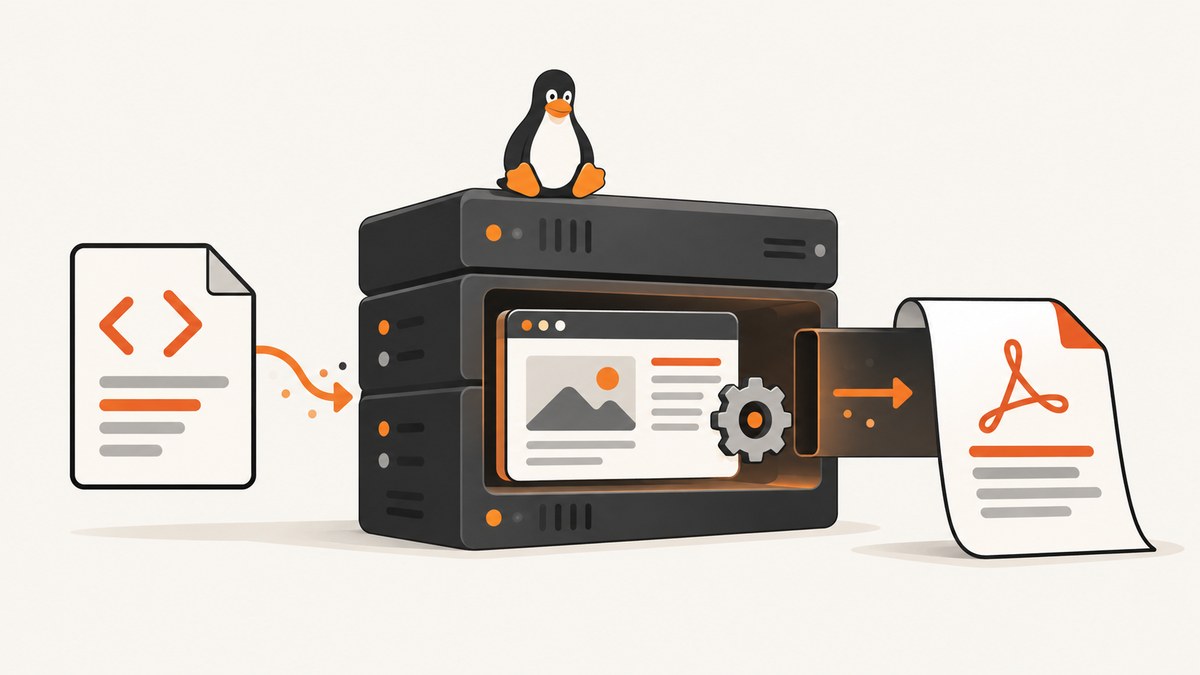
Short answer: wkhtmltopdf can run without a display when you use a build compiled with the patched Qt features that provide headless operation. Ubuntu packages are not identical across releases, however. Some distro builds depend on an X server interface, and Ubuntu may recommend xvfb, a virtual framebuffer X server. Identify your Ubuntu release, architecture, package version, and actual binary before choosing a path.
The phrase “without an X server” describes two different setups:
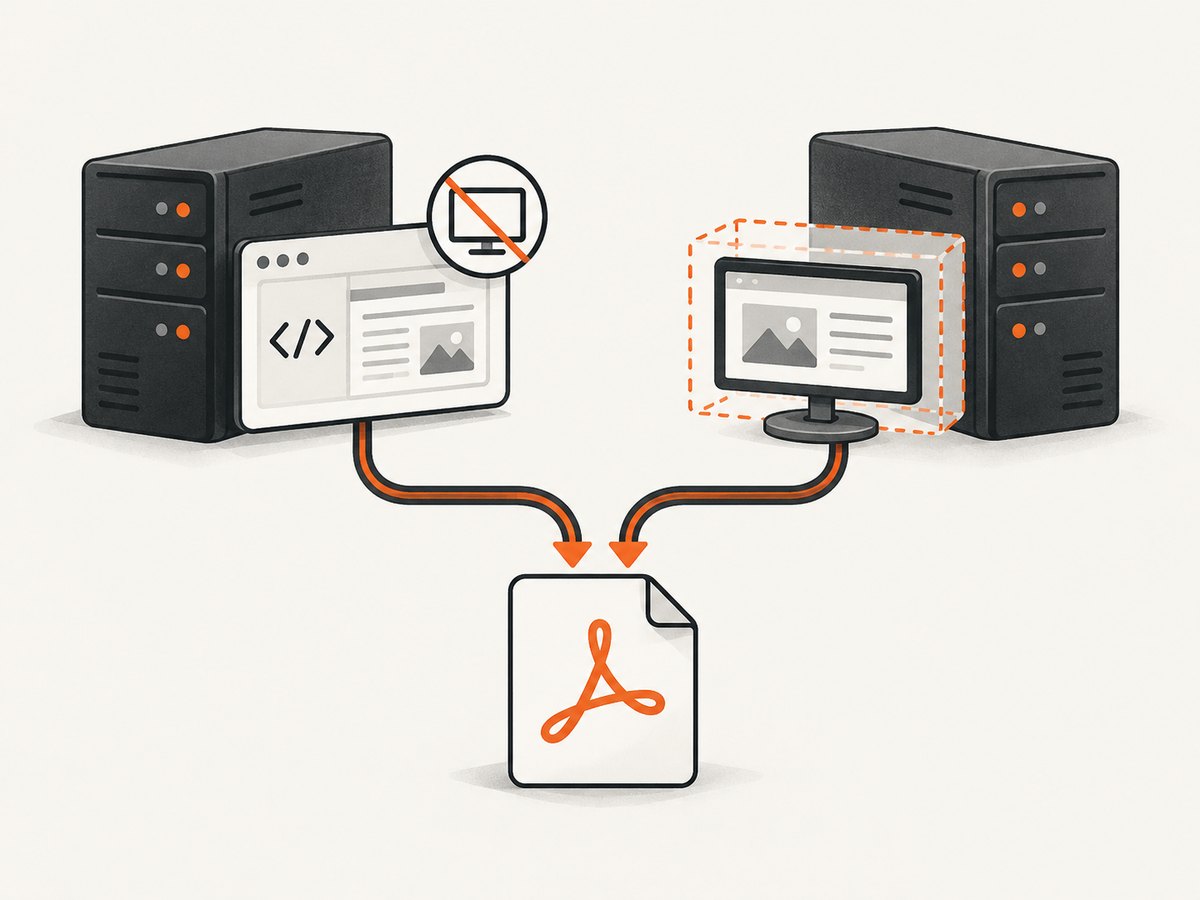
- No X server at all: use a wkhtmltopdf build whose documentation confirms patched-Qt headless support.
- No physical display: run the Ubuntu build under Xvfb. This is headless from an operations perspective, but Xvfb is still an X server.
The upstream project describes wkhtmltopdf and wkhtmltoimage as running entirely headless, without a display or display service. Ubuntu’s package records and manuals show why you must still check the exact build: Noble and Jammy package metadata recommends an xserver provider, while the Focal manual documents a build compiled against Qt without wkhtmltopdf’s patches and says that it cannot run without X11. See the official wkhtmltopdf project and the Ubuntu Noble package record for the upstream and release-specific context.
1. Identify the Ubuntu release and wkhtmltopdf binary
Do this before changing packages. A server can have several binaries in its path, a locally copied upstream binary, or a distro package that differs from the one described in an online tutorial.
cat /etc/os-release
uname -m
command -v wkhtmltopdf
readlink -f "$(command -v wkhtmltopdf)"
wkhtmltopdf --version
dpkg -S "$(command -v wkhtmltopdf)" 2>/dev/null || true
dpkg -l wkhtmltopdf 2>/dev/null || true
Record the Ubuntu codename (for example, focal, jammy, or noble), CPU architecture, package version, and whether the executable came from APT or an upstream download. Do not assume that a command copied from another release has the same Qt patches or dependencies.
| Check | Why it matters |
|---|---|
| Ubuntu release | Package versions, dependencies, and manuals vary by release. |
| Architecture | A binary built for another architecture will not run, even if its version looks right. |
wkhtmltopdf --version |
Shows the executable that is actually being invoked. |
| Package ownership | Distinguishes an Ubuntu build from a manually installed upstream binary. |
| Qt patch status | The patched Qt build supplies features, including operation without an X11 server, that an unpatched build may lack. |
2. Choose a genuinely X-free build
For a server with no X server installed, choose an upstream or distribution build whose documentation explicitly confirms patched-Qt headless support for your version and architecture. The upstream project provides precompiled binaries and source-build information. Its packaging repository explains the additional functionality supplied by patched Qt, but that repository is archived, so treat it as historical packaging documentation rather than a current support guarantee.
- Find the official release asset or package for your architecture.
- Verify its provenance and checksum using the current official release instructions.
- Install it in an isolated location or through your normal package-management process.
- Run
wkhtmltopdf --versionusing the absolute path to confirm that this is the binary your service will execute. - Generate a small PDF as a smoke test before putting it behind a queue or web endpoint.
printf '%s\n' '<!doctype html><html><body><h1>Headless test</h1></body></html>' > /tmp/wkhtml-test.html
/usr/local/bin/wkhtmltopdf /tmp/wkhtml-test.html /tmp/wkhtml-test.pdf
file /tmp/wkhtml-test.pdf
The path above intentionally uses an absolute executable path. Replace it with the verified path on your machine. If it exits with an error mentioning a display or X11 connection, the selected build is not operating X-free in that environment; switch to a documented patched-Qt build or use the Xvfb path below.
3. Use Xvfb when a virtual X server is acceptable
Ubuntu’s Noble package record lists xvfb as a provider for the recommended xserver virtual package. Xvfb creates a virtual framebuffer and does not require a physical monitor, but it remains an X server. This is often the practical choice when an existing Ubuntu package depends on X11 behavior.
sudo apt update
sudo apt install xvfb
xvfb-run --auto-servernum --server-args='-screen 0 1280x1024x24' \
  wkhtmltopdf https://example.com /tmp/example.pdf
Check the package candidate for your release before installing wkhtmltopdf itself. Noble lists version 0.12.6-2build2; Jammy lists 0.12.6-2; Focal’s manual describes 0.12.5-1ubuntu0.1 and its unpatched-Qt limitation. Those identifiers are release-specific evidence, not a promise that a future image has the same package.
For a service, wrap the command in a small script so every invocation gets the same display settings and timeout policy:
#!/usr/bin/env bash
set -euo pipefail

input="$1"
output="$2"

exec xvfb-run --auto-servernum \
  --server-args='-screen 0 1600x1200x24' \
  timeout 90s \
  /usr/bin/wkhtmltopdf \
    --quiet \
    "$input" "$output"
Keep the input and output paths in a private working directory. Capture stdout and stderr in your job logs, and treat a timeout or nonzero exit status as a failed conversion.
4. Rendering options that affect headless jobs
Headless execution only answers how a display is provided. It does not make HTML rendering deterministic. Review these settings for each workload:
| Concern | Operational guidance |
|---|---|
| JavaScript | wkhtmltopdf uses Qt WebKit. Pages that depend on modern JavaScript APIs or client-side data may render incompletely. |
| Network access | Fonts, images, stylesheets, and scripts must be reachable from the server. Restrictive egress rules can create blank or partial PDFs. |
| Fonts | Install the fonts required by the document and confirm fontconfig can see them. Missing fonts change line wrapping and pagination. |
| Pagination | Use CSS page-break rules and stable content dimensions. Dynamic content can shift page boundaries between runs. |
| Headers and footers | Test them with the exact binary and options used in production; behavior can vary with the Qt build. |
| Locale and timezone | Set them at the process or container level when dates, numbers, or time-based templates appear in the output. |
| Timeouts | Use an outer process timeout. A browser process waiting on a remote resource should not hold a worker indefinitely. |
5. Security when converting HTML
The wkhtmltopdf maintainer warns: “Do not use wkhtmltopdf with any untrusted HTML.” User-supplied HTML and JavaScript can lead to complete server takeover. Headless mode is not a security boundary.
For untrusted input:
- Sanitize HTML and remove active content that is not required.
- Run conversion as a dedicated unprivileged user.
- Use a restricted filesystem and temporary directory.
- Limit outbound network access and block access to internal services.
- Consider AppArmor or SELinux confinement.
- Apply CPU, memory, process, and wall-clock limits.
- Never pass unsanitized user input through a shell command.
6. Troubleshooting common errors
“QXcbConnection: Could not connect to display”
Cause: the binary expects X11, but DISPLAY is unset or points to an unavailable server.
Fix: run it through xvfb-run, or replace it with a build whose patched Qt documentation confirms X-free operation. Setting DISPLAY=:0 alone does not create a display.
“wkhtmltopdf: cannot connect to X server”
Cause: the executable is an unpatched-Qt build or an Ubuntu package that requires the X server interface.
Fix: verify wkhtmltopdf --version and package ownership. Use Xvfb for that binary or install a verified headless-capable build.
The command works over SSH but fails in a service
Cause: your interactive shell has environment variables, fonts, permissions, or a display that the service account lacks.
Fix: use absolute paths, set a known HOME and locale for the service, run under the same account in a staging job, and use xvfb-run explicitly when required.
Blank or partially rendered pages
Cause: blocked network requests, JavaScript that Qt WebKit cannot execute, resources that load after conversion starts, or missing fonts.
Fix: fetch the HTML and required assets from the server, inspect stderr, test with a static fixture, and decide whether the workload needs a JavaScript-capable tool such as Puppeteer.
Different page breaks on repeated runs
Cause: remote content, changing fonts, timestamps, or asynchronous scripts.
Fix: make inputs deterministic, bundle assets where possible, pin fonts, and avoid relying on content that changes during conversion.
7. Performance, reliability, and cost decisions
For small batches, a direct process is simple. For sustained traffic, use a worker queue and cap concurrency. Each conversion creates a heavyweight rendering process; too many parallel jobs can exhaust memory or file descriptors. Measure your own workload because the reviewed sources do not provide a benchmark.
- Reuse a warm worker only if you can isolate temporary files and reliably terminate stuck child processes.
- Set a hard timeout shorter than your job lease so failed work can be retried.
- Cache identical source documents when the output is deterministic.
- Log the binary version, command options, exit code, duration, and output size.
- Keep a known-good HTML fixture for upgrades and release changes.
When choosing another renderer, compare JavaScript requirements, HTML/CSS fidelity, headers and footers, pagination, system dependencies, security posture, update cadence, license, and cost. The maintainer suggests WeasyPrint or commercial Prince for controlled report generation, and Puppeteer for JavaScript-heavy sites. Those are workload-specific options, not universal replacements.
8. Or skip the browser setup
If your goal is a clean screenshot or PDF of a URL rather than maintaining a wkhtmltopdf runtime, ScreenshotNeo provides a single HTTP request. Its capture service removes cookie and consent banners, newsletter popups, and chat widgets before the shot. Bot checks, blank pages, timeouts, failed loads, and cache hits are not billed, and response headers identify the page verdict and billing status. It also has an MCP server with take_screenshot, get_page_info, and capture_pdf tools for Claude, Cursor, and other MCP clients.
See the ScreenshotNeo API documentation for all options. A basic request looks like this:
curl -G "https://api.screenshotneo.com/v1/shot" \
  -d access_key=YOUR_API_KEY \
  --data-urlencode url=https://example.com \
  -o shot.webp
import requests

r = requests.get(
    "https://api.screenshotneo.com/v1/shot",
    params={"access_key": "YOUR_API_KEY", "url": "https://example.com"},
    timeout=90,
)
r.raise_for_status()
open("shot.webp", "wb").write(r.content)
const q = new URLSearchParams({
  access_key: 'YOUR_API_KEY',
  url: 'https://example.com'
});
const res = await fetch(`https://api.screenshotneo.com/v1/shot?${q}`);
if (!res.ok) throw new Error(`HTTP ${res.status}`);
const data = Buffer.from(await res.arrayBuffer());
await import('node:fs/promises').then(fs => fs.writeFile('shot.webp', data));
ScreenshotNeo supports PNG, JPEG, WebP, and PDF output, plus full-page capture with lazy images loaded, CSS-selector element capture, dark mode, device presets, custom viewports, retina scale, custom CSS and JavaScript, clicks, waits, request blocking, headers, cookies, user agents, authorization, timezone, geolocation, transparent backgrounds, resizing, caching, signed links, asynchronous jobs, webhooks, bulk capture, usage reporting, and an OpenAPI specification. Its parameter names are compatible with those used by other screenshot APIs, which can reduce migration work.
There are 1,000 free shots each month with no card. Paid plans start at $5 for 3,000 shots; yearly billing gives two months free. Create a free ScreenshotNeo account to try the API.
9. FAQ
Is Xvfb the same as running without an X server?
No. Xvfb is a virtual X server. It removes the need for a physical display, while a patched-Qt build can operate without an X11 server at all.
Can I determine headless support from the command name?
No. Two binaries named wkhtmltopdf can have different Qt patches and dependencies. Check the version, package source, release documentation, and a real conversion test.
Does adding --quiet make rendering headless?
No. It only changes logging. Display requirements come from the binary and runtime environment.
Should I use wkhtmltopdf for a React or Vue application?
Test the exact page. Qt WebKit may not support the JavaScript or browser APIs the application requires. For heavily dynamic pages, evaluate a JavaScript-capable renderer such as Puppeteer.
What is the safest way to process user HTML?
Sanitize it, isolate the converter, restrict its network and filesystem access, run it unprivileged, and enforce resource limits. Do not treat Xvfb or headless mode as a sandbox.


