How to Make wkhtmltopdf Recognize Fonts in a User Font Folder
Make wkhtmltopdf find custom fonts by checking the process environment, configuring Fontconfig, refreshing its cache, and verifying family and glyph coverage.
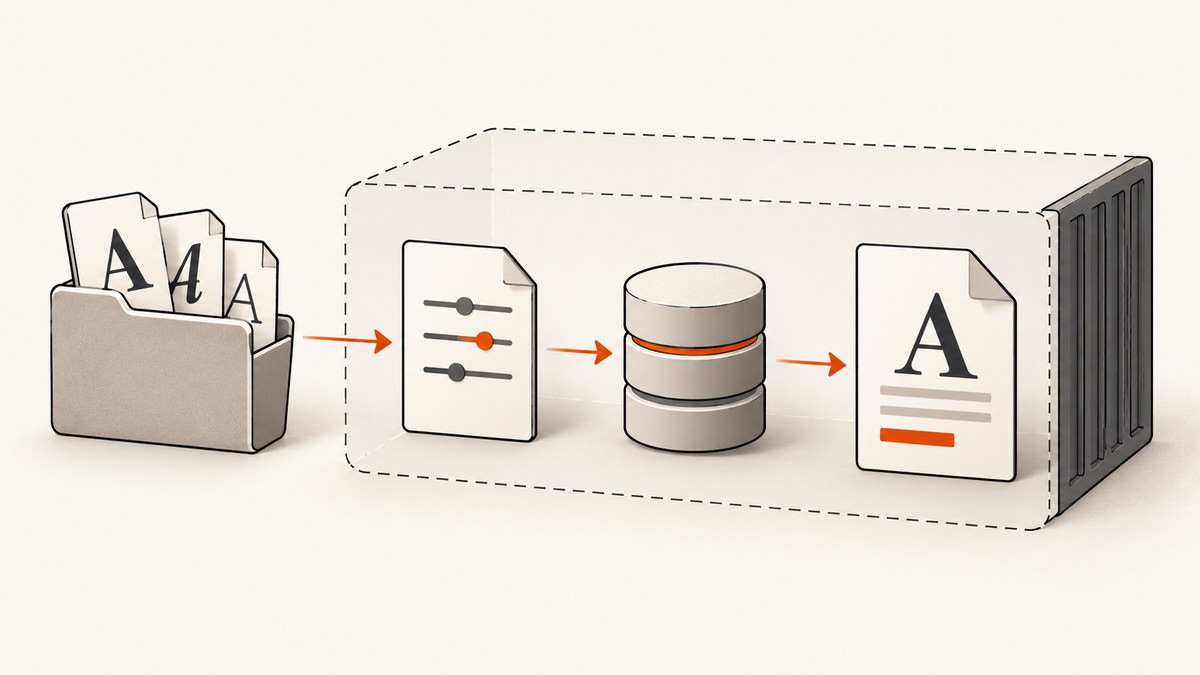
wkhtmltopdf usually finds Linux fonts through Fontconfig. To make it recognize a user font folder, configure the Fontconfig instance visible to the account and runtime that launches wkhtmltopdf, rebuild the font cache, and verify both that Fontconfig indexes the requested family and that the font contains the needed glyphs. Putting files in a folder alone does not register them.
This guide covers Linux. Exact paths and behavior depend on the distribution, Fontconfig version, wkhtmltopdf build, and whether conversion runs in a shell, service, container, or serverless bundle. The wkhtmltopdf project’s Linux deployment instructions and current Fontconfig documentation are useful references, but the project’s 0.12.6 release uses a patched Qt build, so verify your own runtime rather than assuming every modern Qt detail maps exactly to it. See the wkhtmltopdf project downloads and deployment notes, Fontconfig user documentation, and Qt font documentation.
1. Confirm which process needs the fonts
The first question is not “where did I put the font?” but “which account and environment runs the converter?” An interactive terminal may use your personal home directory, while a web service runs as www-data, a dedicated application user, or a container user. Its HOME, XDG paths, Fontconfig variables, mounts, and permissions may all differ.
Record the version and current shell context:
wkhtmltopdf --version
id
printf 'HOME=%s\nXDG_CONFIG_HOME=%s\nXDG_DATA_HOME=%s\nFONTCONFIG_FILE=%s\nFONTCONFIG_PATH=%s\n' \
  "$HOME" "$XDG_CONFIG_HOME" "$XDG_DATA_HOME" "$FONTCONFIG_FILE" "$FONTCONFIG_PATH"
Run these checks as the same account that launches the real conversion. If a service manager, container entrypoint, or serverless handler sets environment variables, inspect that configuration too. A successful check as your login user does not prove that a service can see the same files.
2. Put the font in a directory the active Fontconfig setup scans
For a per-user installation, current Fontconfig documentation describes a user configuration at $XDG_CONFIG_HOME/fontconfig/fonts.conf and a private font directory under the XDG data fonts location. If the XDG variables are unset, their standard defaults are commonly used; the actual active configuration and directories should be checked for your system. Do not assume that a legacy ~/.fonts folder or any arbitrary directory is automatically scanned.
Create the directory and place the actual font files there. For example, with default XDG locations:
mkdir -p "$HOME/.local/share/fonts"
cp /path/to/YourFont-Regular.ttf "$HOME/.local/share/fonts/"
Then create or update $XDG_CONFIG_HOME/fontconfig/fonts.conf if you need to register a nonstandard directory. If XDG_CONFIG_HOME is unset, use $HOME/.config as the usual default. The active configuration must have a <fontconfig> root and a directory entry, for example:
<fontconfig>
  <dir>/absolute/path/to/user-fonts</dir>
</fontconfig>
Use an absolute path that exists inside the converter’s runtime. Fontconfig also supports its documented XDG path conventions, such as a user data fonts directory expressed with an xdg prefix. Configuration details vary: inspect the base config before replacing it. A replacement file can omit system directories and other defaults that the distribution expects.
Per-user or service-specific configuration?
| Approach | Useful when | Check |
|---|---|---|
| Per-user XDG configuration | A stable account owns the conversions and fonts | The service uses that account’s XDG paths and can read the files |
| Service or bundled configuration | A container, serverless function, or controlled deployment needs reproducible fonts | The font files and config are packaged or mounted inside the runtime |
| System configuration | Multiple local accounts should share the same font directory | The global change is intended and preserves the distribution’s base config |
Prefer the narrowest scope that serves the deployment. A user-level change affects that user; a system configuration can affect other applications and accounts.
3. Refresh the cache and ask Fontconfig what it sees
After copying font files or changing configuration, rebuild the cache and query the family. These commands are diagnostic examples: substitute the actual directory and the family’s internal name. Run them with the same user and relevant environment as wkhtmltopdf.
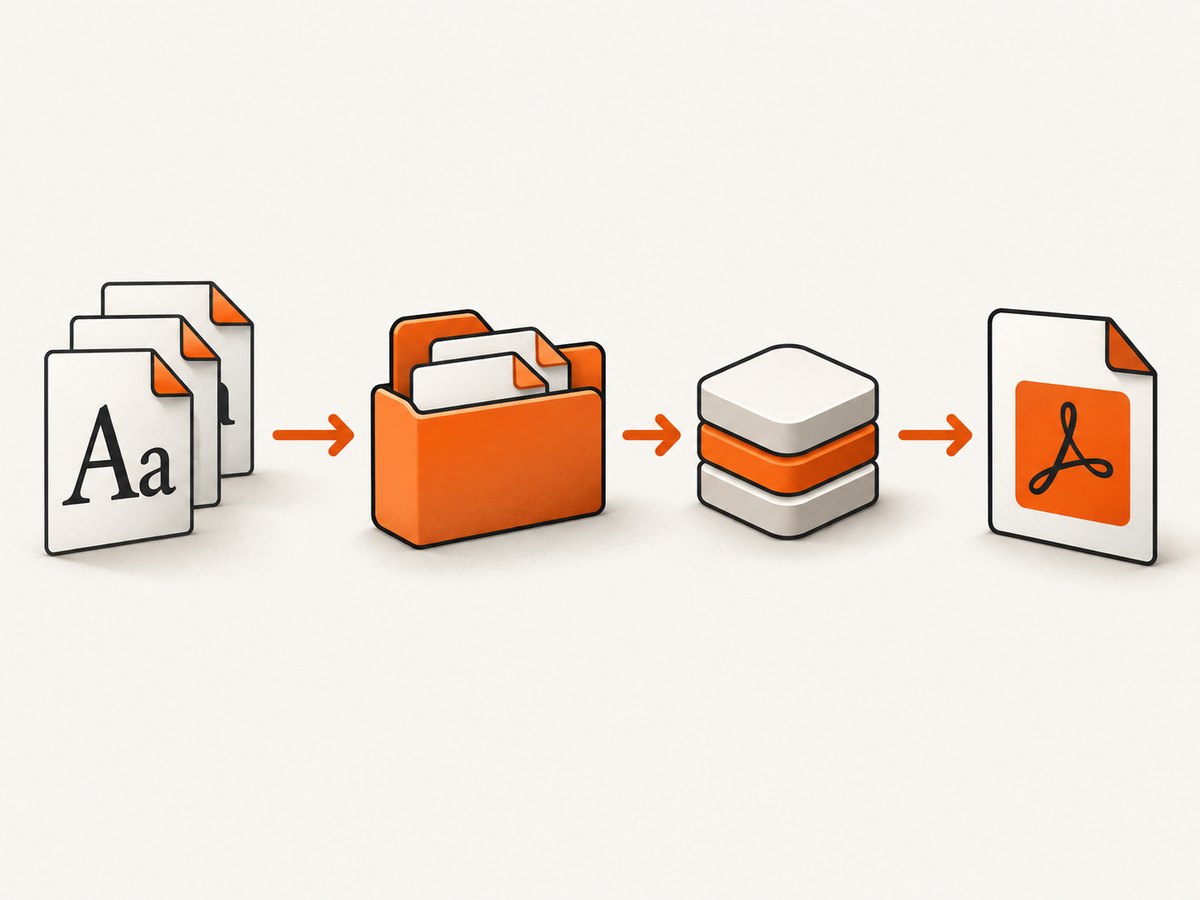
fc-cache -f -v "$HOME/.local/share/fonts"
fc-list | grep -i 'Example Family'
fc-match 'Example Family'
fc-cache scans and refreshes the cache. fc-list shows indexed faces; fc-match shows the face Fontconfig selects for a requested family. GNOME’s font installation guidance also calls for updating the cache. See GNOME system administration documentation on fonts.
If you use a custom Fontconfig file or directory, make sure the query itself loads that same configuration. Fontconfig documents FONTCONFIG_FILE and FONTCONFIG_PATH as configuration overrides. For example, set the variables in the service environment, then run the diagnostic utilities under that environment before drawing conclusions.
4. Verify that the intended face and glyphs are available
Font discovery, family matching, and character coverage are separate checks:
- Discovery: Does
fc-listshow the font file or face? - Matching: Does
fc-match 'Family Name'select the intended family and style, instead of a fallback? - Coverage: Does that face contain the characters your page needs?
CSS may request a family name that differs from the font filename. Use the family and style as the font describes them, and test the relevant script or symbols. Qt documentation notes that most fonts do not contain every Unicode character; a missing glyph can therefore remain even when Fontconfig has correctly found the font. A fallback face may render some characters and leave others blank or as squares.
If Fontconfig sees and selects the intended face but the PDF remains wrong, make a minimal HTML file with one short line in that family and the affected characters. Convert it with the same command, account, environment, and package as the production job. This isolates font discovery from application templates, remote assets, and unrelated CSS.
5. Configure containers and serverless deployments inside the runtime
A container or serverless package cannot use a host folder unless it is included or mounted into the environment. Package the font files and the Fontconfig configuration your build requires, make them readable to the conversion process, then point that process to the runtime paths. Refresh the cache during image or package construction when appropriate, and verify it in the deployed runtime.
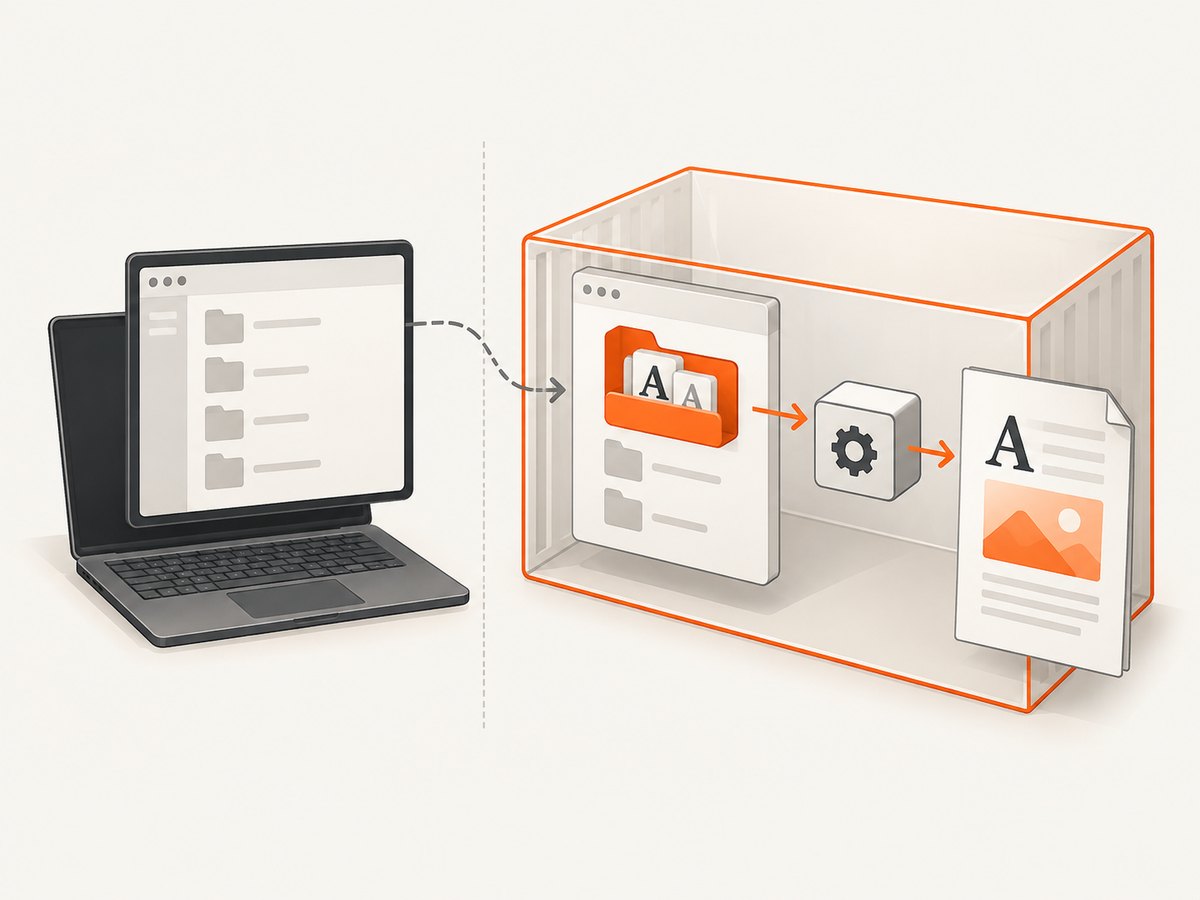
The wkhtmltopdf project’s Lambda guidance gives FONTCONFIG_PATH=/opt/fonts as an example for its packaged setup. That path is specific to the example, not a universal location. The project also advises bundling the distribution-specific package and its required libraries and configuration. Apply the same principle to another deployment: use paths that exist inside that image or bundle, and confirm that the active config includes your font directory. See the upstream deployment notes.
Static Qt linkage does not mean a deployment has no system package or distribution-specific runtime requirements. The wkhtmltopdf project’s 0.12.6 series dates to June 11, 2020, and its repository is archived. Capture the exact version and package source when diagnosing differences between development and production.
6. Troubleshooting common symptoms
| Symptom | Likely cause | What to check or fix |
|---|---|---|
fc-list does not show the font |
The folder is not scanned, cache is stale, or files are unreadable | Confirm the active config includes the directory, check permissions, run fc-cache -f -v /path as the conversion user, then query again. |
fc-list shows it, but fc-match chooses another face |
The requested CSS family/style name does not match, or font matching prefers another face | Inspect the indexed family and style, use the correct CSS name, and check the match under the converter’s environment. |
| It works in a terminal but not through a service | The service runs as another user or with different HOME, XDG, or Fontconfig variables | Run diagnostics as the service account and inspect its environment and filesystem permissions. |
| It works on the host but not in a container or function | The font or config is absent from the isolated runtime, or its configured path is wrong | Package or mount both, set runtime-specific paths, rebuild the cache in that context, and verify there. |
| Some characters appear as squares or disappear | The selected face lacks those glyphs, or a fallback/build-specific issue remains | Check coverage and selected face, test a minimal reproduction, and compare package versions and runtime configuration. |
Changing FONTCONFIG_PATH makes other fonts disappear |
The override points to a config directory that omits expected system configuration | Inspect the loaded base config and include required system and custom directories instead of unintentionally replacing defaults. |
| The cache command succeeds but the PDF is unchanged | The conversion may use another environment, another binary, or another matching family | Check the binary path and version, repeat fc-match under the exact process environment, then reduce the page to a minimal case. |
Archived issue reports mention missing or square UTF-8 glyph symptoms, but such reports are examples rather than proof of one universal cause. The exact outcome depends on the distribution, wkhtmltopdf build, Fontconfig version, account, and deployment configuration. For security, the wkhtmltopdf project warns against converting untrusted HTML unless user-supplied HTML and JavaScript are sanitized.
7. Keep the deployment reliable and the conversion cost predictable
For reliable output, make fonts and configuration part of the deployment artifact instead of relying on an operator’s home directory. Record the wkhtmltopdf version, package source, Fontconfig variables, and font files used by the service. A small conversion fixture that exercises the needed family and characters can reveal packaging drift when the runtime changes. Keep permissions read-only where possible for the service, and avoid modifying global Fontconfig settings when only one application needs the typeface.
Font discovery and caching are different from PDF conversion time: the sources reviewed do not establish a general performance figure or a universal cache strategy for every build. Cache refreshes can be done during deployment preparation; measure conversion latency in the actual workload if it matters. Cost depends on the environment and fonts you choose. Commercial font licensing is a separate concern: check the license for the intended embedding and distribution use. Installing a different font does not fix a misconfigured search path.
8. A small repeatable verification checklist
- Run
wkhtmltopdf --versionand identify the real conversion user. - Inspect
HOME, XDG variables,FONTCONFIG_FILE, andFONTCONFIG_PATHin that process context. - Confirm the font files and the loaded configuration are visible and readable there.
- Run
fc-cache, then confirm the face withfc-listandfc-match. - Check the requested family/style and glyph coverage, not only whether a file exists.
- Reproduce with minimal HTML using the production binary and environment.
- For containers or serverless, repeat all checks inside the packaged runtime.
Or skip the browser setup
If your task is to capture a rendered web page rather than generate a PDF with a local font folder, ScreenshotNeo is a website screenshot API and MCP server from ScreenshotNeo. One GET request returns an image or PDF. Its cookie/consent handling removes known banners, newsletter popups, and chat widgets before the shot; bot checks, blank pages, and failed loads are never billed. AI agents can use its MCP server, and 1,000 screenshots a month are free with no card; paid plans start at $5 for 3,000. See the API documentation.
curl -G "https://api.screenshotneo.com/v1/shot" -d access_key=YOUR_API_KEY --data-urlencode url=https://stripe.com -o shot.webpimport requests
r = requests.get("https://api.screenshotneo.com/v1/shot", params={"access_key": "YOUR_API_KEY", "url": "https://stripe.com"}, timeout=90)
open("shot.webp", "wb").write(r.content)const q = new URLSearchParams({ access_key: 'YOUR_API_KEY', url: 'https://stripe.com' });
const res = await fetch(`https://api.screenshotneo.com/v1/shot?${q}`);Sign up free for 1,000 screenshots a month, with no card required.
FAQ
Does wkhtmltopdf automatically scan every folder under my home directory?
No. The directory must be part of the Fontconfig configuration used by the running process. Check the active config and query Fontconfig rather than relying on a folder name.
Will setting FONTCONFIG_PATH alone install the fonts?
No. It influences where Fontconfig looks for configuration. The font files must exist in a configured directory that the process can read.
Can a remote web font solve this local font-folder problem?
There is no universal remote @font-face remedy established here. Verify local discovery, matching, and glyph coverage first, then investigate remote asset behavior separately.
Why does a font render in another PDF tool but not in wkhtmltopdf?
Different tools can use different rendering engines, builds, and runtime configuration. Compare the exact process environment and test a minimal page with the wkhtmltopdf binary in question.


