How to Convert an HTML String to PDF with the wkhtmltox C Library
Convert UTF-8 HTML held in memory into a PDF with wkhtmltox, retrieve bytes or write a file, handle resources, errors, and lifecycle safely.

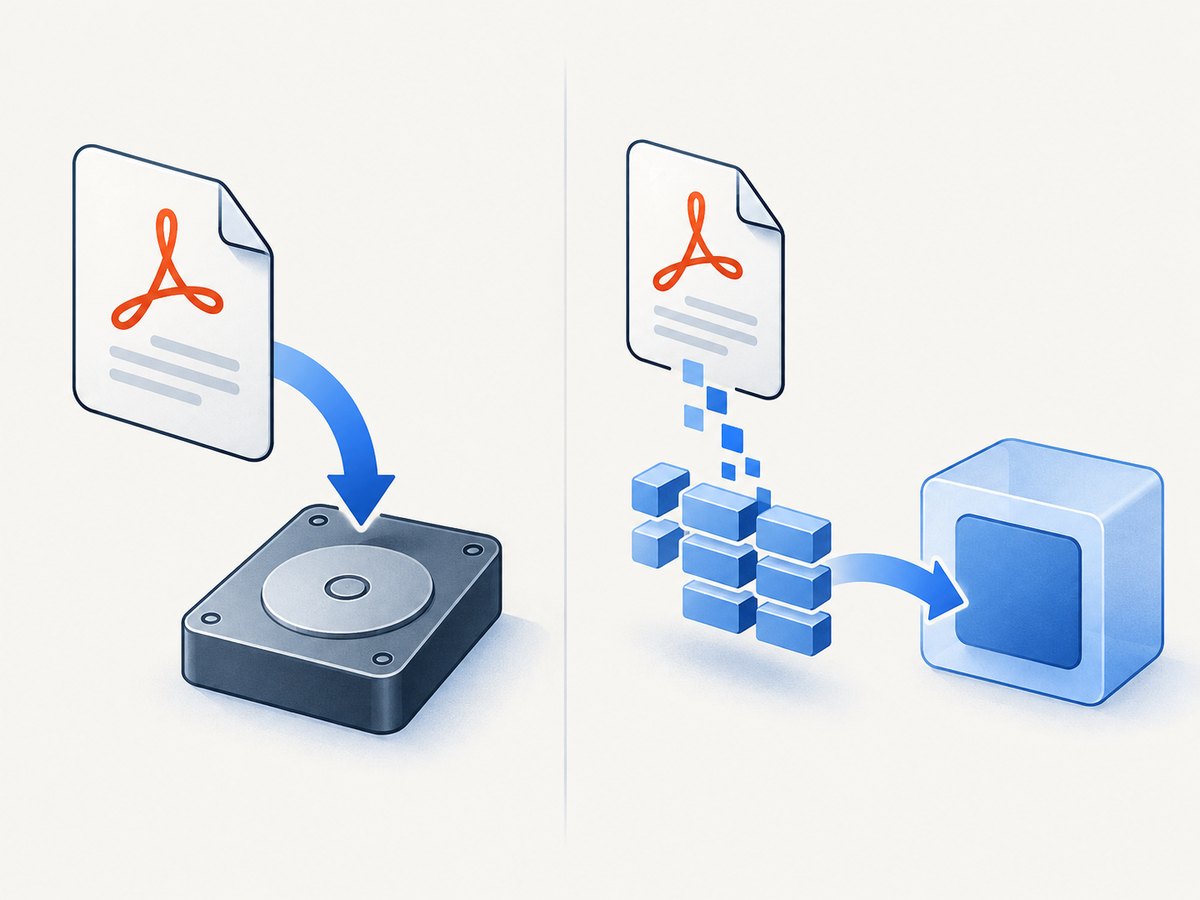
If your application already has HTML in memory, pass that UTF-8 string directly to wkhtmltopdf_add_object. The third argument, data, is the HTML input. When it is non-null and non-empty, wkhtmltox converts that content instead of loading the URL or file configured in the object’s page setting.
The complete flow is:
- Initialize the library with
wkhtmltopdf_init. - Create global settings and, optionally, set an output path.
- Create a converter from those global settings.
- Create object settings for the HTML document.
- Call
wkhtmltopdf_add_object(converter, object_settings, html_utf8). - Call
wkhtmltopdf_convert. - Write the configured file or retrieve generated bytes with
wkhtmltopdf_get_output. - Destroy objects and deinitialize the library when finished.
The PDF bindings are declared in pdf.h. The project describes them as a high-level C binding for the PDF portion of libwkhtmltox. See the official pdf.h API reference and the libwkhtmltox documentation.
Minimal in-memory conversion example
This example keeps the HTML in a C string and writes the resulting PDF to output.pdf. It uses the public lifecycle and checks each operation that reports success or failure.
#include <stdio.h>
#include <stdlib.h>
#include <string.h>
#include "pdf.h"

int main(void) {
    const char *html =
        "<!doctype html>"
        "<html><head><meta charset=\"utf-8\">"
        "<style>body{font-family:Arial,sans-serif;margin:40px}</style>"
        "</head><body>"
        "<h1>Invoice preview</h1>"
        "<p>This document came from an in-memory UTF-8 string.</p>"
        "</body></html>";

    if (!wkhtmltopdf_init(0)) {
        fprintf(stderr, "wkhtmltopdf_init failed\n");
        return 1;
    }

    wkhtmltopdf_global_settings *global = wkhtmltopdf_create_global_settings();
    wkhtmltopdf_object_settings *object = wkhtmltopdf_create_object_settings();
    if (!global || !object) {
        fprintf(stderr, "could not create settings\n");
        wkhtmltopdf_deinit();
        return 1;
    }

    if (!wkhtmltopdf_set_global_setting(global, "out", "output.pdf")) {
        fprintf(stderr, "could not set output path\n");
        wkhtmltopdf_destroy_global_settings(global);
        wkhtmltopdf_destroy_object_settings(object);
        wkhtmltopdf_deinit();
        return 1;
    }

    wkhtmltopdf_converter *converter = wkhtmltopdf_create_converter(global);
    if (!converter) {
        fprintf(stderr, "could not create converter\n");
        wkhtmltopdf_destroy_global_settings(global);
        wkhtmltopdf_destroy_object_settings(object);
        wkhtmltopdf_deinit();
        return 1;
    }

    /* The third argument is a UTF-8 HTML string held in memory. */
    if (!wkhtmltopdf_add_object(converter, object, html)) {
        fprintf(stderr, "could not add HTML object\n");
        wkhtmltopdf_destroy_converter(converter);
        wkhtmltopdf_destroy_global_settings(global);
        wkhtmltopdf_destroy_object_settings(object);
        wkhtmltopdf_deinit();
        return 1;
    }

    if (!wkhtmltopdf_convert(converter)) {
        fprintf(stderr, "conversion failed\n");
        wkhtmltopdf_destroy_converter(converter);
        wkhtmltopdf_destroy_global_settings(global);
        wkhtmltopdf_destroy_object_settings(object);
        wkhtmltopdf_deinit();
        return 1;
    }

    wkhtmltopdf_destroy_converter(converter);
    wkhtmltopdf_destroy_global_settings(global);
    wkhtmltopdf_destroy_object_settings(object);
    wkhtmltopdf_deinit();
    return 0;
}
Compile and link against the exact libwkhtmltox build installed on your system. The library name and linker flags vary by package and platform; use the package’s headers and linker configuration rather than assuming a universal command.
Why the data argument matters
The object API accepts a page setting and a data string. Supplying non-empty data makes the data string the document source. This is useful for templates, generated reports, invoices, and HTML returned by another component, because no temporary HTML file is required.

The string must be UTF-8. If your application stores text as another encoding, convert it before calling the API. A byte buffer that is not NUL-terminated is not a valid C string for this parameter; allocate a terminated copy or use a conversion layer that produces one.
Adding an object does not perform conversion. It registers an input document with the converter. Conversion happens only when wkhtmltopdf_convert is called. You can add more than one object; they are rendered in the order added.
Writing a file versus retrieving PDF bytes
Write directly to a file
Set the global out setting before creating the converter. This is the simplest option when a filesystem artifact is your final result. Make sure the process can create or replace the destination and that the parent directory exists.
Retrieve an in-memory buffer
Leave out empty, convert, and call wkhtmltopdf_get_output. The API returns the generated data and its length through the version-specific function signature. Copy the bytes into memory owned by your application before destroying the converter if the header documentation for your build says the buffer is converter-owned.
long length = 0;
const unsigned char *pdf = wkhtmltopdf_get_output(converter, &length);
if (!pdf || length <= 0) {
    fprintf(stderr, "no PDF output returned\n");
    return 1;
}

FILE *f = fopen("output.pdf", "wb");
if (!f) {
    perror("fopen");
    return 1;
}
fwrite(pdf, 1, (size_t)length, f);
fclose(f);
Check the pdf.h shipped with your package for the exact return type, ownership, and lifetime guarantees. Do not retain a pointer after destroying its converter unless you copied the bytes.
Useful settings for HTML strings
| Setting area | Examples | When to use it |
|---|---|---|
| Global | out, document size, margins, orientation |
Values that apply to the complete PDF |
| Object | page size, zoom, print media, JavaScript delay | Values specific to one HTML object |
| Resource access | URLs, local files, fonts, scripts | Documents that reference external assets |
| Callbacks | progress, warning, error, completion | Logging and job status reporting |
Set options with the documented string-key API, for example:
wkhtmltopdf_set_global_setting(global, "orientation", "Landscape");
wkhtmltopdf_set_global_setting(global, "margin.top", "15mm");
wkhtmltopdf_set_object_setting(object, "web.printMediaType", "true");
wkhtmltopdf_set_object_setting(object, "load.jsdelay", "500");
Option names and accepted values depend on the installed header and build. Treat the header and generated API reference as authoritative for your version.
Resources referenced by the HTML
In-memory HTML does not mean every resource is in memory. An <img>, stylesheet, font, or script with a relative URL still needs a resolvable base URL or an absolute URL. If you generate HTML dynamically, use absolute URLs where practical, embed small assets as data URLs, or configure a base document URL according to your build’s supported settings.
Remote resources require network access from the conversion process. DNS, TLS certificates, firewalls, authentication, and timeouts can all change the result. Local file resources may be blocked or restricted by package settings. Decide explicitly whether untrusted HTML is allowed to access the network or local filesystem, and isolate conversion workers when the input is user-controlled.
Callbacks and diagnostics
The bindings expose callback setters and conversion-status functions. Install callbacks when a conversion runs in a service so warnings and errors are attached to the request that produced them. Capture progress for a queue, and log the failing URL or resource when the callback supplies it.
static void warning_cb(wkhtmltopdf_converter *c, const char *msg) {
    (void)c;
    fprintf(stderr, "wkhtmltopdf warning: %s\n", msg);
}

static void error_cb(wkhtmltopdf_converter *c, const char *msg) {
    (void)c;
    fprintf(stderr, "wkhtmltopdf error: %s\n", msg);
}

/* Register callbacks using the callback signatures in your pdf.h. */
wkhtmltopdf_set_warning_callback(converter, warning_cb);
wkhtmltopdf_set_error_callback(converter, error_cb);
Callback signatures have changed across wrappers and distributions, so copy the declarations from the header you compile against. A failed return value should remain the authoritative conversion result even if no callback was emitted.
Multiple documents in one PDF
Create one object settings structure per HTML document, add each object to the same converter, then call wkhtmltopdf_convert once. The objects are included in addition order. This is useful for a cover page followed by generated sections, but remember that global settings apply to the whole document while object settings can differ.
Common errors and fixes
Blank or empty PDF
Cause: conversion was never called, the HTML string was empty, or a resource required to render the page failed. Fix: check the return value of wkhtmltopdf_add_object and wkhtmltopdf_convert, verify the string is non-empty UTF-8, and enable warning/error callbacks.
Characters display as boxes
Cause: incorrect input encoding or unavailable fonts. Fix: emit UTF-8, include a correct meta charset, and make required fonts available to the runtime. Test the same package build used in production.
Images or CSS are missing
Cause: relative URLs have no usable base, the process cannot reach a remote host, or local-file access is restricted. Fix: use absolute or embedded resources, verify DNS/TLS and permissions, and inspect callback messages.
JavaScript content is incomplete
Cause: conversion starts before scripts finish. Fix: configure the documented JavaScript delay or wait behavior, and make the page expose its final content deterministically. Avoid an unbounded wait in a server request.
Segmentation fault or shutdown crash
Cause: objects were destroyed in the wrong order, a buffer was used after converter destruction, or multiple threads used non-thread-safe global state. Fix: follow the ownership rules in pdf.h, copy output before teardown, and serialize or isolate conversions until your exact build’s threading behavior is established.
Works locally but fails in production
Cause: different Qt/WebKit build, missing fonts, different network policy, or different filesystem permissions. Fix: record the package version and Qt build, deploy the same dependencies, and test representative HTML and external resources in the production environment.
Reliability, performance, and cost considerations
The project uses the Qt WebKit rendering engine, and the upstream repository is archived and read-only. That makes version pinning and compatibility testing important: a successful result on one distribution does not prove identical behavior on another. Test CSS, JavaScript, fonts, remote assets, and page sizes that matter to your application.
For throughput, reuse process-level setup only where your build documents it as safe, bound each conversion with an application timeout, and limit concurrent renderers according to memory usage. Large images, many web fonts, long pages, and JavaScript-heavy documents increase work. Measure your own templates; the cited API documentation publishes no universal speed or memory benchmark.
There is no API charge from wkhtmltox itself, but you still pay for CPU, memory, storage, network egress, and operational maintenance. If you need a managed capture path, compare those infrastructure costs with an API that handles browser setup and returns a finished artifact.
Or skip the browser setup
For a URL that must be captured rather than rendered from your own C string, ScreenshotNeo provides a single HTTP request. Its API can return PNG, JPEG, WebP, or PDF, and its documentation lists the capture parameters.
curl -G "https://api.screenshotneo.com/v1/shot" -d access_key=YOUR_API_KEY --data-urlencode url=https://stripe.com -o shot.webpimport requests
r = requests.get("https://api.screenshotneo.com/v1/shot", params={"access_key": "YOUR_API_KEY", "url": "https://stripe.com"}, timeout=90)
open("shot.webp", "wb").write(r.content)const q = new URLSearchParams({ access_key: 'YOUR_API_KEY', url: 'https://stripe.com' });
const res = await fetch(`https://api.screenshotneo.com/v1/shot?${q}`);Before capture, ScreenshotNeo accepts cookie and consent banners and removes more than 60 known consent platforms, newsletter popups, and chat widgets; each step can be disabled. Bot checks, blank pages, timeouts, failed loads, and cache hits are not billed, and the response identifies the result with X-Page-Verdict and X-Billed headers. It also offers an MCP server with take_screenshot, get_page_info, and capture_pdf tools for Claude, Cursor, and other MCP clients.
The free plan includes 1,000 screenshots per month with no card. Paid plans start at $5 for 3,000 screenshots, and every feature is available on every plan. Create a free ScreenshotNeo account.
Security checklist
- Accept only the HTML and resource schemes your application needs.
- Set network and process timeouts for every conversion.
- Run untrusted HTML in an isolated worker with minimal filesystem permissions.
- Limit document size, image dimensions, and concurrent jobs.
- Redact sensitive URLs and headers from logs.
- Pin and review the exact wkhtmltox and Qt package used in production.
FAQ
Can I pass HTML without setting a page URL?
Yes. Pass a non-empty UTF-8 string as the data argument to wkhtmltopdf_add_object. It takes precedence over the object’s page setting.
Does adding an object immediately create a PDF?
No. It registers the input. Call wkhtmltopdf_convert to perform conversion.
Should I choose a file or an in-memory result?
Use out for a filesystem artifact. Leave it empty and use wkhtmltopdf_get_output when your service needs PDF bytes for a response or object store.
Is wkhtmltox a modern browser engine?
It uses Qt WebKit. Validate the exact build against your HTML because the upstream repository is archived and builds can differ.
Can I convert several HTML strings at once?
Yes. Add multiple objects to one converter; they appear in the order added.


