Why word-break: break-word Fails in html2canvas Images and How to Fix It
Why html2canvas wrapping differs from the browser, how to fix long tokens with overflow-wrap, and when to use a screenshot API.
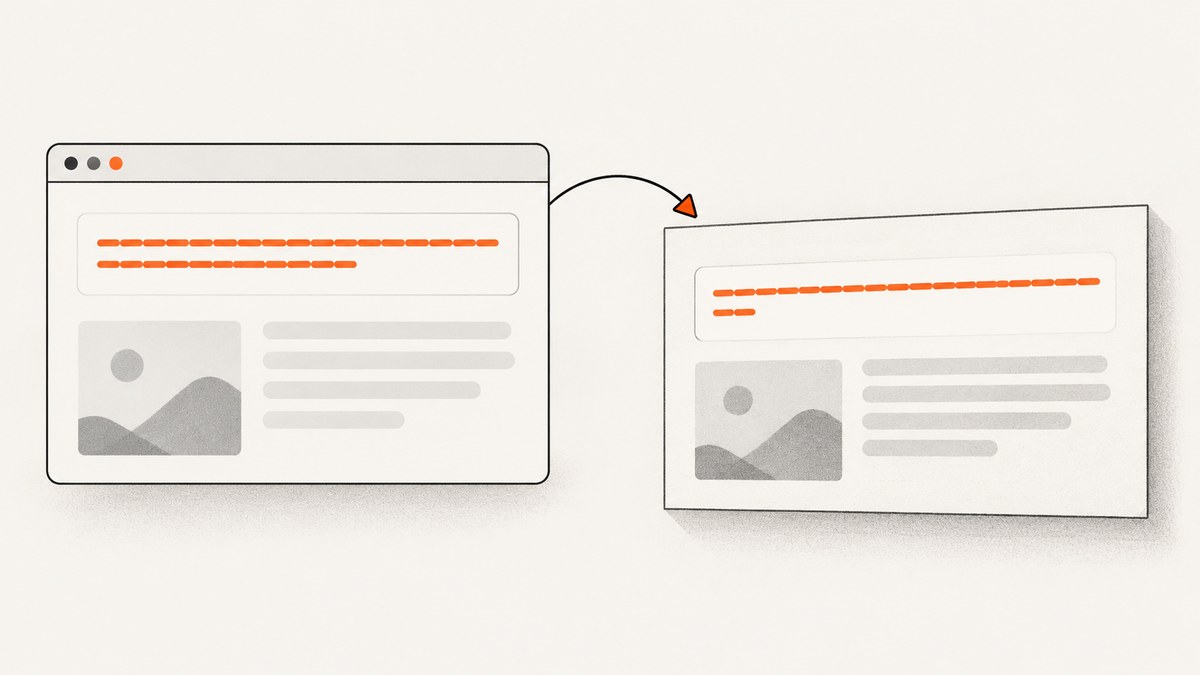
Short answer: word-break: break-word is not guaranteed to behave like a native browser screenshot in html2canvas. html2canvas rebuilds a page from the DOM and the CSS it implements, so output can differ for a particular version, computed style, font, width, or text case. For long URLs and tokens, start with overflow-wrap: break-word, verify computed styles and the installed html2canvas version, then use a targeted onclone override if needed.
This guide explains the failure modes, gives runnable code, and shows when a browser screenshot API is a better fit.
What html2canvas is rendering
html2canvas traverses the DOM and creates a visual representation from DOM and CSS information. It does not capture the browser’s already-painted pixels. Every CSS property must be implemented by the library, and the project FAQ says CSS support is not complete. The feature list includes both word-break and overflow-wrap, but support for a property does not guarantee identical behavior for every value and layout.
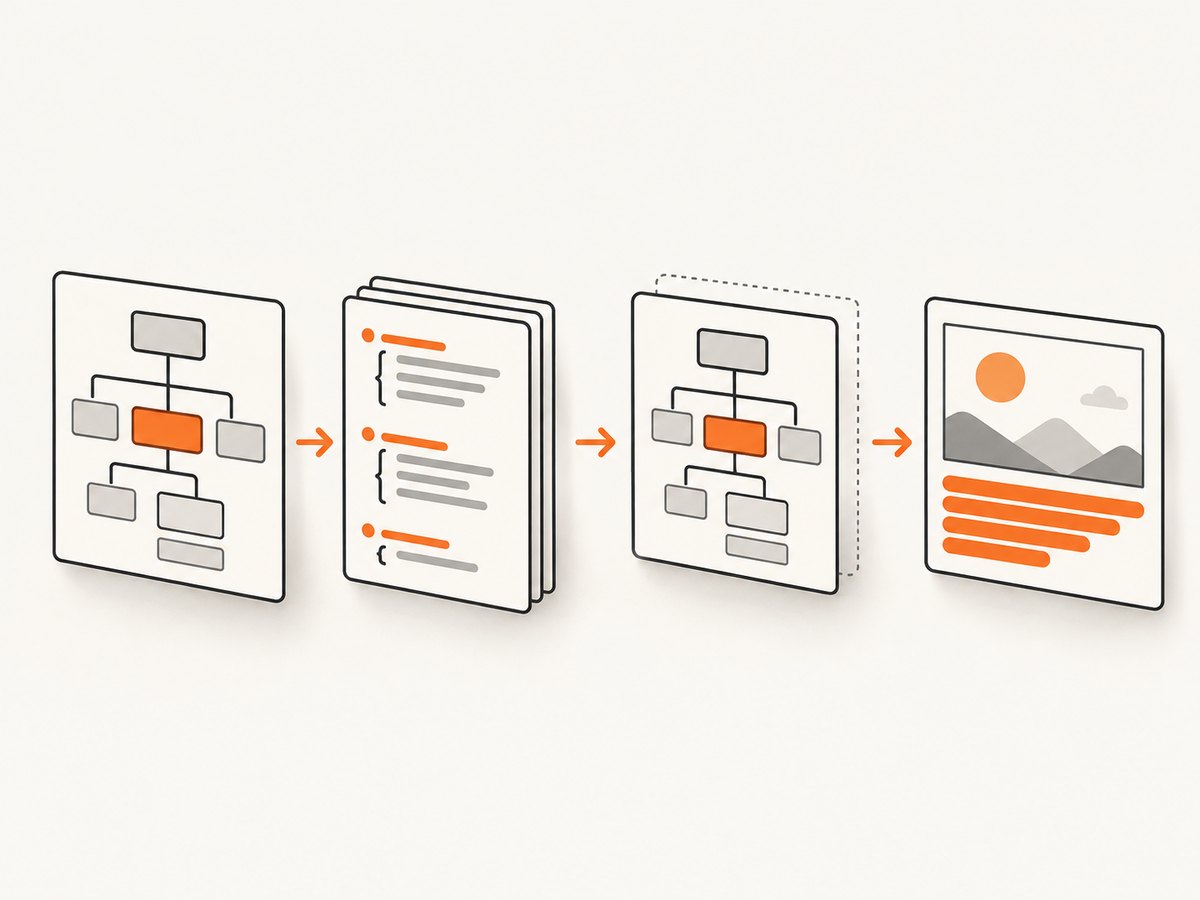
Therefore, treat this as a case-specific mismatch. Compare the exact html2canvas version, computed styles, content, dimensions, fonts, and output.
Choose the right wrapping rule
| Rule | Use it when | Behavior |
|---|---|---|
overflow-wrap: break-word |
A normally unbreakable word or URL should break only when it would overflow. | Introduced breaks do not count toward min-content sizing. |
overflow-wrap: anywhere |
Emergency breaks are acceptable and intrinsic width should shrink. | Break opportunities count toward min-content sizing. |
word-break: break-all |
Character-level splitting is acceptable. | Can split ordinary words. |
word-break: break-word |
You are diagnosing legacy code. | MDN marks it deprecated and documents behavior like overflow-wrap: anywhere with word-break: normal. |
For the common requirement of keeping words intact while preventing a long token from escaping its box:
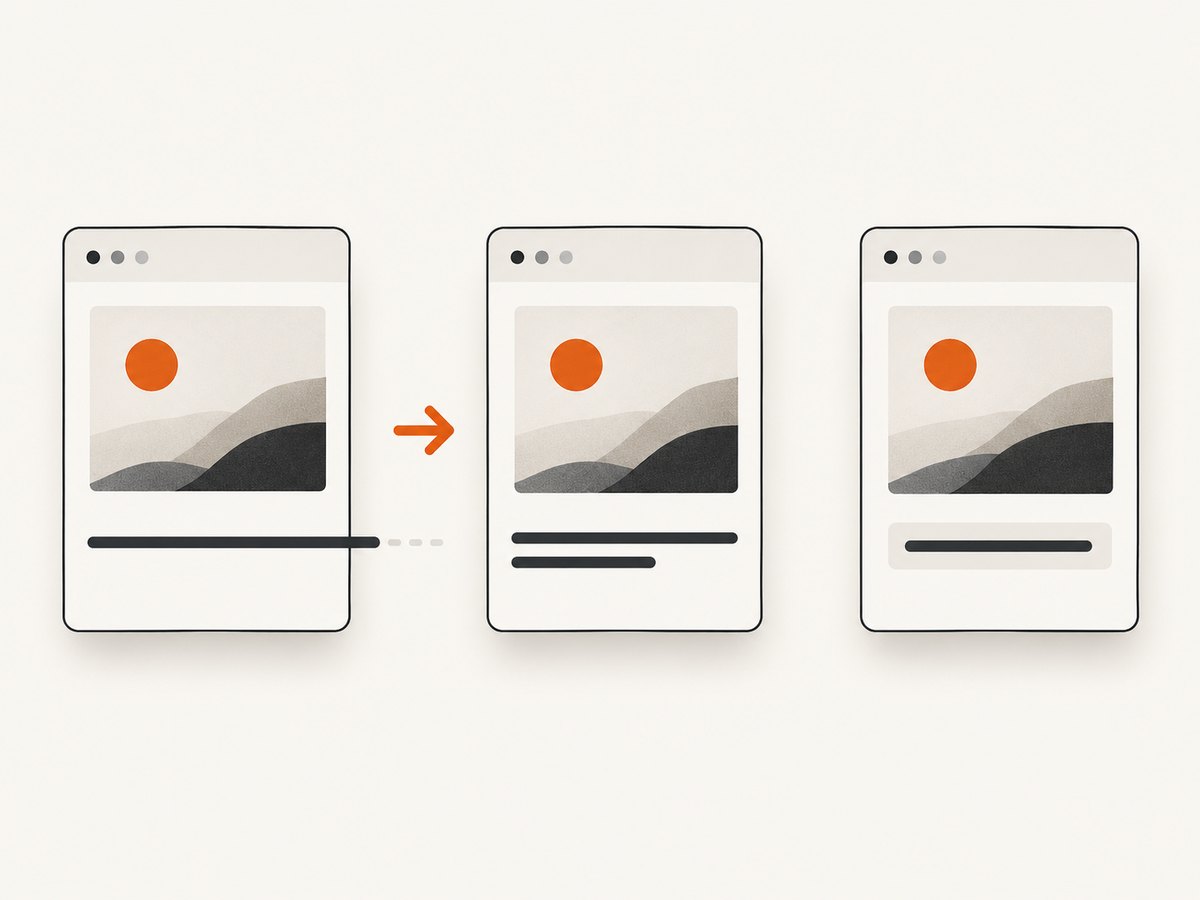
.capture-text {
  min-width: 0;
  white-space: normal;
  overflow-wrap: break-word;
  word-break: normal;
}
See MDN overflow-wrap and MDN word-break.
Reproduce the mismatch
Save this as index.html, serve it from a local HTTP server, and compare the live card with the downloaded PNG.
<!doctype html>
<script src='https://cdn.jsdelivr.net/npm/html2canvas@1.4.1/dist/html2canvas.min.js'></script>
<style>
.capture { width: 280px; padding: 16px; border: 1px solid #ccc; font: 16px/1.4 system-ui, sans-serif; }
.capture-text { word-break: break-word; }
</style>
<article id='card' class='capture'><div class='capture-text'>https://example.com/a/very-long-unbroken-token-that-may-overflow</div></article>
<button id='save'>Render PNG</button>
<script>
document.querySelector('#save').addEventListener('click', async () => {
  const canvas = await html2canvas(document.querySelector('#card'), { backgroundColor: '#fff' });
  const link = document.createElement('a'); link.download = 'card.png'; link.href = canvas.toDataURL('image/png'); link.click();
});
</script>
Fix it step by step
1. Inspect computed styles
const node = document.querySelector('.capture-text');
const style = getComputedStyle(node);
console.table({ wordBreak: style.wordBreak, overflowWrap: style.overflowWrap, whiteSpace: style.whiteSpace, width: style.width, font: style.font, lineHeight: style.lineHeight });
Check for later selectors, inline styles, media queries, white-space: nowrap, fixed widths, and flex or grid children that need min-width: 0.
2. Use the intended modern rule
.capture-text { min-width: 0; white-space: normal; overflow-wrap: break-word; word-break: normal; }Use anywhere or break-all only when their more aggressive behavior is intentional.
3. Check the installed version
The html2canvas changelog records an overflow-wrap break-word fix in version 1.2.0 on 2021-08-04. Check your lockfile and runtime; an old dependency is a reason to upgrade and retest, not proof that every case is fixed.
npm ls html2canvas
npm view html2canvas version
See the project releases.
4. Override only the rendering clone
onclone changes the cloned document used for rendering without changing the live page.
const canvas = await html2canvas(document.querySelector('#card'), {
  backgroundColor: '#fff',
  onclone(clonedDocument) {
    clonedDocument.querySelectorAll('.capture-text').forEach((node) => {
      node.style.whiteSpace = 'normal';
      node.style.wordBreak = 'normal';
      node.style.overflowWrap = 'break-word';
      node.style.minWidth = '0';
    });
  },
});
document.body.appendChild(canvas);
The configuration reference documents this callback. Keep the selector narrow and verify the resulting canvas.
Diagnostics checklist
- Test a normal sentence, a long URL, and a string without punctuation.
- Give the capture root an explicit width and record
getBoundingClientRect(). - Inspect flex and grid parents; add
min-width: 0to shrinking children. - Confirm
white-space: normal. - Await fonts so fallback metrics do not change line breaks.
- Check that the node is not hidden, clipped, or outside the intended viewport.
- Log styles inside
onclone; the clone can differ from the live tree. - Separate text wrapping problems from cross-origin image failures.
await document.fonts.ready;
const rect = document.querySelector('#card').getBoundingClientRect();
console.log({ width: rect.width, height: rect.height, dpr: devicePixelRatio });
Common errors and fixes
| Symptom | Cause | Fix |
|---|---|---|
| Live page wraps, canvas overflows | Different or incomplete CSS handling. | Use overflow-wrap: break-word, update html2canvas, and try onclone. |
| Nothing wraps | nowrap, fixed width, or an inflexible flex/grid child. |
Set white-space: normal, provide width, and use min-width: 0. |
| Words split unexpectedly | break-all or anywhere wins in the cascade. |
Set word-break: normal and choose the desired overflow rule. |
| Line breaks vary between runs | Fonts or viewport are not ready or differ. | Await document.fonts.ready and fix viewport and font loading. |
| Images are missing or rendering rejects | Cross-origin resources or blocked assets. | Follow html2canvas resource and proxy configuration; isolate the text case. |
| Clone override has no effect | Selector misses the clone or another declaration wins. | Query inside onclone, set inline styles, and inspect the clone. |
When html2canvas is the wrong capture layer
Use html2canvas for client-side canvases from pages your application owns and can make capture-safe. A browser screenshot service is simpler for arbitrary URLs, server-side jobs, browser-accurate layout, cookie handling, and repeatable automation.
Or skip the browser setup
ScreenshotNeo captures a URL with one request and returns PNG, JPEG, WebP, or PDF. Cookie and consent banners are accepted and 60+ known consent platforms, newsletter popups, and chat widgets are removed before capture; each step can be turned off. Bot checks, blank pages, timeouts, failed loads, and cache hits are not billed, and responses identify the verdict with X-Page-Verdict and X-Billed. Its MCP server provides take_screenshot, get_page_info, and capture_pdf for AI agents.
See the ScreenshotNeo API documentation.
curl -G 'https://api.screenshotneo.com/v1/shot' \
  -d access_key=YOUR_API_KEY \
  --data-urlencode url=https://example.com \
  -o shot.webp
import requests
r = requests.get('https://api.screenshotneo.com/v1/shot', params={'access_key': 'YOUR_API_KEY', 'url': 'https://example.com'}, timeout=90)
r.raise_for_status()
open('shot.webp', 'wb').write(r.content)const q = new URLSearchParams({ access_key: 'YOUR_API_KEY', url: 'https://example.com' });
const res = await fetch(`https://api.screenshotneo.com/v1/shot?${q}`);
if (!res.ok) throw new Error(`Screenshot failed: ${res.status}`);
const data = Buffer.from(await res.arrayBuffer());
await import('node:fs/promises').then(fs => fs.writeFile('shot.webp', data));ScreenshotNeo supports full-page and element capture, device presets and custom viewports, retina scale, dark mode, lazy-image loading, custom CSS and JavaScript, waits, request blocking, headers, cookies, user agents, authorization, timezone, geolocation, transparency, resizing, cache TTLs, signed links, async webhooks, bulk capture, usage reporting, and PDF controls. Free usage is 1,000 screenshots per month with no card; paid plans start at $5 for 3,000 shots. Create a free ScreenshotNeo account.
Performance, reliability, and cost notes
- Keep the capture root no larger than necessary; large canvases consume more memory.
- Wait for fonts and critical images, but prefer selector or network-idle waits over arbitrary delays.
- Use caching for repeated URLs and choose a TTL that matches freshness.
- For batches, ScreenshotNeo supports up to 100 URLs per bulk call and async jobs with signed webhooks.
- html2canvas failures still consume client CPU; record the library version and isolate third-party assets.
FAQ
Does html2canvas support overflow-wrap?
The feature list names it, and the changelog records a fix in 1.2.0. Support remains implementation-specific, so test your version and case.
Should every word-break: break-word be replaced?
No. Replace it when you need clearer current overflow behavior or when capture output exposes a mismatch.
Why does changing live CSS not help?
The rendered clone can differ. Apply and inspect styles inside onclone.
Can html2canvas capture any URL?
It runs in the browser and is subject to DOM, resource, and cross-origin constraints. For arbitrary URLs or server-side capture, use a browser screenshot API.


