X (Twitter) Open Graph Image Size: Recommended Dimensions
Use a 1.91:1 landscape image for X’s large link preview. Compare practical export sizes, set the right metadata, and troubleshoot the preview.
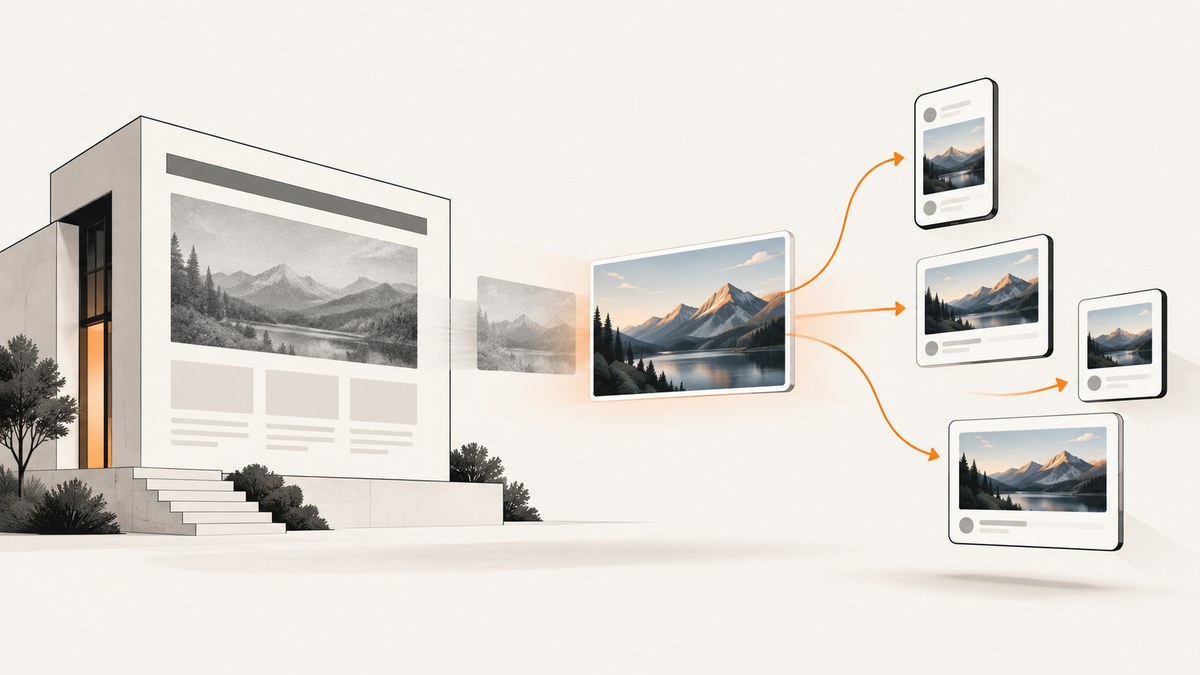
For a prominent X link preview, set twitter:card to summary_large_image and use a landscape image close to a 1.91:1 aspect ratio. Practical dimensions cited by current secondary guides include 800×418 and 1200×628; 1200×630 is also commonly recommended as a general Open Graph master. No current official X pixel specification was verified for this guide, so treat those dimensions as practical recommendations, not guaranteed requirements.
If you need one reusable image, 1200×630 is a reasonable general Open Graph export. If you specifically want a more compact X-oriented file, 800×418 is another practical option. Keep important subjects away from the edges and inspect the actual preview before publishing. The sources agree on the landscape shape, but do not establish one universally best pixel size. ScreenshotNeo can capture the published page or preview flow for review; its API and options are documented at ScreenshotNeo docs.
1. What image are we sizing?
This guide is about the image X may show when someone shares a page URL: a link preview selected from the page’s metadata. It is not an image attached directly to a post, and it is not an X profile header.
The landscape card is commonly called summary_large_image. A regular summary card uses a smaller, square thumbnail presentation, so the landscape dimensions here are not a universal size for every card type. If your page is intended to show a prominent image, use the large-image card metadata and provide a landscape asset.
2. Recommended dimensions and trade-offs
| Dimensions | Aspect ratio | When to use | Consideration |
|---|---|---|---|
| 800×418 | About 1.91:1 | A compact X-oriented export | PostSize describes this as a practical summary-card export. |
| 1200×628 | About 1.91:1 | A larger, clearer same-ratio master for X-oriented use | Recommended by MetaBlast for X; PostSize also lists it as a clearer master. |
| 1200×630 | About 1.90:1 | A general Open Graph image reused across consumers | MetaBlast and og-image.org recommend it for general Open Graph use. |
The two-pixel height difference between 1200×628 and 1200×630 is small, and one secondary guide treats these as compatible for reuse. Choose based on your publishing workflow, expected image detail, and file weight; there is no controlled comparison in the available sources proving that one dimension always performs or renders better.

Keep key content inside a safe area
Leave breathing room around titles, faces, logos, and other important subjects. A landscape image can be cropped or displayed differently by preview surfaces, and keeping essential content away from the edges makes the composition more resilient. Avoid placing small text at the extreme margins. Check the rendered card rather than assuming that the source image will appear edge to edge.
3. Prepare the image file
- Start with a landscape canvas close to 1.91:1. Choose 800×418 for a compact export or 1200×628/630 when the source needs more detail or broader reuse.
- Compose the subject centrally enough to tolerate modest crop differences. Keep essential text and faces inside the image’s safe central region.
- Export a reasonably light image file. The reviewed recommendations do not specify a maximum file weight or establish a required format, so check your own site’s delivery constraints and confirm that the crawler can fetch the asset.
- Upload the image to a public HTTPS URL that does not require authentication or a browser session.
- Use the same intended asset in your page metadata, then inspect the resulting share preview.
Do not confuse resolution with guaranteed display dimensions: these pixel sizes are source-image recommendations, while the platform controls how a card is rendered. A larger source can preserve detail, but it also may increase file weight. The sources do not establish a universal optimal weight or minimum dimension.
4. Add Open Graph and X metadata
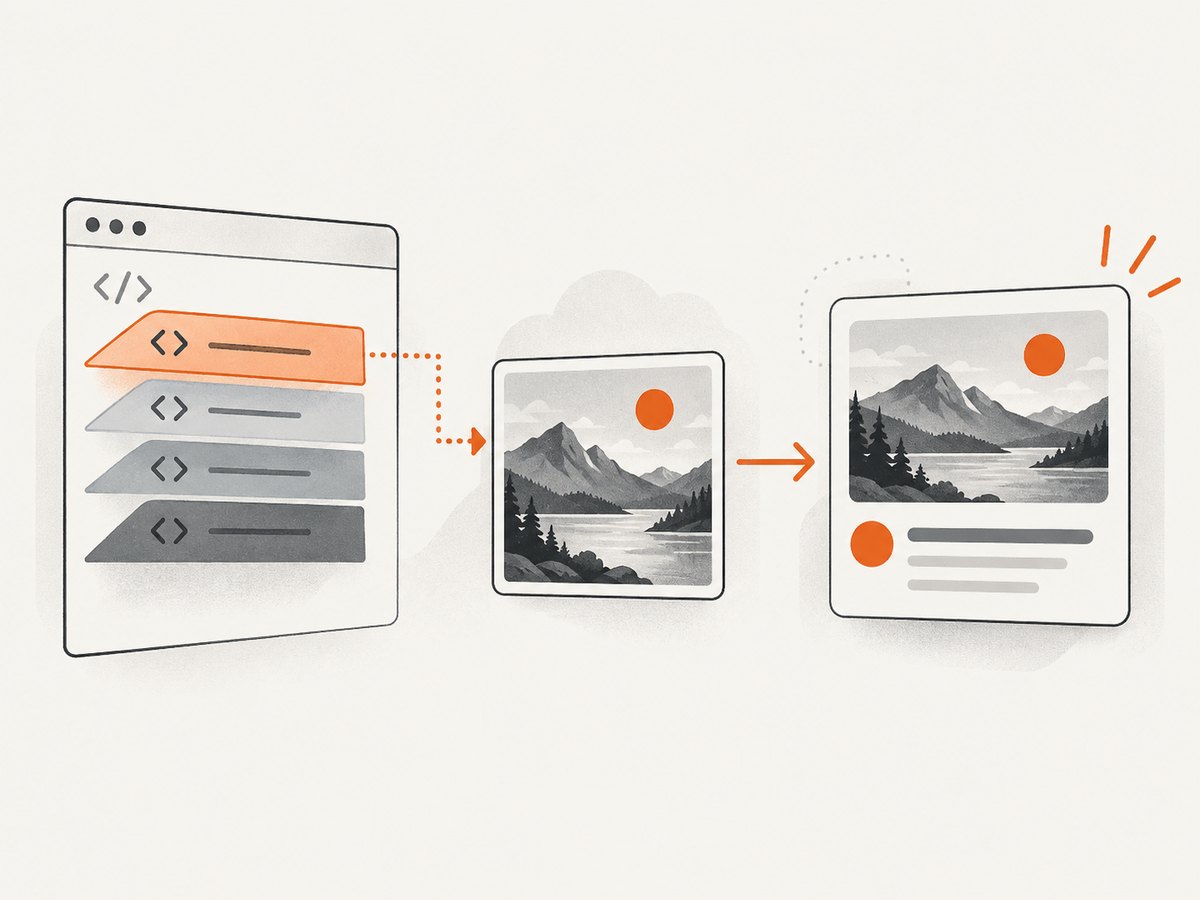
Put the metadata in the page’s HTML head. Use absolute image URLs, correct dimensions for the actual asset, and a publicly reachable HTTPS image. The example uses 1200×630; if you export at 800×418 or 1200×628, update the width and height values to match.
<!doctype html>
<html lang="en">
<head>
  <meta charset="utf-8">
  <meta name="viewport" content="width=device-width, initial-scale=1">
  <title>Example article</title>

  <meta property="og:type" content="article">
  <meta property="og:title" content="Example article">
  <meta property="og:description" content="A concise description of the page.">
  <meta property="og:url" content="https://example.com/article">
  <meta property="og:image" content="https://example.com/images/article-share-1200x630.jpg">
  <meta property="og:image:width" content="1200">
  <meta property="og:image:height" content="630">

  <meta name="twitter:card" content="summary_large_image">
  <meta name="twitter:title" content="Example article">
  <meta name="twitter:description" content="A concise description of the page.">
  <meta name="twitter:image" content="https://example.com/images/article-share-1200x630.jpg">
</head>
<body>...</body>
</html>
The X-oriented guide consulted for this topic says X can fall back to og:image when twitter:image is omitted. Supplying both makes the intended image explicit to consumers that use either set of tags. Keep the Open Graph and X title, description, and image consistent to avoid confusing results between preview systems. Do not publish width or height values that describe a different version of the asset.
What each tag does
twitter:cardselects the large landscape link-card treatment withsummary_large_image.og:imageprovides the Open Graph image and can serve as the image source for an X preview.twitter:imageexplicitly provides an X image; the cited guide says this is optional whenog:imageis present.og:image:widthandog:image:heightreport the real pixel dimensions of the chosen image.og:title,og:description,twitter:title, andtwitter:descriptionsupply companion preview content. The metadata examples use concise values suitable for a card.
5. Verify the published preview
- Deploy the page and image at their final public HTTPS URLs.
- Inspect the page source or rendered head and confirm that the metadata is present in the HTML the crawler can fetch.
- Check that the image URL opens without a login, expiring token, or browser-only session.
- Confirm that the declared image dimensions match the exported file and that the file is not blank or corrupted.
- Share the page in the intended context and inspect the actual card for crop, legibility, and the expected image.
- If you change metadata or the asset but the old preview remains, allow for preview caching. MetaBlast suggests trying the same page URL with a changed query parameter to prompt a fresh fetch; this is a troubleshooting suggestion, not a guaranteed cache-control mechanism.
A page screenshot can help you see what a browser renders after deployment. For example, ScreenshotNeo’s API can capture a URL as an image or PDF, and its MCP server exposes screenshot tools to AI agents. A screenshot of the page is useful for checking visible layout; it does not by itself prove what a social crawler read from the document head or how X will render the card.
6. Troubleshooting common preview problems
| Symptom | Likely cause | Fix |
|---|---|---|
| No large landscape image appears | The page may lack twitter:card set to summary_large_image, or its metadata may not be available in fetched HTML. |
Set the card type in the document head and verify the deployed source. |
| The preview shows an old image | The preview may be cached. | Confirm the deployed metadata first. Then try MetaBlast’s suggested URL query-parameter variation to trigger a fresh fetch; it is not a guaranteed control. |
| The image is missing | The URL may be private, malformed, HTTP-only, blocked, or dependent on a session. | Use a valid absolute HTTPS URL that serves the image publicly, and open it without authentication. |
| The image looks cropped or key content is cut off | Important content is too close to an edge or the preview presentation differs from the source canvas. | Move key text and subjects inward, export the intended landscape ratio, then inspect the real preview. |
| The wrong image appears | og:image and twitter:image may point to different assets, or a stale cached card is displayed. |
Make both tags agree unless you intentionally need different images, verify the live HTML, and account for caching. |
| Declared dimensions do not match the file | Metadata was copied from another export. | Set og:image:width and og:image:height to the actual pixel size. |
| The preview shows a small square thumbnail | The page may be using the regular summary card rather than the large-image card. |
For the landscape presentation, set twitter:card to summary_large_image. |
7. Performance, reliability, and cost
Image dimensions affect the work needed to transfer and decode the asset: a larger or more detailed file can weigh more, while compression and image composition affect the actual byte size. The researched sources provide no benchmark, required maximum file size, or evidence that a particular export dimension yields faster previews. Keep the file reasonably light, serve it reliably over HTTPS, and validate the delivered asset.
Reliability depends on the crawler being able to retrieve both the page metadata and the image. Public, stable URLs avoid common access failures. If you update an asset at the same URL, caching may delay what a preview shows; changing the asset URL when publishing a new image can make the change easier to distinguish, though the available references do not promise a specific refresh behavior.
There is no required paid capture service to set these tags: the core work is preparing and hosting an image and publishing metadata. If you need to review pages or generate screenshots programmatically, ScreenshotNeo offers a free tier of 1,000 shots per month without a card; paid plans start at $5 for 3,000 shots. Its stated billing rule is that only clean shots are billed: bot checks or CAPTCHAs, blank pages, timeouts, failed loads, and cache hits cost nothing, with response headers indicating the page verdict and billing status.
8. Or skip the browser setup
If you want a screenshot of the deployed page while reviewing its metadata, ScreenshotNeo takes a URL in one GET request. Its API accepts PNG, JPEG, WebP, or PDF output and has options for full-page capture, viewport and device presets, custom CSS or JavaScript, waiting for a selector or network idle, caching, and more. See the API documentation for parameters and setup.
curl -G "https://api.screenshotneo.com/v1/shot" -d access_key=YOUR_API_KEY --data-urlencode url=https://example.com/article -o shot.webpimport requests
r = requests.get(
"https://api.screenshotneo.com/v1/shot",
params={"access_key": "YOUR_API_KEY", "url": "https://example.com/article"},
timeout=90,
)
open("shot.webp", "wb").write(r.content)const q = new URLSearchParams({
access_key: 'YOUR_API_KEY',
url: 'https://example.com/article'
});
const res = await fetch(`https://api.screenshotneo.com/v1/shot?${q}`);
if (!res.ok) throw new Error(`Screenshot request failed: ${res.status}`);
const bytes = new Uint8Array(await res.arrayBuffer());
await import('node:fs/promises').then(fs => fs.writeFile('shot.webp', bytes));- Cookie and consent banners are accepted before capture, and 60+ known consent platforms, newsletter popups, and chat widgets are removed; each step can be turned off.
- Bot checks or CAPTCHAs, blank pages, timeouts, failed loads, and cache hits are never billed.
- An MCP server gives AI agents tools to take screenshots, get page information, and capture PDFs.
- 1,000 screenshots a month are free with no card; paid plans start at $5 for 3,000. Every feature is on every plan.
Sign up for ScreenshotNeo’s free 1,000 screenshots per month, with no card required.
9. FAQ
What size should my og:image be?
For a landscape share preview, 1200×630 is a reasonable general Open Graph master. For an X-oriented export, secondary guides also recommend 800×418 or 1200×628. Keep the aspect ratio near 1.91:1 and verify the result in context.
Is the Twitter/X card image size different from og:image?
The cited guides describe X as able to use og:image when twitter:image is omitted. You can point both metadata tags at the same image to make your intended asset explicit.
Do I need a square image?
Not for the large landscape preview discussed here. The smaller summary card is described as using a square thumbnail treatment.
Are these dimensions an official current X requirement?
No current official pixel recommendation was verified in the research for this article. Treat the listed sizes as guidance from secondary references, and check the rendered preview.
Sources and scope
The dimension recommendations and metadata guidance above are attributed to secondary references: PostSize, MetaBlast, and og-image.org. The legacy X developer documentation destination checked during research redirected to the current platform overview and did not provide the legacy card sizing details. For that reason, this article does not present any exact pixel size as a confirmed current official X specification.


