XPath vs. CSS Selectors: What’s the Difference?
CSS selectors match elements by patterns; XPath expressions navigate and query document trees. Here’s how to choose and use each in Selenium.
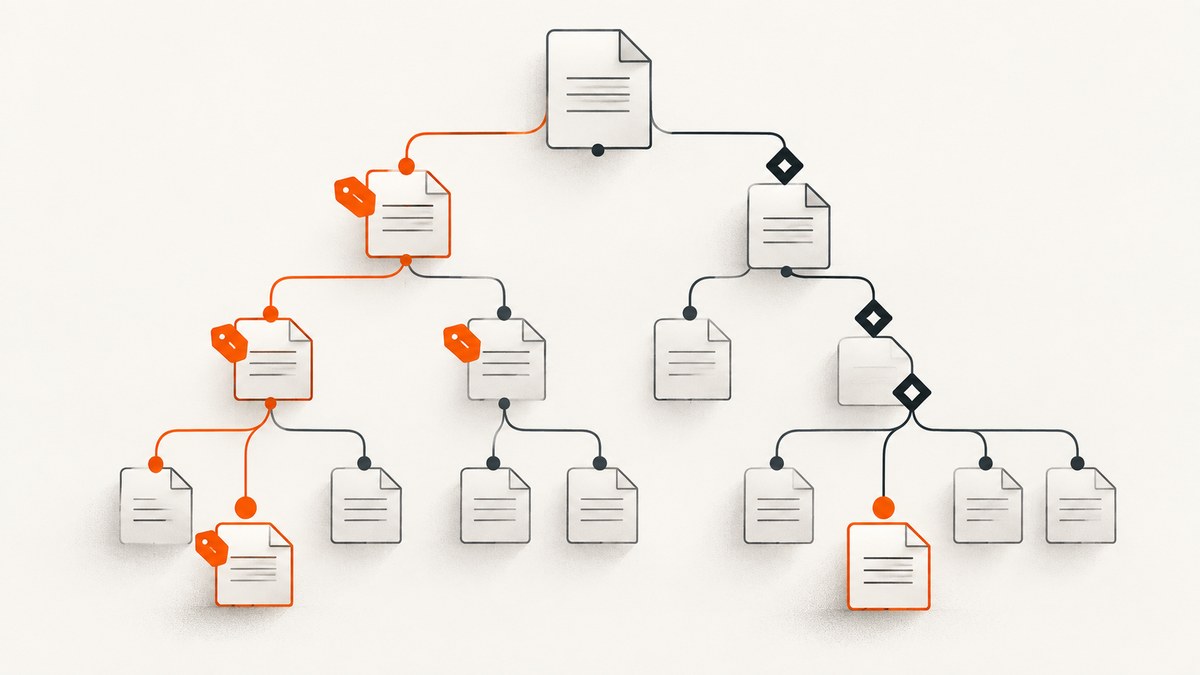
CSS selectors describe patterns that match elements in a document tree. XPath is an expression language for addressing and querying nodes in a structured data model. Selenium supports both as locator strategies. Use a unique, predictable ID when one is available; otherwise, use a clear CSS selector for straightforward matches, and choose XPath when its navigation or predicates make the target easier to express.
Neither syntax is inherently more reliable, readable, or faster in every case. Those qualities depend on the expression, the page structure, the browser, and the automation environment. A good locator is compact, understandable, and tied to attributes the application keeps stable.
1. What is the difference between XPath and CSS selectors?
A CSS selector is a pattern for matching elements. It can target element names, IDs, classes, attributes, pseudo-classes, and relationships in the document tree. For example, button[data-action="save"] matches buttons whose data-action attribute is save.
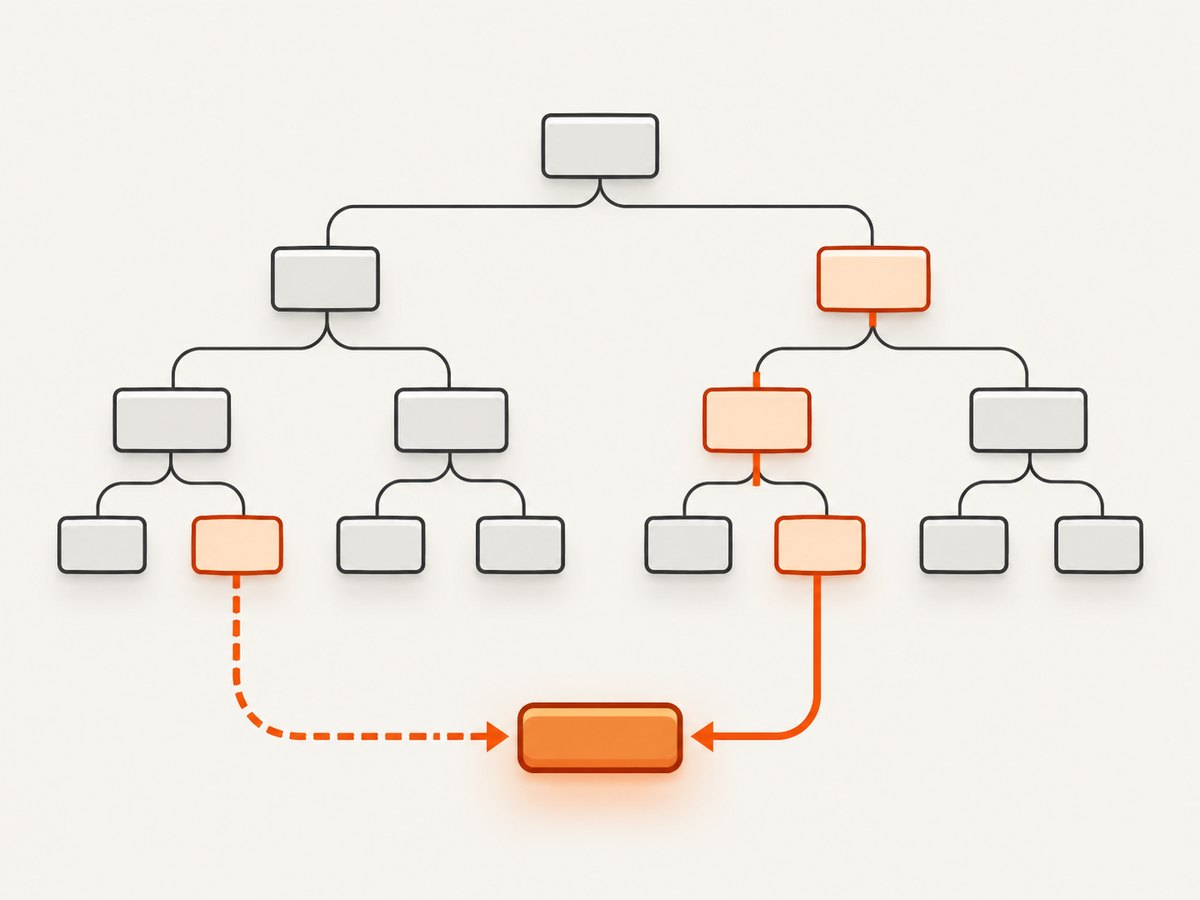
XPath is a separate expression language. Its path expressions address nodes hierarchically, and predicates filter the nodes found along a path. For example, //button[@data-action='save'] selects buttons with that attribute. XPath also has uses beyond browser automation, including in host languages such as XQuery and XSLT. The W3C XPath 3.1 specification describes a broader data model that includes JSON maps and arrays; that does not mean Selenium’s browser locator implements every XPath 3.1 feature.
The two examples above express the same simple match. They are not interchangeable in every situation: each language has its own syntax and capabilities, and the locator support depends on the host API.
2. Quick comparison
| Question | CSS selector | XPath |
|---|---|---|
| What does it express? | A pattern for matching elements in a document tree. | An expression for navigating and querying nodes. |
| Common use | Element, ID, class, attribute, and relationship matches. | Paths and conditions that benefit from navigation or predicates. |
| Typical readability | Often concise for direct class or attribute matches. | Can be clear for a path or condition, but nested predicates can become hard to maintain. |
| Selenium guidance | Selenium prefers a well-written CSS selector when unique IDs are unavailable. | Supported and flexible; Selenium notes potential performance and debugging downsides. |
| Performance conclusion | No universal speed guarantee. | No universal speed guarantee; measure in your actual environment if locator time matters. |
Selenium’s recommendation is practical, not a universal benchmark: “If unique IDs are unavailable, a well-written CSS selector is the preferred method of locating an element.” See the [Selenium locator guidance](https://www.selenium.dev/documentation/test_practices/encouraged/locators/). The [W3C Selectors Level 4 specification](https://www.w3.org/TR/selectors-4/) defines the selector model, while [XPath 3.1](https://www.w3.org/TR/xpath-3/) defines XPath as an expression language.
3. Choosing a locator
Prefer a stable unique ID when you have one
If the page provides a unique ID that is predictable across runs, Selenium recommends using it. An ID-based locator is direct and generally easier to read than a long path. First confirm the ID is actually unique on the rendered page and is not generated afresh on each load.
Use CSS for direct matches
CSS is a good fit when the target is described by an element, class, ID, stable attribute, or straightforward relationship. A short selector based on a meaningful attribute is usually easier to review than one copied from a deep DOM path.
Use XPath when the expression is clearer
XPath can make hierarchical navigation and predicates explicit. It can be useful when the locator is naturally described as a path through the tree or when conditions over nodes help identify the target. Use it when it makes the intent clearer, not just because it can be made more elaborate.
Account for selector support
CSS Selectors Level 4 includes relational :has() and logical pseudo-classes such as :is(), :not(), and :where(). Whether a particular feature works depends on the browser and automation environment. XPath support likewise depends on the host API and its supported version or subset. If a locator fails only in one environment, verify feature support there instead of assuming the full W3C language is available.
4. Equivalent examples
Given this element:
<button id="save" class="primary" data-action="save">Save</button>CSS examples:
button#save
button[data-action="save"]
XPath examples:
//button[@id='save']
//button[@data-action='save']
Both styles can match the same element. Pick the version your team can understand and maintain. If the target is a control with a stable ID, use it directly; if a meaningful attribute describes the action, that may be a clearer contract than relying on a visual class.
5. Runnable Selenium example in Python
This example opens a page, locates the same button using CSS and XPath, checks that each locator finds exactly one match, and clicks using CSS. Install Selenium with python -m pip install selenium and use a browser and driver configuration supported by your environment.
from selenium import webdriver
from selenium.webdriver.common.by import By

URL = "https://example.com"

with webdriver.Chrome() as driver:
    driver.get(URL)

    css_matches = driver.find_elements(
        By.CSS_SELECTOR, 'button[data-action="save"]'
    )
    xpath_matches = driver.find_elements(
        By.XPATH, "//button[@data-action='save']"
    )

    print("CSS matches:", len(css_matches))
    print("XPath matches:", len(xpath_matches))

    if len(css_matches) != 1:
        raise RuntimeError("Expected exactly one save button from CSS locator")

    css_matches[0].click()
https://example.com is a placeholder target; replace it with a page that contains the example button. If the page renders asynchronously, wait for the element using Selenium’s explicit waits rather than assuming it exists immediately after navigation.
6. Runnable Selenium example in Java
For Java, the locator strategies are available through By.cssSelector and By.xpath. The following is the core of a runnable class in a project configured with Selenium Java and a compatible browser driver:
import org.openqa.selenium.By;
import org.openqa.selenium.WebDriver;
import org.openqa.selenium.WebElement;
import org.openqa.selenium.chrome.ChromeDriver;
import java.util.List;

public class LocatorComparison {
    public static void main(String[] args) {
        WebDriver driver = new ChromeDriver();
        try {
            driver.get("https://example.com");

            List<WebElement> css = driver.findElements(
                By.cssSelector("button[data-action='save']")
            );
            List<WebElement> xpath = driver.findElements(
                By.xpath("//button[@data-action='save']")
            );

            System.out.println("CSS matches: " + css.size());
            System.out.println("XPath matches: " + xpath.size());
            if (css.size() != 1) {
                throw new IllegalStateException("Expected one save button");
            }
            css.get(0).click();
        } finally {
            driver.quit();
        }
    }
}
As with the Python example, replace the placeholder URL and use a page where the target exists. Selenium’s supported locator strategies are listed in its [WebDriver locator documentation](https://www.selenium.dev/documentation/webdriver/elements/locators/).
7. Writing maintainable selectors
- Start with the target’s purpose. Look for an ID or attribute that represents the control’s role or action, such as
data-action. - Keep the expression short. Avoid encoding every ancestor when one stable attribute identifies the element.
- Check uniqueness. A locator that returns several matches may click the wrong control or conceal a page regression. Count matches during development.
- Make intent visible. Prefer a selector a teammate can explain without reconstructing the whole DOM.
- Use the host API’s supported syntax. Confirm that browser and Selenium versions support the feature you chose.
- Re-evaluate after markup changes. If the application changes its DOM contract, update the locator deliberately rather than layering on more brittle conditions.
A selector can be syntactically valid and still be a poor locator. For example, a long chain of nested elements may match today but break when a wrapper is added. Conversely, a short class selector may be ambiguous if many elements share that class. Judge the actual target and page, not the syntax label.
8. Troubleshooting common locator problems
| Symptom | Likely cause | What to do |
|---|---|---|
| No element found | The locator does not match current markup, the page has not rendered the target, or the element is in a different browsing context. | Inspect the live DOM, confirm the selector syntax, wait for rendering, and check whether a frame or shadow root changes where you must search. |
| More than one match | The chosen ID or attribute is not unique, or a broad class matches multiple elements. | Use a more meaningful attribute or add a clear condition. Assert the expected count so ambiguity is visible. |
| Invalid selector or expression | CSS and XPath syntax were mixed, quotes are mismatched, or the expression uses unsupported syntax. | Check the locator strategy and expression independently. Verify feature support in the target browser and Selenium API. |
| Works locally, fails in CI | Different browser versions, markup timing, viewport, or environment data may alter rendering or support. | Compare browser and driver versions, wait for the intended state, and inspect the CI page DOM and console output. |
| Element found but click fails | The element may not yet be interactable, may be covered, or may have changed between lookup and click. | Wait for the relevant state and inspect overlays or page changes. Avoid treating a successful lookup as proof that a click is ready. |
| Locator breaks after a redesign | It depends on incidental classes or a deeply nested structure that changed. | Ask the application team for stable test attributes or update the locator to reflect the new DOM contract. |
9. Performance, reliability, and cost
Do not choose CSS or XPath based on an assumed universal speed difference. Selenium notes that XPath is typically not performance tested by browser vendors and tends to be slow, but this is qualified guidance rather than a quantified head-to-head result for every selector and browser. If locator time matters in your workload, measure the actual expressions in the actual browser and page.
In many test suites, clarity and stability are more useful selection criteria than a presumed micro-optimization. A flaky locator creates retries and debugging work; a clear locator tied to a stable application attribute helps make failures easier to understand. Avoid publishing speed percentages unless you have a reproducible benchmark for the specific environment.
There is no per-selector fee in Selenium itself. The costs that matter are the engineering time to maintain tests and the compute time used by the test environment. Keep lookups focused, avoid repeated unnecessary searches, and use waits for page state instead of adding arbitrary delays everywhere.
10. Inspecting a page before choosing a locator
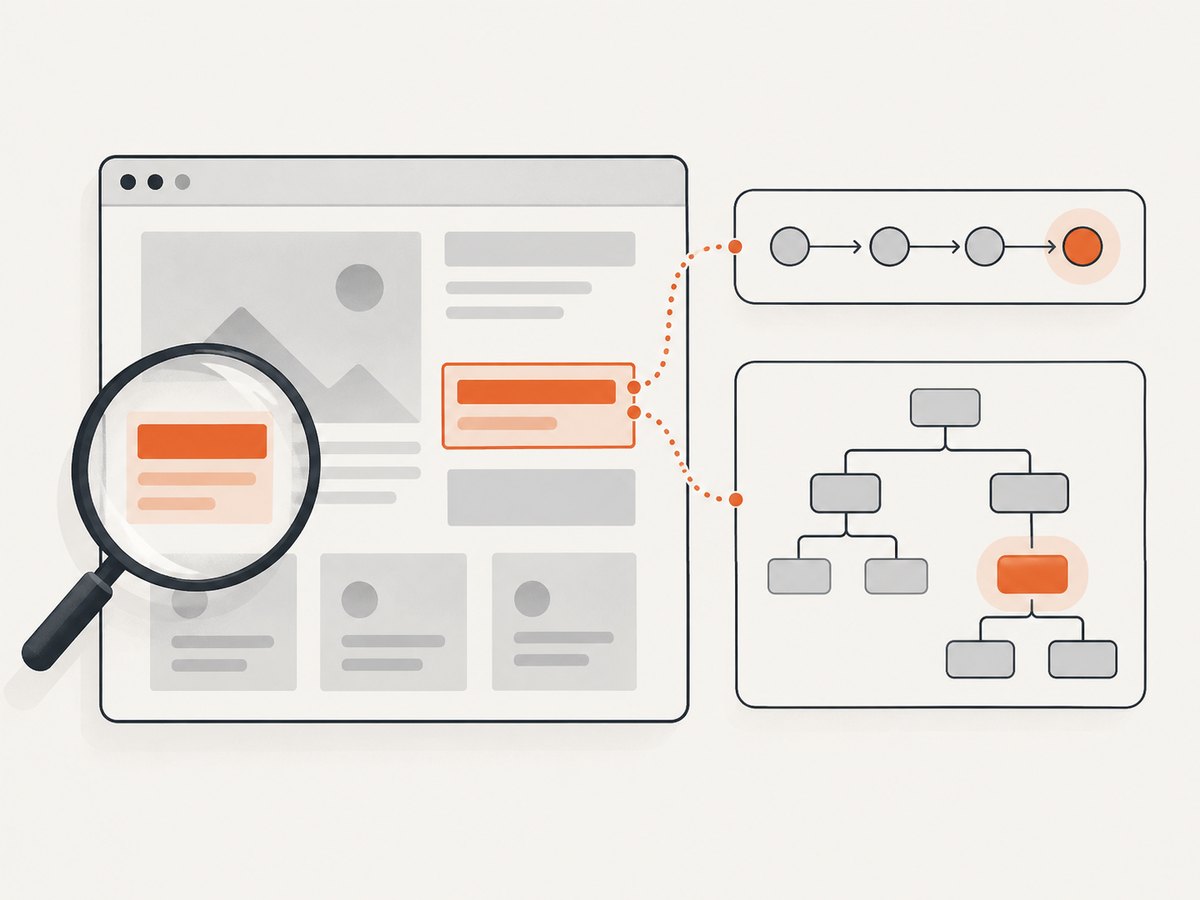
When a page is complex, first inspect the rendered result: identify the element, check its attributes, and see whether the candidate selector matches exactly the intended node. For a manual screenshot, browser developer tools can show the page as rendered. Automated screenshot capture can also help with visual review, but screenshots do not reveal the DOM attributes needed to write a locator.
For teams that need screenshots as part of page review, [ScreenshotNeo](https://screenshotneo.com) is a website screenshot API and MCP server. The browser-based locator advice above still applies: use the DOM and Selenium to choose and verify locators.
11. Or skip the browser setup
If your immediate task is to capture a page image rather than automate a Selenium interaction, ScreenshotNeo returns an image or PDF from one GET request. See the [ScreenshotNeo API documentation](https://screenshotneo.com/docs/) for request options.
curl -G "https://api.screenshotneo.com/v1/shot" -d access_key=YOUR_API_KEY --data-urlencode url=https://stripe.com -o shot.webpimport requests
r = requests.get("https://api.screenshotneo.com/v1/shot", params={"access_key": "YOUR_API_KEY", "url": "https://stripe.com"}, timeout=90)
open("shot.webp", "wb").write(r.content)const q = new URLSearchParams({ access_key: 'YOUR_API_KEY', url: 'https://stripe.com' });
const res = await fetch(`https://api.screenshotneo.com/v1/shot?${q}`);
if (!res.ok) throw new Error(`Screenshot request failed: ${res.status}`);
const fs = await import('node:fs/promises');
await fs.writeFile('shot.webp', Buffer.from(await res.arrayBuffer()));ScreenshotNeo accepts cookie or consent banners like a visitor and removes more than 60 known consent platforms, newsletter popups, and chat widgets before capture; each step can be turned off. Bot checks, blank pages, timeouts, failed loads, and cache hits cost nothing, and response headers report the page verdict and billing status. Its MCP server provides take_screenshot, get_page_info, and capture_pdf tools for Claude, Cursor, and other MCP clients. The free plan includes 1,000 screenshots a month with no card; paid plans start at $5 for 3,000. [Create a free account](https://screenshotneo.com/account/sign-up/).
12. FAQ
Can CSS selectors replace XPath in every Selenium test?
No. Many direct matches can be expressed in either syntax, but each has different expression capabilities and supported features. Choose the clearest supported locator for the target.
Is XPath the same thing as a long CSS path?
No. XPath is its own expression language with path navigation and predicates. Similar-looking target results do not make the syntaxes equivalent.
Should I convert every XPath locator to CSS?
Not automatically. Selenium favors a well-written CSS selector when a unique ID is unavailable, but preserve XPath where its expression makes the target clearer and is supported by your environment.
Does XPath 3.1 support mean Selenium supports all of XPath 3.1?
No. The W3C language specification and an automation API’s implemented locator support are separate. Check the actual host API and browser behavior.
Which should a team standardize on?
Agree on a default that favors stable IDs and clear CSS for straightforward matching, while allowing XPath when navigation or predicates improve clarity. Review locators for readability and uniqueness.


