How to Set the Screen Resolution for xvfb-run with wkhtmltopdf and wkhtmltoimage
Set Xvfb’s virtual screen with xvfb-run --server-args, then configure wkhtmltoimage’s viewport separately. Here are runnable commands, troubleshooting steps, and the key differences.
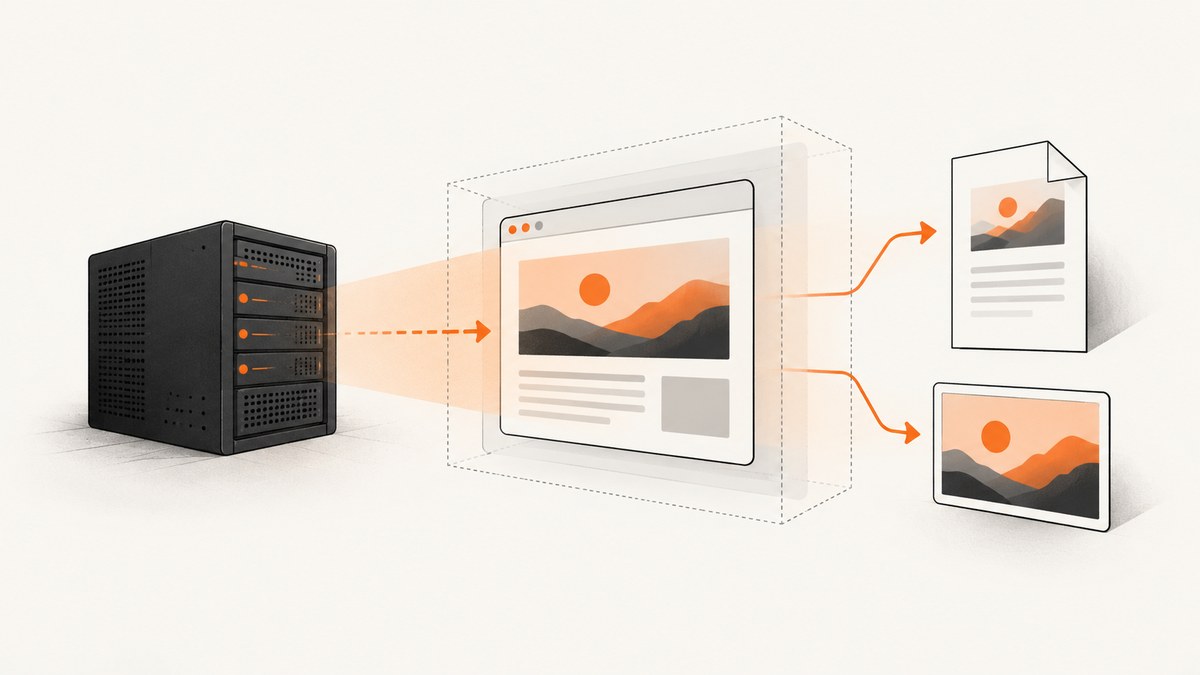
Set the virtual display dimensions on xvfb-run with --server-args. The Xvfb screen argument has the form -screen 0 WIDTHxHEIGHTxDEPTH; for example, -screen 0 1920x1080x24. For wkhtmltoimage, also set its own --width and --height when you need a particular capture viewport. These settings control related but distinct things: Xvfb’s virtual X display and the renderer’s page dimensions. Debian’s xvfb-run manual documents the server-argument option and example; the Xvfb manual defines the screen geometry format.
1. Set the Xvfb screen geometry
Use this command for a PDF conversion that needs an X server:
xvfb-run --server-args="-screen 0 1920x1080x24" wkhtmltopdf --use-xserver input.html output.pdfFor an image, set both Xvfb’s virtual display and wkhtmltoimage’s dimensions:
xvfb-run --server-args="-screen 0 1920x1080x24" wkhtmltoimage --width 1920 --height 1080 --disable-smart-width input.html output.pngThe three values following -screen 0 are width, height, and color depth, in that order. 0 selects screen number zero. 24 is a common color depth. Keep the entire server argument string quoted so the spaces stay together as one option value.
| Setting | Controls | Example |
|---|---|---|
-screen 0 W×H×D |
Xvfb’s virtual display geometry and depth | -screen 0 1920x1080x24 |
wkhtmltoimage --width |
Image renderer’s width guide | --width 1920 |
wkhtmltoimage --height |
Image renderer’s screen height; absent a value it is calculated from page content | --height 1080 |
--disable-smart-width |
Makes the requested image width strict | Use with a fixed output width |
wkhtmltopdf --use-xserver |
Tells wkhtmltopdf to use the X server | Use when the build requires X |
To choose a different size, replace the width and height in the Xvfb geometry and, for image output, provide the corresponding renderer dimensions. For example, a 1365 by 768 display at depth 24 is -screen 0 1365x768x24. A bigger virtual display does not, by itself, guarantee a bigger image: wkhtmltoimage’s settings still affect the rendered output.
2. Install and run the tools
On Debian or Ubuntu systems, install the packages in your environment before running the conversions. Package names and available versions can vary by distribution. The command below uses the Debian package names:
sudo apt-get update
sudo apt-get install -y xvfb xauth wkhtmltopdf
The xvfb-run wrapper requires xauth. Check that the programs are available and inspect their version output before debugging page rendering:
command -v xvfb-run
command -v wkhtmltopdf
command -v wkhtmltoimage
wkhtmltopdf --version
wkhtmltoimage --version
A runnable image conversion from a URL looks like this:
xvfb-run --auto-servernum \
  --server-args="-screen 0 1920x1080x24" \
  wkhtmltoimage \
    --width 1920 \
    --height 1080 \
    --disable-smart-width \
    "https://example.com/" \
    page.png
Replace the example address with a page you can access. To capture a local HTML file, use its path as the input, such as input.html. For PDF output:
xvfb-run --auto-servernum \
  --server-args="-screen 0 1920x1080x24" \
  wkhtmltopdf --use-xserver \
    "https://example.com/" \
    page.pdf
--auto-servernum asks the wrapper to try an available display number, starting at its configured starting number (99 by default in Debian’s manual). It can help when separate jobs might otherwise contend for the same display number. It does not change the geometry. You can also choose a display number with --server-num. Avoid passing a display number inside --server-args; use the wrapper’s server-number option for that purpose.
3. Understand the two dimensions in an image capture
It is useful to think of the command as two configuration layers:
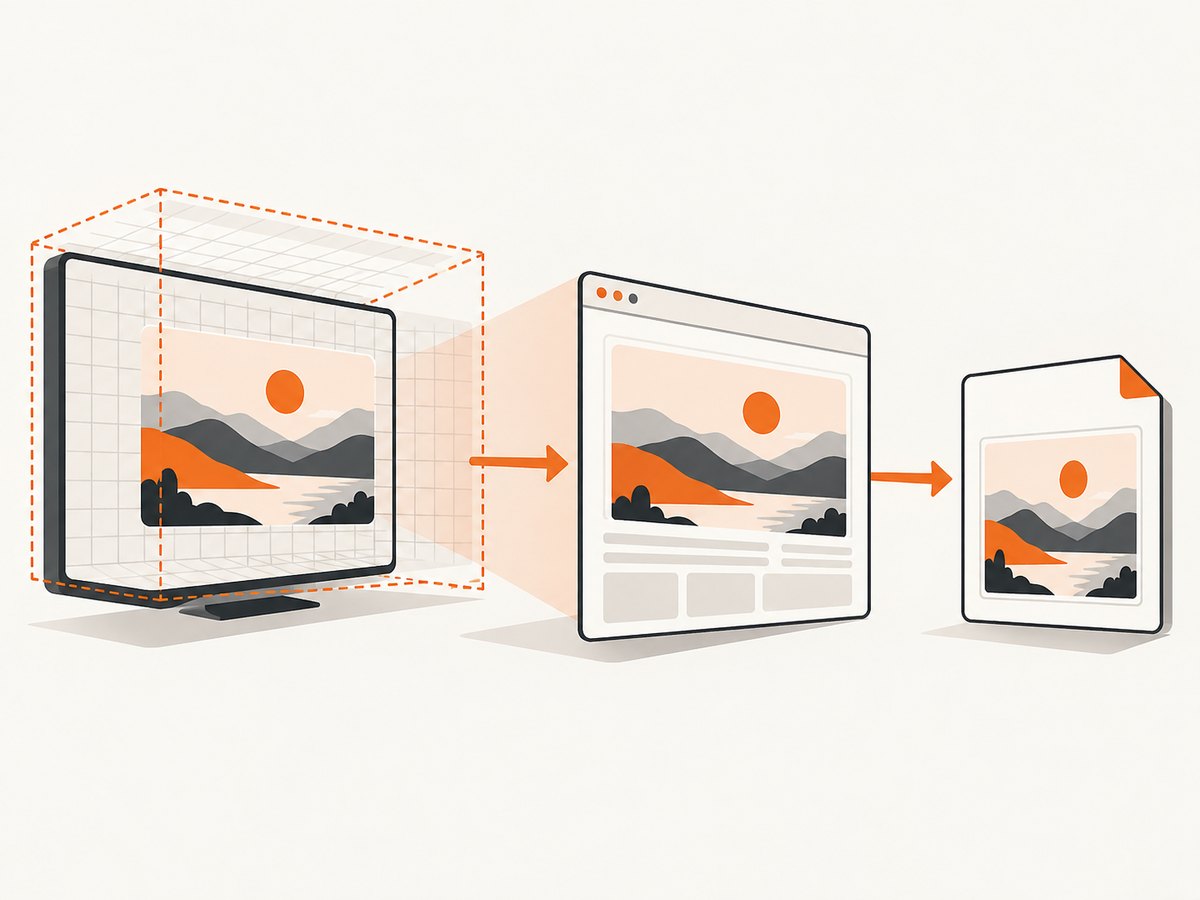
- Xvfb geometry: the virtual screen available to applications running on the X server. Configure it through
xvfb-run --server-args. - Renderer viewport: the dimensions wkhtmltoimage uses to lay out and capture page content. Configure it with
--widthand--height, and use--disable-smart-widthif width must remain strict.
The Xvfb manual describes -screen screennum WxHxD as setting a screen’s width, height, and depth. The wkhtmltoimage manual says --width is a guide unless smart width is disabled; its --height sets the screen height, which defaults to a value calculated from page content. See the wkhtmltoimage manual.
If the page layout is unexpectedly narrow, first verify the renderer width and smart-width setting. If the application needs an X display with a particular geometry, set Xvfb too. Setting only the Xvfb screen does not substitute for renderer options; setting only renderer options does not explicitly configure Xvfb.
4. wkhtmltopdf options that affect the result
For PDF conversion, Xvfb geometry and PDF page format are separate controls. Xvfb supplies the virtual display. wkhtmltopdf’s page-size and layout options determine the PDF’s page dimensions. Its --dpi option is not a way to resize Xvfb; the usage documentation says DPI has no effect on X11-based systems. Use --use-xserver when the conversion needs the X server. Consult the wkhtmltopdf usage documentation for its options and their details.
Some useful choices to make when rendering a document include:
- Paper dimensions: choose the PDF page size and orientation appropriate to the document. A PDF’s paper size is not set by the Xvfb screen dimensions.
- JavaScript: JavaScript is enabled by default in the documented usage. If a page fills in content dynamically, allow it and choose a suitable
--javascript-delay, or wait for a known page state with--window-status. Disabling JavaScript can omit content that depends on it. - Load failures:
--load-error-handlingcontrols how page-load failures are handled (abort,ignore, orskip);--load-media-error-handlingcontrols media failures. Choose deliberately, since ignoring an error can produce an incomplete PDF. - Local resources: local HTML can reference nearby images, stylesheets, and fonts. wkhtmltopdf’s local-file-access options determine whether those files can be read. Use the documented
--allowsetting to permit specific paths when local file access is disabled.
These options control content, loading, and the PDF document. They do not replace the Xvfb geometry setting.
5. Choose a repeatable configuration
- Decide the target. For an image, choose the intended output viewport. For a PDF, choose paper size and document layout.
- Set virtual geometry explicitly. Add
--server-args="-screen 0 WIDTHxHEIGHTxDEPTH"toxvfb-run. Explicit geometry avoids relying on the package’s default, which can vary across versions and distributions. - Set renderer options. For wkhtmltoimage, choose
--widthand optionally--height; disable smart width when you need a strict width. For wkhtmltopdf, select the relevant PDF options and add--use-xserverwhen required. - Run one known page. Use a stable local HTML fixture or a page whose content you control. Check the resulting file and logs before using the command in a batch job.
- Keep the whole command together. In shell scripts or job runners, preserve the quoted
--server-argsvalue and quote paths or URLs that contain shell-special characters.
6. Common errors and fixes
| Symptom | Likely cause | Fix |
|---|---|---|
| Output seems to use an unexpected screen size | The desired geometry was not passed to Xvfb, or only renderer options were changed. | Set --server-args="-screen 0 WxHxD" and verify the image renderer’s width and height separately. |
| wkhtmltoimage output width differs from the requested width | Smart width can adjust the image width. | Add --disable-smart-width when the requested width must be strict. |
| PDF dimensions do not match the Xvfb dimensions | PDF paper size and virtual-screen geometry control different parts of rendering. | Set the intended PDF page options in wkhtmltopdf and Xvfb geometry independently. |
xauth command not found or xvfb-run exits before conversion |
The wrapper cannot create its X authorization file without xauth. |
Install xauth in the environment and retry. |
| Display already in use or concurrent jobs interfere | Jobs may be trying to use the same X server number. | Use --auto-servernum or assign a different --server-num to each job. |
| Page is blank or dynamic content is missing | The page may not have loaded, JavaScript may need more time, or a load error may have occurred. | Check conversion output and logs; confirm the page is reachable, allow required JavaScript, and configure a delay or window-status wait if needed. |
| Local CSS, images, or fonts are absent | Local file access may be restricted or resource paths may not resolve from the input file. | Check paths and the wkhtmltopdf local-file-access settings; allow only the needed local directories. |
Changing --dpi did not change Xvfb resolution |
DPI is not X11 screen geometry. | Set Xvfb’s -screen dimensions through --server-args. |
| The server arguments are parsed incorrectly | Spaces in the server argument string were not quoted. | Keep the geometry inside one quoted string: --server-args="-screen 0 1920x1080x24". |
7. Performance, reliability, and cost
Increasing virtual width and height gives the X server a larger display surface. Choose the smallest geometry that meets the actual rendering requirement, and avoid treating a larger display as a general quality switch. A repeatable geometry and explicit renderer settings make it easier to compare output between jobs. Do not assume identical rendering across different wkhtmltopdf builds, package versions, or environments; record the version and relevant command options with your conversion configuration.
For reliability, test a representative page that includes the scripts and assets your real documents use. Page loading, JavaScript timing, and remote resources can affect whether a capture is complete. In automation, capture the process exit status and retain useful conversion errors so a failed render is distinguishable from a successful but incomplete document. If you run conversions concurrently, use automatic or distinct display numbers.
Cost depends on where and how you run the conversion: this command itself does not specify a hosted service price. In a self-managed environment, account for the compute time, memory, storage, and maintenance associated with the jobs. Large pages and repeated conversions may need more resources; measure them in your own workload rather than assuming a universal throughput.
8. Or skip the browser setup
If your goal is a website screenshot rather than a local wkhtmltoimage or wkhtmltopdf workflow, ScreenshotNeo is a website screenshot API and MCP server. One GET request takes a URL and returns an image or PDF. See the ScreenshotNeo API documentation for the available parameters.
curl -G "https://api.screenshotneo.com/v1/shot" \
  -d access_key=YOUR_API_KEY \
  --data-urlencode url=https://stripe.com \
  -o shot.webp
import requests
r = requests.get(
"https://api.screenshotneo.com/v1/shot",
params={"access_key": "YOUR_API_KEY", "url": "https://stripe.com"},
timeout=90,
)
open("shot.webp", "wb").write(r.content)const q = new URLSearchParams({
access_key: 'YOUR_API_KEY',
url: 'https://stripe.com'
});
const res = await fetch(`https://api.screenshotneo.com/v1/shot?${q}`);Cookie and consent banners are accepted before capture, and more than 60 known consent platforms, newsletter popups, and chat widgets are removed. Bot checks and CAPTCHAs, blank pages, timeouts, failed loads, and cache hits cost nothing; response headers report the page verdict and billing status. AI agents can use its MCP server, which provides take_screenshot, get_page_info, and capture_pdf. The Free plan includes 1,000 shots a month without a card; paid plans start at $5 for 3,000 shots. Every feature is on every plan.
Sign up free for 1,000 screenshots a month with no card.
FAQ
What does the final number in 1920x1080x24 mean?
It is the Xvfb color depth, in bits. The full syntax is width, height, and depth.
Does --viewport-size set the Xvfb screen?
No. It is a wkhtmltopdf renderer option for emulating a window size in certain page layouts. Xvfb geometry belongs in --server-args.
Should I set --use-xserver for every PDF conversion?
Use it when your wkhtmltopdf build or conversion needs the X server. The option explicitly selects that server; it does not set its resolution.
Why specify geometry if the default looks adequate?
Defaults can differ by package and distribution version. Explicit dimensions make the intended virtual display clear and more reproducible.
Is --height required for wkhtmltoimage?
No. Its documented default is calculated from page content. Set it when the capture needs a defined screen height.


