How to Get a Thumbnail from a YouTube Live Stream
Learn how to upload, capture, change, and troubleshoot thumbnails for YouTube live streams, including webcam and scheduled events.
Direct answer: Open YouTube Studio, select the live stream or scheduled event, upload a prepared 16:9 JPG or PNG in the thumbnail area, and save it. For webcam streams, YouTube can capture a thumbnail during setup after you click Next. Scheduled encoder streams can also use a custom thumbnail.
Choose the right thumbnail method
| Situation | Best method | When it is available |
|---|---|---|
| You have a designed image | Upload a custom thumbnail in YouTube Studio | Before or after scheduling, and for the recording |
| You are starting a webcam stream | Let YouTube capture a frame during setup | After entering stream details and clicking Next |
| You use an encoder | Set a custom thumbnail on the scheduled event | During the live setup workflow |
| You need a page preview for a website or report | Capture the public watch page with a screenshot service | After the stream page is available |
Upload a custom thumbnail in YouTube Studio
- Sign in to YouTube Studio.
- Open Content.
- Select the live stream, scheduled event, or its recording.
- Open the thumbnail editor and choose Upload file.
- Select your prepared image and click Save.
YouTube says custom thumbnails require a verified account. Check verification and live-stream eligibility before troubleshooting the upload. See the official thumbnail guidance.
Recommended image format and size
- Use a 16:9 image.
- Upload JPG or PNG.
- Make the image at least 640 pixels wide; YouTube recommends uploading as large as practical within its current upload limits.
- Keep faces and the main subject away from edges that may be cropped on smaller surfaces.
- Use strong contrast and a simple composition so the subject remains legible on phones.
Google’s live-streaming guide recommends a clear, high-contrast image that accurately portrays the content. Avoid misleading imagery or claims unrelated to the stream.
Let YouTube capture a webcam thumbnail
- Open the webcam live-stream flow in YouTube.
- Enter the title, description, and privacy setting.
- Click Next.
- Review the frame YouTube captures for the thumbnail.
- Continue to Go Live, or choose a custom upload if the frame is not suitable.
This option is convenient when you do not have a prepared design. It gives you less control over composition, text placement, and timing than an uploaded image.
Scheduled and encoder streams
For a scheduled event, add a custom thumbnail in the live setup flow before the event starts. Encoder-based streams use the same event-level thumbnail concept: configure the scheduled event, upload the 16:9 image, and save it before broadcasting. YouTube supports mobile, webcam, encoder, and console live-stream methods; the exact menu labels can change as Studio is updated.
Change a live-stream thumbnail after publishing
- Return to YouTube Studio and open Content.
- Select the live stream or its recording.
- Open the thumbnail editor.
- Upload the replacement image.
- Click Save.
The new image may take time to appear across YouTube surfaces. YouTube does not promise one universal propagation time, so check the watch page, channel page, search result, and any embed separately.
Thumbnail design checklist
- Use a single clear subject and a readable focal point.
- Prefer high contrast between foreground and background.
- Represent the actual stream; inaccurate or sensational imagery can violate policy.
- Preview at small sizes before uploading.
- Keep important details inside the safe central area.
- Export as JPG or PNG in 16:9.
YouTube may reject thumbnails containing nudity or sexually provocative content, hate speech, violence, or harmful or dangerous content. Repeated violations can remove thumbnail privileges for 30 days or lead to account termination. Review YouTube’s current policy and requirements before publishing.
Can YouTube grab a thumbnail from my live video?
Yes, during webcam setup YouTube captures a frame after you click Next. For encoder and scheduled streams, plan to upload a custom image in advance. The automatic frame is useful for speed, while a designed upload gives you control over branding, contrast, and the subject’s expression.
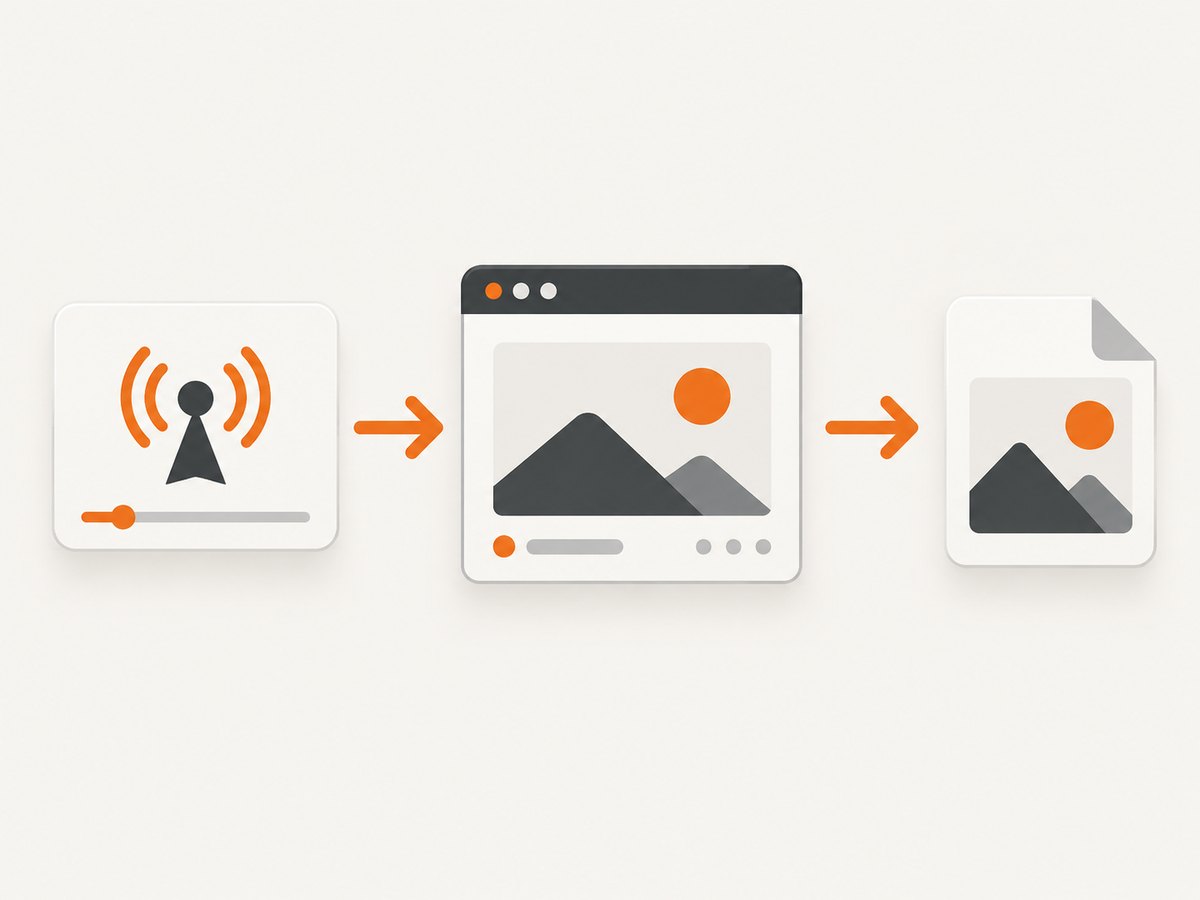
Capture a preview of the live-stream page automatically
If your goal is a thumbnail of the public watch page for a dashboard, archive, or social preview, a webpage screenshot API can automate the browser work. This captures the page as rendered; it does not extract a video frame from the stream itself.
Or skip the browser setup
ScreenshotNeo can capture a clean screenshot of the YouTube watch page with one request. Cookie banners, popups, and chat widgets are removed before the shot. Bot checks, blank pages, failed loads, timeouts, and cache hits are never billed, and the response identifies the result with X-Page-Verdict and X-Billed headers. Its MCP server lets Claude, Cursor, and other AI agents call take_screenshot, get_page_info, and capture_pdf.
See the ScreenshotNeo API documentation for all options.
cURL
curl -G "https://api.screenshotneo.com/v1/shot" -d access_key=YOUR_API_KEY --data-urlencode url=https://www.youtube.com/watch?v=YOUR_VIDEO_ID -o shot.webpPython
import requests

r = requests.get(
    "https://api.screenshotneo.com/v1/shot",
    params={
        "access_key": "YOUR_API_KEY",
        "url": "https://www.youtube.com/watch?v=YOUR_VIDEO_ID"
    },
    timeout=90,
)
r.raise_for_status()
open("shot.webp", "wb").write(r.content)
Node.js
const q = new URLSearchParams({
  access_key: 'YOUR_API_KEY',
  url: 'https://www.youtube.com/watch?v=YOUR_VIDEO_ID'
});
const res = await fetch(`https://api.screenshotneo.com/v1/shot?${q}`);
if (!res.ok) throw new Error(`Screenshot failed: ${res.status}`);
const data = Buffer.from(await res.arrayBuffer());
await import('node:fs/promises').then(fs => fs.writeFile('shot.webp', data));
ScreenshotNeo includes full-page capture, viewport and device presets, retina scale, custom waits, selectors to hide, custom CSS and JavaScript, request blocking, caching with a chosen TTL, signed links, asynchronous jobs, bulk capture, and usage reporting. Only clean shots are billed. The Free plan includes 1,000 screenshots per month with no card; paid plans start at $5 for 3,000. Create a free ScreenshotNeo account.
Troubleshooting
| Problem | Likely cause | Fix |
|---|---|---|
| Upload option is missing | The channel is not verified or the account is not eligible | Verify the channel and review live-stream requirements. |
| Thumbnail is rejected | It violates YouTube thumbnail policy | Remove prohibited or misleading content and upload a compliant 16:9 image. |
| New image is not visible | Propagation or cached surfaces | Wait, refresh the watch page, and check the recording and channel surfaces separately. |
| Webcam frame looks poor | The automatic capture caught motion, poor lighting, or an awkward expression | Improve lighting and framing, or upload a designed thumbnail instead. |
| Encoder event has no thumbnail | The image was not saved on the scheduled event | Open the event in Studio, upload the image, save, and confirm before broadcasting. |
| ScreenshotNeo returns a blank or blocked page | The watch page has not loaded, requires interaction, or is showing a bot check | Use a public URL, add a wait condition, and inspect X-Page-Verdict. Failed loads and bot checks are not billed. |
Eligibility and account checks
YouTube requires channel verification for custom thumbnails. Live-stream eligibility also depends on having no live-stream restrictions in the preceding 90 days, and YouTube states that creators must be at least 16 to live stream. Requirements and menu labels can change, so consult the current YouTube live-stream help.
Performance, reliability, and cost considerations
- Upload once, reuse carefully: Keep the original high-resolution file so you can revise text or framing without repeated compression.
- Allow for propagation: Schedule updates before promotion because YouTube does not guarantee a universal display delay.
- Automate page previews: Cache a screenshot when the watch page changes instead of capturing it on every request.
- Validate the result: Store the returned image and, for ScreenshotNeo, record the verdict and billing headers.
- Control spend: ScreenshotNeo bills only clean shots; cache hits, blank pages, bot checks, timeouts, and failed loads cost nothing. Its Free plan provides 1,000 shots monthly without a card.
FAQ
What size should a YouTube Live thumbnail be?
Use a 16:9 JPG or PNG and at least 640 pixels wide. Upload as large as practical within YouTube’s current limits.
Can I change the thumbnail while the stream is live?
You can edit the live stream or recording in YouTube Studio and save a replacement, but the update may take time to appear everywhere.
Does YouTube automatically choose a thumbnail for every live stream?
The webcam setup can capture one after you click Next. Scheduled and encoder streams should use a custom thumbnail configured on the event.
Can a screenshot API extract a frame from the video?
No. A screenshot API captures the rendered watch page. Use YouTube’s Studio workflow for a video frame or custom thumbnail.
Why does my thumbnail look different on mobile?
YouTube displays thumbnails at different sizes and surfaces. Keep the subject central, use high contrast, and test the saved image at a small size.


