YouTube Page Thumbnail Size
YouTube recommends 3840 × 2160 px for standard video thumbnails and 2160 × 3840 px for Shorts. Here are the dimensions, limits, and upload details.
For a standard YouTube video thumbnail, use a 3840 × 2160 px landscape image with a 16:9 aspect ratio. YouTube lists 640 px as the minimum width for video thumbnails. For a YouTube Short, use a 2160 × 3840 px vertical image with a 9:16 aspect ratio; YouTube lists 640 px as the minimum height. These are YouTube’s recommendations and minimum dimensions, not a promise that every surface displays the image at that exact size. YouTube Help: Add custom thumbnails.
1. YouTube thumbnail dimensions at a glance
| Thumbnail type | Recommended dimensions | Minimum dimension | Aspect ratio |
|---|---|---|---|
| Standard video | 3840 × 2160 px | 640 px wide | 16:9 |
| Shorts | 2160 × 3840 px | 640 px high | 9:16 |
| Podcast playlist | No pixel recommendation specified in the cited guidance | Not specified | 1:1 |
Use landscape dimensions for a standard video and portrait dimensions for Shorts. Do not use the video player’s responsive display behavior to infer thumbnail upload dimensions: YouTube’s general video guidance describes playback, while its custom-thumbnail page gives thumbnail recommendations.
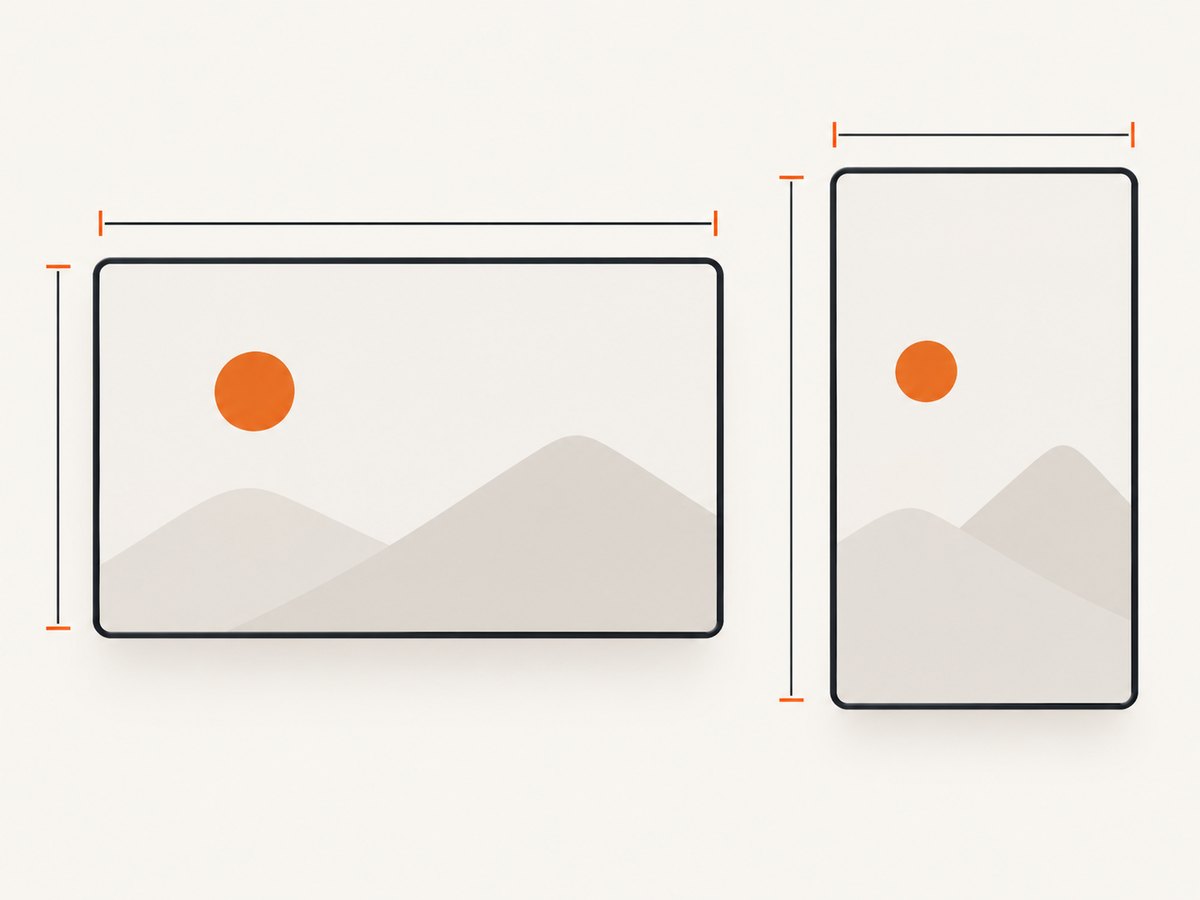
2. Choose the right canvas for your video
Standard videos: 16:9 landscape
Create a canvas that is 3840 px wide and 2160 px high. YouTube recommends a 16:9 ratio and says to make the uploaded thumbnail as large as possible while following its supported formats and file-size limits. The 640 px minimum is a width threshold; it does not mean that a 640 × 640 square image meets the recommended shape.
Shorts: 9:16 portrait
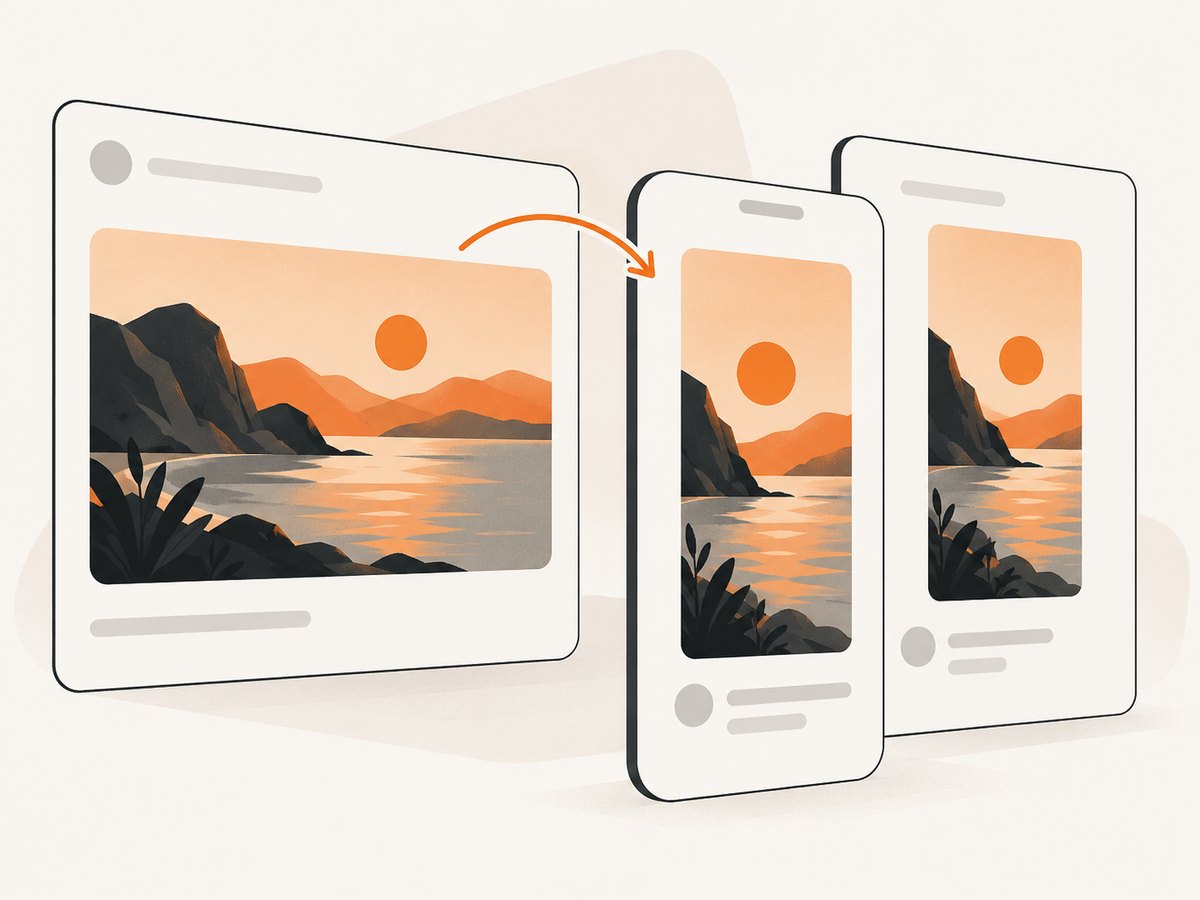
Create a canvas that is 2160 px wide and 3840 px high. The recommended ratio is 9:16, and the listed minimum is 640 px high. A vertical video has a display caveat: a custom 16:9 thumbnail may be replaced by an automatically generated 4:5 thumbnail on Home, Explore, and Subscriptions. YouTube says the custom thumbnail can still appear in the watch feed, watch history, and non-mobile platforms. Check the result on the surfaces that matter to your audience.
Podcast playlist thumbnails
YouTube’s custom-thumbnail guidance specifies a 1:1 ratio for podcast playlist thumbnails. The cited material does not provide a recommended pixel size for that use case, so do not assume the video or Shorts dimensions apply.
3. File formats and upload-size limits
YouTube lists JPG and PNG as suitable formats. Its listed upload limits depend on the upload device: mobile allows up to 2 MB for video thumbnails, while desktop allows up to 50 MB. Podcast thumbnails have different limits, so check YouTube’s current guidance for that specific upload type.
- Export a standard video thumbnail as JPG or PNG at 16:9.
- Export a Shorts thumbnail as JPG or PNG at 9:16.
- Keep the file within the limit for the device and thumbnail type you use to upload.
- If YouTube rejects an image, check its format, dimensions, file size, and content against the platform’s policies.
Thumbnail images must follow YouTube’s Community Guidelines. YouTube gives nudity or sexually provocative content, hate speech, violence, and harmful or dangerous content as examples that may lead to rejection and a strike.
4. Make and upload a correctly sized thumbnail
- Pick the aspect ratio. Use 16:9 for a standard video or 9:16 for a Short. Use 1:1 for a podcast playlist thumbnail.
- Set the canvas dimensions. For a standard video, set 3840 × 2160 px. For a Short, set 2160 × 3840 px.
- Export as JPG or PNG. Confirm the resulting file is within the upload limit for your device and thumbnail type.
- Verify your account. YouTube requires a verified account to upload custom video and Shorts thumbnails.
- Upload the image in YouTube Studio. YouTube currently allows adding custom Shorts thumbnails through Studio on a computer.
- Review how it appears. For vertical videos, check the different surfaces because a 16:9 custom thumbnail may be replaced with an automatic 4:5 image on some of them. YouTube also notes that changes can take time to appear.
For an image you already have, preserve the intended subject and composition when changing its canvas. Changing the pixel dimensions alone can distort an image if the editor stretches it instead of cropping or adding space to maintain the ratio.
5. Thumbnail experiments have a separate resolution rule
YouTube’s A/B testing guidance says experiments can take a few days or up to two weeks. If any thumbnail in an experiment is below 720p (1280 × 720 px), all experiment thumbnails are downscaled to 480p (854 × 480 px). This rule is specific to thumbnail experiments; it is not the general minimum upload size. YouTube Help: A/B test titles and thumbnails.
6. Capture a web page as a thumbnail source
If the image you need is a website page, you can capture the page in a browser and then place or crop that capture in an image editor at the appropriate thumbnail ratio. A screenshot’s dimensions and aspect ratio depend on the browser viewport and capture settings, so it may need cropping or padding to fit 16:9 or 9:16. A page screenshot is not automatically a YouTube-ready thumbnail.
For manual browser capture, open the page at the viewport you need, wait for its content to finish loading, and capture either the visible viewport or the full page. Crop or resize the resulting image to your chosen canvas, export as JPG or PNG, and check the resulting file size before upload.
7. Or skip the browser setup
ScreenshotNeo is a website screenshot API and MCP server. One GET request can return a page screenshot as PNG, JPEG, WebP, or a PDF. See the ScreenshotNeo documentation for its API options.
curl -G "https://api.screenshotneo.com/v1/shot" -d access_key=YOUR_API_KEY --data-urlencode url=https://stripe.com -o shot.webpimport requests
r = requests.get("https://api.screenshotneo.com/v1/shot", params={"access_key": "YOUR_API_KEY", "url": "https://stripe.com"}, timeout=90)
open("shot.webp", "wb").write(r.content)const q = new URLSearchParams({ access_key: 'YOUR_API_KEY', url: 'https://stripe.com' });
const res = await fetch(`https://api.screenshotneo.com/v1/shot?${q}`);ScreenshotNeo accepts cookie or consent banners like a visitor and removes more than 60 known consent platforms, newsletter popups, and chat widgets before capture; each cleanup step can be turned off. Bot checks, blank pages, failed loads, timeouts, and cache hits cost nothing, and the response includes X-Page-Verdict and X-Billed headers. Its MCP server provides take_screenshot, get_page_info, and capture_pdf tools for Claude, Cursor, and other MCP clients. The free plan includes 1,000 screenshots per month with no card; paid plans start at $5 for 3,000 screenshots. A captured image may still need cropping or resizing to meet YouTube’s thumbnail dimensions.
Sign up for 1,000 free screenshots a month, with no card.
8. Troubleshooting thumbnail size and upload errors
| Problem | Likely cause | What to do |
|---|---|---|
| The thumbnail looks stretched | The image was resized to a different ratio without preserving its proportions. | Re-export on a 16:9 video canvas or 9:16 Shorts canvas. Crop or add canvas space instead of stretching the image. |
| The upload is rejected for size | The file exceeds the device-specific or thumbnail-type limit. | Check whether you are uploading on mobile or desktop, then export a smaller JPG or PNG within the applicable limit. |
| A vertical video shows a different thumbnail on some pages | YouTube may show an automatically generated 4:5 image on Home, Explore, or Subscriptions. | Review the thumbnail on the intended surfaces and account for the 4:5 presentation when composing a vertical-video image. |
| The custom thumbnail option is unavailable | The account may not be verified, or the Shorts upload route may not be supported on the device being used. | Verify the account. For Shorts, use YouTube Studio on a computer, as specified by current YouTube guidance. |
| An experiment thumbnail appears lower resolution | At least one experiment image is below 720p, triggering downscaling of all experiment thumbnails. | Use experiment images at or above 1280 × 720 px to avoid that documented threshold for standard landscape experiments. |
| The updated thumbnail has not appeared yet | YouTube says changes may take time to appear. | Allow time for the change to show, then check again on the relevant YouTube surfaces. |
9. Performance and practical file handling
The cited YouTube guidance gives upload recommendations and limits; it does not establish a universal rendered display size or promise that a particular thumbnail design will improve click-through rate. Prepare the image at the recommended ratio and keep the file within the applicable upload limit. If you are making experiment variants, use sufficiently high resolution so one smaller variant does not trigger the documented downscaling behavior.
10. FAQ
Is 1280 × 720 the YouTube thumbnail recommendation?
It is a 16:9 size often used in thumbnail experiments, and it is the threshold YouTube cites for avoiding the experiment downscaling rule. The custom-thumbnail page recommends 3840 × 2160 px for standard videos.
Can I use a 16:9 thumbnail for a Short?
YouTube recommends a 9:16 thumbnail for Shorts. A 16:9 custom thumbnail on a vertical video may be replaced with an automatic 4:5 image on some surfaces.
Does YouTube display every thumbnail at 3840 × 2160?
No universal rendered display size is specified in the cited upload guidance. The dimensions are an upload recommendation, and YouTube’s player and surfaces can adapt to context.
Can I upload a custom Shorts thumbnail from a phone?
YouTube’s current guidance says custom Shorts thumbnails can be added through YouTube Studio on a computer.


