YouTube Thumbnail Image Size
Use 3840×2160 for YouTube videos and 2160×3840 for Shorts, with the right format, file limit, and safe export workflow.
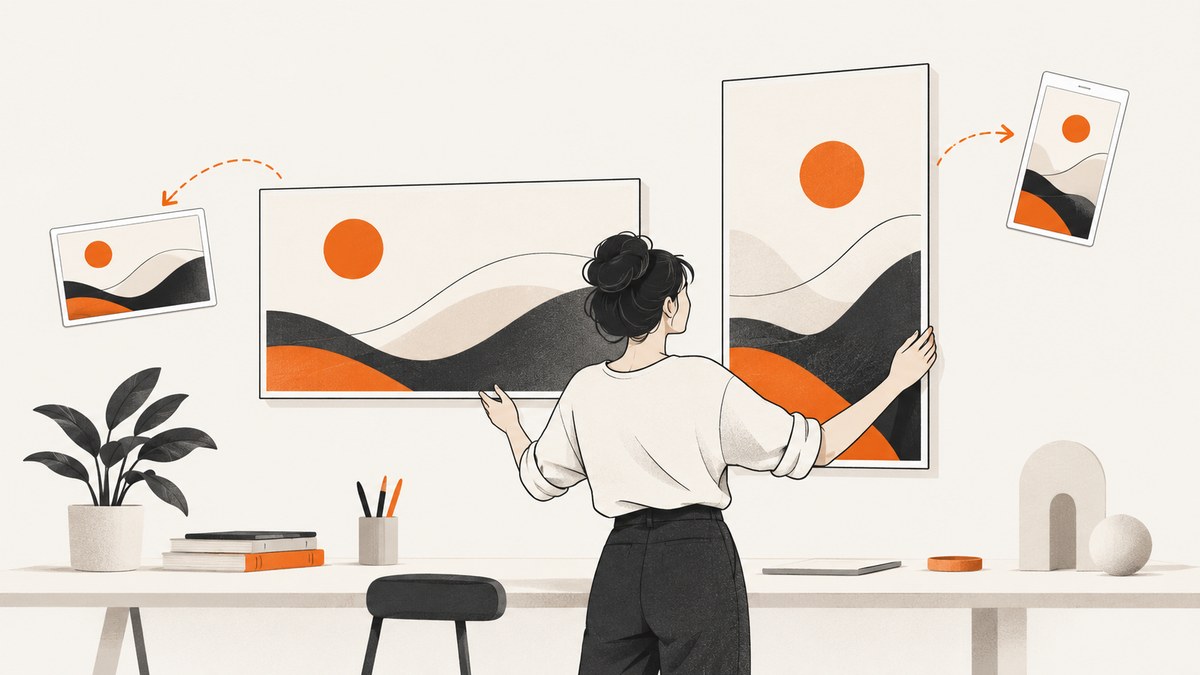
For a standard YouTube video, use 3840 × 2160 pixels (16:9) when possible. For a YouTube Short, use 2160 × 3840 pixels (9:16). Export as JPG or PNG, and check the upload size limit for the device you are using.
YouTube lists 640 pixels as the minimum width for a standard-video thumbnail. Shorts have a minimum height of 640 pixels. YouTube recommends making the custom thumbnail as large as possible. YouTube Help
Recommended YouTube thumbnail dimensions
| Use case | Recommended size | Aspect ratio | Minimum requirement |
|---|---|---|---|
| Standard video | 3840 × 2160 px | 16:9 | 640 px minimum width |
| YouTube Short | 2160 × 3840 px | 9:16 | 640 px minimum height |
The 3840 × 2160 canvas is commonly called 4K UHD. It gives YouTube a large source image that can be resized for different surfaces while preserving the 16:9 shape. A 2160 × 3840 canvas follows the vertical orientation of Shorts.
File format and upload limits
- Accepted formats: JPG and PNG.
- Mobile video-thumbnail limit: 2 MB.
- Desktop video, Shorts, and podcast-thumbnail limit: 50 MB.
The same image can therefore upload successfully on desktop and fail on mobile if it is larger than 2 MB. If a mobile upload is required, export a compressed JPG or reduce image complexity while keeping the target dimensions.
Why aspect ratio matters
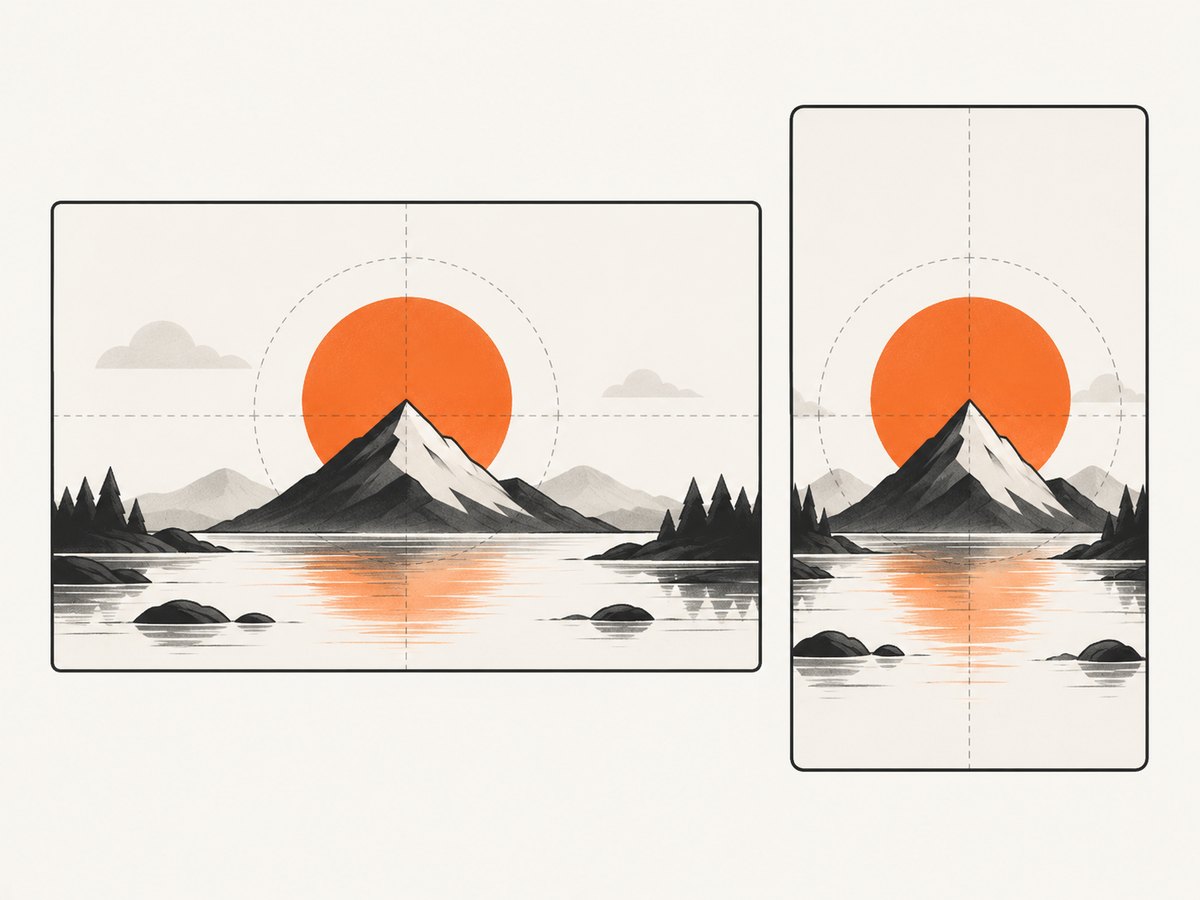
A standard video thumbnail should be 16:9. A vertical Short should be 9:16. If the source image has a different ratio, YouTube resizes it without changing its aspect ratio and may add black bars to fill the required dimensions. This can make the subject appear smaller and can leave unwanted borders.
Crop the source to the target ratio before exporting. Do not stretch a 16:9 image into 9:16; instead, create a separate vertical composition with the subject repositioned for the taller frame.
Shorts thumbnails and YouTube surfaces
For vertical videos, YouTube may replace a custom 16:9 thumbnail with an automatically generated 4:5 thumbnail on Home, Explore, and subscription pages. The custom image remains visible in the watch feed, watch history, and on non-mobile platforms. Design the important subject near the center so the image remains understandable when a surface uses a different crop.
A reliable thumbnail export workflow
- Choose the destination first. Use 3840 × 2160 for a standard video or 2160 × 3840 for a Short.
- Set the canvas ratio before designing. This prevents late cropping and black bars.
- Keep the primary subject inside the central area. Different YouTube surfaces can crop or reframe the preview.
- Export a JPG for smaller files. Use PNG when you need lossless edges or transparency in your source workflow.
- Check the final file size. Stay under 2 MB for mobile video-thumbnail uploads and under 50 MB for desktop uploads.
- Inspect at small display sizes. A thumbnail can be technically correct yet difficult to understand when reduced.
- Upload and verify multiple surfaces. Check the watch page, feed, and any mobile placement relevant to your audience.
Resize and export with Python
This script creates a 16:9 video thumbnail or a 9:16 Shorts thumbnail with Pillow. Install the dependency with python -m pip install pillow.
from pathlib import Path
from PIL import Image

SOURCE = "source.jpg"
KIND = "video"  # change to "short"

sizes = {
    "video": (3840, 2160),
    "short": (2160, 3840),
}

if KIND not in sizes:
    raise ValueError("KIND must be 'video' or 'short'")

output_size = sizes[KIND]
image = Image.open(SOURCE).convert("RGB")

# Center-crop to the target aspect ratio, then resize.
target_ratio = output_size[0] / output_size[1]
source_ratio = image.width / image.height

if source_ratio > target_ratio:
    new_width = round(image.height * target_ratio)
    left = (image.width - new_width) // 2
    image = image.crop((left, 0, left + new_width, image.height))
else:
    new_height = round(image.width / target_ratio)
    top = (image.height - new_height) // 2
    image = image.crop((0, top, image.width, top + new_height))

image = image.resize(output_size, Image.Resampling.LANCZOS)
output = Path("thumbnail.jpg")
image.save(output, format="JPEG", quality=88, optimize=True, progressive=True)
print(f"Wrote {output} at {output_size[0]}x{output_size[1]}")
Review the crop before publishing. A center crop can remove a face, product, or other subject near an edge; in that case, reposition the source artwork manually and export again.
Common problems and fixes
| Problem | Likely cause | Fix |
|---|---|---|
| Upload rejected on mobile | The video thumbnail exceeds 2 MB. | Export JPG, lower JPEG quality, remove unnecessary metadata, or simplify the image. |
| Black bars appear | The source ratio did not match the required canvas. | Crop to 16:9 for videos or 9:16 for Shorts before export. |
| Subject is cut off | Automatic cropping removed content near an edge. | Recompose with the subject closer to the center, then export at the target ratio. |
| Image looks stretched | The image was resized independently in both dimensions. | Crop first, then resize while preserving the target aspect ratio. |
| Thumbnail looks different on Home | Vertical-video surfaces can use an automatically generated 4:5 preview. | Keep the key subject readable in a central crop and verify the relevant surfaces. |
| File is too large on desktop | The file exceeds the 50 MB desktop limit. | Use JPG compression or reduce image complexity while retaining the required dimensions. |
| PNG has an unexpected background | The export flattened transparency or used an opaque canvas. | Use a transparent workflow only when the destination and editor preserve it; otherwise export a normal RGB image. |
Performance, quality, and cost considerations
- Dimension versus file size: Keep the recommended pixel dimensions, then reduce file size through JPG quality and image optimization.
- PNG versus JPG: PNG preserves sharp edges and lossless detail, while JPG is usually easier to keep below mobile limits.
- Design time: Maintain separate 16:9 and 9:16 templates so a Short does not depend on a late crop of a landscape design.
- Verification: A thumbnail may appear in several crops, so inspect the watch page and the feed placements that matter to your channel.
- Source preservation: Keep an editable master and export a delivery copy. Repeatedly recompressing the same JPG can reduce quality.

Or skip the browser setup
If you need a clean frame from a web page as the starting point for a thumbnail, ScreenshotNeo returns a screenshot from one GET request. Cookie banners, newsletter popups, and chat widgets are removed before the shot; bot checks, blank pages, timeouts, failed loads, and cache hits are never billed. An MCP server lets AI agents take screenshots, and the free plan includes 1,000 screenshots a month with no card. Paid plans start at $5 for 3,000 shots.
See the ScreenshotNeo API documentation for all options.
cURL
curl -G "https://api.screenshotneo.com/v1/shot" -d access_key=YOUR_API_KEY --data-urlencode url=https://www.youtube.com -o shot.webpPython
import requests

r = requests.get(
    "https://api.screenshotneo.com/v1/shot",
    params={"access_key": "YOUR_API_KEY", "url": "https://www.youtube.com"},
    timeout=90,
)
r.raise_for_status()
open("shot.webp", "wb").write(r.content)
Node.js
const q = new URLSearchParams({ access_key: 'YOUR_API_KEY', url: 'https://www.youtube.com' });
const res = await fetch(`https://api.screenshotneo.com/v1/shot?${q}`);
if (!res.ok) throw new Error(`Screenshot failed: ${res.status}`);
const fs = await import('node:fs/promises');
await fs.writeFile('shot.webp', Buffer.from(await res.arrayBuffer()));
Create a free ScreenshotNeo account to get 1,000 screenshots each month with no card.
FAQ
What is the best YouTube thumbnail size?
Use 3840 × 2160 pixels at 16:9 for a standard video whenever possible.
What size should a YouTube Shorts thumbnail be?
Use 2160 × 3840 pixels at 9:16.
Can I upload a smaller thumbnail?
YouTube lists 640 pixels as the minimum width for standard videos and 640 pixels as the minimum height for Shorts. The larger recommended canvases provide more source detail.
Should I use JPG or PNG?
Both are accepted. JPG is useful when you need to meet a strict file-size limit; PNG is useful for lossless graphics and sharp edges.
Why did YouTube add black bars?
The uploaded image did not match the required dimensions, so YouTube resized it without changing its aspect ratio and filled the remaining area.
What is the mobile thumbnail file-size limit?
For video thumbnails uploaded on mobile, the limit is 2 MB. Desktop allows up to 50 MB for video, Shorts, and podcast thumbnails.


