Why YouTube Thumbnail Previews Fail and How to Fix Them
A missing still thumbnail and a missing moving preview have different causes. Identify which one failed, then follow the right YouTube fix.
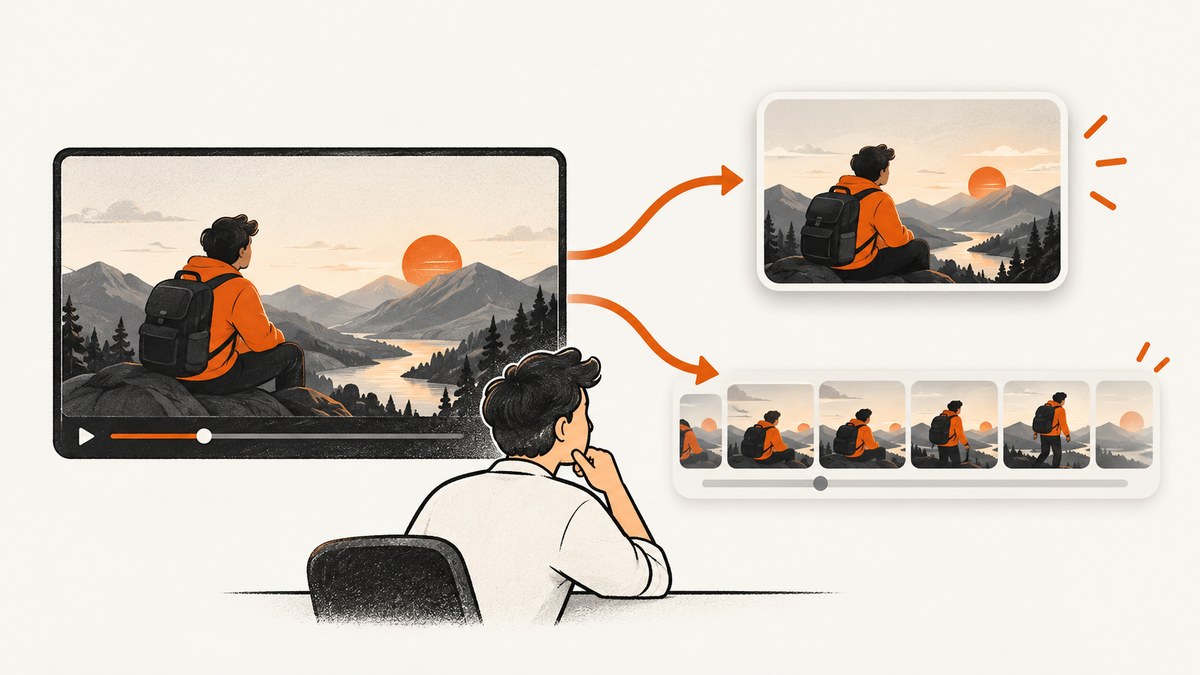
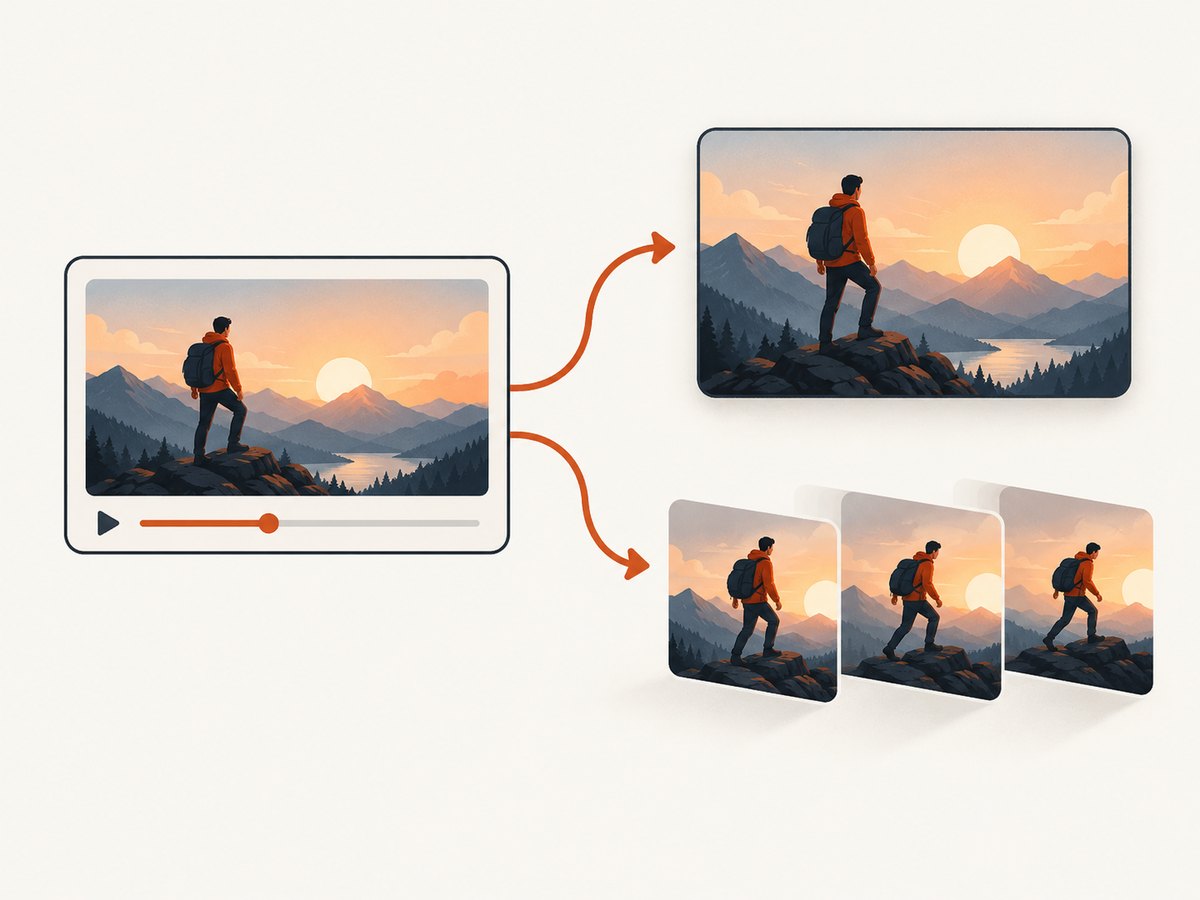
A YouTube thumbnail problem can mean two different things: the custom still image you chose is missing or stale, or the automatic three-second moving video preview does not appear. They have different causes. A custom thumbnail is a still image; a video preview is selected automatically and is not a replacement for that image.
For a missing or outdated still, check the video and save state in YouTube Studio, account verification, image requirements, policy notices, and the surface where you are viewing it. Changes can take time to appear; YouTube does not specify a fixed propagation period. For a missing moving preview, first check eligibility: previews are available for most videos longer than 30 seconds, but not all. You cannot force one to appear by uploading a larger thumbnail.
1. Identify which preview is missing
| What you see | What it is | First place to investigate |
|---|---|---|
| Your selected image is absent or an older image remains | Custom thumbnail, a still image | YouTube Studio, image requirements, verification, policy, and propagation |
| A still image appears, but it does not play a short clip on hover or preview surfaces | Automatic video preview, a three-second clip | Eligibility, surface, device, and browser support |
| An upload or API request returns an error | Thumbnail upload workflow | The exact error, upload path, permissions, and file constraints |
Keep the symptom precise when troubleshooting. A custom image can upload successfully even if YouTube does not select the video for a motion preview. Conversely, an eligible video preview does not mean the custom image was saved correctly.
2. Fix a custom thumbnail that is missing or stale
Step 1: Open the intended video and save the thumbnail
- Open YouTube Studio and select the video you intend to update.
- Open the video details and inspect the Thumbnail setting. Upload the image or select the intended choice.
- Save the change, then return to the video details to confirm the selected image.
- Check the public video and the specific YouTube surface where the problem occurs.
YouTube’s [computer upload instructions](https://support.google.com/youtube/answer/72431?hl=en) explain the custom-thumbnail workflow and say that changes may take time to appear. If Studio shows the intended image but a public page still shows the previous one, allow time for the update to propagate. The guidance gives no exact number of minutes or hours, so avoid treating a particular wait time as guaranteed.

Step 2: Check account eligibility and policy status
YouTube says custom thumbnails are available when the account is verified. Check the channel’s verification status if the custom upload option is unavailable or the upload is rejected. Also inspect any policy notices: YouTube can reject custom thumbnails that violate Community Guidelines, and enforcement can affect thumbnail privileges. Repeatedly uploading the same image will not clear an account restriction.
Step 3: Validate the file for the upload path
Use JPG or PNG, a suitable aspect ratio, and dimensions that meet YouTube’s current guidance. The following figures are from YouTube Help, accessed in 2026; confirm the current page if the interface reports a different constraint.
| Video type | Recommended ratio | Dimensions guidance | Studio file-size limit |
|---|---|---|---|
| Standard video | 16:9 | Recommended 3840 × 2160; minimum width 640 px | Mobile: 2 MB; desktop: 50 MB |
| Short | 9:16 | Recommended 2160 × 3840; minimum height 640 px | Mobile: 2 MB; desktop: 50 MB |
| Podcast thumbnail | 1:1 | Use the dimensions shown in Studio guidance | Mobile: 10 MB; desktop: 50 MB |
Do not interpret these as one universal maximum: the Studio limit depends on device and thumbnail type. A file accepted on desktop may exceed the mobile upload limit. Export within the applicable limit, keep the image legible at the intended ratio, and check that the extension matches the actual image encoding. YouTube’s official [custom thumbnail requirements](https://support.google.com/youtube/answer/72431?hl=en) are the reference for the Studio workflow.
Step 4: Check where the image differs
A vertical video can appear to have the wrong thumbnail on certain surfaces even when its custom image is saved. YouTube says that when a vertical video has a 16:9 custom thumbnail, an auto-generated 4:5 thumbnail is used on Home, Explore, and Subscriptions. The custom thumbnail remains in other listed contexts. Compare the same video across surfaces before concluding that the upload failed.
3. Understand why a moving video preview may not appear
A video preview is an automatically selected three-second moving clip. YouTube says previews are available for most videos longer than 30 seconds, but availability is selective. It uses criteria including topic and content. This is an eligibility decision, not a thumbnail-file validation check.
YouTube lists Home, Subscriptions, watch pages, and search results as preview surfaces. Availability also depends on the viewing environment; its help page identifies select desktop browser support, including Chrome 32 and later and Opera 19 and later. Browser support can change, so check the current [Video previews help page](https://support.google.com/youtube/answer/7074781?hl=en) before diagnosing a browser-specific failure.
If a preview has not appeared within two days, YouTube’s guidance is that the video is not currently eligible. There is no documented upload setting that forces eligibility. Changing the still image, increasing its dimensions, or re-uploading it does not make a motion preview appear.
4. Troubleshoot upload errors and API integrations
For ordinary creator uploads, start with YouTube Studio. Shorts have a distinct computer-based custom-thumbnail workflow, so do not assume the standard-video mobile steps apply to Shorts. If Studio shows a specific error, record its exact wording before changing the asset or retrying.
“Daily custom thumbnail limit reached”
YouTube advises waiting 24 hours before trying again. Limits may vary by country or region and channel history. Repeated attempts during the limit window are unlikely to help; preserve the intended file and retry after the stated wait.
YouTube Data API upload
If an application sets a thumbnail through the YouTube Data API, diagnose it separately from the Studio device limits. The documented thumbnails.set endpoint accepts JPEG, PNG, or application/octet-stream media and has a maximum upload size of 50 MB. Its documented errors include invalid image, missing media body, authorization or permission failures, video not found, and upload rate limit exceeded. See the official [thumbnails.set reference](https://developers.google.com/youtube/v3/docs/thumbnails/set) for request details, authorization, and error responses.
The API’s 50 MB maximum is not the Studio mobile upload limit. API calls also require valid credentials and permission to edit the target video. The API reference lists a quota cost of approximately 50 units for this operation; check current quota documentation and project limits before automating repeated updates.
5. A reliable diagnostic sequence
- Name the failure: custom still, moving clip, or upload/API error.
- Reproduce by surface: note whether the issue is in Studio, on the watch page, Home, search, or another surface; note device and browser.
- For a still image: inspect the selected video and saved thumbnail in Studio, then account verification and any policy notice.
- Validate the asset: confirm supported image type, ratio, dimensions, and the file limit for the specific upload path and device.
- For a vertical video: check whether the apparent discrepancy is the documented 4:5 presentation on Home, Explore, or Subscriptions.
- For a motion preview: confirm it is longer than 30 seconds, use a supported surface and browser, and allow up to two days for eligibility to show. If absent after two days, treat it as currently ineligible.
- For an error: use the exact message to distinguish daily limits, file problems, API permissions, missing video, and rate limits. Retry only after fixing the corresponding cause.
6. Performance, reliability, and cost notes
Thumbnail propagation and motion-preview eligibility are controlled by YouTube. There is no fixed custom-thumbnail propagation time in the cited guidance and no guaranteed preview for every eligible-length video. Avoid designing a workflow that treats either behavior as an immediate, deterministic response.
For repeatable API uploads, validate and encode the image before sending it, avoid retry loops on permission and invalid-image errors, and respect rate-limit responses. Keep Studio and API limits distinct in operational documentation. API quota consumption matters when updates are automated; the documented operation costs approximately 50 units, so use quota monitoring appropriate to the project.
These thumbnail fixes do not require a paid editor or physical accessory. Any editor may help crop, resize, or export a supported still image, but it cannot grant video-preview eligibility or override YouTube processing and policy decisions.
Or skip the browser setup
If the task is capturing a page to document a thumbnail issue or compare how a public page renders, ScreenshotNeo can return a screenshot or PDF with one GET request. It is a website screenshot API and MCP server for developers. It removes cookie banners, newsletter popups, and chat widgets before the shot; bot checks, blank pages, and failed loads are never billed; and its MCP server lets AI agents take screenshots. The free plan includes 1,000 screenshots a month with no card, and paid plans start at $5 for 3,000. See the [ScreenshotNeo docs](https://screenshotneo.com/docs/) for options and setup.
curl -G "https://api.screenshotneo.com/v1/shot" -d access_key=YOUR_API_KEY --data-urlencode url=https://www.youtube.com/watch?v=VIDEO_ID -o shot.webpimport requests
r = requests.get(
"https://api.screenshotneo.com/v1/shot",
params={"access_key": "YOUR_API_KEY", "url": "https://www.youtube.com/watch?v=VIDEO_ID"},
timeout=90,
)
open("shot.webp", "wb").write(r.content)const q = new URLSearchParams({
access_key: 'YOUR_API_KEY',
url: 'https://www.youtube.com/watch?v=VIDEO_ID'
});
const res = await fetch(`https://api.screenshotneo.com/v1/shot?${q}`);
if (!res.ok) throw new Error(`Screenshot request failed: ${res.status}`);
await Bun.write('shot.webp', res);ScreenshotNeo documents options including full-page capture, viewport and device presets, custom CSS and JavaScript, wait conditions, request blocking, caching, signed links, async jobs, bulk capture, and PDF output. Its parameter names used by other screenshot APIs also work, which can simplify a switch. It does not change YouTube’s thumbnail settings or eligibility.
Create a free ScreenshotNeo account for 1,000 screenshots a month with no card.
7. Frequently asked questions
Does a custom thumbnail create the moving preview?
No. The custom thumbnail is a still image. The three-second video preview is selected automatically and has separate eligibility criteria.
Will clearing my browser cache fix a thumbnail change?
It may help isolate a local display issue, but YouTube does not promise a fixed propagation period. First verify the saved image in Studio and compare the surface where it appears.
Can every video longer than 30 seconds have a preview?
No. YouTube says previews are available for most videos longer than 30 seconds, with selection based on criteria including topic and content.
Does an API 50 MB limit mean I can upload a 50 MB thumbnail from my phone?
No. That is the API upload maximum. Studio’s mobile limit for video thumbnails is 2 MB according to current YouTube Help guidance.
Why does my Short look different on Home?
YouTube may show an auto-generated 4:5 thumbnail on Home, Explore, and Subscriptions when a vertical video has a 16:9 custom thumbnail.


