YouTube Thumbnail Size for 4K Videos
Use 3840×2160 pixels at 16:9 for a 4K YouTube thumbnail. Learn file limits, Shorts dimensions, export settings, and upload checks.
Use a 3840 × 2160 pixel canvas for a standard landscape 4K YouTube video thumbnail. That is a 16:9 image. Export it as JPG or PNG, keep the file within YouTube’s upload limit, and check the upload device: YouTube lists a 2 MB limit on mobile and a 50 MB limit on desktop for video thumbnails. Regular video thumbnails need a minimum width of 640 pixels. YouTube’s custom-thumbnail guidance recommends making the image as large as possible and using a 16:9 aspect ratio.
Quick specification
| Use case | Canvas | Aspect ratio | Formats | Relevant limit |
|---|---|---|---|---|
| Regular landscape 4K video | 3840 × 2160 px | 16:9 | JPG or PNG | 2 MB mobile; 50 MB desktop |
| Regular video minimum width | At least 640 px wide | Prefer 16:9 | JPG or PNG | Follow the limit for your upload route |
| YouTube Short | 2160 × 3840 px | 9:16 | JPG or PNG | Shorts use a separate vertical specification |
Why 3840 × 2160 is the right size
YouTube defines 2160p (4K) video as 3840 × 2160 pixels in the default 16:9 format. Its custom-thumbnail recommendation uses the same 3840 × 2160 dimensions for regular videos. A thumbnail does not need to match the source video’s resolution to upload successfully, but using this large canvas preserves detail when YouTube displays the image across large players and high-density screens.
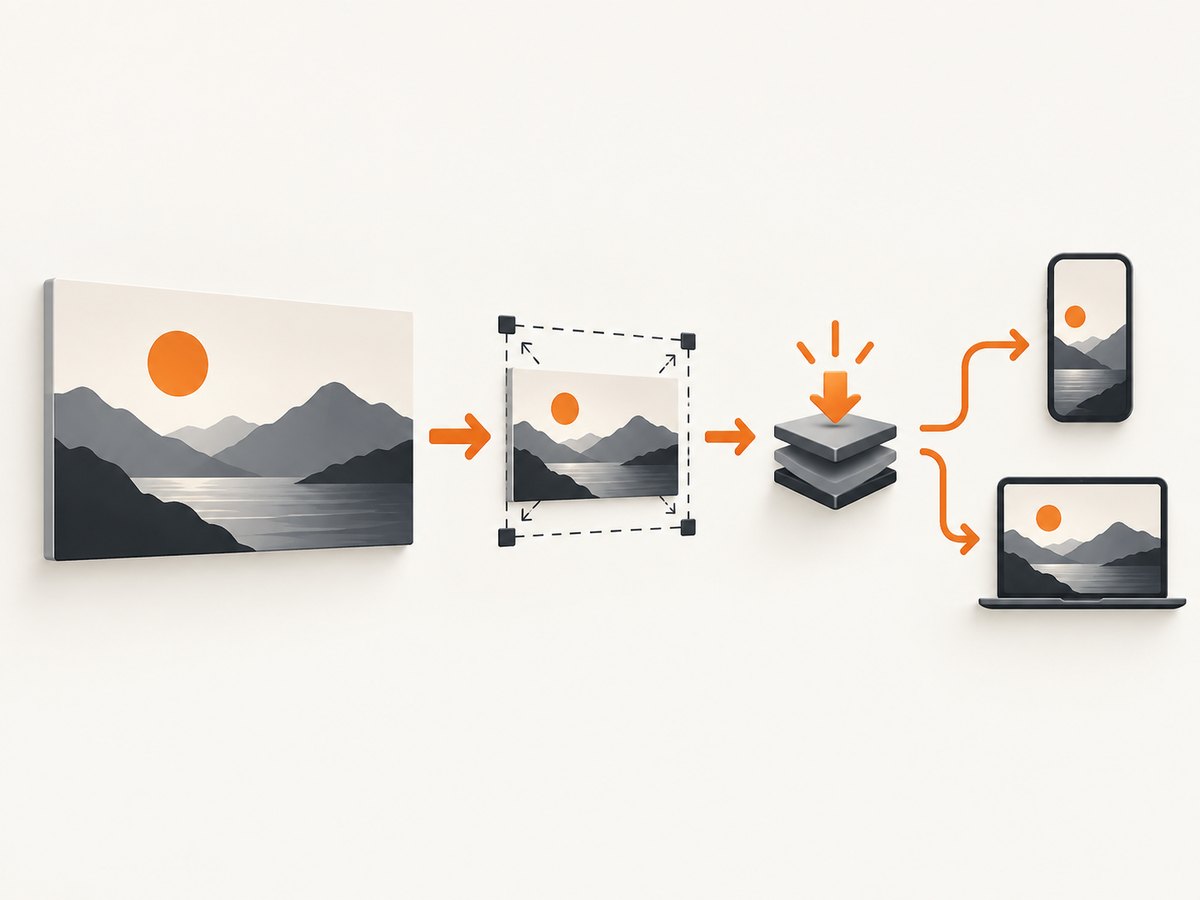
The important constraint is the shape: 3840 ÷ 2160 = 1.777…, which is 16:9. Start with that ratio so faces, titles, and subject framing survive YouTube’s responsive layouts.
Do you need a 4K thumbnail for a 4K video?
No. YouTube accepts smaller images as long as the regular-video thumbnail is at least 640 pixels wide and meets the file requirements. A 4K-sized thumbnail is the recommended working canvas because it gives you more detail and room to crop. It is useful when the design contains fine text, product details, or a frame extracted from 4K footage.
If your source image is smaller, enlarging it to 3840 × 2160 cannot create missing detail. Use a sharp source, then export a compressed copy that meets the upload limit.
How to create a 4K YouTube thumbnail
- Create the document. Set width to
3840 px, height to2160 px, and the aspect ratio to16:9. - Compose for small screens. Keep the main subject and essential words away from the edges. Preview the design at a small size before exporting.
- Do not bake in black bars. Keep the artwork at 16:9 instead of adding letterbox padding. YouTube adapts presentation to the player’s aspect ratio.
- Export a delivery file. Use JPG for photographic frames and PNG when you need lossless edges or transparency during your editing workflow. Flatten layers before upload if your editor requires it.
- Check the file size. For mobile uploads, target below 2 MB. Desktop uploads allow up to 50 MB according to YouTube’s guidance. A quality slider, a smaller color profile, or resizing a duplicate can reduce an oversized file.
- Inspect the exported pixels. Confirm the final file is 3840 × 2160 (or another intentional 16:9 size), not a social-media crop such as 1:1 or 9:16.
- Upload and preview. Check the thumbnail in YouTube Studio on both a large player and a narrow screen. Verify that text remains readable and the focal point is not obscured by interface overlays.
JPG versus PNG
| Format | Best fit | Watch for |
|---|---|---|
| JPG | Photos, video stills, gradients, and most thumbnails | Repeated saves and aggressive compression can create blocks around text |
| PNG | Sharp graphic edges, flat colors, or an intermediate master | Large files can exceed the mobile limit; export a compressed JPG copy when necessary |
YouTube’s published guidance recommends JPG and PNG. Choose the format that keeps your important details clear while staying under the limit for the device you will use to upload.
4K thumbnail checklist
- Canvas is 3840 × 2160 px for a regular landscape video.
- Aspect ratio is 16:9.
- Width is at least 640 px if you intentionally use a smaller rendition.
- Export is JPG or PNG.
- Mobile upload file is below 2 MB; desktop upload is below 50 MB.
- No baked-in black bars or accidental vertical crop.
- Subject and essential text remain legible in a small preview.
- A Short uses 2160 × 3840 px (9:16) instead.
Edge cases
Landscape 4K footage with a vertical crop
If the video is a regular upload, keep the thumbnail at 16:9 even when the source footage contains a portrait segment. Crop or reframe the still inside the 3840 × 2160 canvas.
YouTube Shorts
Shorts have a separate vertical recommendation: 2160 × 3840 pixels at 9:16. Do not submit the regular-video landscape canvas when the content is intended as a Short.
Transparent backgrounds
Transparency may be useful while assembling artwork, but YouTube’s thumbnail guidance focuses on JPG and PNG uploads. Preview the flattened result against both light and dark surroundings before publishing.
Extracting a frame from a 4K video
Export a still at the video’s native 3840 × 2160 dimensions when possible. Add readable design elements in an editor, then create a separate compressed upload copy so the master remains untouched.
Or skip the browser setup
If you need clean screenshots of a reference page, video landing page, or thumbnail preview while preparing an image, ScreenshotNeo returns a PNG, JPEG, WebP, or PDF from one GET request. It accepts consent banners before capture and removes more than 60 known consent platforms, newsletter popups, and chat widgets; each step can be turned off. Bot checks, blank pages, timeouts, failed loads, and cache hits are not billed, and the response identifies the result with X-Page-Verdict and X-Billed headers.

See the ScreenshotNeo API documentation for all options. The basic call is:
curl -G "https://api.screenshotneo.com/v1/shot" -d access_key=YOUR_API_KEY --data-urlencode url=https://youtube.com -o shot.webpimport requests
r = requests.get("https://api.screenshotneo.com/v1/shot", params={"access_key": "YOUR_API_KEY", "url": "https://youtube.com"}, timeout=90)
open("shot.webp", "wb").write(r.content)const q = new URLSearchParams({ access_key: 'YOUR_API_KEY', url: 'https://youtube.com' });
const res = await fetch(`https://api.screenshotneo.com/v1/shot?${q}`);ScreenshotNeo also provides full-page capture with lazy images loaded, CSS-element capture, dark mode, custom viewports and retina scale, custom CSS and JavaScript, click and wait actions, resource blocking, headers and cookies, timezone and geolocation, resizing, caching, signed links, asynchronous jobs, bulk capture, usage data, and an MCP server for AI agents. There are 1,000 screenshots a month free with no card; paid plans start at $5 for 3,000. Create a free ScreenshotNeo account.
Troubleshooting
| Problem | Cause | Fix |
|---|---|---|
| Upload rejected for size | The file exceeds the limit for the device or route | Export a JPG at a lower quality, remove unnecessary metadata, or upload from desktop within the 50 MB limit |
| Thumbnail looks soft | Small or compressed source was enlarged | Start with a native 3840 × 2160 frame or a sharper source; avoid repeated JPG saves |
| Important content is cut off | The artwork is not 16:9 or the subject is too close to an edge | Return to a 3840 × 2160 canvas and keep the focal area inside safe margins |
| Short thumbnail appears wrong | A landscape template was used for vertical content | Use 2160 × 3840 at 9:16 for a Short |
| Text is unreadable on phones | Thin type or details were designed only for a large preview | Use fewer words, stronger contrast, and test a small preview before upload |
| ScreenshotNeo response is not an image | The page failed, timed out, showed a bot check, or returned a blank result | Inspect X-Page-Verdict and X-Billed; retry with an appropriate wait, headers, cookies, or a different URL |
Performance, reliability, and cost notes
A 3840 × 2160 source contains four times as many pixels as a 1920 × 1080 image, so editing, encoding, and transfers can take longer. Keep a large master for editing and generate a smaller delivery copy only when it helps meet a file limit. For automated page captures, use caching with a TTL when the source is unchanged, wait for a selector or network idle when content loads asynchronously, and block unnecessary ads or trackers to reduce work.
ScreenshotNeo charges only for clean shots. Failed loads, bot checks, blank pages, timeouts, and cache hits cost nothing. Its plans are Free (1,000 shots/month), Starter ($5 for 3,000), Growth ($15 for 15,000), Pro ($39 for 60,000), Scale ($99 for 250,000), and Business ($249 for 1,000,000); yearly billing gives two months free and every feature is included on every plan.
FAQ
Is 3840 × 2160 mandatory?
No. It is YouTube’s recommended size for regular 4K thumbnails. The published minimum width is 640 pixels.
What is the aspect ratio for a normal 4K thumbnail?
16:9.
Can I upload a PNG?
Yes. JPG and PNG are among YouTube’s recommended formats.
What size should a Short thumbnail be?
Use the separate vertical guidance: 2160 × 3840 pixels at 9:16.
Why does mobile have a smaller limit?
YouTube lists a 2 MB limit for mobile video-thumbnail uploads and a 50 MB limit for desktop uploads, so the same file may work on desktop but fail on mobile.
Does DPI matter?
YouTube’s cited guidance specifies pixel dimensions, aspect ratio, formats, and file limits; it does not specify a required DPI value.


