YouTube Thumbnail Size Limit
YouTube thumbnail limits vary by format and device. Learn the exact pixels, file sizes, formats, rejection causes, and Shorts rules.
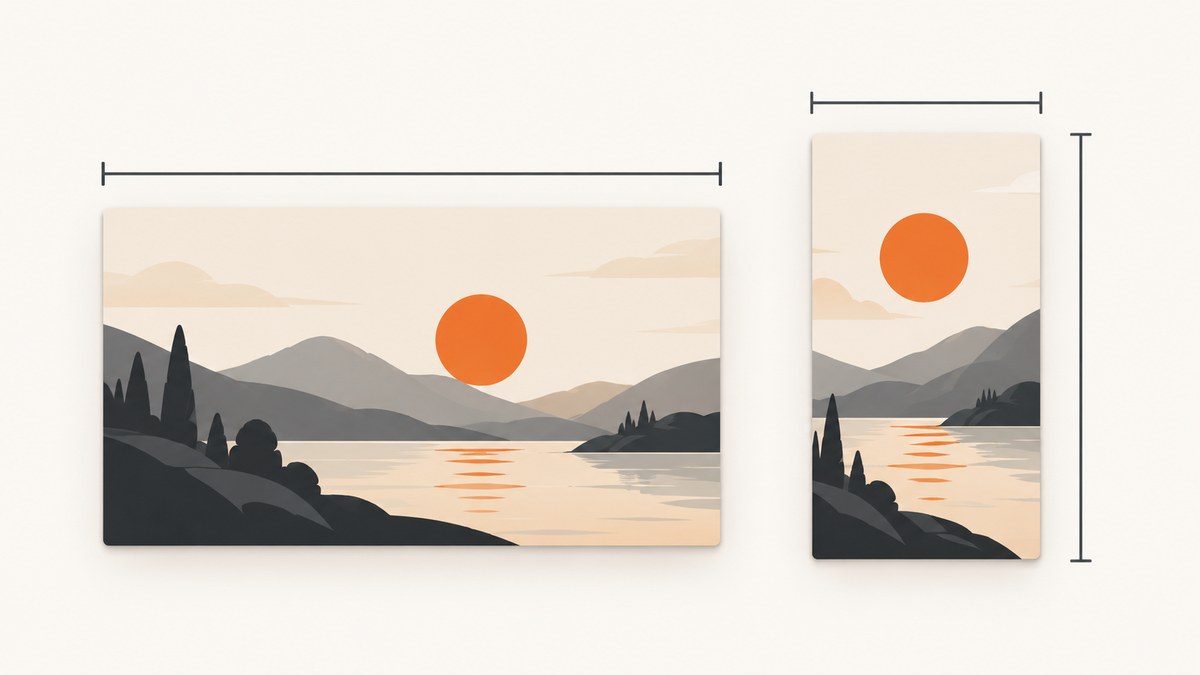
For standard YouTube videos, use 3840 × 2160 pixels (16:9). YouTube lists 640 pixels as the minimum width. For Shorts, use 2160 × 3840 pixels (9:16), with a minimum height of 640 pixels. JPG and PNG are accepted formats.
The upload size depends on where you upload. Mobile video-thumbnail uploads are limited to 2 MB. Desktop uploads for video, Shorts, and podcast thumbnails are limited to 50 MB. YouTube recommends making the custom thumbnail as large as possible while keeping it within the applicable limit.
Quick reference: YouTube thumbnail limits
| Content type | Recommended dimensions | Aspect ratio | Minimum dimension | Upload limit |
|---|---|---|---|---|
| Standard video | 3840 × 2160 px | 16:9 | 640 px minimum width | 2 MB on mobile; 50 MB on desktop |
| YouTube Short | 2160 × 3840 px | 9:16 | 640 px minimum height | 2 MB on mobile; 50 MB on desktop |
| Podcast thumbnail | Use an image that meets YouTube’s accepted format and upload rules | Depends on the artwork | — | 10 MB on mobile; 50 MB on desktop |
These values come from YouTube Help’s custom-thumbnail guidance. YouTube specifically says, “Your custom thumbnail image should be as large as possible,” recommends 16:9 for videos, and recommends 9:16 for Shorts.
Which size should you make?
Standard videos: 3840 × 2160 pixels
Create a 16:9 image at 3840 × 2160 pixels when you are designing a thumbnail for a regular YouTube video. This is YouTube’s current recommended resolution. Do not make the image narrower than 640 pixels.
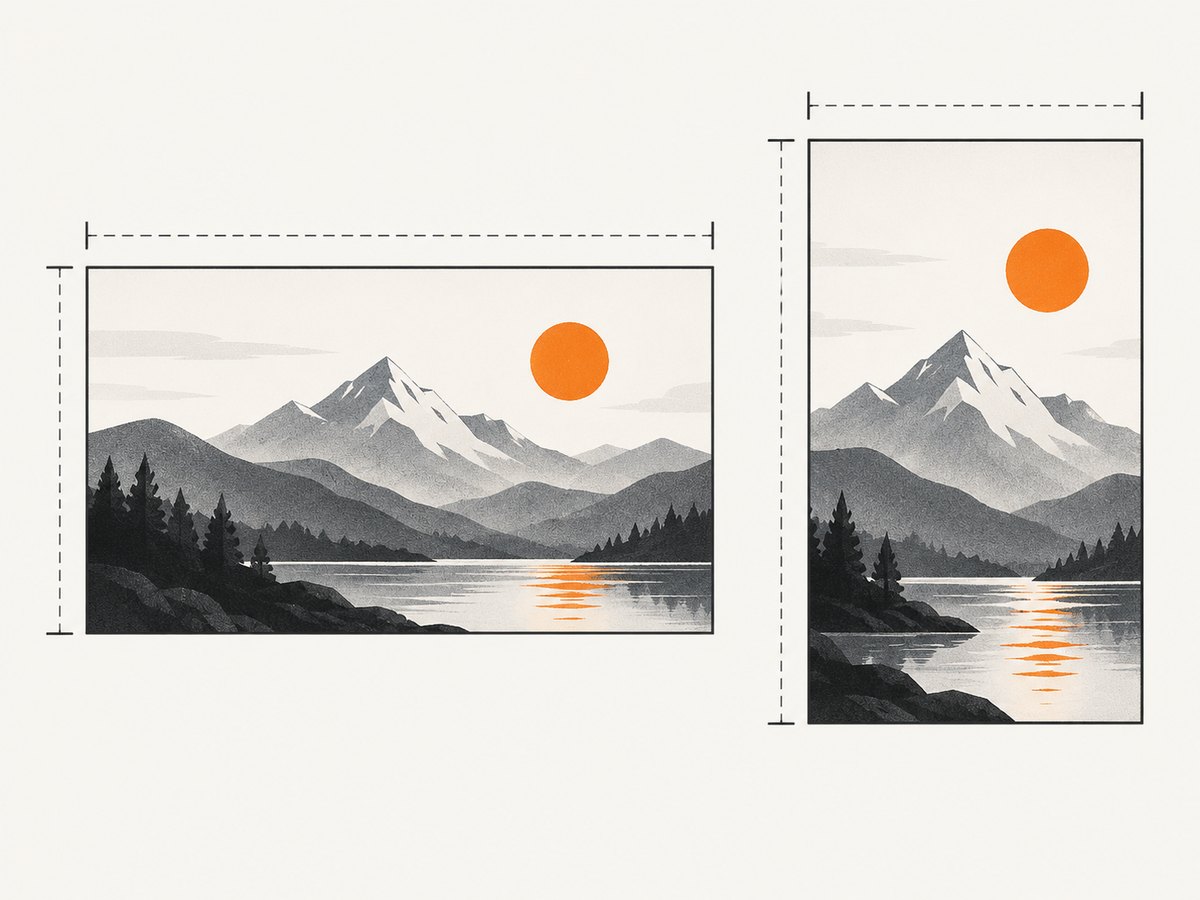
Shorts: 2160 × 3840 pixels
Create a 9:16 image at 2160 × 3840 pixels for a Shorts thumbnail. The minimum dimension YouTube lists for Shorts is 640 pixels in height.
Why the orientation matters
A landscape 16:9 thumbnail and a vertical 9:16 thumbnail serve different surfaces. For vertical videos, YouTube may show an automatically generated 4:5 thumbnail on Home, Explore, and subscription pages. Your custom image remains on the watch feed, watch history, and non-mobile platforms.
File-size limits by upload device
If YouTube rejects an otherwise valid image, check the device you are using to upload it:
- Mobile video thumbnails: maximum 2 MB.
- Mobile podcast thumbnails: maximum 10 MB.
- Desktop video, Shorts, and podcast thumbnails: maximum 50 MB.
When a mobile upload fails because of size, export a smaller JPG or reduce image quality while preserving the required dimensions. If your workflow permits it, upload from YouTube Studio on a computer, where the video, Shorts, and podcast limit is 50 MB.
Accepted formats and export checklist
- Use JPG or PNG, the image formats listed by YouTube.
- Use 16:9 at 3840 × 2160 for a standard video.
- Use 9:16 at 2160 × 3840 for a Short.
- Keep mobile video uploads at or below 2 MB.
- Keep desktop video, Shorts, and podcast uploads at or below 50 MB.
- Check that the account is verified before uploading a custom thumbnail.
- Review the image against YouTube’s Community Guidelines.
Validate a thumbnail before uploading
The following Python script checks dimensions, aspect ratio, format, and file size. It uses Pillow, so install that package once with python -m pip install pillow.
from pathlib import Path
from PIL import Image

path = Path('thumbnail.jpg')
max_bytes_mobile = 2 * 1024 * 1024

with Image.open(path) as image:
    width, height = image.size
    image_format = image.format

print(f'dimensions: {width}x{height}')
print(f'format: {image_format}')
print(f'size: {path.stat().st_size / 1024 / 1024:.2f} MB')

if image_format not in {'JPEG', 'PNG'}:
    raise SystemExit('Use JPG/JPEG or PNG.')

if width < 640:
    raise SystemExit('The image is narrower than YouTube\'s 640 px minimum width for videos.')

ratio = width / height
print(f'aspect ratio: {ratio:.4f}')
print('For a standard video, target 16:9 (about 1.7778).')
print('For a Short, target 9:16 (about 0.5625).')

if path.stat().st_size > max_bytes_mobile:
    print('Warning: this file exceeds the 2 MB mobile video-thumbnail limit.')
For a Short, separately check that the height is at least 640 pixels and that the canvas is vertical. The script reports the values; the final target depends on whether the image is for a standard video or a Short.
Why YouTube rejects a thumbnail
The file is over the limit
Cause: The image exceeds 2 MB on mobile, or 50 MB on desktop for a video, Short, or podcast.

Fix: Export a JPG at the same target dimensions with a lower quality setting, remove unnecessary metadata, or upload from a computer when appropriate. Do not reduce the dimensions below the recommended size unless you have a specific reason.
The dimensions or orientation are wrong
Cause: A standard video image is not close to 16:9, or a Shorts image is not vertical at 9:16.
Fix: Re-crop the source to 3840 × 2160 for a video or 2160 × 3840 for a Short. Confirm the minimum dimension: 640 pixels wide for videos or 640 pixels high for Shorts.
The account is not verified
Cause: YouTube requires a verified channel to upload a custom thumbnail.
Fix: Verify the channel, then return to YouTube Studio and upload the image again.
The image violates Community Guidelines
Cause: YouTube may reject thumbnails containing nudity or sexually provocative content, hate speech, violence, or harmful or dangerous content. Repeated violations can remove custom-thumbnail privileges.
Fix: Replace the prohibited imagery or wording and follow YouTube’s Community Guidelines before trying again.
You are trying to add a custom Shorts thumbnail in the wrong place
Cause: YouTube says custom thumbnails for Shorts are currently available to add in YouTube Studio on a computer.
Fix: Open YouTube Studio on a computer and add the custom thumbnail there.
Performance and workflow advice
- Design on a 16:9 or 9:16 canvas from the start instead of cropping at the end.
- Export a high-resolution master at the recommended dimensions.
- Create a mobile-safe copy under 2 MB for phone uploads.
- Open the exported file and verify its pixel dimensions, format, and byte size.
- Upload from YouTube Studio on a computer when you need the 50 MB desktop limit or when adding a Shorts custom thumbnail.
- Keep a source file so you can change the crop or compression without repeatedly degrading the image.
Or skip the browser setup
If you need clean screenshots of webpages for thumbnail source material, ScreenshotNeo returns a PNG, JPEG, WebP, or PDF from one GET request. Its capture can remove cookie banners, newsletter popups, and chat widgets before the shot. Bot checks, blank pages, failed loads, timeouts, and cache hits are not billed, and the response identifies the result with X-Page-Verdict and X-Billed headers. An MCP server also lets AI agents take screenshots.
See the ScreenshotNeo API documentation for the available options.
curl -G "https://api.screenshotneo.com/v1/shot" -d access_key=YOUR_API_KEY --data-urlencode url=https://stripe.com -o shot.webpimport requests
r = requests.get("https://api.screenshotneo.com/v1/shot", params={"access_key": "YOUR_API_KEY", "url": "https://stripe.com"}, timeout=90)
open("shot.webp", "wb").write(r.content)const q = new URLSearchParams({ access_key: 'YOUR_API_KEY', url: 'https://stripe.com' });
const res = await fetch(`https://api.screenshotneo.com/v1/shot?${q}`);ScreenshotNeo includes 1,000 screenshots a month free with no card. Paid plans start at $5 for 3,000 screenshots. Create a free ScreenshotNeo account.
FAQ
How many MB can a YouTube thumbnail be?
For video thumbnails, the limit is 2 MB on mobile and 50 MB on desktop. Podcast thumbnails have a 10 MB mobile limit and a 50 MB desktop limit.
What resolution should a YouTube thumbnail be?
Use 3840 × 2160 pixels for standard videos and 2160 × 3840 pixels for Shorts.
Can I use PNG instead of JPG?
Yes. YouTube lists both JPG and PNG as accepted image formats.
Why does a vertical video’s thumbnail look cropped?
YouTube may display an auto-generated 4:5 thumbnail on Home, Explore, and subscription pages for vertical videos. The custom image remains on the watch feed, watch history, and non-mobile platforms.
Do I need a verified account?
Yes. YouTube requires a verified account to upload a custom thumbnail.


