How to Design Impactful and Reusable YouTube Thumbnail Templates
Build a reusable YouTube thumbnail system with clear layouts, correct exports, accurate promises, and a practical testing workflow.
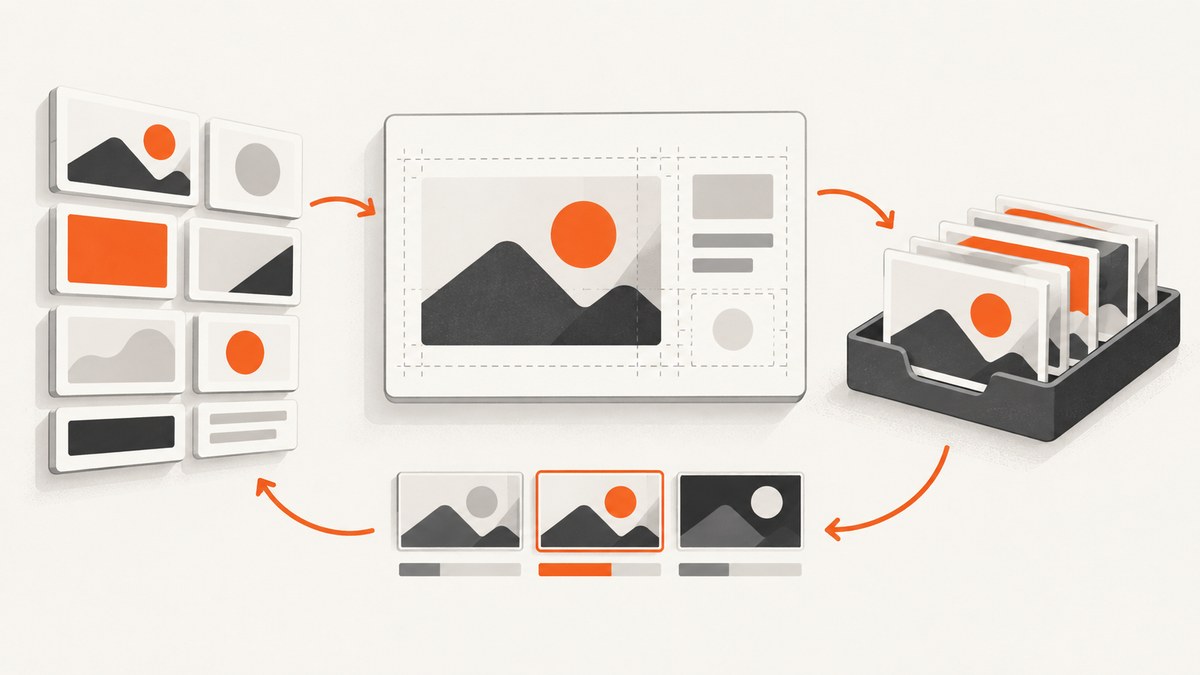
A reusable YouTube thumbnail template is a flexible visual system, not one frozen image. Keep a few recognizable brand elements stable, then change the subject, focal point, wording, and visual cue for each video. This gives viewers consistency while helping every thumbnail explain its own video accurately.
YouTube’s guidance is advisory rather than a universal formula. No fixed color, face, layout, text style, or number of words guarantees performance. The practical goal is a thumbnail that is recognizable, readable at small sizes, appropriate for its audience, and truthful about the video.
What size should a YouTube thumbnail be?
For standard videos, the current YouTube Help guidance recommends 3840 × 2160 pixels in a 16:9 aspect ratio, with a minimum width of 640 pixels. JPG and PNG are supported. YouTube lists a 2 MB mobile upload limit and a 50 MB desktop limit for video thumbnails. Check the current YouTube thumbnail upload guidance before exporting because platform specifications can change.
| Use case | Recommended canvas | Aspect ratio | Practical note |
|---|---|---|---|
| Standard video | 3840 × 2160 px | 16:9 | Keep important content away from edges and test at small sizes. |
| Shorts | 2160 × 3840 px | 9:16 | YouTube currently supports custom-thumbnail uploads for Shorts in Studio on a computer. |
| Podcast playlist | Square canvas | 1:1 | Design separately; a video template will not crop well automatically. |
YouTube notes that vertical videos using a 16:9 custom thumbnail may appear as an automatically generated 4:5 thumbnail on some mobile surfaces, including Home, Explore, and subscriptions. The custom image can remain visible in the watch feed, watch history, and non-mobile surfaces. A verified account is required for custom thumbnail uploads, and thumbnails must follow Community Guidelines.
Design the template as a system
Start by separating stable brand signals from editable video content. A useful base file has clearly named layers or components so another person can update it without rebuilding the composition.
Stable elements
- A small color palette, usually one background family plus one accent and one contrast color.
- A consistent font treatment, such as a bold headline style and a predictable outline or shadow.
- A recurring frame, border, corner treatment, or subject cutout style.
- A restrained logo placement, if a logo is genuinely needed.
- A visual hierarchy that always makes the subject and promise easy to find.
Editable elements
- The main subject image and its crop.
- The focal point, such as a face, object, result, or before-and-after state.
- Short wording that describes this specific video.
- A video-specific cue, such as a highlighted area, comparison, number, or destination.
- Background texture, supporting image, or color variation when it improves clarity.
Do not make every video look identical. Recognition comes from repeated treatment; relevance comes from changing the content that communicates the video’s actual promise.
A repeatable thumbnail workflow
- Define the audience and promise. Write one sentence describing what the intended viewer will understand or gain. A subscriber may respond to an inside reference, while a casual viewer may need more context.
- Choose the focal subject. Select one dominant person, object, result, or contrast. Remove background detail that competes with it.
- Place the subject intentionally. YouTube’s guidance mentions composition techniques such as the rule of thirds. Use that as a starting point, then position the subject where it leaves room for readable wording.
- Write the minimum useful text. Use words that clarify the video rather than repeating the title. Read the line at phone size; if it becomes a texture, shorten it or increase contrast.
- Apply the brand treatment. Add the palette, font, framing, and other stable elements from the base file.
- Preview at small size. Check a 10–20% zoom view and a phone-sized preview. Confirm that the subject, promise, and contrast survive reduction.
- Export the platform copy. Keep an editable master separate from the JPG or PNG uploaded to YouTube.
- Test materially different variants when eligible. Change the visual idea, not only a few pixels or punctuation marks.
Build a practical base composition
A strong template usually has three visual zones: a subject zone, a message zone, and a support zone. The subject zone receives the highest contrast and largest scale. The message zone has enough quiet background for text. The support zone can hold a small accent or context cue, but it should not become a second headline.
Use a limited palette and check contrast rather than assuming that saturated colors are readable. A dark overlay behind light text, or a light panel behind dark text, often works better than adding more effects. Faces can be effective when they are relevant, but a shocked expression is not a requirement. Likewise, all-caps type, red arrows, and oversized numbers are optional treatments, not YouTube rules.
Create guides for safe margins, the text baseline, the subject’s eye line, and any recurring frame. Name layers such as SUBJECT, HEADLINE, ACCENT, and BACKGROUND. Keep an untouched master and duplicate it for each video.
A runnable HTML thumbnail prototype
You can prototype the visual system in a browser before committing to a design application. Save this as thumbnail.html, open it locally, and replace the constants for each video. It produces a 1280 × 720 preview and downloads a PNG.
<!doctype html>
<canvas id='thumb' width='1280' height='720'></canvas>
<button id='download'>Download PNG</button>
<script>
const title = 'THE CLEAR PROMISE';
const subject = 'YOUR SUBJECT';
const canvas = document.querySelector('#thumb');
const ctx = canvas.getContext('2d');
ctx.fillStyle = '#101827';
ctx.fillRect(0, 0, canvas.width, canvas.height);
ctx.fillStyle = '#f4b942';
ctx.fillRect(0, 0, 28, canvas.height);
ctx.fillStyle = '#ffffff';
ctx.font = '900 82px Arial';
ctx.fillText(title, 90, 150);
ctx.fillStyle = '#8bd3dd';
ctx.font = '700 54px Arial';
ctx.fillText(subject, 90, 235);
ctx.strokeStyle = '#ffffff';
ctx.lineWidth = 8;
ctx.strokeRect(90, 300, 1100, 300);
ctx.fillStyle = '#d8dee9';
ctx.font = '32px Arial';
ctx.fillText('Replace this panel with the video-specific image', 130, 465);
document.querySelector('#download').onclick = () => {
  const link = document.createElement('a');
  link.download = 'thumbnail-preview.png';
  link.href = canvas.toDataURL('image/png');
  link.click();
};
</script>
This prototype is for layout testing. Replace the outlined panel with the real subject image, then export at the platform’s current dimensions and file limits.
Export without damaging readability
- Keep the editable source file in the application’s native format.
- Export a JPG for photographic thumbnails or PNG when sharp graphics and transparency need preservation.
- Inspect the exported file, not only the source canvas. Compression can soften thin type and high-frequency details.
- Check the file size against the current YouTube limit for the upload surface you are using.
- Preview on both a bright and dim screen if your design relies on subtle shadows or dark gradients.
- Keep a versioned naming pattern such as
video-slug_variant-a_16x9.jpg.
How can I test YouTube thumbnails?
Eligible creators can use YouTube Studio Test & Compare to compare up to three thumbnail options for eligible public long-form videos or podcast episodes. The feature requires the relevant channel eligibility and advanced features. It is not available for Shorts, private videos, made-for-kids videos, mature-audience videos, and some other restricted cases. Tests can take a few days or up to two weeks.
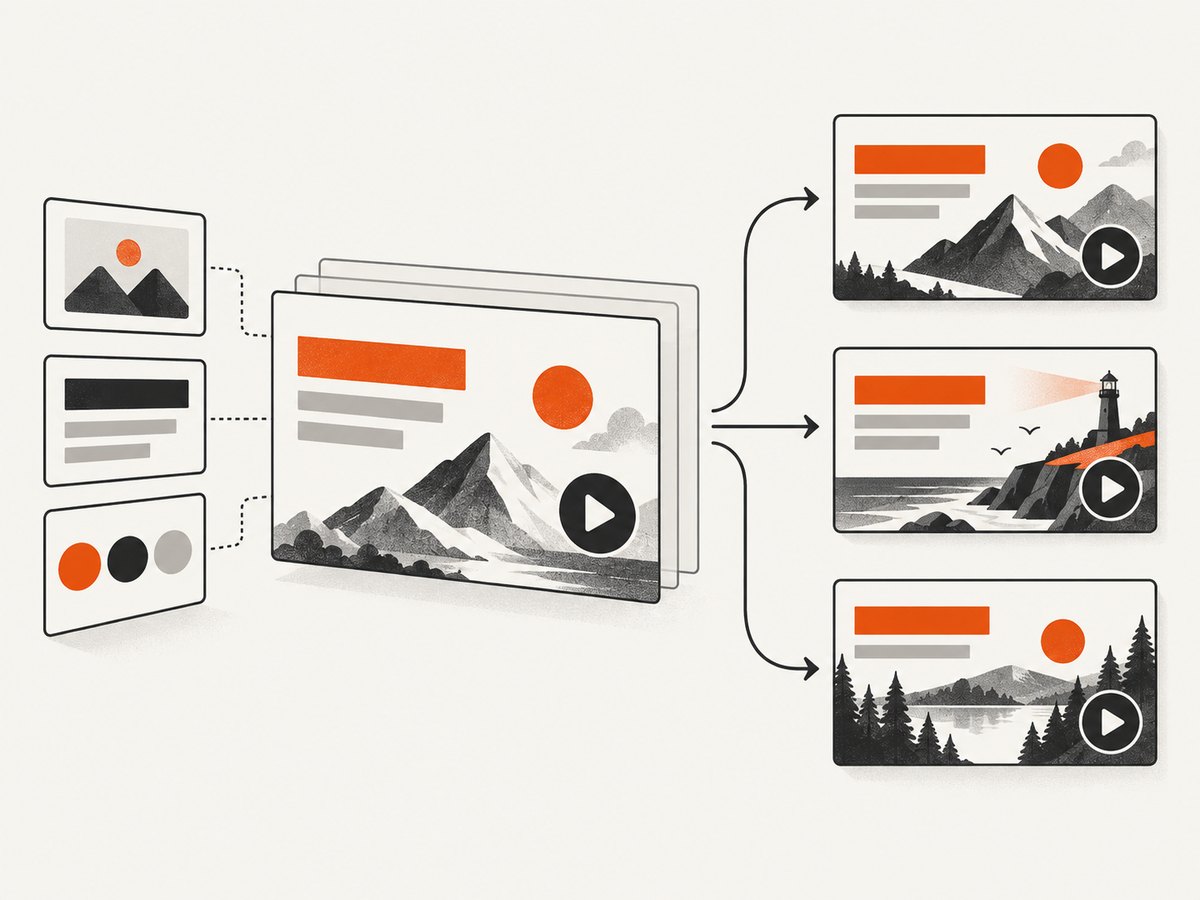
YouTube evaluates the comparison using watch-time share and may report a winner, a preferred option, or no clear difference. As YouTube Help explains, “Great thumbnails serve an important purpose beyond getting viewers to click.” A thumbnail that attracts the wrong expectation can hurt watch time, so make variants that represent the same video honestly.
Make variants meaningfully different
Try distinct hypotheses: subject-led versus result-led, close crop versus contextual scene, or a short benefit statement versus a visual comparison. Keep the underlying video, title, and audience constant. Near-identical variants may take longer to distinguish and rarely teach you much about the design decision.
Record the variant, upload date, audience context, and result. Treat the result as evidence for that video and audience, not a permanent rule for the channel. Statistical variation and changing audience composition can affect outcomes.
Or skip the browser setup
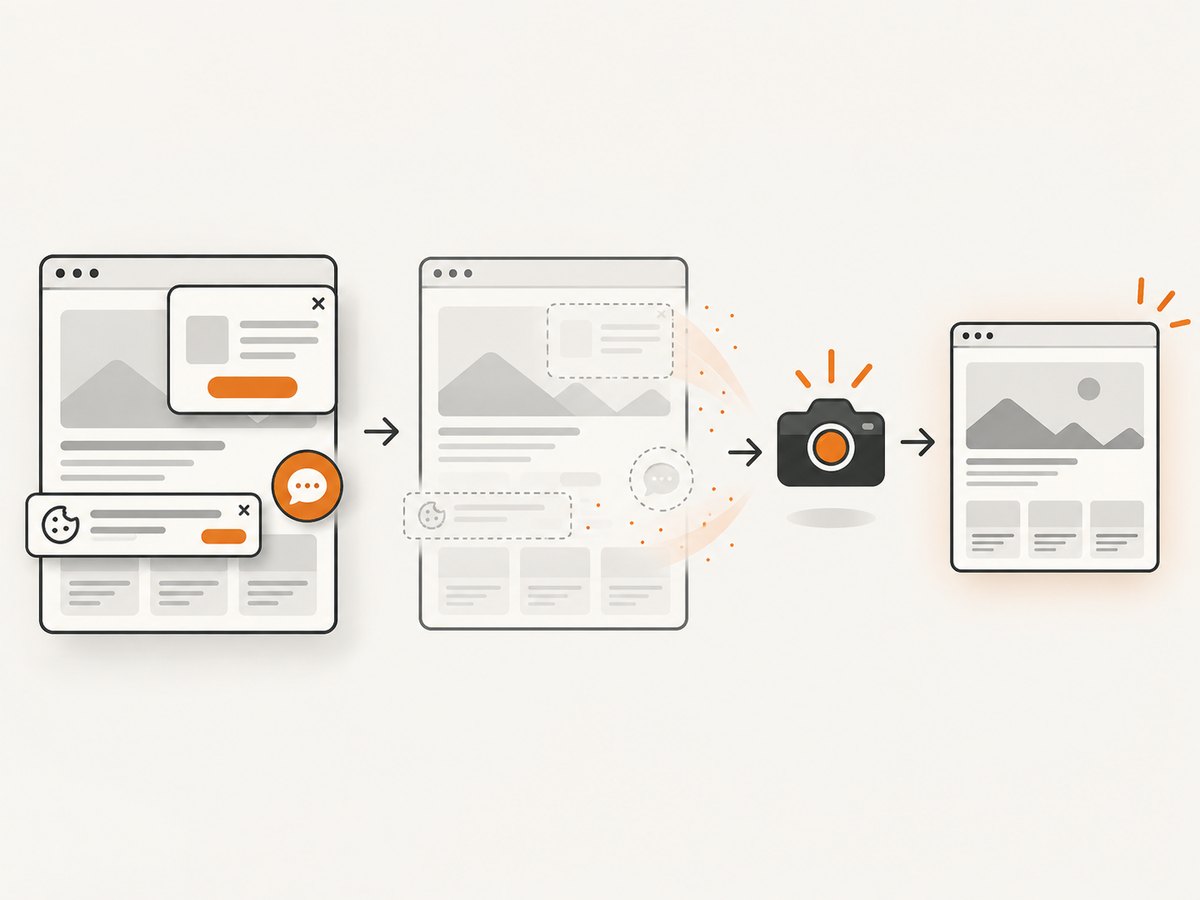
If your workflow needs screenshots of preview pages, design review URLs, or generated thumbnail layouts, ScreenshotNeo can capture them with one request. Before capture, cookie and consent banners, newsletter popups, and chat widgets are removed. Bot checks, blank pages, failed loads, timeouts, and cache hits are not billed, and response headers identify the page verdict and billing result.
See the ScreenshotNeo API documentation for all options. The basic request returns an image; change the target URL to your preview page.
cURL
curl -G "https://api.screenshotneo.com/v1/shot" -d access_key=YOUR_API_KEY --data-urlencode url=https://stripe.com -o shot.webpPython
import requests
r = requests.get("https://api.screenshotneo.com/v1/shot", params={"access_key": "YOUR_API_KEY", "url": "https://stripe.com"}, timeout=90)
open("shot.webp", "wb").write(r.content)
Node.js
const q = new URLSearchParams({ access_key: 'YOUR_API_KEY', url: 'https://stripe.com' });
const res = await fetch(`https://api.screenshotneo.com/v1/shot?${q}`);
The service also supports full-page captures with lazy images loaded, CSS-selector element captures, dark mode, device presets, arbitrary viewports, retina scale, custom CSS and JavaScript, click actions, selector or network-idle waits, blocked ads and resources, custom headers and cookies, user agents, authorization, timezone and geolocation, transparent backgrounds, resizing, configurable caching, signed links, asynchronous jobs with signed webhooks, bulk capture of up to 100 URLs per call, a usage API, and an OpenAPI specification. PDF output is available when a design review needs a document rather than an image.
An MCP server provides take_screenshot, get_page_info, and capture_pdf tools for Claude, Cursor, and other MCP clients. For reliability, inspect X-Page-Verdict and X-Billed before treating a capture as a valid design reference. Use a cache TTL for repeated previews and asynchronous jobs for batches. Paid plans start at $5 for 3,000 shots; the Free plan includes 1,000 shots per month with no card.
Create a free ScreenshotNeo account and start with 1,000 screenshots each month at no charge.
Troubleshooting checklist
| Problem | Likely cause | Fix |
|---|---|---|
| Text is unreadable on phones | Too many words, low contrast, or thin type. | Shorten the message, add a quiet panel, increase weight, and preview at small size. |
| The template feels repetitive | Stable brand elements are replacing the video-specific idea. | Keep the frame and type treatment, but change the subject, crop, and visual cue. |
| The image promises the wrong video | The thumbnail optimizes curiosity without explaining the content. | Rewrite the wording and choose a subject that appears in the actual video. |
| Important content is cropped | One 16:9 layout was reused for a vertical or square surface. | Create separate 16:9, 9:16, and 1:1 masters with their own safe areas. |
| YouTube rejects the upload | Account verification, file limits, or Community Guidelines. | Verify the account, check the current Help page limits, and remove prohibited imagery. |
| Test & Compare is unavailable | The video or channel is ineligible, or the content is a Short. | Check eligibility in Studio and use the feature only for supported public long-form videos or podcast episodes. |
| Screenshot preview contains a popup | The page needs a longer wait or a selector-specific action. | Use ScreenshotNeo’s wait, click, hide-selector, custom CSS, or blocking options and inspect the verdict headers. |
Performance, reliability, and cost notes
Design performance is mostly a clarity problem: reduce competing elements, keep the focal subject large, and validate at the smallest realistic display. Production reliability improves when the template has named layers, locked guides, separate exports, and a version history. Keep a content checklist beside the file so every variant is checked for promise accuracy, contrast, crop safety, and policy compliance.
For automated preview capture, reuse cached renders when the page has not changed, wait for the actual image or layout selector instead of using an arbitrary long delay, and use bulk or asynchronous capture for large batches. ScreenshotNeo bills only clean shots; bot checks, blank pages, failed loads, timeouts, and cache hits cost nothing. Review the response headers and your usage data before increasing capture volume.
FAQ
Do I need a special camera, tablet, or physical product?
No. YouTube’s guidance supports an image creation workflow, and the research does not establish a particular physical product as necessary. Use the tools that let you edit, export, and review the image accurately.
Should every thumbnail use the same face or color?
No. Repeated visual treatment can build recognition, but the subject and message should fit the individual video and intended audience.
How many words should a thumbnail contain?
YouTube does not prescribe a word count. Use the fewest words that communicate the video’s specific idea and remain readable at small size.
Can I test Shorts thumbnails in Test & Compare?
The current YouTube Help guidance says Thumbnail Test & Compare is not available for Shorts. Feature availability can change, so check Studio and the official documentation.
What should I keep after a test ends?
Save the tested files, audience context, and watch-time-share result. Use the outcome as a directional lesson, then confirm it with future videos rather than turning one result into a permanent formula.


