YouTube Video Screenshot Generator: Capture a Frame and Make a Thumbnail
Capture a still from a YouTube video, compare frame tools, and learn how to turn a frame into a thumbnail that meets YouTube’s upload requirements.
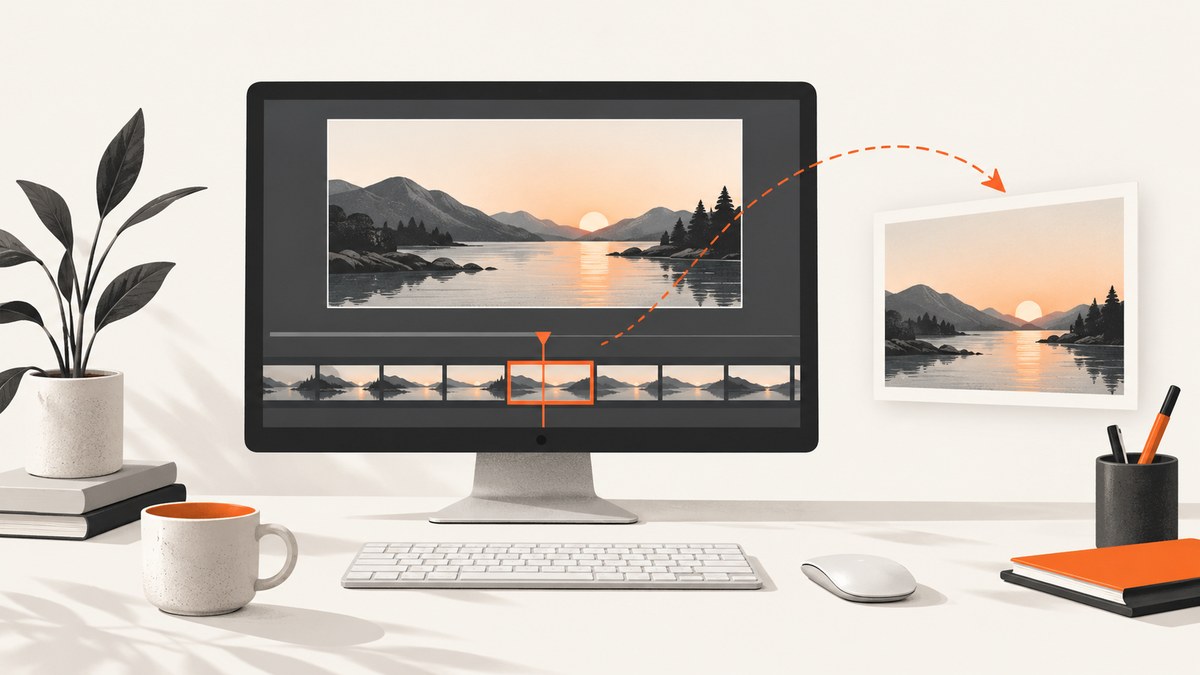
A YouTube video screenshot generator helps you save a still frame from a video. To capture a particular moment, pause the video at that moment and use a frame-capture tool; a browser extension listing describes frame-by-frame navigation, copying, and PNG download. That is a third-party listing, not an independent quality or privacy assessment. If you are making a thumbnail, the captured still is only a starting image: YouTube Studio lets eligible creators upload a custom thumbnail or use suggested options.
This guide covers how to capture a frame, what to check before choosing a tool, how to upload the image as a thumbnail, and what the YouTube API does. A frame extractor and a thumbnail designer solve different parts of the workflow: one selects an existing image from the video; the other helps make a finished thumbnail.
1. Choose the right workflow
| Your goal | Use this workflow | What to expect |
|---|---|---|
| Save a particular video moment | Pause at the moment and use a frame-capture utility | Check the exported image dimensions and whether controls or subtitles are included. |
| Set a thumbnail for your own video | Open the video’s thumbnail controls in YouTube Studio | Upload a custom image or choose a suggested option, subject to account eligibility and feature availability. |
| Set a thumbnail through your application | Use the YouTube Data API thumbnails.set endpoint |
This uploads and sets an image; the documented endpoint is not an arbitrary video-frame extractor. |
| Capture a screenshot of a web page | Use a website screenshot tool such as ScreenshotNeo | A web page screenshot is not the same as extracting a precise frame from a video stream. |
For an individual video frame, start with a browser-based capture utility or a tool that explicitly supports frame stepping. A regular browser screenshot can work for a quick reference, but it may include player controls, subtitles, the cursor, or surrounding page content. Pause playback and check the actual saved file before using it.
2. Capture a frame from a YouTube video
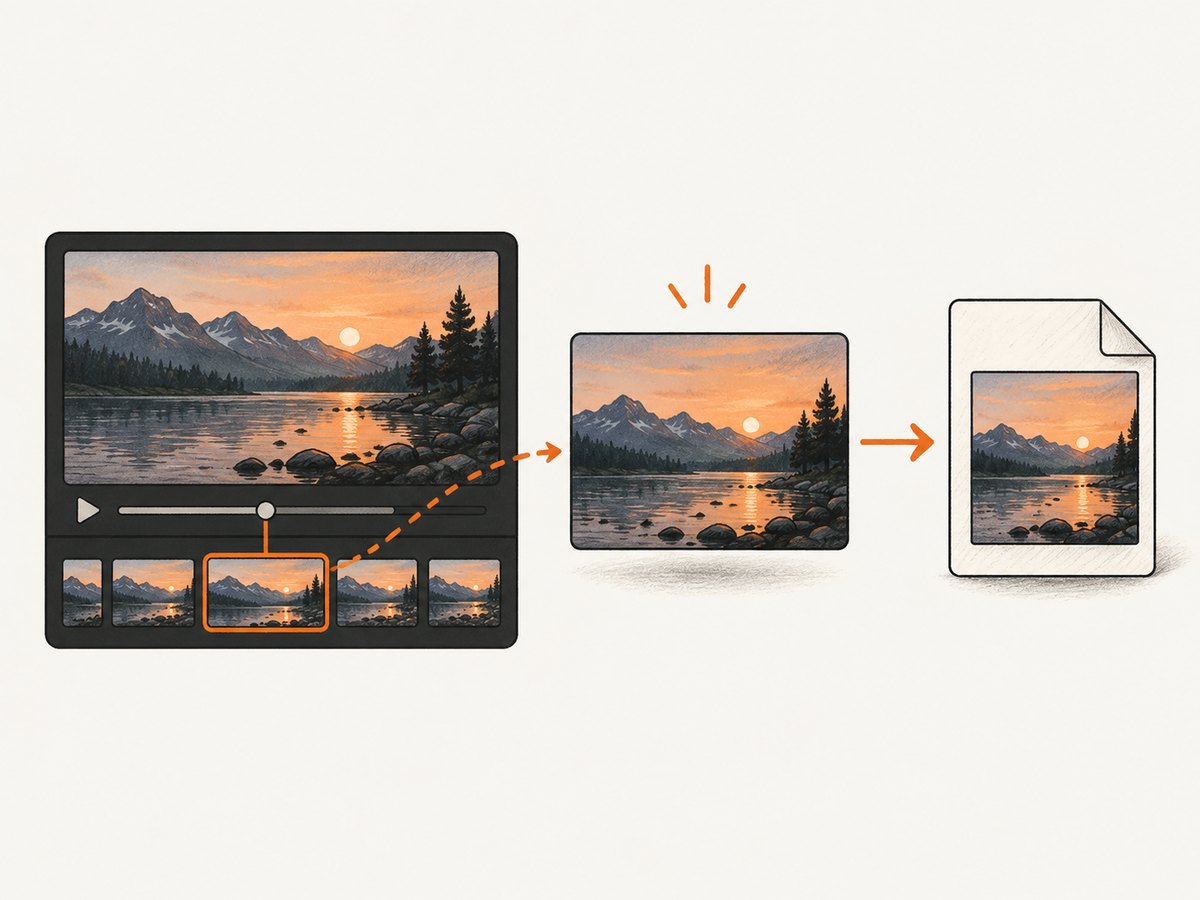
- Open the video and find the moment. Use the timeline to get close. If the tool supports frame stepping, advance or go back a frame at a time to choose a precise image.
- Pause playback. Wait for the image to settle. A frame captured during a transition, buffering, or an overlay may not be the one you intended.
- Capture and export. Use the capture utility’s copy or download action. The cited Chrome Web Store listing describes PNG output, frame-by-frame navigation, copying, and downloads; verify the current extension details and behavior yourself before relying on it.
- Inspect the file. Open the image and check its dimensions, format, sharpness, overlays, and whether it contains browser or player chrome. Do not assume the saved dimensions equal the video’s native stream dimensions.
- Prepare it for its destination. A reference image may be fine as captured. A YouTube thumbnail may need cropping, layout, or text, and must meet upload constraints.
What to check when choosing a frame tool
- Precision: Can you step frame by frame, or only pause and capture the current display?
- Actual output size: Inspect the exported file instead of relying on a claim about stream resolution.
- Clean image: Check for controls, captions, cursor, browser chrome, or overlays.
- Export options: Confirm whether you can download, copy, and choose a format that suits your workflow.
- Platform support: Confirm browser and device compatibility from the tool’s current listing.
- Privacy: Read the developer’s data disclosures. A product listing’s privacy statements are claims by the developer, not an independent audit.
- Editing needs: If you need typography or a designed composition, plan for a separate thumbnail design step.
The Chrome Web Store listing for “YouTube Screenshot Generator” describes one-press capture, frame-by-frame navigation, PNG copying and downloading, and timestamp links. It is product information, not an independent comparison or a hands-on test. Treat claims about resolution, privacy, or protected material as claims from that listing, and check its current version and permissions before installation.
3. Upload a custom thumbnail in YouTube Studio
- Sign in to YouTube Studio and open the video you want to edit.
- Open the video’s thumbnail controls.
- Upload your prepared image, or choose one of the suggested options if available.
- Save the change and check the video page to confirm the selected thumbnail.
YouTube says an account must be verified to use custom thumbnails. Feature access and eligibility vary by workflow. For example, YouTube’s July 24, 2026 announcement said YouTube Partner Program creators could start uploading custom thumbnails for Shorts, that three suggested Shorts frames were available on desktop, and that users could still choose a frame in the YouTube mobile app. The same announcement described thumbnail generation in Ask Studio for long-form videos, with follow-up adjustments. These are YouTube-announced features; check YouTube’s current help and Studio interface for availability.
Thumbnail image requirements
YouTube Help recommends a 3840 × 2160 pixel thumbnail for videos, with a minimum width of 640 pixels and a 16:9 aspect ratio. It lists JPG and PNG. YouTube’s stated file-size limits depend on device: desktop allows up to 50 MB for video, Shorts, and podcast thumbnails; mobile allows up to 2 MB for video thumbnails and 10 MB for podcast thumbnails. Confirm current requirements in YouTube Help before upload. These are thumbnail-upload recommendations and limits; they do not mean a frame-capture tool can export at 3840 × 2160.
A captured frame can be smaller than the recommended thumbnail dimensions or use a different aspect ratio. Cropping or resizing can change composition and does not restore detail that was absent in the original capture. Inspect the image at its final size and make sure the subject remains clear after cropping.
4. Use the YouTube API for thumbnail uploads
The YouTube Data API thumbnails.set endpoint uploads and sets a custom thumbnail for a video. The documentation lists a 50 MB maximum, JPEG and PNG media types (as well as application/octet-stream), authorization scopes, and an approximate quota cost of 50 units. This is an upload-and-set operation, not a documented method for extracting an arbitrary still from a video.
Keep the two operations separate in an application: first obtain or create an image through a workflow you are authorized to use; then upload it using the API with the required authorization. Use the official API documentation for the endpoint’s current request details and authorization requirements. Do not treat an endpoint for setting a thumbnail as a video download or frame extraction API.
The cited YouTube API policy says API clients must not download, import, back up, cache, or store copies of YouTube audiovisual content without prior written approval. This statement is scoped to API clients and audiovisual copies; it is not a blanket legal conclusion about every screenshot or personal use. If you are building an API client, review the current policy and obtain appropriate guidance for your specific use.
5. Or skip the browser setup
For screenshots of web pages, ScreenshotNeo is a website screenshot API and MCP server. It captures a page URL as an image or PDF; it does not promise to extract an arbitrary YouTube video frame or replace a thumbnail editor. Its clean-capture steps can accept cookie banners and remove more than 60 known consent platforms, newsletter popups, and chat widgets before the shot, and each step can be turned off. Bot checks, blank pages, timeouts, failed loads, and cache hits cost nothing; response headers indicate the page verdict and billing status. Its MCP server offers take_screenshot, get_page_info, and capture_pdf for Claude, Cursor, and other MCP clients. The free plan includes 1,000 shots per month with no card; paid plans start at $5 for 3,000 shots.

See the ScreenshotNeo documentation for API options. For example, this cURL request captures the YouTube video page as a web page screenshot; it does not select a frame from the playing video:
curl -G "https://api.screenshotneo.com/v1/shot" \
  -d access_key=YOUR_API_KEY \
  --data-urlencode url=https://www.youtube.com/watch?v=VIDEO_ID \
  -o youtube-page.webp
The equivalent Python request is:
import requests

r = requests.get(
    "https://api.screenshotneo.com/v1/shot",
    params={
        "access_key": "YOUR_API_KEY",
        "url": "https://www.youtube.com/watch?v=VIDEO_ID",
    },
    timeout=90,
)
r.raise_for_status()
open("youtube-page.webp", "wb").write(r.content)
And in Node.js:
const q = new URLSearchParams({
  access_key: 'YOUR_API_KEY',
  url: 'https://www.youtube.com/watch?v=VIDEO_ID'
});
const res = await fetch(`https://api.screenshotneo.com/v1/shot?${q}`);
if (!res.ok) throw new Error(`Screenshot request failed: ${res.status}`);
await Bun.write('youtube-page.webp', new Uint8Array(await res.arrayBuffer()));
Replace VIDEO_ID with the video identifier and keep your API key private. ScreenshotNeo supports full-page capture, element selection, device presets, viewport sizing, image formats, custom CSS and JavaScript, waits, request blocking, headers, cookies, user agents, geolocation, caching, signed links, async jobs, bulk capture, and more. These options control webpage capture; they do not turn the API into a video frame extractor. Its documented parameter names also support names used by other screenshot APIs, which can simplify switching.
Sign up for ScreenshotNeo’s free plan to get 1,000 screenshots a month with no card.
6. Troubleshooting
| Problem | Likely cause | What to do |
|---|---|---|
| The saved image shows controls or subtitles | The capture includes the player’s visible state. | Hide overlays if the utility supports it, wait for controls to disappear, or crop the image for a reference use. Recheck the exported file. |
| The frame is close but not exact | Seeking on the timeline may land near, but not on, the intended frame. | Use frame stepping if supported. Pause playback before capture and inspect the result. |
| The image looks soft or too small | The export may reflect the displayed player size or source limitations. | Inspect the actual pixel dimensions. Do not assume a tool can create detail beyond the source image; choose another frame or use a suitable source where available. |
| The thumbnail upload is rejected | The format, file size, dimensions, account eligibility, or current YouTube requirements may not fit. | Check the error in Studio, verify the current limits in YouTube Help, and export a supported JPG or PNG within the applicable limit. |
| The YouTube API request fails | Authorization, media type, request format, or upload constraints may be incorrect. | Compare the request and OAuth scope with the current thumbnails.set documentation; check the response error and file constraints. |
| A screenshot API returns a page view instead of a video still | A webpage screenshot service captures the page, not an arbitrary frame from its video player. | Use a frame-capture workflow for the video image. Use a screenshot API when your goal is the webpage itself. |
7. Performance, reliability, and cost
Frame precision and exported image size are separate concerns. A frame-step control helps you choose a moment, while the video, player, and capture method determine the image you actually receive. Always inspect dimensions and visual quality instead of inferring them from a tool’s description.
For a one-off reference, a browser utility or manual screenshot may be sufficient. For a thumbnail, budget time to crop and check the upload constraints. For an application that sets thumbnails at scale, account for API authorization, the documented approximate 50-unit quota cost per thumbnail set, upload limits, and errors. Recheck official documentation because feature availability and requirements can change.
For webpage screenshots, ScreenshotNeo’s stated billing behavior distinguishes clean shots from bot checks, blank pages, timeouts, failed loads, and cache hits, which cost nothing. Its plans range from a free 1,000 shots/month to paid tiers starting at $5 for 3,000; yearly billing gives two months free, and every feature is on every plan. These costs apply to ScreenshotNeo webpage captures, not YouTube thumbnail uploads or video-frame extraction.
8. Frequently asked questions
Can I screenshot a YouTube video at full stream size?
Check the dimensions of the exported file. A tool’s claim about stream dimensions is not independent evidence, and the thumbnail recommendation does not guarantee that a capture tool can produce that resolution.
Can YouTube Studio generate a thumbnail from any frame?
YouTube provides suggested options and frame-selection workflows in some contexts, with availability depending on the feature and account. For the exact current options, check Studio and YouTube Help.
Can the YouTube Data API extract a frame?
The documented thumbnails.set endpoint uploads and sets a thumbnail. The cited documentation does not describe arbitrary frame extraction.
Does ScreenshotNeo capture a video frame?
ScreenshotNeo captures website pages as screenshots or PDFs. The page screenshot example above is not a precise video-frame export; use a frame-capture tool when you need a particular still.
Sources
- YouTube Help: Add custom thumbnails on YouTube — workflow, recommendations, and upload limits.
- The YouTube Team: New thumbnail updates in YouTube Studio help creators customize their videos — published July 24, 2026.
- Google for Developers: Thumbnails: set — API upload endpoint and constraints.
- Google for Developers: YouTube API Services Developer Policies — policy for API clients and audiovisual copies.
- Chrome Web Store: YouTube Screenshot Generator — third-party listing claims, not an independent test.


