Zyte API Alternatives for Web Scraping: A Practical Comparison
Compare Zyte API alternatives by rendering, extraction, reliability, integration and total cost, then test the right provider on your own URLs.
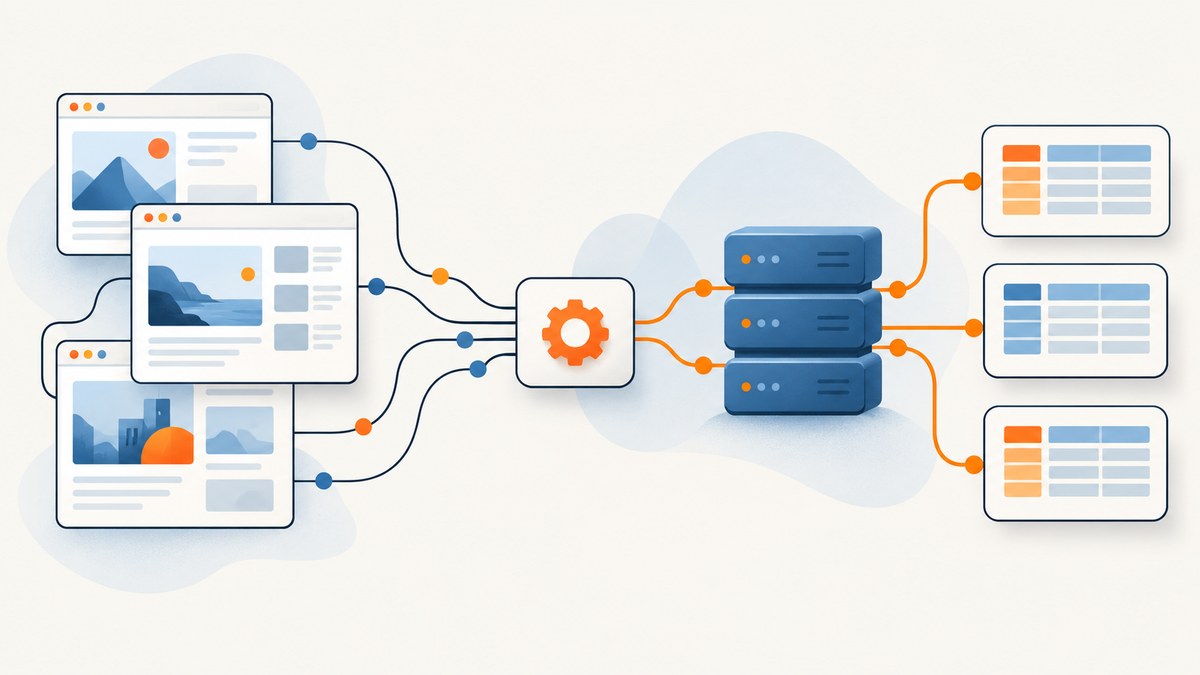
Short answer: the best Zyte API alternative depends on what your scraper must return and how difficult the target pages are. Oxylabs Web Scraper API is a strong candidate when you want ready-made sources and HTML or structured JSON. ScrapingBee is worth testing for JavaScript-heavy pages, browser rendering and interaction. Apify fits configurable workflows built from ready-to-run tools. ScraperAPI belongs on a shortlist only after you verify its current features and pricing for your domains. There is no independent benchmark in the available research that proves one provider is universally faster, cheaper or more reliable than Zyte.
If your application needs screenshots or PDFs instead of extracted records, ScreenshotNeo is the first service to try: it removes consent clutter before capture, bills only clean shots, and has the lowest paid plan in this comparison’s relevant category.
Choose by output, not by the brand name
| Provider | Best fit to investigate | Documented capabilities | Verify before production |
|---|---|---|---|
| Oxylabs Web Scraper API | Popular sites where ready-made sources and structured output reduce parser work | Catalog of sources for e-commerce, travel, real estate and other sites; HTML or structured JSON responses | Coverage for your exact domains, fields, geography, price and usage limits |
| ScrapingBee | JavaScript-heavy pages and workflows requiring managed browser behavior | Headless Chrome, selector waits, custom interaction scenarios, proxy rotation, geographic options, AI or selector extraction, Amazon and Walmart APIs | Actual success rate, extraction completeness, browser cost and limits on your targets |
| Apify | Configurable pipelines or a prebuilt actor that already matches your workflow | Marketplace of ready-to-run tools and broader workflow platform | Actor maintenance, version drift, schema, target access and total run cost |
| ScraperAPI | A general API you want to include in a controlled trial | Official site identifies a web scraping API | Read current documentation for rendering, proxies, extraction, limits and pricing; the research did not verify detailed comparisons |
Zyte remains a useful reference point. Its pricing page, accessed September 29, 2026, lists pay-as-you-go HTTP-body rates of $0.13–$1.27 per 1,000 requests and browser-rendered rates of $1.01–$16.08 per 1,000, depending on website tier. The same page displays a separate headline of $0.06 per 1,000 successful responses. Those figures describe different pricing views, so do not combine them into one market rate. Recheck current pricing and enter your target URL in Zyte’s calculator before budgeting.
What to compare in a Zyte alternative
1. Output and extraction
Decide whether you need raw HTML, rendered DOM, Markdown, structured JSON or a screenshot. A service that retrieves a page may still leave you responsible for selectors, pagination, normalization and validation. For structured extraction, write down every required field and define what “complete” means when a field is absent.
2. Rendering and interaction
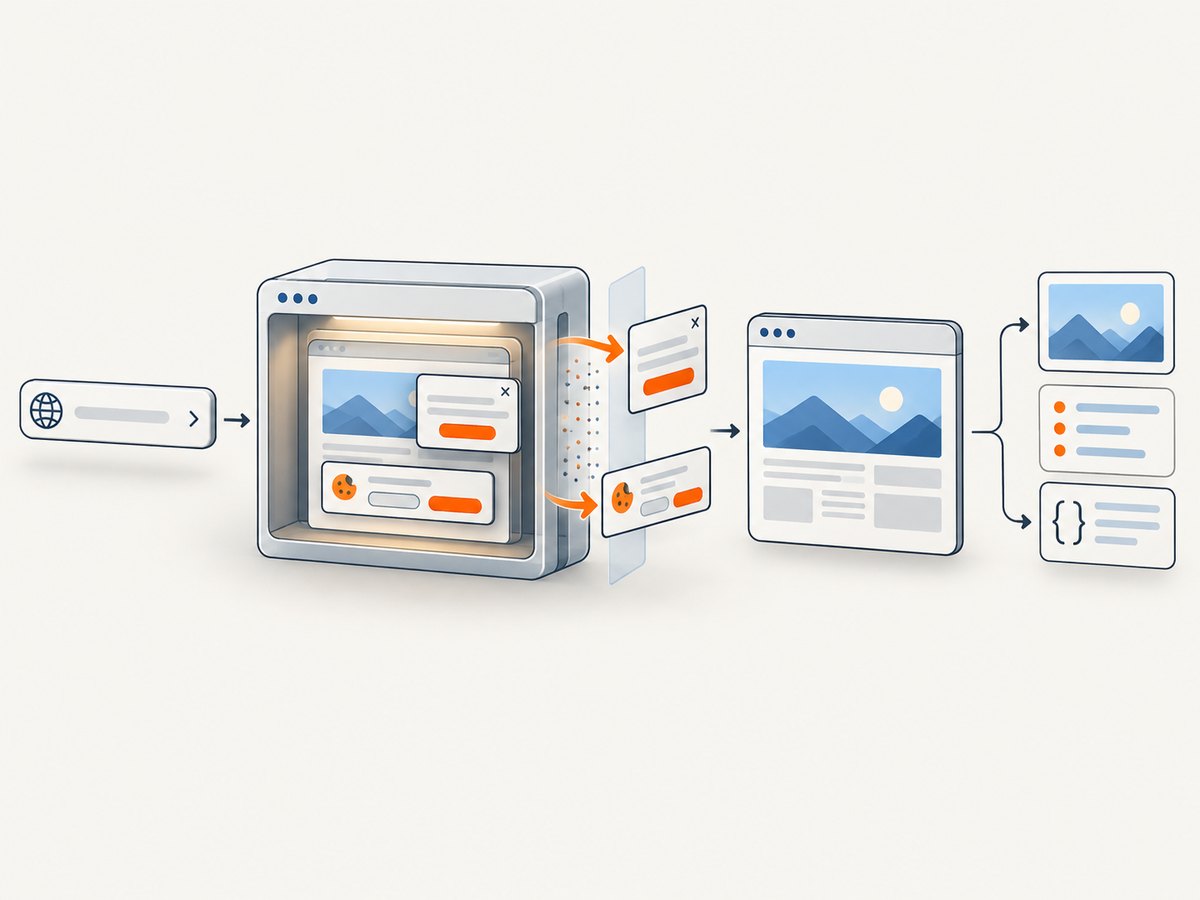
Plain HTTP is usually sufficient for server-rendered pages. Client-rendered applications may require a real browser, a wait for a selector or network idle, a click, scrolling or a form action. Treat browser mode as a separate workload when comparing cost and latency.
3. Access handling
List countries, languages, cookies, user-agent requirements and access challenges for each target. A successful HTTP status is not proof that you received the product page; it may be a bot challenge or consent wall.
4. Reliability evidence
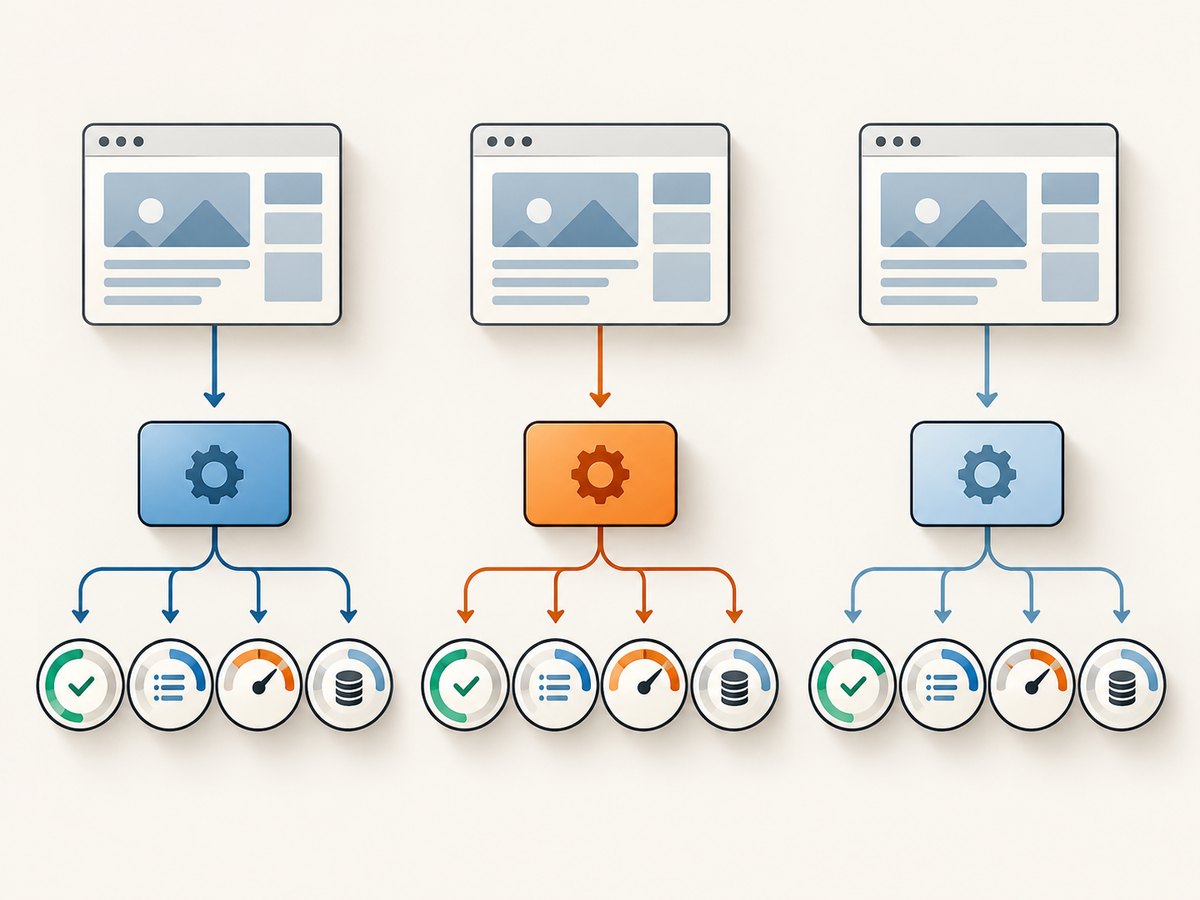
Measure the same URLs with the same mode and parser. Record success, field completeness, retries, latency and billable usage. Vendor success-rate claims are not comparable unless the targets, date and methodology match.
5. Full cost
Include browser rendering, retries, failed requests, parsing, storage and the concurrency infrastructure around the API. A low request price can be expensive when the output requires multiple attempts or custom processing.
6. Integration and workflow
Check authentication, SDKs, request limits, scheduling, storage, webhooks and observability. Also estimate the code your team must maintain for pagination, schema changes and failed jobs.
How the alternatives differ
Oxylabs Web Scraper API
Oxylabs documents ready-to-use scraping sources across popular e-commerce, travel and real-estate sites. Its product page describes responses in HTML or structured JSON, which can reduce the amount of parser code you own. This is most attractive when your targets match its catalog and the provided schema contains the fields you need. Confirm coverage, geography, access behavior and current pricing for every important domain; the research does not establish a cross-provider success-rate or price winner.
ScrapingBee
ScrapingBee documents headless Chrome rendering, selector waits, custom interaction scenarios, automatic proxy rotation and geographic options. It also describes AI or selector-based extraction and dedicated Amazon and Walmart APIs. Test whether those features produce complete records on your pages, and separate browser-rendered requests from simpler requests in your cost model. Its published performance claims were not independently compared in this research.
Apify
Apify is an adjacent platform rather than a narrowly equivalent API. Its marketplace provides ready-to-run tools (called actors) and lets you assemble broader workflows. It can be a good fit when a maintained actor already handles discovery, pagination and export. Before depending on one, pin the actor version, inspect its output schema, check maintenance activity and calculate run costs at your volume.
ScraperAPI
ScraperAPI’s official homepage identifies a web scraping API, but the accessible research did not verify detailed feature or pricing comparisons. Include it in a trial only after reading its current documentation for browser rendering, proxy behavior, extraction and billing.
A repeatable evaluation you can run
- Define the sample. Select representative URLs, page types, countries and the exact fields your application consumes. Include difficult pages and known failure cases.
- Choose the mode. Mark each URL as HTTP retrieval, browser rendering or interaction. Do not compare a rendered page from one provider with an HTTP response from another.
- Build adapters. Follow each provider’s current authentication and endpoint documentation. Normalize responses into URL, status, raw content, parsed fields, latency, retry count and billable units.
- Run the same workload. Keep concurrency, timeout, retry policy, parser and date range consistent. Save raw responses for failed and incomplete records.
- Score results. Compare successful retrieval, field completeness, p50 and p95 latency, bytes transferred, retries and total cost. Review a sample manually.
- Check permissions. Confirm that your collection complies with the target site’s terms, robots instructions where applicable, privacy obligations and applicable law.
Minimal results calculator
import csv
import statistics
import collections

rows = list(csv.DictReader(open("results.csv", newline="")))
by_provider = collections.defaultdict(list)
for row in rows:
    by_provider[row["provider"]].append(row)

print("provider\tsuccess\tcompleteness\tp50_ms\tcost")
for provider, items in by_provider.items():
    success = sum(r["ok"].lower() == "true" for r in items) / len(items)
    completeness = sum(
        int(r["fields_found"]) / max(1, int(r["fields_expected"]))
        for r in items
    ) / len(items)
    latencies = [float(r["latency_ms"]) for r in items
                 if r["ok"].lower() == "true"]
    p50 = statistics.median(latencies) if latencies else 0
    cost = sum(float(r["billable_usd"]) for r in items)
    print(f"{provider}\t{success:.1%}\t{completeness:.1%}\t{p50:.0f}\t${cost:.4f}")
Each provider adapter should write one CSV row per attempt or define clearly how retries are represented. Keep a separate column for rendered versus HTTP mode, because mixing them hides the real cost.
Or skip the browser setup
If your deliverable is a screenshot or PDF rather than structured records, ScreenshotNeo handles the capture browser for you. Before the shot it accepts cookie and consent banners and removes more than 60 known consent platforms, newsletter popups and chat widgets; each step can be disabled. Bot checks, CAPTCHAs, blank pages, timeouts, failed loads and cache hits cost nothing, and response headers identify the page verdict and whether the shot was billed. Its MCP server provides take_screenshot, get_page_info and capture_pdf tools for Claude, Cursor and other MCP clients.
See the ScreenshotNeo API documentation for all 63 options, including full-page capture with lazy-image loading, CSS-selector element capture, dark mode, 12 device presets or custom viewports, retina scale, PDF paper and margin controls, custom CSS and JavaScript, clicks, waits, request blocking, headers, cookies, authorization, timezone, geolocation, transparent backgrounds, resizing, TTL caching, signed links, asynchronous jobs with signed webhooks, bulk capture for 100 URLs and the usage API.
cURL
curl -G "https://api.screenshotneo.com/v1/shot" -d access_key=YOUR_API_KEY --data-urlencode url=https://stripe.com -o shot.webpPython
import requests
r = requests.get("https://api.screenshotneo.com/v1/shot", params={"access_key": "YOUR_API_KEY", "url": "https://stripe.com"}, timeout=90)
open("shot.webp", "wb").write(r.content)
Node.js
const q = new URLSearchParams({ access_key: 'YOUR_API_KEY', url: 'https://stripe.com' });
const res = await fetch(`https://api.screenshotneo.com/v1/shot?${q}`);
There is a free tier of 1,000 screenshots each month with no card. Paid plans start at $5 for 3,000 shots. Create a free ScreenshotNeo account.
Troubleshooting common failures
| Symptom | Likely cause | Fix |
|---|---|---|
| HTTP 200 but empty HTML | Client-side rendering or a consent wall | Use browser mode, wait for a selector or network idle, and inspect the raw response. |
| Bot-check or CAPTCHA returned | Domain policy, proxy, geography or user-agent mismatch | Verify access permissions and supported locations; do not count the response as successful data. |
| Required fields are missing | Selector/schema mismatch, changed markup or hidden content | Save the rendered body, update the parser and add a completeness assertion. |
| Frequent timeouts | Over-concurrency, slow resources or an indefinite wait | Set explicit waits and timeouts, lower concurrency and retry idempotent requests with exponential backoff and jitter. |
| 429 or 5xx responses | Rate limit or transient provider failure | Honor Retry-After, use bounded retries and a queue; add a circuit breaker for repeated failures. |
| Wrong language or prices | Locale, timezone, cookies or geography differs | Set supported geographic and locale controls and log request metadata. |
| Unexpected cost increase | Browser mode, retries or failed billable calls were omitted from estimates | Separate HTTP and browser usage, count every attempt and cache stable URLs. |
| Apify output changed | Actor version or schema drift | Pin versions, validate the schema and monitor changes before promotion. |
Performance, reliability and cost practices
- Use a queue for bursts and cap concurrency per provider and target domain.
- Cache immutable pages and choose a TTL that matches how quickly the source changes.
- Use exponential backoff with jitter, bounded retries and a dead-letter queue for manual review.
- Track p50 and p95 latency, success rate, field completeness, retries, response size and billable units.
- Keep browser-rendered and HTTP-body workloads in separate budgets. Zyte’s documented tiers show why the distinction matters.
- Estimate monthly cost from a representative sample, including parsing, storage and infrastructure, then recheck after a production-sized run.
FAQ
Is Oxylabs always better than Zyte?
No. It may reduce parser work for supported sources, but you must verify target coverage, completeness and total cost on your URLs.
When should I choose Apify?
Choose it when a maintained actor or multi-step workflow is more useful than a narrow request API. Treat actor maintenance and schema stability as part of the evaluation.
Do I need a browser for every page?
No. Start with HTTP retrieval for server-rendered pages and use a browser only when JavaScript, interaction or access behavior requires it.
Can ScreenshotNeo replace a scraping API?
ScreenshotNeo is designed for screenshots, PDFs and page information. It is the appropriate alternative when your output is visual; use a scraping API when you need structured records.
How do I make a final choice?
Run the same representative URLs through two or three candidates, compare complete data and full cost, then confirm permissions and operational limits before committing.


