AI Agent Tutorial with a Working Example
Build and run a first AI agent with the OpenAI Agents SDK in Python, then inspect its trace and learn how to extend it safely.
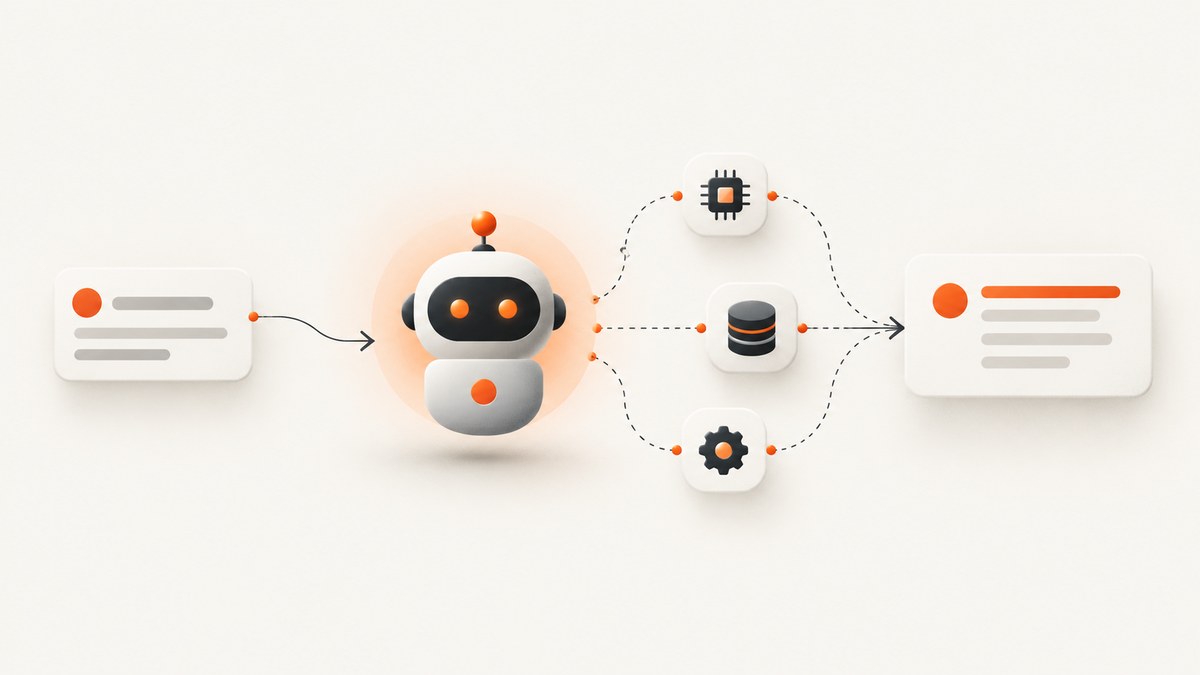
This tutorial builds and runs one focused AI agent with the OpenAI Agents SDK for Python. The example takes a simple prompt, runs it through the SDK’s runner, prints the result, and then shows where to inspect the trace. It does not add tools or claim autonomous behavior beyond that single run.
The Agents SDK runs in your application. OpenAI also documents a separate hosted Agents API path; its setup is different, so do not mix its instructions with this SDK example. The official SDK quickstart supports Python and JavaScript and describes a one-agent run as the shortest path to a working integration. OpenAI Agents SDK quickstart.
1. What you will build
You will define an agent named Python Tutor, give it narrow instructions, run one request asking it to explain a small Python expression, and print the final output. The SDK runner manages the documented agent turn. For this first run, no external tool or specialist handoff is needed.
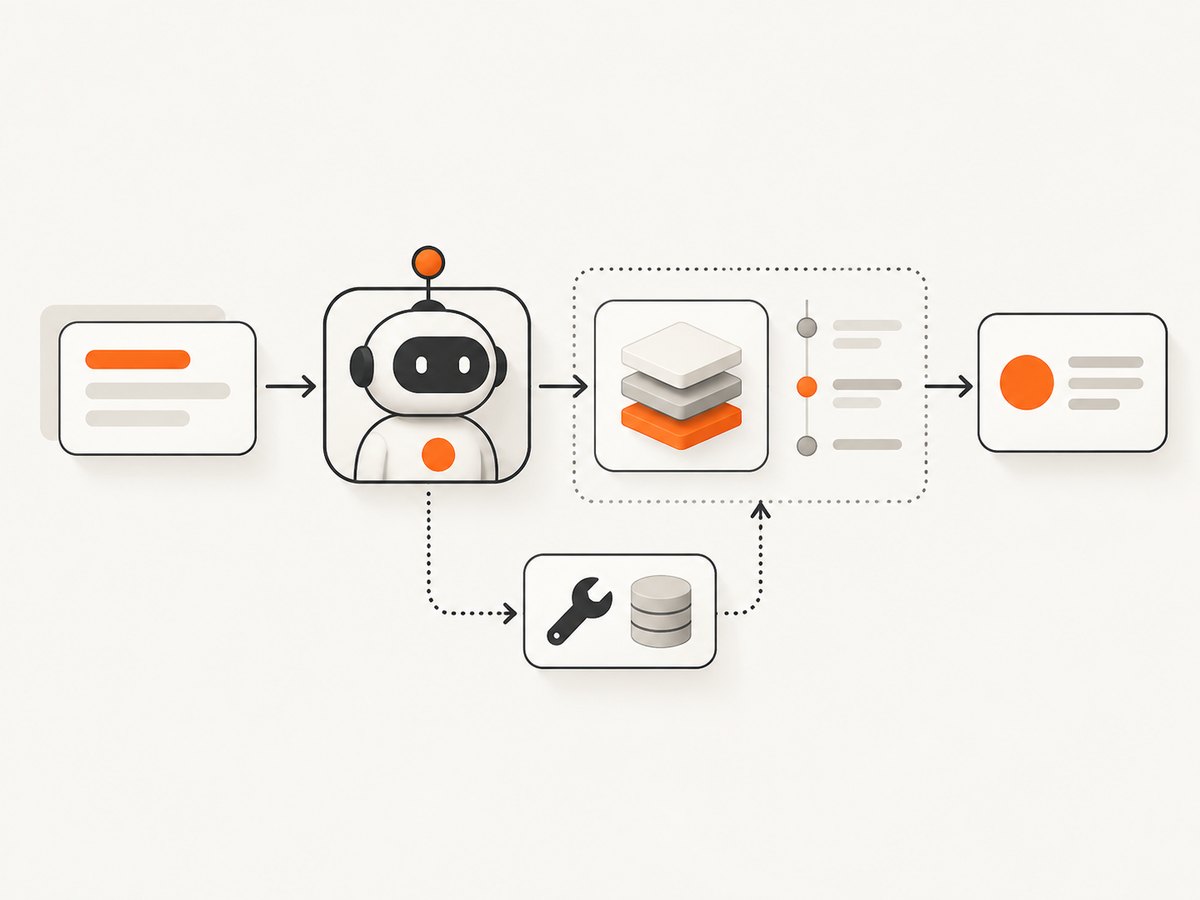
Keep the scope small: an agent is not automatically a reliable autonomous system just because it returns an answer. This example demonstrates the SDK setup and one request. You can inspect its trace and add capabilities only when the task calls for them.
2. Install the SDK and configure your key
Requirements
- Python and pip available in your environment.
- An OpenAI API key for the SDK integration.
- A terminal for installing the package and running the script.
The documented package command is:
python -m pip install openai-agentsSet the API key in your shell environment so the application can use it. For example, in a POSIX shell:
export OPENAI_API_KEY="your_api_key_here"In PowerShell, set it for the current session with:
$env:OPENAI_API_KEY = "your_api_key_here"Do not paste a real key into source code, commit it to version control, or include it in screenshots or logs. If a key is exposed, rotate it through the account that issued it. Keep local environment configuration out of shared repositories.
3. Create and run the working example
Save this as first_agent.py. The imports, agent definition, runner call, and final output follow the Python quickstart pattern. The instructions tell this small teaching agent what kind of answer to produce.
import asyncio
from agents import Agent, Runner


async def main():
    tutor = Agent(
        name="Python Tutor",
        instructions=(
            "Explain Python expressions for beginners. "
            "Use one short explanation and a tiny example when useful."
        ),
    )

    result = await Runner.run(
        tutor,
        "What does [n * 2 for n in range(3)] produce?",
    )
    print(result.final_output)


if __name__ == "__main__":
    asyncio.run(main())
Run it from the directory where you saved the file:
python first_agent.pyThe response should explain that the expression produces a list containing 0, 2, and 4. Exact phrasing can vary between runs. The example is easy to check because the Python expression itself is deterministic, but the wording returned by a model is not a fixed string.
What each part does
| Part | Purpose |
|---|---|
Agent |
Defines a named agent and its instructions. |
instructions |
Sets the agent’s role and response guidance. Keep it specific to the job. |
Runner.run |
Starts the documented run for the agent and input. |
result.final_output |
Provides the final text to print for this example. |
The runner can manage agent turns, tool calls, and handoffs when those are part of the application. This first example has no tools and no handoffs, so its flow stays easy to follow. The Python quickstart shows a larger triage example that routes homework questions to subject specialists.
4. Inspect the trace before changing prompts
Once the run succeeds, open the Traces dashboard referenced by the SDK quickstart. A trace helps you inspect model calls, tool calls, handoffs, and guardrails in a run. For this minimal example, focus on whether the request reached the expected agent and what final output was produced. If you later add tools or routing, inspect those execution steps instead of judging only the final sentence.
Tracing is useful for debugging and understanding a run; it is not proof that a downstream action succeeded. If an agent later invokes a tool that changes data or calls another system, check that tool’s result and handle failures in your application.
5. Add capabilities only when needed
Tools and handoffs solve different problems
A tool lets an agent perform an action or obtain information it cannot get from its instructions alone. A handoff lets another agent take over when a task belongs with a different specialist. For example, a triage agent could route math questions to a math specialist and history questions to a history specialist. The runner executes the agents, tool calls, and handoffs in the documented SDK flow.
Do not add a tool just to make a first example look more autonomous. First identify what external action or information is required, define how success and failure are represented, then add the smallest relevant capability. Add a specialist only when task routing is useful, and make the routing criteria explicit.
JavaScript setup option
The official quickstart also supports JavaScript. Its package installation command is:
npm install @openai/agents zodThis article’s complete working example uses Python. If you choose JavaScript, follow the JavaScript SDK quickstart as its own path rather than combining JavaScript setup with the Python imports and runner code above: Agents SDK for JavaScript quickstart.
6. Troubleshooting
| Symptom | Likely cause | What to do |
|---|---|---|
ModuleNotFoundError: No module named 'agents' |
The package was installed into a different Python environment from the one running the script. | Activate the intended virtual environment, run python -m pip install openai-agents with that interpreter, then retry with the same python. |
| Authentication or missing-key error | The process cannot see the API key, or the key is invalid. | Set OPENAI_API_KEY in the shell session that launches Python. Check for accidental whitespace and confirm the key is active. Do not print the key while debugging. |
| The script starts but returns an API error | The request may be rejected by account configuration, credentials, or a transient service issue. | Read the exception details without logging secrets, verify the account and key, then retry transient failures with a bounded retry policy in production. |
| The answer differs from the expected wording | Model output is not guaranteed to be identical on each run. | Check whether the meaning is correct rather than comparing the whole response as a fixed string. For consequential tasks, define explicit validation and error handling. |
| A completed run appears successful, but an action did not happen | A final response alone does not establish that every tool operation succeeded. | Inspect the trace and the tool execution result; make the application verify the intended outcome. |
7. Performance, reliability, and cost considerations
This minimal example makes one runner call and has no application-side tool work. Actual latency and charges depend on the model and platform configuration; the research sources for this tutorial do not establish specific prices or performance figures, so budget against the current account and platform details. Avoid unsupported assumptions about speed or cost.
For a real application, set operational limits appropriate to the task, handle exceptions, and decide how to report a failed or incomplete run to the user. Retrying every failure indefinitely can increase latency and cost; use bounded retries for errors you have classified as transient, and avoid retrying invalid credentials or malformed inputs unchanged. Log useful run identifiers and outcomes while keeping credentials and sensitive user data protected.
Use traces early when refining behavior. A prompt change that makes one sample answer sound better may make other cases worse; review representative inputs and the underlying execution path before shipping a change. For tool-enabled agents, validate tool inputs and outputs at the application boundary and make side effects safe to repeat or explicitly guarded.
8. SDK versus hosted Agents API
This tutorial uses the Agents SDK, where your application defines and runs the agent. OpenAI documents another route, the Agents API, with a managed harness and hosted sandbox example. That is a separate implementation path with its own setup. Choose it only if hosted execution is the route you intend to build; do not substitute its steps into this SDK script. Agents API guide and Agents API quickstart.

For either route, a completed turn does not by itself guarantee every tool succeeded. Inspect execution results and verify important outcomes in the system that owns the data.
Or skip the browser setup
If your agent needs a website screenshot as input, you can capture it through ScreenshotNeo’s website screenshot API instead of setting up browser automation. ScreenshotNeo is a screenshot API and MCP server from ScreenshotNeo. One GET request takes a URL and returns an image or PDF; its MCP server exposes screenshot tools to Claude, Cursor, and other MCP clients. See the ScreenshotNeo API documentation.
curl -G "https://api.screenshotneo.com/v1/shot" -d access_key=YOUR_API_KEY --data-urlencode url=https://stripe.com -o shot.webpCookie banners are accepted and removed before the shot, along with known newsletter popups and chat widgets; each cleanup step can be turned off. Bot checks, blank pages, timeouts, failed loads, and cache hits cost nothing, and response headers report the page verdict and billing status. An MCP server lets AI agents take screenshots. The free plan includes 1,000 screenshots each month with no card; paid plans start at $5 for 3,000. Details and parameters are in the docs.
Sign up free for 1,000 screenshots a month with no card.
FAQ
Does this example create an autonomous agent?
It runs one focused request. It does not demonstrate ongoing planning, a persistent loop, or an external action.
Do I need a handoff for a single agent?
No. Handoffs are for routing work to another agent when a specialist should take over.
Where should I start when the agent gives a poor answer?
Inspect the trace, confirm the request and execution path, then adjust the narrow instructions and review more than one representative input.
Can I use a screenshot as an agent input?
Yes. Capture a page with a screenshot tool or API and pass the resulting content through the application flow appropriate to your model and agent setup.


