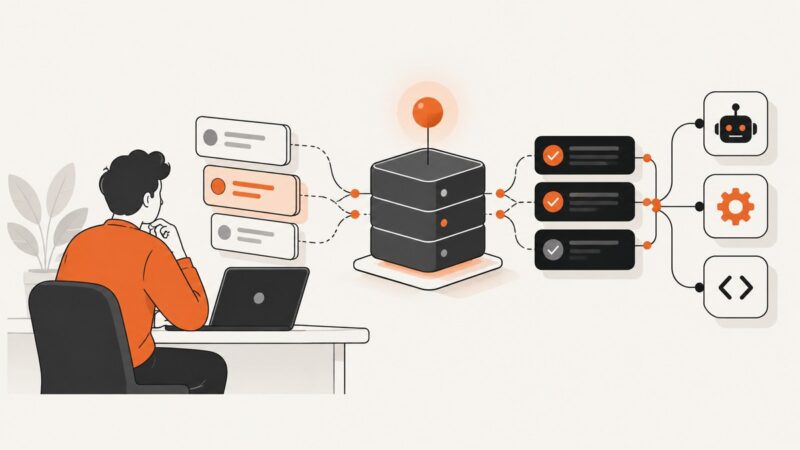
How to Configure OAuth for a ServiceNow MCP Server
Configure ServiceNow MCP OAuth with Authorization Code Grant, exact redirect URLs, client settings, PKCE, permissions, troubleshooting, and verification steps.
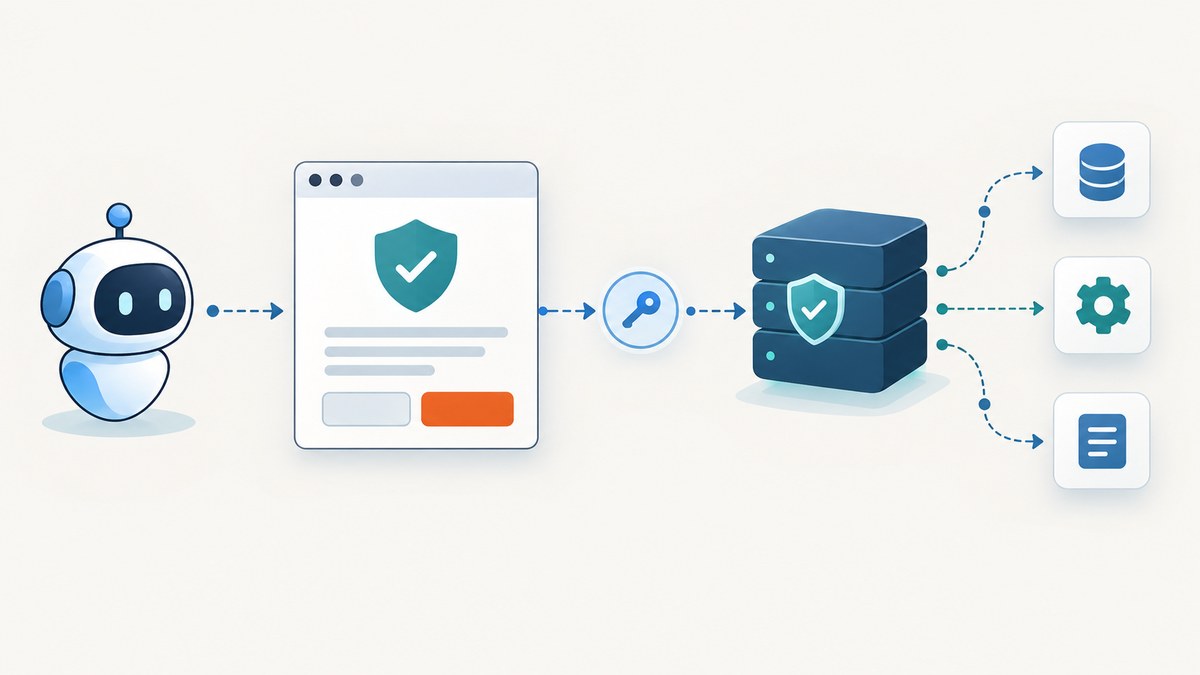
Use OAuth 2.0 Authorization Code Grant with JWT tokens. In ServiceNow, create an inbound integration under All > Machine Identity Console > Inbound integrations, register the MCP client’s exact redirect URL, then configure the client with the ServiceNow MCP endpoint and OAuth URLs. After authentication, the client receives the server’s tool list under the signed-in user or integration user’s ServiceNow permissions.
What you need before starting
- A ServiceNow MCP server, such as the Quickstart Server (
sn_mcp_server_default) or a purpose-built server. - The MCP server name and instance host. The server URL follows
https://<server-instance>.service-now.com/sncapps/mcp-server/mcp/<server-name>. - The redirect URL supplied by your MCP client. Copy it exactly, including scheme, path, capitalization, and trailing slash.
- For inbound integration setup, one of
oauth_admin,mi_admin, oradmin. Creating an MCP server may additionally requiresn_mcp_server.adminoradmin. - An MCP client that supports remote Streamable HTTP. SSE can be used for streaming responses; local, stdio-only servers are not supported.
OAuth flow at a glance
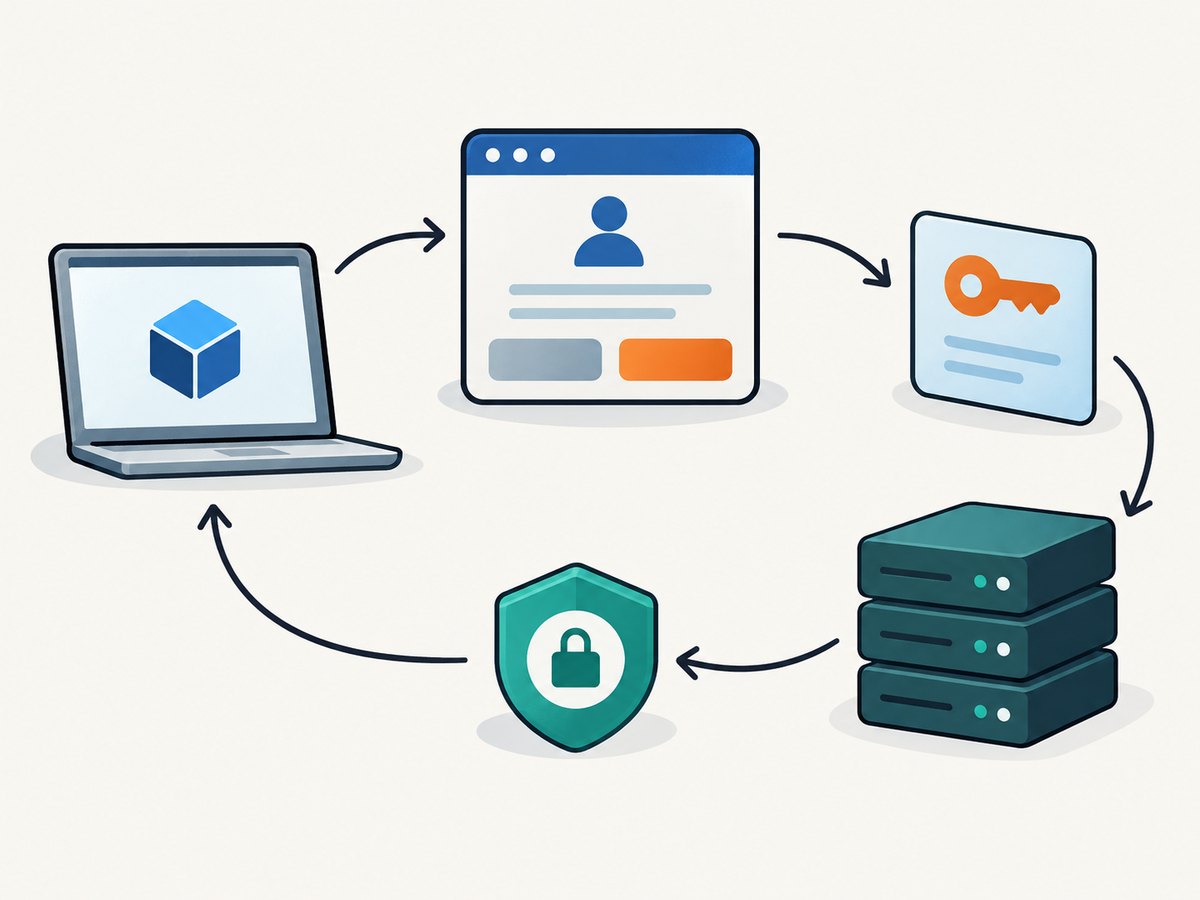
- The MCP client opens ServiceNow’s authorization URL.
- You sign in and approve the requested access.
- ServiceNow redirects the browser to the client’s registered redirect URL with an authorization code.
- The client exchanges the code at the token endpoint.
- The client sends the bearer token to the MCP server over Streamable HTTP.
- ServiceNow evaluates the request as the authenticated human user or configured integration user, including ACLs and tool-level controls.
Step 1: Find the client redirect URL
Obtain the redirect URL from the client before creating the ServiceNow integration. For a client connecting to another ServiceNow instance, the documented pattern is:
https://<client-instance>.service-now.com/oauth_redirect.doSome client forms instead ask for the ServiceNow callback value:
https://<server-instance>.service-now.com/oauth/callbackUse the value required by the specific client form. A redirect mismatch is one of the most common causes of failed authentication.
Step 2: Create the OAuth inbound integration
- Open All > Machine Identity Console > Inbound integrations. You can also use the OAuth setup banner in MCP Server Console.
- Select New integration.
- Choose OAuth – Authorization code grant.
- Enter a descriptive name.
- Paste the client’s exact redirect URL into Redirect URL.
- Choose whether to restrict access to selected API scopes. Clearing the restriction gives the integration broad scope; apply your organization’s least-privilege policy and confirm which scopes the selected tools need.
- Open the advanced options and set Token Format to JWT.
- Save the integration.
- Securely copy the generated client ID and client secret. The secret is used only by the client configuration and should not be committed to source control.
Step 3: Configure the MCP client
Enter these values in the client’s remote MCP or custom OAuth form:
| Field | Value |
|---|---|
| MCP server URL | https://<server-instance>.service-now.com/sncapps/mcp-server/mcp/<server-name> |
| Host | <server-instance>.service-now.com |
| Base URL | /sncapps/mcp-server |
| Scope | mcp_server |
| Authentication | OAuth 2.0 |
| Identity provider | Generic OAuth 2 |
| Authorization URL | https://<server-instance>.service-now.com/oauth_auth.do |
| Token URL | https://<server-instance>.service-now.com/oauth_token.do |
| Token revocation URL | https://<server-instance>.service-now.com/oauth_revoke.do |
| Refresh URL | https://<server-instance>.service-now.com/oauth_auth.do |
| Redirect URL (when requested as the ServiceNow callback) | https://<server-instance>.service-now.com/oauth/callback |
| Client ID | The value generated by the inbound integration |
| Client secret | The value generated by the inbound integration |
For ServiceNow AI Agent Studio, the documented form uses OAuth 2.1, Manual Registration, Authorization Code, and Client Secret Post. Supply the authorization, token, and revocation URLs from the table above.
Step 4: Authenticate and verify tool discovery
- Select Authenticate in the MCP client.
- Complete the ServiceNow sign-in and consent prompt.
- Return to the client and wait for the bearer token exchange to complete.
- Confirm that the client displays the MCP server’s tool list.
- Run a low-risk representative request, such as asking the Quickstart Server to summarize recently closed incidents.
Tool visibility does not bypass ServiceNow authorization. Native roles, contextual scripts, row and field ACLs, and deny-unless-permitted rules continue to apply. Custom Now Assist skills may require execute ACLs and role masking. Subflows and Actions require the relevant AI ACLs and synchronous execution.
Optional path: Client-Initiated Managed Device (CIMD)
CIMD is available from Zurich Patch 7 and Australia Patch 1 onward. It replaces manually managed client secrets with a client-owned HTTPS metadata URL while retaining administrator approval.
- Open All > System OAuth > CIMD Clients.
- Select New.
- Paste the client’s HTTPS metadata URL.
- Select Fetch Metadata and review the retrieved values.
- Choose Live for automatic metadata refresh or Static to pin the retrieved metadata.
- Create the record.
- Configure the client to use Authorization Code with PKCE. The metadata URL itself is the
client_id.
| Area | Standard inbound integration | CIMD |
|---|---|---|
| Release requirement | Standard supported setup | Zurich Patch 7 / Australia Patch 1 or later |
| Client credential | Generated client ID and secret | Client metadata URL as client ID |
| Registration | Enter values manually | Fetch and review HTTPS metadata |
| Proof method | Client secret authentication | Authorization Code with PKCE |
| Metadata mode | Not applicable | Live or Static |
| Governance | Administrator controls generated credentials | Administrator approves the metadata URL and mode |
Identity, scopes, and least privilege
- Interactive sessions run as the signed-in human user.
- Autonomous agents run as a dedicated integration user; that user’s roles and ACLs determine access.
- Keep scopes and roles limited to the tools and records the workflow needs.
- Review row-level and field-level access separately; a valid OAuth token does not grant access that ACLs deny.
- Rotate or revoke credentials when a client is retired. Store client secrets in the client’s secret manager rather than configuration files.
ServiceNow MCP Server Console does not support the client-credentials grant. It also does not support local or stdio MCP servers, so a client must connect through the remote HTTP endpoint.
Common errors and fixes
| Symptom | Likely cause | Fix |
|---|---|---|
| Redirect URI mismatch | The registered URL differs by one character, path, scheme, or slash. | Copy the client’s current redirect URL and replace the inbound integration value exactly. Reauthenticate after saving. |
| Invalid client | Wrong client ID, secret, or authentication method. | Use the values from the same inbound integration and select the method expected by the form, such as Client Secret Post for AI Agent Studio. |
| Invalid scope | The client requests a scope that the integration does not allow. | Use mcp_server and review the integration’s API-scope restriction. |
| Token exchange fails | Wrong token URL, expired authorization code, or a code reused after a failed attempt. | Confirm oauth_token.do, restart the authorization flow, and exchange a fresh code once. |
| 401 or 403 from tools | The token is valid but the user or integration user lacks roles or ACL access. | Check the executing identity, roles, table and field ACLs, contextual scripts, and tool-specific controls. |
| Tools are not discovered | Connection or Credential records are incomplete, token is expired, endpoint is wrong, or routing prevents discovery. | Inspect Connection and Credential records, request a new token, verify the full MCP URL, and compare redirect URLs character by character. ADC routing can require ServiceNow Support. |
| Connection hangs | The client is attempting an unsupported local or stdio transport. | Use the remote Streamable HTTP endpoint. SSE may be used for streaming responses. |
| Custom skill is missing | Required execute ACL, role masking, AI ACL, or synchronous execution setting is absent. | Review the skill, Subflow, or Action’s ServiceNow authorization requirements. |
Reliability, performance, and operational notes
- Keep the MCP endpoint and OAuth endpoints on the same intended ServiceNow instance to avoid routing and credential confusion.
- Cache tokens only for their permitted lifetime and refresh before expiry. Never log bearer tokens or client secrets.
- Use a dedicated integration user for unattended agents so permission changes and audit review are separate from a person’s account.
- Start with a representative read-only tool call before enabling mutations or broad scopes.
- When diagnosing latency, separate browser authorization time, token exchange time, MCP transport time, and the underlying ServiceNow tool execution.
- For large workflows, request only the tools needed by the agent and avoid repeatedly rediscovering tools when the client can cache the server definition.
Or skip the browser setup
If your immediate task is capturing a ServiceNow OAuth guide, endpoint, or consent screen for documentation, ScreenshotNeo provides a single HTTP request instead of maintaining browser automation. Its cleanup step accepts cookie or consent banners and removes more than 60 known consent platforms, newsletter popups, and chat widgets before capture; each step can be disabled. Bot checks, blank pages, timeouts, failed loads, and cache hits are not billed, and the response identifies the result with X-Page-Verdict and X-Billed headers.
See the ScreenshotNeo API documentation for all options.
curl -G "https://api.screenshotneo.com/v1/shot" -d access_key=YOUR_API_KEY --data-urlencode url=https://your-instance.service-now.com -o shot.webpimport requests
r = requests.get("https://api.screenshotneo.com/v1/shot", params={"access_key": "YOUR_API_KEY", "url": "https://your-instance.service-now.com"}, timeout=90)
open("shot.webp", "wb").write(r.content)const q = new URLSearchParams({ access_key: 'YOUR_API_KEY', url: 'https://your-instance.service-now.com' });
const res = await fetch(`https://api.screenshotneo.com/v1/shot?${q}`);It also has an MCP server with take_screenshot, get_page_info, and capture_pdf tools for Claude, Cursor, and other MCP clients. The free plan includes 1,000 screenshots per month with no card; paid plans start at $5 for 3,000. Create a free ScreenshotNeo account.
FAQ
Can I use client credentials instead of authorization code?
No. MCP Server Console supports OAuth 2.0 Authorization Code Grant, not the client-credentials grant.
Does OAuth change ServiceNow ACL behavior?
No. The authenticated human or integration user remains subject to roles, ACLs, contextual scripts, row and field rules, and tool-level controls.
Is PKCE required for every setup?
PKCE is part of the CIMD flow. Standard inbound integrations use the generated client ID and secret unless the client’s documented configuration requires an additional protection.
Can an MCP client connect over stdio?
No. Use the remote Streamable HTTP endpoint; SSE can be used for streaming responses.
What should I check first when no tools appear?
Verify the complete server URL, token status, Connection and Credential records, and the redirect URL character by character. Then check routing and the executing user’s permissions.