7 Best AI Browser Agents for Automation and Scraping in 2026
A developer-focused guide to choosing AI browser agents for automation and scraping, with verified options, runnable examples, and an honest note on the evidence behind this seven-tool title.
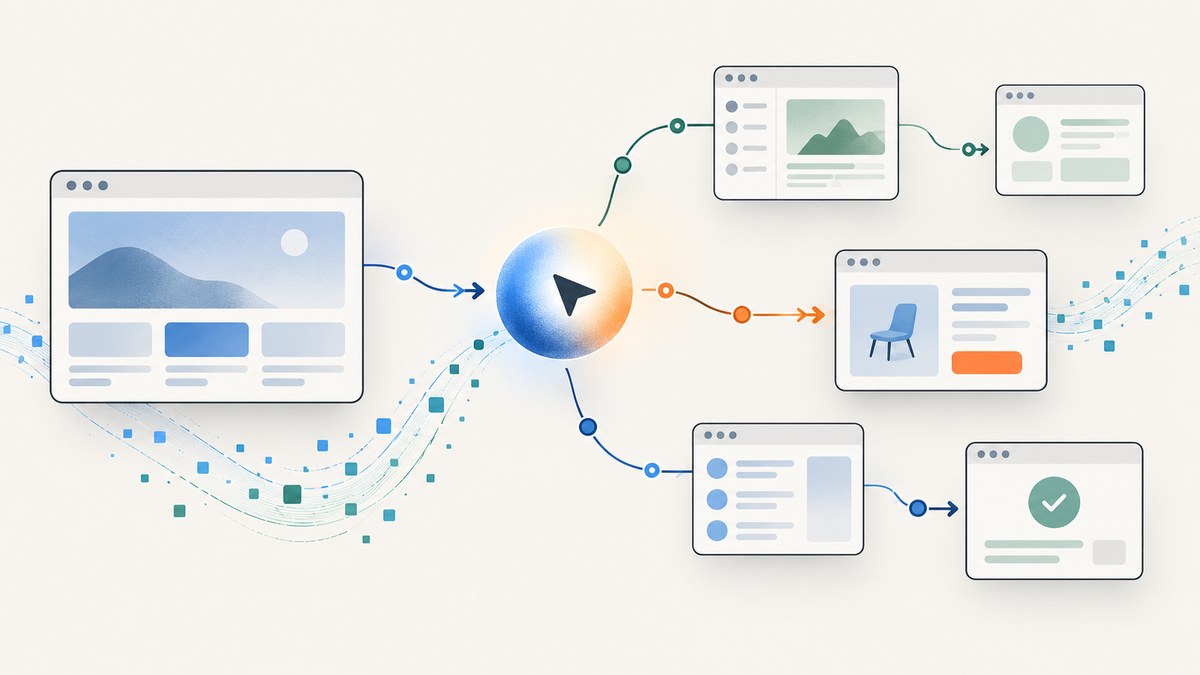
AI browser agents interpret a goal, then take browser actions to pursue it. For example, an agent might navigate a directory, open several pages, and extract a set of fields. The practical choice is not simply “which agent is best”: decide how much control you need, which browser runtime you can operate, how you will verify results, and what evidence supports a vendor’s claims.
Evidence note: the research available for this guide substantiates three choices or stacks, not seven comparable products. So this guide does not invent four additional ranked entries to satisfy the title. It gives you a useful shortlist and a framework for evaluating other candidates. No hands-on comparison or independent seven-product benchmark was established.
1. How to choose an AI browser agent
Before choosing a tool, separate the agent layer from the browser infrastructure. An agent decides what actions to take. A framework helps you build and constrain those actions. A hosted browser runs the session remotely and may supply observability or session-management features. Some products combine these layers; others do not.
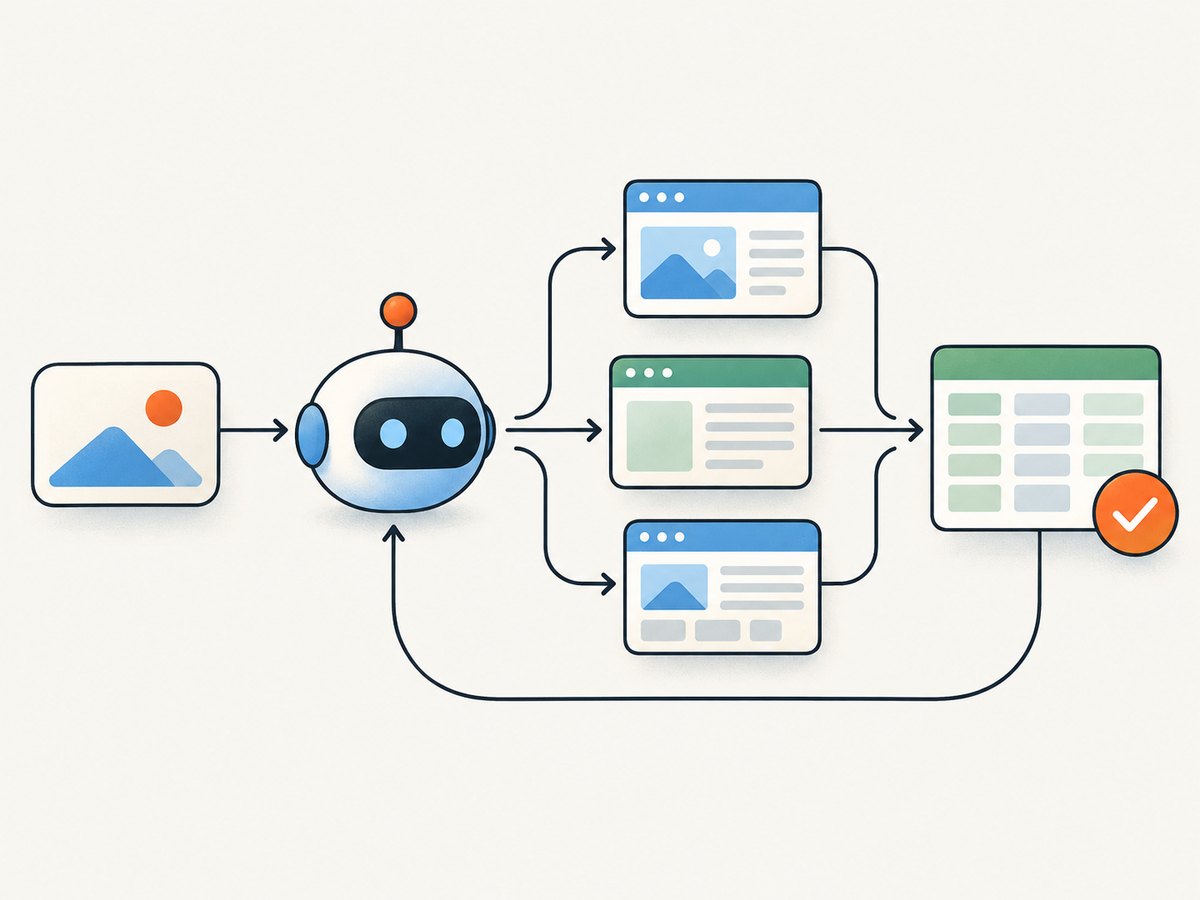
| Question | Why it matters |
|---|---|
| Can I mix instructions with code? | Natural language helps with changing interfaces; explicit code makes important paths and checks more predictable. |
| Which models and integrations work? | Model availability, credentials, and external tools affect capability, cost, and deployment. |
| Can I bound and verify a run? | Step limits constrain runaway work. A returned result still needs an application-level success check. |
| Where does the browser run? | Local execution offers control; hosted browsers can reduce infrastructure work and add session tooling. |
| Can I inspect failures? | Live views, replay, and traces help explain wrong clicks, blocked pages, and bad extraction. |
| What will it cost at my workload? | Include model calls, browser time, traffic, concurrency, retries, and human review. |
Use these criteria as a checklist. Record the exact model, task, browser environment, success definition, and number of repeated runs when comparing candidates. A vendor’s benchmark can guide further evaluation, but it is not a neutral head-to-head result unless the workload and method are comparable.
2. The verified shortlist
Browser Use: agent and browser infrastructure
Browser Use presents two related offerings: Browser Use Agents and Browser Infrastructure. Its official site says its open-source project is MIT licensed and can run locally or in the cloud. This makes it relevant if you want to examine both an agent option and remote-browser infrastructure within one ecosystem.
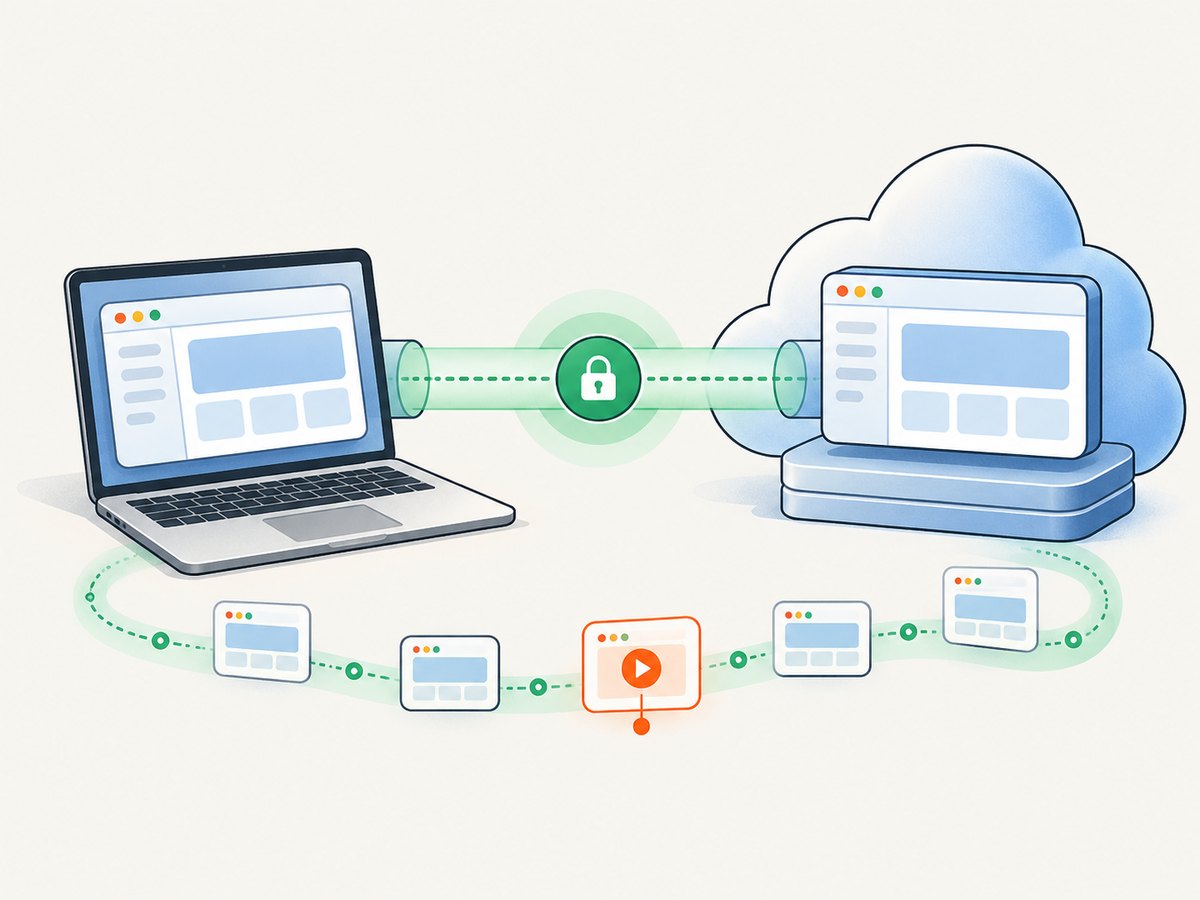
Browser Use publishes internal benchmark results, including a 106-task benchmark. Treat those as vendor-reported results for that benchmark’s workload and scoring rules, not independent proof that it is universally the most accurate or least expensive option. Check current pricing and documentation before adopting it; prices and product details can change.
Stagehand: a framework that combines AI actions and code
Stagehand’s agent documentation describes high-level browser workflows, model-provider configuration, MCP integrations, and a configurable maximum step count. Stagehand is a framework choice when you want natural-language actions but also want to write conventional browser code around them. Its documentation explicitly exposes a result to inspect; do not treat completion of an agent call as proof that the requested task succeeded.
Stagehand can be paired with a hosted browser, but it is not the same product category as a browser infrastructure provider. A specific compatibility caveat applies to Cloudflare’s Browser Run integration: its documentation says it supports Stagehand v2.5.x and not v3 or later. That restriction is for that integration, not a general statement about Stagehand. See Cloudflare’s Stagehand integration notes.
Browserbase with Stagehand: hosted browser plus framework
Browserbase’s browser automation templates describe an autonomous agent built with Stagehand and Browserbase cloud browsers. Browserbase’s product materials describe sessions, live views, replay, and structured traces. Its template and platform descriptions also discuss anti-bot features. These are vendor-described capabilities, not a guarantee that any particular site will allow access or that a protected workflow will succeed.
This stack may suit teams that want a framework for agent behavior and a hosted browser environment with session inspection. Compare it with running Stagehand locally: hosted infrastructure can reduce browser operations work, while introducing a provider dependency and its own concurrency, usage, and cost constraints. Read Browserbase’s browser architecture description for its account of sessions and replay.
Why there are not seven ranked picks here
The evidence for this article establishes three named options or combinations, not seven products with comparable current capabilities, prices, and independent performance results. Listing four more as “best” would imply research that was not done. Browser Use publishes comparisons and benchmark claims, but those results do not create a common neutral evaluation of all candidate agents. Use this shortlist to build a test against your own workflows, then expand it using current primary documentation.
3. A small Stagehand agent example
This TypeScript example demonstrates the central development loop: initialize a browser, set a bounded task, inspect the returned result, and close the session. It follows the Stagehand agent API documented by the project. Install Stagehand and provide the credentials required by your selected model and browser environment before running it. See the Stagehand agent docs for supported configuration and current setup.
import { Stagehand } from "@browserbasehq/stagehand";

async function main() {
  const stagehand = new Stagehand({ env: "LOCAL" });
  await stagehand.init();

  try {
    const page = stagehand.page;
    await page.goto("https://example.com");

    const agent = stagehand.agent({
      instructions: "Use only publicly visible information. Do not submit forms or make purchases.",
    });

    const result = await agent.execute({
      instruction: "Read the page heading and summarize the visible page in one sentence.",
      maxSteps: 8,
    });

    console.log(result);
    // Add an application-level assertion before treating this task as successful.
  } finally {
    await stagehand.close();
  }
}

main().catch((error) => {
  console.error(error);
  process.exitCode = 1;
});
For a hosted Browserbase session, configure Stagehand with the documented Browserbase environment and the required project credentials. The exact constructor options differ by Stagehand version; use the current quickstart rather than copying a version-specific snippet blindly. Browserbase’s Vercel integration example shows a hosted session, debugging view, and concurrency-aware execution.
4. Make scraping workflows dependable
- Prefer a supported data interface when one exists. A public API, export, or downloadable dataset is often simpler and more stable than operating a browser. Follow the target site’s access rules.
- Define the output schema first. List required fields, accepted formats, and what counts as missing. Reject malformed records rather than silently treating them as complete.
- Split discovery from extraction. Let the agent find relevant pages, then use bounded code or structured extraction for fields that have clear definitions.
- Bound each run. Set a maximum step count, page count, time limit, and retry limit. Persist progress so a timeout does not restart a large job from scratch.
- Verify the result. Check required keys, value types, page identity, and record counts. For consequential actions, require a human approval step before submission.
- Keep a useful trace. Log the prompt, model, run ID, visited URLs, extracted output, and failure reason. Avoid logging secrets or unnecessary personal data.
Expect dynamic content, pagination, consent dialogs, authentication, rate limits, and site redesigns to affect runs. A browser agent may misunderstand a page or stop early. Keep retries bounded, detect duplicate records, and make downstream writes idempotent so repeating a job does not duplicate effects.
5. Performance, reliability, and cost
Browser tasks are variable: page load time, client-side rendering, model reasoning, and website changes all influence latency. Parallel sessions can improve throughput only when your provider allows the concurrency and the target site can tolerate the request rate. Browserbase’s Vercel example notes that its free plan has a concurrency limit of one and demonstrates sequential execution in that case. Confirm your own plan limits before designing a queue.
Estimate cost from a representative workload, not a single successful run. Count model usage, browser session duration, network traffic, retries, storage, and human review. Measure completion rate and cost per verified task, and repeat tasks to understand variation. A vendor benchmark’s cost definition may exclude costs that matter to your application. Browser Use’s reported internal benchmark is useful context, but should be read with its stated workload and methodology.
For reliability, record failure categories separately: navigation failure, access denial, timeout, extraction validation failure, and agent misunderstanding. Retry only failures likely to be transient. A CAPTCHA or explicit access restriction is not a reason to evade the site’s controls; stop and use an authorized integration or request permission.
6. Troubleshooting
| Symptom | Likely cause | Practical fix |
|---|---|---|
| Agent returns without the requested data | It reached a step limit, misunderstood the goal, or could not access the content. | Inspect the result and trace; narrow the task, raise the limit cautiously, and validate required fields. |
| Browser initialization fails | Missing credentials, invalid environment settings, or incompatible package versions. | Check the current quickstart, environment variables, and installed Stagehand version. |
| Cloudflare Browser Run rejects the integration | The documented integration supports Stagehand v2.5.x, not v3 or later. | Use a supported version for that integration or choose a compatible deployment path. |
| Page loads but extraction is empty | Content may render late, require interaction, or differ from the agent’s assumption. | Wait for a concrete page condition, inspect the visible page, and specify an output schema. |
| Parallel jobs queue or fail | Concurrency limits or target-site rate limits. | Read the provider’s project limits; use a queue and controlled concurrency. |
| Results look plausible but are wrong | The agent completed actions without satisfying the actual task constraints. | Verify against explicit assertions or a second authorized data source; route uncertain results to review. |
7. Or skip browser setup
If the job is to capture a page as an image or PDF, ScreenshotNeo is an alternative to running a browser agent. It is a screenshot API and MCP server from Yorker Media. One request takes a URL and returns a PNG, JPEG, WebP, or PDF. The API supports full-page captures, CSS element selection, custom waits, and other capture options; see the ScreenshotNeo documentation.
curl -G "https://api.screenshotneo.com/v1/shot" -d access_key=YOUR_API_KEY --data-urlencode url=https://stripe.com -o shot.webpimport requests
r = requests.get(
"https://api.screenshotneo.com/v1/shot",
params={"access_key": "YOUR_API_KEY", "url": "https://stripe.com"},
timeout=90,
)
r.raise_for_status()
open("shot.webp", "wb").write(r.content)const q = new URLSearchParams({ access_key: 'YOUR_API_KEY', url: 'https://stripe.com' });
const res = await fetch(`https://api.screenshotneo.com/v1/shot?${q}`);
if (!res.ok) throw new Error(`Screenshot request failed: ${res.status}`);
await Bun.write("shot.webp", res);ScreenshotNeo removes cookie banners, popups, and chat widgets before the shot; bot checks, blank pages, and failed loads are never billed. Its MCP server lets AI agents take screenshots. The free plan includes 1,000 screenshots a month with no card; paid plans start at $5 for 3,000. Try ScreenshotNeo and sign up for 1,000 free screenshots a month, no card required.
8. Frequently asked questions
Is an AI browser agent the same as a scraper?
No. A scraper describes collecting data; an agent describes software that interprets a goal and acts. An agent can use browser interaction to collect data, but it may be less predictable than a purpose-built extraction pipeline.
Should I let an agent submit forms?
Only when the workflow is authorized and you have explicit checks around the side effect. For purchases, applications, account changes, or other consequential actions, pause for human approval.
Can I choose a winner from these three?
Not universally. They represent different layers and deployment choices. Match them to your required code control, browser hosting, observability, model configuration, and measured workload.
Does a screenshot API replace a browser agent?
No. A screenshot API captures page output. It is useful when the requirement is a visual artifact, while multi-step navigation and data extraction require an automation workflow.
Conclusion
For 2026, the evidence here supports a careful shortlist rather than a defensible ranking of seven. Compare Browser Use as an agent and infrastructure offering, Stagehand as a code-plus-agent framework, and Browserbase with Stagehand as a hosted-browser stack. Test a representative task, verify every result, and include operational costs before choosing.


