Are Python Requests Deprecated? Current Status, Warnings, and What to Do
Python Requests is not deprecated. Learn what the current releases support, why get_connection warnings appear, and how to decide whether to migrate.
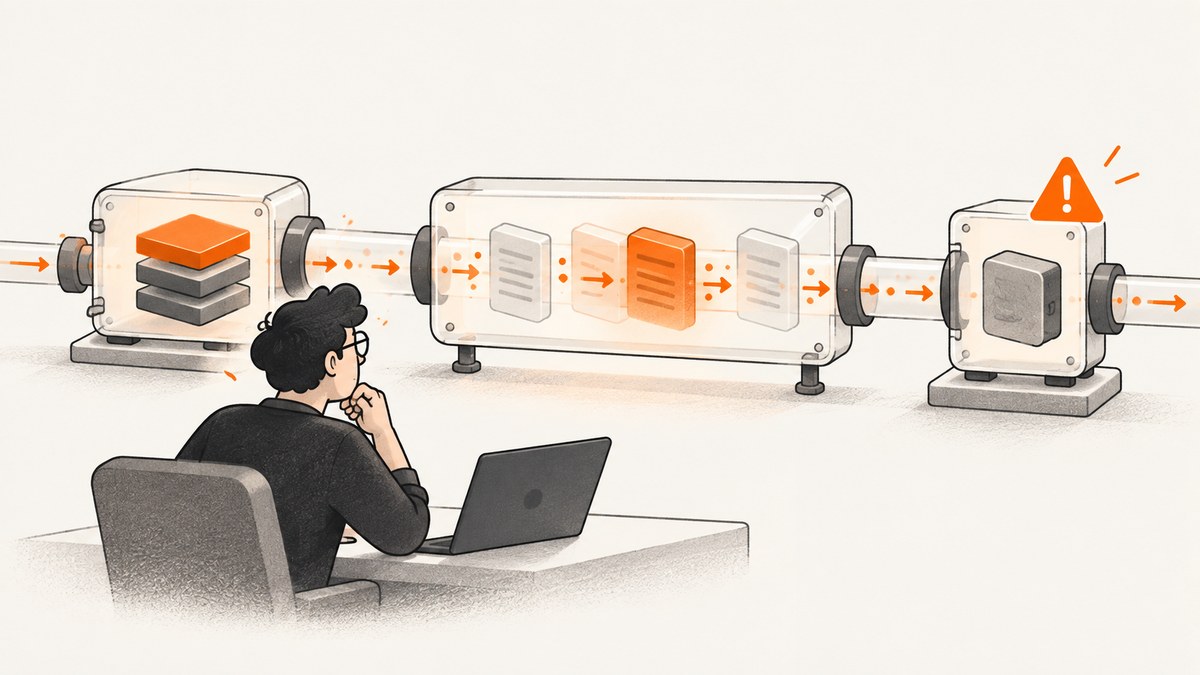
Short answer: No. The Python Requests library is not marked deprecated in the current official materials. PyPI lists Requests 2.34.2 as Production/Stable, released May 14, 2026, and the official documentation covers the same release. The package requires Python 3.10 or newer. PyPI package metadata and the official documentation are the best sources for the current status.
A warning can still be real without meaning the whole project is discontinued. Requests’ project history says get_connection is considered deprecated in Requests versions 2.32.0 and later. That is a method-level warning, mainly relevant to custom HTTP adapters; it is not a deprecation announcement for the Requests package itself.
What the current evidence says
| Question | Current answer |
|---|---|
| Is the Requests package deprecated? | No. PyPI labels 2.34.2 Production/Stable. |
| Is Requests still maintained? | The official installation guide says it is actively developed on GitHub. |
| What Python versions are supported? | Requests 2.34.2 requires Python 3.10 or newer. |
| Is any Requests API deprecated? | Yes. The project history identifies get_connection as deprecated in versions 2.32.0 and later. |
| Should every Requests user migrate? | No. Investigate the exact warning and the code path that produces it. |
The release number and support floor can change. Treat this as a snapshot and re-check PyPI, the documentation, and project history when you make a later upgrade or migration decision.
Why people think Requests is deprecated
Several different events are commonly described as “Requests being deprecated,” even though they have different meanings:
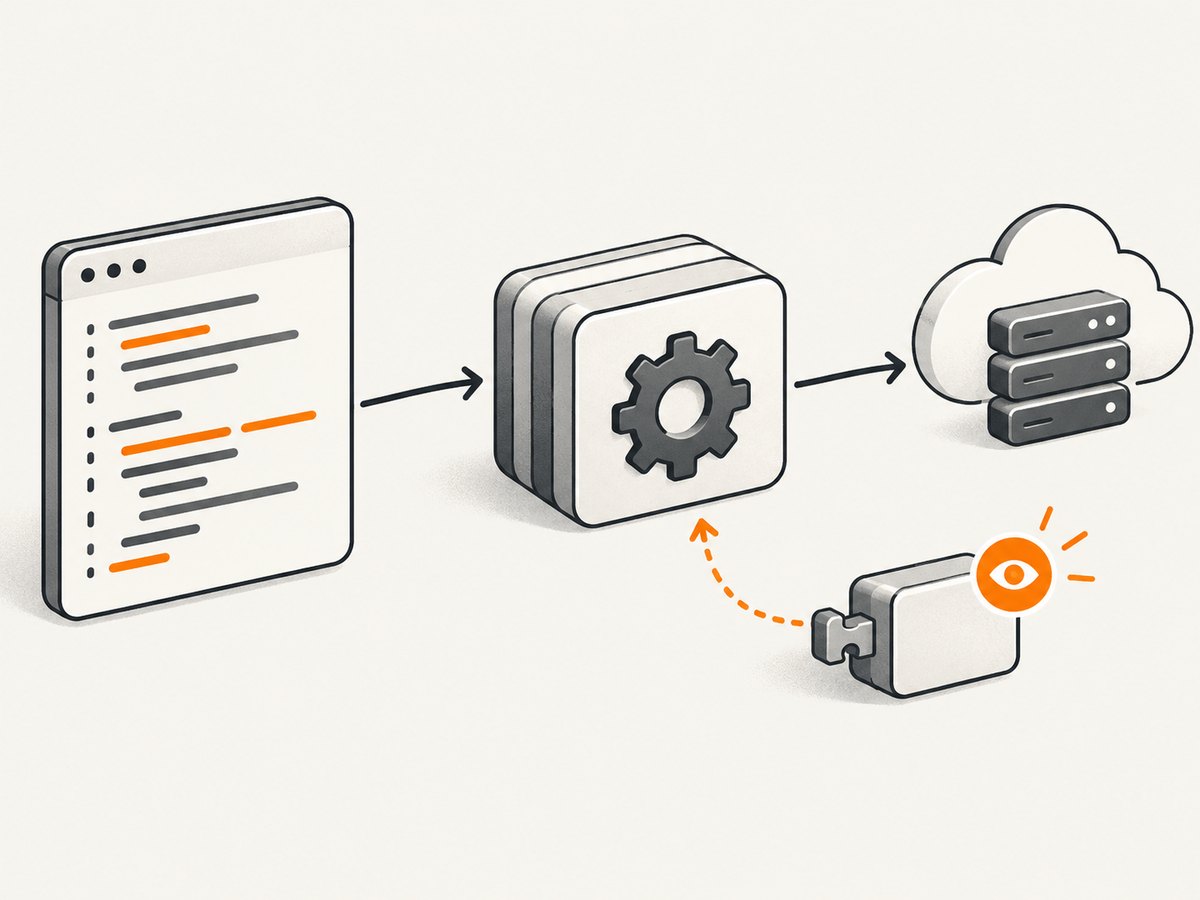
- A warning names one method. A dependency or custom adapter may call
get_connection. The warning applies to that method, not torequests.get(),requests.post(), or the package as a whole. - A package manager reports an old environment. Current Requests metadata requires Python 3.10+. An older interpreter can produce installation or resolver errors that look like abandonment but are compatibility issues.
- A transitive dependency is changing. Your application may use Requests through another library. That library can announce a migration while Requests remains supported.
- A tutorial is out of date. Examples using old adapter internals, removed workarounds, or unsupported Python versions can trigger warnings after an upgrade.
Read the complete warning, including its module, method, and traceback. The name of the deprecated symbol is more useful than a short summary such as “Requests deprecated.”
How to check your installation
1. Confirm the installed version
python -m pip show requests
python -c "import requests; print(requests.__version__)"
Using python -m pip ties pip to the interpreter you are inspecting. This avoids checking one virtual environment while running another.
2. Check the interpreter version
python --version
python -c "import sys; print(sys.executable)"
If your interpreter is older than Python 3.10, verify which Requests release your environment can install. Do not assume that an installation failure means the project is deprecated.
3. Inspect dependency resolution
python -m pip check
python -m pip list --outdated
pip check finds incompatible installed requirements. An outdated package list tells you what can be upgraded; it does not identify a deprecation by itself.
4. Find the caller of a deprecated method
Search your application and custom adapters for the exact symbol named in the warning:
rg "get_connection|HTTPAdapter|requests" .If the match is inside site-packages, identify which dependency owns it and check that dependency’s release notes. If it is your adapter, compare its implementation with the current Requests API reference and project history.
What to do about get_connection
The project history records that get_connection is deprecated in Requests versions 2.32.0 and later. The correct response depends on how you use it:
- Ordinary Requests calls: If your code only calls the public request functions or a normal
Session, you usually do not need to change code because of this method-level notice. - Custom transport adapters: Review every override or direct call involving
get_connection. Follow the replacement or migration guidance in the version of the project history you are targeting. - Third-party dependency: Upgrade that dependency if it has released a compatible fix. If no fix exists, pin a tested combination temporarily and open an issue with the maintainer.
- Warnings in tests only: Treat them as maintenance work. Configure your test runner to show the full warning location, then fix the caller rather than suppressing all deprecation warnings.
Do not replace a method solely because its name appears in a search result. Confirm whether your running code calls it and whether the warning is emitted by Requests or by another package.
Using Requests for normal HTTP work
The following is a complete, small example for a JSON endpoint. It uses a timeout, checks the status code, and handles invalid JSON separately from transport errors.
from __future__ import annotations

import requests
from requests import Response


def fetch_json(url: str) -> dict:
    response: Response = requests.get(url, timeout=(5, 30))
    response.raise_for_status()
    data = response.json()
    if not isinstance(data, dict):
        raise ValueError("Expected a JSON object")
    return data


if __name__ == "__main__":
    try:
        print(fetch_json("https://example.com/api/status"))
    except requests.Timeout:
        print("The server did not respond before the timeout")
    except requests.HTTPError as exc:
        print(f"HTTP error: {exc}")
    except requests.RequestException as exc:
        print(f"Request failed: {exc}")
Set connect and read timeouts for production calls. Reuse a Session when making multiple requests to the same service so connections can be pooled:
import requests

with requests.Session() as session:
    session.headers.update({"Accept": "application/json"})
    response = session.get("https://example.com/api/status", timeout=(5, 30))
    response.raise_for_status()
    print(response.json())
Retries should be limited to operations that are safe to repeat. A retry policy belongs at the application or adapter layer and should account for idempotency, server guidance, and backoff. Never retry a non-idempotent operation blindly.
Upgrade checklist
- Record your current Python and Requests versions.
- Read the complete warning and capture its traceback.
- Locate the exact deprecated method or dependency.
- Run your test suite against a supported Python version.
- Upgrade in a virtual environment or lockfile branch.
- Exercise authentication, redirects, proxies, TLS verification, uploads, streaming, and retry paths that your service uses.
- Deploy with warning visibility enabled so new method-level notices are not hidden.
Common errors and fixes
| Symptom | Likely cause | Fix |
|---|---|---|
Requires-Python >=3.10 |
Your interpreter is older than the current package requirement. | Upgrade Python, or select a Requests release compatible with your supported runtime after reviewing its documentation. |
DeprecationWarning: get_connection |
Custom adapter or dependency uses a deprecated method. | Find the caller, then update the adapter or dependency according to project guidance. |
ModuleNotFoundError: requests |
Requests was installed into a different interpreter or virtual environment. | Run python -m pip install requests with the same python executable that runs the program. |
SSLError |
TLS certificate, proxy, or trust-store configuration problem. | Check the host certificate and system CA configuration. Avoid disabling verification as a general fix. |
ReadTimeout |
The server or network exceeded your read timeout. | Set a timeout appropriate to the endpoint, inspect server latency, and retry only when safe. |
| JSON decoding failure | The response is HTML, empty, or a different content type. | Check status and Content-Type before parsing; log a bounded response sample for diagnosis. |
Performance, reliability, and cost considerations
Requests itself does not decide your service’s total performance. DNS, TLS negotiation, server latency, payload size, connection reuse, and retry behavior usually dominate. For repeated calls, use a session, stream large responses when appropriate, and avoid unbounded concurrency that can exhaust file descriptors or trigger server throttling.
Reliability comes from explicit timeouts, bounded retries with backoff, status handling, and observability. Record URL host, method, status, elapsed time, and a request identifier while excluding credentials and sensitive payloads. Pin dependencies in deployable applications and review release notes before changing the version.
Requests has no separate service charge; your costs come from compute, bandwidth, proxies, and the API you call. If your workflow turns HTTP responses into screenshots, a hosted capture API can remove browser infrastructure from that path.
Or skip the browser setup
If your goal is to capture a page rather than maintain a browser stack, ScreenshotNeo provides a GET endpoint that returns PNG, JPEG, WebP, or PDF. See the API documentation for all options.
import requests
r = requests.get("https://api.screenshotneo.com/v1/shot", params={"access_key": "YOUR_API_KEY", "url": "https://stripe.com"}, timeout=90)
open("shot.webp", "wb").write(r.content)
curl -G "https://api.screenshotneo.com/v1/shot" -d access_key=YOUR_API_KEY --data-urlencode url=https://stripe.com -o shot.webpconst q = new URLSearchParams({ access_key: 'YOUR_API_KEY', url: 'https://stripe.com' }); const res = await fetch(`https://api.screenshotneo.com/v1/shot?${q}`);Cookie and consent banners, newsletter popups, and chat widgets are removed before the shot. Bot checks, blank pages, failed loads, timeouts, and cache hits are not billed, and response headers report the page verdict and billing result. An MCP server provides take_screenshot, get_page_info, and capture_pdf tools for Claude, Cursor, and other MCP clients. You get 1,000 screenshots a month free with no card; paid plans start at $5 for 3,000 shots.
Create a free ScreenshotNeo account and start with the free monthly allowance.
FAQ
Is Requests abandoned?
No. The reviewed official materials describe active development, and PyPI lists a current Production/Stable release.

Do I need to replace Requests with another HTTP client?
Not solely because of the package-status question. Decide based on your Python support floor, protocol needs, and the exact API warning in your code.
Can I ignore every deprecation warning?
No. A warning about one method may not require a package migration, but leaving method-level warnings unresolved can make a future upgrade harder.
Where should I verify the status later?
Check the Requests project on PyPI, the official documentation, and the project history immediately before making a compatibility or migration decision.


