Browser Environments for Training and Evaluating Agents
Compare browser-agent environments by task realism, observations, actions, evaluation, and scale. Choose a practical stack for training and benchmarking.

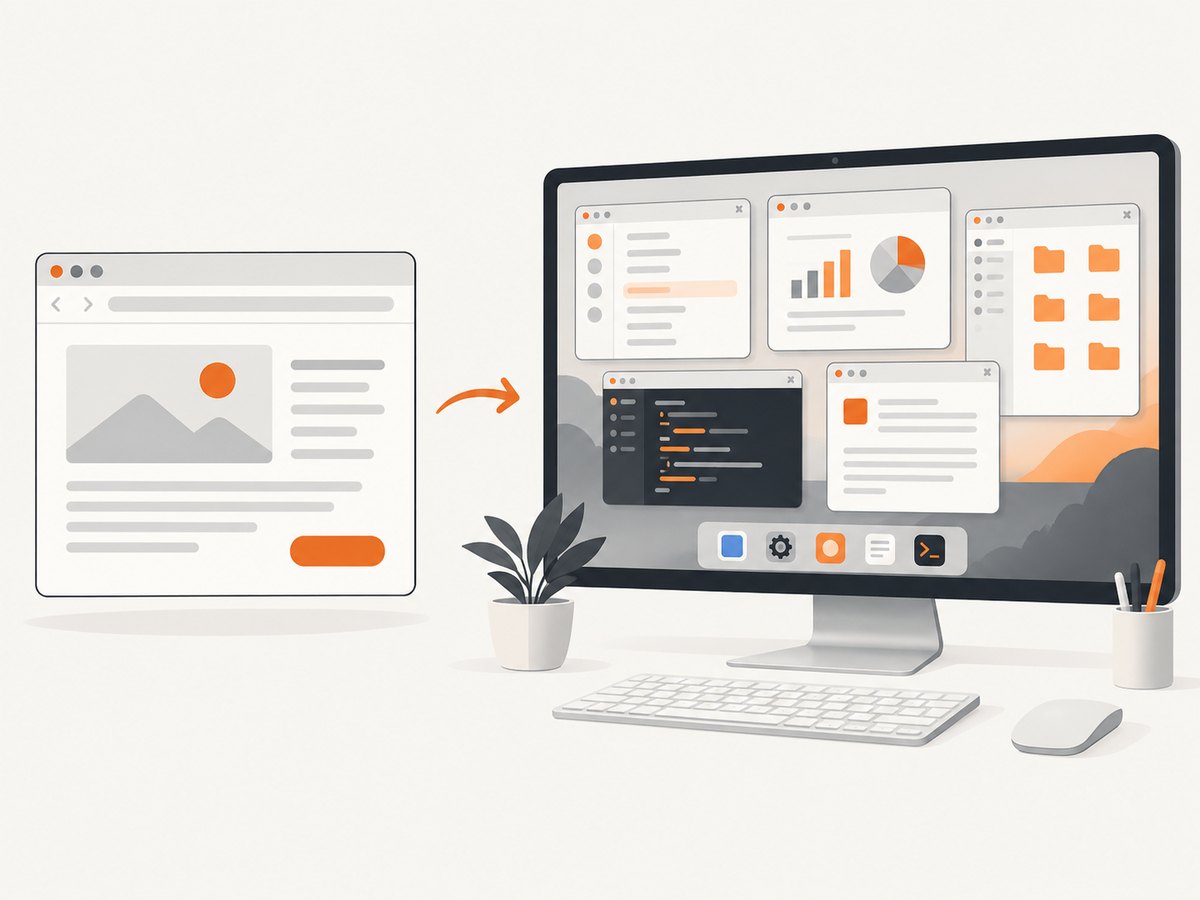
Browser-agent environments give an agent a world to interact with, a task to complete, observations such as a screenshot or accessibility tree, actions such as clicks and typing, and a signal that says whether it succeeded. The best choice depends on what you need to measure: MiniWoB for controlled interaction skills, WebArena for realistic multi-site workflows, WorkArena for ServiceNow tasks, OSWorld for browser-plus-desktop work, and WebGym for large-scale training. Use BrowserGym to share an interface across several web benchmarks, and AgentLab to run repeatable experiments and analyze traces.
There is no single environment that captures every kind of computer use. Pick one whose tasks, action interface, observations, reset process, and evaluator match your research question. This guide compares the main options, explains how to build a reproducible benchmark, and shows where browser screenshots fit into agent evaluation.
1. What a browser-agent environment contains
An environment is more than a website. It defines the state an agent can inspect, the actions it can take, how a task starts and resets, and how completion is judged. A benchmark result is meaningful only when those details are documented.

- World: one or more websites, applications, or a full desktop operating system.
- Task: a user goal, such as updating an item, finding information, or completing a workflow.
- Observation: what the agent receives: DOM or HTML, accessibility structure, screenshot, raw pixels, or a combination.
- Action space: clicks and typing, browser-level actions, or higher-level operations such as Python code.
- Reset and state: the initial account and site state, and the method for restoring it between episodes.
- Evaluator: code or a rubric that decides whether the task outcome meets the goal.
These choices affect what a score measures. An agent given a clean accessibility tree is solving a different problem from one that sees only pixels. A benchmark with deterministic resets makes comparisons easier, while changing live websites test robustness against non-stationarity.
2. Environment comparison
| Environment | Best fit | World and task style | Evaluation and scale notes |
|---|---|---|---|
| MiniWoB | Fast interaction-skill checks | Synthetic, controlled web tasks | Useful for clicks, forms, and other primitives; not a substitute for realistic multi-site workflows. |
| WebArena | Realistic web navigation | Self-hostable functional sites covering e-commerce, forums, collaborative development, and content management | Checks functional correctness of the requested outcome. WebArenaVerified and VisualWebArena extend the broader benchmark family. |
| WorkArena | Enterprise knowledge work | Tasks on the ServiceNow platform | The peer-reviewed WorkArena paper reports 33 tasks. WorkArena++ adds compositional planning and reasoning scenarios. |
| OSWorld | Cross-application computer use | Real computer tasks across Ubuntu, Windows, and macOS, including browser, desktop apps, and OS file operations | Project documentation lists 369 tasks; eight Google Drive tasks may need manual setup or exclusion, giving a 361-task subset. |
| WebGym | Large-scale visual-agent training | Diverse real-world websites with rubric-based tasks | A 2026 preprint reports nearly 300,000 tasks and 4–5× rollout speedup with asynchronous sampling. |
| BrowserGym | A shared research interface | Framework listing MiniWoB, WebArena, WebArenaVerified, VisualWebArena, WorkArena, AssistantBench, WebLINX, OpenApps, and TimeWarp | An open, extensible layer for working across web-agent environments; not itself a guarantee of identical task semantics. |
| AgentLab | Repeatable benchmark execution | Development and experiment tooling above BrowserGym | Supports testing, trace collection, benchmark runs, and analysis. |
OSWorld’s official project site describes it as a scalable real-computer environment for multimodal agents. Unlike browser-only benchmarks, it can involve OS file I/O and workflows spanning multiple applications. WebGym is a newer training-oriented option: its reported results are preprint findings, not a universal performance guarantee. The WebGym authors report Qwen-3-VL-8B-Instruct moving from 26.2% to 42.9% out-of-distribution success after fine-tuning on WebGym tasks; interpret those numbers in the context of that study’s model, data, and evaluation setup.
3. Choose by the question you need to answer
Controlled interaction ability
Start with MiniWoB or a similarly synthetic task set when you need quick, repeatable checks of interaction primitives. These tasks help isolate whether a model can select controls, enter text, or follow a short sequence. They do not establish that it can handle unpredictable websites or long workflows.
Multi-site browser task completion
Use WebArena when the question concerns realistic web workflows and functional state changes. Its self-hostable websites cover several domains, allowing tasks to require navigation and changes across site features. Choose VisualWebArena when visual observations are central to the agent setup, and record which observation and action interface you used.
Enterprise knowledge work
Choose WorkArena when ServiceNow workflows are the target. Its task set focuses on enterprise knowledge work, while WorkArena++ introduces compositional planning and reasoning scenarios. The reported 33-task WorkArena size comes from its authors’ 2024 paper; confirm the exact task collection and version in your run.
Work across the desktop
Choose OSWorld when the agent must use more than browser pages: opening applications, manipulating files, or coordinating steps between web and desktop software. Its broader world adds realism but also more sources of variance, including operating-system behavior, application versions, and setup state.
Training at scale
Consider WebGym for broad task generation and high-throughput visual-agent rollouts. Its 2026 preprint reports nearly 300,000 tasks and a 4–5× speedup from asynchronous sampling. Those are author-reported results on their setup. Recheck the paper and project materials before planning capacity around them, since the work is recent and may evolve.
4. Build a practical benchmark stack
- Define the capability. Write down whether you are measuring visual grounding, navigation, form completion, multi-step planning, enterprise workflows, or full computer use.
- Pick a matching task world. Use synthetic tasks for skill checks, WebArena or VisualWebArena for realistic web work, WorkArena for ServiceNow, and OSWorld for cross-application tasks.
- Keep the interface consistent where possible. BrowserGym offers a shared environment layer across several benchmarks. AgentLab can support repeatable development, trace collection, runs, and analysis.
- Fix the experimental variables. Record benchmark version, task subset, model and version, prompt, action tools, browser and rendering configuration, timeout, task seeds, reset scripts, and evaluator version.
- Run a pilot and inspect traces. A small run can reveal broken resets, ambiguous tasks, timeout settings that are too tight, or evaluators that accept an unintended outcome.
- Scale only after validating the loop. Measure completion rate, failures by category, episode duration, retries, and infrastructure use. Then parallelize while preserving task isolation.
A useful baseline table includes one row per run configuration. Keep the task subset and success definition explicit; aggregate percentages alone are not enough to reproduce or interpret a result.
5. Observation, action, and evaluation choices
Observations: DOM or HTML can expose structure directly; accessibility trees represent controls and labels; screenshots and raw pixels test visual interpretation. Multimodal setups can combine these. State exactly what reaches the agent, since adding a DOM snapshot can change a nominally visual benchmark into a hybrid one.
Actions: Low-level click and type actions are easy to compare but may require many steps. Browser-level or high-level actions can improve throughput while changing the skill being measured. Python actions may permit broad automation and can bypass the intended interface if safeguards are weak. Report the action tools and any constraints.
Evaluation: Functional checks typically inspect resulting state; rubric-based evaluation judges whether a result satisfies a broader criterion. Rubrics can cover outcomes that exact state checks miss, but introduce evaluator judgment and possible inconsistency. For either approach, audit a sample of successes and failures manually and describe the evaluator configuration.
Resets: Deterministic resets aid comparisons and debugging. Shared mutable accounts or state can make parallel tasks interfere. Use isolated state per episode where the environment supports it, and confirm reset completion before starting the next task.
6. Capture screenshots for debugging and visual evaluation
Screenshots help inspect what an agent actually saw, compare page appearance across steps, and diagnose rendering or overlay issues. They are useful evidence alongside the structured trace, but a screenshot by itself does not prove a task succeeded; use the benchmark evaluator for outcomes.
For a local browser workflow, a Playwright capture can be added to an existing browser task. This example launches Chromium, opens a page, waits for it to load, and saves a full-page PNG. Install Playwright and its browser first using the official Playwright getting-started instructions.
import asyncio
from pathlib import Path
from playwright.async_api import async_playwright

async def main():
    async with async_playwright() as p:
        browser = await p.chromium.launch(headless=True)
        page = await browser.new_page(viewport={"width": 1440, "height": 1000})
        response = await page.goto("https://example.com", wait_until="domcontentloaded", timeout=30000)
        await page.screenshot(path="agent-step.png", full_page=True)
        print({"status": response.status if response else None, "title": await page.title()})
        await browser.close()

asyncio.run(main())
For an agent trace, capture after a meaningful state transition, such as after navigation or a form submission, and associate each file with the task ID, action step, timestamp, viewport, and browser version. Avoid capturing every tiny step in large runs unless the storage and review value justify it. Redact secrets or personal information before sharing traces.
7. Or skip the browser setup
If you need a clean page capture for a visual check, [ScreenshotNeo](https://screenshotneo.com) accepts one GET request and returns an image or PDF. See the API documentation for options.
curl -G "https://api.screenshotneo.com/v1/shot" -d access_key=YOUR_API_KEY --data-urlencode url=https://example.com -o shot.webpimport requests
r = requests.get("https://api.screenshotneo.com/v1/shot", params={"access_key": "YOUR_API_KEY", "url": "https://example.com"}, timeout=90)
open("shot.webp", "wb").write(r.content)const q = new URLSearchParams({ access_key: 'YOUR_API_KEY', url: 'https://example.com' });
const res = await fetch(`https://api.screenshotneo.com/v1/shot?${q}`);
if (!res.ok) throw new Error(`Screenshot request failed: ${res.status}`);
await Bun.write('shot.webp', new Uint8Array(await res.arrayBuffer()));ScreenshotNeo accepts cookie or consent banners and removes more than 60 known consent platforms, newsletter popups, and chat widgets before capture; each step can be turned off. Bot checks, blank pages, timeouts, failed loads, and cache hits are not billed, and response headers identify the page verdict and billing status. Its MCP server offers take_screenshot, get_page_info, and capture_pdf for Claude, Cursor, and other MCP clients. The free plan includes 1,000 shots monthly with no card; paid plans start at $5 for 3,000.
Sign up free for 1,000 screenshots a month with no card.
8. Performance, reliability, and cost
Browser tasks are slow relative to ordinary API calls because each episode may include navigation, rendering, interaction, and waits. Track wall-clock duration per task and separate model latency from browser and reset time. Reuse browser processes when the environment permits, but isolate contexts and data so one task cannot leak state into another.
Parallelism increases throughput only while browser hosts, application servers, and reset systems can keep up. Start with a modest number of workers, observe queueing and failure rates, and scale gradually. Asynchronous sampling can keep workers occupied while slower episodes run; WebGym’s reported 4–5× rollout speedup is specific to the authors’ setup.
Reliability depends on environment health as well as agent quality. Track navigation errors, timeouts, reset failures, evaluator exceptions, and agent task failures separately. Retry infrastructure failures under a documented policy; do not silently retry agent mistakes or change the task until it passes. For reproducibility, preserve logs and enough configuration to reconstruct each run.
Cost includes model inference, browser compute, environment hosting, storage, and human review. Estimate a pilot cost per completed task, then multiply by task count and expected retries. Screenshot-only review can be cheaper than retaining full video, while full traces may be valuable for failure analysis. Set retention limits and avoid storing credentials in captured artifacts.
9. Troubleshooting
| Symptom | Likely cause | Fix |
|---|---|---|
| Scores vary between identical runs | Different model versions, seeds, browser rendering, prompts, task state, or evaluator configuration | Pin versions and seeds where supported; record the full configuration and verify reset behavior. |
| Tasks fail before the agent acts | Environment startup or reset failed, or a required service is unavailable | Separate setup failures from agent failures; inspect service logs and require a successful readiness check. |
| Parallel episodes corrupt each other | Workers share accounts, files, or mutable application state | Allocate isolated state per worker or serialize conflicting tasks; confirm cleanup after each episode. |
| Visual agent cannot find a control | Viewport, scaling, overlay, or observation mismatch | Log viewport and device scale, capture the exact observation, and check whether a popup or banner obscures the target. |
| Evaluation accepts an incomplete task | Evaluator checks a proxy state or rubric is underspecified | Inspect successful traces, tighten the completion condition, and manually audit a sample. |
| Timeouts dominate failure counts | Navigation waits or task timeout are too short, or a service is slow | Measure stage durations, use an explicit timeout policy, and distinguish slow infrastructure from agent loops. |
| Screenshot output is blank or incomplete | Capture ran before content rendered, or page content loads lazily | Wait for the relevant selector or state transition, use an appropriate load condition, and inspect the trace timing. |
10. FAQ
Can I compare scores from different benchmarks directly?
Usually not. Task difficulty, observations, action interfaces, and evaluators differ. Compare within a defined setup or explain the limits of cross-benchmark comparisons.
Does BrowserGym replace WebArena or WorkArena?
No. BrowserGym is a shared framework that lists and interfaces with environments; WebArena and WorkArena provide distinct tasks and worlds.
When should I use OSWorld instead of a web benchmark?
Use OSWorld when the task needs desktop applications, operating-system file operations, or workflows across applications. Use browser-focused environments when the target work stays in web pages.
Are WebGym’s reported results guaranteed for another agent?
No. The preprint’s scale, speedup, and fine-tuning results are tied to the authors’ methods and evaluation setup. Reproduce the conditions relevant to your own claim.