Can Websites Detect Screen Recording? Browser Capabilities Explained
Websites can observe screen sharing they start with browser APIs, but ordinary pages get no general signal for outside screenshots or recordings.
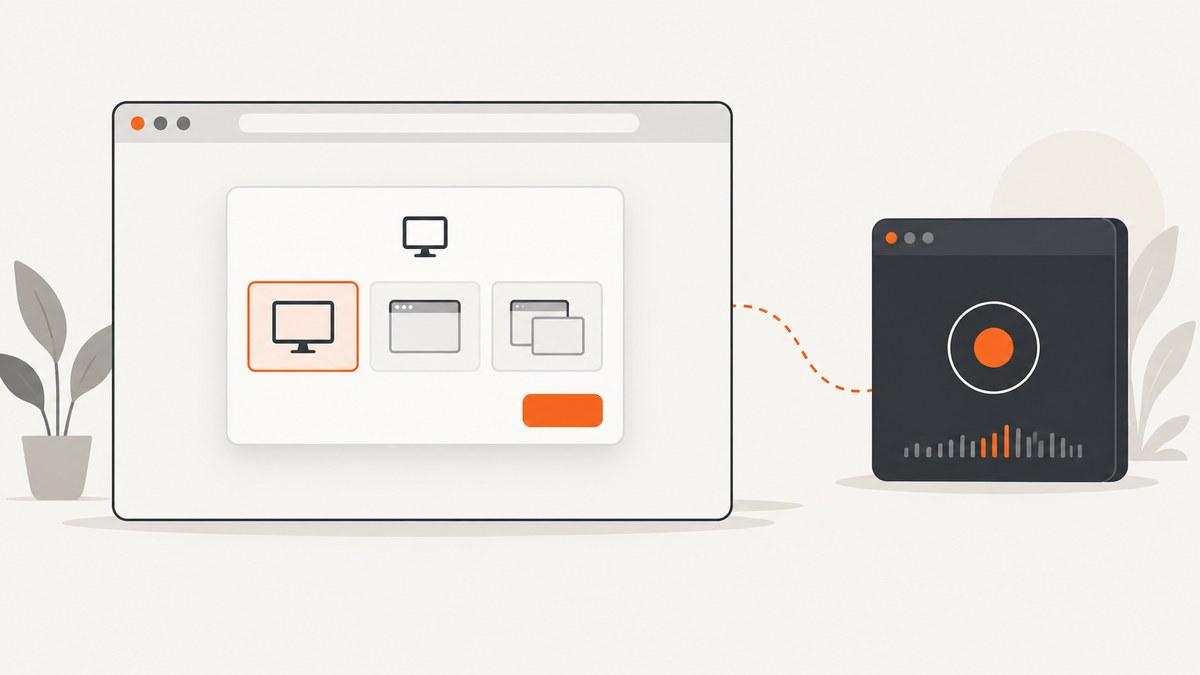
Short answer: a website can detect and use screen capture that it starts through the browser’s getDisplayMedia() API. The page receives a MediaStream after the user chooses a display or window, and it can record or transmit that stream. The ordinary web APIs documented for this feature do not define a general event that tells a page when someone starts an operating-system screenshot, desktop recorder, or unrelated capture app.
That boundary applies to ordinary page JavaScript. Browser extensions, native applications, managed devices, and operating-system features can have additional capabilities. Browser support, permissions, and administrator policy also vary by browser version and device.
What websites can observe
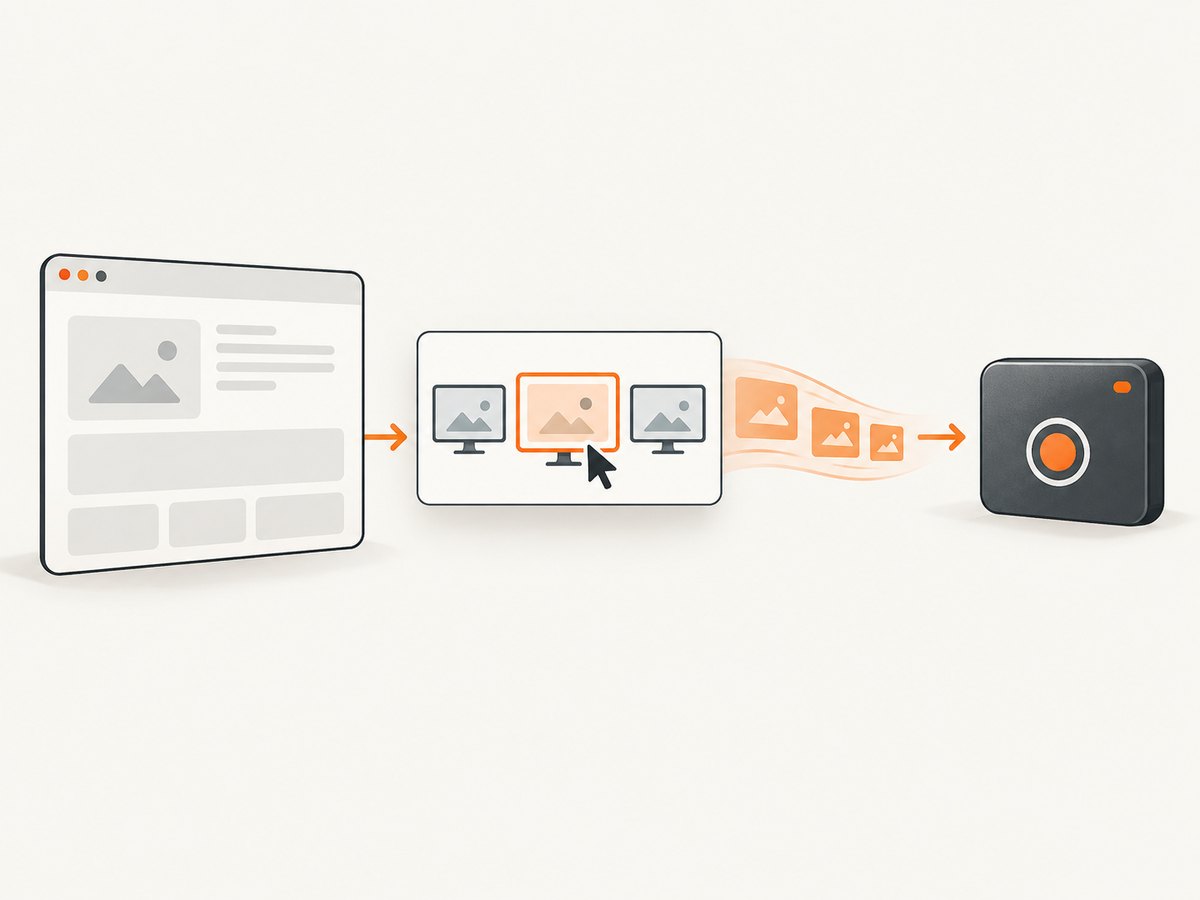
The Screen Capture API exposes MediaDevices.getDisplayMedia(). A page calls it, the browser opens a chooser, and the promise resolves with a MediaStream if the user grants access. The site can then attach the stream to a video element, record it with MediaRecorder, or send it over WebRTC.
<button id="share">Share a screen</button>
<video id="preview" autoplay muted playsinline></video>
<script>
const button = document.querySelector('#share');
const preview = document.querySelector('#preview');

button.addEventListener('click', async () => {
  try {
    const stream = await navigator.mediaDevices.getDisplayMedia({
      video: true,
      audio: false
    });

    preview.srcObject = stream;
    const [track] = stream.getVideoTracks();
    track.addEventListener('ended', () => {
      console.log('The user stopped sharing or the browser ended capture.');
      preview.srcObject = null;
    });
  } catch (error) {
    console.error('Screen sharing was not started:', error.name, error.message);
  }
});
</script>
This code observes a capture session because the page initiated it. It does not create a browser-wide feed of every screenshot or recording on the computer.
Can a website tell if you take a screenshot?
For an ordinary website, do not assume there is a standard browser event for an operating-system screenshot or a screenshot made by another application. The reviewed web standards and browser documentation describe how a site requests display capture; they do not define a universal page-facing detector for capture started outside that request.
A careful statement is: the documented browser APIs let a page observe capture it started itself; they do not provide a general signal for screenshots or recordings started elsewhere. Avoid the absolute claim that no website can ever know. Extensions, enterprise software, native wrappers, or platform-specific behavior may add capabilities outside ordinary page JavaScript.
How browser-mediated capture works
- The page calls
getDisplayMedia(), normally in response to a user gesture. - The browser shows a permission and surface-selection UI. The user chooses a monitor, window, or tab where supported.
- The browser returns a
MediaStreamto the calling page. - The page previews, records, processes, or transmits the stream.
- The user can stop sharing from browser controls; the track’s
endedevent lets the page clean up.
The W3C Screen Capture Working Draft says the user agent must let the end user choose the display surface each time and that permission grants cannot persist. It also specifies privacy indicators. This is a working draft, so treat it as the specification direction rather than a guarantee that every browser behaves identically. See the W3C Screen Capture specification.
Recording a stream in the browser
async function recordScreenForFiveSeconds() {
  const stream = await navigator.mediaDevices.getDisplayMedia({ video: true });
  const chunks = [];
  const recorder = new MediaRecorder(stream);

  recorder.ondataavailable = event => {
    if (event.data.size) chunks.push(event.data);
  };

  const finished = new Promise(resolve => {
    recorder.onstop = () => resolve(new Blob(chunks, { type: recorder.mimeType }));
  });

  recorder.start();
  setTimeout(() => recorder.stop(), 5000);
  const recording = await finished;
  stream.getTracks().forEach(track => track.stop());

  const url = URL.createObjectURL(recording);
  const link = document.createElement('a');
  link.href = url;
  link.download = 'screen-recording.webm';
  link.click();
  URL.revokeObjectURL(url);
}
Permission, security, and compatibility limits
- Secure context: supporting browsers require HTTPS (localhost is generally treated as secure). MDN marks
getDisplayMedia()as limited availability, so check the target browser and version in MDN’s API reference. - User choice: the browser mediates which surface is shared. A page cannot silently select an arbitrary display in the normal flow.
- Non-persistent grants: the W3C draft requires a fresh user choice for each request; do not design around a permanent permission.
- Browser and OS differences: tab, window, monitor, system-audio, and protected-content behavior differs by implementation.
- Enterprise policy: Chrome administrators can block sites from prompting for screen video capture on supported Chrome and ChromeOS environments, with configured exceptions. See Chrome policy documentation.
Page capture versus outside capture
| Capture source | Can the page observe it through standard APIs? | What the page receives |
|---|---|---|
Page calls getDisplayMedia() |
Yes, for that request | A MediaStream after user selection |
| Operating-system screenshot shortcut | No general signal is specified | Nothing through the reviewed page APIs |
| Separate desktop recorder | No general signal is specified | Nothing through the reviewed page APIs |
| Extension tab capture | Only where the extension has permission and controls the flow | Extension-managed capture stream |
| Managed browser or native wrapper | Possibly, depending on policy or integration | Environment-specific signals |
Chrome’s developer documentation distinguishes the browser chooser opened by getDisplayMedia() from extension-specific tabCapture flows, which can be started after an extension-controlled user gesture. Those privileges do not turn into a universal detector available to every website. See Chrome’s screen-capture documentation.
Implementation checklist
- Serve the page over HTTPS and feature-detect
navigator.mediaDevices?.getDisplayMedia. - Call the method from a clear user action and explain what will be shared.
- Handle
NotAllowedError,NotFoundError,NotReadableError, andAbortError. - Listen for
MediaStreamTrackendedso UI state follows the browser’s stop control. - Stop every track when capture is no longer needed.
- Do not describe this API as detection of unrelated screenshots or recorders.
- Test the exact browser, operating system, device type, and enterprise policy used by your audience.
Troubleshooting
| Symptom or error | Likely cause | Fix |
|---|---|---|
navigator.mediaDevices is undefined |
Insecure context or unsupported browser | Use HTTPS and verify support for the browser/version. |
NotAllowedError |
User canceled, denied permission, or policy blocked the prompt | Explain the required permission, retry from a user gesture, and check administrator policy. |
NotFoundError |
No shareable display surface is available | Check device and browser capabilities; provide a fallback. |
NotReadableError |
OS, browser, or another application could not provide the selected surface | Try another surface, close conflicting capture software, and retry. |
| Stream stops unexpectedly | User clicked the browser stop control, window closed, or policy changed | Handle the track’s ended event and update the UI. |
| Audio is missing | Audio support and selected surface vary by browser and OS | Request audio only when needed and test each target configuration. |
Performance, reliability, and privacy notes
Capture and encoding consume CPU, memory, and bandwidth. Lower resolution or frame rate when full-fidelity video is unnecessary, avoid retaining streams after use, and stop tracks promptly. If transmitting with WebRTC, monitor connection state and provide a reconnect or stop path; the Screen Capture API itself does not guarantee network delivery.
Keep consent language specific: state whether the user is sharing a tab, window, or monitor and whether audio will be included. The browser’s chooser and privacy indicator remain the authoritative controls. Do not attempt to infer an external recorder from timing, focus changes, or pixel differences; those signals are unreliable and are not a standard detection mechanism.
Or skip the browser setup
If your goal is to capture a website for QA, documentation, previews, or an automated workflow, ScreenshotNeo provides a direct screenshot API and MCP server. One request returns PNG, JPEG, WebP, or PDF without running your own browser.
Using the ScreenshotNeo API docs:
cURL
curl -G "https://api.screenshotneo.com/v1/shot" \
  -d access_key=YOUR_API_KEY \
  --data-urlencode url=https://stripe.com \
  -o shot.webp
Python
import requests

r = requests.get(
    "https://api.screenshotneo.com/v1/shot",
    params={"access_key": "YOUR_API_KEY", "url": "https://stripe.com"},
    timeout=90,
)
r.raise_for_status()
open("shot.webp", "wb").write(r.content)
Node.js
const q = new URLSearchParams({
  access_key: 'YOUR_API_KEY',
  url: 'https://stripe.com'
});
const res = await fetch(`https://api.screenshotneo.com/v1/shot?${q}`);
if (!res.ok) throw new Error(`HTTP ${res.status}`);
const buffer = Buffer.from(await res.arrayBuffer());
require('node:fs').writeFileSync('shot.webp', buffer);
ScreenshotNeo accepts options for full-page shots with lazy images, CSS-selector element capture, dark mode, device presets or custom viewports, retina scale, PDF paper and margins, custom CSS and JavaScript, clicks, waits, hidden selectors, request blocking, headers, cookies, user agents, authorization, timezone, geolocation, transparent backgrounds, resizing, caching, signed links, asynchronous jobs with signed webhooks, bulk capture, usage reporting, and HTML/CSS rendering. Its parameter names are compatible with those used by other screenshot APIs, which helps when switching.
Cookie and consent banners, newsletter popups, and chat widgets can be accepted or removed before capture, with each cleanup step configurable. Bot checks, blank pages, timeouts, failed loads, and cache hits are not billed; response headers identify the page verdict and whether the shot was billed. An MCP server exposes take_screenshot, get_page_info, and capture_pdf to Claude, Cursor, and other MCP clients.
The Free plan includes 1,000 shots per month with no card. Paid plans start at $5 for 3,000 shots; yearly billing gives two months free, and every feature is available on every plan. Create a free ScreenshotNeo account.
FAQ
Can a website know that I used Print Screen?
The reviewed standard browser APIs do not define a general page event for an operating-system screenshot. Treat any claim of universal detection as unsupported without platform-specific evidence.
Does screen sharing permission stay enabled forever?
No. The W3C Screen Capture Working Draft requires the user agent to let the user choose a surface each time; implementations can still differ.
Can an extension detect more than a normal page?
Yes, an extension may use its own capture permissions and APIs, such as tab capture. That is a different security context from ordinary website JavaScript.
Why does the same code work on one browser but not another?
getDisplayMedia() has limited, version-sensitive availability and browser-specific surface and audio behavior. Test the exact browser and operating-system combinations you support.
Can enterprise administrators disable browser screen sharing?
Chrome policies can prevent sites from prompting for screen video capture on supported desktop and ChromeOS environments, subject to configured exceptions.


