Can Websites Detect Screenshots? How Browser Screenshot Detection Works
Most websites cannot tell when you take a device screenshot. Learn how browser capture APIs, native apps and managed devices differ.
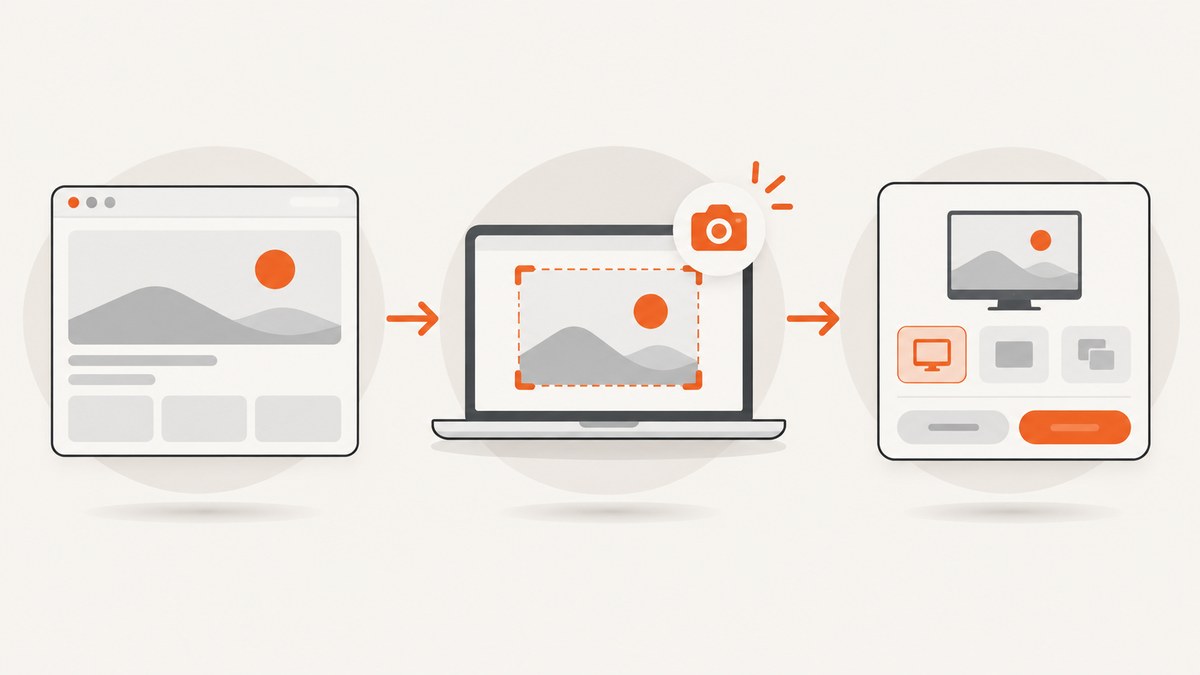
Usually, no. An ordinary webpage does not receive a standard browser event when someone uses the operating system’s screenshot controls. The web Screen Capture API works in the opposite direction: a page asks the browser to share a live display stream, and the user chooses what to share.
That answer has important boundaries. Native mobile apps can have platform-specific screenshot callbacks, and an organization can configure screenshot prevention in supported managed browser environments. Those are app or administrator capabilities, not a general website notification available to any page.
1. What a normal website can and cannot detect
When you press a device shortcut such as a hardware-button combination or an operating-system screenshot command, the browser does not normally dispatch a “screenshot taken” event to the page you are viewing. A page can observe its own JavaScript events, network requests and visibility changes, but those signals do not prove that the user captured the screen.
| Situation | What the page or app can know |
|---|---|
| Ordinary webpage in a browser | No general, standard notification for an independently taken device screenshot is exposed by the web platform. |
Webpage calling getDisplayMedia() |
The page can receive a user-authorized live media stream after the user selects a display surface. |
| Native Android app | Android 14 provides a documented screenshot callback for activities, with limits. The callback does not include the image. |
| Managed Chrome environment | An administrator may prevent screenshots on configured URLs in supported licensed environments. This is policy enforcement, not ordinary site-side detection. |
Therefore, avoid absolute claims such as “no software can ever know.” Browser extensions, endpoint agents, native applications and enterprise policies operate outside the ordinary webpage model.
2. Screen sharing is different from taking a screenshot
The Screen Capture API’s getDisplayMedia() method requests a live stream of a user-selected screen, window or browser tab. It is designed for sharing or recording. It does not act as a detector for screenshots that the user takes independently.
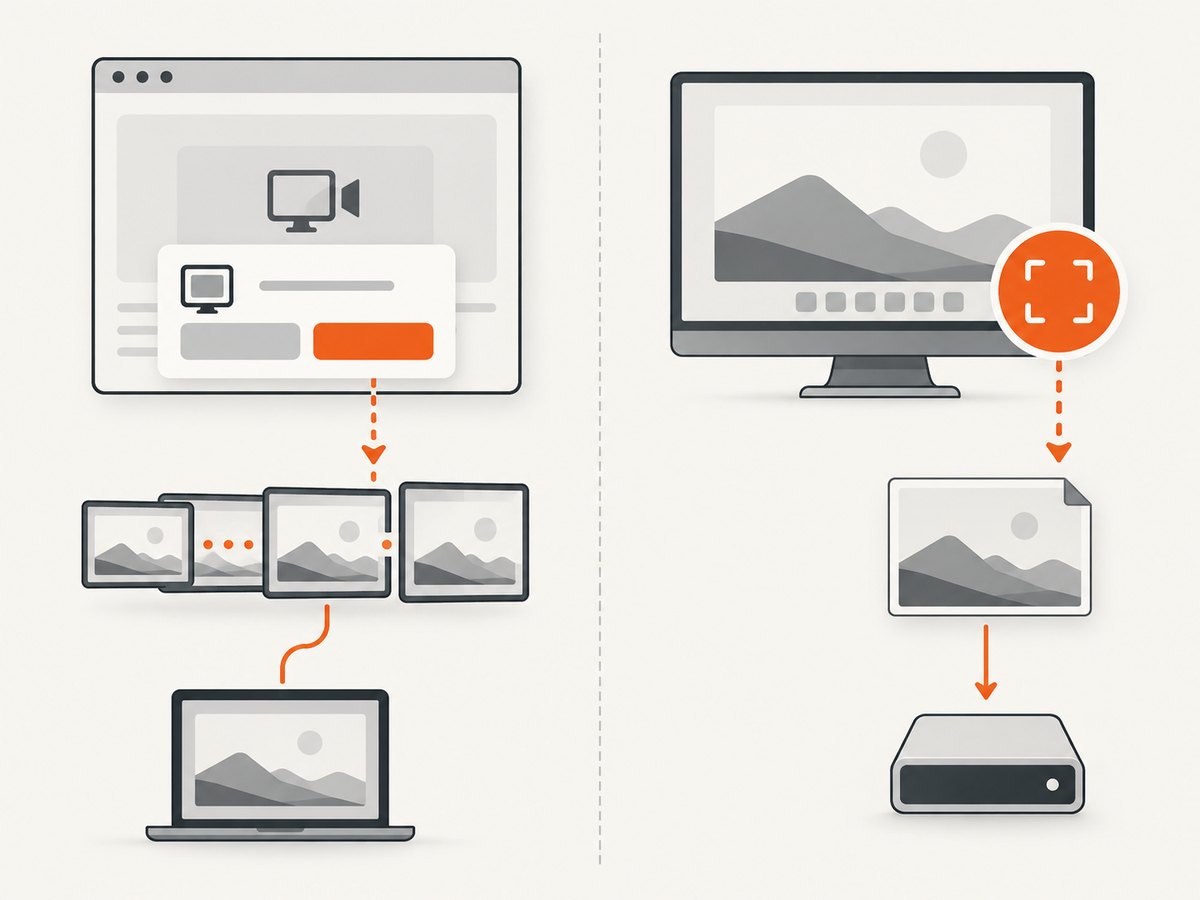
The browser controls the selection and permission flow. The W3C Screen Capture specification says the user agent must let the end user choose a display surface each time and must obtain express permission. The current document is a Working Draft dated 16 July 2026, so its details can change.
MDN also describes the API as a way for a page to obtain a media stream of a screen or part of a screen for recording or sharing, with security requirements and limited browser availability. See the W3C Screen Capture specification and MDN Screen Capture API documentation.
A minimal screen-sharing example
This code asks the browser to start display capture. It does not detect a screenshot shortcut.
<button id="share">Share a display</button>
<video id="preview" autoplay muted playsinline></video>
<script>
  document.querySelector('#share').addEventListener('click', async () => {
    try {
      const stream = await navigator.mediaDevices.getDisplayMedia({ video: true });
      document.querySelector('#preview').srcObject = stream;
      stream.getVideoTracks()[0].addEventListener('ended', () => {
        document.querySelector('#preview').srcObject = null;
      });
    } catch (error) {
      console.error('Display capture was cancelled or unavailable:', error);
    }
  });
</script>
The user must interact with the permission prompt. A rejected prompt, an unsupported browser or a user stopping the share ends this capture flow; none of those events means a screenshot was taken.
3. Why common “screenshot detection” tricks are unreliable
- Listening for keyboard events: pages may see ordinary key events in some contexts, but operating-system screenshot shortcuts can be consumed before the browser receives them. A key event also cannot prove that a screenshot was saved.
- Watching
visibilitychangeor focus: switching apps or opening system UI can produce these events, but so can many unrelated actions. - Checking the clipboard: screenshots are not required to appear in the clipboard, and clipboard access is permission-controlled.
- Detecting a flash or animation: a page can animate its own pixels, but it cannot observe whether the operating system captured them.
- Using
getDisplayMedia()as a detector: this starts a new, permissioned sharing session. It does not report independent screenshots.
These signals can support UX telemetry, but they should not be presented to users as reliable screenshot notifications.
4. Native Android and other app-level exceptions
Android 14 added a privacy-preserving screenshot detection API for native app activities. An app registers a callback and can show its own response when Android reports a screenshot within the API’s documented scope. The callback does not provide the screenshot image.
Android’s documentation also limits what is detected: the API targets a specific hardware-button screenshot combination and excludes some testing and ADB captures. A website opened inside Chrome does not automatically gain this native activity callback.
Android also documents FLAG_SECURE, which helps keep an app activity out of screenshots and non-secure displays. That is prevention configured by a native app, not evidence that a website detected a screenshot. Read Android’s screenshot detection documentation for the supported scope and restrictions.
5. Managed workplace browsers can prevent screenshots
Chrome Enterprise and Education administrators can configure screenshot-prevention policies for selected URL patterns in supported managed users and browsers with a Chrome Enterprise Premium license. Platform support and policy scope vary; the documentation lists different availability for desktop Windows, Mac and screen-share prevention.
This is an administrator-controlled restriction applied by the managed environment. It does not mean that every website can detect screenshots in every visitor’s browser. See Chrome Enterprise’s screenshot policy documentation before drawing conclusions about a company-managed device.
6. A practical decision checklist
- Is it an ordinary webpage? Assume there is no standard screenshot notification.
- Is the page asking to share a screen? You are using
getDisplayMedia(), which requires user selection and permission. - Is it a native app? Check the operating system’s app APIs and their documented limitations.
- Is the device managed? Ask whether enterprise policy prevents or logs capture. Policy behavior depends on license, platform and URL rules.
- Do you need a screenshot for testing or documentation? Use a capture tool or API rather than attempting to infer a screenshot from browser events.
7. Capture a webpage without browser automation
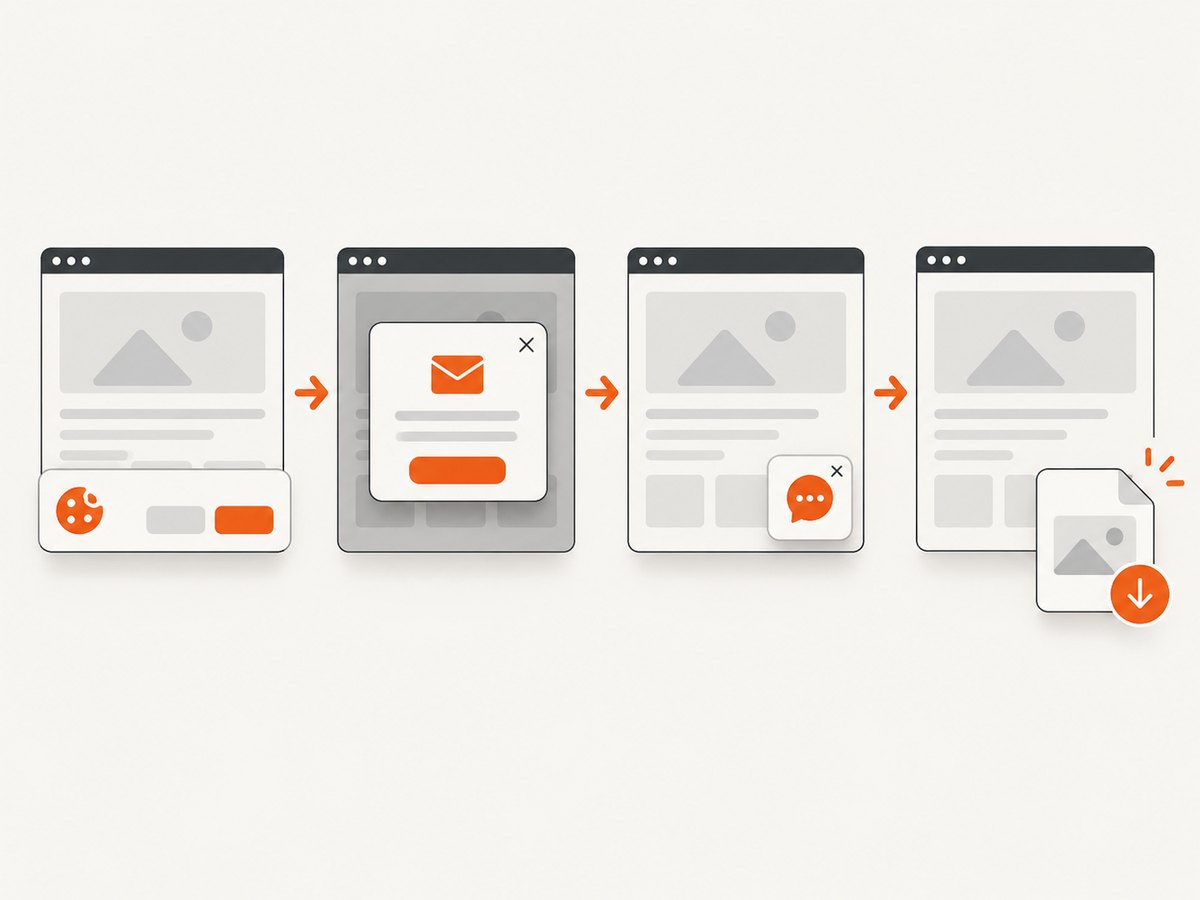
If your goal is to generate a page image for documentation, monitoring or a test fixture, ScreenshotNeo provides a website screenshot API. One GET request returns a PNG, JPEG, WebP or PDF. Its capture pipeline accepts consent banners and removes more than 60 known consent platforms, newsletter popups and chat widgets before the shot; each step can be disabled.
cURL
curl -G "https://api.screenshotneo.com/v1/shot" -d access_key=YOUR_API_KEY --data-urlencode url=https://stripe.com -o shot.webpPython
import requests

r = requests.get(
    "https://api.screenshotneo.com/v1/shot",
    params={"access_key": "YOUR_API_KEY", "url": "https://stripe.com"},
    timeout=90,
)
r.raise_for_status()
open("shot.webp", "wb").write(r.content)
Node.js
const q = new URLSearchParams({ access_key: 'YOUR_API_KEY', url: 'https://stripe.com' });
const res = await fetch(`https://api.screenshotneo.com/v1/shot?${q}`);
if (!res.ok) throw new Error(`Screenshot failed: ${res.status}`);
const data = Buffer.from(await res.arrayBuffer());
require('fs').writeFileSync('shot.webp', data);
See the ScreenshotNeo API documentation for request parameters and response headers. The API supports full-page captures with lazy images loaded, CSS-selector element capture, dark mode, device presets or custom viewports, retina scale, PDFs, custom CSS and JavaScript, clicks, waits, blocked resources, headers, cookies, user agents, authorization, timezone, geolocation, transparent backgrounds, resizing, caching, signed links, asynchronous jobs, bulk capture and usage reporting.
8. Or skip the browser setup
Use the same one-call request when you want a clean asset instead of maintaining a browser worker:
curl -G "https://api.screenshotneo.com/v1/shot" -d access_key=YOUR_API_KEY --data-urlencode url=https://stripe.com -o shot.webpCookie banners, popups and chat widgets are removed before the shot. Bot checks, blank pages and failed loads are never billed, and response headers identify the page verdict and whether the request was billed. ScreenshotNeo also has an MCP server with take_screenshot, get_page_info and capture_pdf tools for Claude, Cursor and other MCP clients. The Free plan includes 1,000 screenshots per month with no card; paid plans start at $5 for 3,000 shots.
Create a free ScreenshotNeo account.
9. Troubleshooting
| Problem | Likely cause | Fix |
|---|---|---|
| No callback appears after a device screenshot | You are testing an ordinary webpage, where no general screenshot event exists. | Do not rely on browser-side detection. Use a native app API or managed-device policy when that is your actual deployment context. |
getDisplayMedia() throws a permission error |
The user cancelled, the context is insecure, or the browser does not support the API. | Run from a secure origin, start capture from a user gesture, handle rejection, and check current browser compatibility. |
| The shared video stops | The user ended sharing or the browser revoked the track. | Listen for the track’s ended event and reset the UI. |
| An Android app callback does not fire | The capture method may be outside Android’s documented detection scope. | Review Android’s API restrictions; do not generalize the callback to browser pages. |
| A work browser blocks capture | An administrator policy may prevent screenshots or screen sharing for the URL. | Check the organization’s Chrome policy and license configuration with the administrator. |
| ScreenshotNeo returns an unexpected result | The target may be blank, blocked by a bot check, timed out or otherwise failed to load. | Inspect X-Page-Verdict and X-Billed, then adjust waits, headers, cookies, user agent or blocking options as described in the docs. |
10. Performance, reliability and cost considerations
- Display capture: starting a live stream involves a permission prompt and user selection, so it is unsuitable for silent background screenshots.
- Native detection: platform callbacks have narrower guarantees than a webpage-wide signal. Build your behavior around the documented scope and provide a fallback.
- Managed controls: policy behavior depends on administrator configuration, platform and URL patterns. Test each supported device class.
- API capture: waits for selectors, delays or network idle can improve completeness but increase latency. Caching with a chosen TTL can reduce repeated work. Async jobs, signed webhooks and bulk capture help larger batches.
- Cost: ScreenshotNeo bills only clean shots. Bot checks, blank pages, timeouts, failed loads and cache hits cost nothing; response headers report the verdict and billing result.
11. FAQ
Can a website tell if I press Print Screen?
Normally no. The operating system can handle the shortcut without sending a standard screenshot notification to the page.
Does screen sharing notify a website that I took a screenshot?
No. Screen sharing is a separate, permissioned live stream requested through getDisplayMedia().
Can websites detect screenshots on iPhone or Android?
A browser page should not be treated as having a universal screenshot callback. Native apps may have platform-specific capabilities, such as Android 14’s limited activity callback.
Can a company stop me from taking screenshots?
Managed environments can apply prevention policies in supported configurations. That is administrator control and varies by platform, license and URL policy.
Should I build screenshot detection from focus or keyboard events?
No. Those events are ambiguous and can be absent when the operating system handles the screenshot action.


