BlogScreenshots on your device
Can Websites Detect Screenshots Taken on Windows?
Usually no. Learn what Windows screenshots expose to websites, what Print Screen events mean, and which controls actually prevent capture.
Usually, no. A normal website cannot reliably tell that someone used Windows Print Screen, Snipping Tool, Windows+Print Screen, a phone camera, or another external capture method. Those actions happen outside the browser’s ordinary webpage event model.
A page may occasionally receive a PrintScreen keyboard event, but browser and platform support varies. Even when the event arrives, it only indicates a key signal; it does not prove that a screenshot was captured, saved, or shared.
Detection, prevention, and user-approved screen sharing are different capabilities. This guide explains the boundary for each one, shows the browser APIs involved, and gives practical code you can use without claiming more coverage than browsers provide.
What a website can and cannot see
| Action | Can the page reliably detect it? | Why |
|---|---|---|
| Windows Snipping Tool | No | The capture runs at the operating-system level, outside webpage events. |
| Print Screen or Windows+Print Screen | No universal signal | A browser might expose a key event, but mappings differ and the event does not confirm a saved image. |
| Browser extension capture | Not from ordinary page JavaScript | The extension has separate permissions and APIs. |
| Phone camera or another computer | No | There is no browser event for a physical camera pointed at the screen. |
getDisplayMedia() |
Yes, for the stream your site requested | The user selects a tab, window, or monitor in a browser permission picker. |
| Protected streaming video | Sometimes capture is blocked or blanked | DRM and hardware/browser integration can restrict output, but this is prevention rather than a reliable notification. |
The W3C Screen Capture specification treats screen sharing as a site-initiated, permissioned operation. It does not create a universal event for screenshots taken independently by the user.
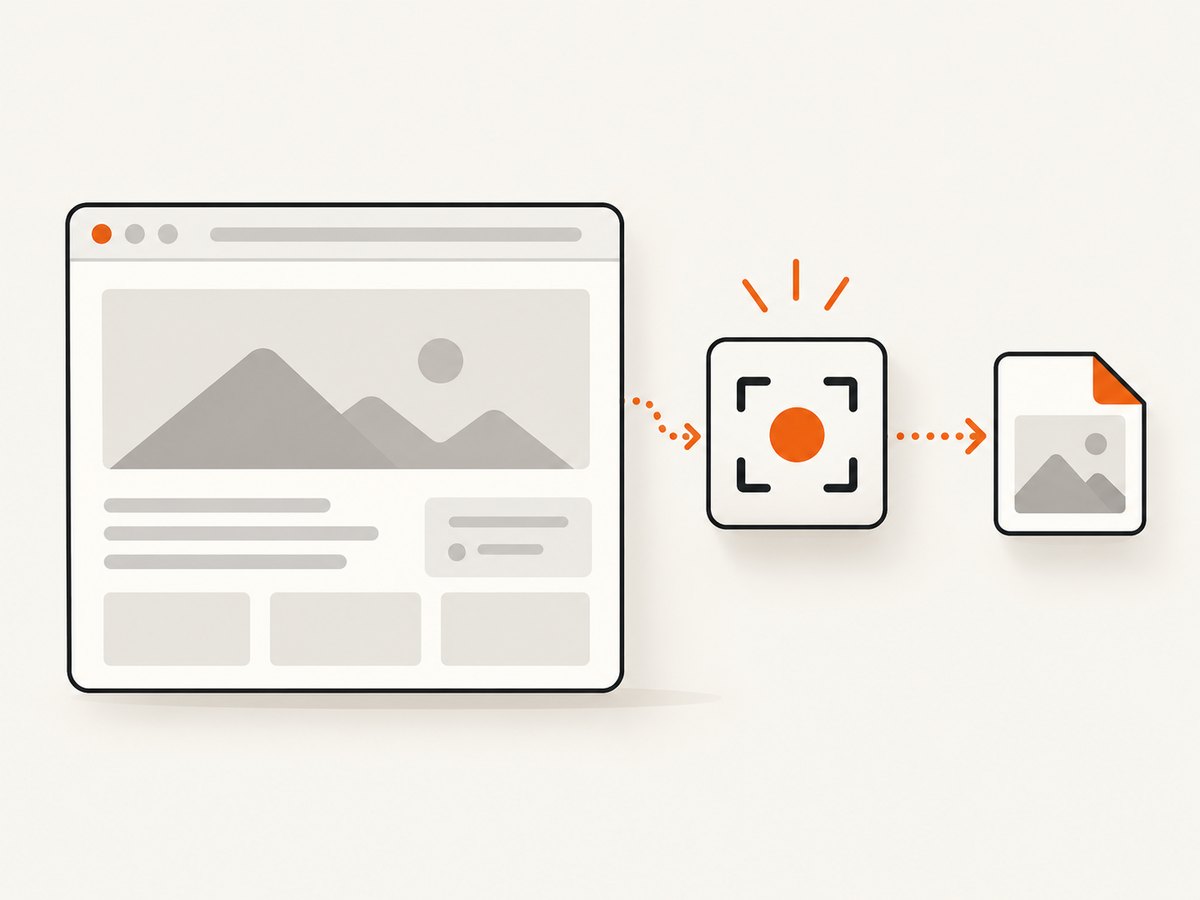
Can a website detect the Print Screen key?
Sometimes, but this is only a hint. MDN lists PrintScreen as a possible KeyboardEvent.key value, while noting that keyboard mappings and browser behavior can differ. See MDN’s KeyboardEvent.key reference.
A key event has several important limits:
- The browser or operating system may not dispatch it to the page.
- Users can capture with Snipping Tool, a shortcut, an extension, or hardware that never produces the event.
- The key may be pressed without a capture.
- The page cannot know whether the resulting image was saved, edited, or uploaded.
- Listening for keys can create privacy and accessibility problems if used as surveillance.
Runnable JavaScript example: observe a possible key signal
window.addEventListener('keydown', (event) => {
  if (event.key === 'PrintScreen') {
    // This is only an unreliable hint. Do not claim a screenshot occurred.
    console.log('Print Screen key signal observed');
  }
});
Use this for interface hints, such as reminding users that content is visible on screen. Do not use it as an audit record or as proof that a screenshot exists.
What getDisplayMedia() actually does
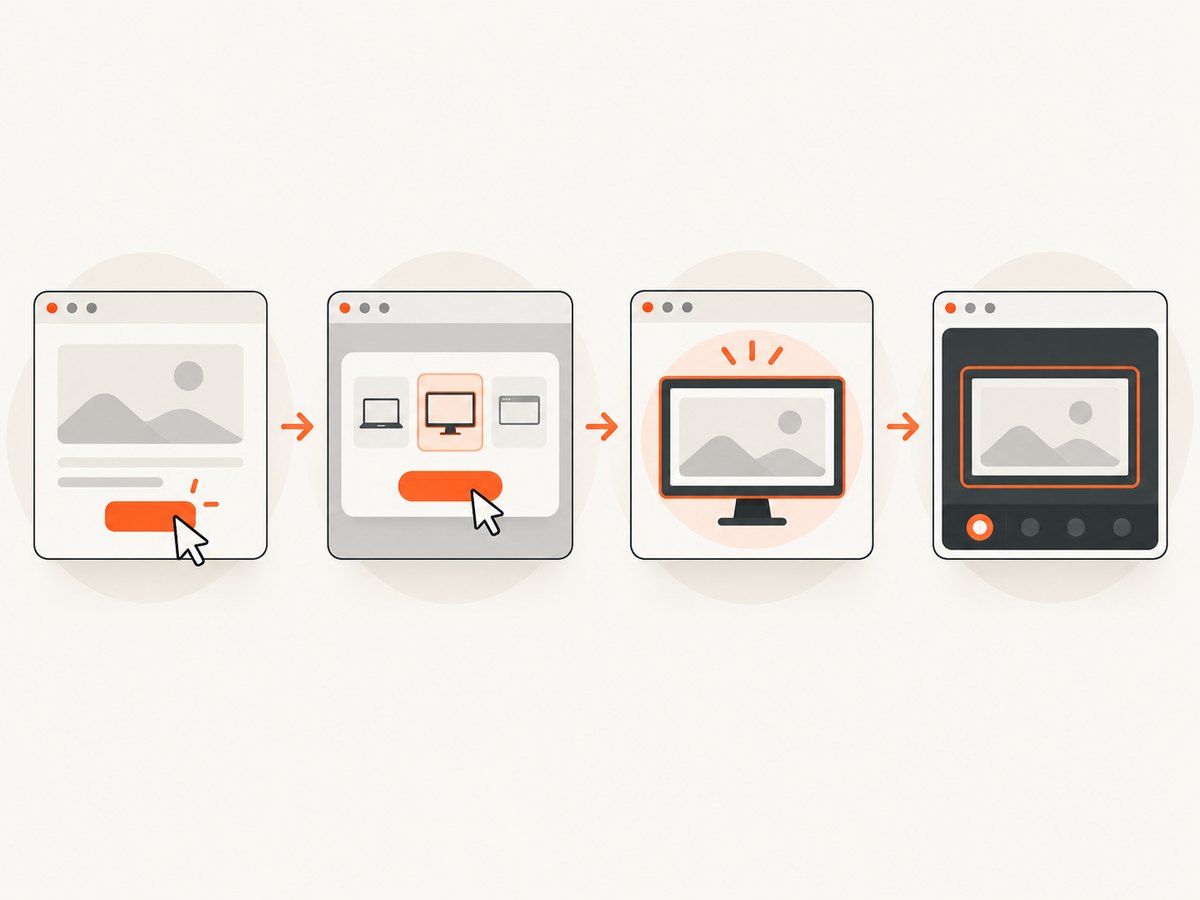
The Screen Capture API lets a website ask the user to share a display surface. The browser opens a picker where the user chooses a tab, window, or monitor and grants permission. This is the site requesting a media stream; it is not the site learning that the user independently pressed Print Screen.
async function shareScreen() {
  try {
    const stream = await navigator.mediaDevices.getDisplayMedia({
      video: true,
      audio: false
    });

    const video = document.querySelector('#preview');
    video.srcObject = stream;
    await video.play();

    stream.getVideoTracks()[0].addEventListener('ended', () => {
      video.srcObject = null;
      console.log('The user stopped sharing');
    });
  } catch (error) {
    if (error.name === 'NotAllowedError') {
      console.log('The user denied screen sharing or cancelled the picker');
    } else {
      console.error('Screen sharing failed:', error);
    }
  }
}
<video id="preview" autoplay muted playsinline></video>
<button type="button" onclick="shareScreen()">Share a screen</button>Browsers require user interaction and permission for this API. The returned stream ends when the user stops sharing, closes the surface, or the browser revokes access. Handle those states rather than treating permission as permanent.
Can websites stop screenshots on Windows?
Ordinary page JavaScript cannot cover every capture path. You can discourage copying with overlays, watermarking, or access controls, but those measures do not create reliable prevention against an operating-system tool or a camera.
Managed Microsoft Edge deployments have an enterprise DisableScreenshots policy that can restrict keyboard-shortcut and extension-API screenshots. Microsoft documents that Web Capture and methods outside the browser may still work; see the DisableScreenshots policy documentation.
For protected streaming media, DRM may cause captured video to be blocked or rendered blank on supported combinations of browser, operating system, hardware, and DRM level. That behavior is implementation-dependent. DRM output restriction should not be described as a webpage screenshot notification.
Detection, prevention, and sharing: choose the right mechanism
| Goal | Mechanism | User permission | Coverage |
|---|---|---|---|
| Notice a possible Print Screen press | keydown listener |
No separate prompt | Inconsistent; not proof of capture |
| Receive a live screen stream | getDisplayMedia() |
Required for every request | Only the surface the user selects |
| Restrict managed browser shortcuts | Edge enterprise policy | Administrator controls policy | Managed Edge paths covered by the policy |
| Restrict protected video output | DRM and platform integration | Configured by the service and browser | Varies by implementation |
| Capture a page for your own workflow | Browser automation or a screenshot API | Depends on the capture service | Can run outside the visitor’s browser |
Common implementation mistakes and fixes
“I received a PrintScreen event, so I know a screenshot was saved.”
Cause: A key event is only an input signal.
Fix: Label it as a possible key press, and never record it as confirmed capture evidence.
“getDisplayMedia() tells me when a user screenshots my page.”
Cause: The API is being confused with OS screenshot detection.
Fix: Use it only when your product needs a user-approved live screen share. Explain the picker and handle cancellation.
“Disabling right-click prevents screenshots.”
Cause: Context-menu controls affect one browser interaction, not the operating system.
Fix: Use authorization, watermarking, and least-privilege content access for deterrence. Assume anything rendered on a user’s display can be photographed.
“DRM guarantees that every screenshot is blocked.”
Cause: DRM support differs across browsers, hardware, operating systems, and capture paths.
Fix: Verify the exact playback and capture combinations you support, and describe DRM as output restriction rather than detection.
“My screen-share code works on localhost but fails in production.”
Cause: Screen Capture API use generally requires a secure context and a user activation.
Fix: Serve the feature over HTTPS, call it from a click or similar user gesture, and show a clear error for denied permission or an unavailable device.
Performance and reliability considerations
- A key listener is cheap, but its signal quality is low. Keep the handler small and avoid logging sensitive content.
- Screen sharing consumes CPU, memory, and bandwidth according to resolution and frame rate. Stop tracks as soon as the feature is no longer needed.
- Do not build security decisions around client-side detection. A user can disable JavaScript, use another browser, or capture outside the browser.
- For evidence or compliance workflows, record server-side access events and document what they prove. A page-side screenshot hint cannot prove an image was created.
- Test screen sharing on the browser and operating-system combinations your users actually run. Picker wording, surface choices, and restrictions vary.
Or skip the browser setup
If your goal is to capture websites for documentation, testing, previews, or an AI workflow, ScreenshotNeo returns a screenshot or PDF from one request. It removes cookie and consent banners, newsletter popups, and chat widgets before capture; bot checks, blank pages, failed loads, timeouts, and cache hits are not billed. Responses identify the page verdict and billing result with X-Page-Verdict and X-Billed headers. Its MCP server provides take_screenshot, get_page_info, and capture_pdf for Claude, Cursor, and other MCP clients.
Read the ScreenshotNeo API documentation for all options, including device presets, full-page and element capture, dark mode, custom CSS and JavaScript, waits, request blocking, headers and cookies, geolocation, PDF settings, caching, signed links, asynchronous jobs, bulk capture, and usage reporting.
curl -G "https://api.screenshotneo.com/v1/shot" \
  -d access_key=YOUR_API_KEY \
  --data-urlencode url=https://stripe.com \
  -o shot.webp
import requests
r = requests.get(
"https://api.screenshotneo.com/v1/shot",
params={"access_key": "YOUR_API_KEY", "url": "https://stripe.com"},
timeout=90,
)
r.raise_for_status()
open("shot.webp", "wb").write(r.content)const q = new URLSearchParams({
access_key: 'YOUR_API_KEY',
url: 'https://stripe.com'
});
const res = await fetch(`https://api.screenshotneo.com/v1/shot?${q}`);
if (!res.ok) throw new Error(`HTTP ${res.status}`);
const bytes = new Uint8Array(await res.arrayBuffer());ScreenshotNeo has 1,000 free screenshots per month with no card. Paid plans start at $5 for 3,000 screenshots, and every feature is available on every plan. Create a free ScreenshotNeo account.
Cost notes
Client-side key observation and getDisplayMedia() do not add a per-screenshot API charge, but screen sharing can consume your infrastructure bandwidth and storage. A hosted capture API can make costs predictable: ScreenshotNeo bills only clean shots, while failed loads and other non-clean outcomes are not billed. Choose caching and asynchronous jobs when repeated or high-volume captures make request latency and bandwidth more important than immediate delivery.
FAQ
Can a website tell if I used Snipping Tool?
No. Snipping Tool runs outside the webpage event model, so a normal page has no reliable notification.
Does Print Screen notify the website?
It may produce a PrintScreen key event in some browser and platform combinations. That signal is inconsistent and does not prove a screenshot was taken.
Can a website detect a screenshot from a phone?
No. A camera pointed at a display creates no browser event.
Can I detect screenshots with JavaScript?
You can observe a possible key press, but JavaScript cannot reliably detect every Windows capture method or verify that an image was saved.
Is screen sharing the same as screenshot detection?
No. getDisplayMedia() is a permissioned request for a live stream that the user selects.
Can DRM stop screenshots?
DRM can restrict or blank protected video on some supported systems. It is prevention, not a universal screenshot event, and behavior varies.
What is the reliable way to protect sensitive content?
Use server-side authorization, short-lived access, watermarking where appropriate, and clear policy. Assume content displayed to an authorized user can still be captured externally.


