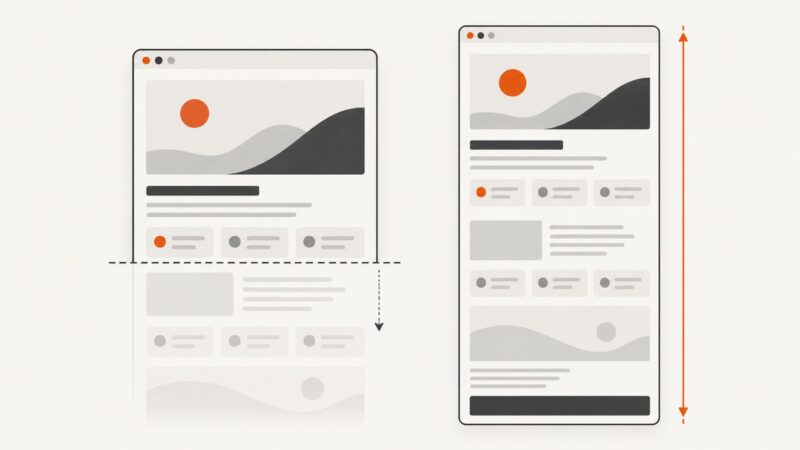
Why Opera Full-Page Screenshots Fail and How to Fix Them
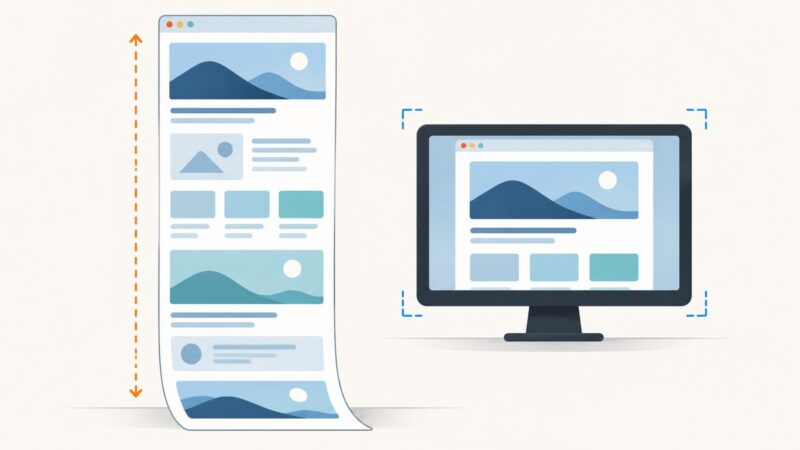
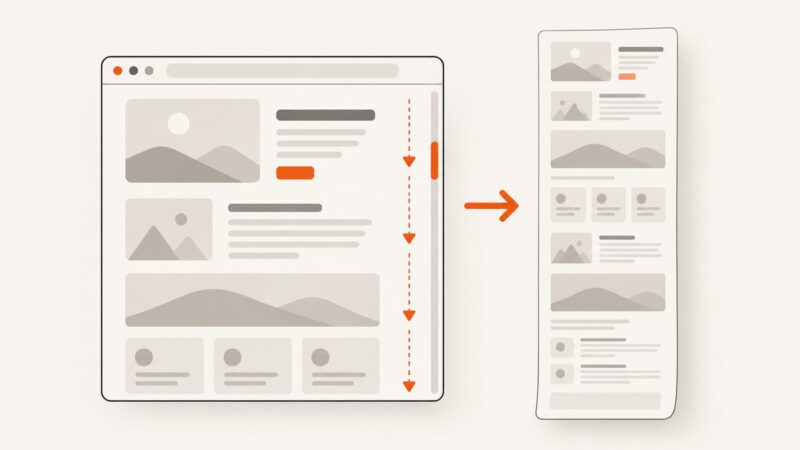
Opera’s Capture Full Screen may save only the viewport. Learn how to capture the whole page, troubleshoot missing sections, and use reliable fallbacks.
Taking screenshots on Windows, Mac, iPhone, Android and in the browser.
Opera’s Capture Full Screen may save only the viewport. Learn how to capture the whole page, troubleshoot missing sections, and use reliable fallbacks.
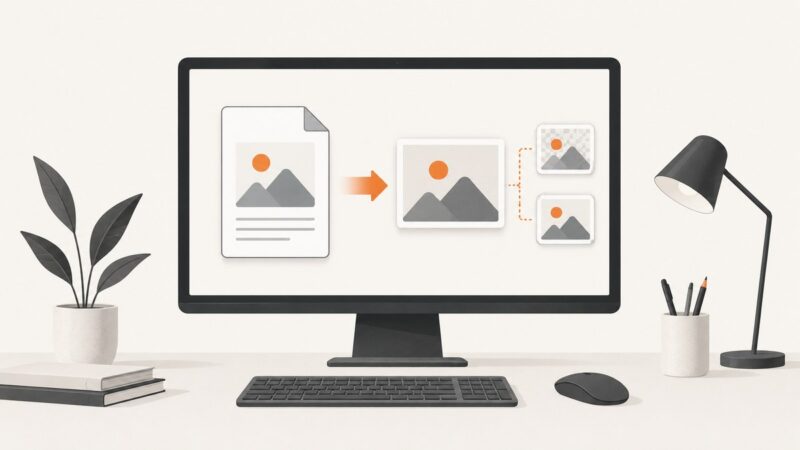
Save a PDF page as a sharp PNG or JPG on Windows or Mac, capture a selected area, choose the right format, and avoid quality and privacy problems.
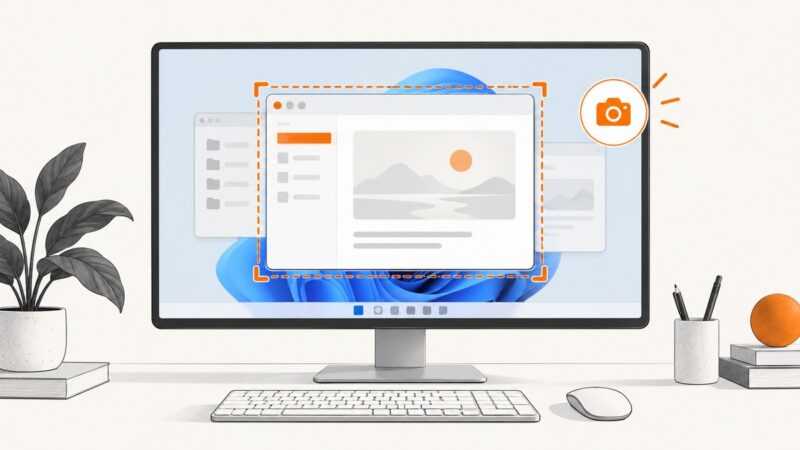
Use Edge Screenshot to save a whole webpage, including content below the fold. For everything visible on your monitor, use Windows Snipping Tool instead.
Compare open-source screenshot tools for macOS, including Flameshot, Reticle and macshot, with setup, permissions, workflows and automation advice.
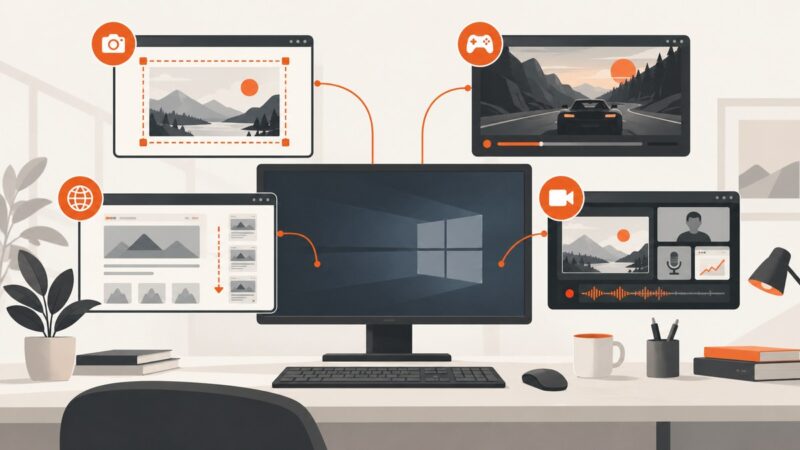
Choose the right Windows 10 capture tool for screenshots, clips, automation, or streaming with a practical guide to Snipping Tool, ShareX, OBS, Game Bar, and ScreenshotNeo.
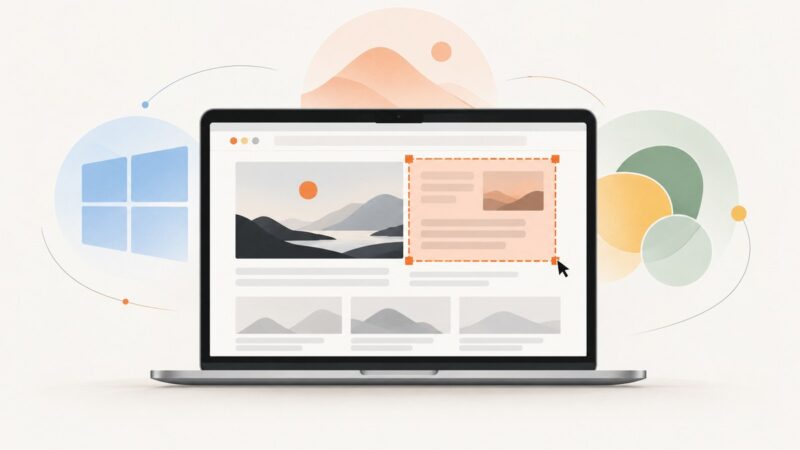
Capture only part of your laptop screen with the right Windows, Mac, or Chromebook shortcut, then save, copy, edit, and troubleshoot it.
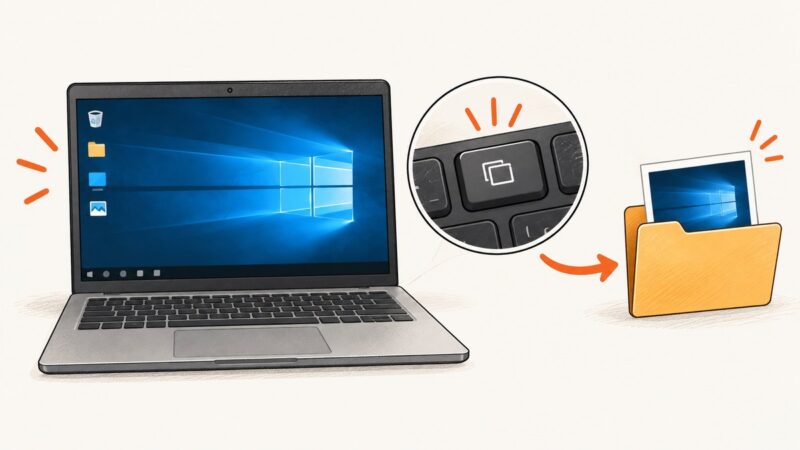
Use PrtScn, Windows+PrtScn, or Snipping Tool to capture and save your entire Windows 10 screen.
Yes. Learn which Power Automate Desktop action to use for webpages, apps, screens and windows, plus setup, troubleshooting and an API alternative.
Learn how to capture a region, element, visible area, or full page in Firefox, with shortcuts, keyboard controls, fixes, and an API option.
Capture only the window you are using in Windows 11 with Alt+PrtScn or Snipping Tool, then paste, edit, save, and troubleshoot common issues.
Capture a WhatsApp Web chat on Windows, macOS, ChromeOS, or Linux, then crop and redact private details before sharing.
Learn how to capture a screen or window with Win32 BitBlt, include layered windows, save a BMP, handle errors, and avoid common GDI leaks.
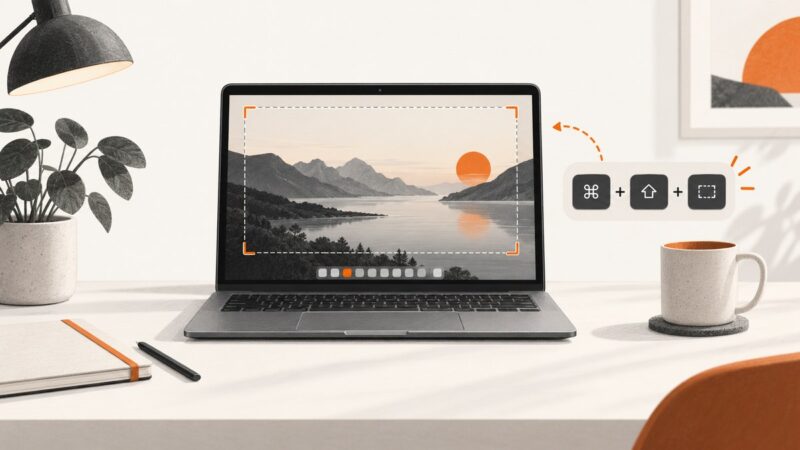
Press Shift-Command-3 to capture your entire Mac screen. Learn clipboard, timer, file location, format, troubleshooting, and browser alternatives.
There is no universal screenshot function key. Find the correct shortcut for Windows, Mac, Chromebook, and keyboards without a Print Screen key.
Use the right Windows 11 screenshot shortcut for a region, window, full screen, or saved file, plus fixes when Print Screen is missing.
Capture a screen region with CopyFromScreen, let users select windows with Windows.Graphics.Capture, or use ScreenshotNeo for website screenshots.
Capture full webpages or specific elements with Power Automate for desktop using focused scrolling, JavaScript, and reliable screenshot steps.
Learn Firefox’s built-in full-page capture, the best extension options, troubleshooting steps, and an API workflow for automated screenshots.