BlogScreenshots on your device
Can You Screenshot Netflix? Browser Capture Restrictions Explained
Netflix screenshots can show the interface while the video stays black. Learn why protected playback behaves this way and what browser captures can and cannot do.
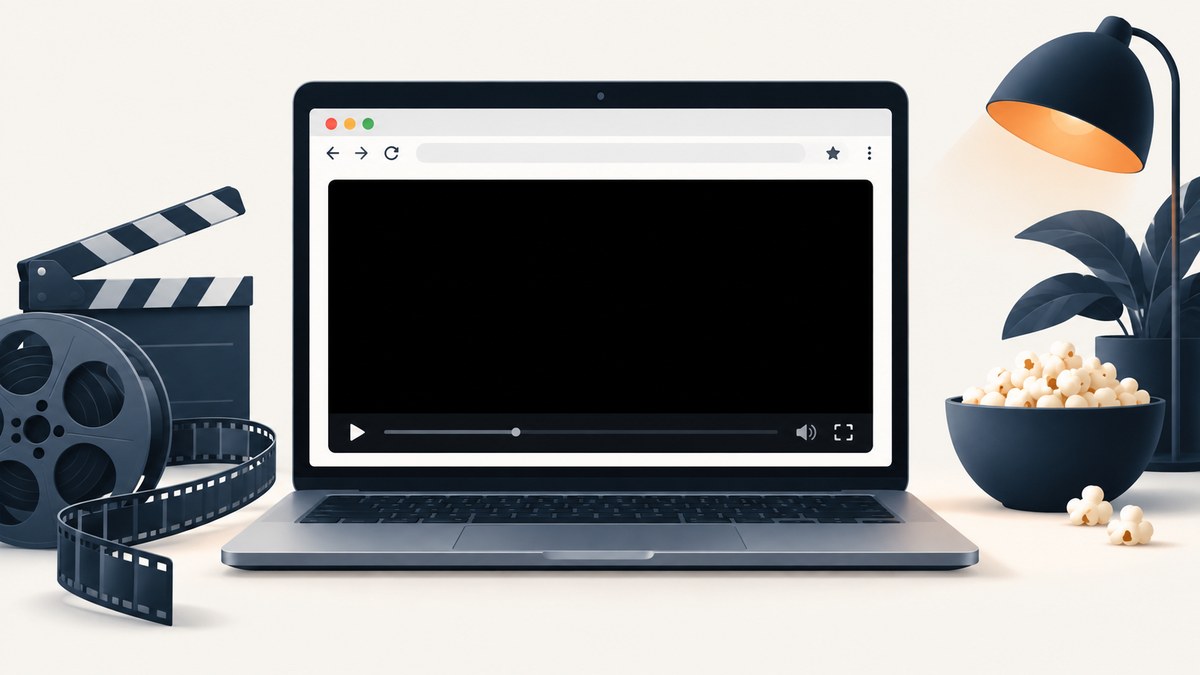
Can you screenshot Netflix? Sometimes you can capture the browser interface, controls and subtitles while the video area is black. The result depends on the browser, operating system, device, playback path and protected-content settings. Netflix does not publish a universal screenshot rule or a compatibility chart.
A black video rectangle is consistent with protected playback keeping decoded frames away from a capture surface. That is a technical inference, not a Netflix-confirmed statement that every screenshot is blocked on every device. Screenshots and screen recordings are related but different: a still-image command captures one frame, while a recorder requests a continuous display stream.
Why a Netflix screenshot can contain a black video area
Streaming services can use encrypted media and platform content-protection paths. The browser receives encrypted segments, obtains permission from a content-decryption component and presents the decoded image through a protected rendering path. A screenshot may therefore include surrounding page pixels while excluding the protected video surface.
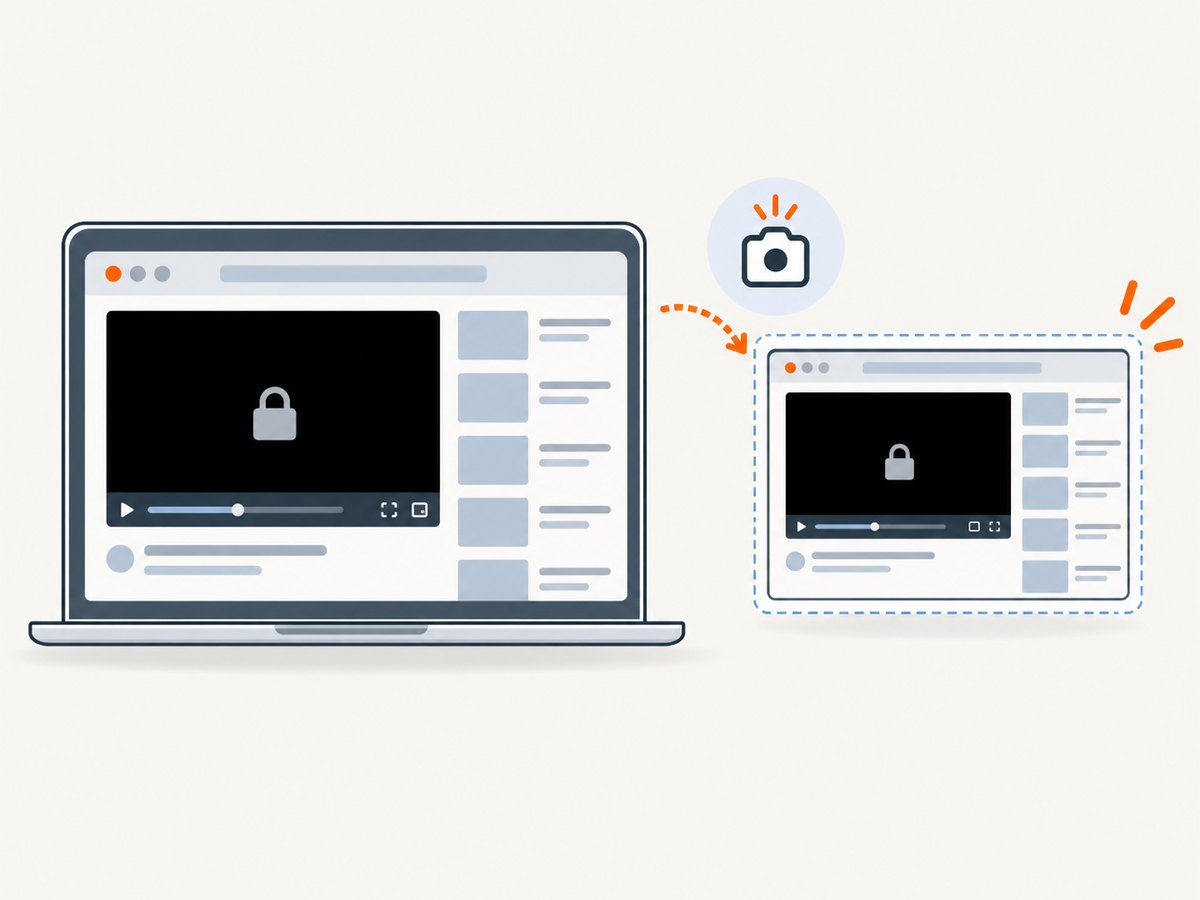
The W3C Encrypted Media Extensions (EME) specification defines how web applications interact with encrypted media and content-protection systems. EME is an API specification; it is not itself a DRM system and does not define a Netflix screenshot-blocking feature. The W3C Screen Capture Working Draft describes acquiring a display or part of one as a video stream and includes privacy safeguards, but it does not say Netflix uses that API to block screenshots.
Because the protected path varies, two machines can produce different captures from the same title. A browser update, graphics driver, operating-system policy, app versus browser playback, external monitor or hardware-acceleration path can change the result.
What Netflix’s support pages actually establish
- Netflix error M7701-1003 associates playback trouble with browser settings, browser version, protected-content settings and updating Chrome’s Widevine Content Decryption Module. These are playback fixes, not screenshot instructions.
- Netflix error F7701-1003 says Firefox playback can be affected by private browsing, settings, browser version and whether DRM-controlled content is enabled. It also addresses playback, not capture compatibility.
- Netflix’s Windows computer or tablet guide lists supported browser and app playback options and notes that features depend on system requirements.
- Netflix’s fullscreen article gives browser restart and cookie troubleshooting for fullscreen playback problems. It is not an endorsement of a screenshot method.
None of these pages promises that disabling hardware acceleration, installing an extension, changing browsers or using an external recorder will reliably produce a Netflix frame.
Try a normal screenshot first
- Start playback in the official Netflix browser or app supported by your device.
- Pause at the frame you are permitted to capture. Wait until controls fade if you want a clean interface.
- Use the operating-system screenshot command: for example, Windows Snipping Tool (Win+Shift+S), macOS (Shift+Command+4), or the platform’s built-in screenshot control.
- Open the saved image and check whether the video region is present, black, or replaced by a player message.
If only the video rectangle is black, the capture command worked; the protected rendering path likely prevented that surface from being copied. If the whole page is black or playback fails, troubleshoot playback first using Netflix’s instructions for your browser.
Reproduce the result with Playwright (Node.js)
This script captures the page viewport. It does not bypass protected playback and may save a black video area. Use it only for content and accounts you are authorized to access.
import { chromium } from 'playwright';

const browser = await chromium.launch({ headless: false });
const page = await browser.newPage({ viewport: { width: 1440, height: 900 } });
await page.goto('https://www.netflix.com/', { waitUntil: 'domcontentloaded' });
// Sign in and start playback manually, then leave the player visible.
await page.screenshot({ path: 'netflix-page.png', fullPage: false });
await browser.close();
Headless mode, browser permissions, login challenges and protected surfaces can change the result. Automation cannot turn a protected frame into ordinary page pixels.
Diagnose a black capture
| Symptom | Likely explanation | Next step |
|---|---|---|
| Controls and page appear; video is black | Protected playback surface was excluded from the screenshot. | Record the browser, OS, device and app/browser path. There is no universal supported fix. |
| Entire page is black | Capture permission, graphics path or a playback failure. | Test a normal webpage, restart the browser and follow Netflix’s playback troubleshooting. |
| Playback itself fails | Browser version, private browsing, cookies or protected-content configuration. | Use the relevant Netflix M7701-1003 or F7701-1003 guide. |
| Screenshot works in one browser but not another | Different protected-content implementations and system support. | Compare officially supported playback configurations; do not generalize the result. |
| External monitor changes the result | Display and content-protection policy can differ across outputs. | Use the same display path for repeatability and document it. |
Common troubleshooting mistakes
“Disable hardware acceleration” is a guaranteed fix
It is not. Hardware acceleration changes the rendering path and can help or hurt playback, but the reviewed Netflix and W3C sources do not verify it as a screenshot workaround. Treat it as a diagnostic experiment, then restore the setting if playback becomes unstable.
“Firefox always allows screenshots”
There is no supported universal rule. Netflix’s Firefox guidance concerns DRM-controlled playback and browser errors, not screenshot output.
“A browser extension can remove the restriction”
Extensions cannot be treated as a reliable or supported way to capture protected video. Avoid tools that claim to bypass content protection.
Confusing a screenshot with a screen recording
A screenshot requests a still image; a recording requests a display stream. A recording can show the same black region if the protected surface is not exposed to capture.
Assuming a black frame proves a Netflix policy
It proves only what happened on that configuration. Netflix has not published a complete matrix of screenshot outcomes by browser, operating system and device.
Or skip the browser setup
ScreenshotNeo is a website screenshot API and MCP server. It captures public web pages, not frames from Netflix’s protected player. For ordinary pages, one request returns PNG, JPEG, WebP or PDF.
cURL (API documentation):
curl -G 'https://api.screenshotneo.com/v1/shot' -d access_key=YOUR_API_KEY --data-urlencode url=https://stripe.com -o shot.webpPython:
import requests
r = requests.get('https://api.screenshotneo.com/v1/shot', params={'access_key': 'YOUR_API_KEY', 'url': 'https://stripe.com'}, timeout=90)
open('shot.webp', 'wb').write(r.content)
Node.js:
const q = new URLSearchParams({ access_key: 'YOUR_API_KEY', url: 'https://stripe.com' });
const res = await fetch(`https://api.screenshotneo.com/v1/shot?${q}`);
const file = Buffer.from(await res.arrayBuffer());
await import('node:fs/promises').then(fs => fs.writeFile('shot.webp', file));
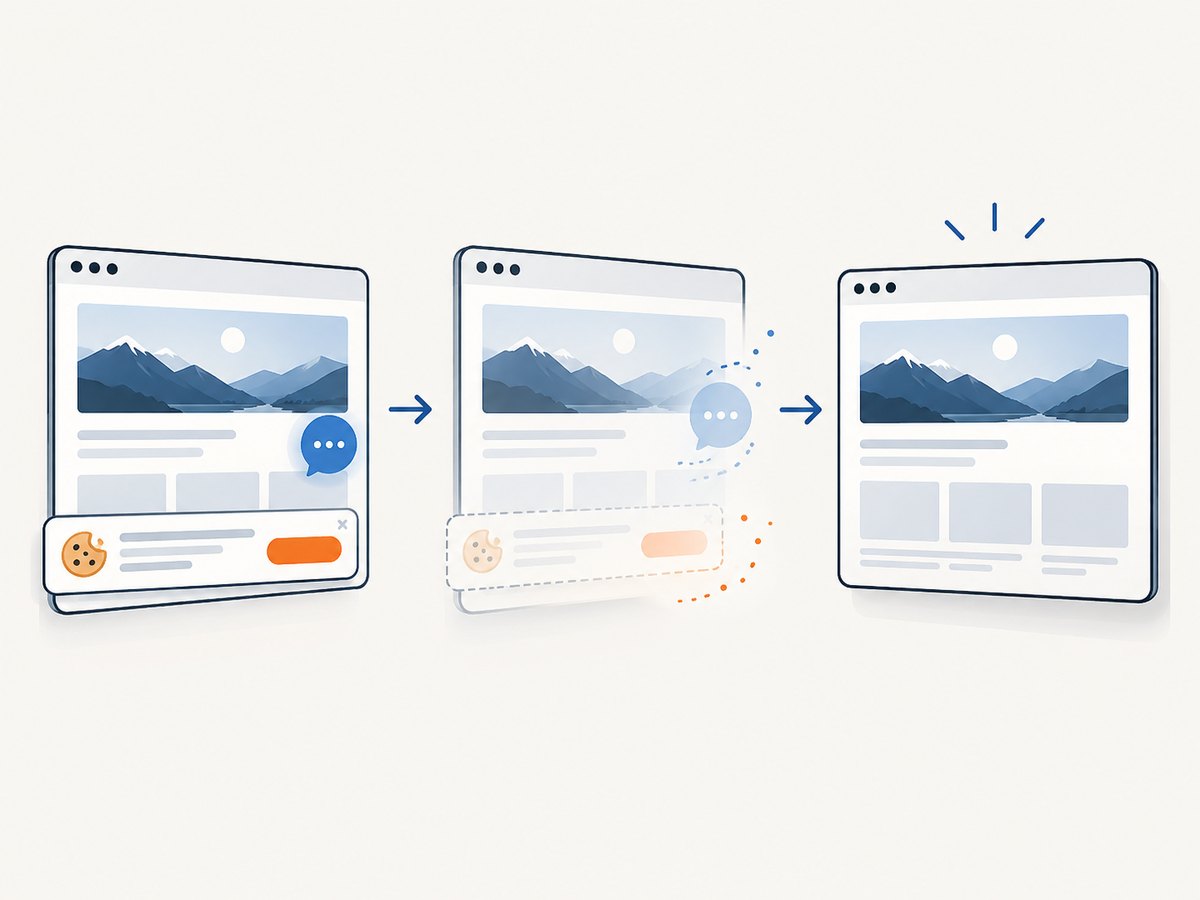
Cookie banners, popups and chat widgets are removed before the shot; bot checks, blank pages and failed loads are never billed; an MCP server lets AI agents take screenshots; 1,000 screenshots a month are free with no card and paid plans start at $5 for 3,000. Create a free ScreenshotNeo account.
Reliability, performance and cost considerations
- Repeatability: Record browser version, operating system, display path, viewport, zoom and whether playback used the app or browser. Protected rendering can change after updates.
- Timing: Wait for playback controls and page overlays to settle before capturing. A page screenshot tool cannot guarantee that a protected video frame is available.
- Performance: Full-page captures and browser automation use more memory than a viewport screenshot. Keep the viewport limited when you only need the player chrome.
- Reliability: Retry only ordinary navigation failures. Repeated retries will not make a protected surface capturable.
- Cost: Netflix playback and capture costs depend on your device and software. ScreenshotNeo bills only clean shots; bot checks, blank pages, timeouts, failed loads and cache hits cost nothing, and responses include
X-Page-VerdictandX-Billedheaders.
Permissions and copyright
Whether you may capture or share an individual frame depends on the purpose, your agreement with the service and the law where you are located. The sources used here do not settle that question. For publishing, redistribution or commercial use, obtain permission and consult current, jurisdiction-specific legal guidance.
FAQ
Does Netflix block every screenshot?
No universal result is established. Some configurations capture the interface while leaving the video black; others may behave differently.
Is a black screenshot caused by my screenshot shortcut?
If controls and other page pixels appear, the shortcut worked. The missing video region is consistent with protected playback.
Will changing browsers fix it?
It may change the result, but Netflix provides no screenshot compatibility chart or guaranteed browser workaround.
Can ScreenshotNeo capture a Netflix movie frame?
No. ScreenshotNeo is for website pages and cannot bypass Netflix’s protected player. It is useful for clean captures of ordinary public pages and supports PNG, JPEG, WebP and PDF output.


