How to Capture Complex DOM Content, Including Iframes, as an Image
Learn when html2canvas is enough, how to handle same and cross-origin iframes, and how to capture faithful browser screenshots with automation.
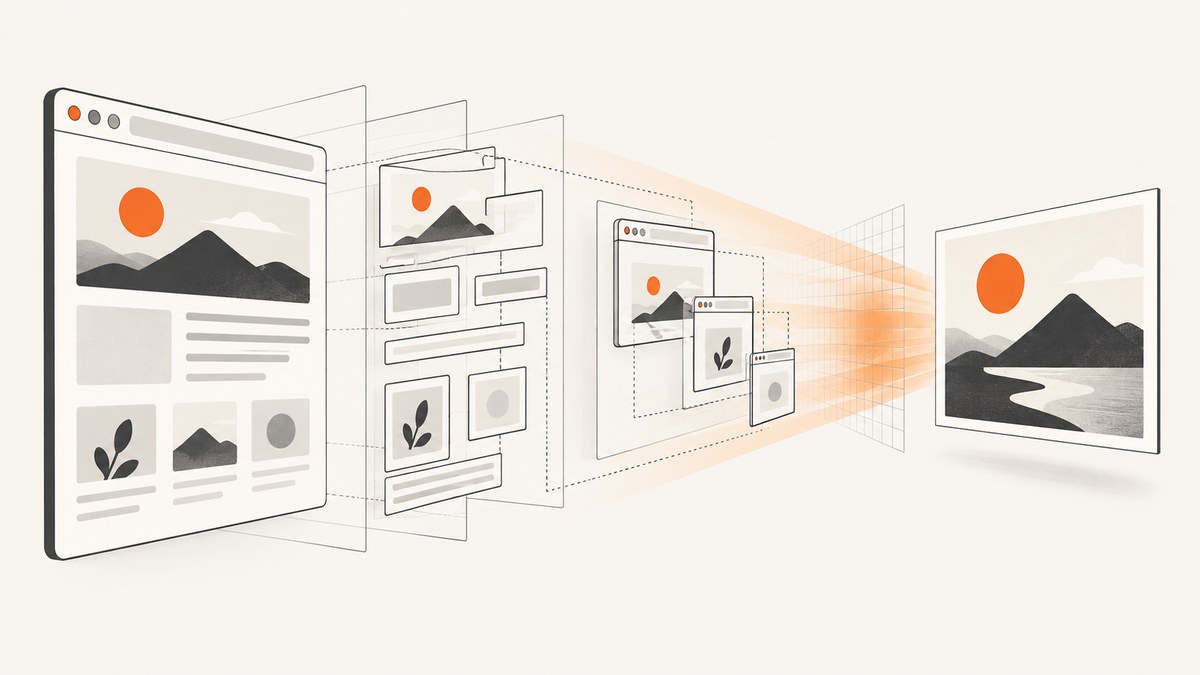
Short answer: use html2canvas for a convenient client-side image of DOM content you can read, including same-origin iframes. It reconstructs pixels from DOM and styles, so the result can differ from what the browser visibly rendered. For a faithful screenshot of cross-origin iframes or browser-only effects, capture the rendered page with a browser-controlled screenshot API such as Chrome DevTools Protocol (CDP) Page.captureScreenshot. Use DOMSnapshot.captureSnapshot when you need structured DOM, layout, and style data rather than an image.
Choose the capture method
| Requirement | Best starting point | Limitation |
|---|---|---|
| Quick image in a browser | html2canvas | Recreates supported DOM and CSS; it is not a literal browser screenshot. |
| Same-origin iframe | html2canvas on the containing element | The frame must be same-origin and not sandboxed without allow-same-origin. |
| Cross-origin iframe appearance | Browser screenshot through Playwright, Puppeteer, or CDP | The parent page still cannot read the frame DOM directly. |
| Cross-origin images inside a capturable element | html2canvas with server-approved CORS or a controlled proxy | CORS for an image does not grant access to an iframe document. |
| Server-side, repeatable captures | Playwright or Puppeteer with a controlled browser | You must manage browser versions, deployment, and waiting for page readiness. |
| DOM/layout inspection across frames | CDP DOMSnapshot.captureSnapshot |
Returns structured data, not PNG, JPEG, or WebP pixels. |
1. Understand the browser security boundary
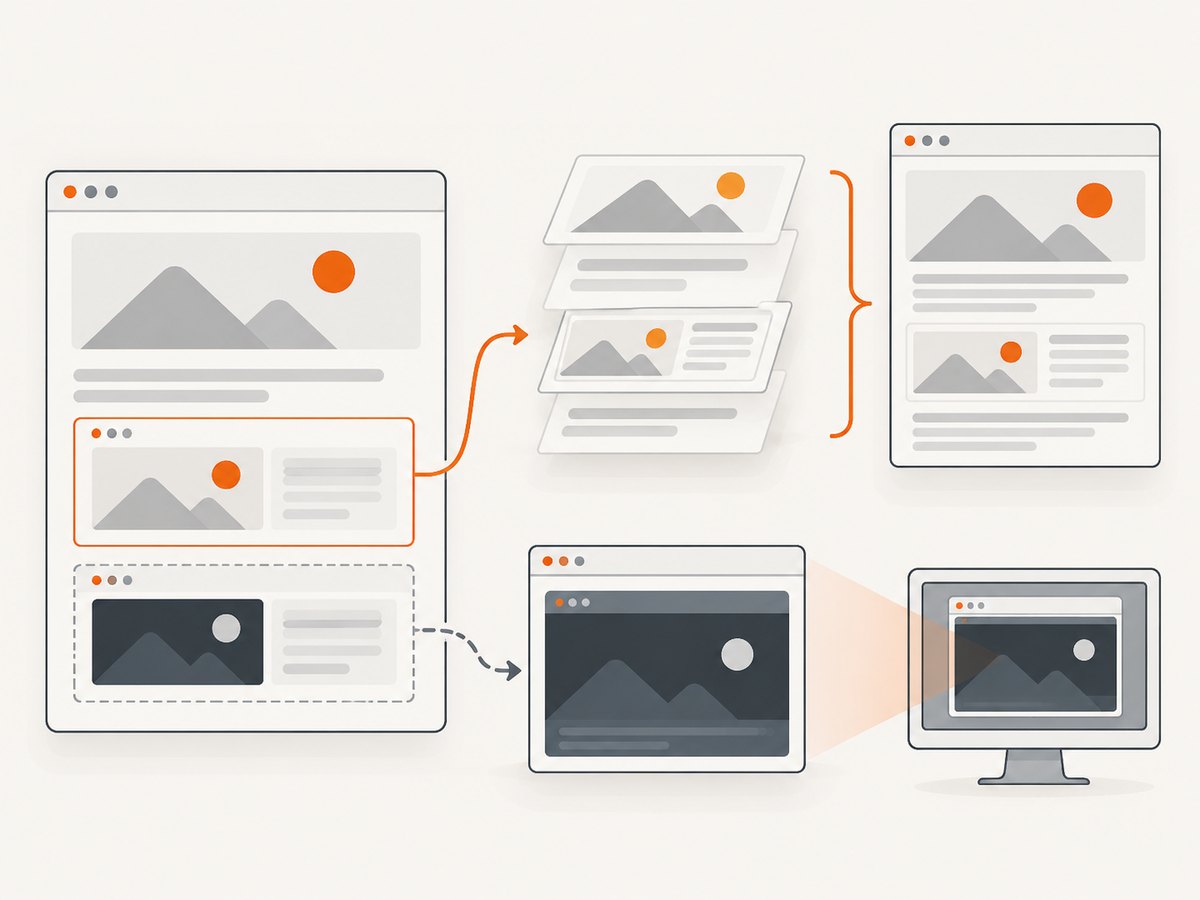
An iframe has its own document. JavaScript in the parent can inspect that document only when the iframe is same-origin under the browser’s origin rules. A frame hosted on another scheme, host, or port is cross-origin, so iframe.contentDocument is inaccessible. A sandboxed iframe also loses the origin relationship unless its sandbox includes allow-same-origin.
html2canvas documents recursive rendering for same-origin frames. It cannot render cross-origin frames because their contentDocument cannot be read. CORS settings that make an image loadable into a canvas solve a different problem: they do not remove the DOM access restriction around a cross-origin iframe.
Before choosing a library, answer these questions:
- Is the frame URL the same origin as the page?
- Does the iframe have a sandbox attribute, and if so, does it include
allow-same-origin? - Do you need pixels exactly as Chrome painted them, or an approximate reconstruction?
- Will the code run in a user’s browser or on a server?
- Are fonts, images, videos, canvases, animations, and lazy content ready before capture?
2. Capture supported DOM with html2canvas
Install the library or load its browser bundle, select an element, await the returned canvas, and export it. The basic API is documented in the project’s getting-started guide.
<!doctype html>
<html>
<body>
  <section id="report">
    <h1>Monthly report</h1>
    <iframe
      src="/same-origin-chart.html"
      title="Revenue chart"
      width="640"
      height="360">
    </iframe>
  </section>
  <button id="save">Save PNG</button>

  <script src="https://cdn.jsdelivr.net/npm/html2canvas@1.4.1/dist/html2canvas.min.js"></script>
  <script>
    const button = document.querySelector('#save');
    button.addEventListener('click', async () => {
      const target = document.querySelector('#report');
      const canvas = await html2canvas(target, {
        backgroundColor: '#ffffff',
        useCORS: true,
        scale: window.devicePixelRatio
      });

      const link = document.createElement('a');
      link.download = 'report.png';
      link.href = canvas.toDataURL('image/png');
      link.click();
    });
  </script>
</body>
</html>
The scale option controls output pixel density. A higher value improves detail but increases memory use and encoding time. The project describes the output as a reconstruction based on DOM and style information, so unsupported CSS, browser-dependent painting, and replaced elements can differ from a normal screenshot.
Capture one element instead of the whole page
const node = document.querySelector('.invoice');
const canvas = await html2canvas(node, {
  backgroundColor: null,
  logging: false,
  scale: 2
});
const pngBlob = await new Promise(resolve => canvas.toBlob(resolve, 'image/png'));
if (!pngBlob) throw new Error('PNG encoding failed');
const downloadUrl = URL.createObjectURL(pngBlob);
const a = Object.assign(document.createElement('a'), {
  href: downloadUrl,
  download: 'invoice.png'
});
a.click();
URL.revokeObjectURL(downloadUrl);
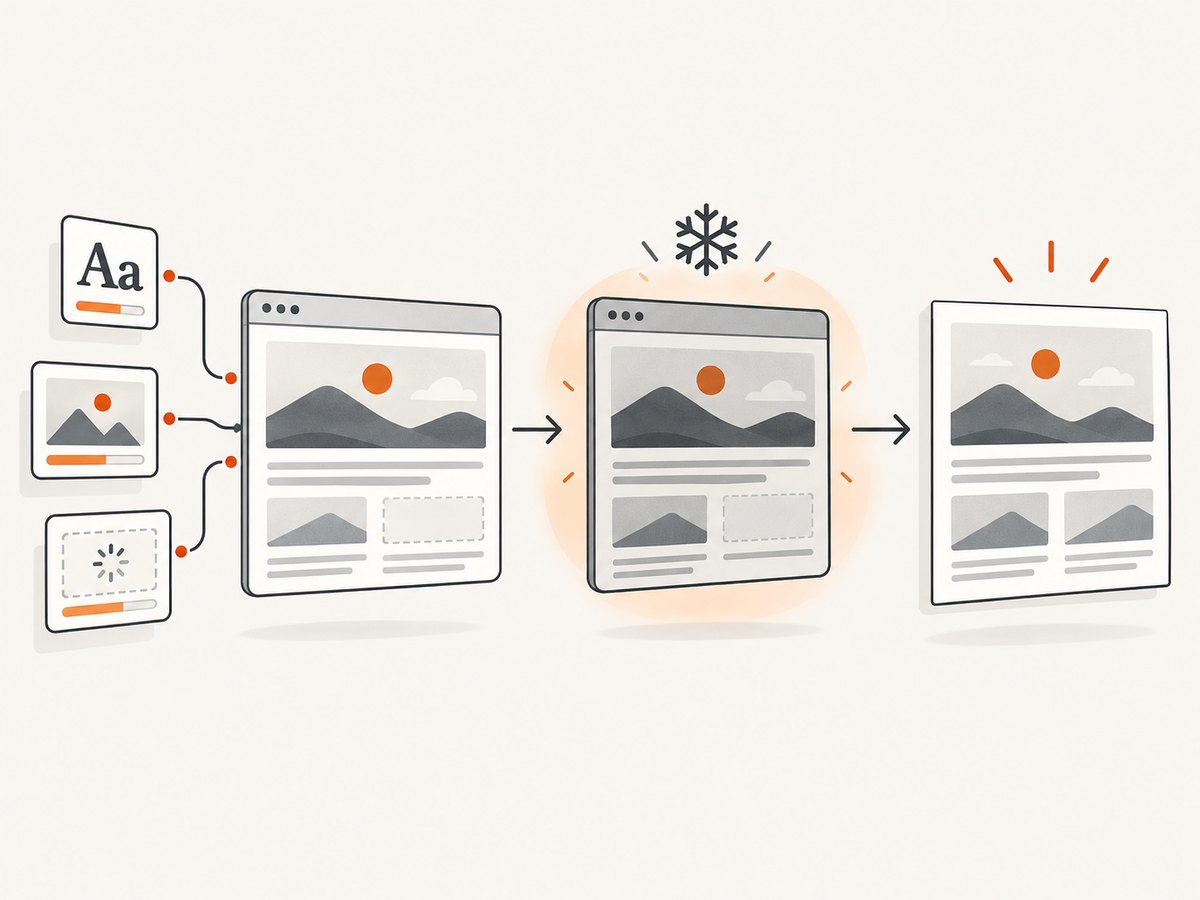
Wait for fonts, images, and application state
await document.fonts.ready;
await Promise.all([...document.images].map(image => {
  if (image.complete) return Promise.resolve();
  return new Promise(resolve => {
    image.addEventListener('load', resolve, { once: true });
    image.addEventListener('error', resolve, { once: true });
  });
}));

const canvas = await html2canvas(document.querySelector('#report'));
For lazy content, scroll the target into view or trigger the application’s load behavior before calling html2canvas. Freeze animations and carousels when a deterministic frame matters:
const style = document.createElement('style');
style.textContent = `
  *, *::before, *::after {
    animation: none !important;
    transition: none !important;
    caret-color: transparent !important;
  }
`;
document.head.appendChild(style);
3. Capture same-origin iframe content
If the iframe is same-origin, wait until it has loaded and then capture the containing element. A same-origin frame can be traversed recursively by html2canvas.
const frame = document.querySelector('#chart-frame');
await new Promise((resolve, reject) => {
  if (frame.contentDocument?.readyState === 'complete') return resolve();
  frame.addEventListener('load', resolve, { once: true });
  frame.addEventListener('error', reject, { once: true });
});

// Access is allowed only for same-origin frames.
const frameBody = frame.contentDocument.body;
frameBody.classList.add('capture-ready');

const canvas = await html2canvas(document.querySelector('#dashboard'), {
  backgroundColor: '#fff',
  scale: 2
});
document.body.appendChild(canvas);
Check origin explicitly when diagnosing failures:
function isSameOrigin(frame) {
  try {
    return frame.contentWindow.location.origin === window.location.origin;
  } catch {
    return false;
  }
}
A frame loaded from https://reports.example is not same-origin with https://app.example, even though both names appear related. Different ports also create different origins.
4. Handle cross-origin images and canvases
html2canvas can request cross-origin images with useCORS: true when the image server sends an appropriate Access-Control-Allow-Origin header. If the server cannot provide CORS headers, the documentation describes using a proxy that fetches the resource and returns it from your own origin.
const canvas = await html2canvas(document.querySelector('#card'), {
  useCORS: true,
  allowTaint: false,
  proxy: 'https://your.example/canvas-proxy'
});
A proxy must allow only approved destinations, enforce response-size and timeout limits, validate content types, and avoid forwarding private-network requests. Do not turn it into an unrestricted URL fetch endpoint. These settings help with cross-origin image resources; they do not make a cross-origin iframe’s DOM readable.
5. Capture the browser’s rendered pixels with Playwright
When visual fidelity matters, drive a real browser and take a screenshot of the page or element. This also handles cross-origin iframe appearance because the browser paints the frame as part of the page, even though your script cannot inspect its DOM.
import { chromium } from 'playwright';

const browser = await chromium.launch();
const page = await browser.newPage({
  viewport: { width: 1440, height: 900 },
  deviceScaleFactor: 2
});

await page.goto('https://example.com/dashboard', {
  waitUntil: 'networkidle'
});
await page.locator('#dashboard').screenshot({
  path: 'dashboard.png',
  animations: 'disabled'
});
await browser.close();
For a full-page image:
await page.screenshot({
  path: 'full-page.png',
  fullPage: true,
  type: 'png'
});
Use a specific selector, a readiness marker, or a short bounded delay instead of assuming that network idle means every application task is complete:
await page.goto(url, { waitUntil: 'domcontentloaded' });
await page.locator('[data-capture-ready="true"]').waitFor();
await page.screenshot({ path: 'ready.png', fullPage: true });
6. Use Chrome DevTools Protocol directly
CDP’s Page.captureScreenshot returns an image of the rendered page. A CDP client must first connect to a running Chrome instance, enable the Page domain, and then call the method. The protocol also supports a viewport clip and image format options.
import CDP from 'chrome-remote-interface';
import fs from 'node:fs/promises';

const client = await CDP({ port: 9222 });
const { Page } = client;
await Page.enable();
await Page.navigate({ url: 'https://example.com/dashboard' });
await Page.loadEventFired();

const result = await Page.captureScreenshot({
  format: 'png',
  fromSurface: true
});
await fs.writeFile('page.png', Buffer.from(result.data, 'base64'));
await client.close();
For structured inspection rather than pixels, CDP’s DOMSnapshot.captureSnapshot can return flattened DOM, layout, and selected computed-style information, including frame documents. That output is useful for analysis or reconstruction, but it is not a screenshot bitmap.
7. Capture with Puppeteer on the server
import puppeteer from 'puppeteer';

const browser = await puppeteer.launch({ headless: true });
const page = await browser.newPage();
await page.setViewport({ width: 1365, height: 900, deviceScaleFactor: 1 });
await page.goto('https://example.com', { waitUntil: 'networkidle2' });
await page.screenshot({ path: 'page.webp', fullPage: true, type: 'webp' });
await browser.close();
Server-side browser capture is appropriate when you control the runtime and need repeatability. Pin browser versions, reuse browser processes instead of launching one per request, set navigation and screenshot timeouts, and isolate untrusted pages. The html2canvas FAQ points to Puppeteer and Playwright for server-side screenshot generation because html2canvas depends on browser APIs that are absent in Node.js.
8. Common problems and fixes
| Symptom | Likely cause | Fix |
|---|---|---|
| Iframe is blank | Cross-origin or sandboxed without allow-same-origin |
Use a browser screenshot for rendered pixels, or host the frame same-origin. |
SecurityError when reading contentDocument |
Origin policy blocks parent access | Do not bypass it in client code; switch to page-level browser capture. |
| Canvas becomes tainted | An image was loaded without usable CORS headers | Configure the asset server for CORS, use useCORS, or proxy approved assets. |
| Images missing | Capture started before images or fonts finished | Await document.fonts.ready and image load events; verify URLs. |
| Fonts look different | Webfont has not loaded or browser environments differ | Wait for fonts, use a stable browser image, and bundle or pin required fonts where permitted. |
| Animations show inconsistent frames | Capture occurred mid-transition | Disable animations and transitions before capture. |
| Full-page output is clipped | Very large canvas or browser surface limits | Capture sections separately, reduce scale, or use tiled/scrolling capture. |
| Server capture hangs | Long-lived requests, redirects, or app polling | Set navigation and selector timeouts, block unnecessary requests, and wait for an explicit ready marker. |
| Transparent background becomes black or white | Export format or CSS background choice | Set backgroundColor: null for html2canvas and choose PNG/WebP settings that preserve alpha. |
9. Performance, reliability, and cost considerations
- Pixels: output size grows with viewport area and device scale factor. Capture only the element you need and use the smallest scale that meets your quality target.
- Memory: large full-page canvases can exhaust browser memory. Split long documents into sections or use a browser screenshot workflow designed for full-page capture.
- Readiness: explicit selectors and bounded waits are more reliable than arbitrary long sleeps. Record the URL, viewport, browser version, and capture options with each job.
- Network: third-party fonts, analytics, ads, and polling can delay or alter output. In automation, request interception can block resources you do not need.
- Security: never disable browser security to access a cross-origin frame. Treat proxy URLs and page URLs as untrusted input.
- Cost: self-hosted Playwright, Puppeteer, or CDP shifts cost to browser CPU, memory, storage, and operations. A hosted screenshot API can make per-image spending predictable; compare its billing rules for failed loads and cache hits.
10. A practical decision checklist
- Need an approximate client-side image of readable DOM? Start with html2canvas.
- Does the target include an iframe? Verify same-origin and sandbox flags.
- Need the visual result of a cross-origin frame? Use Playwright, Puppeteer, or CDP page capture.
- Need DOM and layout data for analysis? Use
DOMSnapshot.captureSnapshot, then render separately if required. - Wait for fonts, images, lazy content, and an application-ready marker.
- Freeze animation, set viewport and scale explicitly, and capture only the required region.
- Log failures and distinguish access errors, resource CORS errors, readiness timeouts, and browser limits.
Or skip the browser setup
ScreenshotNeo provides a website screenshot API and MCP server when you want one request instead of maintaining browser automation. Cookie and consent banners are accepted and removed before the shot, along with more than 60 known consent platforms, newsletter popups, and chat widgets. Bot checks, blank pages, failed loads, timeouts, and cache hits are not billed, and response headers identify the page verdict and whether the shot was billed. Its MCP server lets Claude, Cursor, and other MCP clients use take_screenshot, get_page_info, and capture_pdf.
See the ScreenshotNeo API documentation for all options. This call captures the rendered page at the requested URL:
curl -G "https://api.screenshotneo.com/v1/shot" -d access_key=YOUR_API_KEY --data-urlencode url=https://stripe.com -o shot.webpimport requests
r = requests.get("https://api.screenshotneo.com/v1/shot", params={"access_key": "YOUR_API_KEY", "url": "https://stripe.com"}, timeout=90)
open("shot.webp", "wb").write(r.content)const q = new URLSearchParams({ access_key: 'YOUR_API_KEY', url: 'https://stripe.com' });
const res = await fetch(`https://api.screenshotneo.com/v1/shot?${q}`);ScreenshotNeo supports full-page and element captures, device presets or custom viewports, retina scale, dark mode, custom CSS and JavaScript, click and wait actions, request blocking, headers, cookies, user agents, authorization, timezone, geolocation, transparent backgrounds, resizing, caching with a chosen TTL, signed links, asynchronous jobs, webhooks, bulk capture, a usage API, and PDF output. Every feature is available on every plan. The Free plan includes 1,000 screenshots per month with no card; paid plans start at $5 for 3,000.
Create a free ScreenshotNeo account and start with 1,000 screenshots a month without adding a card.
FAQ
Can html2canvas screenshot a YouTube or payment iframe?
Not when the iframe is cross-origin. Use a browser-level screenshot to capture its rendered appearance, subject to the page loading and access policies of that service.
Does enabling CORS let my page read a cross-origin iframe?
No. CORS can make an image resource usable by a canvas when the server opts in. It does not grant JavaScript access to another document’s DOM.
Should I use a DOM snapshot instead of a screenshot?
Use a DOM snapshot for structured inspection, accessibility or layout analysis. Use page screenshot capture when the deliverable is an image.
Why does my html2canvas output differ from Chrome?
html2canvas reconstructs supported DOM and CSS rather than recording the browser’s final pixels. Unsupported styles, fonts, filters, video, canvas content, and browser painting details can produce differences.
What is the safest way to support arbitrary URLs?
Run captures in an isolated browser environment with strict timeouts and network controls. If you build an image proxy, allow-list destinations and block private network access.


