BlogScreenshots on your device
How to Capture a Custom-Shaped Screenshot
Capture an irregular area on Windows, understand Mac limits, preserve transparency, automate web captures, and avoid common freeform screenshot errors.
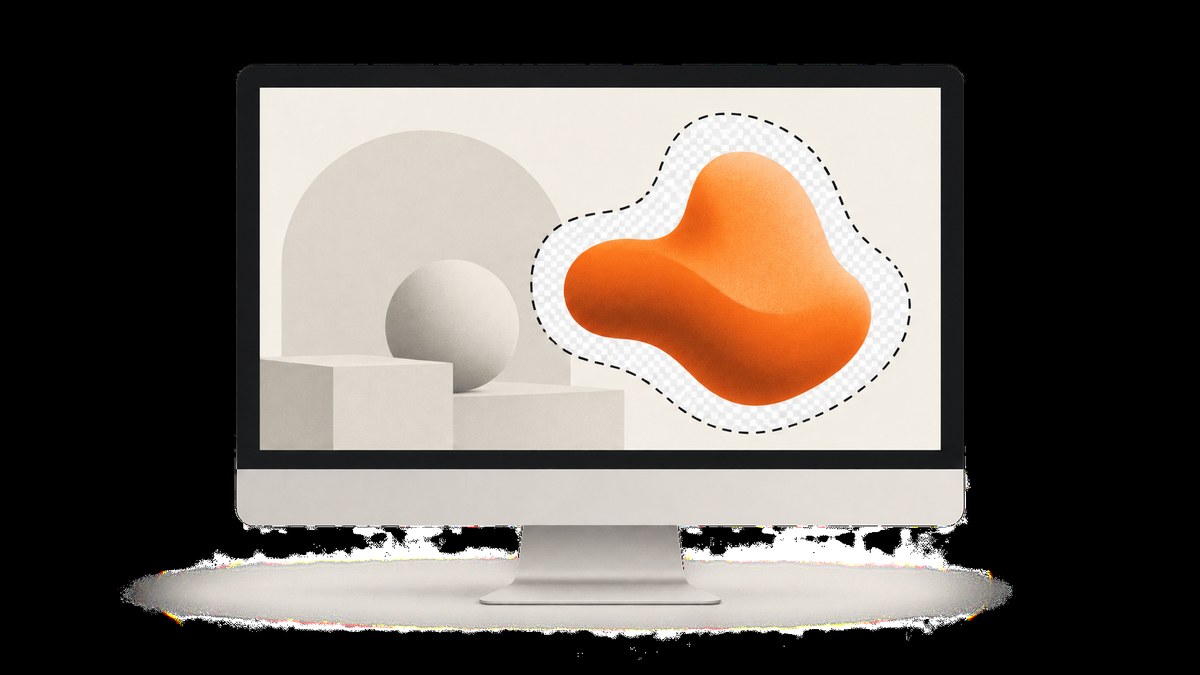
A custom-shaped screenshot can mean two different things: selecting an irregular area of your screen, or exporting an image with transparent pixels outside an irregular cutout. Windows 10 and Windows 11 include the first capability in Snipping Tool’s Freeform mode. Microsoft’s documentation does not promise that the exported area outside the outline is transparent, so treat transparency as a separate editing step.
Windows: capture an irregular area with Snipping Tool
- Open Snipping Tool, or press Windows + Shift + S.
- Choose Freeform in the capture overlay.
- Draw around the object or region you want to capture. Microsoft describes this as drawing a freeform shape around an object.
- Release the pointer. The snip opens in Snipping Tool for editing.
- Annotate with the pen or highlighter, add shapes or emojis, erase annotations, crop, extract text, or undo and redo edits as needed.
- Save with Save as, copy it, or share it. Microsoft’s current behavior also saves captured snips to the Screenshots folder.
The Freeform label and surrounding controls can change between Windows updates. Look for the mode that lets you draw an irregular outline if your layout differs.
Capture a menu or other temporary interface
Use Snipping Tool’s delay setting when the content disappears as soon as you open the capture overlay:
- Open Snipping Tool and choose a delay.
- Start a new capture.
- Arrange the menu, tooltip, or other transient UI during the countdown.
- When capture mode begins, draw the freeform boundary.
Does Freeform create a transparent PNG?
Do not assume it does. The Microsoft instructions establish that Freeform selects an area and that the snip can be saved, but they do not specify the alpha behavior of pixels outside the outline. If you need a true transparent cutout, save the snip and remove the outside pixels in an editor that supports masks or alpha channels.
Mac: what the built-in tools can and cannot do
Apple’s built-in workflow supports rectangular portions, full screens, and windows. The documented shortcuts are:
| Shortcut | Result |
|---|---|
| Shift + Command + 3 | Capture the entire screen. |
| Shift + Command + 4 | Drag to select a portion. Press Escape to cancel; hold Space while dragging to move the selection. |
| Shift + Command + 4, then Space | Capture a window or menu. |
| Shift + Command + 5 | Open Screenshot on macOS Mojave 10.14 or later. |
The Screenshot app’s Options menu includes a timer, save location, floating-thumbnail setting, and pointer visibility. Apple’s instructions reviewed here do not describe an arbitrary freeform outline. If you need an irregular boundary on a Mac, capture the closest rectangular region and apply a mask in an image editor afterward. Some apps, including Apple TV, may block screenshots of their windows.
Freeform selection versus a transparent cutout
| Goal | Best starting point | What to verify |
|---|---|---|
| Quickly select an irregular screen area | Windows Snipping Tool Freeform | The saved file’s crop and edge behavior |
| Capture a rectangular region on Mac | Shift-Command-4 or Screenshot | Whether a later mask is required |
| Place the object over another background | Any capture followed by a mask | Export as PNG or another format that preserves alpha |
| Capture a webpage for automation | A browser or screenshot API | Viewport, full-page behavior, cookies, popups, and failed loads |
Keep the original capture before masking. A copy lets you redraw the boundary or recover details lost during editing.
Advanced Windows integration with the ms-screenclip URI
Microsoft documents an ms-screenclip URI protocol for apps that want to launch Snipping Tool capture. The interactive freeform pattern is:
ms-screenclip://capture/image?freeformThe image endpoint requires a mode parameter. Microsoft’s developer documentation also covers enabled capture modes and returning a completion response through a redirect URI. Packaged apps should follow Microsoft’s documented launcher path instead of assuming that any shell launch method will return a response. Use this integration when your application needs to hand control to the user for an interactive capture; it is not a replacement for a headless webpage screenshot service.
Automating webpage screenshots
For a webpage, a browser automation workflow can reproduce the same idea: open the page, wait for it to render, capture a rectangular viewport or element, then apply a polygon mask if the final asset must have an irregular outline. A typical browser workflow is:
- Launch a browser context with the required viewport and device scale.
- Navigate to the URL and wait for the page or a specific selector.
- Hide consent banners, chat widgets, or other elements that should not appear.
- Capture the full page or target element.
- Apply a mask in an image-processing step if transparency is required.
For a one-off desktop capture, Snipping Tool is faster. For repeatable URLs, controlled rendering, or server-side jobs, an API avoids maintaining browser binaries and timing code.
Or skip the browser setup
ScreenshotNeo is a website screenshot API and MCP server. It captures a URL with one GET request and returns PNG, JPEG, WebP, or PDF. It supports full-page capture, lazy-image loading, CSS-selector element capture, custom CSS and JavaScript, dark mode, device presets, arbitrary viewports, retina scale, waits, request blocking, headers, cookies, user agents, authorization, timezone, geolocation, transparent backgrounds, resizing, caching, signed links, asynchronous jobs, webhooks, bulk capture, and usage reporting.
Its cleanup steps accept cookie and consent banners and remove more than 60 known consent platforms, newsletter popups, and chat widgets before capture; each step can be turned off. Bot checks, blank pages, timeouts, failed loads, and cache hits are not billed, and the response identifies the result with X-Page-Verdict and X-Billed headers. An MCP server provides take_screenshot, get_page_info, and capture_pdf tools for Claude, Cursor, and other MCP clients.
See the ScreenshotNeo API documentation for the complete option list. This basic request captures the target page:
cURL
curl -G "https://api.screenshotneo.com/v1/shot" -d access_key=YOUR_API_KEY --data-urlencode url=https://stripe.com -o shot.webpPython
import requests

r = requests.get(
    "https://api.screenshotneo.com/v1/shot",
    params={"access_key": "YOUR_API_KEY", "url": "https://stripe.com"},
    timeout=90,
)
r.raise_for_status()
open("shot.webp", "wb").write(r.content)
Node.js
const q = new URLSearchParams({ access_key: 'YOUR_API_KEY', url: 'https://stripe.com' });
const res = await fetch(`https://api.screenshotneo.com/v1/shot?${q}`);
if (!res.ok) throw new Error(`Screenshot failed: ${res.status}`);
const fs = await import('node:fs/promises');
await fs.writeFile('shot.webp', Buffer.from(await res.arrayBuffer()));
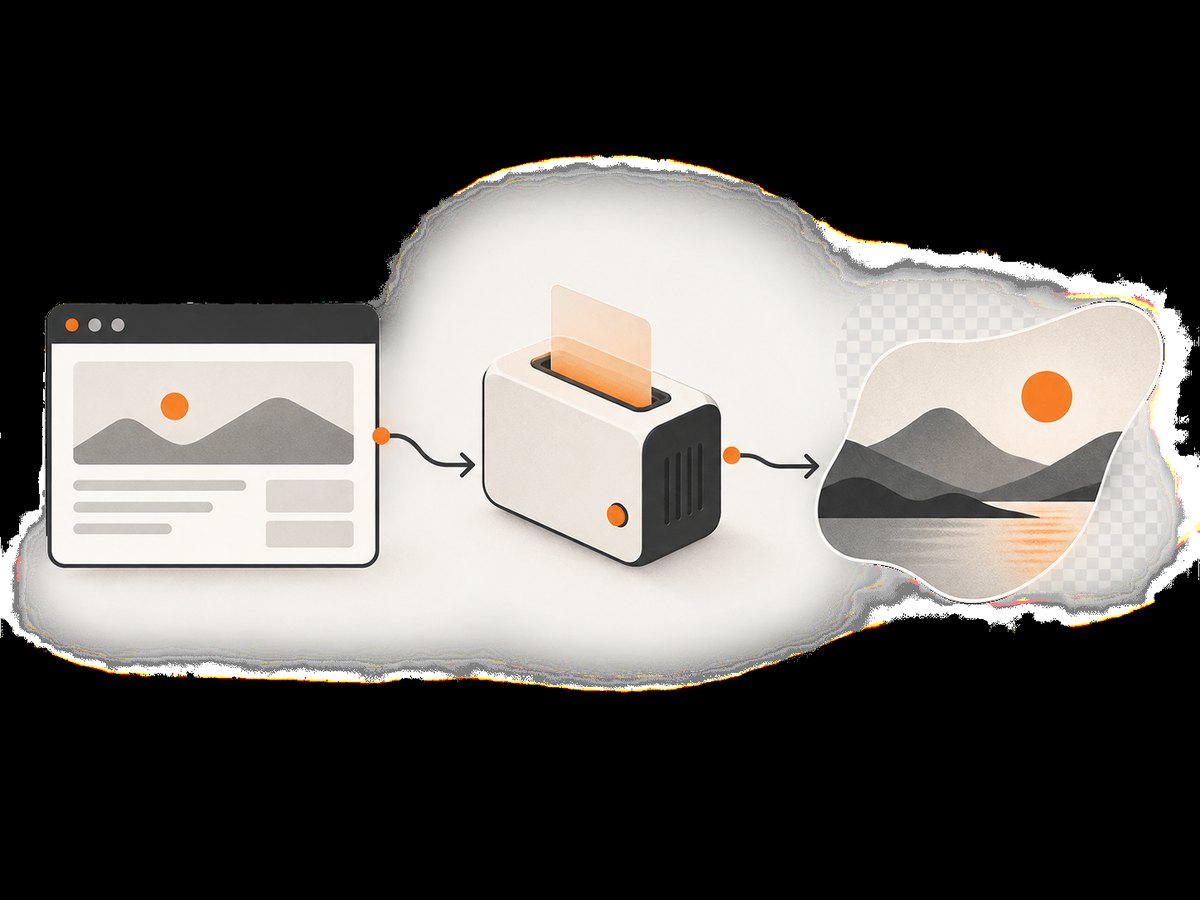
These calls produce a webpage image, not a desktop polygon selection. To make a custom-shaped asset, request the page or element you need, then apply your own mask or crop in an image-processing step. ScreenshotNeo’s transparent-background option can help when the rendered page itself needs transparency, but a polygon cutout still depends on your mask geometry.
Plans include 1,000 free shots each month with no card, Starter at $5 for 3,000, Growth at $15 for 15,000, Pro at $39 for 60,000, Scale at $99 for 250,000, and Business at $249 for 1,000,000. Yearly billing gives two months free, and every feature is available on every plan. Create a free ScreenshotNeo account.
Troubleshooting
| Problem | Likely cause | Fix |
|---|---|---|
| Freeform mode is missing | The Snipping Tool layout differs after an update. | Open the capture overlay with Windows + Shift + S and look for the irregular or freeform selection mode; update Snipping Tool if needed. |
| The menu closes before capture | The overlay changes focus or the menu is transient. | Use a delay, then open the menu during the countdown. |
| The saved image has a solid outside area | Freeform selection does not guarantee alpha transparency. | Use a mask in an editor and export a format that preserves transparency. |
| Mac capture is rectangular | Apple’s built-in selected-portion workflow is rectangular. | Capture the rectangle, then create an irregular mask in an editor. |
| A webpage screenshot contains a cookie banner | The page rendered the banner before your capture. | Accept or remove it in browser automation, hide its selector, or use ScreenshotNeo’s cleanup options. |
| ScreenshotNeo returns an unexpected result | The page may be blocked, blank, timed out, or still loading. | Inspect X-Page-Verdict and X-Billed, then adjust waits, selectors, headers, cookies, or user-agent settings. |
| Python or Node.js saves an unusable file | The response may be an error document rather than an image. | Check the HTTP status before writing bytes and inspect the response headers/body for the API error. |
Performance, reliability, and cost considerations
- Interactive desktop work: use the keyboard shortcut and a delay for the fewest steps.
- Repeatable webpage captures: wait for a selector or network idle instead of relying on a fixed sleep whenever possible.
- Large pages: full-page captures may load lazy images and use more memory; capture a specific element when that is all you need.
- Stable outputs: set the viewport, device preset, retina scale, timezone, geolocation, cookies, and user agent explicitly.
- Lower request volume: choose a cache TTL when the page does not change frequently; cache hits are not billed by ScreenshotNeo.
- Failure handling: treat bot checks, blank pages, timeouts, and failed loads as distinct outcomes and inspect the verdict headers.
- Batch jobs: use asynchronous jobs with signed webhooks or bulk capture for up to 100 URLs per call.

FAQ
Can I draw a freeform screenshot on Windows 10?
Yes. Snipping Tool’s Freeform mode is documented for Windows 10 and Windows 11.
Will the outside of a Freeform snip be transparent?
The cited Microsoft instructions do not establish that. Verify the exported file and apply a mask if transparency matters.
Does macOS have the same built-in freeform mode?
Apple documents full-screen, window, and dragged rectangular selections. An irregular outline requires an additional editing step.
Can an API capture my physical desktop?
No. ScreenshotNeo captures webpages from a URL. Use Snipping Tool or another desktop capture tool for an actual monitor, then use an image editor for the final shape.
What is the fastest repeatable method for a webpage?
Call ScreenshotNeo with the URL, configure the viewport or selector, and apply a mask afterward if you need a polygonal cutout.