How to Capture JavaScript Errors in Headless Chrome
Capture browser console output and uncaught JavaScript exceptions in headless Chrome with Puppeteer, Playwright, DevTools, and CI-ready logging.
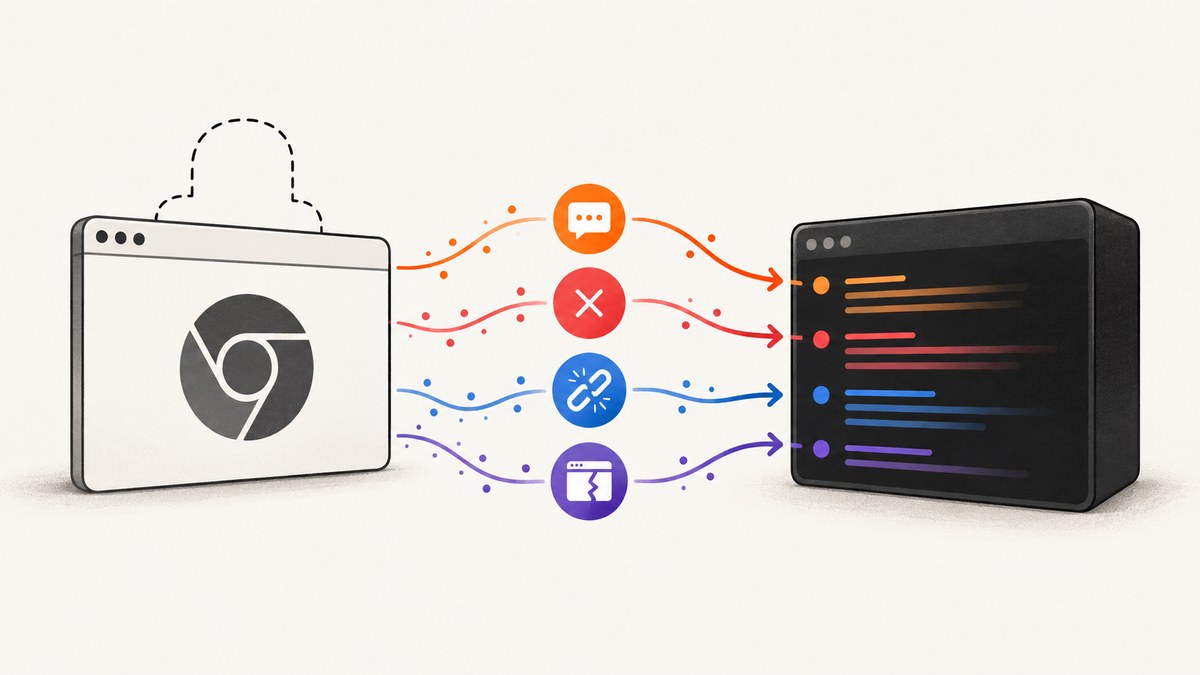
Register listeners before navigation or the interaction you are testing. In Puppeteer, use the console event for browser-side console.* calls and pageerror for uncaught exceptions thrown by page JavaScript. Keep crashes and failed network requests in separate records because they describe different failures.
import puppeteer from 'puppeteer';

const browser = await puppeteer.launch({ headless: true });
const page = await browser.newPage();

page.on('console', msg => {
  console.log(`[browser console:${msg.type()}] ${msg.text()}`);
});

page.on('pageerror', error => {
  console.error('[uncaught page exception]', error.name, error.message);
  if (error.stack) console.error(error.stack);
});

await page.goto('https://example.com', { waitUntil: 'networkidle2' });
await browser.close();
Page code runs in the browser context, so its console.* calls do not automatically appear in Node.js output. Puppeteer documents forwarding them with a page listener, and its page-event reference defines pageerror as an uncaught page exception. Puppeteer debugging guide · Puppeteer page events
What each signal means
| Signal | What it captures | What it does not prove |
|---|---|---|
console |
Calls such as console.error, console.warn, console.log, and other console API output |
That an exception was thrown; applications can log errors without throwing |
pageerror |
An uncaught exception in page JavaScript | That the request which preceded it failed |
error |
A page or browser crash event | A normal JavaScript exception |
requestfailed |
A network request that failed at the transport level | An HTTP error response; 404 and 503 responses still produce HTTP responses |
Store the event class with every record. A console message is an application signal, a page error is an uncaught exception, a crash means the page stopped running, and a failed request points to transport or resource loading. An HTTP 404 or 503 is not a Puppeteer requestfailed event.
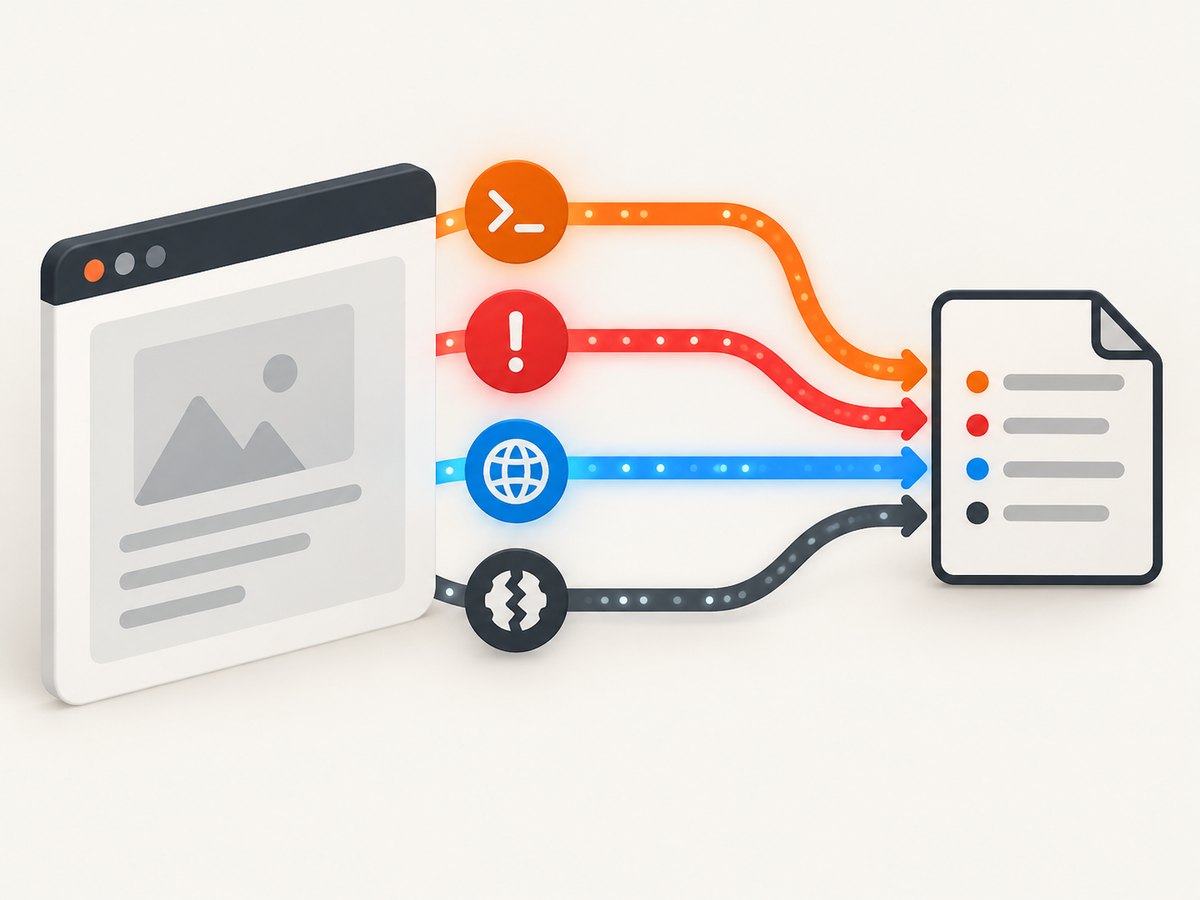
Build a complete Puppeteer error collector
The following script records structured JSON for console messages, uncaught exceptions, crashes, failed requests, and responses with HTTP error status. It attaches every listener before goto so early failures are not missed.
import puppeteer from 'puppeteer';
import fs from 'node:fs/promises';

const target = process.argv[2] || 'https://example.com';
const events = [];
const record = (type, data) => {
  events.push({ type, at: new Date().toISOString(), ...data });
};

const browser = await puppeteer.launch({ headless: true });
const page = await browser.newPage();

page.on('console', async msg => {
  const locations = msg.location();
  record('console', {
    level: msg.type(),
    text: msg.text(),
    location: locations.url
      ? { url: locations.url, line: locations.lineNumber, column: locations.columnNumber }
      : undefined
  });
});

page.on('pageerror', error => {
  record('pageerror', {
    name: error?.name,
    message: error?.message ?? String(error),
    stack: error?.stack
  });
});

page.on('error', error => {
  record('page-crash', {
    name: error?.name,
    message: error?.message ?? String(error),
    stack: error?.stack
  });
});

page.on('requestfailed', request => {
  record('requestfailed', {
    url: request.url(),
    method: request.method(),
    resourceType: request.resourceType(),
    failure: request.failure()
  });
});

page.on('response', response => {
  const status = response.status();
  if (status >= 400) {
    record('http-error-response', {
      url: response.url(),
      status,
      resourceType: response.request().resourceType()
    });
  }
});

try {
  await page.goto(target, { waitUntil: 'networkidle2', timeout: 30_000 });
} catch (error) {
  record('navigation-error', {
    name: error?.name,
    message: error?.message ?? String(error),
    stack: error?.stack
  });
}

await fs.writeFile('browser-errors.json', JSON.stringify(events, null, 2));
console.log(JSON.stringify(events, null, 2));
await browser.close();
Install and run it
mkdir chrome-error-capture && cd chrome-error-capture
npm init -y
npm install puppeteer
node capture-errors.mjs https://your-site.example
If your project uses CommonJS, replace import statements with require, or set "type": "module" in package.json. Keep the listener registration above the navigation and above clicks, form submissions, or route changes that may emit the error.
Capture errors during interactions
Navigation alone will miss errors that occur after a user action. Attach listeners once, then perform the same actions that reproduce the bug.
page.on('console', msg => {
  if (msg.type() === 'error' || msg.type() === 'warning') {
    console.log(`[${msg.type()}] ${msg.text()}`);
  }
});

page.on('pageerror', error => {
  console.error('uncaught exception:', error.stack || error.message);
});

await page.goto('https://example.com/dashboard', { waitUntil: 'domcontentloaded' });
await page.click('[data-testid="load-report"]');
await page.waitForSelector('[data-testid="report"]', { timeout: 10_000 });
For single-page applications, keep the page open while exercising route changes and asynchronous work. A test that closes the browser immediately after a click can terminate before delayed errors are emitted.
Filter and preserve useful context
- Use
msg.type()to separateerror,warning, and informational output. - Keep the original message text and event type; add URL, line, and column when available.
- Preserve
error.stackforpageerror. Payload details can vary by Puppeteer version, so do not assume every value is a nativeError. - Record the page URL at the time of the event when your flow changes routes.
- Redact tokens, cookies, authorization headers, and personal data before writing logs to shared CI artifacts.
Playwright equivalent
If the project already uses Playwright, use its page events rather than adding Puppeteer solely for logging.
import { chromium } from 'playwright';

const browser = await chromium.launch({ headless: true });
const page = await browser.newPage();

page.on('console', msg => {
  console.log(`[browser console:${msg.type()}] ${msg.text()}`);
});

page.on('pageerror', error => {
  console.error('[uncaught page exception]', error.stack || error.message);
});

page.on('crash', () => {
  console.error('[page crash]');
});

page.on('requestfailed', request => {
  console.error('[request failed]', request.url(), request.failure()?.errorText);
});

await page.goto('https://example.com', { waitUntil: 'networkidle' });
await browser.close();
Attach to an existing Chromium process with CDP
Playwright can attach with chromium.connectOverCDP(). The API is for Chromium-based browsers and has lower fidelity than Playwright’s normal protocol connection, so prefer a regular Playwright launch or connection when you control both ends and need full automation behavior.
import { chromium } from 'playwright';

const browser = await chromium.connectOverCDP('http://127.0.0.1:9222');
const context = browser.contexts()[0];
const page = context.pages()[0] || await context.newPage();

page.on('console', msg => console.log(msg.type(), msg.text()));
page.on('pageerror', error => console.error(error.stack || error.message));

await page.goto('https://example.com');
await browser.close();
Raw Chrome DevTools Protocol integrations expose Runtime and Log event surfaces. Use them when you need protocol-level control, but keep the same separation between console output, uncaught exceptions, crashes, and network failures.
Use DevTools for interactive diagnosis
When reproducing a problem manually, Chrome DevTools Console shows stack traces for errors and warnings. Enable “Preserve log” to keep messages across page loads, then filter by severity, script URL, or the selected JavaScript execution context. This is useful for comparing a visible reproduction with the events collected in CI. Chrome DevTools Console reference
Or skip the browser setup
ScreenshotNeo captures a page with one GET request when you need a visual record alongside your error investigation. Its clean-shot pipeline accepts cookie and consent banners as a visitor, then removes more than 60 known consent platforms, newsletter popups, and chat widgets before capture; each step can be disabled. Bot checks, blank pages, timeouts, failed loads, and cache hits are not billed, and the response identifies the result with X-Page-Verdict and X-Billed headers. An MCP server provides take_screenshot, get_page_info, and capture_pdf for Claude, Cursor, and other MCP clients.
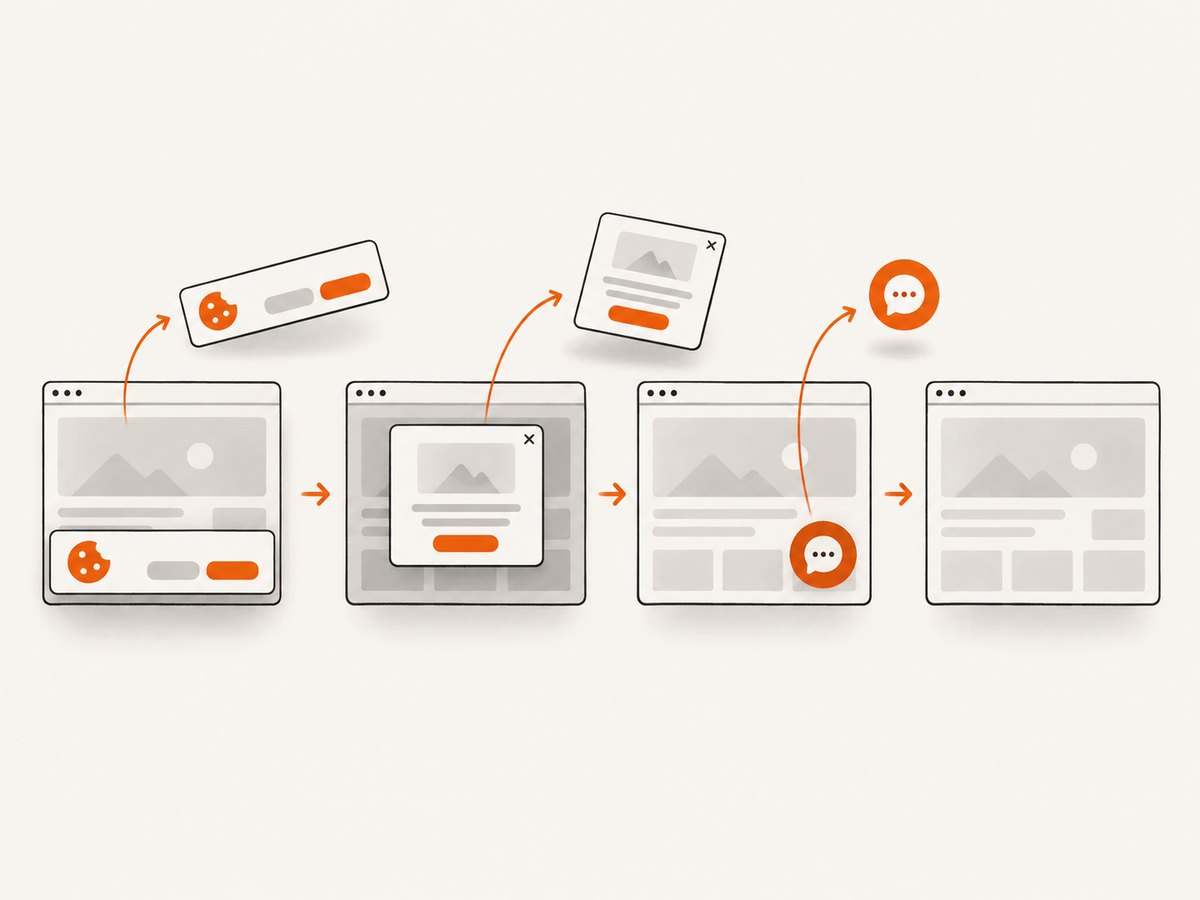
See the ScreenshotNeo API documentation for all options. A direct call looks like this:
curl -G "https://api.screenshotneo.com/v1/shot" \
  -d access_key=YOUR_API_KEY \
  --data-urlencode url=https://stripe.com \
  -o shot.webp
import requests
r = requests.get(
"https://api.screenshotneo.com/v1/shot",
params={"access_key": "YOUR_API_KEY", "url": "https://stripe.com"},
timeout=90,
)
r.raise_for_status()
open("shot.webp", "wb").write(r.content)const q = new URLSearchParams({
access_key: 'YOUR_API_KEY',
url: 'https://stripe.com'
});
const res = await fetch(`https://api.screenshotneo.com/v1/shot?${q}`);ScreenshotNeo supports full-page and element captures, device presets or custom viewports, dark mode, retina scale, custom CSS and JavaScript, waits, request blocking, headers, cookies, user agents, timezone, geolocation, transparent backgrounds, resizing, caching, signed links, asynchronous jobs, bulk capture, usage reporting, and PDFs. The Free plan includes 1,000 shots per month with no card; paid plans start at $5 for 3,000 shots. Create a free ScreenshotNeo account.
Troubleshooting
No browser messages appear in Node.js
Cause: the listener was not attached, or it was attached after navigation or the action that emitted the message.
Fix: register page.on('console') immediately after creating the page and before goto.
An exception is missing even though the page is broken
Cause: the failure may be a handled promise rejection, a server response, a blocked resource, or a crash rather than an uncaught exception.
Fix: collect pageerror, requestfailed, HTTP responses with status 400 or greater, and the page error event separately.
404 or 503 does not trigger requestfailed
Cause: Puppeteer treats an HTTP response as a completed request even when its status is an error.
Fix: inspect the response event and record statuses of 400 or greater.
The stack is empty or unhelpful
Cause: the site may ship minified code, source maps may be unavailable, or the event payload may not contain a native Error object.
Fix: preserve the complete payload you receive, capture the console message location, and enable source maps in the environment where you reproduce the issue.
Events are duplicated
Cause: listeners are being registered each time a route or test step runs.
Fix: install listeners once per page, or remove them with the matching handler before re-registering.
The script exits before delayed errors arrive
Cause: the browser or page closes immediately after navigation or a click.
Fix: wait for the relevant selector, response, network idle state, or a bounded delay before closing.
Headless and headed runs disagree
Cause: timing, viewport, user-agent, permissions, extensions, or environment differences can change page behavior.
Fix: pin the viewport and browser version, use the same wait conditions, and reproduce with a headed run only as a diagnostic comparison.
Performance, reliability, and cost
- Performance: event listeners are lightweight. The expensive work is launching Chromium, loading the page, and retaining large logs. Write records incrementally or cap message sizes for long-running crawlers.
- Reliability: install listeners before every relevant navigation or interaction, use explicit timeouts, and record navigation errors separately. Keep crash handling independent from JavaScript exception handling.
- CI output: emit newline-delimited JSON or upload
browser-errors.jsonas an artifact so one noisy console stream does not hide the uncaught exception. - Privacy: console messages can contain user data, URLs, tokens, or response details. Redact before central logging.
- Cost: self-hosted Puppeteer and Playwright consume your own browser and compute resources. ScreenshotNeo bills only clean shots; bot checks, blank pages, timeouts, failed loads, and cache hits cost nothing.
Checklist
- Attach
consoleandpageerrorhandlers before navigation. - Capture crashes with
errorand transport failures withrequestfailed. - Inspect HTTP response status separately because 404 and 503 are still responses.
- Preserve message type, URL, line, column, error name, message, and stack.
- Exercise post-load clicks and route changes before closing the browser.
- Redact sensitive values before storing logs.
FAQ
Should I listen to console.error or pageerror?
Use both for complete coverage. console.error is an explicit application log; pageerror catches uncaught exceptions even when the application never calls console.error.
Does headless mode change how events are captured?
The Puppeteer page events are the same, but timing and environment differences can expose different bugs. Compare headless and headed runs with the same browser version, viewport, and waits.
Can cURL or Python capture these browser events?
Not by themselves. cURL makes HTTP requests and Python can orchestrate a browser through a library, but JavaScript console and page-error events come from a running browser automation session. Use Puppeteer or Playwright for the event listeners.
What is the smallest useful implementation?
Create a page, attach console and pageerror listeners, then navigate. Add crash, request, and response listeners when diagnosing a production or CI failure.


