BlogScreenshots on your device
How to Capture a Tkinter Window on macOS With Python
Capture only a Tkinter window on macOS with Python, handle permissions and blank images, and compare Quartz with ScreenCaptureKit.
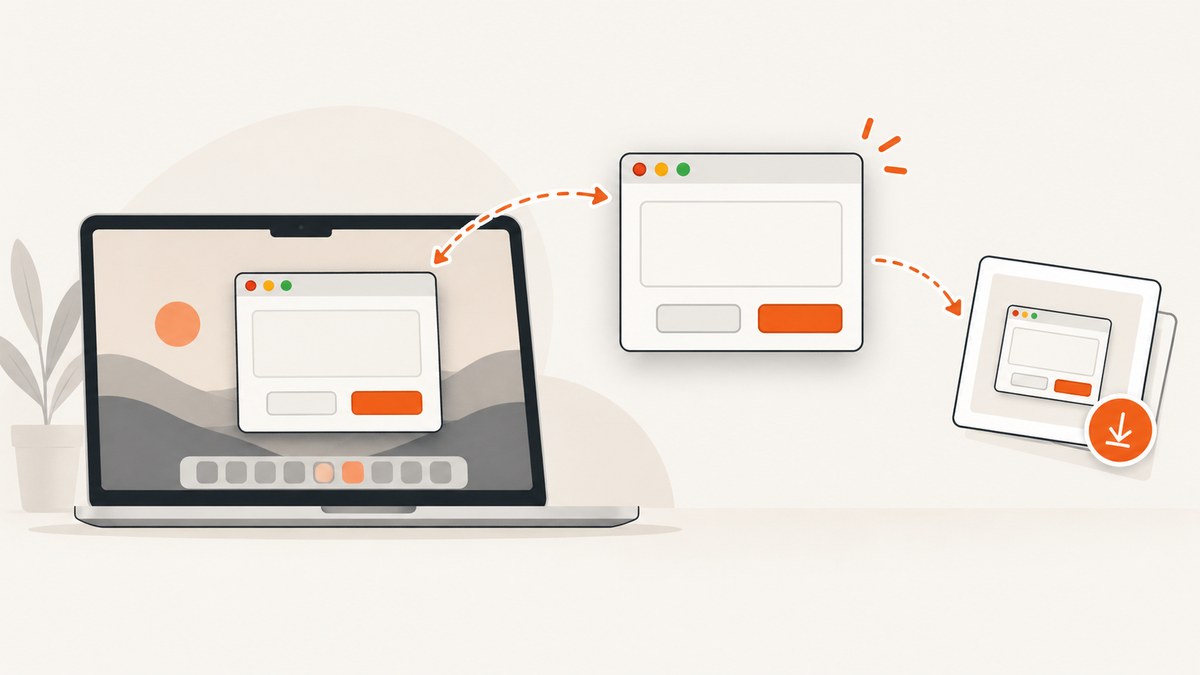
Short answer: Tkinter creates the window, but macOS supplies the pixels. For a practical Python capture, let the Tk event loop draw and map the window, find its native macOS window ID with Quartz, then capture that ID. Quartz/Core Graphics is the older single-window route; for new macOS work, Apple’s current framework is ScreenCaptureKit. Capturing another application requires Screen Recording permission.
If you only need a Tkinter window you own, the script below uses Python, PyObjC’s Quartz bindings, and macOS’s screencapture command. It avoids capturing the whole desktop and fails clearly when the window cannot be found.
1. Install the prerequisites
- Use a current Python 3 installation. Python.org’s macOS installers include Tcl/Tk 8.6; avoid old Apple-supplied Tcl/Tk versions with known problems. See Python’s macOS downloads.
- Create and activate a virtual environment.
- Install PyObjC’s Quartz bindings.
python3 -m venv .venv
source .venv/bin/activate
python -m pip install --upgrade pip pyobjc-framework-Quartz
2. Capture your own Tkinter window
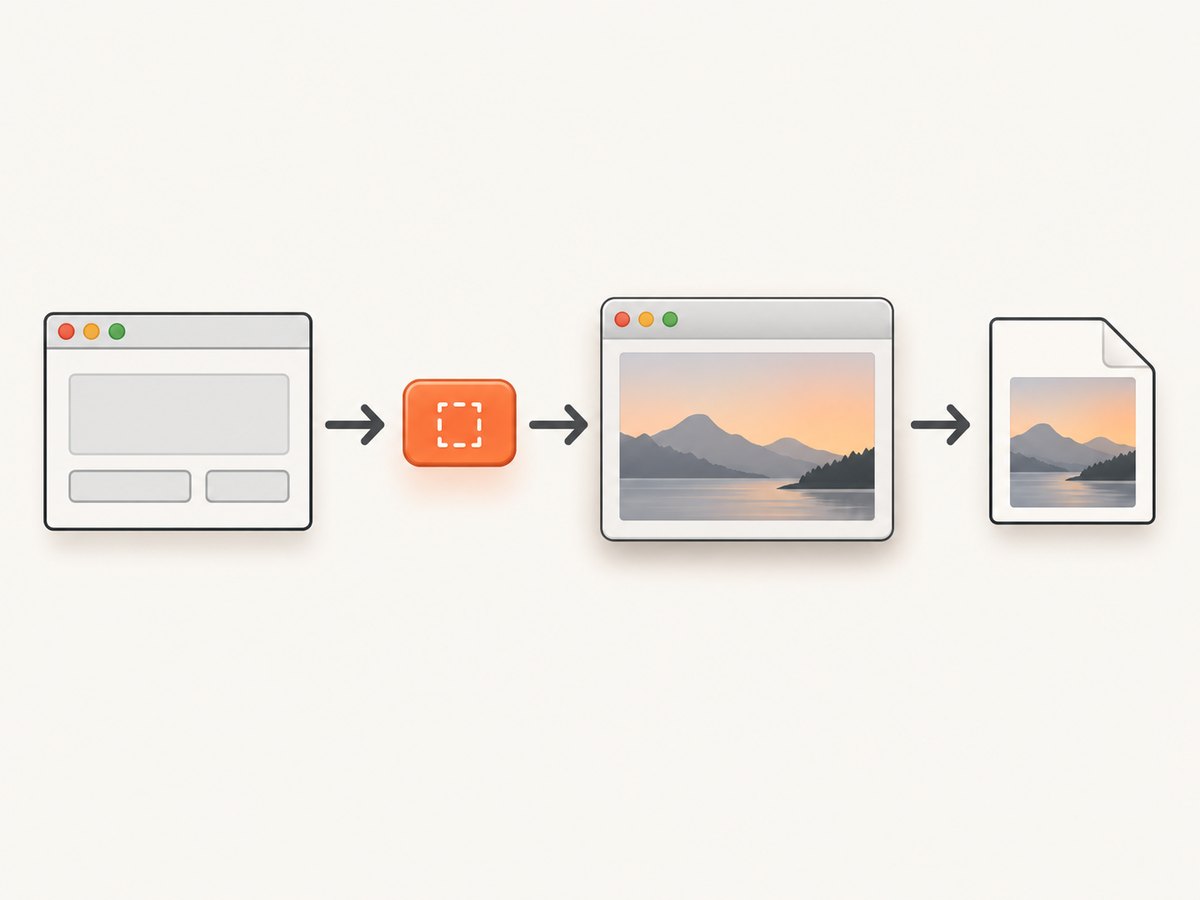
Save this as capture_tk_window.py. The program creates a Tkinter window, waits for it to be mapped and drawn, finds the corresponding macOS window ID, and calls screencapture -l for that ID.
import subprocess
import sys
import time
import tkinter as tk
from pathlib import Path

try:
    import Quartz
except ImportError:
    raise SystemExit(
        "Install the Quartz bridge first: "
        "python -m pip install pyobjc-framework-Quartz"
    )


def mac_window_id_for_title(title: str) -> int | None:
    """Return the first on-screen normal window whose title matches title."""
    options = (
        Quartz.kCGWindowListOptionOnScreenOnly
        | Quartz.kCGWindowListExcludeDesktopElements
    )
    window_list = Quartz.CGWindowListCopyWindowInfo(
        options, Quartz.kCGNullWindowID
    ) or []

    for window in window_list:
        name = window.get(Quartz.kCGWindowName, "") or ""
        owner = window.get(Quartz.kCGWindowOwnerName, "") or ""
        window_id = window.get(Quartz.kCGWindowNumber)
        layer = window.get(Quartz.kCGWindowLayer, 0)
        if window_id and layer == 0 and name == title:
            return int(window_id)

    # Some Tk versions expose little or no window-title metadata. A second
    # pass accepts the owner name and leaves the final choice to the caller.
    candidates = []
    for window in window_list:
        window_id = window.get(Quartz.kCGWindowNumber)
        owner = window.get(Quartz.kCGWindowOwnerName, "") or ""
        layer = window.get(Quartz.kCGWindowLayer, 0)
        if window_id and layer == 0 and owner in {"Python", "python3", "Wish", "wish"}:
            candidates.append(int(window_id))
    return candidates[0] if len(candidates) == 1 else None


def capture_window(window_id: int, output: Path) -> None:
    result = subprocess.run(
        ["/usr/sbin/screencapture", "-x", "-l", str(window_id), str(output)],
        text=True,
        capture_output=True,
    )
    if result.returncode != 0:
        detail = result.stderr.strip() or "screencapture returned a non-zero status"
        raise RuntimeError(detail)
    if not output.exists() or output.stat().st_size == 0:
        raise RuntimeError("macOS produced an empty screenshot file")


def main() -> int:
    output = Path(sys.argv[1] if len(sys.argv) > 1 else "tk-window.png")
    title = "Tkinter capture example"

    root = tk.Tk()
    root.title(title)
    root.geometry("640x360")
    tk.Label(root, text="This window will be captured", font=("Helvetica", 24)).pack(
        expand=True
    )
    root.update_idletasks()
    root.update()

    # Give WindowServer one event-loop turn to map and paint the native window.
    time.sleep(0.25)
    window_id = mac_window_id_for_title(title)
    if window_id is None:
        root.destroy()
        raise RuntimeError(
            "Could not identify the Tk window. Check the title, visibility, "
            "and Quartz window-list permissions."
        )

    try:
        capture_window(window_id, output)
        print(f"Saved {output} (window id {window_id})")
    finally:
        root.destroy()
    return 0


if __name__ == "__main__":
    raise SystemExit(main())
Run it with:
python capture_tk_window.py my-tk-window.pngThis example is a practical PyObjC plus CLI integration. PyObjC package names, window metadata, and behavior can vary with your Python, Tk, and macOS versions, so verify the bridge on the exact environments you ship.
3. What the script is doing
update_idletasks()andupdate()flush pending geometry and drawing work.CGWindowListCopyWindowInfoenumerates windows in the current GUI session. The code filters desktop elements and normal window layers.- The native window number is passed to
screencapture -l, which asks macOS for that window rather than the entire display. - The output is checked for a non-empty file. A nil or empty result is treated as a diagnostic failure, not as a valid screenshot.
Window names and other metadata may be privacy-filtered. Do not rely on a title alone when several windows have the same title; add a visible marker, inspect the returned list, or use a native bridge that can identify the Tk window more precisely. Apple documents the window-list APIs and constants in CGWindowListCopyWindowInfo.
4. Capturing another application’s window
The same native APIs can enumerate and capture another app’s window, but macOS protects window contents. Ask the user to open System Settings → Privacy & Security → Screen Recording and enable the program that actually performs the capture: Terminal, your IDE, the Python interpreter, or the packaged application.
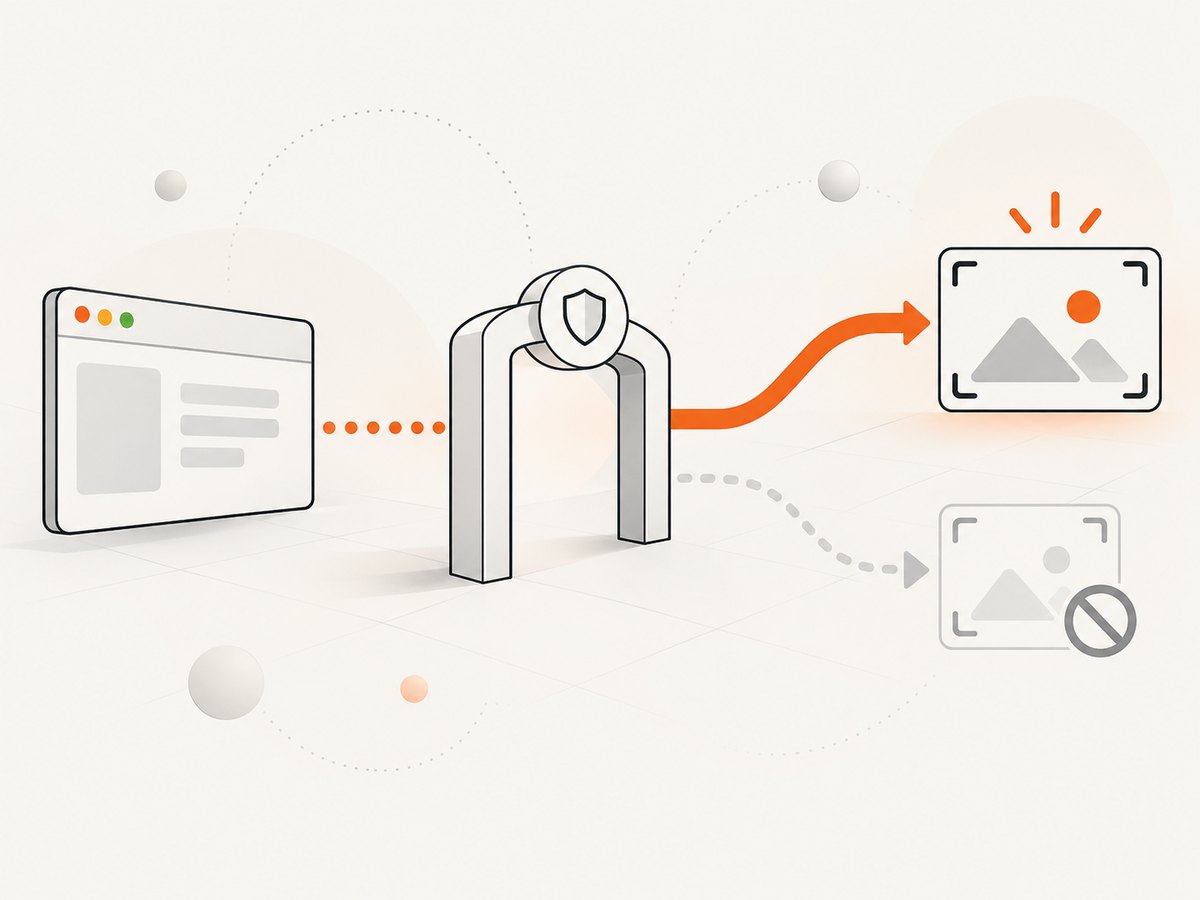
Apple explains that an app must be preapproved to record the entire screen or the contents of windows other than its own. Without approval, Core Graphics calls can return no usable image or privacy-filtered metadata. The permission prompt may appear after an initial failed attempt. See Apple’s Screen Recording privacy guidance.
5. Quartz versus ScreenCaptureKit
| Concern | Quartz/Core Graphics | ScreenCaptureKit |
|---|---|---|
| API status | Legacy route; CGWindowListCreateImage is deprecated. |
Apple’s current framework for selecting displays, apps, and windows. |
| Capture model | Convenient one-shot window image and window-list inspection. | Shareable content, content filters, and configurable capture streams. |
| Python effort | Often reachable through PyObjC, but bindings and image conversion need validation. | Usually requires a maintained Objective-C/Swift bridge or a small native helper; Apple’s documentation is not a Python API reference. |
| Permission | Screen Recording permission is required for protected windows. | Screen Recording authorization is required and normally requested on first use. |
| Apple sample baseline | Older API family. | Apple’s current sample targets macOS 15 or later and Xcode 16 or later. |
For a new product that needs configurable capture, multiple windows, or a long-running stream, start with ScreenCaptureKit. A Python application can keep Tkinter as its UI and delegate capture to a small Swift or Objective-C helper. Keep that boundary explicit and test it on Intel and Apple-silicon Macs, your supported macOS releases, and the Python version you deploy.
6. A native ScreenCaptureKit architecture
ScreenCaptureKit is not a drop-in Tkinter method. A robust design has three parts:
- Python/Tk layer: map the window, expose its title or an application-defined identifier, and request a capture.
- Native helper: call ScreenCaptureKit to obtain shareable content, select the target window with a content filter, and write PNG, JPEG, or another requested format.
- IPC boundary: pass the target identifier and output path over a subprocess, local socket, or another controlled interface; return structured errors for permission denial, missing windows, and empty frames.
Apple’s ScreenCaptureKit sample demonstrates the framework and its authorization flow, but it does not provide a Python binding. Do not present a hand-written PyObjC signature as portable without checking it against your supported SDK and runtime.
7. Troubleshooting
| Symptom | Likely cause | Fix |
|---|---|---|
| “Could not identify the Tk window” | The window is not mapped yet, is hidden, the title differs, or metadata is filtered. | Call update_idletasks() and update(), wait briefly, print the window list, and use a unique title or a stronger identifier. |
| PNG is missing or zero bytes | Window ID is stale, permission was denied, or capture ran before the first paint. | Capture only after the window is visible; verify Screen Recording access; check the subprocess return code and output size. |
| Another window was captured | Two windows share a title or the fallback owner-name match found more than one candidate. | Make the title unique, remove the fallback, or have the native helper select the exact window. |
| Blank or transparent image | The target is occluded, minimized, protected, or privacy-filtered. | Restore and expose the window, retry after a paint event, and confirm permission. Some protected content cannot be captured. |
| Works in Terminal but not when packaged | macOS granted permission to Terminal, not the packaged app. | Enable the actual app in Privacy & Security → Screen Recording, then restart it. |
ImportError: Quartz |
PyObjC is not installed in the interpreter running the script. | Install pyobjc-framework-Quartz in the same virtual environment and check python -c "import Quartz". |
| Window list has no useful names | macOS privacy rules restrict metadata. | Use documented window-list options, request authorization, and avoid making privacy-filtered names your only identity key. |
8. Reliability and performance practices
- Keep Tk responsive: never block the event loop for a long capture. Run subprocess or native-helper work in a worker and return the result through
after(). - Use bounded retries: retry after a short paint delay when the window has just appeared, but stop after a small fixed number of attempts and report the actual failure.
- Validate every result: check the process status, file existence, file size, and—if important—decode the image before telling callers it succeeded.
- Capture at a stable state: pause animations, finish layout, and wait for asynchronous content before taking the frame.
- Control output size: PNG preserves sharp UI text but can be large; JPEG is smaller for photographic content and loses detail; choose based on downstream use.
- Account for Retina displays: macOS backing scale can make pixel dimensions larger than Tk logical dimensions. Read the resulting image dimensions instead of assuming a one-to-one mapping.
- Test permission transitions: cover first run, denied permission, permission granted after restart, display sleep, minimized windows, and multiple displays.
9. Or skip the browser setup
If your real goal is a website screenshot rather than a native Tkinter window, ScreenshotNeo removes the browser and macOS capture setup. One GET request returns a PNG, JPEG, WebP, or PDF.
curl -G "https://api.screenshotneo.com/v1/shot" -d access_key=YOUR_API_KEY --data-urlencode url=https://stripe.com -o shot.webpimport requests
r = requests.get("https://api.screenshotneo.com/v1/shot", params={"access_key": "YOUR_API_KEY", "url": "https://stripe.com"}, timeout=90)
open("shot.webp", "wb").write(r.content)const q = new URLSearchParams({ access_key: 'YOUR_API_KEY', url: 'https://stripe.com' });
const res = await fetch(`https://api.screenshotneo.com/v1/shot?${q}`);See the ScreenshotNeo API documentation for request options. Cookie banners, newsletter popups, and chat widgets are removed before the shot. Bot checks, blank pages, timeouts, failed loads, and cache hits are never billed; response headers identify the page verdict and billing status. ScreenshotNeo also provides an MCP server so Claude, Cursor, and other MCP clients can take screenshots. The Free plan includes 1,000 screenshots per month with no card; paid plans start at $5 for 3,000.
Create a free ScreenshotNeo account and start with the 1,000 monthly screenshots.
10. FAQ
Can Tkinter take a screenshot by itself?
No. Tkinter manages widgets and the event loop; macOS APIs or a system capture command provide the window pixels.
Do I need Screen Recording permission for my own Tkinter window?
Permission requirements depend on what is being captured and how macOS classifies the request. Capturing another app’s contents requires approval. Test your exact flow and handle a nil or empty image.
Why is CGWindowListCreateImage not the recommended new API?
Apple marks that legacy single-window image function as deprecated. ScreenCaptureKit is the current framework for selecting and capturing windows, apps, and displays.
Can I use this on Windows or Linux?
The Quartz and ScreenCaptureKit portions are macOS-specific. Use each platform’s native capture API or a cross-platform library with a platform-specific backend.
Why does the screenshot include the wrong size on a Retina Mac?
Tk coordinates are logical points while captured images use backing pixels. Inspect the output dimensions and account for the display scale in downstream processing.


