Capturing Live User-Contributed Web Content with Screenshots
Learn when to use Playwright screenshots or getDisplayMedia for user-contributed content, with complete code, privacy controls, troubleshooting, and a hosted option.

Short answer: use browser automation when your server or worker loads a submitted URL and needs a repeatable PNG, JPEG, WebP, or PDF. Use navigator.mediaDevices.getDisplayMedia() when a person must choose a screen, window, or browser tab to share. The first route returns screenshot bytes or a file; the second returns a live MediaStream after an explicit browser permission prompt. They solve different problems and have different privacy boundaries.
This guide shows both routes, explains page, full-page, and element capture, and covers consent, privacy, browser support, reliability, performance, cost, and common failures. The examples use Playwright and browser JavaScript. The technical behavior described here follows the Playwright screenshot guide, the Page API reference, and MDN’s Screen Capture API documentation.
1. Choose the capture route
| Question | Browser automation (Playwright) | Live display capture |
|---|---|---|
| Who initiates selection? | Your code chooses the URL and capture scope. | The person chooses a screen, window, or tab in a browser prompt. |
| Primary output | Image bytes/file, or a PDF. | A live MediaStream; you can record it or draw frames to a canvas. |
| Scope | Viewport, full scrollable page, CSS-selected element, or clipped rectangle. | The display surface selected by the user; newer capture APIs can restrict it further. |
| Repeatability | High when URL, viewport, browser version, and waits are fixed. | Depends on the selected surface, window state, permissions, and user actions. |
| Privacy boundary | Your service receives everything rendered in the requested page. | The user decides what to share, but an entire display can include unrelated notifications or private data. |
Do not describe getDisplayMedia() as a one-shot screenshot API. Its primary method returns a stream. If you need one still image from that stream, capture a video frame into a canvas.
2. Route A: capture a submitted URL with Playwright
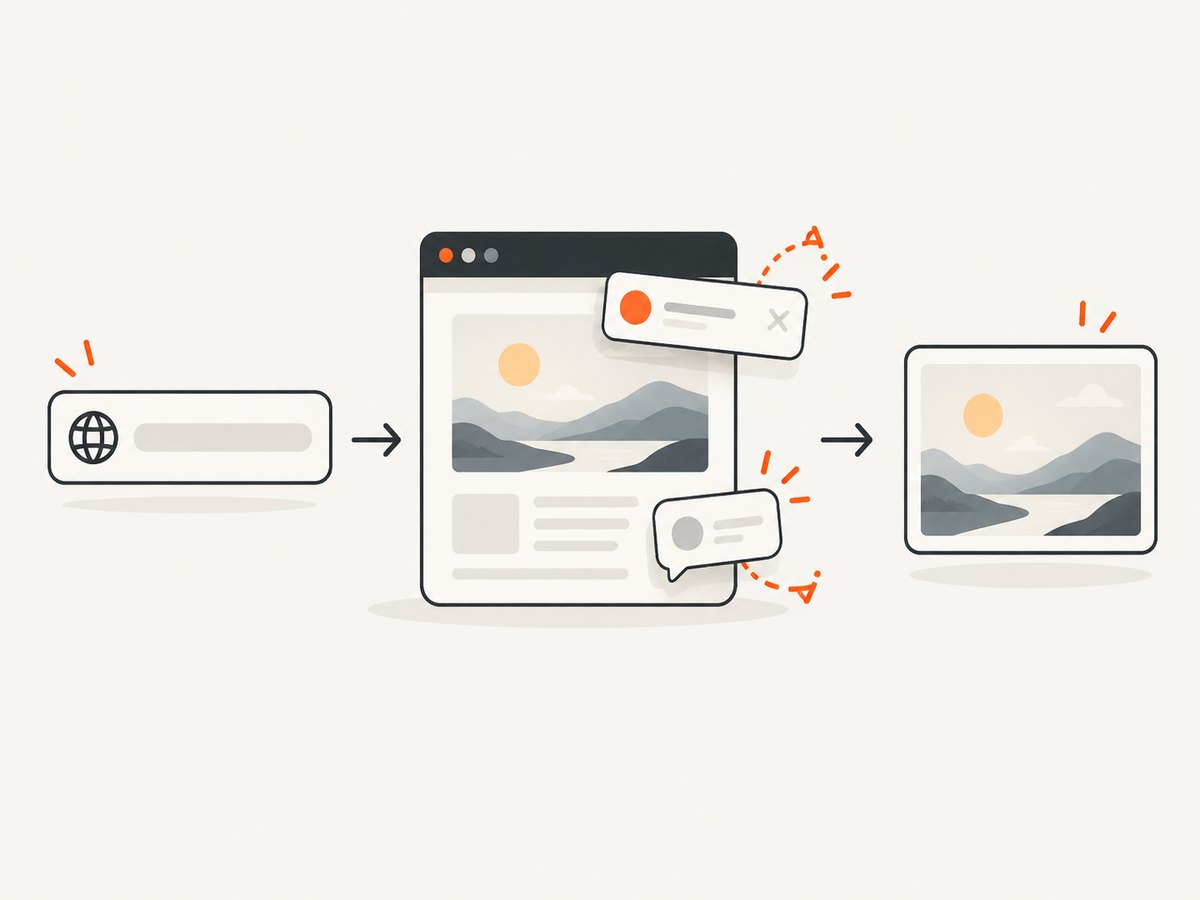
This is the usual design for a service that accepts a URL, loads it in an isolated browser context, and stores or returns an image. A viewport screenshot captures what is visible. fullPage: true captures the page’s full scrollable height, and a locator screenshot targets one element.
Install and run
npm init -y
npm install playwright
npx playwright install chromium
Complete page, full-page, and element example
import { chromium } from 'playwright';

const target = process.argv[2] || 'https://example.com';
const browser = await chromium.launch();
const context = await browser.newContext({
  viewport: { width: 1440, height: 900 },
  deviceScaleFactor: 1,
  colorScheme: 'light',
  locale: 'en-US',
  timezoneId: 'UTC'
});

try {
  const page = await context.newPage();
  await page.goto(target, { waitUntil: 'domcontentloaded', timeout: 30_000 });
  await page.waitForLoadState('networkidle', { timeout: 15_000 }).catch(() => {});

  // Viewport image.
  await page.screenshot({ path: 'viewport.png', type: 'png' });

  // Entire scrollable document.
  await page.screenshot({ path: 'full-page.webp', fullPage: true, type: 'webp', quality: 85 });

  // One rendered element. Replace the selector with one you allow-list.
  const card = page.locator('main').first();
  await card.screenshot({ path: 'main-element.png', type: 'png' });
} finally {
  await context.close();
  await browser.close();
}
The API also supports clip for an explicit rectangle, mask for overlaying selected elements, type (png, jpeg, or webp), quality for lossy formats, and scale (css or device). A mask hides pixels in the output; it is not permission to republish content.
Make dynamic pages deterministic
- Set a fixed viewport, device scale, locale, timezone, and color scheme.
- Wait for a meaningful selector instead of sleeping for an arbitrary period.
- Use a bounded delay only for animations or late client rendering.
- Disable animations and caret blinking with injected CSS when visual stability matters.
- Block unnecessary ads, trackers, fonts, or video only when doing so does not change the content you need to capture.
await page.goto(target, { waitUntil: 'domcontentloaded', timeout: 30_000 });
await page.waitForSelector('[data-content-ready]', { state: 'visible', timeout: 20_000 });
await page.addStyleTag({ content: `
  *, *::before, *::after { animation: none !important; transition: none !important; }
  caret-color: transparent !important;
` });
await page.screenshot({ path: 'stable.png', fullPage: true });
Control what the submitted page can do
Run each submission in a fresh browser context. Apply URL and network policy before navigation: allow only schemes you support, reject private IP ranges if your service is exposed to untrusted users, cap redirects, and enforce navigation and total job timeouts. Decide whether JavaScript, third-party resources, downloads, popups, and authentication are permitted. If a page requires credentials, pass them through a controlled mechanism rather than accepting arbitrary browser headers from a user.
For content minimization, capture a locator rather than the whole page, use clip, or mask known sensitive selectors. Full-page output can include footer links, hidden-looking account details, or content loaded far below the fold.
3. Route B: let a person share a live display
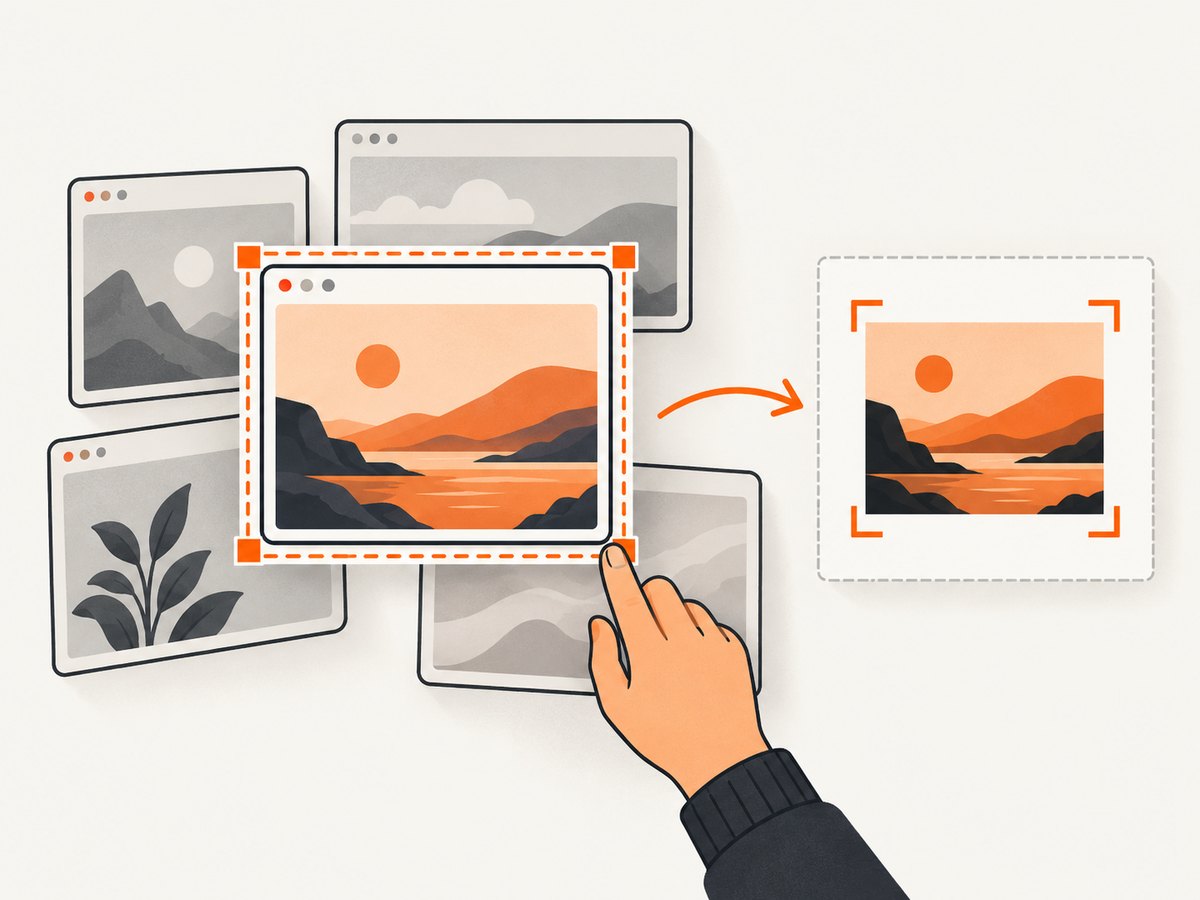
getDisplayMedia() must run in a user-initiated action, such as a button click. The browser presents a picker and an active-capture indicator. The promise resolves to a MediaStream; audio options are optional and support varies by user agent.
Capture one frame as a PNG
<button id="share">Choose a screen or tab</button>
<canvas id="frame" hidden></canvas>
<script type="module">
const button = document.querySelector('#share');
const canvas = document.querySelector('#frame');

button.addEventListener('click', async () => {
  const stream = await navigator.mediaDevices.getDisplayMedia({
    video: { frameRate: { ideal: 5, max: 15 } },
    audio: false
  });
  const video = document.createElement('video');
  video.srcObject = stream;
  video.muted = true;
  await video.play();

  await new Promise(resolve => {
    if (video.readyState >= 2) resolve();
    else video.addEventListener('loadeddata', resolve, { once: true });
  });

  canvas.width = video.videoWidth;
  canvas.height = video.videoHeight;
  canvas.getContext('2d').drawImage(video, 0, 0);
  const blob = await new Promise(resolve => canvas.toBlob(resolve, 'image/png'));
  const download = URL.createObjectURL(blob);
  const link = document.createElement('a');
  link.href = download;
  link.download = 'shared-frame.png';
  link.click();
  URL.revokeObjectURL(download);

  stream.getTracks().forEach(track => track.stop());
});
</script>
Handle cancellation and stopping explicitly. A user can dismiss the picker, stop sharing from browser chrome, close the selected window, or switch surfaces. Listen for track.onended and remove the stream when it ends. If you need a recording rather than a still, pass the stream to MediaRecorder and select a MIME type supported by the target browser.
Limit the shared region
The basic API lets the user select the surface. Element Capture and Region Capture provide narrower controls where supported. Element Capture targets a rendered DOM tree and its descendants, which is useful when content outside that tree, such as notifications, must be excluded. Region Capture clips to an element’s bounding box, so overlapping content may remain visible. Treat both as progressive enhancements and verify support in every browser you promise to support.
A Permissions Policy can declare the display-capture directive in an HTTP header or iframe allow attribute. Policy allowance does not remove the user’s prompt.
4. Consent, rights, and data handling
A browser permission prompt answers whether the person may share a surface with your page. It does not establish that you may publish, sell, or retain every item visible in that surface. For submitted URLs, decide who owns the page, whether third-party material may be reproduced, how takedowns work, and how long captures remain available. For live displays, explain what may be visible before the picker opens, minimize the requested area, and provide an obvious stop control.
- Show the target URL and capture scope before starting.
- Prefer element or region capture when the workflow does not need the full display.
- Strip metadata and avoid retaining raw streams when a still image is sufficient.
- Set retention and deletion rules appropriate to your jurisdiction and users.
- Record capture time, source, and consent state separately from the image itself.
5. Configuration checklist
| Need | Playwright setting or technique | Display capture equivalent |
|---|---|---|
| Viewport/device fidelity | viewport, deviceScaleFactor, scale |
Use the selected surface’s native stream dimensions. |
| Dark mode or locale | colorScheme, locale, timezoneId |
Reflect the user’s current display. |
| Wait for content | waitForSelector, load-state waits, bounded delay |
Wait for video.readyState before drawing. |
| Limit scope | Locator screenshot, clip, mask |
User picker, Element Capture, or Region Capture. |
| Output format | type, quality, file path or buffer |
Canvas toBlob or MediaRecorder. |
6. Or skip the browser setup
ScreenshotNeo provides a hosted screenshot API and MCP server. It accepts a URL and returns PNG, JPEG, WebP, or PDF. Before capture it accepts cookie and consent banners and removes more than 60 known consent platforms, newsletter popups, and chat widgets; each step can be turned off. Bot checks or CAPTCHAs, blank pages, timeouts, failed loads, and cache hits are not billed, and the response identifies the result with X-Page-Verdict and X-Billed headers.
See the full parameter list in the ScreenshotNeo API documentation. This one-call example captures a submitted URL:
curl -G "https://api.screenshotneo.com/v1/shot" \
  -d access_key=YOUR_API_KEY \
  --data-urlencode url=https://example.com \
  -o shot.webp
import requests
r = requests.get(
"https://api.screenshotneo.com/v1/shot",
params={"access_key": "YOUR_API_KEY", "url": "https://example.com"},
timeout=90,
)
r.raise_for_status()
open("shot.webp", "wb").write(r.content)const q = new URLSearchParams({ access_key: 'YOUR_API_KEY', url: 'https://example.com' });
const res = await fetch(`https://api.screenshotneo.com/v1/shot?${q}`);
if (!res.ok) throw new Error(`HTTP ${res.status}`);
const bytes = Buffer.from(await res.arrayBuffer());
await import('node:fs/promises').then(fs => fs.writeFile('shot.webp', bytes));Relevant options include full-page capture with lazy images loaded, CSS-selector element capture, dark mode, 12 device presets or any viewport, retina scale, PDF paper size/margins/landscape/page ranges, custom CSS and JavaScript, click-before-capture, waits for a selector/delay/network idle, blocking ads/trackers/requests/resource types, custom headers/cookies/user agent/Authorization, timezone and geolocation, transparent backgrounds, resizing, a chosen cache TTL, signed links, asynchronous jobs with signed webhooks, bulk capture of up to 100 URLs per call, a usage API, and an OpenAPI specification. Familiar parameter names from other screenshot APIs also work, which simplifies migration.
An MCP server exposes take_screenshot, get_page_info, and capture_pdf to Claude, Cursor, and other MCP clients. The Free plan includes 1,000 shots per month with no card; paid plans start at $5 for 3,000 shots, and every feature is available on every plan. Sign up for the free plan.
7. Troubleshooting
Playwright errors
- Timeout during navigation: the page or a third-party request did not finish. Set a finite timeout, wait for a specific ready selector, and decide whether to continue after a bounded network-idle wait.
- Blank or partially rendered image: client rendering or lazy loading has not completed. Wait for the content selector, scroll incrementally to trigger lazy images, and capture only after images report complete.
- Locator screenshot fails: the selector matches nothing, is hidden, or is outside the current frame. Check visibility, use
locator.count(), and address the correct iframe. - Different output between runs: animations, fonts, ads, locale, time, or random data changed. Fix context settings, disable motion, self-host or wait for fonts, and block nonessential requests.
- Unexpected sensitive data: the full page includes more than intended. Use a locator or clip, mask selectors, and review the retention policy.
Display-capture errors
NotAllowedError: the user cancelled, permission was denied, or the call was not triggered by a user gesture. Call it directly from a click and explain the requested scope.NotSupportedErroror undefined API: the browser, context, or embedded frame does not support display capture. Feature-detect the method and provide an upload or URL workflow.- Stream ends unexpectedly: the user stopped sharing or closed the source. Handle
track.onendedand disable recording or frame capture immediately. - Black or stale canvas frame: the video element was not ready or playback was blocked. Wait for
loadeddata/readyStateand callplay()after the click. - Permission Policy failure: the iframe or response header disallows
display-capture. Add the required policy allowance, while still expecting a user prompt.
8. Performance, reliability, and cost
Browser automation spends time launching a browser, downloading resources, executing JavaScript, and rasterizing pixels. Reuse a browser process but create a fresh context per submission. Bound every navigation, selector wait, and total job. Reuse cached assets only when they cannot leak data between users. Full-page and device-scale captures consume more memory than viewport images; JPEG or WebP can reduce transfer size when lossless PNG is unnecessary.
Display capture keeps a live stream active. Lower the requested frame rate when you only need occasional stills, stop tracks as soon as the job ends, and avoid uploading frames that you do not need. Neither route guarantees that a remote page is legally republishable or that a browser supports every advanced capture feature, so verify target browsers and document fallbacks.
With a self-hosted browser, budget for compute, storage, bandwidth, and retries. ScreenshotNeo charges only for clean shots; bot checks/CAPTCHAs, blank pages, timeouts, failed loads, and cache hits are free and identified in response headers. Its Free plan provides 1,000 shots monthly without a card, with paid plans from $5 for 3,000.
9. FAQ
Can I take a screenshot without asking the user?
Yes, when your own automation loads a URL. No, for an arbitrary display surface: getDisplayMedia() requires a user choice and browser permission.
Does full-page mean the whole website?
In Playwright it means the full scrollable document rendered by that page, not every route or linked page.
Can a display stream be saved directly as PNG?
No. Draw a ready video frame to a canvas and export it with toBlob, or record the stream with MediaRecorder.
Should I use a mask to solve publishing rights?
No. A mask changes pixels in an output. Rights, consent, retention, and takedown decisions remain application responsibilities.
Which route is better for user-submitted URLs?
Use Playwright or a hosted screenshot API for repeatable server-side captures. Use display capture only when the person must show a live, user-selected surface.


