BlogScreenshots on your device
How to Capture Screenshots of a WebBrowser Control in C#
WebBrowser.DrawToBitmap is unsupported. Capture the native control with BitBlt, handle timing and DPI, or use WebView2 for new WinForms apps.
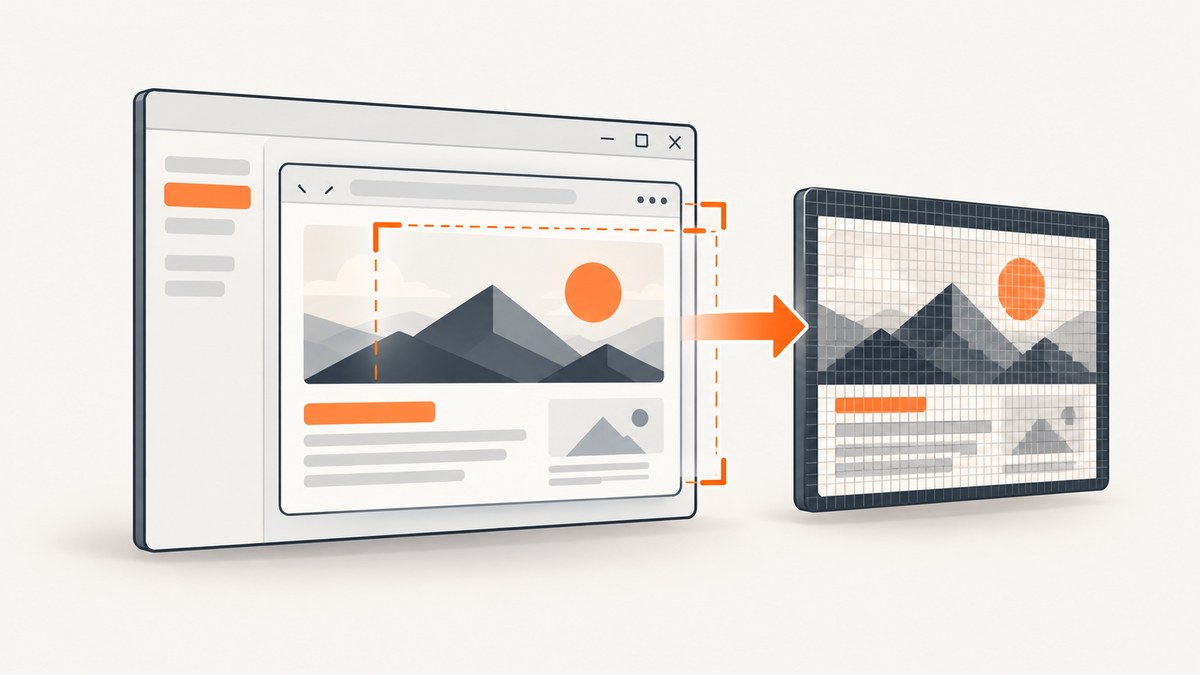
Short answer: do not rely on WebBrowser.DrawToBitmap. Microsoft documents WebBrowserBase.DrawToBitmap as unsupported: “This method is not supported by this control.” For a legacy Windows Forms WebBrowser, capture the control’s native device context with Win32 BitBlt after navigation and layout have settled. For new applications, evaluate WebView2; Microsoft recommends it instead of the legacy control (WebBrowser documentation).
Why DrawToBitmap returns a blank or incomplete image
Control.DrawToBitmap is a general WinForms API, but its control-specific limitations still apply. The current WinForms source says: “DrawToBitmap doesn’t work for this control, so we should hide it.” The legacy control hosts an ActiveX browser window, so normal managed painting is not a dependable screenshot path.
A native device-context copy is a practical fallback for the visible client area. It still depends on the rendering mode and environment. Test pages containing video, plugins, accelerated surfaces, child windows, or unusual DPI settings in the exact deployment environment.
Capture the WebBrowser with BitBlt
1. Add the interop code
using System;
using System.Drawing;
using System.Drawing.Imaging;
using System.Runtime.InteropServices;
using System.Windows.Forms;

public static class WebBrowserCapture
{
    private const int SRCCOPY = 0x00CC0020;

    [DllImport("user32.dll")]
    private static extern IntPtr GetDC(IntPtr hWnd);

    [DllImport("user32.dll")]
    private static extern int ReleaseDC(IntPtr hWnd, IntPtr hDC);

    [DllImport("user32.dll")]
    private static extern bool GetClientRect(IntPtr hWnd, out RECT rect);

    [DllImport("gdi32.dll")]
    private static extern IntPtr CreateCompatibleDC(IntPtr hdc);

    [DllImport("gdi32.dll")]
    private static extern bool DeleteDC(IntPtr hdc);

    [DllImport("gdi32.dll")]
    private static extern IntPtr CreateCompatibleBitmap(IntPtr hdc, int width, int height);

    [DllImport("gdi32.dll")]
    private static extern IntPtr SelectObject(IntPtr hdc, IntPtr hgdiobj);

    [DllImport("gdi32.dll")]
    private static extern bool DeleteObject(IntPtr hObject);

    [DllImport("gdi32.dll")]
    private static extern bool BitBlt(
        IntPtr hdcDest, int xDest, int yDest, int width, int height,
        IntPtr hdcSrc, int xSrc, int ySrc, int rasterOperation);

    [StructLayout(LayoutKind.Sequential)]
    private struct RECT
    {
        public int Left;
        public int Top;
        public int Right;
        public int Bottom;
    }

    // Call this on the WebBrowser control's UI thread.
    public static Bitmap Capture(WebBrowser browser)
    {
        if (browser == null) throw new ArgumentNullException(nameof(browser));
        if (!browser.IsHandleCreated)
            throw new InvalidOperationException("The WebBrowser handle is not created.");
        if (!GetClientRect(browser.Handle, out var rect))
            throw new InvalidOperationException("Could not read the browser client rectangle.");

        int width = rect.Right - rect.Left;
        int height = rect.Bottom - rect.Top;
        if (width <= 0 || height <= 0)
            throw new InvalidOperationException("The browser has no capture area.");

        IntPtr sourceDc = GetDC(browser.Handle);
        if (sourceDc == IntPtr.Zero) throw new InvalidOperationException("GetDC failed.");

        IntPtr memoryDc = IntPtr.Zero;
        IntPtr hBitmap = IntPtr.Zero;
        IntPtr oldObject = IntPtr.Zero;
        try
        {
            memoryDc = CreateCompatibleDC(sourceDc);
            if (memoryDc == IntPtr.Zero) throw new InvalidOperationException("CreateCompatibleDC failed.");
            hBitmap = CreateCompatibleBitmap(sourceDc, width, height);
            if (hBitmap == IntPtr.Zero) throw new InvalidOperationException("CreateCompatibleBitmap failed.");
            oldObject = SelectObject(memoryDc, hBitmap);
            if (oldObject == IntPtr.Zero) throw new InvalidOperationException("SelectObject failed.");
            if (!BitBlt(memoryDc, 0, 0, width, height, sourceDc, 0, 0, SRCCOPY))
                throw new InvalidOperationException("BitBlt failed.");

            // Clone the native bitmap before releasing the selected GDI object.
            using var temporary = Image.FromHbitmap(hBitmap);
            return new Bitmap(temporary);
        }
        finally
        {
            if (oldObject != IntPtr.Zero && memoryDc != IntPtr.Zero)
                SelectObject(memoryDc, oldObject);
            if (hBitmap != IntPtr.Zero) DeleteObject(hBitmap);
            if (memoryDc != IntPtr.Zero) DeleteDC(memoryDc);
            ReleaseDC(browser.Handle, sourceDc);
        }
    }
}
The returned bitmap is the client area at the control’s current pixel size. Save it as PNG, JPEG, or another format:
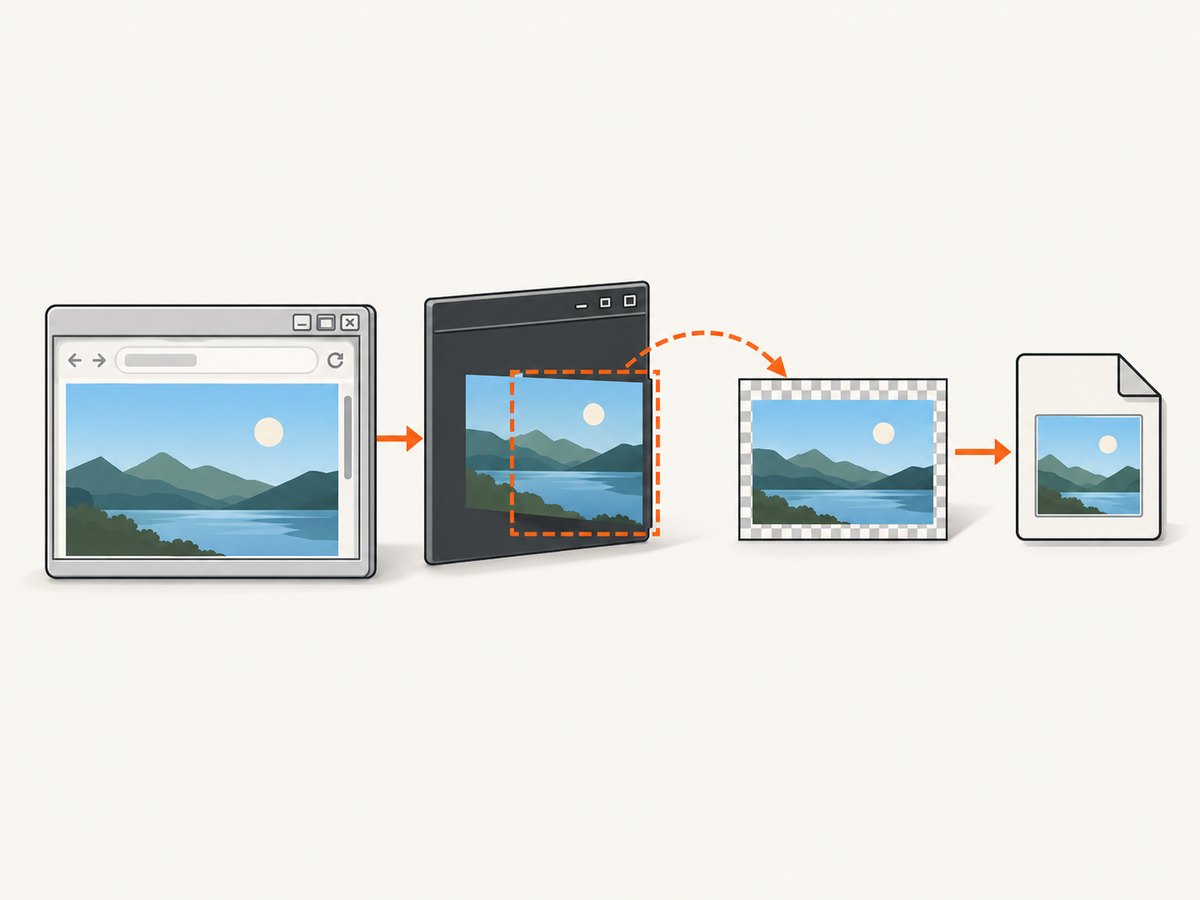
using (Bitmap image = WebBrowserCapture.Capture(webBrowser1))
{
    image.Save("browser-shot.png", ImageFormat.Png);
}
2. Capture only after rendering settles
DocumentCompleted indicates that navigation completed, but scripts can continue changing the DOM and layout. Capture on the UI thread, then allow a short application-specific delay when the page performs post-load work.
private async void webBrowser1_DocumentCompleted(
    object sender, WebBrowserDocumentCompletedEventArgs e)
{
    if (e.Url != webBrowser1.Url) return; // Ignore frame navigations.

    await Task.Delay(250); // Tune for the page; this is not a universal guarantee.
    webBrowser1.PerformLayout();

    using (Bitmap image = WebBrowserCapture.Capture(webBrowser1))
        image.Save("browser-shot.png", ImageFormat.Png);
}
If JavaScript changes the page after this point, wait for an application-specific signal (for example, a DOM element or your own script callback) instead of assuming a fixed delay is sufficient.
Capture choices and their limits
| Approach | Use it when | Limit |
|---|---|---|
DrawToBitmap |
Ordinary WinForms controls | Unsupported for WebBrowserBase |
BitBlt from the control DC |
Legacy WebBrowser visible client area | Rendering, occlusion, child surfaces and DPI require validation |
| WebView2 | New WinForms work | Requires migration and WebView2 runtime deployment |
| ScreenshotNeo API | Server-side or automation capture without embedding a browser | Requires an API key and network access |
BitBlt copies pixels available from the native window. It does not promise a complete off-screen, minimized, occluded, plugin-rendered, video, or GPU surface. The code captures the client area, not the non-client frame such as borders and title bars.
DPI, sizing and full-page captures
- Capture using the control’s actual client rectangle rather than
WidthandHeight; borders and DPI scaling can differ. - Use a per-monitor-DPI-aware application when exact physical pixel dimensions matter, and validate on every target scaling factor.
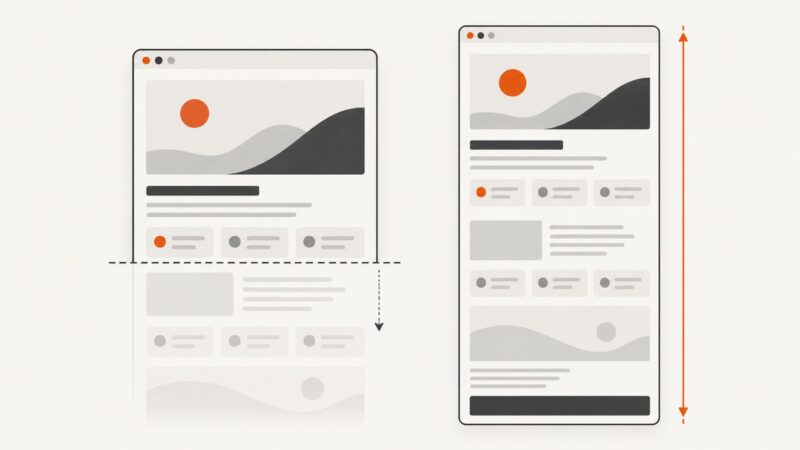
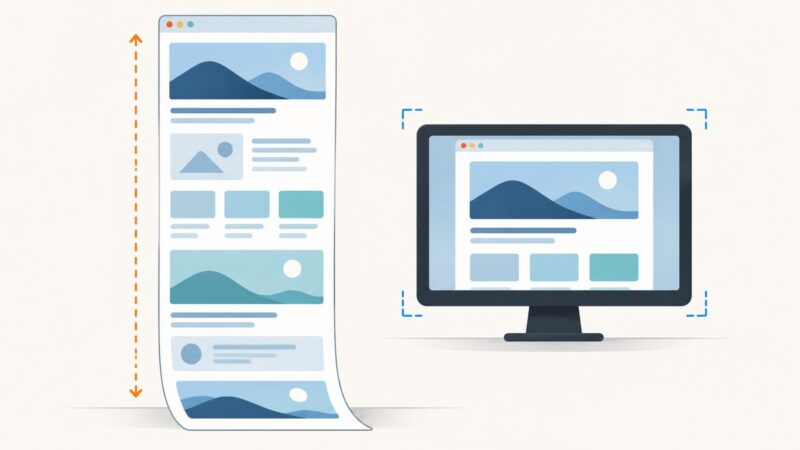
- Resize the control before navigation if you need a particular viewport. A viewport screenshot is not a full-page document capture.
- For a long page, scroll and stitch separate captures, or migrate to an automation/API approach that supports full-page capture. Stitching can duplicate sticky headers and produce seams.
- Large bitmaps consume width × height × 4 bytes or more. Dispose every
Bitmappromptly.
Threading and reliability checklist
- Create and use the
WebBrowseron its owning UI thread. - Wait for the final navigation and any known asynchronous page work.
- Ensure the control has a non-zero size and a created handle.
- Keep the form alive while capturing; do not dispose or navigate the control concurrently.
- Save or encode the bitmap before disposing it.
- Log the URL, dimensions, DPI mode and exception when a capture fails.
- Run representative tests for redirects, frames, authentication, slow resources, popups, video and occluded windows.
Troubleshooting
| Symptom | Cause | Fix |
|---|---|---|
Blank image from DrawToBitmap |
The control does not support that method | Use native DC capture or WebView2 |
| Blank or partially painted BitBlt result | Capture occurred before layout, or the window is hidden/occluded | Capture after rendering settles; keep the control visible and test the target environment |
GetDC or BitBlt fails |
Invalid handle, zero size, or native resource failure | Check IsHandleCreated, dimensions, disposal and GDI resource usage |
| Only part of the page appears | The client viewport is smaller than the document | Resize and capture, scroll-and-stitch, or use a full-page-capable service |
| Text or edges look scaled | DPI virtualization or mixed scaling modes | Use consistent DPI awareness and validate on the deployment monitors |
| Video/plugin area is black | Separate or accelerated rendering surface | Treat it as an environment-specific limitation; test WebView2 or another capture path |
| Multiple screenshots leak memory | Bitmaps or GDI handles were not released | Use using, dispose images, and restore the selected GDI object |
Or skip the browser setup
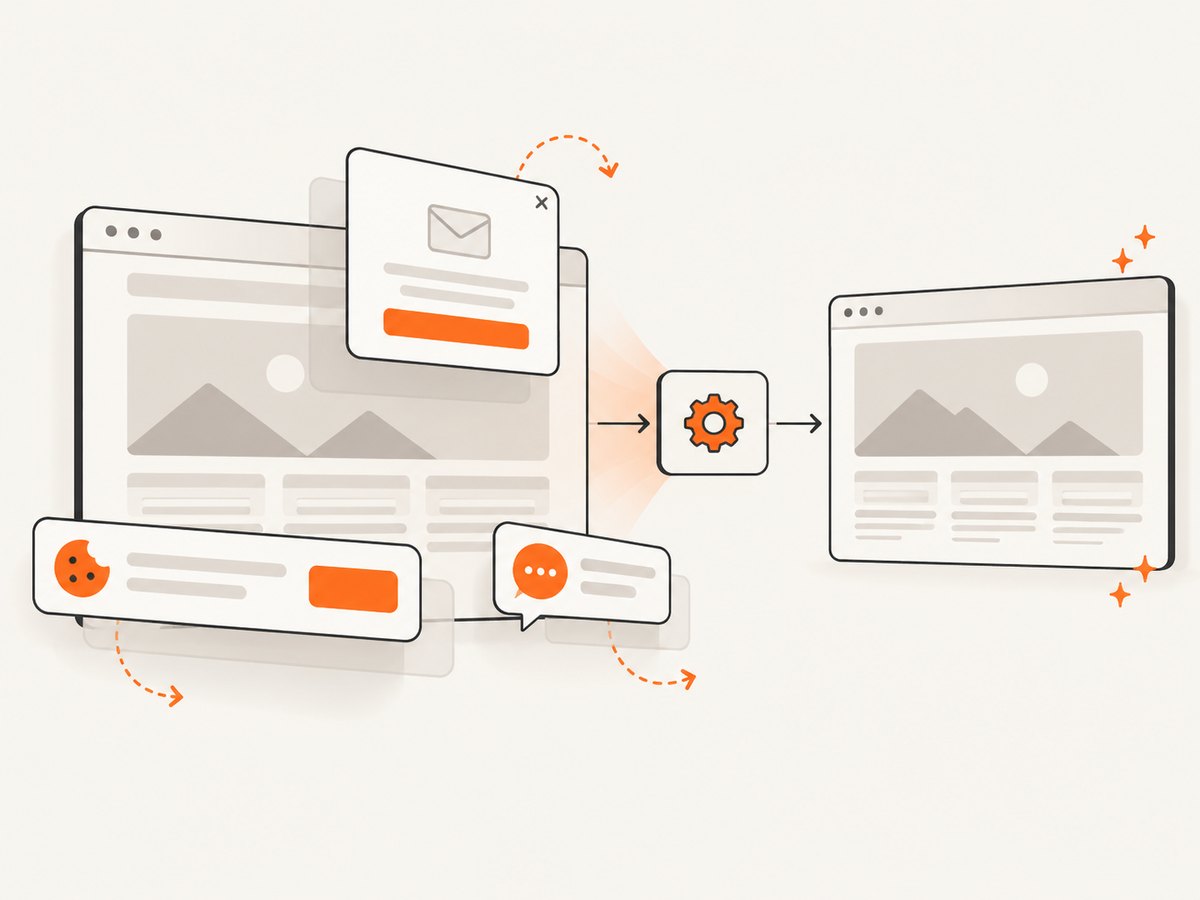
If your goal is a URL screenshot rather than pixels from an on-screen WinForms control, ScreenshotNeo provides a single GET request. Its cleaning steps accept cookie or consent banners and remove more than 60 known consent platforms, newsletter popups and chat widgets before capture; each step can be disabled. Bot checks, blank pages, failed loads, timeouts and cache hits are not billed, and the response identifies the result with X-Page-Verdict and X-Billed headers. It also provides an MCP server for Claude, Cursor and other MCP clients, with take_screenshot, get_page_info and capture_pdf.
See the ScreenshotNeo API documentation for all options.
cURL
curl -G "https://api.screenshotneo.com/v1/shot" -d access_key=YOUR_API_KEY --data-urlencode url=https://stripe.com -o shot.webpPython
import requests

r = requests.get(
    "https://api.screenshotneo.com/v1/shot",
    params={"access_key": "YOUR_API_KEY", "url": "https://stripe.com"},
    timeout=90,
)
r.raise_for_status()
open("shot.webp", "wb").write(r.content)
Node.js
const q = new URLSearchParams({ access_key: 'YOUR_API_KEY', url: 'https://stripe.com' });
const res = await fetch(`https://api.screenshotneo.com/v1/shot?${q}`);
if (!res.ok) throw new Error(`HTTP ${res.status}`);
require('fs').writeFileSync('shot.webp', Buffer.from(await res.arrayBuffer()));
The Free plan includes 1,000 screenshots per month with no card. Paid plans start at $5 for 3,000 screenshots; every feature is included on every plan. Create a free ScreenshotNeo account.
Performance, reliability and cost
- Desktop capture: BitBlt is a local pixel copy, but page loading and rendering dominate elapsed time. Avoid capturing repeatedly on every paint event.
- Resource usage: large images increase memory and GDI handle pressure. Reuse a sensible viewport and dispose each bitmap.
- Reliability: navigation timing, redirects, network failures and window visibility affect results. Record failures and retry only operations that are safe to repeat.
- API cost: ScreenshotNeo bills only clean shots. Cache hits and failed or unusable results are not billed, and you can choose a cache TTL. Check
X-BilledandX-Page-Verdictfor each response.
FAQ
Can I make DrawToBitmap work by calling it later?
No. Waiting can solve a timing problem, but it does not remove the control-specific unsupported limitation.
Does BitBlt capture a minimized WebBrowser?
Do not assume it does. The cited guidance does not guarantee minimized, occluded or off-screen capture; validate your exact Windows and rendering configuration.
Should a new project still use WebBrowser?
Microsoft recommends WebView2 for new Windows Forms projects. Keep WebBrowser when compatibility with an existing application requires it, and plan a migration when practical.
Can this code capture the browser frame and scrollbars?
No. It captures the client area. Use a window DC and different bounds only if you deliberately need non-client pixels, and account for borders and DPI.
Is ScreenshotNeo a replacement for capturing an existing control?
No. It captures a URL remotely. Use it when you need a rendered webpage image without maintaining a desktop browser control.