BlogScreenshots on your device
How to Capture a Window Screenshot as Fast as Possible
Capture one window quickly on Windows, macOS, or GNOME with the right shortcut, then troubleshoot common screenshot problems.
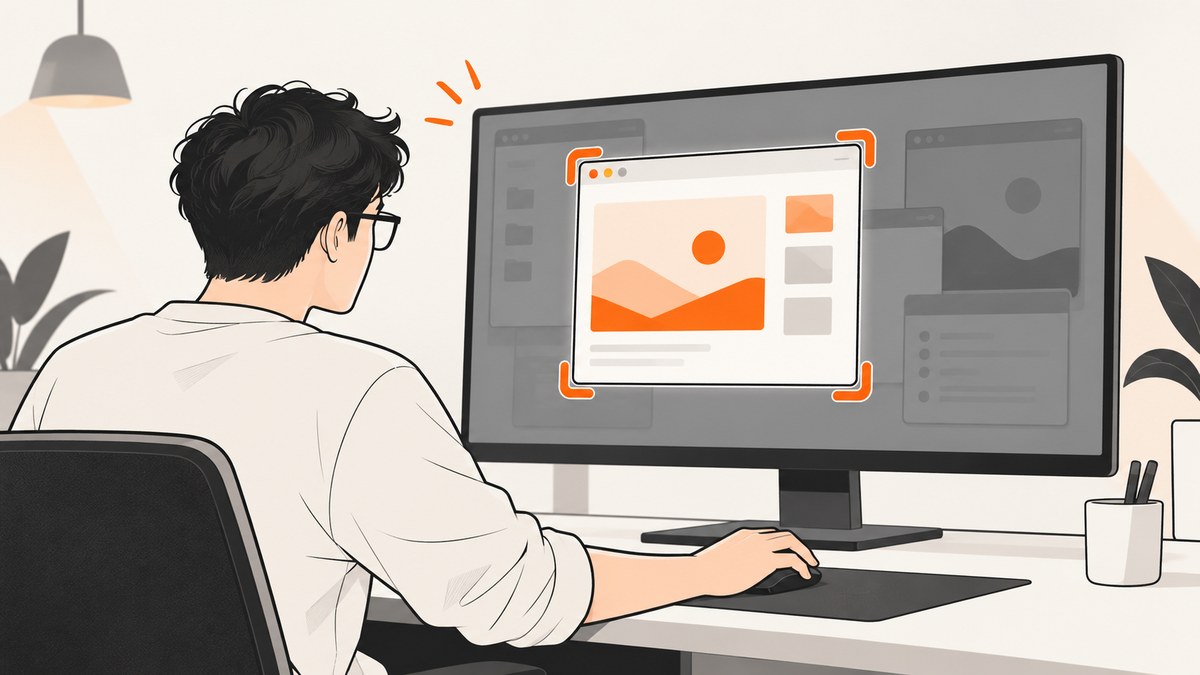
Fastest answer: use your operating system’s window shortcut. On Windows, press Alt+PrtScn to copy the active window to the clipboard. On macOS, press Shift-Command-4, then Space, then click the window. In GNOME, press Alt+Prnt Scrn. These are documented defaults; custom keyboard settings, laptop layouts, and desktop versions can change them.
1. Choose the fastest method
| System | Shortcut | What it captures | Where it goes |
|---|---|---|---|
| Windows | Alt+PrtScn | Active window | Clipboard |
| Windows Snipping Tool | Windows+Shift+S, then Window | A window you select | Snipping Tool overlay; copy or save |
| macOS | Shift-Command-4, Space, click | Window under the pointer | Screenshot file |
| GNOME | Alt+Prnt Scrn | Window | Desktop screenshot workflow; output depends on settings |
There is no universal shortcut across desktop systems. Use the direct shortcut when the target is already focused; use the selection tool when you need to choose a particular window.
2. Windows: capture the active window
- Click the window you want so it is active.
- Press Alt+PrtScn. Windows copies an image of the active window to the clipboard. Microsoft documents this shortcut.
- Open Paint, Word, an issue tracker, or another destination and press Ctrl+V.
This is normally the fewest-input path because it does not open a chooser or require a save dialog.
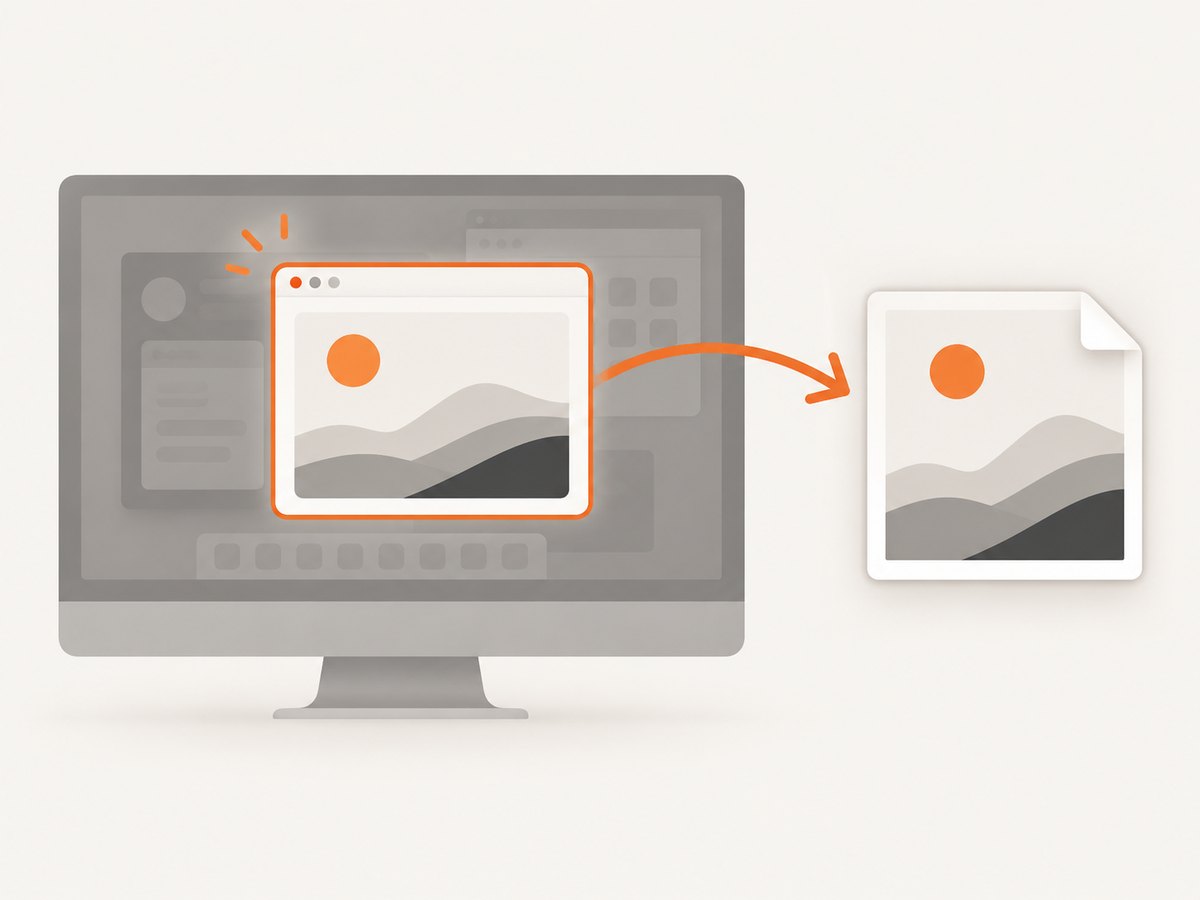
Select a specific window with Snipping Tool
- Press Windows+Shift+S.
- Choose Window mode in the snipping toolbar.
- Click the target window.
- Press Ctrl+C to copy it, or Ctrl+S to save it.
This method is useful when several windows overlap or the window you need is not active. See Microsoft’s Snipping Tool instructions.
3. macOS: capture one window
- Bring the target window to the front.
- Press and release Shift-Command-4.
- Press and release Space. The pointer changes to a camera.
- Move the camera over the window and click.
macOS saves the screenshot using the system’s normal screenshot destination. Hold Option while clicking if you want to exclude the window shadow. Apple describes this sequence in Take a screenshot on Mac. Some applications, including Apple TV, may block window screenshots.
4. GNOME: capture a window
Press Alt+Prnt Scrn. GNOME lists this as the window screenshot shortcut in its keyboard-shortcut reference.
GNOME shortcuts can be customized, and keyboards may label the key as Print Screen, PrtSc, or another abbreviation. If the shortcut does nothing, open your desktop’s keyboard settings and search for “screenshot” or “window screenshot.”
5. Make the capture faster and cleaner
- Focus first: click the window before using an active-window shortcut.
- Close transient UI: dismiss menus, tooltips, notifications, and hover states unless they are part of the evidence.
- Use a selection workflow for overlapping windows: Snipping Tool’s Window mode and macOS’s camera pointer avoid capturing the wrong window.
- Keep the destination ready: have the ticket, document, or editor open so a clipboard capture can be pasted immediately.
- Check scaling: high-DPI displays can produce larger images than expected. Resize only after preserving the original.
- Protect sensitive data: hide passwords, tokens, private messages, and customer information before capturing.
6. Troubleshooting
Alt+PrtScn captures the whole screen
Make sure you pressed Alt at the same time and that the target window was active. On some laptops, the Print Screen key requires Fn, so try Fn+Alt+PrtScn or inspect the keyboard’s function-row setting.
Nothing appears after a Windows capture
Alt+PrtScn copies to the clipboard; it does not necessarily create a file. Paste with Ctrl+V into an image-capable application. Use Snipping Tool if you want an explicit save action.
Windows+Shift+S opens, but Window mode is missing
Update or open Snipping Tool and check the capture-mode controls. If organizational policy or an older Windows build changes the interface, use Alt+PrtScn for the active window.
The macOS camera pointer does not select the window
Repeat the sequence in order: Shift-Command-4, then Space, then click. Some apps restrict screenshots; Apple specifically notes that applications such as Apple TV may not allow them.
The macOS screenshot includes a shadow
Hold Option while clicking the window to exclude its shadow.
GNOME uses a different shortcut
Your desktop may have customized bindings. Open keyboard settings, find the screenshot actions, and restore or assign the window-capture shortcut. Other Linux desktops, such as KDE Plasma or Xfce, can use different defaults.
The screenshot is blank or black
Protected video, remote-desktop surfaces, hardware overlays, and application security policies can prevent pixels from being captured. Try the application’s own export function or capture a non-protected region.
The wrong monitor or window is captured
Activate the intended window immediately before the shortcut. For multi-monitor setups, use a selection tool when the active-window result is ambiguous.
7. Browser and automated captures
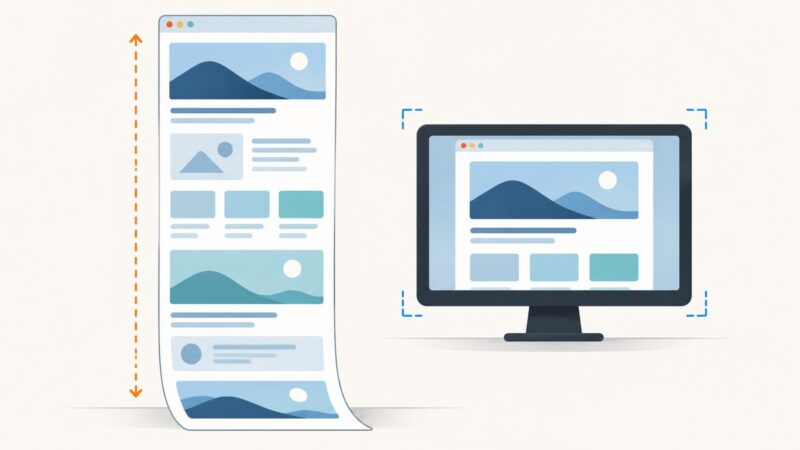
Desktop shortcuts capture what is visible on your computer. For a repeatable screenshot of a web page, you need a browser automation workflow or an API. Automation can set a viewport, wait for content, handle lazy-loaded images, and capture an element or full page, but it also introduces browser setup, timing, consent banners, popups, and anti-bot behavior.
8. Or skip the browser setup
ScreenshotNeo provides a website screenshot API and MCP server. Send one GET request with a URL to receive a PNG, JPEG, WebP, or PDF. The API documentation lists all options.

cURL
curl -G "https://api.screenshotneo.com/v1/shot" -d access_key=YOUR_API_KEY --data-urlencode url=https://stripe.com -o shot.webpPython
import requests
r = requests.get("https://api.screenshotneo.com/v1/shot", params={"access_key": "YOUR_API_KEY", "url": "https://stripe.com"}, timeout=90)
open("shot.webp", "wb").write(r.content)
Node.js
const q = new URLSearchParams({ access_key: 'YOUR_API_KEY', url: 'https://stripe.com' });
const res = await fetch(`https://api.screenshotneo.com/v1/shot?${q}`);
Before capture, ScreenshotNeo accepts cookie and consent banners and removes more than 60 known consent platforms, newsletter popups, and chat widgets; each cleanup step can be turned off. Bot checks, CAPTCHAs, blank pages, timeouts, failed loads, and cache hits are not billed, and the response identifies the result with X-Page-Verdict and X-Billed headers. Its MCP server exposes take_screenshot, get_page_info, and capture_pdf for Claude, Cursor, and other MCP clients.
9. Performance, reliability, and cost notes
- Local shortcuts: fastest for a one-off visible window and do not require a network request.
- Repeatability: an API is better for scheduled, multi-URL, or CI captures because options can be stored with the request.
- ScreenshotNeo controls: full-page capture with lazy-image loading, CSS-element capture, device presets, custom viewports, retina scale, waits for selectors or network idle, custom CSS and JavaScript, click actions, hidden selectors, request and resource blocking, headers, cookies, user agents, authorization, timezone, geolocation, transparent backgrounds, resizing, TTL caching, signed links, asynchronous jobs with signed webhooks, bulk capture for 100 URLs per call, a usage API, and an OpenAPI specification.
- Pricing: Free includes 1,000 shots per month with no card. Starter is $5 for 3,000; Growth $15 for 15,000; Pro $39 for 60,000; Scale $99 for 250,000; Business $249 for 1,000,000. Yearly billing gives two months free, and every feature is available on every plan.
10. FAQ
What is the single fastest shortcut?
For an already focused window, Windows Alt+PrtScn is the shortest documented action. macOS and GNOME require their platform-specific sequences.
Does Alt+PrtScn save a file?
Windows copies the active-window image to the clipboard. Paste it into an application or use Snipping Tool when you need a saved file.
Can I capture only a browser window?
Yes. Focus the browser and use the operating system’s active-window shortcut, or select it explicitly with the platform’s window capture tool.
Why use an API instead of a desktop shortcut?
Use an API when captures must run without a person, use consistent settings, process many URLs, or return a file from a remote job.
Create a free ScreenshotNeo account for 1,000 screenshots each month with no card, then automate captures when a local shortcut is no longer enough.