Screenshot APIs: Capture Any Website with One Request
Learn how screenshot APIs turn a URL into an image, handle dynamic pages, and compare options for reliable production capture.
Step-by-step guides to capturing the web: screenshots, full pages, elements, devices and more.
Learn how screenshot APIs turn a URL into an image, handle dynamic pages, and compare options for reliable production capture.
Learn how to retrieve YouTube video and channel metadata with the official Data API, estimate quota, handle captions, and stay within YouTube’s policies.
Learn how to track Bing rankings with Webmaster Tools, interpret average position, automate reporting, and separate organic rank from AI citation visibility.
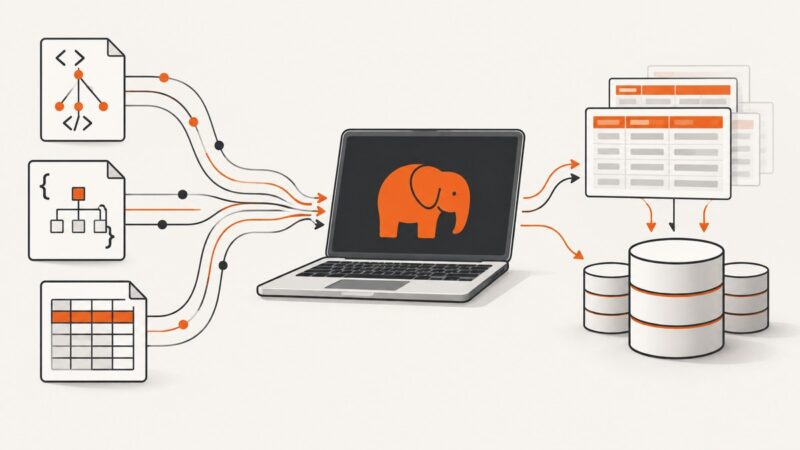
Choose the right PHP approach for XML, HTML, JSON, CSV, request input, or database rows—with runnable examples, validation guidance, and troubleshooting.
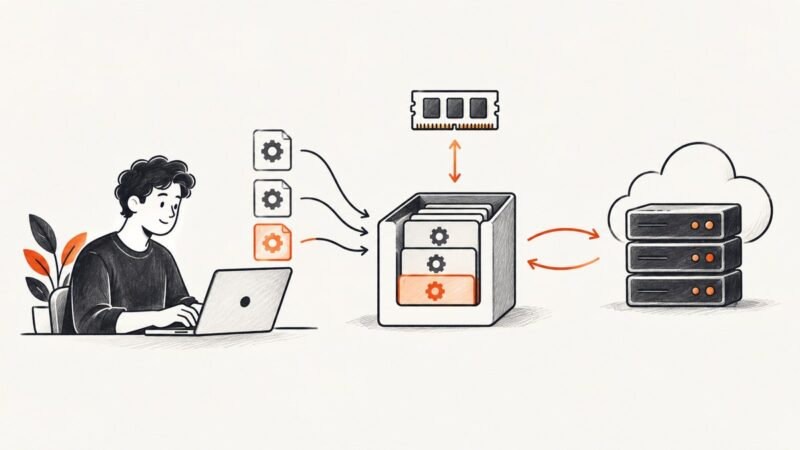
Learn when Python caching helps, how to use functools.lru_cache, Django and Redis, and how to handle keys, expiry, invalidation and stale data.
There is no compliant headless-browser method for scraping TikTok emails without written approval. Learn what TikTok’s API exposes and how to contact creators with consent.
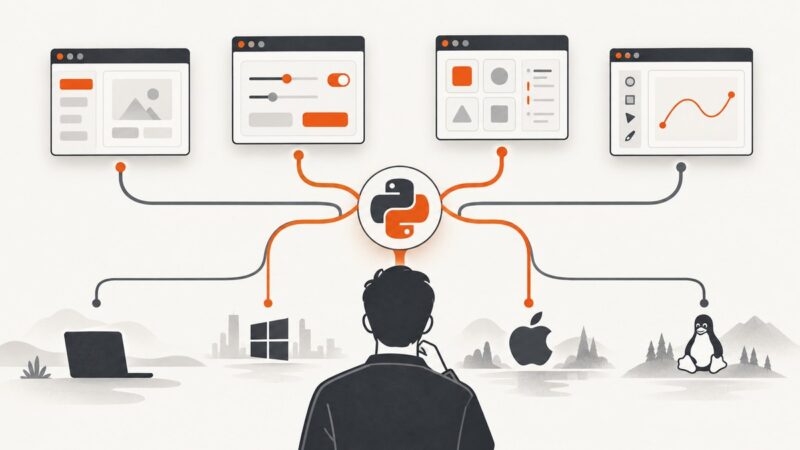
Choose a Python GUI toolkit by your app’s target platforms, interface needs, packaging plan, and license. Compare Tkinter, PySide6, wxPython, Kivy, and Flet.
Learn what cURL does in a scraping workflow, how to fetch and inspect HTTP responses, and when parsing or browser rendering calls for another tool.
Choose Chromium for Chrome and Edge, WebKit for Safari-like checks, and Firefox for Gecko. Learn how to capture reproducible screenshots across engines.
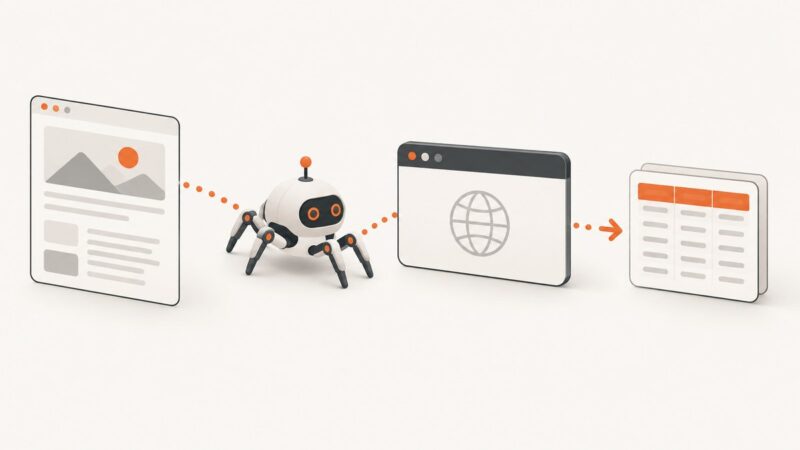
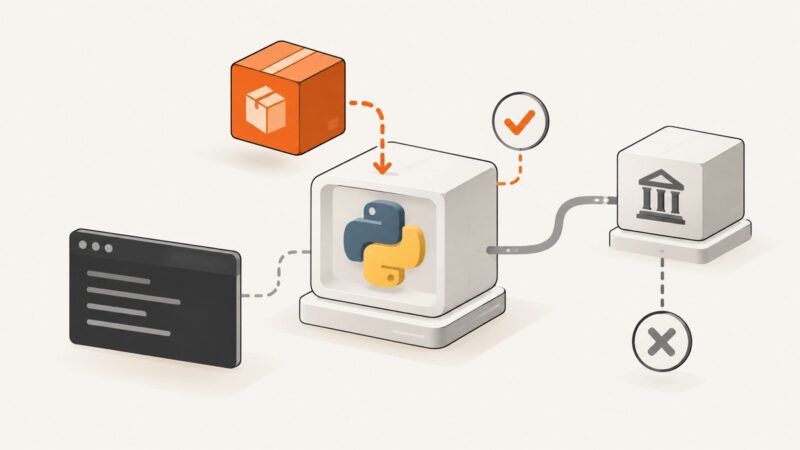
Install Crawlee, choose the right Python crawler, extract your first page, and find the results. Includes runnable examples and a screenshot option.
Capture dozens or thousands of web pages reliably with APIs, queues, retries, and a self-managed workflow. Compare limits, costs, and implementation choices.
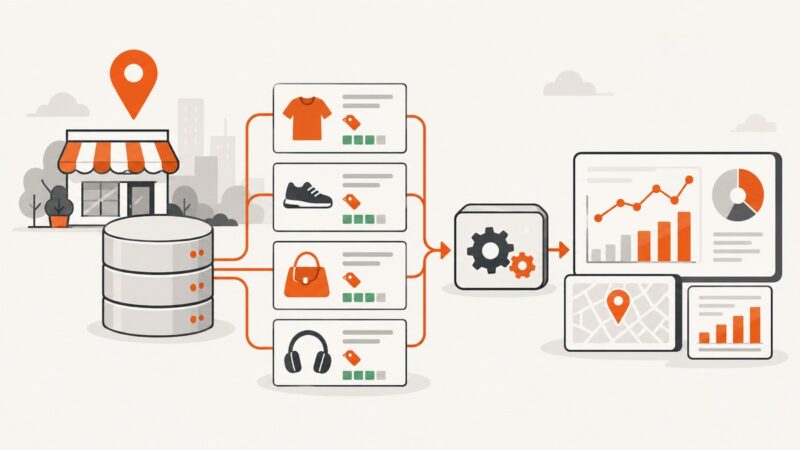
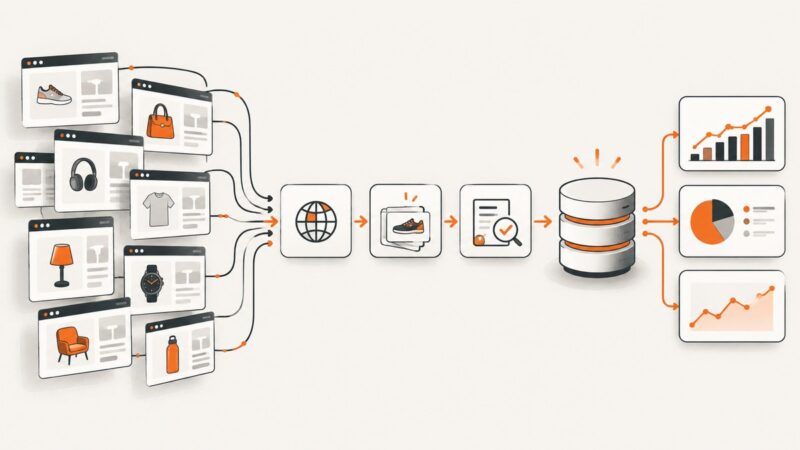
Turn web data into useful business intelligence with a scoped workflow, practical extraction code, validation steps, and clear legal and operational guardrails.
Requests is not included with Python. Learn how to install it, verify your environment, use urllib.request instead, and avoid common import errors.
Brand protection combines legal rights, product safeguards, monitoring and response. Learn how to build a practical program and avoid common pitfalls.
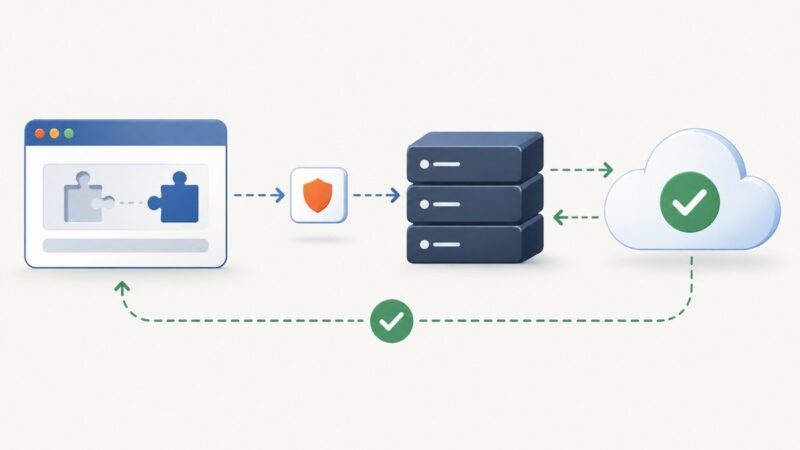
A CAPTCHA response is a short-lived token from a browser widget. Learn how to collect it, verify it on your server, handle failures, and protect the action it gates.
Capture, annotate, merge, compress, and automate screenshots and PDFs with practical Windows and browser workflows.
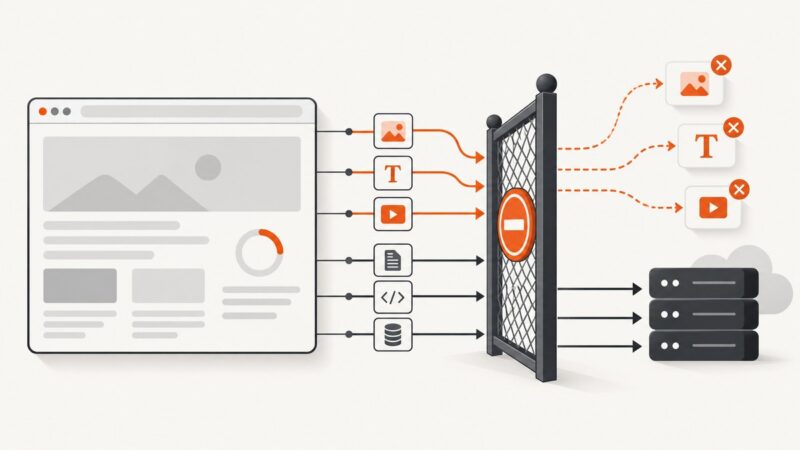
Use text/html for an HTML page, but label each captured resource and any archive record for what it actually contains.
Extract reliable data in C# from JSON, XML, CSV, Excel files, and HTTP APIs with typed models, streaming readers, validation, and error handling.