What the Chrome DevTools Protocol Screenshot Clip Scale Parameter Does
Page.captureScreenshot clip.scale is a page scale factor in DIP-based geometry—not a documented output-pixel formula or device scale factor.
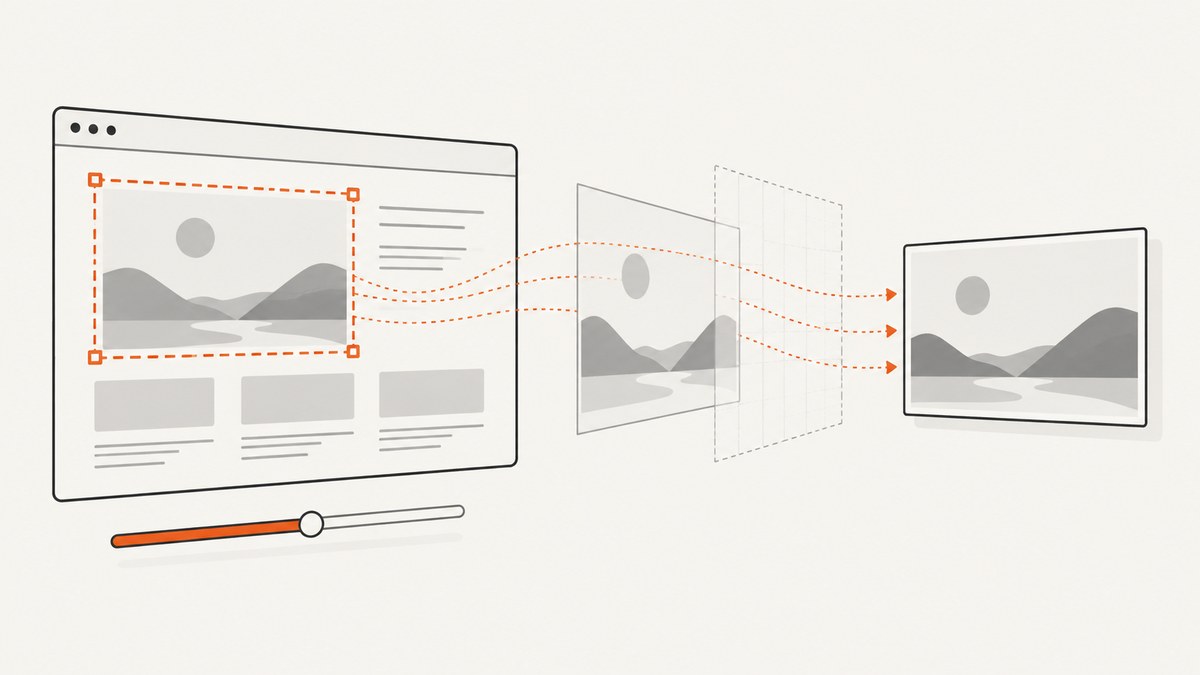
Short answer: In Chrome DevTools Protocol, Page.captureScreenshot accepts a clip object of type Page.Viewport. Its x, y, width, and height values are measured in device-independent pixels (DIP). The clip.scale field is documented only as the page scale factor. The current protocol reference does not define an equation that converts these values into final encoded-image pixel dimensions.
That means you should not assume that clip.scale is the device pixel ratio, an output-resolution multiplier, or an image-resizing instruction. Those are separate concepts unless the Chrome version you run documents or demonstrates otherwise.
What the protocol documents
Page.captureScreenshot captures a page screenshot and can restrict the capture to a region with clip. The clip value is a Page.Viewport object:
| Field | Documented meaning | Units or type |
|---|---|---|
x |
Left offset of the clip rectangle | DIP |
y |
Top offset of the clip rectangle | DIP |
width |
Clip rectangle width | DIP |
height |
Clip rectangle height | DIP |
scale |
Page scale factor | Number; no output-size formula is specified |
See the primary protocol definitions for Page.captureScreenshot and Page.Viewport.
What clip.scale does not establish
- It does not document a guaranteed final width or height in encoded image pixels.
- It is not documented as the device pixel ratio.
- It is not the same field as the scale used by
Emulation.setDeviceMetricsOverride. - It does not replace the screenshot’s encoding controls.
The screenshot method has separate format and quality parameters. format defaults to PNG and can be png, jpeg, or webp. quality is an integer from 0 to 100 for JPEG output. These controls affect encoding, while clip describes the capture region.
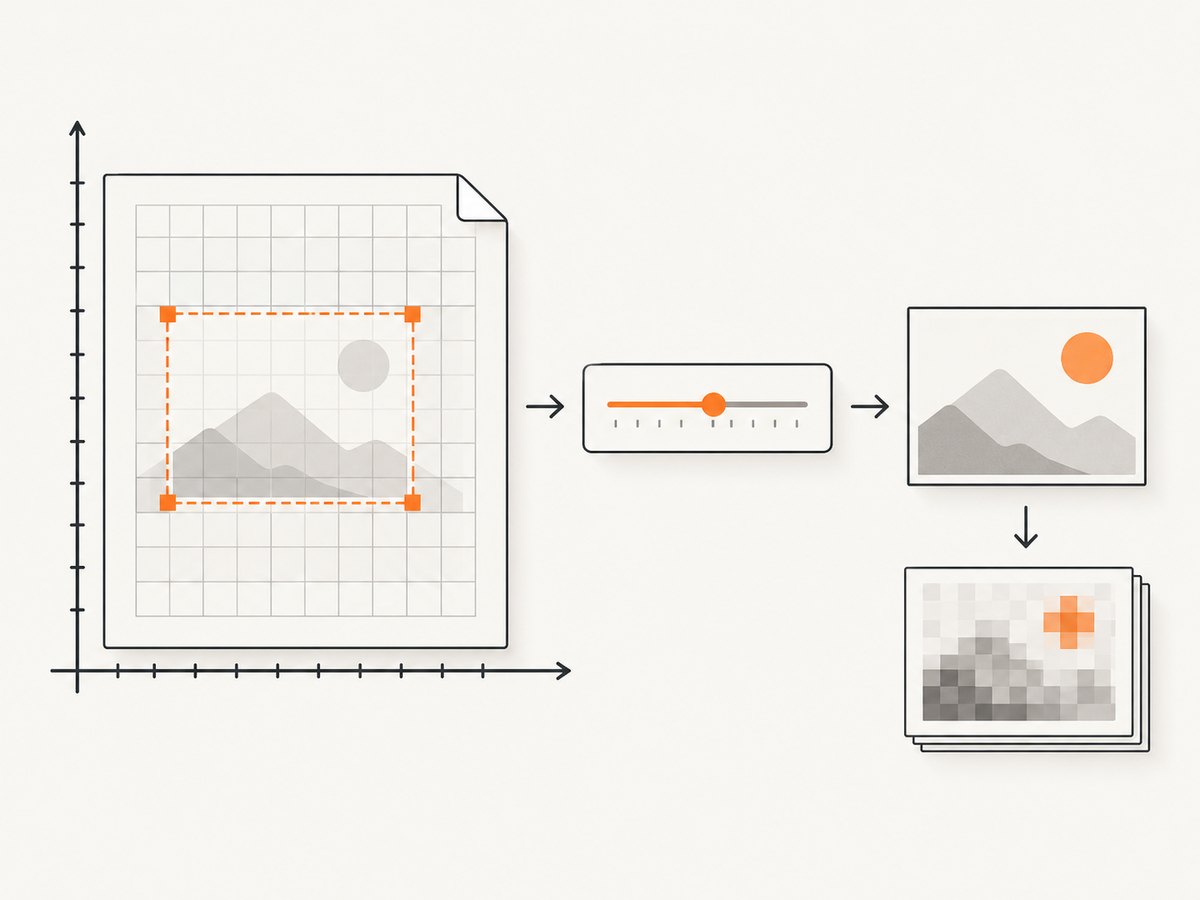
Clip geometry and encoding are separate
A reliable mental model is:
- Chrome lays out the page and resolves the clip rectangle in DIP.
- The protocol applies the page scale factor represented by
clip.scale. - The screenshot is encoded using
formatand, for JPEG,quality.
The reference stops short of specifying the exact rasterization formula between those stages. If your integration depends on exact image dimensions, pin the Chrome and DevTools Protocol versions and verify the behavior in your own reproducible test.
Runnable Node.js example with Chrome DevTools Protocol
Start Chrome with remote debugging enabled, for example on port 9222, then install the protocol client:
npm install chrome-remote-interfaceThis script navigates to a page and captures a clipped PNG. The example shows the field path and units; it does not assume an output-pixel equation.
const CDP = require('chrome-remote-interface');
const fs = require('node:fs');

(async () => {
  const client = await CDP({ port: 9222 });
  const { Page, Runtime } = client;
  await Page.enable();
  await Page.navigate({ url: 'https://example.com' });
  await Page.loadEventFired();
  await Runtime.evaluate({ expression: 'document.fonts.ready' , awaitPromise: true });

  const result = await Page.captureScreenshot({
    format: 'png',
    clip: {
      x: 0,
      y: 0,
      width: 800,
      height: 450,
      scale: 1
    }
  });

  fs.writeFileSync('clip.png', Buffer.from(result.data, 'base64'));
  await client.close();
})().catch(err => {
  console.error(err);
  process.exit(1);
});
Change format to jpeg or webp when supported by your Chrome build. Add quality only for JPEG:
const result = await Page.captureScreenshot({
  format: 'jpeg',
  quality: 85,
  clip: { x: 20, y: 100, width: 640, height: 360, scale: 1 }
});
Python example using the WebSocket endpoint
CDP commands are sent over the target’s WebSocket. Install dependencies:
pip install websocket-client requestsThe following example obtains a page target, sends commands, and writes the returned base64 image:
import base64
import json
import itertools
import requests
import websocket

TARGETS = requests.get('http://127.0.0.1:9222/json').json()
ws_url = next(t['webSocketDebuggerUrl'] for t in TARGETS if t.get('type') == 'page')
ws = websocket.create_connection(ws_url)
ids = itertools.count(1)

def call(method, params=None):
    request_id = next(ids)
    ws.send(json.dumps({'id': request_id, 'method': method, 'params': params or {}}))
    while True:
        message = json.loads(ws.recv())
        if message.get('id') == request_id:
            if 'error' in message:
                raise RuntimeError(message['error'])
            return message.get('result', {})

call('Page.enable')
call('Page.navigate', {'url': 'https://example.com'})
result = call('Page.captureScreenshot', {
    'format': 'png',
    'clip': {'x': 0, 'y': 0, 'width': 800, 'height': 450, 'scale': 1}
})
with open('clip.png', 'wb') as image:
    image.write(base64.b64decode(result['data']))
ws.close()
Production code should wait for the page state your application requires rather than assuming that the load event means every image or font has finished rendering.
The similarly named emulation scale
Emulation.setDeviceMetricsOverride has its own scale property. The Emulation reference describes that value as “Scale to apply to resulting view image.” It belongs to device-metrics emulation, not to Page.Viewport.scale. Read the field path before interpreting a value:
Page.captureScreenshot→clip→Page.Viewport→scale: documented as the page scale factor.Emulation.setDeviceMetricsOverride→scale: documented as scaling the resulting view image.
Consult the Emulation method reference for the second field.
How to investigate exact dimensions
- Record the Chrome version and protocol version.
- Set a known clip rectangle in DIP and a known
clip.scale. - Capture PNG, JPEG, and WebP separately.
- Read the encoded file’s width and height with an image parser.
- Repeat at scale values such as 0.5, 1, and 2.
- Keep device metrics, browser window size, and page zoom constant.
This produces an implementation-specific result you can pin in CI. The protocol reference itself does not promise a universal conversion formula.
Common errors and fixes
| Symptom | Likely cause | Fix |
|---|---|---|
Invalid parameters for clip |
A required rectangle field is missing or has the wrong type. | Send numeric x, y, width, height, and a numeric scale. |
| Unexpected image dimensions | Assuming scale is a pixel multiplier. |
Treat the value as the documented page scale factor and verify the pinned Chrome version empirically. |
| Clip is blank or shifted | Coordinates are interpreted in DIP and may not match CSS pixels under your emulation setup. | Inspect the active device metrics and test with a visible marker at the expected coordinates. |
| JPEG quality has no effect | quality was used with PNG or WebP. |
Use format: 'jpeg'; quality is documented for JPEG. |
| Fonts or images are missing | The capture ran before the page finished rendering. | Wait for a selector, fonts, images, or an application-specific readiness signal. |
| Cannot connect to CDP | Chrome was not started with remote debugging, or the port is inaccessible. | Start Chrome with the debugging port, confirm http://127.0.0.1:9222/json, and select a page target. |
Performance, reliability, and cost notes
- Smaller clips generally reduce rasterization and transfer work, but the protocol reference gives no benchmark or guaranteed timing.
- PNG preserves lossless output and can be larger; JPEG quality trades fidelity for size; WebP is another encoding choice.
- Exact dimensions can vary with Chrome version, emulation settings, device scale, page zoom, and rendering timing. Pin versions for reproducible pipelines.
- For repeated captures, wait only for the readiness condition you need. Waiting for unnecessary network activity increases latency.
- Cache or deduplicate captures at the application layer when the source page and options are unchanged.
Or skip the browser setup
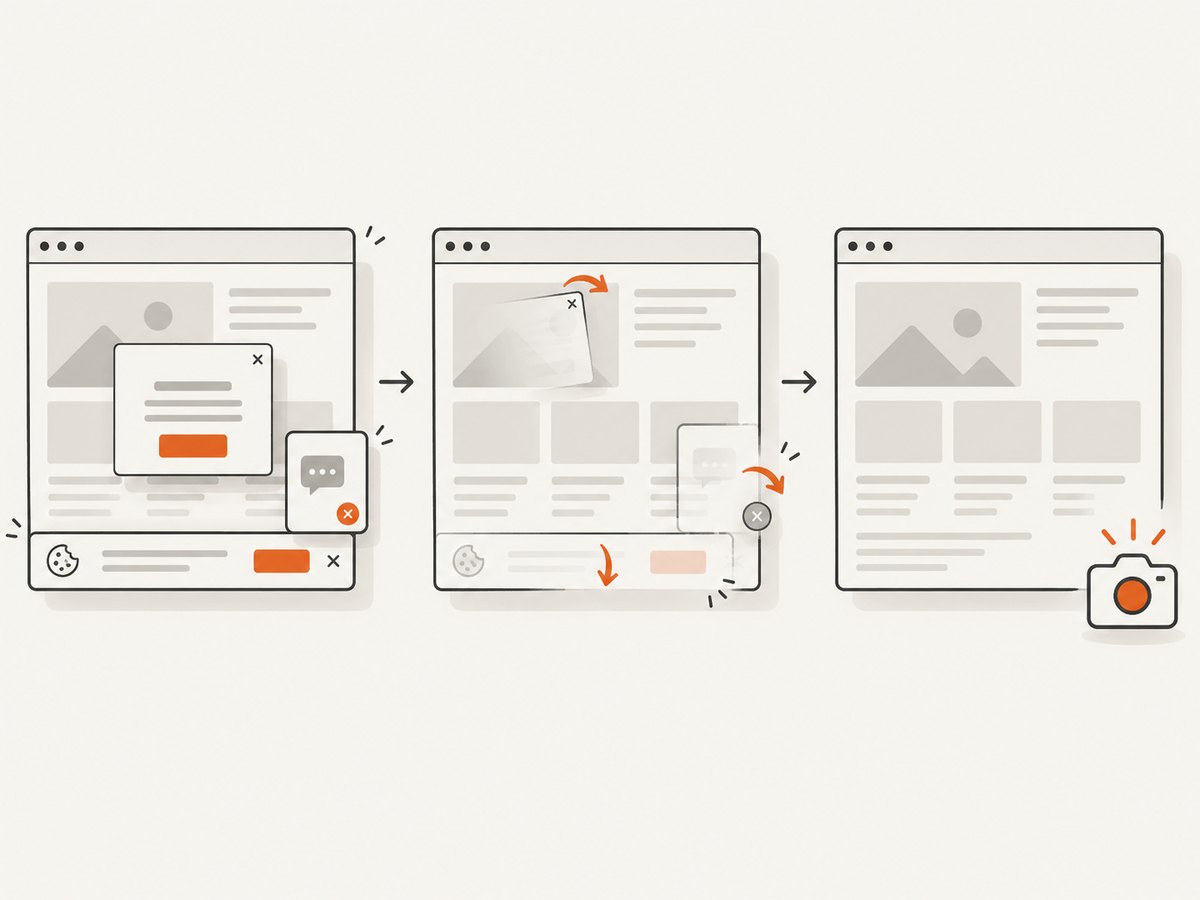
ScreenshotNeo provides a hosted screenshot API and MCP server. It accepts one GET request and returns PNG, JPEG, WebP, or PDF. Cookie banners, newsletter popups, and chat widgets are removed before the shot. Bot checks, blank pages, timeouts, failed loads, and cache hits are not billed, and the response identifies the result with X-Page-Verdict and X-Billed headers. Its MCP server includes take_screenshot, get_page_info, and capture_pdf tools for Claude, Cursor, and other MCP clients.
See the ScreenshotNeo API documentation for all options.
cURL
curl -G "https://api.screenshotneo.com/v1/shot" -d access_key=YOUR_API_KEY --data-urlencode url=https://stripe.com -o shot.webpPython
import requests
r = requests.get("https://api.screenshotneo.com/v1/shot", params={"access_key": "YOUR_API_KEY", "url": "https://stripe.com"}, timeout=90)
open("shot.webp", "wb").write(r.content)
Node.js
const q = new URLSearchParams({ access_key: 'YOUR_API_KEY', url: 'https://stripe.com' });
const res = await fetch(`https://api.screenshotneo.com/v1/shot?${q}`);
Every feature is available on every plan. The Free plan includes 1,000 screenshots per month with no card; paid plans start at $5 for 3,000. Create a free ScreenshotNeo account.
FAQ
Is clip.scale the device scale factor?
The protocol reference does not define it that way. It calls it the page scale factor. Device metrics and device scale are separate settings.
Can I calculate the output width as width × scale?
Do not rely on that equation from the field documentation alone. Verify the exact Chrome version and rendering configuration you deploy.
Which field controls JPEG compression?
Page.captureScreenshot.quality, used with format: 'jpeg', accepts an integer from 0 to 100.
Where can I inspect protocol commands interactively?
Chrome DevTools Protocol tooling, including Protocol Monitor, can submit commands and show their parameters. Use it to inspect the command structure, then pin and test the browser version used by your application.


