BlogScreenshots on your device
Why CDR File Thumbnails Are Not Showing and How to Fix Them
Fix missing CorelDRAW CDR thumbnails in Windows Explorer by checking associations, the shell extension, policies, cache, storage location, and the file itself.
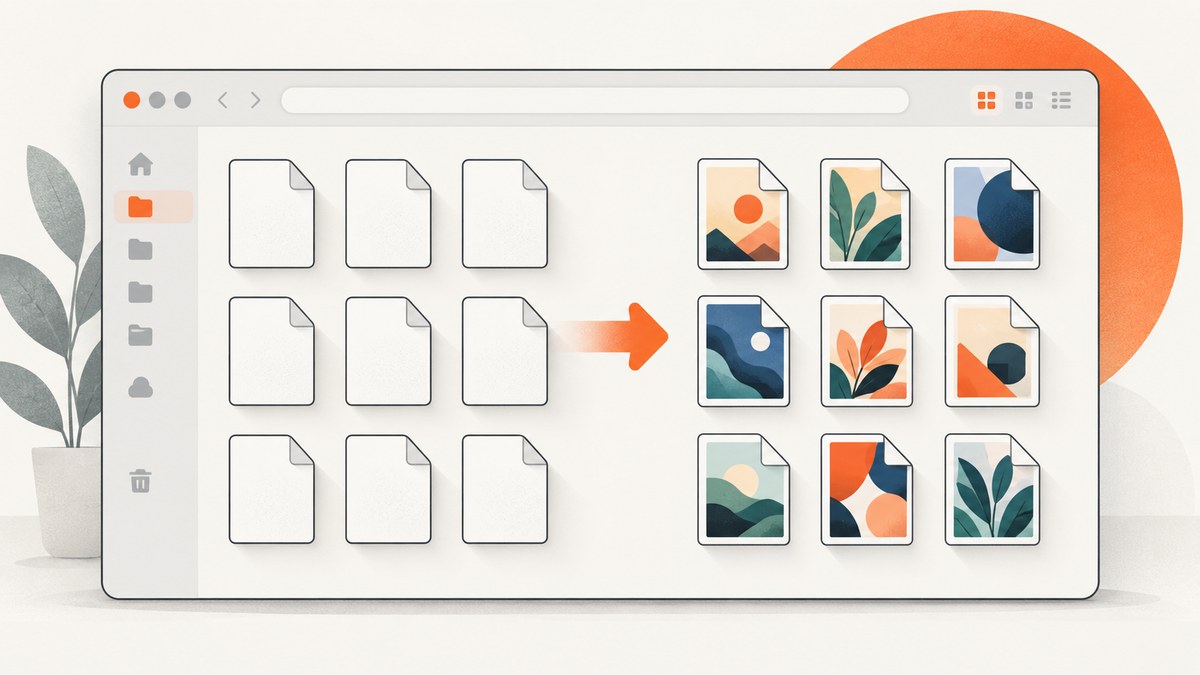
When Windows File Explorer shows a white page icon or a CorelDRAW application icon instead of a preview for a .cdr file, the problem can be in several different layers. CDR thumbnails depend on CorelDRAW’s Windows Shell Extension, the file association registered in Windows, Explorer’s thumbnail settings and cache, the folder location, and the individual file.
Use the scope of the failure to choose the quickest fix:
- Every CDR file is affected: check Explorer settings, the file association, and the Corel Graphics – Windows Shell Extension.
- Only files in one network or cloud folder are affected: check network-folder policies and whether files are available locally.
- Only one file is affected: the embedded thumbnail may be missing or corrupt; open and resave the file.
- Only old files are affected: test whether they predate CorelDRAW version 6 and resave them in a compatible version.
This guide follows the troubleshooting documented by Corel and Microsoft documentation for thumbnail providers and thumbnail policies.
1. Confirm that Explorer is configured to show thumbnails
Start with the least disruptive check. In the affected folder, select an icon view such as Large icons, Medium icons, or Extra large icons. List and Details views normally show file icons rather than a large visual preview.
Then check whether Windows is configured to display icons only:
- Open File Explorer and choose … (or View on older Windows versions), then select Options.
- Open the View tab.
- Make sure Always show icons, never thumbnails is cleared.
- Apply the change and reopen the folder.
On a managed computer, an administrator policy can override this preference. Microsoft documents a policy named Turn off the display of thumbnails and only display icons. If that policy is enabled, Explorer displays icons even when a thumbnail provider is installed. Ask your administrator to review the policy before changing registry or policy settings yourself.
Network folders have another limitation: Microsoft documents a policy whose default behavior is to show only icons for network folders. If local CDR files display correctly but files on a server do not, copy one file to a local folder and test it there. That separates a network policy or provider-access issue from a CorelDRAW installation problem.
2. Test the scope before changing software
Test at least three CDR files:

- A recent file that you know opens in CorelDRAW.
- A different file from the same folder.
- A file copied to a local folder such as Documents.
Record whether the preview is missing for all files, one file, only network files, or only older documents. This simple test prevents you from repairing CorelDRAW when the issue is only an Explorer policy or a damaged embedded thumbnail.
| What you observe | Most likely layer | Next action |
|---|---|---|
| All local CDR files show generic icons | Association, shell extension, or Explorer policy | Follow sections 3–5 |
| Local files work; network files do not | Network-folder policy, permissions, or offline availability | Test a local copy and review policy |
| One file fails | Missing or corrupt embedded thumbnail | Open and resave the file |
| Only very old files fail | Format compatibility | Open and resave in a current compatible version |
3. Reassociate the CDR extension with the intended CorelDRAW version
An incorrect association can produce a white icon or an application icon. This is common after installing a second CorelDRAW version: Windows’ UserChoice association can remain pointed at the older installation even after a newer version is installed. Corel specifically recommends checking the association rather than assuming the newest installation changed it.
- Right-click a
.cdrfile in File Explorer. - Choose Open with, then Choose another app.
- Select the CorelDRAW version you intend to use.
- Enable Always use this app to open .cdr files and confirm.
- Close and reopen the folder, or restart Explorer.
The exact labels vary by Windows release. The important result is that .cdr opens with the intended, currently installed CorelDRAW. If you have several versions side by side, repeat the check after upgrades or repairs.
Corel’s support article also lists related file types handled by the suite, including CDT, DES, FILL, CPT, CSL, and PAT. Those associations are separate from CDR, so fixing one extension does not automatically fix the others.
4. Install or repair Corel Graphics – Windows Shell Extension
Corel describes Corel Graphics – Windows Shell Extension as the component that lets Windows display the contents of Corel graphics files through thumbnails. CorelDRAW can open a file without this shell extension, so a working editor does not prove that the thumbnail component is present.
- Open Installed apps (or Programs and Features).
- Find the CorelDRAW suite entry and choose Modify, Change, or the equivalent installer option.
- Choose the feature-selection or utility step.
- Enable Corel Graphics – Windows Shell Extension under Utilities.
- Complete the installation and restart Windows.
If the shell extension is already installed, use the installer’s Repair path. Repair can restore a missing registration or damaged component without requiring you to remove your documents. Installer names and feature locations differ between CorelDRAW releases, so use the labels shown by your installed suite.
5. Clear the Windows thumbnail cache
Windows normally checks its thumbnail cache first. When there is no cached thumbnail, or when the file’s modification time is newer than the cached copy, Explorer can invoke the registered thumbnail provider. A stale or damaged cache can therefore make a correct installation look broken.
- Open Disk Cleanup.
- Select the Windows system drive.
- Check Thumbnails.
- Run cleanup.
- Restart Windows and return to the folder.
Cache clearing is a diagnostic step, not a guarantee. Microsoft notes that Explorer may choose not to display a thumbnail even when a provider is available. If every CDR file still shows an icon after a restart, return to the association and shell-extension checks.
6. Repair a single CDR file’s thumbnail
If most CDR files have previews and one does not, the Windows configuration is probably fine. Corel says the affected file may not contain an embedded thumbnail or that its thumbnail may be corrupted.

- Open the file in CorelDRAW.
- Check that the document renders normally.
- Use Save or Save As to write the file again.
- Close CorelDRAW, return to Explorer, and allow a moment for the preview to regenerate.
Use Save As to a new filename first if the document is important. If the file cannot open, the failure is no longer just a thumbnail problem; recover the document using your normal backup or Corel repair workflow.
7. Check old-file compatibility
Corel states that files older than CorelDRAW version 6 may not be recognized by the thumbnail workflow described in its support article. If only legacy files fail, open one in CorelDRAW and resave it in a compatible current format. Do not infer that Explorer is broken solely from a collection of very old files.
8. A repeatable troubleshooting checklist
- Switch to a Large, Medium, or Extra large icon view.
- Clear Always show icons, never thumbnails.
- Test several files and a local copy.
- Confirm the intended CorelDRAW association for
.cdr. - Confirm or repair Corel Graphics – Windows Shell Extension.
- Clear the Windows thumbnail cache and restart.
- Open and resave a file that alone remains affected.
- For old files, test compatibility with a current CorelDRAW version.
- For network folders, ask whether a policy forces icons-only behavior.
9. Common errors and what they mean
“The file opens, but Explorer still shows a white icon”
Opening proves the file association can launch CorelDRAW, but it does not prove the shell extension is installed. Check the shell extension feature and the Explorer icons-only setting.
“Reinstalling CorelDRAW changed nothing”
A reinstall may leave Windows’ UserChoice association unchanged. Explicitly choose the intended CorelDRAW version with Open with, then repair or enable the shell extension.
“Thumbnails work on my PC but not on a shared drive”
Test a local copy. Network-folder policy, permissions, offline files, or provider restrictions can affect previews independently of the local installation.
“Clearing the cache fixed some files but not one”
The remaining file may lack a valid embedded thumbnail or may use an old format. Open and resave it, then test again.
“Only icons appear on a company-managed computer”
An administrator policy may disable thumbnails. Provide the policy name to IT rather than bypassing managed settings.
10. If you need a visual reference outside Explorer
For documentation, asset catalogs, or a web page that needs a rendered image of a public URL, you can use a screenshot service instead of maintaining a browser automation setup. ScreenshotNeo is a website screenshot API and MCP server; it is not a repair for Windows Explorer’s CDR handler, but it can generate clean web captures for the surrounding documentation.
Or skip the browser setup
One GET request returns an image or PDF. See the ScreenshotNeo API documentation for the complete parameter reference.
curl -G "https://api.screenshotneo.com/v1/shot" -d access_key=YOUR_API_KEY --data-urlencode url=https://stripe.com -o shot.webpimport requests
r = requests.get("https://api.screenshotneo.com/v1/shot", params={"access_key": "YOUR_API_KEY", "url": "https://stripe.com"}, timeout=90)
open("shot.webp", "wb").write(r.content)const q = new URLSearchParams({ access_key: 'YOUR_API_KEY', url: 'https://stripe.com' });
const res = await fetch(`https://api.screenshotneo.com/v1/shot?${q}`);ScreenshotNeo accepts cookie and consent banners before capture and removes more than 60 known consent platforms, newsletter popups, and chat widgets; each step can be disabled. Bot checks, blank pages, timeouts, failed loads, and cache hits are not billed, and the response identifies the result with X-Page-Verdict and X-Billed headers. Its MCP server exposes take_screenshot, get_page_info, and capture_pdf for Claude, Cursor, and other MCP clients.
You can set full-page capture, lazy-image loading, an element CSS selector, dark mode, device presets or a custom viewport, retina scale, PDF paper size and margins, custom CSS and JavaScript, clicks, waits, request blocking, headers, cookies, user agents, authorization, timezone, geolocation, transparent backgrounds, resizing, caching TTL, signed links, asynchronous webhooks, bulk capture of up to 100 URLs, and usage reporting. The free plan includes 1,000 shots each month without a card; paid plans start at $5 for 3,000 shots. Create a free ScreenshotNeo account.
11. Performance, reliability, and cost considerations
For local Explorer troubleshooting, start with view and association checks because they are immediate and reversible. Installer modification and cache cleanup take longer and may require a restart. A network-folder test avoids spending time repairing a local installation when a policy is the actual cause.
For screenshot automation, reduce unnecessary work with a chosen viewport, selector capture, caching TTL, request blocking, and waits targeted to the content you need. Use asynchronous jobs and signed webhooks for large batches. ScreenshotNeo bills only clean shots, while failed loads and cache hits are free; review the verdict and billing headers when diagnosing a pipeline.
FAQ
Do I need CorelDRAW open for thumbnails to appear?
No. Explorer uses the installed shell extension. CorelDRAW only needs to be available for opening or resaving a problematic document.
Why does changing the default app sometimes help?
Windows stores a UserChoice association for each extension. Installing another CorelDRAW version does not always replace that stored choice.
Should I delete thumbnail-cache files manually?
Use Disk Cleanup’s Thumbnails option first. Manual deletion is unnecessary for the documented troubleshooting path.
Can a CDR file be valid while its thumbnail is missing?
Yes. A document can open normally while its embedded thumbnail is absent or corrupt.
Will ScreenshotNeo create a thumbnail for a local CDR file?
ScreenshotNeo captures web URLs. It does not replace CorelDRAW’s local CDR thumbnail provider. Use it for web pages and documentation assets around your design workflow.


