Why ChromeDriver Starts Multiple Chrome Processes and How to Fix It
Several Chrome processes are usually normal. Learn how ChromeDriver sessions work, find real leaks, and clean them up reliably with Selenium.
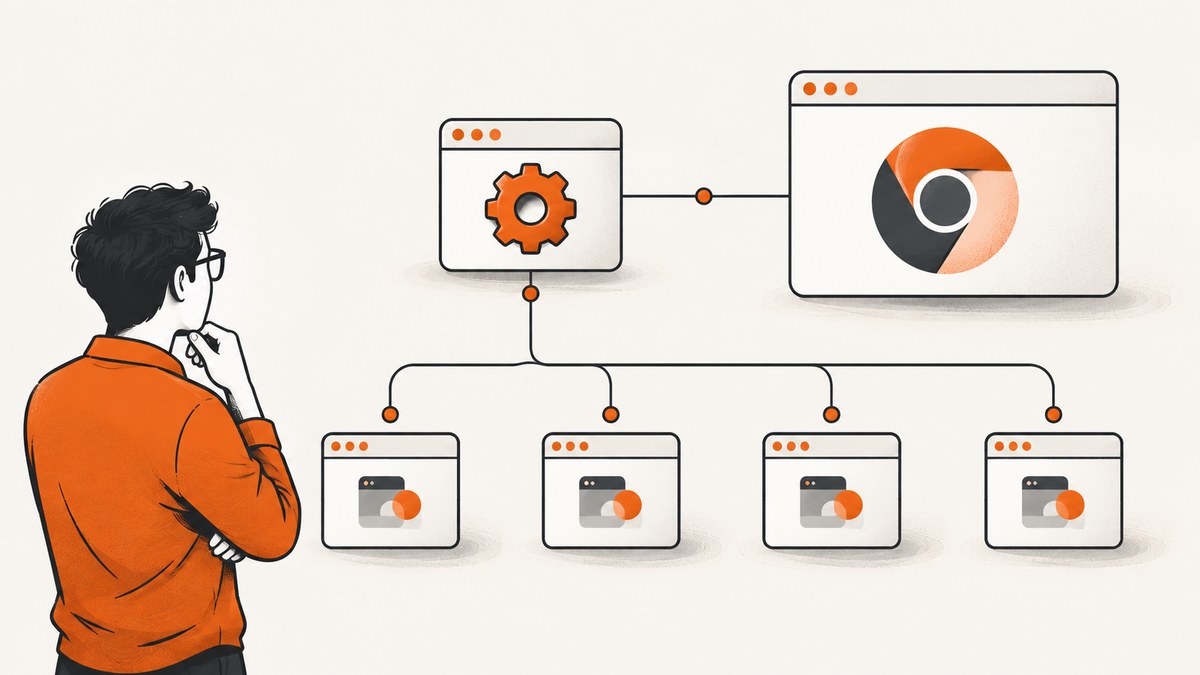
Short answer: ChromeDriver usually is not opening several duplicate browsers. Chrome is deliberately multi-process: one browser process coordinates renderer, GPU, utility, and service processes. The number changes with pages, frames, extensions, and activity. Treat extra entries as a leak only after you confirm that a WebDriver session has ended, inspect process ancestry, and find Chrome instances that remain after cleanup.
The most common fix is to call driver.quit() in teardown code, including failure paths. Selenium documents quit() as the whole-session shutdown; close() only closes the current window. Also inspect ChromeOptions for detach=true, check whether your test creates more than one driver, and distinguish ChromeDriver-launched sessions from browsers attached with debuggerAddress.
What the ChromeDriver process tree means
ChromeDriver is a WebDriver server executable. It accepts commands from Selenium or another WebDriver client and controls Chrome. Chrome itself has a separate browser process and child processes. Chromium separates work so a renderer failure does not necessarily take down the browser, and so components have narrower access to one another. This architecture is intentional and documented by the Chromium project.
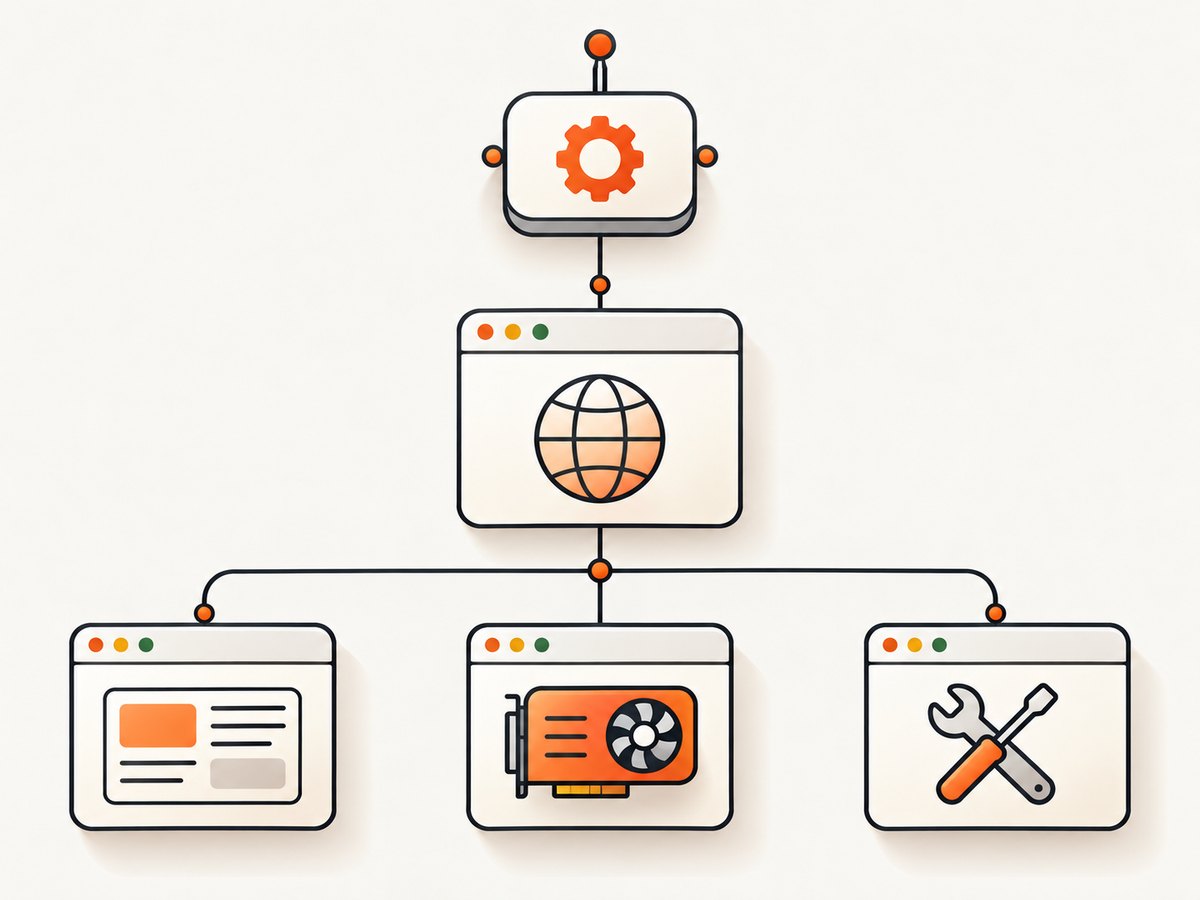
A typical session can therefore include:
- ChromeDriver: the WebDriver control server.
- Browser process: coordinates tabs, navigation, profiles, and browser services.
- Renderer processes: execute pages, frames, and site-isolated content.
- GPU process: handles graphics work when enabled.
- Utility and service processes: provide networking, storage, audio, and other services.
There is no universal “correct” Chrome process count. A single tab can have several processes, while additional tabs, cross-origin frames, workers, extensions, and media can add more. Headless mode hides the user interface; it does not turn Chrome into a single-process program.
For background, see the Chromium multi-process architecture and the ChromeDriver documentation.
How to tell normal processes from a leak
- Run one test with one WebDriver instance.
- Record Chrome and ChromeDriver versions, operating system, headless or headed mode, and whether you attach to an existing browser.
- Observe the process tree while the session is active and again after teardown.
- Inspect command lines and parent-child ancestry. Associate each process with its Chrome profile or remote-debugging port where your operating system exposes those values.
- Repeat with a minimal page. A stable group that disappears after
quit()is normal session activity; processes that remain after a confirmed shutdown need investigation.
Do not use a fixed process-count threshold as a leak detector. The documentation does not define one, and process counts vary by content. Avoid killing every process named Chrome as a first response because that can terminate unrelated user sessions.
Fix 1: always quit the complete WebDriver session
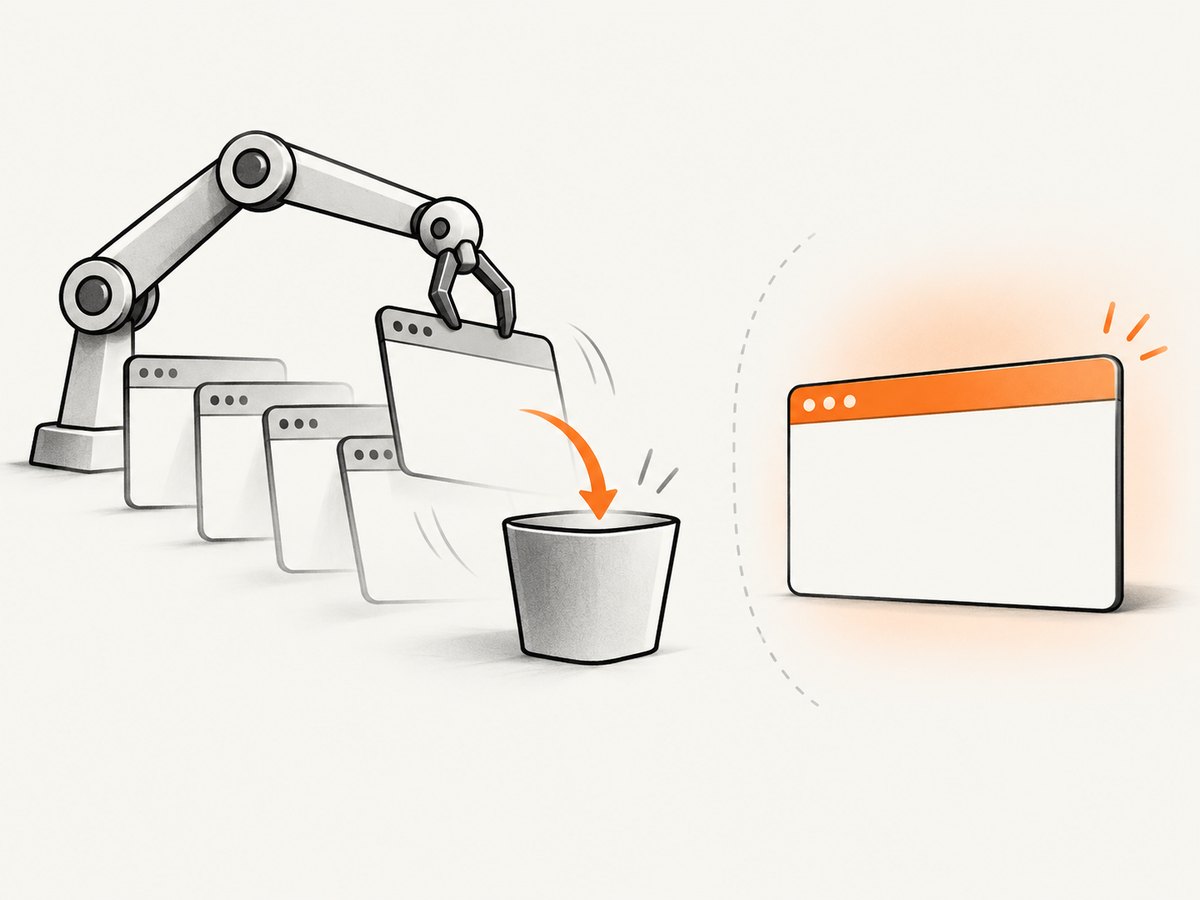
Selenium recommends quit() when the browser session is finished. It closes every window and tab in that session, the browser process, and the background driver process. Put it in a framework teardown hook or a language-level finally block so assertions, navigation errors, and timeouts cannot bypass cleanup.
Runnable Selenium Python example
from selenium import webdriver
from selenium.webdriver.chrome.options import Options

options = Options()
options.add_argument("--headless=new")
options.add_argument("--window-size=1440,1000")

driver = webdriver.Chrome(options=options)
try:
    driver.get("https://example.com")
    print(driver.title)
finally:
    driver.quit()
The finally block runs whether the test succeeds or raises an exception. In a test framework, put the same operation in the framework’s per-test or per-worker teardown fixture.
JavaScript Selenium pattern
const { Builder } = require('selenium-webdriver');

const driver = await new Builder().forBrowser('chrome').build();
try {
  await driver.get('https://example.com');
  console.log(await driver.getTitle());
} finally {
  await driver.quit();
}
close() versus quit()
| Call | Scope | Use for final cleanup? |
|---|---|---|
close() |
Closes the current window or tab | No, unless another part of the session is intentionally kept |
quit() |
Ends the session and closes all windows, Chrome, and the driver | Yes |
Fix 2: inspect the detach option
ChromeDriver’s detach option is false by default. When it is true, Chrome stays open until the session is explicitly quit or closed. If the session is never quit, ChromeDriver cannot clean up the temporary user-data directory used by that Chrome instance. Remove detach=true unless you deliberately need the browser left open, and still call quit().
from selenium import webdriver
from selenium.webdriver.chrome.options import Options

options = Options()
# Do not set detach=True for ordinary test runs.
# options.add_experimental_option("detach", True)

driver = webdriver.Chrome(options=options)
try:
    driver.get("https://example.com")
finally:
    driver.quit()
If you use detach for debugging, make the exception explicit and provide a separate cleanup command or manual shutdown procedure. Do not interpret a deliberately detached browser as an unexpected leak.
Fix 3: find duplicate WebDriver construction
Every separately constructed driver can create its own Chrome session. Search setup code, fixtures, parameterized tests, and worker initialization for calls such as webdriver.Chrome(). Common patterns that multiply sessions include creating a driver in both a global fixture and a test fixture, constructing a new driver inside a retry loop, and starting one driver per assertion.
# Prefer one driver per test or per worker, with a matching teardown.
def make_driver():
    options = webdriver.ChromeOptions()
    options.add_argument("--headless=new")
    return webdriver.Chrome(options=options)


driver = make_driver()
try:
    # Reuse this session for the intended test scope.
    driver.get("https://example.com")
finally:
    driver.quit()
For parallel execution, one browser per worker may be correct. Keep ownership clear: the code that creates a session must arrange its teardown, and the teardown must run when a worker crashes or a test times out.
Fix 4: understand attached Chrome sessions
With debuggerAddress, ChromeDriver connects to an existing Chrome instead of launching a new browser. Attachment is not evidence of a leak, but it changes capabilities. ChromeDriver’s automation extension is loaded when ChromeDriver starts a new session, so some commands are unsupported when attaching. If you need those commands, remove debuggerAddress and let ChromeDriver launch a new session.
from selenium import webdriver
from selenium.webdriver.chrome.options import Options

options = Options()
options.add_experimental_option("debuggerAddress", "127.0.0.1:9222")
driver = webdriver.Chrome(options=options)
try:
    driver.get("https://example.com")
finally:
    driver.quit()
Be careful with ownership when attaching: another process may own the original Chrome, profile, or debugging port. Decide whether your test should close that browser before adding quit() to teardown.
Headless mode and version details
Modern headless Chrome uses the browser implementation without displaying a window. It still has a multi-process architecture and still needs explicit session cleanup. Selenium’s headless examples end with driver.quit().
Chrome 112 introduced modern headless behavior. From Chrome 132.0.6793.0, the old headless implementation is available only as the separate chrome-headless-shell binary. If a build depends on legacy behavior, check the Chrome and ChromeDriver versions and the packaging used by your CI image against current Chrome documentation.
Remote and parallel sessions
Remote WebDriver adds another process boundary: your test client, a remote WebDriver service, ChromeDriver, and Chrome may run on different machines or containers. Count processes on the host that owns them. A separately started ChromeDriver service has its own lifetime, while each WebDriver session has a browser lifetime. End every session with quit(), and separately manage a service process if your runner starts one.
In a grid or container system, use one profile directory and debugging port per concurrent browser. Reusing a profile can cause lock errors, and reusing a port can connect a test to the wrong browser. Keep logs for the session identifier so a leftover process can be mapped to its owner.
Diagnostic checklist
- Confirm whether the extra processes exist only while the session is active.
- Check that every driver construction has exactly one matching
quit(). - Check exception, timeout, and worker-crash paths, not only the happy path.
- Replace final
close()calls withquit()where the whole session should end. - Remove or disable
detach=trueunless browser persistence is intentional. - Identify whether Chrome was launched by ChromeDriver or attached through
debuggerAddress. - Record browser, driver, Selenium, OS, and container versions.
- Inspect command lines, profile paths, ports, and parent processes before terminating anything.
- For remote runs, identify which host owns the service, driver, and browser.
Common errors and fixes
| Symptom | Likely cause | Fix |
|---|---|---|
| Chrome remains after the test | Missing teardown or detach=true |
Call quit() in finally; remove detach unless required |
| Several Chrome groups appear during one test | Multiple driver instances, tabs, frames, or site isolation | Inspect ancestry and construction sites; do not assume duplicates from count alone |
| Only one tab closes | Using close() |
Use quit() to end the session |
| Commands fail after attaching | debuggerAddress mode lacks the automation extension |
Launch a fresh ChromeDriver session when those commands are required |
| Chrome fails to start in parallel | Shared profile or debugging port | Give each worker an isolated profile and port |
| CI leaves processes after a timeout | Runner kills the test before teardown | Add framework-level teardown and runner cleanup; retain session logs for ownership |
| Process count changes with page content | Normal Chromium process isolation | Compare lifecycle and ancestry, not a fixed number |
Performance, reliability, and resource notes
Starting a browser is more expensive than reusing one session for a defined test scope, but sharing a driver across unrelated tests can create state leakage and makes ownership unclear. Choose a scope that matches your isolation needs, then always quit it. Parallelism increases total browser and renderer processes by design; size CPU and memory for the number of concurrent sessions and the pages they load.
Headless mode can reduce display overhead, but it does not remove renderer, GPU, utility, or service processes. Keep browser and driver versions compatible, especially in containers where an image may update Chrome independently. Capture driver logs and the exact command line when diagnosing intermittent leftovers.
Broad process-kill commands are a poor first fix: they can terminate another user’s Chrome or a separate test. Prefer targeted session shutdown, then clean up an orphan by its profile, parent process, or recorded session identifier.
Or skip the browser setup
If your goal is to obtain a clean screenshot rather than operate a browser session, ScreenshotNeo provides a single screenshot API request. It accepts the consent banner like a visitor and removes more than 60 known consent platforms, newsletter popups, and chat widgets before capture. Bot checks, blank pages, timeouts, failed loads, and cache hits are not billed, and response headers report the page verdict and whether it was billed.
See the ScreenshotNeo API documentation for all options. A minimal call is:
curl -G "https://api.screenshotneo.com/v1/shot" -d access_key=YOUR_API_KEY --data-urlencode url=https://stripe.com -o shot.webpimport requests
r = requests.get("https://api.screenshotneo.com/v1/shot", params={"access_key": "YOUR_API_KEY", "url": "https://stripe.com"}, timeout=90)
open("shot.webp", "wb").write(r.content)const q = new URLSearchParams({ access_key: 'YOUR_API_KEY', url: 'https://stripe.com' });
const res = await fetch(`https://api.screenshotneo.com/v1/shot?${q}`);ScreenshotNeo also offers full-page capture with lazy images loaded, CSS-element capture, dark mode, device presets and custom viewports, retina scale, PDF output, custom CSS and JavaScript, clicks and waits, request blocking, headers, cookies, user agents, authorization, timezone and geolocation, transparent backgrounds, resizing, configurable caching, signed links, asynchronous jobs with signed webhooks, bulk capture for up to 100 URLs per call, a usage API, and an OpenAPI specification. An MCP server provides take_screenshot, get_page_info, and capture_pdf for Claude, Cursor, and other MCP clients.
The Free plan includes 1,000 screenshots each month with no card. Paid plans start at $5 for 3,000 screenshots; every feature is on every plan. Create a free ScreenshotNeo account.
FAQ
Does multiple Chrome processes mean ChromeDriver is broken?
No. Chrome’s multi-process design is expected. Investigate only processes that remain after the owning session has ended.
Will headless Chrome use one process?
No. Headless removes the visible UI, but Chrome still separates browser, renderer, GPU, and utility work.
Can I use close() in teardown?
Use quit() when teardown should end the complete WebDriver session. close() closes only the current window.
Why does detach=true change cleanup?
Detached Chrome remains open until the session is explicitly quit or closed, and ChromeDriver cannot clean its temporary profile if the session is never quit.
Does attaching with debuggerAddress create a leak?
Attachment itself is not a leak. It does have command limitations and different ownership, so confirm which process started and owns Chrome.
What should I record for a bug report?
Include Chrome, ChromeDriver, Selenium, and OS versions; headless or headed mode; attached or launched mode; process command lines; profile and port details; and whether quit() ran after failures.


