Why Chromium Sends Sec-Fetch-Site: Cross-Site for Stylesheets
Chromium marks a stylesheet cross-site when its page and CSS URL are different sites. Learn site versus origin, redirects, headers, and safe policies.
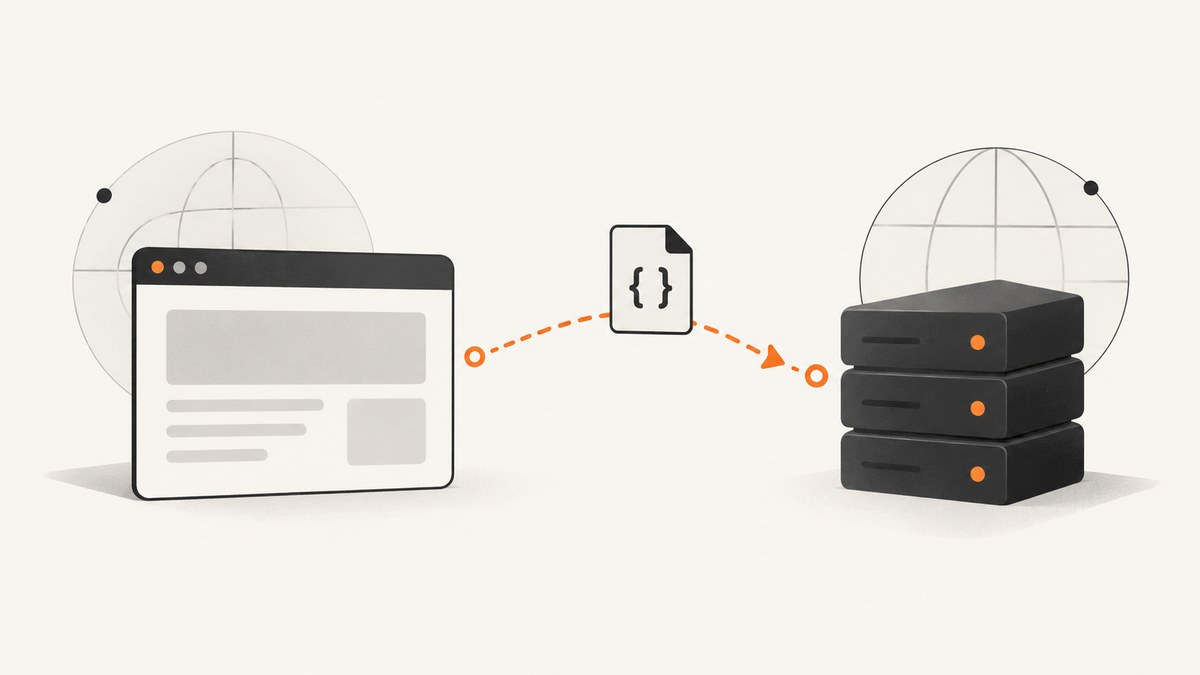
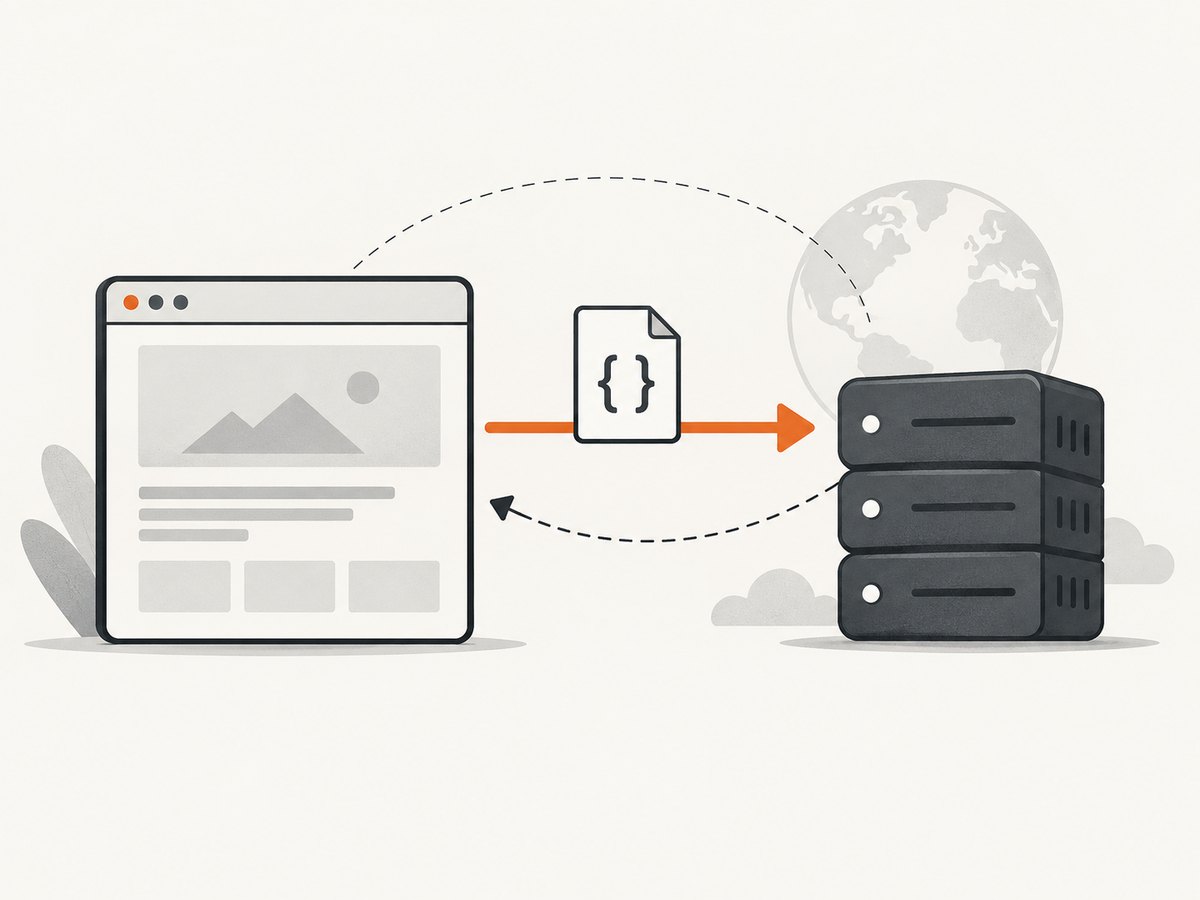
Short answer: Chromium sends Sec-Fetch-Site: cross-site when the page that initiates a request and the URL receiving it belong to different sites. A stylesheet does not get a special value. The browser classifies the relationship between the initiator and the target, so a CSS file hosted on another site is a cross-site subresource.
The header is request metadata, not a statement about whether CSS is safe or unsafe. Read it with the initiator, request URL, redirect chain, Sec-Fetch-Dest, and Sec-Fetch-Mode. The Fetch Metadata Working Draft defines the relationship values; Chromium’s network helper computes the value for browser requests.
What Sec-Fetch-Site means
Sec-Fetch-Site exposes the relationship between a request initiator’s origin and its target’s origin. Its values are:
| Value | Meaning | Typical stylesheet example |
|---|---|---|
same-origin |
Scheme, host, and port match. | https://app.example/css/app.css loaded by https://app.example. |
same-site |
The URLs are in the same site but can have different origins. | https://cdn.example.com/app.css loaded by https://www.example.com. |
cross-site |
The initiator and target are different sites. | https://static.cdn.test/app.css loaded by https://shop.example. |
none |
No initiator origin is available for a browser-initiated request. | A request made without a page initiator, where the browser permits this value. |
Origin comparison uses scheme, host, and port. Site comparison is broader, so two subdomains can be cross-origin while still being same-site. Scheme differences can also change the site relationship. Do not infer either result by comparing only the visible host text.
Why a stylesheet is marked cross-site
Consider this document:
<!doctype html>
<html>
  <head>
    <link rel="stylesheet" href="https://static.cdn.test/site.css">
  </head>
  <body>Shop</body>
</html>
The document is the request initiator. Chromium compares that page with https://static.cdn.test/site.css. Because they are different sites, the CSS request carries Sec-Fetch-Site: cross-site. The same request can carry Sec-Fetch-Dest: style; style identifies the destination, while cross-site identifies provenance. Sec-Fetch-Mode describes the request mode. These headers answer separate questions.
Inspect the request that produced the value
- Open DevTools and select Network.
- Reload the page with the network log preserved.
- Filter by
CSSor select the stylesheet request. - In Headers → Request Headers, record
Sec-Fetch-Site,Sec-Fetch-Dest,Sec-Fetch-Mode, theReferer, and the full request URL. - Check whether the request redirected. Inspect every URL in the redirect chain, not only the final URL.
A minimal server endpoint can print the metadata while you reproduce the request:
const http = require('node:http');

http.createServer((req, res) => {
  console.log({
    url: req.url,
    site: req.headers['sec-fetch-site'],
    dest: req.headers['sec-fetch-dest'],
    mode: req.headers['sec-fetch-mode'],
    referer: req.headers.referer
  });
  res.writeHead(200, {'content-type': 'text/plain'});
  res.end('logged');
}).listen(8080, () => console.log('Listening on http://localhost:8080'));
Point a test stylesheet at http://localhost:8080/style.css, load the page, and compare the logged values with DevTools. A command-line client such as curl is useful for checking your server response, but it does not reproduce Chromium’s browser-generated Fetch Metadata headers unless you add request headers yourself.
Redirects can preserve a cross-site classification
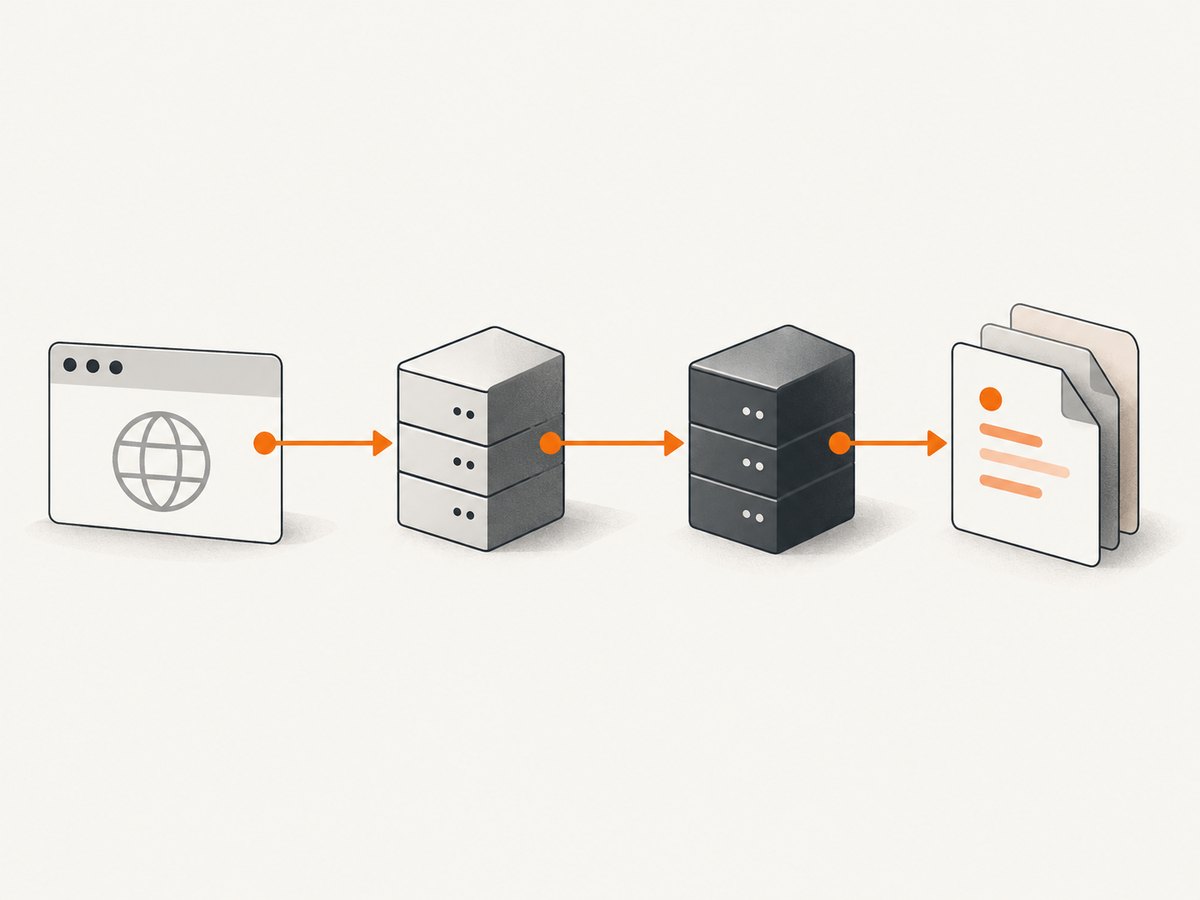
Chromium evaluates the request URL list, including redirects. For example, a page on shop.example may request cdn.example, which redirects through assets.other.test and eventually returns to cdn.example. The cross-site hop can leave the eventual request classified as cross-site. When diagnosing an unexpected value, capture the complete chain and inspect each host and scheme.
Writing a safe server policy
Fetch Metadata is a signal for resource isolation, not an authorization system. A blanket rule that rejects every cross-site request can break intentionally shared CSS, fonts, images, and APIs. Decide by resource and intended use, then keep endpoint-specific authorization and CORS where callers need to read response data. The MDN Fetch Metadata guide describes this deployment context.
Example policy for a public stylesheet
function allowStylesheet(req) {
  const site = req.headers['sec-fetch-site'];
  const dest = req.headers['sec-fetch-dest'];

  // This endpoint is deliberately public. Use authentication or an
  // allowlist for private resources instead of this example.
  if (dest === 'style' && (site === 'same-origin' || site === 'same-site' || site === 'cross-site')) {
    return true;
  }
  return false;
}

// In a real handler, return the CSS only after applying your own
// authentication, tenant checks, rate limits, and cache rules.
Example policy for a private endpoint
function fetchMetadataLooksSafe(req) {
  const site = req.headers['sec-fetch-site'];
  const mode = req.headers['sec-fetch-mode'];
  const dest = req.headers['sec-fetch-dest'];

  // Tune this to the endpoint. Do not treat it as proof of identity.
  return (site === 'same-origin' || site === 'same-site')
      && (mode === 'cors' || mode === 'same-origin')
      && dest !== 'object';
}
Log rejected requests during rollout and test browsers, service workers, proxies, redirects, and non-browser clients. Older clients may omit these headers, so choose an explicit fallback instead of assuming omission means cross-site.
Common causes and fixes
| Symptom | Cause | Fix |
|---|---|---|
| CSS from a CDN is rejected. | The CDN is a different site and your policy denies cross-site. |
Allow that public stylesheet endpoint, or serve it from an intended same-site host. |
A subdomain is not same-origin. |
Hosts differ, even though they share a registrable domain. | Use same-site rules only where appropriate; do not confuse them with origin checks. |
| The final URL looks same-site but remains cross-site. | An earlier redirect crossed sites. | Inspect and fix the redirect chain, or account for it in the policy. |
Sec-Fetch-Dest is style but site is cross-site. |
The headers describe destination and provenance independently. | Evaluate each field for its own purpose. |
| Headers are missing in a script or test. | Fetch Metadata is browser-supplied metadata; non-browser clients may omit it. | Use explicit authentication and a documented fallback. Add headers in a test only to simulate a browser request. |
Changing Referer does not change the value. |
Sec-Fetch-Site is computed from initiator and target, not copied from the referrer string. |
Verify the actual initiator, target, scheme, and redirects. |
Performance and reliability considerations
- The header itself adds little processing; the expensive work is normally CSS transfer, parsing, redirects, and policy checks.
- Keep shared CSS on a stable URL and use normal HTTP caching. Avoid unnecessary cross-site redirects because they complicate classification and add latency.
- When enforcing a policy, measure blocked requests by destination and browser family before tightening it. Preserve an operational fallback for clients that do not send Fetch Metadata.
- Do not use this header as the only fraud or access-control signal. It is useful context and can be absent, while authentication and authorization establish who may access a resource.
Capture a reproducible page while debugging
For a visual record of a page that loads cross-site stylesheets, capture the page after reproducing the request. A screenshot preserves the rendered result, while DevTools and server logs preserve the request metadata.
Or skip the browser setup
ScreenshotNeo provides a website screenshot API and MCP server. See the API docs for all options. This one request captures a page as a WebP file:
curl -G "https://api.screenshotneo.com/v1/shot" -d access_key=YOUR_API_KEY --data-urlencode url=https://stripe.com -o shot.webpimport requests
r = requests.get("https://api.screenshotneo.com/v1/shot", params={"access_key": "YOUR_API_KEY", "url": "https://stripe.com"}, timeout=90)
open("shot.webp", "wb").write(r.content)const q = new URLSearchParams({ access_key: 'YOUR_API_KEY', url: 'https://stripe.com' });
const res = await fetch(`https://api.screenshotneo.com/v1/shot?${q}`);Before capture, cookie and consent banners are accepted and 60+ known consent platforms, newsletter popups, and chat widgets are removed; each step can be turned off. Bot checks, blank pages, timeouts, failed loads, and cache hits cost nothing, and the response reports the result in X-Page-Verdict and X-Billed headers. An MCP server lets Claude, Cursor, and other MCP clients call take_screenshot, get_page_info, and capture_pdf. The Free plan includes 1,000 screenshots per month with no card; paid plans start at $5 for 3,000 shots. Create a free ScreenshotNeo account.
FAQ
Does cross-site mean the stylesheet is blocked?
No. It is a classification. Your server, CSP, CORS, or another policy may block the request, but the header alone does not.
Can I force Chromium to send same-site?
Only by changing the actual initiator or target relationship. Editing a request header in application JavaScript is not a supported way to override browser Fetch Metadata.
Is a CDN always cross-site?
No. A CDN hostname can be same-site in some deployments. Compute the relationship from scheme and site rules, then verify the request in DevTools.
Which header tells me that this is CSS?
Sec-Fetch-Dest: style describes the destination. Sec-Fetch-Site remains the site relationship.
Should every server reject cross-site?
No. Public resources often need cross-site access. Apply a policy that matches the endpoint’s intended use.


