How Chromium Updates Affect Website Screenshot Automation
Pin Chromium, record the rendering environment, and review browser upgrades so screenshot diffs stay explainable.
Direct answer
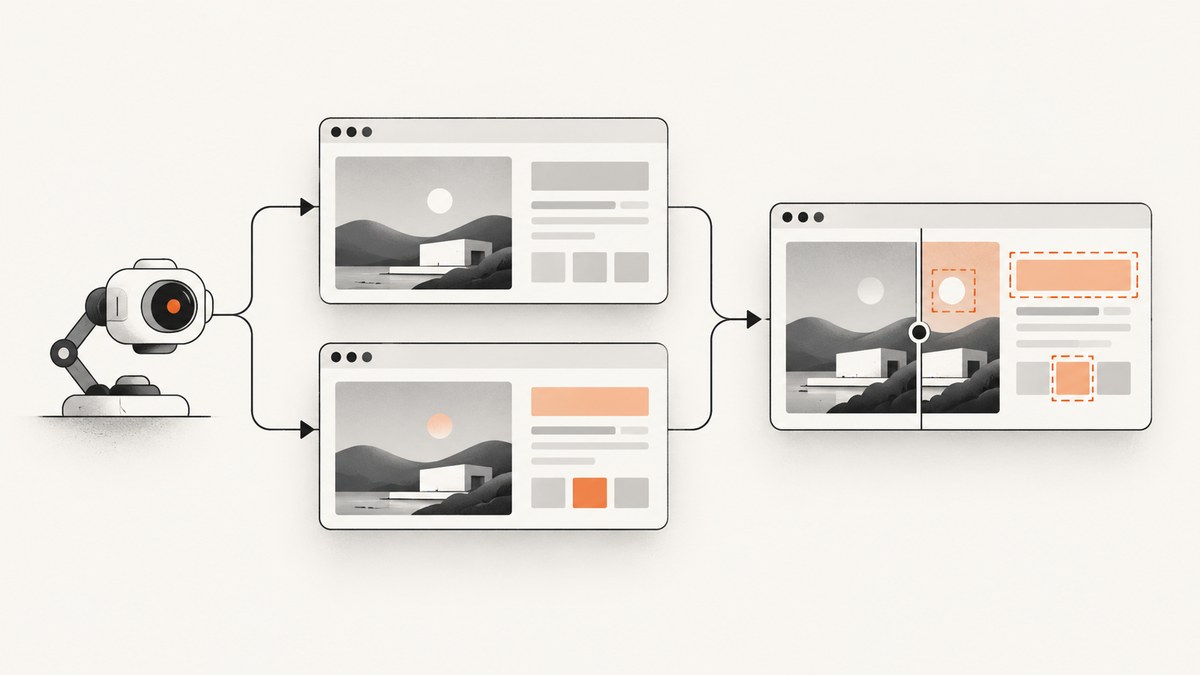
Chromium updates can change the browser build that renders an automated screenshot. If the browser changes between a baseline and comparison, a pixel diff may reflect the rendering environment as well as your website. For repeatable visual regression runs, pin the browser binary, record the complete rendering setup, and review browser upgrades as deliberate changes. Chrome for Testing provides versioned, non-auto-updating builds with matching ChromeDriver binaries, while ordinary Chrome updates automatically. Modern headless Chrome shares the browser implementation used by headful Chrome; Chromium also documents that the old headless implementation stopped shipping in the Chrome binary at M132.
A Chromium release does not automatically change every pixel. Treat browser version as an explicit test input and investigate diffs instead of blindly accepting every new snapshot.
What changes when Chromium updates
- Rendering engine: layout, CSS, font shaping, painting and image decoding can change.
- Browser binary: self-updating desktop Chrome may differ from CI.
- Headless implementation: frameworks may select a separate headless shell. From M132,
--headless=oldno longer activates old headless in the Chrome binary; Chromium directs users tochrome-headless-shell. - Automation layer: Playwright, Puppeteer and Selenium releases can change supported browser revisions and launch defaults.
- Graphics environment: operating system, fonts, display server and GPU backend affect rasterization.
Pin a reproducible environment
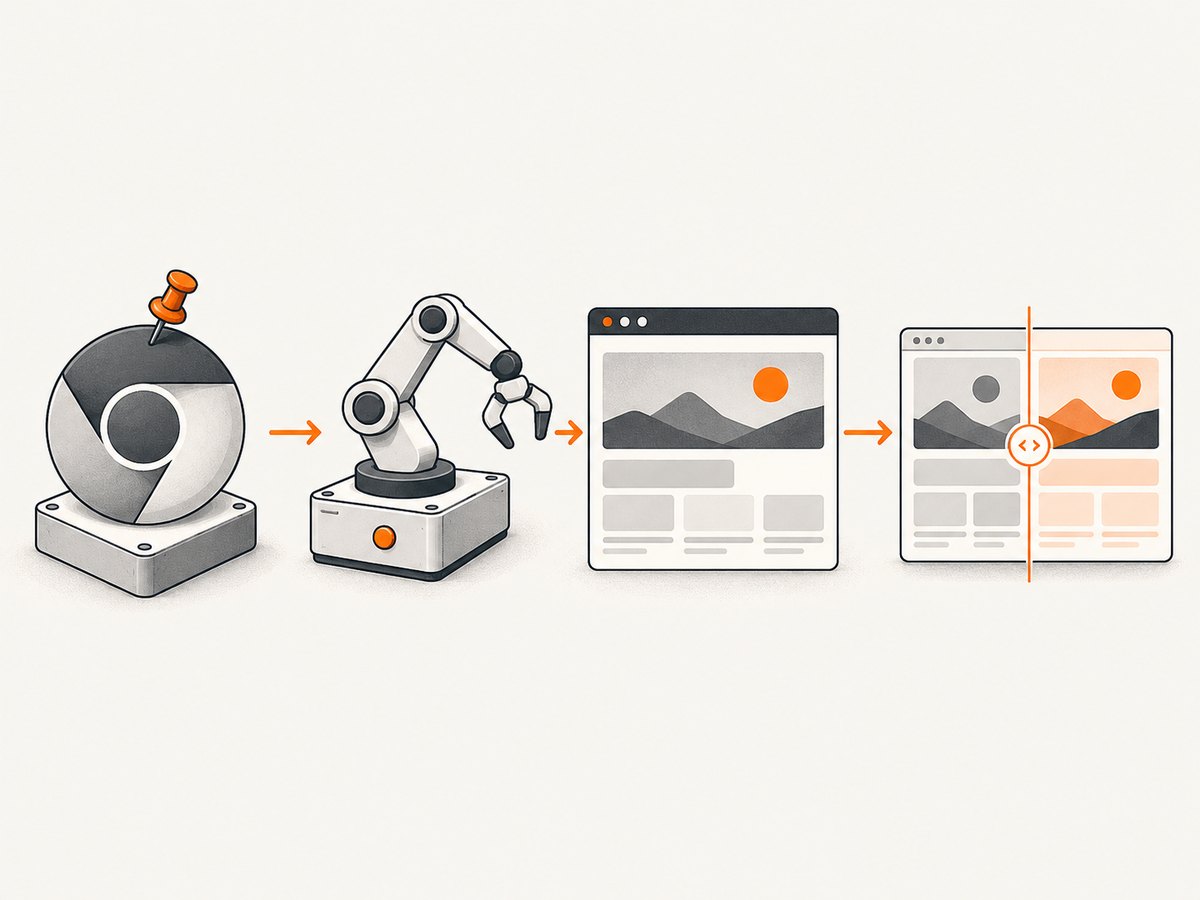
- Use a specific Chrome for Testing version for CI instead of a workstation’s auto-updating Chrome.
- Pin the automation framework and its browser revision. Playwright updates supported browser versions with framework releases and may use a bundled headless shell.
- Record browser version, framework version, headless mode, OS or container image, viewport, device scale factor, locale, timezone, fonts and launch flags.
- Run local and CI captures in the same image when possible.
- Upgrade in a branch or scheduled job, inspect diffs, then update accepted baselines with a documented reason.
See Chromium downloads and Chrome’s automation and testing guidance.
Runnable Playwright capture (Node.js)
npm install --save-exact playwright@1.55.0
npx playwright install chromium
const { chromium } = require('playwright');
(async () => {
const browser = await chromium.launch({ headless: true });
const page = await browser.newPage({ viewport: { width: 1440, height: 900 }, deviceScaleFactor: 1, colorScheme: 'light', timezoneId: 'UTC' });
await page.goto('https://example.com', { waitUntil: 'networkidle' });
await page.screenshot({ path: 'example.png', fullPage: true });
await browser.close();
})();Commit the lockfile and install the pinned browser revision during CI. If you use a specific Chrome for Testing binary, pass its path with executablePath and record its version.
Runnable Puppeteer capture (Node.js)
npm install --save-exact puppeteer@24.16.0const puppeteer = require('puppeteer');
(async () => {
const browser = await puppeteer.launch({ headless: true });
const page = await browser.newPage();
await page.setViewport({ width: 1440, height: 900, deviceScaleFactor: 1 });
await page.goto('https://example.com', { waitUntil: 'networkidle0' });
await page.screenshot({ path: 'example.png', fullPage: true });
await browser.close();
})();Use one browser source consistently. Mixing a system Chrome with a downloaded browser makes baselines difficult to explain.
CI upgrade workflow
- Keep browser and framework versions in a machine-readable file or container image tag.
- Run the unchanged suite with the old browser and save results.
- Run the same commit with candidate Chromium and identical viewport and data.
- Classify diffs as browser rendering, website change, timing or environment mismatch.
- Update snapshots only after review and record old and new versions.
- Keep a rollback pin if the candidate introduces unexplained failures.
When a diff appears, rerun with the previous pinned browser while holding everything else constant. This isolates correlation with the upgrade; it does not prove which rendering subsystem caused the change.
Headless mode and M132
Check the actual launch configuration. Modern Chrome headless shares the headful implementation, but frameworks can bundle a separate headless shell. Chromium’s headless README states that from M132 old headless is no longer part of the Chrome binary and --headless=old has no effect. Migrate older workflows to modern headless or the documented chrome-headless-shell binary.
Do not treat GPU flags as a universal fix. GPU use depends on operating system and graphics backend; keep that configuration stable. See Chromium’s GPU guidance.
Inputs to hold constant
| Input | Why it matters | Control |
|---|---|---|
| Browser and driver | Different builds can render differently. | Pin Chrome for Testing and matching ChromeDriver. |
| Framework | Release cadence changes revisions and defaults. | Lock Playwright, Puppeteer or Selenium. |
| Headless mode | Chrome and a headless shell are distinct paths. | Record flags and executable path. |
| Fonts and OS image | Fallback fonts alter metrics and wrapping. | Use the same image and font packages. |
| Viewport and scale | Breakpoints and raster dimensions change. | Set both explicitly. |
| Page state | Animations, time and data create noise. | Freeze data, wait for a readiness signal and disable animations. |
| Network and cache | Late resources alter layout. | Use stable fixtures or controlled networking. |
Troubleshooting
Every page changed after a browser bump
Compare browser, framework, OS image, fonts, viewport and scale factor. Rerun with the old pin before accepting new baselines.
--headless=old is ignored
That behavior is expected from M132 onward. Use modern headless or chrome-headless-shell.
ChromeDriver reports a mismatch
Download the driver matched to the Chrome for Testing version and pin both artifacts together.
Local passes but CI differs
Compare image, fonts, locale, timezone, display or graphics backend, executable path and framework version. Reproduce inside the CI image.
Only text differs
Check font availability, font loading completion and device scale factor.
Only dynamic regions differ
Wait for a stable selector or application-ready signal, freeze data and disable animations.
Headless crashes on Linux
Inspect sandbox, display and graphics backend configuration. Keep GPU settings consistent; no single flag is a general remedy.
Performance, reliability and cost
Startup, page load and image encoding dominate capture time. Reuse a browser process, cap concurrency to available CPU and memory, wait for a reliable readiness condition, and cache the pinned browser artifact. Store browser metadata with each screenshot. Pinning adds maintenance, so schedule security and rendering updates, test candidates against representative pages and retain a rollback version. No universal pixel-difference rate or performance benchmark is established by the cited sources.
Or skip the browser setup
ScreenshotNeo is a website screenshot API and MCP server. One request returns PNG, JPEG, WebP or PDF. See the ScreenshotNeo API docs.
curl -G "https://api.screenshotneo.com/v1/shot" -d access_key=YOUR_API_KEY --data-urlencode url=https://stripe.com -o shot.webpimport requests
r = requests.get("https://api.screenshotneo.com/v1/shot", params={"access_key": "YOUR_API_KEY", "url": "https://stripe.com"}, timeout=90)
open("shot.webp", "wb").write(r.content)const q = new URLSearchParams({ access_key: 'YOUR_API_KEY', url: 'https://stripe.com' });
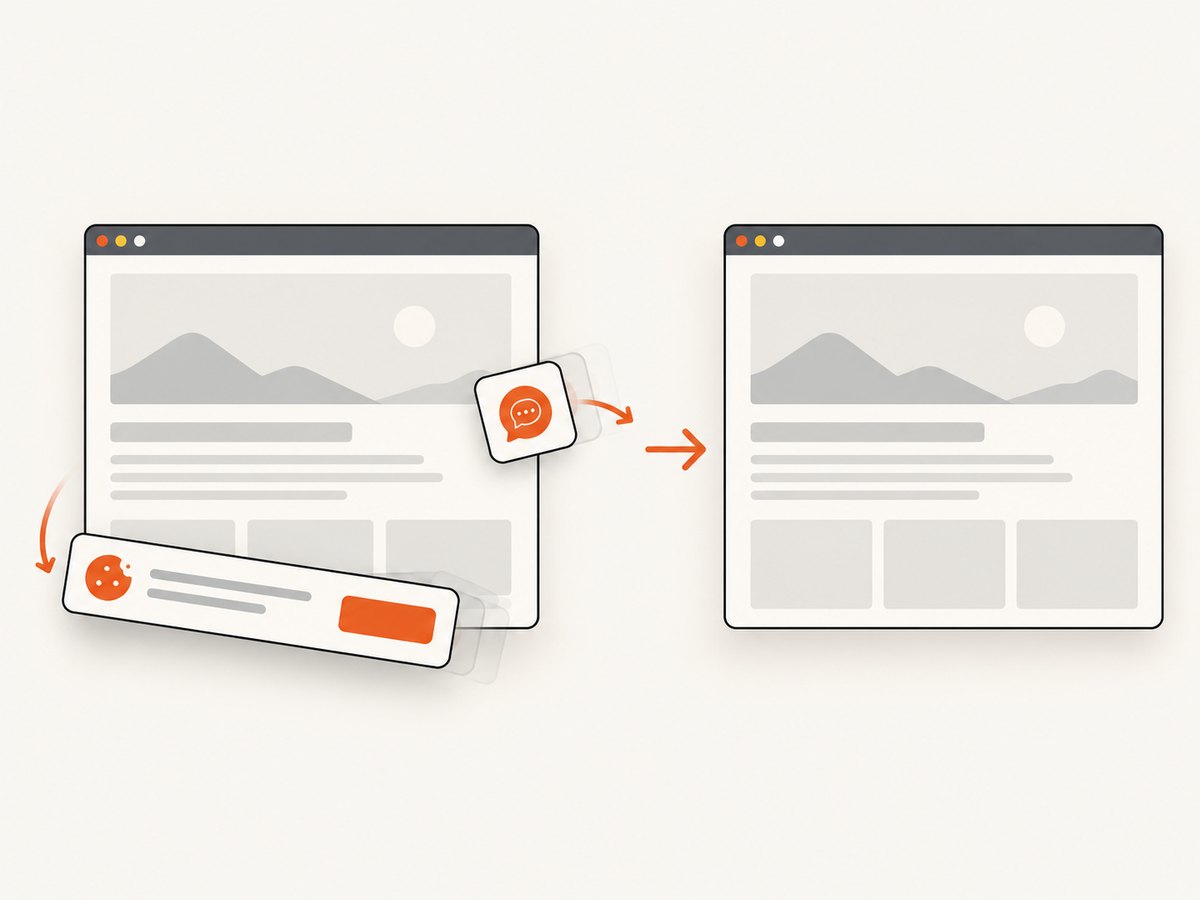
const res = await fetch(`https://api.screenshotneo.com/v1/shot?${q}`);Cookie and consent banners, newsletter popups and chat widgets are removed before capture. Bot checks, blank pages, failed loads, timeouts and cache hits are not billed, and response headers identify the page verdict and billing status. The MCP server lets Claude, Cursor and other MCP clients call take_screenshot, get_page_info and capture_pdf. Options include full-page and element capture, device presets, custom CSS and JavaScript, waits, request blocking, headers and cookies, geolocation, caching, signed links, async jobs, bulk capture and a usage API.
1,000 screenshots per month are free with no card; paid plans start at $5 for 3,000 shots. Create a free ScreenshotNeo account.
FAQ
Should I pin Chromium forever?
Pin the version used for each baseline, then upgrade deliberately on a schedule. Permanent pins miss fixes; unreviewed auto-updates make diffs ambiguous.
Is headless Chrome inherently different from headful Chrome?
Modern Chrome headless shares the browser implementation with headful Chrome, but your framework may launch a separate shell. Verify the binary and flags.
Will every Chromium release change screenshots?
No. Run a controlled comparison before changing baselines.
Do I need a GPU?
No general requirement is established. GPU behavior depends on OS and graphics backend.
Where should browser metadata live?
Store it with the screenshot artifact or baseline record, including browser, driver, framework, headless mode, OS image, viewport, scale factor, fonts and flags.


