How to Use Cloudflare Code Mode MCP for Browser Automation
Learn how Cloudflare Code Mode composes MCP tools for remote browser automation with Browser Run and CDP, including setup, security, sessions, and troubleshooting.
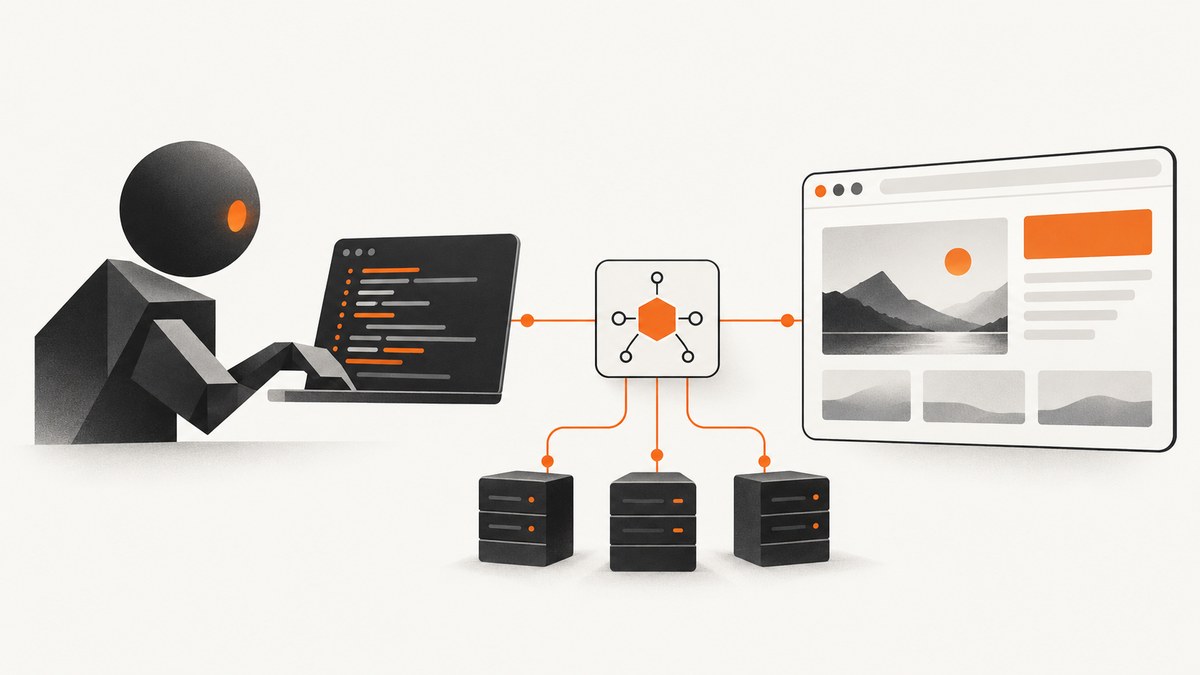
Short answer: Cloudflare Code Mode lets a model write one small program that composes typed MCP tool calls, branches, loops, and returns a focused result. For remote browser automation, pair it with Cloudflare Browser Run and its Chrome DevTools Protocol (CDP) connector. Do not confuse this with @cloudflare/codemode/browser: that package runs code against tools owned by a user’s own browser page and does not control a remote browser.
Cloudflare describes Code Mode as experimental and Browser Run as beta. Recheck package names, bindings, session behavior, and portal policies against the current Cloudflare documentation before production deployment.
What Code Mode changes
With direct MCP calls, the model usually calls one tool, receives the intermediate result, decides what to do next, and calls another tool. Code Mode exposes a typed programming surface instead. The model can make dependent calls inside one sandbox execution, filter large responses, retry a step, loop over pages, and return only the fields your application needs.
| Approach | Use it when | Trade-off |
|---|---|---|
| Direct tool calls | One simple action or a small fixed tool set | Every intermediate result returns to the model |
One code tool |
You own a manageable MCP server | Simple integration, but the whole catalog is still conceptually available |
search + execute |
A large API needs progressive discovery | More plumbing, less schema and context overhead |
Cloudflare reports a catalog comparison of 2,594 API tools requiring about 1,000 tokens in Code Mode, versus about 1,170,000 tokens for native full schemas and about 244,000 tokens for required parameters. Those are Cloudflare’s figures, not a general benchmark.
Choose the correct browser integration
| Integration | Execution location | Correct use |
|---|---|---|
| Browser Run + CDP | Cloudflare-managed remote browser session | Inspect and automate a live remote page |
@cloudflare/codemode/browser |
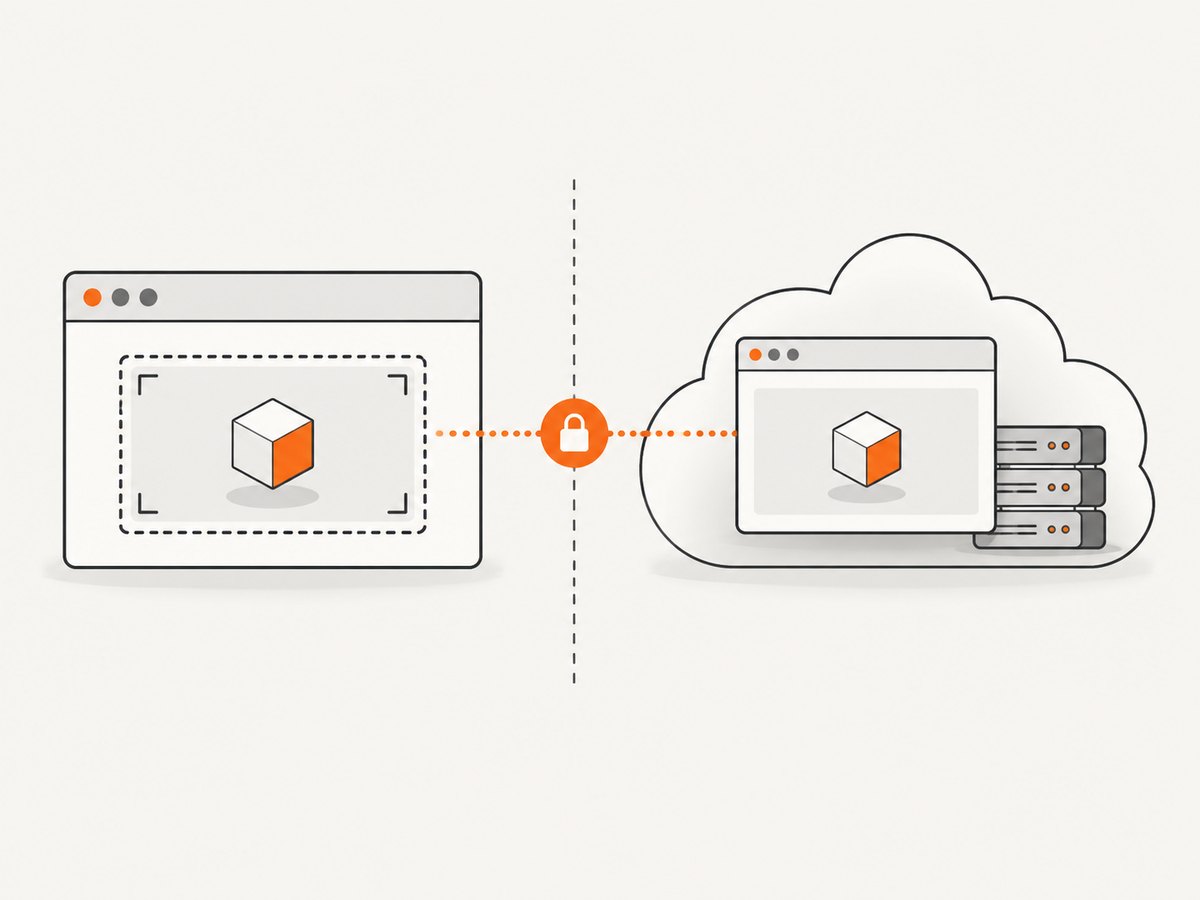
Sandboxed iframe in the user’s browser | Use capabilities and state from your own webpage |
If your requirement is “open this public URL, click through it, and extract data,” use Browser Run. If your requirement is “let an agent read the current selection or application state in my page,” use the browser-owned integration.
Architecture
- Your model receives a Code Mode tool or a search-and-execute pair.
- The generated program calls typed MCP methods.
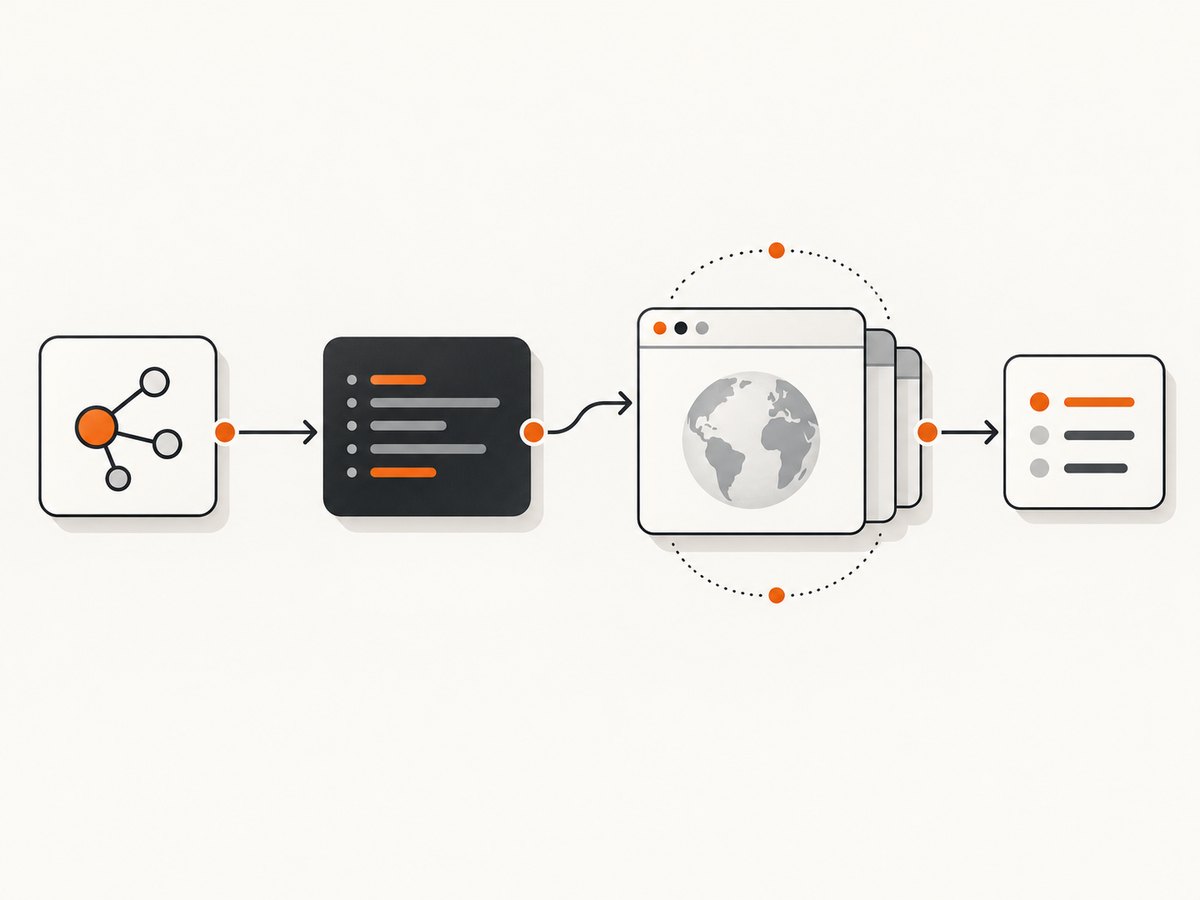
- The Browser Run connector sends CDP commands to the remote browser session.
- Your host validates authorization before any side effect.
- The program returns a small, shaped result instead of every intermediate page response.
Keep credentials outside generated code. Sandboxed execution does not grant permissions by itself; enforce authorization in the host callback or upstream tool handler, and never expose secrets in tool schemas or results.
Minimal Code Mode MCP server
For an existing, manageable MCP server, Cloudflare’s pattern is a single code tool created with codeMcpServer(). The current guide says this returns an SDK v1 server and should be served with the explicit legacy createLegacyMcpHandler API. Treat both details as version-sensitive.
import { codeMcpServer } from 'cloudflare:agents';
import { createLegacyMcpHandler } from '@cloudflare/mcp-server';
import { createMcpClient } from './mcp-client';

const upstream = createMcpClient({
  endpoint: env.UPSTREAM_MCP_URL,
  headers: { Authorization: `Bearer ${env.UPSTREAM_TOKEN}` }
});

const server = codeMcpServer({
  name: 'browser-workflow',
  tools: upstream.tools(),
  authorize: async ({ tool, input, user }) => {
    // Check tenant, URL allow-list, and side-effect policy here.
    return user?.scopes?.includes('browser:read') && tool !== 'delete';
  }
});

export default createLegacyMcpHandler(server);
Use the exact package imports and handler signature from the Cloudflare version you install. Pin compatible versions and run a smoke test after upgrades.
Large catalogs: search then execute
For a large API, expose discovery separately from execution. The model first searches for relevant operations, then writes code that calls only the selected typed methods.
const matches = await mcp.search({
  query: 'open a page, wait for a product heading, and read its text',
  limit: 8
});

const result = await mcp.execute({
  code: `
    const page = await browser.open({ url: input.url });
    await page.waitForSelector({ selector: input.selector, timeoutMs: 15000 });
    return await page.text({ selector: input.selector });
  `,
  input: { url: 'https://example.com', selector: 'h1' },
  allowedTools: matches.map((m) => m.name)
});
Validate the generated program, limit execution time and output size, and pass only the tools needed for that run. This pattern keeps a very large catalog out of the model context.
Browser Run and CDP setup
Browser Run’s documented path configures a Browser binding and Worker Loader, then runs generated code through the cdp connector. The runtime requires a CodemodeRuntime export; the Vite plugin can provide that export automatically.
// wrangler configuration shape; use the current Browser Run schema
export default {
  name: 'browser-code-mode',
  compatibility_date: '2026-06-01',
  browser: { binding: 'BROWSER' },
  worker_loaders: [{ binding: 'WORKER_LOADER' }]
};
import { CodemodeRuntime } from 'cloudflare:agents';
export { CodemodeRuntime };
export default {
async fetch(request, env) {
const runtime = new CodemodeRuntime({
browser: env.BROWSER,
workerLoader: env.WORKER_LOADER
});
const output = await runtime.run(async ({ cdp }) => {
await cdp.navigate('https://example.com');
await cdp.waitForSelector({ selector: 'h1', timeoutMs: 15000 });
return await cdp.evaluate(() => document.querySelector('h1')?.textContent ?? '');
});
return Response.json({ output });
}
};The exact CDP method names and runtime constructor are version-sensitive. Treat this as the implementation shape: consult the current Browser Run guide for the released signatures, binding syntax, and supported commands.
One-shot and retained sessions
Use a fresh one-shot session for an isolated read. Use a retained session when a workflow must preserve cookies, navigation, or application state between steps. Make the lifecycle explicit in your application: create or attach to a session, run a bounded sequence, then close or expire it. Do not assume a session persists unless the current Browser Run documentation and your configuration say so.
Browser-owned tools for local page state
When tools belong in the visitor’s own webpage, define each tool with an input schema and implementation, construct createBrowserCodeTool() with an IframeSandboxExecutor, and execute the returned descriptor in the client. This is intentionally a different control boundary: the code can use capabilities your page exposes, but it cannot become a remote browser controller.
const tools = {
  getSelection: {
    description: 'Read the current text selection',
    inputSchema: { type: 'object', properties: {}, additionalProperties: false },
    execute: async () => ({ text: window.getSelection()?.toString() ?? '' })
  }
};

// Construct createBrowserCodeTool(tools, new IframeSandboxExecutor(...))
// in the browser client, then execute the returned descriptor.
Authorization and side effects
- Authenticate the caller before creating a browser session.
- Allow-list domains and block private network ranges if your workflow accepts arbitrary URLs.
- Separate read operations from actions such as submitting forms, purchasing, deleting, or sending messages.
- Require an approval step for irreversible external changes.
- Apply authorization again in upstream handlers; do not rely on generated code to enforce policy.
- Redact cookies, authorization headers, page secrets, and personal data before returning results.
- Set time, navigation, memory, output, and loop limits.
Practical workflow example
- Accept a URL and an explicit task from an authenticated user.
- Search the MCP catalog for navigation, waiting, extraction, and screenshot operations.
- Generate a short program that navigates, waits for a stable selector, extracts only required fields, and returns structured JSON.
- Run it through Browser Run’s CDP connector.
- Check the result for login walls, CAPTCHA pages, empty content, and unexpected redirects.
- Store an audit record containing the user, target origin, selected tools, duration, and verdict, without storing secrets.
Performance, reliability, and cost
Performance
- Keep dependent browser actions inside one Code Mode execution to avoid repeated model round trips.
- Wait for a meaningful selector or network-idle condition instead of sleeping for a large fixed delay.
- Return extracted fields rather than full HTML, screenshots, and console logs together.
- Use search-and-execute for large catalogs so discovery stays focused.
- Reuse a retained session only when continuity saves more time than session cleanup costs.
Reliability
- Use bounded retries for transient navigation and CDP failures.
- Make workflows idempotent where possible; a retry must not submit a form twice.
- Detect bot checks, login pages, blank documents, and redirects before treating a run as success.
- Pin package versions and verify the current experimental APIs during deployment.
- Record structured failure reasons and the last successful step.
Cost
Cloudflare pricing depends on the services and plan attached to your account; the reviewed material does not provide a universal per-run price. Measure browser duration, Worker execution, model tokens, retained-session time, and retries separately. Code Mode can reduce context transmitted to the model, but it does not remove browser or compute charges.
Troubleshooting
| Symptom | Likely cause | Fix |
|---|---|---|
CodemodeRuntime is missing |
The Worker export or Vite integration is absent | Export the runtime explicitly or enable the current Vite plugin. |
| Browser binding is undefined | Binding name differs between config and code | Match the Browser binding exactly and redeploy. |
| Handler rejects the server | SDK v1 server served with a newer handler API | Use the documented legacy handler for the current codeMcpServer() result. |
| Selector timeout | Wrong selector, delayed app hydration, consent wall, or login page | Inspect the URL and DOM, wait for a stable selector, and handle authentication or consent explicitly. |
| CDP command fails intermittently | Navigation race or expired session | Wait for navigation completion, bound retries, and recreate the session when its lifecycle ends. |
| Generated code performs an unsafe action | Authorization was left to the model | Enforce tool and argument policy in the host callback and upstream handler. |
| Large responses exceed limits | Full page data returned to the model | Filter and aggregate inside Code Mode; return a small schema. |
| Portal does not expose Code Mode | Portal policy is disabled or opt-in was not requested | Check administrator policy. For an opt-in portal, use the documented ?codemode=search_and_execute connection form. |
Or skip the browser setup
If your goal is a clean screenshot rather than interactive browser control, ScreenshotNeo provides a single GET request. It accepts cookie and consent banners before capture and removes more than 60 known consent platforms, newsletter popups, and chat widgets. Bot checks, blank pages, timeouts, failed loads, and cache hits are not billed, and response headers identify the page verdict and billing result. ScreenshotNeo also provides an MCP server with take_screenshot, get_page_info, and capture_pdf for Claude, Cursor, and other MCP clients.
See the ScreenshotNeo API documentation for the full option set, including full-page and element capture, device presets, dark mode, custom CSS and JavaScript, waits, blocking rules, headers, cookies, geolocation, caching, signed links, async jobs, bulk capture, PDFs, and the usage API.
curl -G 'https://api.screenshotneo.com/v1/shot' \
  -d access_key=YOUR_API_KEY \
  --data-urlencode url=https://stripe.com \
  -o shot.webp
import requests
r = requests.get(
'https://api.screenshotneo.com/v1/shot',
params={'access_key': 'YOUR_API_KEY', 'url': 'https://stripe.com'},
timeout=90,
)
open('shot.webp', 'wb').write(r.content)const q = new URLSearchParams({ access_key: 'YOUR_API_KEY', url: 'https://stripe.com' });
const res = await fetch(`https://api.screenshotneo.com/v1/shot?${q}`);There are 1,000 free screenshots each month with no card. Paid plans start at $5 for 3,000 shots. Create a free ScreenshotNeo account.
FAQ
Does Code Mode itself control a browser?
No. Code Mode is the execution pattern. Remote browser control comes from Browser Run and its CDP connector.
Should every MCP server use Code Mode?
No. Direct calls are simpler for a small fixed action. Code Mode helps when calls depend on one another or require loops, branching, discovery, or result shaping.
Is @cloudflare/codemode/browser a remote browser?
No. It runs generated code against tools exposed by your own webpage inside a sandboxed iframe.
Can generated code grant itself permissions?
No. Your host and upstream handlers must authorize tools and arguments before side effects.
Is Code Mode production-ready?
Cloudflare labels Code Mode experimental and Browser Run beta. Verify compatibility and keep a fallback path before relying on them for critical workflows.


