How to Connect to an MCP Server with Python
Connect Python to MCP over Streamable HTTP, stdio, SSE, or in-process transports with runnable examples, troubleshooting, and production guidance.
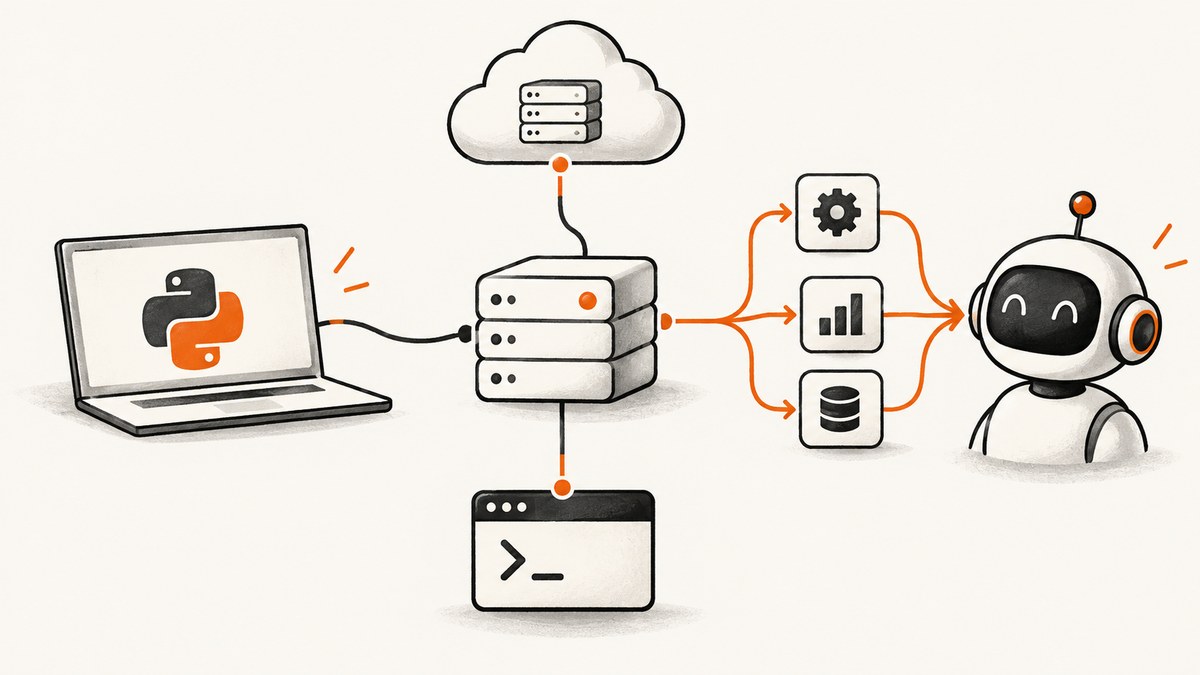
Direct answer: install the official mcp package, choose the transport that matches where the server runs, and open the client with async with. For a remote Streamable HTTP server, use Client('http://host:port/mcp'). For a local server, configure stdio parameters so the SDK starts the subprocess. Use sse_client(url) only for an existing SSE server. A server object can also be passed directly for in-process use.
The official MCP Python SDK requires Python 3.10 or newer. Install it with uv add 'mcp[cli]' or pip install 'mcp[cli]'. See the official Python SDK documentation for release-specific transport details.
1. Choose the right MCP connection
| Situation | Transport | Client setup |
|---|---|---|
| Server is a deployed HTTP service | Streamable HTTP | Client('https://example.com/mcp') |
| Server is a command on the same machine | stdio | StdioServerParameters plus the stdio transport |
| You must reach an older HTTP endpoint | SSE | sse_client(url) |
| Server is created by your own Python process | In-process | Client(server_object) |
Streamable HTTP is the current transport to prefer for new HTTP deployments. SSE is supported for compatibility because it was superseded by Streamable HTTP.
2. Install and verify Python
python --version
uv add 'mcp[cli]'
# or
python -m pip install 'mcp[cli]'
If your system has multiple Python versions, create a virtual environment with Python 3.10 or newer before installing the package.
3. Connect to a remote server over Streamable HTTP
A URL passed to Client selects Streamable HTTP. Constructing the client does not open a network connection; entering the asynchronous context does.

import asyncio
from mcp import Client

async def main() -> None:
    async with Client('http://localhost:8000/mcp') as client:
        result = await client.call_tool('add', {'a': 1, 'b': 2})
        print(result.structured_content)

if __name__ == '__main__':
    asyncio.run(main())
Replace the URL, tool name, and arguments with those exposed by your server. Keep the async with block around every operation so the transport opens and closes cleanly.
Discover tools before calling one
import asyncio
from mcp import Client

async def main() -> None:
    async with Client('https://example.com/mcp') as client:
        tools = await client.list_tools()
        for tool in tools.tools:
            print(tool.name, '-', tool.description)

asyncio.run(main())
Discovery is useful when you do not control the server schema or when tool arguments change between deployments.
4. Connect to a local server over stdio
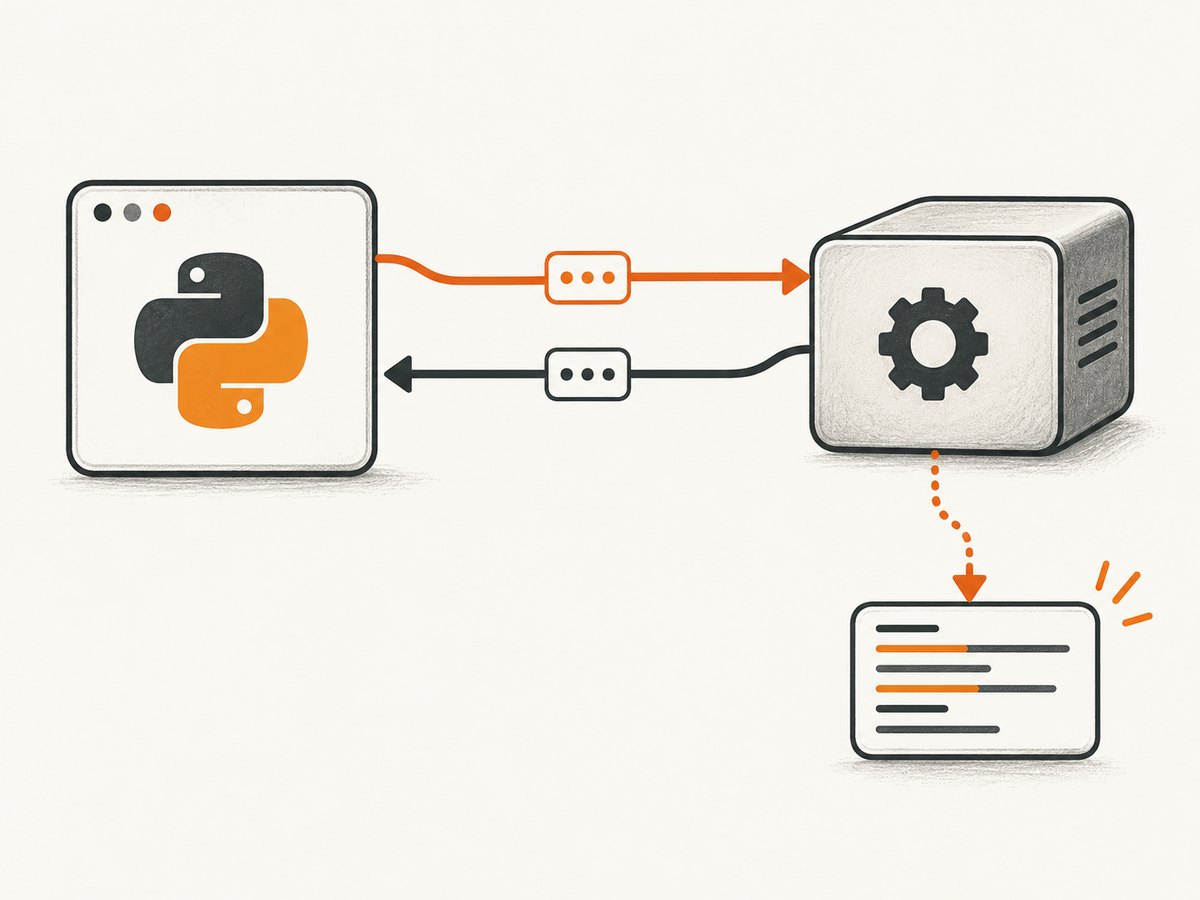
Use stdio when the MCP server is a local executable, script, or package command. The SDK launches the process and exchanges protocol messages over its standard input and output streams.
import asyncio
from mcp import Client
from mcp.client.stdio import StdioServerParameters

server = StdioServerParameters(
    command='python',
    args=['path/to/server.py'],
    env=None,
)

async def main() -> None:
    async with Client(server) as client:
        result = await client.call_tool('lookup', {'term': 'MCP'})
        print(result.structured_content)

asyncio.run(main())
Use an absolute executable path when the server depends on a virtual environment or a service manager. Put server logs on stderr; stdout is reserved for protocol messages. If you need explicit stderr redirection, wrap the stdio parameters with the SDK’s stdio_client(...) transport and pass that transport to Client, as described in the official transport guide.
Local process checklist
- Confirm the command runs by itself from the same environment.
- Pass required arguments in
args, not in a shell command string. - Provide required environment variables through
env. - Ensure the server writes diagnostic logs to stderr instead of stdout.
- Close the client context so the child process is terminated.
5. Connect to an existing SSE server
The Python SDK still supports Server-Sent Events. Use this only when the server exposes an SSE endpoint, commonly ending in /sse. New deployments should use Streamable HTTP.
import asyncio
from mcp import Client
from mcp.client.sse import sse_client

async def main() -> None:
    async with sse_client('https://example.com/sse') as transport:
        async with Client(transport) as client:
            tools = await client.list_tools()
            print([tool.name for tool in tools.tools])

asyncio.run(main())
An SSE URL is not interchangeable with a Streamable HTTP URL. Check the server documentation before changing the path or transport.
6. Use an MCP server in the same process
For tests and embedded applications, pass the server object directly to Client. Calls still pass through the MCP protocol layer, so this exercises the same request and response shapes without starting a subprocess or opening a network connection.
import asyncio
from mcp import Client

# Replace this import with the server object created by your application.
from my_server import server

async def main() -> None:
    async with Client(server) as client:
        result = await client.call_tool('health_check', {})
        print(result.structured_content)

asyncio.run(main())
7. Authentication, headers, proxies, and timeouts
For Streamable HTTP, configure authentication headers, proxy settings, and timeouts on the HTTP client supplied to the transport. The SDK documentation notes a default 30-second timeout for connect, write, and pool operations, and a 300-second read timeout because a server may keep a response stream open.
- Authentication: send the server’s required authorization header or other credentials through the transport HTTP client.
- Headers: include tenant, tracing, or content negotiation headers where your server requires them.
- Timeouts: use a longer read timeout for tools that stream or perform long jobs; keep connect and pool timeouts bounded.
- Proxies: configure the proxy in the HTTP client rather than changing the MCP URL.
- Redirects: configure the final URL explicitly when redirects cross origins or when a proxy changes the host.
Because transport configuration APIs can change between SDK releases, use the version-matched transport examples in the official SDK guide rather than copying constructor arguments from another release.
8. Test an HTTP endpoint with cURL
cURL is useful for checking reachability and inspecting the raw HTTP response. MCP servers may require a session identifier and protocol-specific headers, so use the server’s documented protocol version and authentication scheme.
curl -i -X POST 'https://example.com/mcp' \
  -H 'Accept: application/json, text/event-stream' \
  -H 'Content-Type: application/json' \
  -d '{"jsonrpc":"2.0","id":1,"method":"initialize","params":{"protocolVersion":"YOUR_SUPPORTED_VERSION","capabilities":{},"clientInfo":{"name":"curl-check","version":"1.0"}}}'
A successful response proves that the endpoint accepted the request; it does not prove that every tool is authorized or healthy. Preserve any session header returned by the server for subsequent requests.
9. Connect from Node.js when Python is not the caller
If another service needs to perform the HTTP handshake, Node.js can send the same JSON-RPC request with built-in fetch. The exact protocol version and follow-up headers come from the server.
const endpoint = 'https://example.com/mcp';
const response = await fetch(endpoint, {
  method: 'POST',
  headers: {
    'Accept': 'application/json, text/event-stream',
    'Content-Type': 'application/json'
  },
  body: JSON.stringify({
    jsonrpc: '2.0',
    id: 1,
    method: 'initialize',
    params: {
      protocolVersion: 'YOUR_SUPPORTED_VERSION',
      capabilities: {},
      clientInfo: { name: 'node-check', version: '1.0' }
    }
  })
});

if (!response.ok) throw new Error(`${response.status} ${await response.text()}`);
console.log('session:', response.headers.get('mcp-session-id'));
console.log(await response.text());
10. Troubleshooting common connection errors
| Symptom | Likely cause | Fix |
|---|---|---|
ModuleNotFoundError: mcp |
Package installed in a different interpreter | Run python -m pip install 'mcp[cli]' with the same Python used to run the script. |
| Connection opens only after a long delay | DNS, proxy, or unreachable host | Check the URL with cURL, verify proxy settings, and set bounded connect and pool timeouts. |
| 401 or 403 | Missing or invalid credentials | Configure the authorization header in the transport HTTP client and confirm the account can use the endpoint. |
404 on /mcp |
Server exposes another path or legacy SSE | Confirm whether the endpoint is Streamable HTTP or an older /sse endpoint. |
| Client appears connected but calls fail | Client was constructed without entering its context | Use async with Client(...) as client:; construction alone selects a transport. |
| JSON parse errors or protocol messages in logs | Local server wrote logs to stdout | Send logs to stderr and keep stdout exclusively for MCP protocol traffic. |
| Read timeout during a long tool | HTTP read timeout is shorter than the server operation | Increase the transport HTTP client’s read timeout and keep the client context open. |
| Redirect or origin errors | Endpoint redirects to another host | Use the final same-origin URL explicitly or configure redirect handling in the HTTP client. |
| Tool name or arguments rejected | Schema mismatch | Call list_tools(), inspect the advertised input schema, and send only supported fields. |
11. Performance, reliability, and cost considerations
- Reuse one open client for a group of tool calls instead of reconnecting for every call.
- Keep connection and pool timeouts finite so failed hosts do not consume workers indefinitely.
- Use stdio for a colocated server when avoiding network hops matters; use Streamable HTTP for independently deployed services.
- Handle transport exceptions, tool-level errors, and malformed results separately so retries do not repeat non-idempotent actions.
- Retry only operations that are safe to repeat, with backoff and a maximum attempt count.
- Log endpoint, transport, request ID, latency, and error category, while redacting credentials and sensitive tool arguments.
- MCP itself does not define your server’s pricing. Check the server provider’s limits, request costs, and retention policies.
12. Or skip the browser setup with ScreenshotNeo
If your MCP agent needs website screenshots, ScreenshotNeo provides an MCP server with take_screenshot, get_page_info, and capture_pdf tools. You can connect the agent to that MCP server, or call its screenshot API directly.
One-call example (see the ScreenshotNeo API documentation):
curl -G 'https://api.screenshotneo.com/v1/shot' -d access_key=YOUR_API_KEY --data-urlencode url=https://stripe.com -o shot.webpimport requests
r = requests.get('https://api.screenshotneo.com/v1/shot', params={'access_key': 'YOUR_API_KEY', 'url': 'https://stripe.com'}, timeout=90)
open('shot.webp', 'wb').write(r.content)const q = new URLSearchParams({ access_key: 'YOUR_API_KEY', url: 'https://stripe.com' });
const res = await fetch(`https://api.screenshotneo.com/v1/shot?${q}`);Cookie banners, popups, and chat widgets are removed before the shot. Bot checks, blank pages, failed loads, timeouts, and cache hits are never billed, and response headers identify the page verdict and billing status. An MCP server lets AI agents take screenshots. The Free plan includes 1,000 screenshots each month with no card, and paid plans start at $5 for 3,000 shots. Create a free ScreenshotNeo account.
13. FAQ
Can I use synchronous Python code?
The official client examples are asynchronous. Run them with asyncio.run() or integrate the coroutine into your existing async application.
Should a new server use SSE?
No. Prefer Streamable HTTP for a new HTTP deployment. Use SSE when you must connect to an existing SSE server.
Does creating Client open the connection?
No. Construction selects the transport. The connection opens when execution enters the async with block.
When is in-process mode useful?
Use it for tests or when your application creates and embeds the MCP server in the same process.
Where should I look for release-specific API changes?
Use the versioned examples in the official MCP Python SDK repository, especially its client transport documentation.


