How to Convert an Image URL to a Blob in JavaScript
Convert an image URL to a JavaScript Blob with fetch, handle CORS, validate responses, manage object URLs, and troubleshoot common failures.
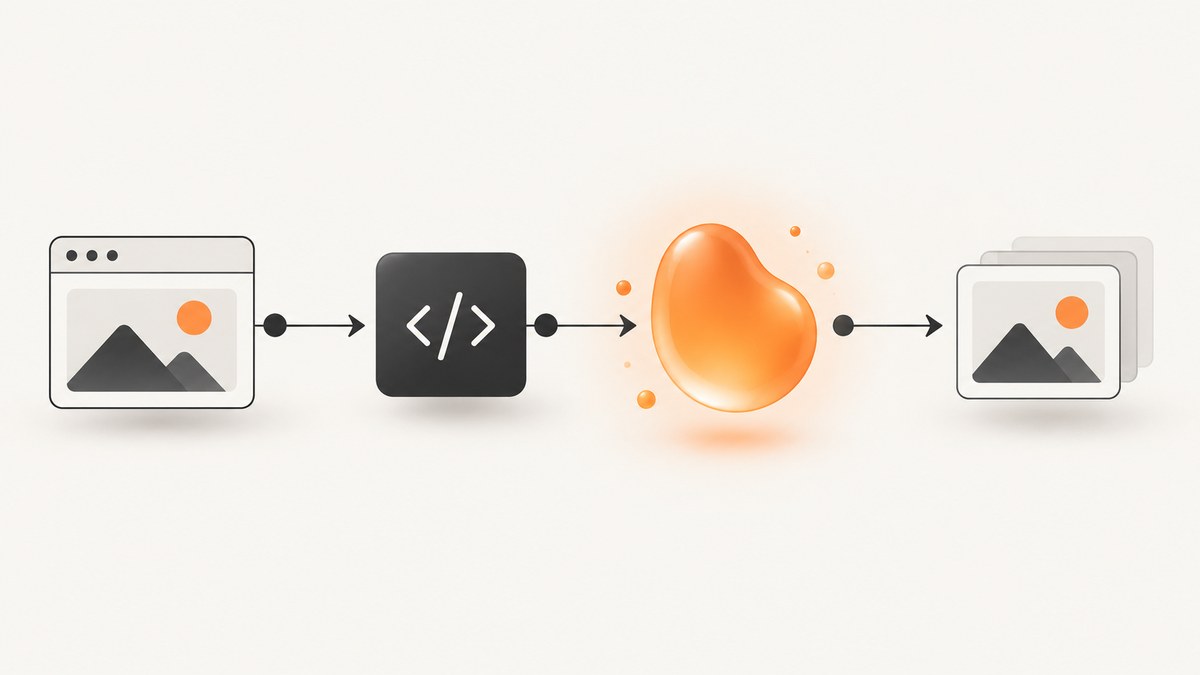
Use fetch(), check the response, then call response.blob(). The returned Blob contains the image bytes and the media type from the response’s Content-Type header.
async function imageUrlToBlob(url) {
  const response = await fetch(url);

  if (!response.ok) {
    throw new Error(`Image request failed: ${response.status} ${response.statusText}`);
  }

  return response.blob();
}

const blob = await imageUrlToBlob('https://example.com/photo.jpg');
console.log(blob.size, blob.type);
If an API needs a URL instead of a Blob, create a temporary object URL:
const objectUrl = URL.createObjectURL(blob);
imageElement.src = objectUrl;

// Call this only after the image is no longer needed.
URL.revokeObjectURL(objectUrl);
Response.blob() reads the response stream to completion and resolves with a Blob. See MDN’s Response.blob() documentation and the Fetch API example.
1. A complete browser example
This page fetches an image, validates the HTTP response and media type, displays the Blob, and releases the object URL when the image is replaced or the page is closed.
<!doctype html>
<html lang='en'>
<body>
  <input id='imageUrl' size='70' value='https://picsum.photos/800/500'>
  <button id='load'>Load image</button>
  <p id='status'></p>
  <img id='preview' alt='Fetched image preview' width='800'>

  <script>
    let currentObjectUrl;

    async function imageUrlToBlob(url) {
      const response = await fetch(url, {
        headers: { Accept: 'image/*' }
      });

      if (!response.ok) {
        throw new Error(`Request failed: ${response.status} ${response.statusText}`);
      }

      const contentType = response.headers.get('content-type') || '';
      if (!contentType.startsWith('image/')) {
        throw new Error(`Expected an image, received ${contentType || 'unknown content type'}`);
      }

      return response.blob();
    }

    document.querySelector('#load').addEventListener('click', async () => {
      const status = document.querySelector('#status');
      const preview = document.querySelector('#preview');

      try {
        status.textContent = 'Loading…';
        const blob = await imageUrlToBlob(document.querySelector('#imageUrl').value);

        if (currentObjectUrl) URL.revokeObjectURL(currentObjectUrl);
        currentObjectUrl = URL.createObjectURL(blob);
        preview.src = currentObjectUrl;
        status.textContent = `${blob.type}, ${blob.size.toLocaleString()} bytes`;
      } catch (error) {
        status.textContent = error.message;
      }
    });

    window.addEventListener('beforeunload', () => {
      if (currentObjectUrl) URL.revokeObjectURL(currentObjectUrl);
    });
  </script>
</body>
</html>
2. What the conversion actually does
fetch(url)makes an HTTP request and returns aPromise<Response>.response.okis true for successful HTTP status codes. Check it before consuming the body.await response.blob()consumes the body and creates a Blob containing its bytes.- The Blob’s
typeis derived from the response’sContent-Typeheader. URL.createObjectURL(blob)creates a temporary browser URL that can be assigned to an<img>, link, video, or other Blob-consuming API.URL.revokeObjectURL(url)releases that object URL when it is no longer needed.
You do not need an object URL when the next API accepts a Blob directly, such as FormData.append() or a file-processing library.
3. Cross-origin images and CORS
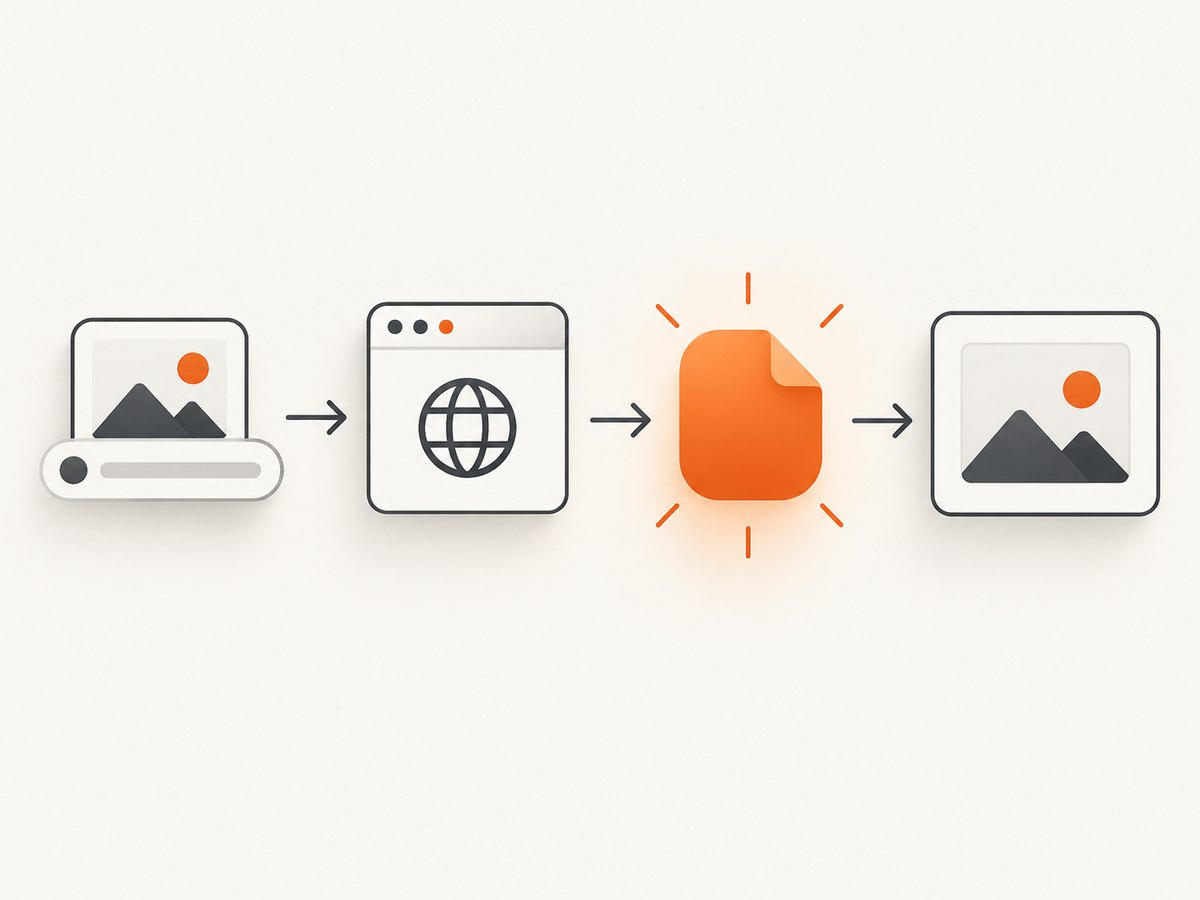
For a same-origin image, the basic function normally works. For a different origin, browser fetch() applies CORS rules. The image server must return an Access-Control-Allow-Origin header that permits your page’s origin. The MDN CORS guide explains this permission model.
A remote image can be visible in an <img src='…'> element while still being unreadable by JavaScript. Display permission and script access to the bytes are separate.
Do not use no-cors as a workaround
// This does not make the bytes readable.
const response = await fetch(imageUrl, { mode: 'no-cors' });
A no-cors request produces an opaque response. Its body and most headers are unavailable to JavaScript; calling blob() yields a zero-byte Blob with an empty type, which is not useful for processing or uploading. Use one of these solutions instead:
- Configure the image server to return the appropriate CORS header.
- Fetch the image through a server-side endpoint you control, while respecting the source host’s access rules and terms.
- If you only need to display the image, assign its URL directly to
<img src>and skip conversion.
4. Reusable conversion functions
Return a Blob with optional validation
async function imageUrlToBlob(url, { signal, maxBytes } = {}) {
  const response = await fetch(url, { signal });
  if (!response.ok) {
    throw new Error(`HTTP ${response.status} while fetching ${url}`);
  }

  const type = response.headers.get('content-type') || '';
  if (!type.startsWith('image/')) {
    throw new Error(`URL did not return an image (${type || 'missing Content-Type'})`);
  }

  const blob = await response.blob();
  if (maxBytes !== undefined && blob.size > maxBytes) {
    throw new Error(`Image is ${blob.size} bytes; limit is ${maxBytes}`);
  }
  return blob;
}
Use an AbortController timeout
async function imageUrlToBlobWithTimeout(url, timeoutMs = 15000) {
  const controller = new AbortController();
  const timer = setTimeout(() => controller.abort(), timeoutMs);

  try {
    return await imageUrlToBlob(url, { signal: controller.signal });
  } finally {
    clearTimeout(timer);
  }
}

try {
  const blob = await imageUrlToBlobWithTimeout(imageUrl);
} catch (error) {
  if (error.name === 'AbortError') {
    console.error('The image request timed out');
  } else {
    console.error(error);
  }
}
Convert a Blob to a data URL when an API requires inline data
function blobToDataUrl(blob) {
  return new Promise((resolve, reject) => {
    const reader = new FileReader();
    reader.onload = () => resolve(reader.result);
    reader.onerror = () => reject(reader.error);
    reader.readAsDataURL(blob);
  });
}

const dataUrl = await blobToDataUrl(blob);
// Example: canvas or JSON APIs that explicitly require a data URL.
Data URLs add encoding overhead and keep the complete payload in memory. Prefer the Blob or an object URL when possible.
5. Upload the Blob
Use the Blob directly with FormData; there is no need to convert it to base64 first.
const blob = await imageUrlToBlob(imageUrl);
const form = new FormData();
form.append('file', blob, 'image.jpg');

const uploadResponse = await fetch('/api/upload', {
  method: 'POST',
  body: form
});

if (!uploadResponse.ok) {
  throw new Error(`Upload failed: ${uploadResponse.status}`);
}
The filename passed to append is metadata for the multipart request. It does not change the bytes or the Blob’s media type.
6. Download the converted image
const blob = await imageUrlToBlob(imageUrl);
const objectUrl = URL.createObjectURL(blob);
const link = document.createElement('a');
link.href = objectUrl;
link.download = 'image';
link.click();

// Keep the URL alive until the download has been initiated.
setTimeout(() => URL.revokeObjectURL(objectUrl), 0);
7. Displaying versus converting
| Goal | Recommended approach | Constraint |
|---|---|---|
| Only display a remote image | <img src='https://…'> |
JavaScript cannot automatically read the bytes. |
| Upload or process bytes | fetch() followed by response.blob() |
Cross-origin servers must allow CORS. |
| Give an image API a URL | URL.createObjectURL(blob) |
Revoke the URL after use. |
| Send inline content | Convert Blob with FileReader.readAsDataURL() |
Base64 increases payload size and memory use. |
8. Node.js, Python and cURL equivalents
Browser CORS is a browser security rule. Server-side programs generally do not apply browser CORS enforcement, but they still need to handle HTTP errors, redirects, limits and untrusted URLs carefully.
Node.js 18+
import { writeFile } from 'node:fs/promises';

const response = await fetch('https://example.com/photo.jpg');
if (!response.ok) throw new Error(`HTTP ${response.status}`);

const blob = await response.blob();
await writeFile('photo.jpg', Buffer.from(await blob.arrayBuffer()));
console.log(blob.type, blob.size);
Python
import requests

response = requests.get('https://example.com/photo.jpg', timeout=30)
response.raise_for_status()
content_type = response.headers.get('content-type', '')
if not content_type.startswith('image/'):
    raise ValueError(f'Expected an image, got {content_type!r}')

with open('photo.jpg', 'wb') as output:
    output.write(response.content)
cURL
curl --fail --location --max-time 30 \
  --output photo.jpg \
  'https://example.com/photo.jpg'
9. Or skip the browser setup
If your goal is to obtain a clean image of a web page before turning it into a Blob, ScreenshotNeo returns a PNG, JPEG or WebP from one GET request. It accepts cookie and consent banners like a visitor, removes more than 60 known consent platforms plus newsletter popups and chat widgets, and reports whether a response was billed. Bot checks, CAPTCHAs, blank pages, timeouts, failed loads and cache hits are not billed.

Request a screenshot, then treat the response as a Blob in your browser or server:
const q = new URLSearchParams({
  access_key: 'YOUR_API_KEY',
  url: 'https://stripe.com'
});
const res = await fetch(`https://api.screenshotneo.com/v1/shot?${q}`);
if (!res.ok) throw new Error(`Screenshot failed: ${res.status}`);
const screenshotBlob = await res.blob();
Equivalent requests:
curl -G 'https://api.screenshotneo.com/v1/shot' \
  -d access_key=YOUR_API_KEY \
  --data-urlencode url=https://stripe.com \
  -o shot.webp
import requests
r = requests.get(
'https://api.screenshotneo.com/v1/shot',
params={'access_key': 'YOUR_API_KEY', 'url': 'https://stripe.com'},
timeout=90,
)
r.raise_for_status()
open('shot.webp', 'wb').write(r.content)const q = new URLSearchParams({ access_key: 'YOUR_API_KEY', url: 'https://stripe.com' });
const res = await fetch(`https://api.screenshotneo.com/v1/shot?${q}`);See the ScreenshotNeo API documentation for the 63 capture options, including full-page and element screenshots, device presets, dark mode, custom CSS and JavaScript, waits, request blocking, cookies, headers, geolocation, caching, PDFs, signed links, asynchronous jobs, bulk capture and usage data. Its MCP server provides take_screenshot, get_page_info and capture_pdf for Claude, Cursor and other MCP clients. Plans include 1,000 screenshots per month free with no card; paid plans start at $5 for 3,000 shots.
Create a free ScreenshotNeo account and get 1,000 screenshots each month without a card.
10. Troubleshooting
TypeError: Failed to fetch
This usually indicates a network failure, a blocked CORS request, an invalid URL or a connection that the browser could not complete. Open DevTools, inspect the Network request and confirm that the server returns the required CORS header. Also check the URL scheme, DNS and certificate.
CORS policy blocked the request
The image server has not permitted your page’s origin. Add CORS configuration on that server or fetch through a server endpoint you control. Changing to mode: 'no-cors' does not expose the response bytes.
The Blob is empty or has an empty type
You probably received an opaque no-cors response, or the server sent an unexpected response. Check response.type, status handling and the Content-Type header.
The request succeeds but the Blob is HTML
A URL can return a login page, bot-check page or application error with status 200. Validate Content-Type and, for higher assurance, inspect the first bytes or decode the image before accepting it.
HTTP 404, 401 or 403
The resource is missing or requires credentials. Confirm the exact URL and send authorization only when the server’s API permits it. Do not expose private tokens in browser code.
The object URL stops working
You revoked it too early. Keep the URL alive while the image is displayed, downloadable or being processed; revoke it when the component is removed or the operation finishes.
Memory grows after repeatedly loading images
Each call to URL.createObjectURL() creates a new URL. Revoke the previous URL before replacing it and avoid retaining large Blobs in application state.
Canvas becomes tainted
Drawing a cross-origin image to a canvas does not grant pixel access. The image response needs suitable CORS headers, and the image element must be configured with the appropriate crossorigin value before loading.
11. Performance, reliability and cost considerations
- Stream size:
blob()reads the full response, so memory use is roughly related to the image size. Reject unexpectedly large responses when your application has a limit. - Timeouts: use
AbortControllerso a stalled origin does not hold a request forever. - Retries: retry transient network failures with a small exponential backoff, but do not blindly retry 4xx responses.
- Validation: check status and media type before handing bytes to decoders, uploads or image-processing code.
- Concurrency: limit parallel downloads when converting many URLs to avoid saturating the browser, server or remote host.
- Caching: cache immutable images where appropriate, but respect cache headers and authorization boundaries.
- Security: treat user-supplied URLs as untrusted. Server-side fetchers need controls against internal-network access, oversized responses and unexpected redirects.
- Cost: the browser APIs themselves have no per-call fee, but bandwidth, storage and any upstream image or screenshot service can cost money. ScreenshotNeo bills only clean screenshots; failed loads, bot checks, blank pages, timeouts and cache hits are free.
12. FAQ
Can I convert a URL to a Blob without fetch?
Not when JavaScript needs the response bytes. An <img> element can display a URL, but reading or uploading its bytes requires a permitted fetch or a server-side request.
Does response.blob() decode or resize the image?
No. It stores the response bytes and media type. Use an image decoder, canvas, or image-processing service for transformations.
Should I use a data URL or an object URL?
Use an object URL for temporary local access with lower overhead. Use a data URL only when the receiving API explicitly requires inline text.
Can I read a private image URL from the browser?
Only if the request includes permitted credentials and the server’s CORS policy allows your origin. Keep private credentials on a server when possible.
What happens if the image URL redirects?
fetch() follows normal redirects by default, subject to browser security and CORS rules. Validate the final response before using the Blob.
13. Checklist
- Call
fetch(url). - Check
response.ok. - Confirm the response is an image when your application requires one.
- Call
await response.blob(). - Use the Blob directly for uploads and processing.
- Create an object URL only when an API needs a URL.
- Revoke object URLs after they are no longer needed.
- Fix CORS on the server instead of relying on
no-cors.