How to Debug Puppeteer Timeouts in Headed Mode When Headless Works
Find the real cause of Puppeteer headed-mode timeouts with a differential workflow for displays, navigation, selectors, frames, CI, and diagnostics.
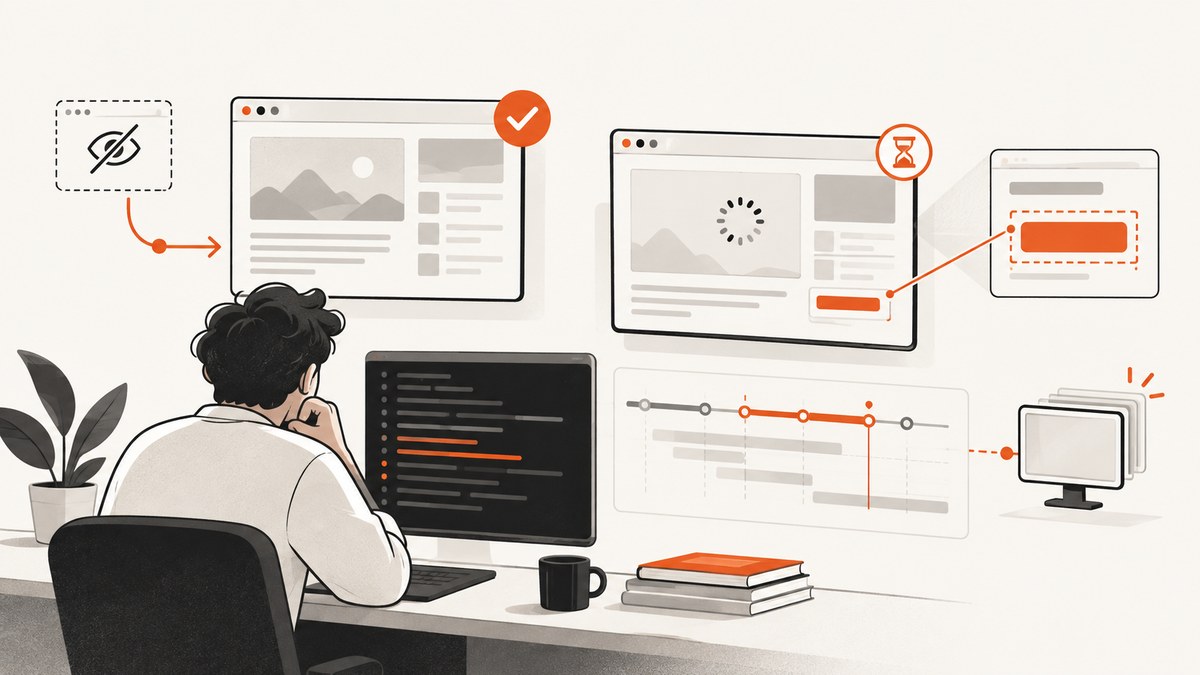
When Puppeteer works with headless: true but times out with headless: false, treat it as a differential diagnosis. Headed Chrome adds a display and windowing path, GPU or software-compositing decisions, focus and permission behavior, and host policy checks. The timeout may come from browser startup, navigation, a selector wait, a frame wait, or your test runner. Those are different failures with different fixes.
Start by recording the exact operation that timed out. Then run both modes with the same Puppeteer version, bundled browser revision, URL, profile, viewport, user agent, cookies, and network conditions. Capture console errors, failed requests, frame URLs, screenshots, HTML, and timing around every asynchronous boundary. Fix the condition you can prove, and keep the timeout specific to that operation.
1. Identify exactly what timed out
A message such as TimeoutError: Navigation timeout of 30000 ms exceeded is useful; a generic test timeout is not. Add a label and elapsed time before every boundary:
const { performance } = require('node:perf_hooks');

async function timed(label, operation) {
  const started = performance.now();
  console.log(`[start] ${label}`);
  try {
    const result = await operation();
    console.log(`[ok] ${label} ${(performance.now() - started).toFixed(0)} ms`);
    return result;
  } catch (error) {
    console.error(`[fail] ${label} ${(performance.now() - started).toFixed(0)} ms`);
    throw error;
  }
}

// Examples:
await timed('launch', () => puppeteer.launch(options));
await timed('goto', () => page.goto(url, { waitUntil: 'domcontentloaded', timeout: 30000 }));
await timed('wait for app shell', () => page.waitForSelector('[data-app-ready]', { timeout: 15000 }));
Puppeteer documents a 30-second default for selector waits, configurable navigation and page timeouts, and a browser-start timeout in its LaunchOptions API and Page.waitForSelector API. A test-runner timeout can expire while Puppeteer is still working, so log both values.
2. Run a controlled headed-versus-headless comparison
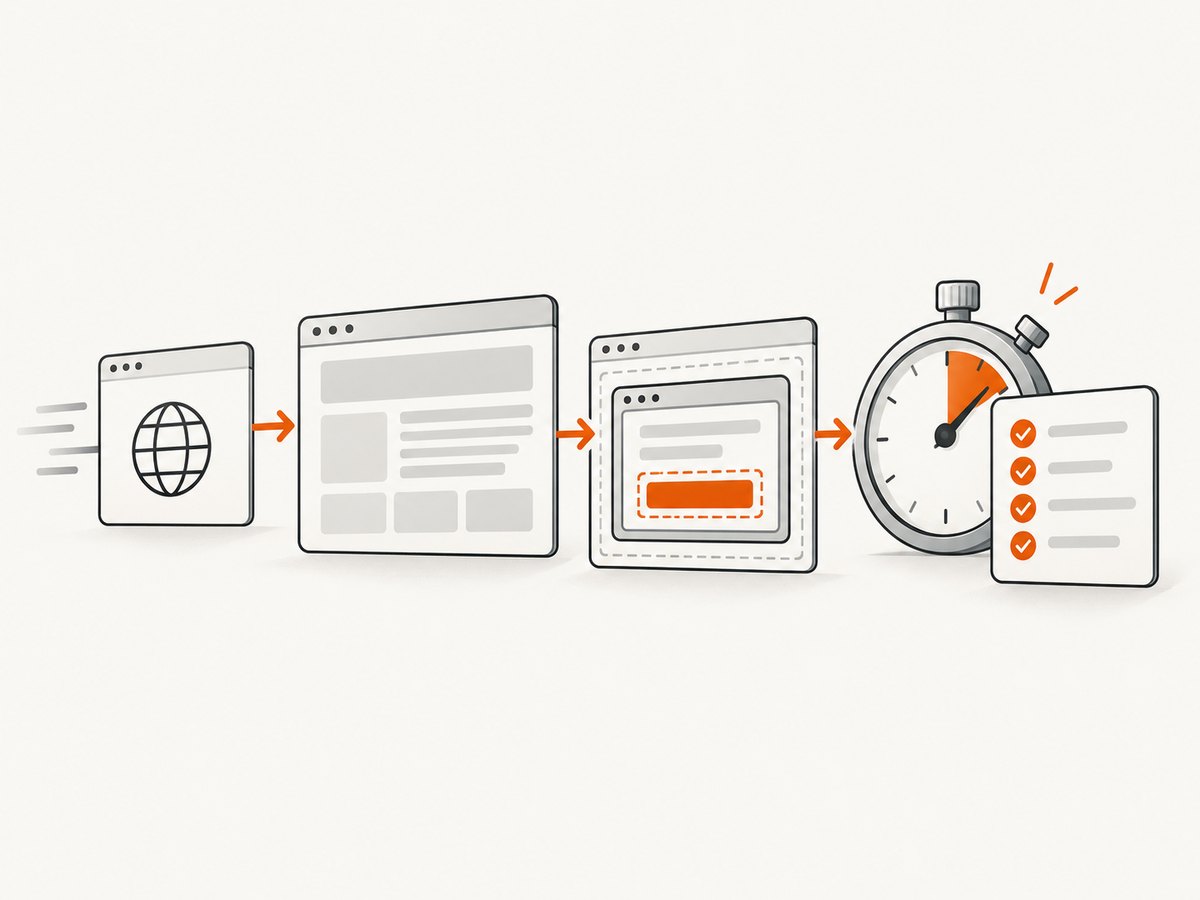
Use one script and change only the headless setting. Puppeteer is guaranteed to work with its bundled browser; an arbitrary system Chrome executable is an at-your-own-risk variable. Keep the browser revision, profile directory, viewport, scale factor, URL, and credentials identical.
const puppeteer = require('puppeteer');
const fs = require('node:fs/promises');

const headed = process.env.HEADED === '1';
const url = process.env.URL || 'https://example.com';

(async () => {
  const browser = await puppeteer.launch({
    headless: headed ? false : true,
    // Use the bundled browser unless you have a documented reason otherwise.
    defaultViewport: { width: 1365, height: 900, deviceScaleFactor: 1 },
    dumpio: true,
    timeout: 30000,
    args: headed ? [] : []
  });

  const page = await browser.newPage();
  page.setDefaultTimeout(15000);
  page.setDefaultNavigationTimeout(30000);

  page.on('console', message => console.log('[console]', message.type(), message.text()));
  page.on('pageerror', error => console.error('[pageerror]', error));
  page.on('requestfailed', request => console.error('[requestfailed]', request.url(), request.failure()));
  page.on('response', response => {
    if (response.status() >= 400) console.error('[http]', response.status(), response.url());
  });

  try {
    const response = await page.goto(url, { waitUntil: 'domcontentloaded', timeout: 30000 });
    console.log('status:', response && response.status());
    console.log('final URL:', page.url());
    console.log('frames:', page.frames().map(frame => frame.url()));
    await page.screenshot({ path: `debug-${headed ? 'headed' : 'headless'}.png`, fullPage: true });
    await fs.writeFile(`debug-${headed ? 'headed' : 'headless'}.html`, await page.content());
    await page.waitForSelector('[data-app-ready]', { visible: true, timeout: 15000 });
  } finally {
    await browser.close();
  }
})();
Run node compare.js and then HEADED=1 node compare.js. If startup fails before a page exists, investigate the display, sandbox, profile, and browser process. If startup succeeds but a wait fails, investigate application state, selectors, frames, and timing.
3. Make the display and browser process healthy
Headed Chrome must create a real window. On a developer workstation, confirm that the shell has a working DISPLAY and that the desktop session permits the process to connect. In Linux CI, run a virtual X server such as Xvfb and export its display before launching Node:
Xvfb :99 -screen 0 1365x900x24 -ac &
export DISPLAY=:99
node compare.js
Check these conditions:
- Display:
echo $DISPLAY; verify the X server is running and reachable by the same user as the job. - Window size: set a fixed viewport and X screen size. A tiny or missing screen can trigger a different responsive layout.
- Profile and cache: use a writable temporary directory. A locked or read-only profile can prevent startup.
- stderr: keep
dumpio: truewhile diagnosing. Browser stderr often identifies display, GPU, or sandbox failures. - GPU: headed mode may select hardware acceleration while headless uses a different path. Compare with a controlled software-rendering configuration only when the logs indicate a GPU problem.
- policy: Linux AppArmor restrictions can block user namespaces or browser operations. Puppeteer’s troubleshooting guide covers sandbox and Ubuntu AppArmor cases.
--no-sandbox can be a diagnostic workaround only for trusted content. Puppeteer’s guidance says running without the sandbox is strongly discouraged. Prefer fixing the container permissions, user namespace policy, or CI image.
4. Separate navigation from application readiness
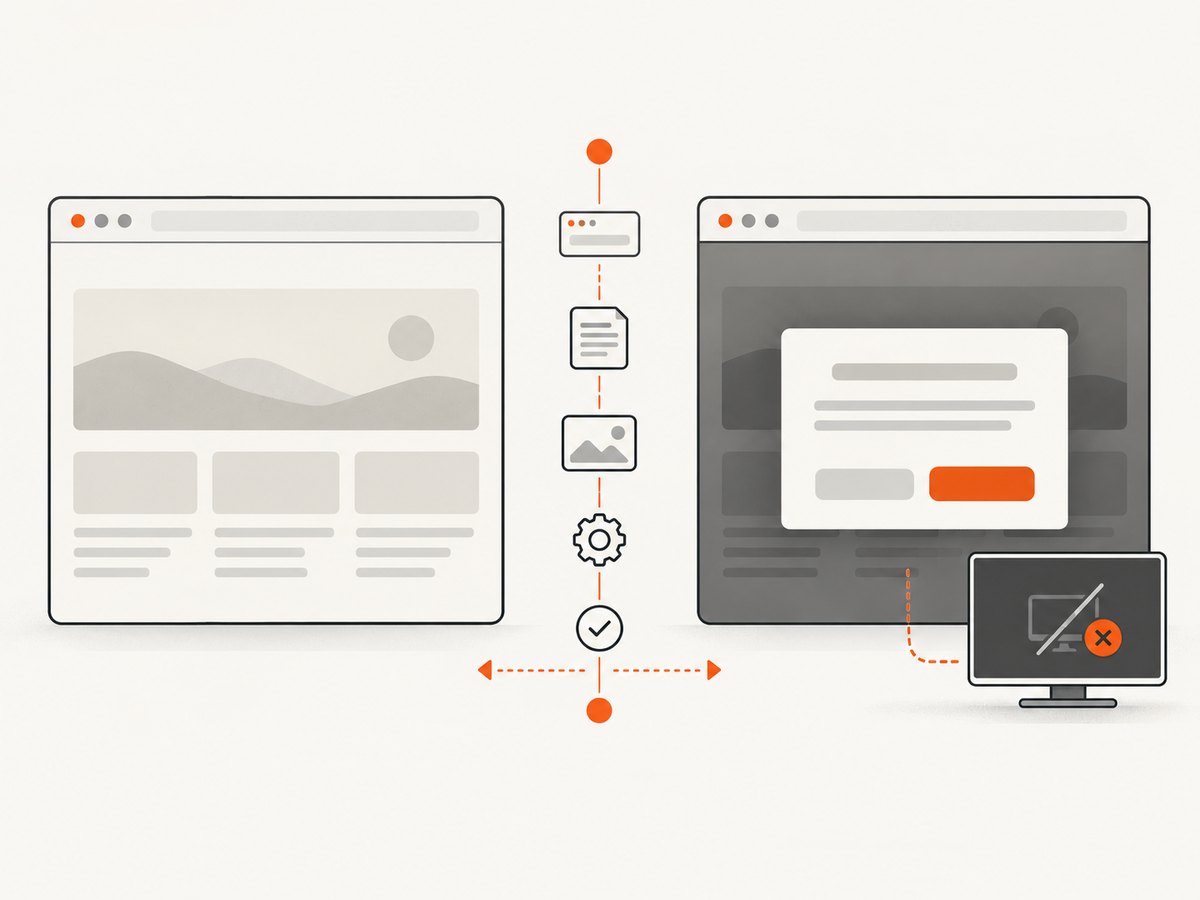
page.goto() returns the main resource response after redirects. It does not prove that a client-rendered application is ready. Log the status and final URL, then choose a condition that represents the state your code needs.
const response = await page.goto('https://app.example.test', {
  waitUntil: 'domcontentloaded',
  timeout: 30000
});

if (!response) throw new Error('No main resource response');
if (response.status() >= 400) {
  throw new Error(`Navigation returned HTTP ${response.status()}`);
}
if (!page.url().startsWith('https://app.example.test')) {
  throw new Error(`Unexpected final URL: ${page.url()}`);
}

await page.waitForSelector('[data-testid="dashboard"]', {
  visible: true,
  timeout: 15000
});
Use domcontentloaded or load for navigation and then wait for a stable application signal. A page that keeps analytics, WebSockets, polling, or long downloads open may never satisfy networkidle. Increasing every timeout or replacing a missing condition with a long sleep hides the cause and makes failures slower.
5. Understand why waitForSelector never resolves
waitForSelector waits for a matching element in a frame. With visible: true, the element must also be rendered rather than display:none or visibility:hidden. The Frame.waitForSelector documentation describes the same behavior.
Check state, visibility, and spelling
const selector = '[data-testid="dashboard"]';
console.log('matches:', await page.locator(selector).count());
console.log('body contains text:', await page.locator('body').innerText());
await page.screenshot({ path: 'before-selector.png' });
Headed mode can reveal a cookie dialog, newsletter modal, login branch, hover menu, or focus-dependent overlay that changes the DOM. Close that state deliberately, or wait for the event that removes it. Verify that the selector is present in the headed HTML saved after the failure.
Check frames
If the target belongs to an iframe, querying the main page will never find it. Print every frame and query the matching one:
for (const frame of page.frames()) {
  console.log('frame:', frame.url());
}
const child = page.frames().find(frame => frame.url().includes('/embedded/'));
if (!child) throw new Error('Embedded frame did not load');
await child.waitForSelector('[data-testid="ready"]', { timeout: 15000 });
After navigation, a frame can be replaced. Find it after the navigation that creates it, and wait for its URL or a known element. Shadow DOM also requires querying through the component’s shadow root or using a locator that supports the component structure.
Check popups and new pages
A click may open a new tab while your code continues waiting on the original page. Listen for the target before clicking:
const targetPromise = browser.waitForTarget(
  target => target.type() === 'page' && target.url().includes('/checkout')
);
await page.click('[data-action="checkout"]');
const target = await targetPromise;
const checkout = await target.page();
await checkout.waitForSelector('[data-testid="payment-form"]', { timeout: 15000 });
6. Compare rendering and timing, not just the final error
Fix viewport, device scale factor, user agent, locale, timezone, permissions, cookies, extensions, and profile data. Headed rendering can expose responsive breakpoints, hover and focus states, animations, consent dialogs, and GPU-dependent canvas behavior. Take screenshots at the same milestones in both modes.
For flaky animations, wait for a semantic state instead of an arbitrary delay. If you must disable motion for a deterministic capture, inject a narrowly scoped stylesheet:
await page.addStyleTag({ content: `
  *, *::before, *::after {
    animation-duration: 0s !important;
    animation-delay: 0s !important;
    transition-duration: 0s !important;
    caret-color: transparent !important;
  }
` });
Record request failures and HTTP errors. A headed request may be redirected by a different cookie, blocked by a permission prompt, or served an anti-bot challenge. The screenshot and saved HTML distinguish a blocked page from a selector that is simply too early.
7. CI checklist for headed Chrome
- Pin the Puppeteer version and use its bundled browser revision.
- Start Xvfb (or another supported virtual display) and export
DISPLAY. - Set a fixed screen and viewport; confirm the job user can connect to the display.
- Provide writable temporary profile and cache directories.
- Capture browser stderr, console messages, page errors, failed requests, screenshots, HTML, and frame URLs.
- Verify sandbox and AppArmor policy before considering a sandbox-disabling flag.
- Set operation-specific navigation and selector timeouts; keep the test-runner timeout larger than the sum of expected operations.
- Delete or isolate stale profiles so cookies, service workers, and extensions do not alter the branch under test.
8. Common errors and targeted fixes
| Symptom | Likely cause | Fix |
|---|---|---|
Failed to launch the browser process |
No display, blocked sandbox, missing libraries, or bad executable. | Check DISPLAY, Xvfb, stderr, permissions, and the bundled browser. |
| Launch hangs only when headed | Window server or GPU initialization is stuck. | Prove a working display, fixed screen size, and inspect GPU logs. |
Navigation timeout |
Slow server, redirect loop, blocked request, or unsuitable wait condition. | Log status and final URL, inspect failed requests, and use an explicit readiness signal. |
waitForSelector timeout |
Wrong selector, hidden element, modal state, different branch, frame, or shadow DOM. | Save HTML and screenshot, inspect frames, and wait in the correct context. |
| Headed screenshot shows consent or login page | Different cookies, profile, locale, or viewport. | Use the same profile inputs in both modes and handle the page state explicitly. |
| Only the test runner times out | Outer timeout is shorter than Puppeteer’s operation. | Increase or restructure the runner limit after measuring each operation. |
9. Performance, reliability, and cost considerations
Headed mode normally consumes more host resources because it maintains a visible window and may use a different compositing path. Reuse a browser for related pages, but create a fresh context when isolation matters. Avoid unlimited parallel pages in a small CI worker; contention can look like a navigation timeout. Keep screenshots and HTML only on failure in routine runs, while retaining timing and error logs for every run.
Use bounded retries only for proven transient failures such as a network reset. Do not retry a deterministic selector or frame mistake. Cache dependencies and browser downloads in CI, but invalidate the cache when the Puppeteer version or browser revision changes. A stable readiness predicate, pinned browser, fixed environment, and failure artifacts improve reliability more than a global 10-minute timeout.
10. Or skip the browser setup
If your goal is a clean website screenshot rather than debugging Chrome itself, ScreenshotNeo provides a single GET request. Its capture service accepts cookie and consent banners like a visitor, removes more than 60 known consent platforms plus newsletter popups and chat widgets, and lets each cleanup step be turned off. Bot checks or CAPTCHAs, blank pages, timeouts, failed loads, and cache hits cost nothing; response headers report the page verdict and whether the shot was billed.
See the ScreenshotNeo API documentation for all options. The same request can select full-page or element capture, dark mode, device presets or a custom viewport, retina scale, PDF output, custom CSS and JavaScript, clicks, waits, blocked resources, headers, cookies, user agents, authorization, timezone, geolocation, transparent backgrounds, resizing, cache TTL, signed image links, asynchronous jobs, webhooks, bulk capture, and usage data.
cURL
curl -G "https://api.screenshotneo.com/v1/shot" \
  -d access_key=YOUR_API_KEY \
  --data-urlencode url=https://stripe.com \
  -o shot.webp
Python
import requests

r = requests.get(
    "https://api.screenshotneo.com/v1/shot",
    params={"access_key": "YOUR_API_KEY", "url": "https://stripe.com"},
    timeout=90,
)
r.raise_for_status()
open("shot.webp", "wb").write(r.content)
Node.js
const q = new URLSearchParams({ access_key: 'YOUR_API_KEY', url: 'https://stripe.com' });
const res = await fetch(`https://api.screenshotneo.com/v1/shot?${q}`);
if (!res.ok) throw new Error(`HTTP ${res.status}`);
const image = Buffer.from(await res.arrayBuffer());
require('node:fs').writeFileSync('shot.webp', image);
An MCP server also exposes take_screenshot, get_page_info, and capture_pdf for Claude, Cursor, and other MCP clients. One thousand screenshots per month are free with no card; paid plans start at $5 for 3,000. Create a free ScreenshotNeo account.
11. Short FAQ
Should I always use headless: false to debug?
Use it when the failure may involve display, focus, hover, dialogs, GPU, or host policy. Keep a matching headless run so you can isolate the difference.
Is networkidle the safest readiness condition?
No. Applications with polling, analytics, WebSockets, or streaming requests may never become idle. Wait for the application state you actually need.
Can I solve every timeout by setting timeout: 0?
No. That disables the bound and can leave a CI job hanging forever. Use a measured, operation-specific limit and preserve diagnostics.
Why does a selector work in DevTools but not in Puppeteer?
DevTools may be attached to a different frame, page, profile, or later application state. Log frames, save the failing HTML, and reproduce the same state before querying.
When is a screenshot API preferable?
Use one when you need repeatable captures without installing Chrome, configuring a display, or maintaining browser infrastructure. ScreenshotNeo also reports whether a response was a clean, billable shot.


